Tutorials by Topic
Tutorials by Topic
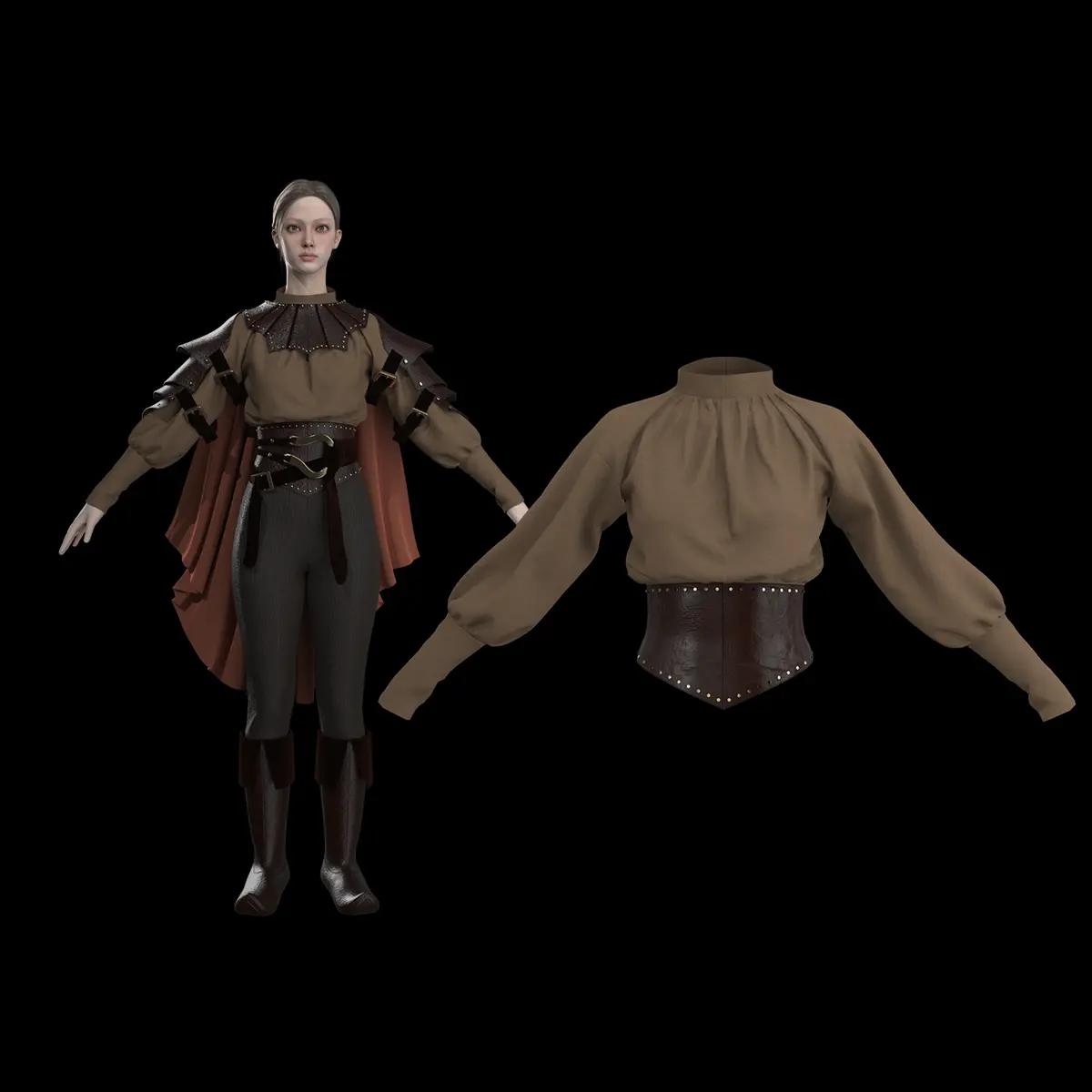
Women's Medieval Complex: 2. Corset & Shirt
Women's Medieval Complex: 2. Corset & Shirt
Create a medieval-style corset and shirt. You will learn to construct patterns based on basic shapes, apply fabric properties like elasticity, and use advanced tools such as Slash & Spread to manage pleats and fit. This tutorial was created using Marvelous Designer 2025, and there may be slight differences compared to the latest version. For the latest UI and updated information, please refer to the Manual. To start this tutorial, please load the pants and boots you created in the first step.
Create a medieval-style corset and shirt. You will learn to construct patterns based on basic shapes, apply fabric properties like elasticity, and use advanced tools such as Slash & Spread to manage pleats and fit. This tutorial was created using Marvelous Designer 2025, and there may be slight differences compared to the latest version. For the latest UI and updated information, please refer to the Manual. To start this tutorial, please load the pants and boots you created in the first step.
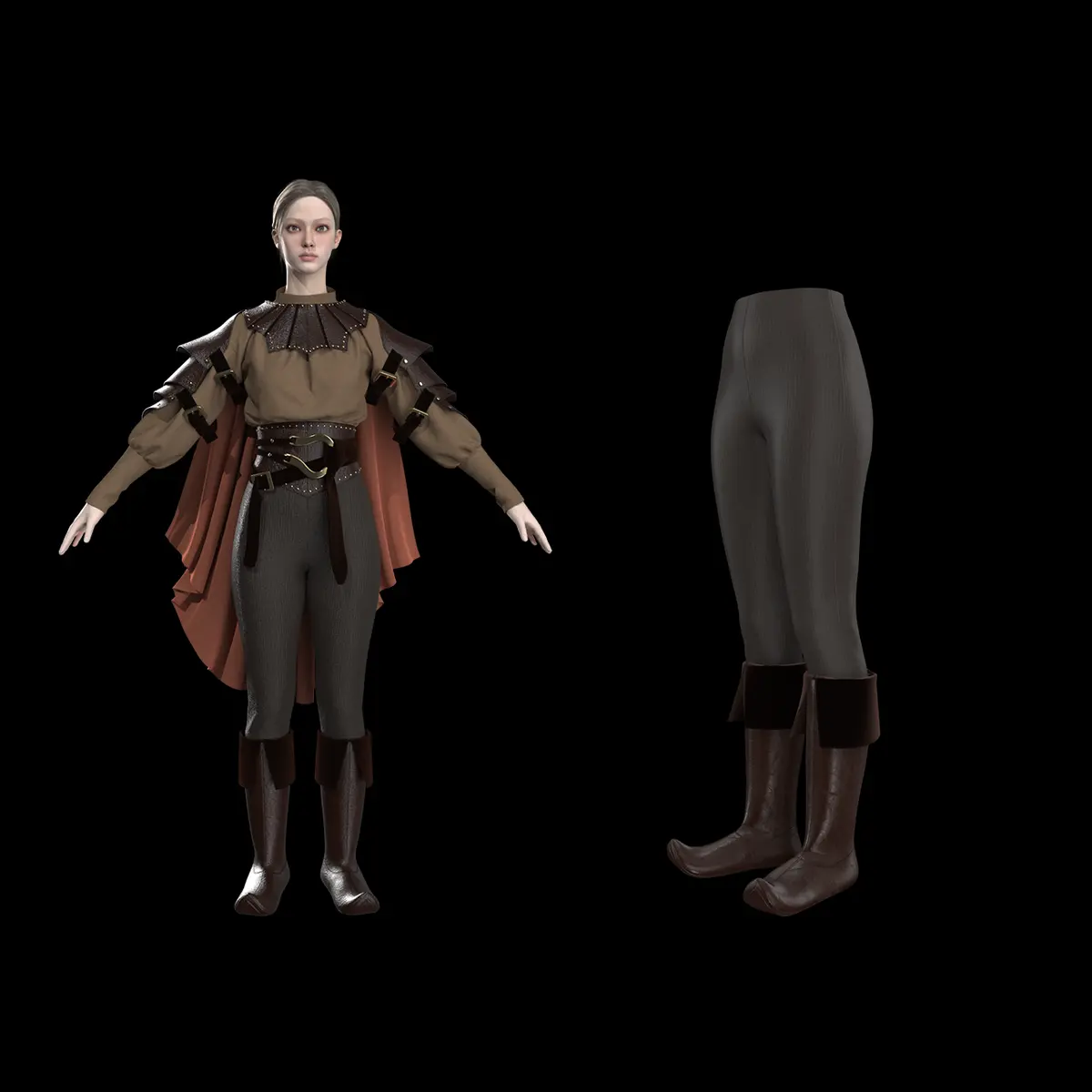
Women's Medieval Complex: 1. Pants and Boots
Women's Medieval Complex: 1. Pants and Boots
Create medieval-style pants, covering professional techniques for fitting, garment layering, and placing boots over trousers. You will learn to utilize advanced tools like Auto-fitting, Pin Box, and Pressure settings to achieve a realistic, high-quality layered look for your digital avatar. This tutorial was created using Marvelous Designer 2025, and there may be slight differences compared to the latest version. For the latest UI and updated information, please refer to the Manual.
Create medieval-style pants, covering professional techniques for fitting, garment layering, and placing boots over trousers. You will learn to utilize advanced tools like Auto-fitting, Pin Box, and Pressure settings to achieve a realistic, high-quality layered look for your digital avatar. This tutorial was created using Marvelous Designer 2025, and there may be slight differences compared to the latest version. For the latest UI and updated information, please refer to the Manual.
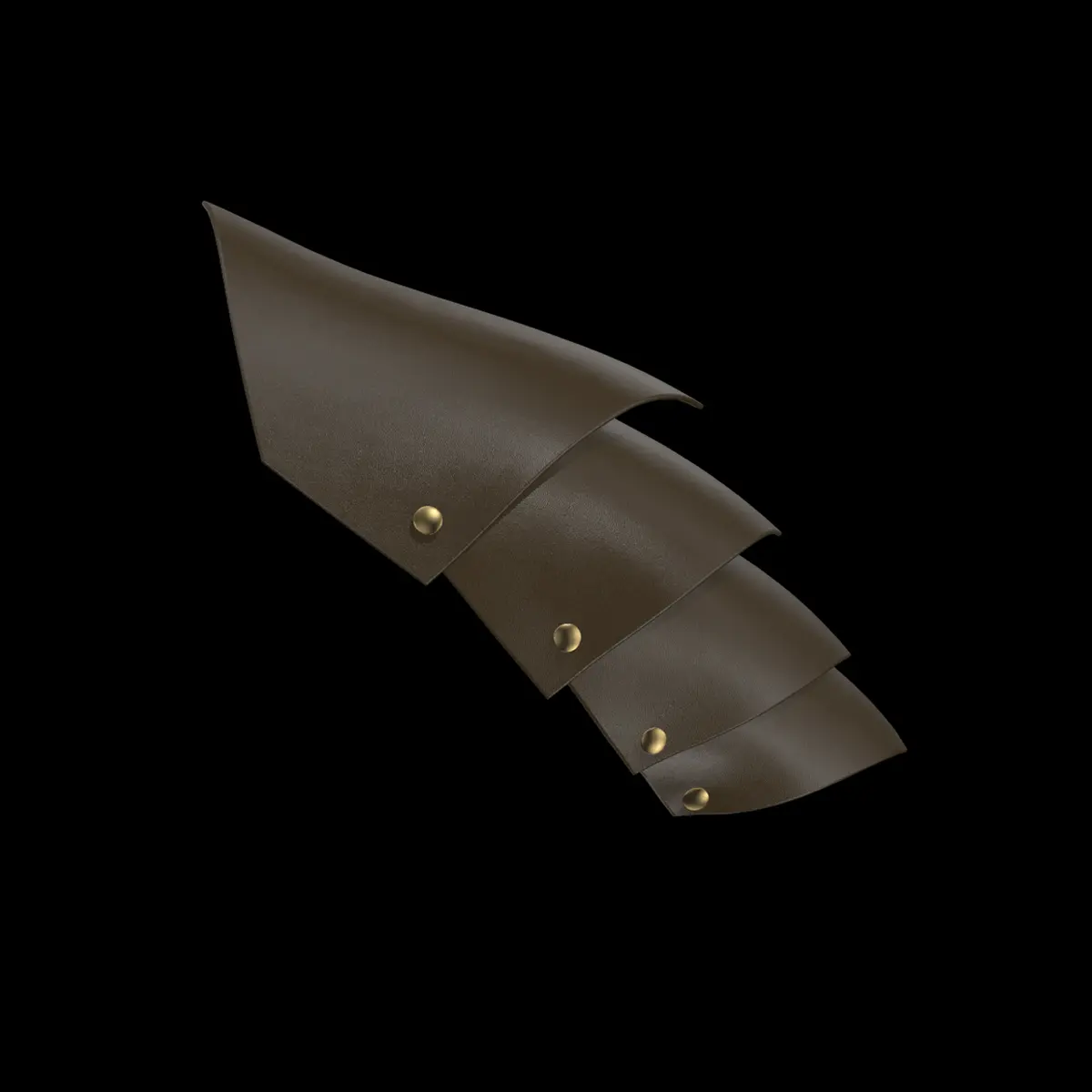
Shoulder Armor
Shoulder Armor
Create shoulder armor by utilizing arrangement points, pattern positioning, and custom buttons to connect and layer armor segments. You will learn how to refine the fit and adjust the structural angle of the armor pieces on an avatar through precise simulation and tool settings. This tutorial was created using Marvelous Designer 2025, and there may be slight differences compared to the latest version. For the latest UI and updated information, please refer to the Manual. 👉 Download the free tutorial asset files from the CONNECT Store! Marvelous Designer Official on CONNECT: https://connect.clo-set.com/ko/detail/4093e46f06dd4a56ae7be1b46f644398
Create shoulder armor by utilizing arrangement points, pattern positioning, and custom buttons to connect and layer armor segments. You will learn how to refine the fit and adjust the structural angle of the armor pieces on an avatar through precise simulation and tool settings. This tutorial was created using Marvelous Designer 2025, and there may be slight differences compared to the latest version. For the latest UI and updated information, please refer to the Manual. 👉 Download the free tutorial asset files from the CONNECT Store! Marvelous Designer Official on CONNECT: https://connect.clo-set.com/ko/detail/4093e46f06dd4a56ae7be1b46f644398
Spaceship
Spaceship
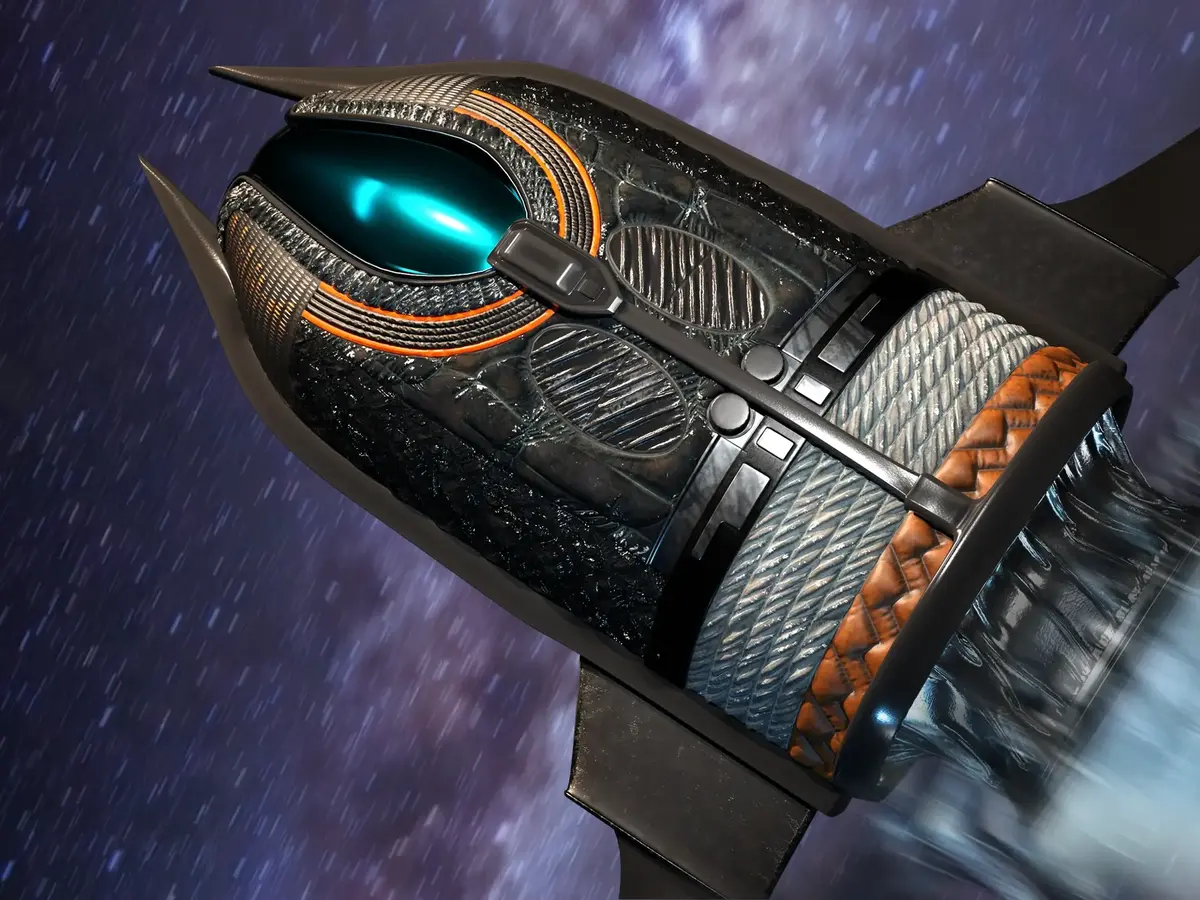
Create a detailed spaceship surface by combining external hard-surface base assets with specialized cloth simulation techniques. You will learn to refine the ship's design using tools such as Internal Polygon Lines , Layer Clone Over , Offset Internal Lines , and Elastic/Fold Angle properties to create realistic textures and panels. This tutorial was created using Marvelous Designer 12.2, and there may be slight differences compared to the latest version. For the latest UI and updated information, please refer to the Manual.
Create a detailed spaceship surface by combining external hard-surface base assets with specialized cloth simulation techniques. You will learn to refine the ship's design using tools such as Internal Polygon Lines , Layer Clone Over , Offset Internal Lines , and Elastic/Fold Angle properties to create realistic textures and panels. This tutorial was created using Marvelous Designer 12.2, and there may be slight differences compared to the latest version. For the latest UI and updated information, please refer to the Manual.
Dragon Part 2
Dragon Part 2
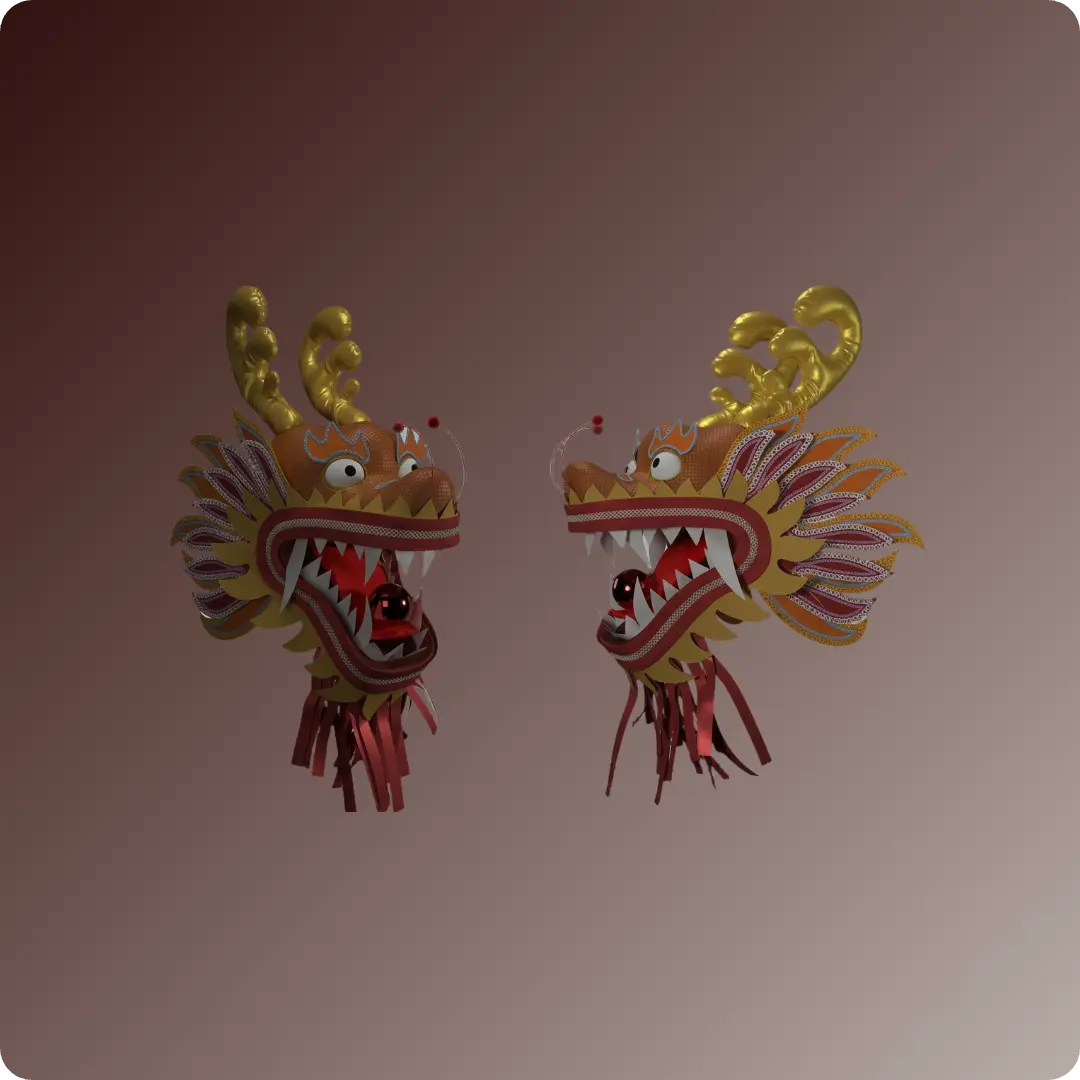
Learn advanced LookDev and posing techniques in Marvelous Designer 12.2 to create a Chinese Dragon Dance dragon head and body. You will learn to integrate hair cards, custom trims, and complex top stitches, while leveraging animation caching to simulate the dragon's movement. This tutorial was created using Marvelous Designer 12.2, and there may be slight differences compared to the latest version. For the latest UI and updated information, please refer to the Manual.
Learn advanced LookDev and posing techniques in Marvelous Designer 12.2 to create a Chinese Dragon Dance dragon head and body. You will learn to integrate hair cards, custom trims, and complex top stitches, while leveraging animation caching to simulate the dragon's movement. This tutorial was created using Marvelous Designer 12.2, and there may be slight differences compared to the latest version. For the latest UI and updated information, please refer to the Manual.
Dragon Part 1
Dragon Part 1
Model a complex, 3D Chinese dragon dance head in Marvelous Designer by using concept drawings as a reference for pattern creation. The process utilizes advanced features like Line Avatar tools, symmetrical editing, flattening, and fabric property adjustments to build, reinforce, and detail the dragon's structure. This tutorial was created using Marvelous Designer 12.2, and there may be slight differences compared to the latest version. For the latest UI and updated information, please refer to the Manual.
Model a complex, 3D Chinese dragon dance head in Marvelous Designer by using concept drawings as a reference for pattern creation. The process utilizes advanced features like Line Avatar tools, symmetrical editing, flattening, and fabric property adjustments to build, reinforce, and detail the dragon's structure. This tutorial was created using Marvelous Designer 12.2, and there may be slight differences compared to the latest version. For the latest UI and updated information, please refer to the Manual.
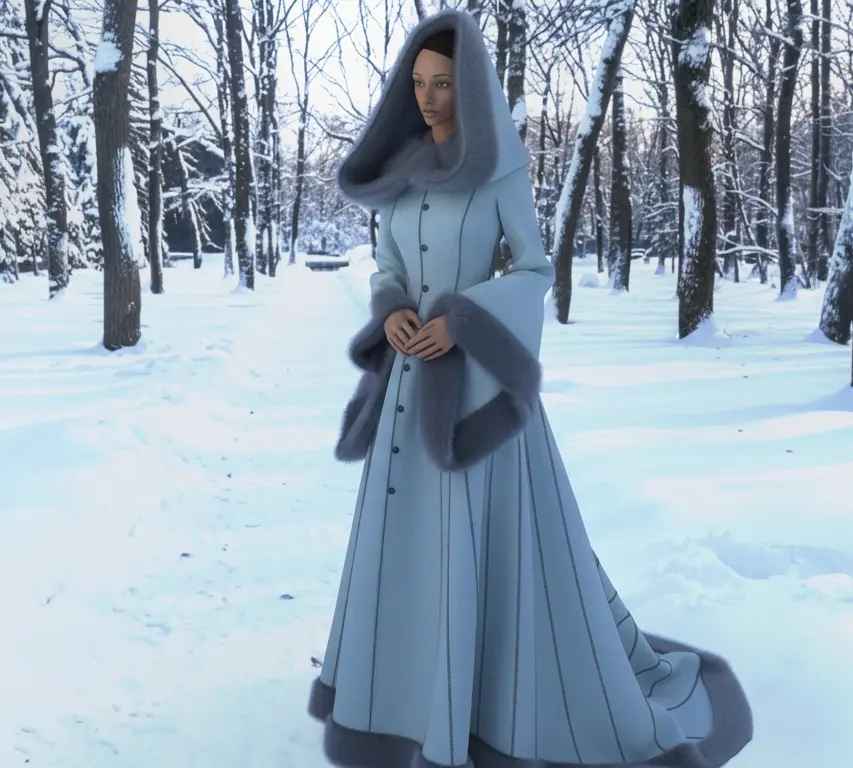
Winter Fantasy Coat
Winter Fantasy Coat
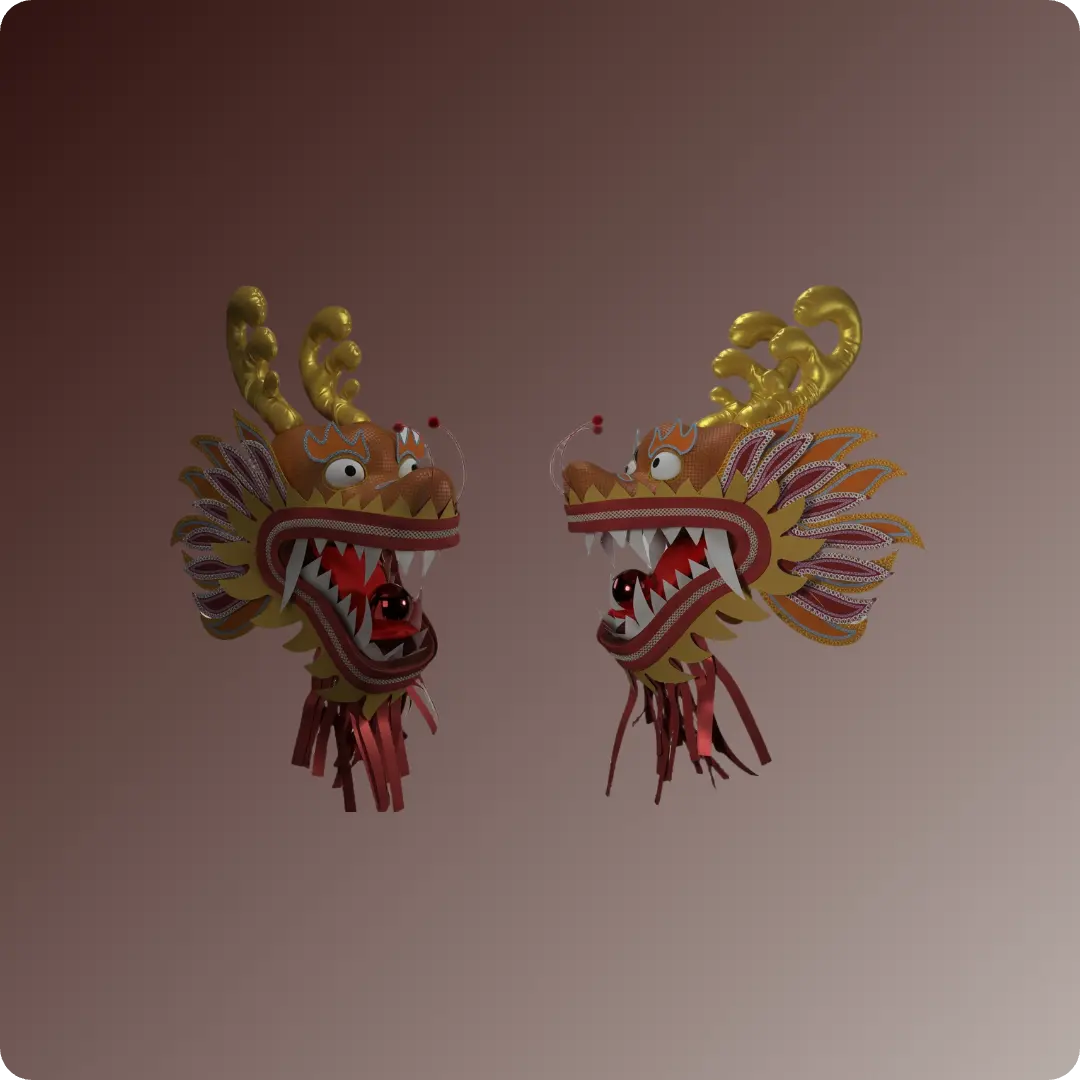
Create a Winter Fantasy Coat in Marvelous Designer, learn pattern drafting, modular assembly, and advanced garment detailing. You will learn to implement essential features like princess lines, hood construction, fur trim application, and custom topstitching to achieve a professional, finished look. This tutorial was created using Marvelous Designer 12.2, and there may be slight differences compared to the latest version. For the latest UI and updated information, please refer to the Manual.
Create a Winter Fantasy Coat in Marvelous Designer, learn pattern drafting, modular assembly, and advanced garment detailing. You will learn to implement essential features like princess lines, hood construction, fur trim application, and custom topstitching to achieve a professional, finished look. This tutorial was created using Marvelous Designer 12.2, and there may be slight differences compared to the latest version. For the latest UI and updated information, please refer to the Manual.