Tutorials by Topic
Tutorials by Topic
Tent: Side and Top Shades
Tent: Side and Top Shades
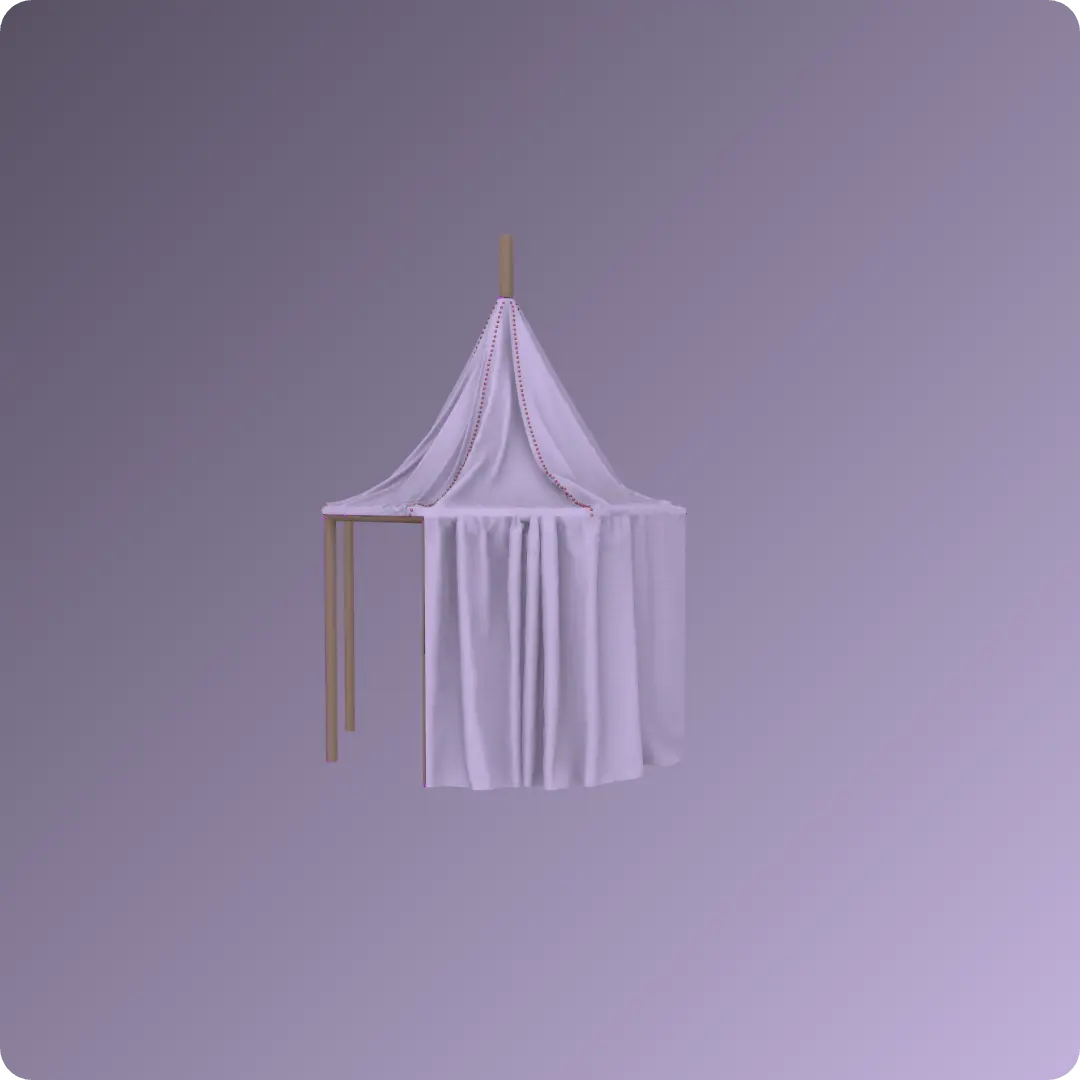
Final step in creating a tent design by constructing detailed side and top shades. You will learn to use essential tools such as instance pattern generation, sewing functions, and solidify/physical property adjustments to achieve natural, professional fabric results. This tutorial was created using Marvelous Designer 2025, and there may be slight differences compared to the latest version. For the latest UI and updated information, please refer to the Manual.
Final step in creating a tent design by constructing detailed side and top shades. You will learn to use essential tools such as instance pattern generation, sewing functions, and solidify/physical property adjustments to achieve natural, professional fabric results. This tutorial was created using Marvelous Designer 2025, and there may be slight differences compared to the latest version. For the latest UI and updated information, please refer to the Manual.
Tent: Swags
Tent: Swags
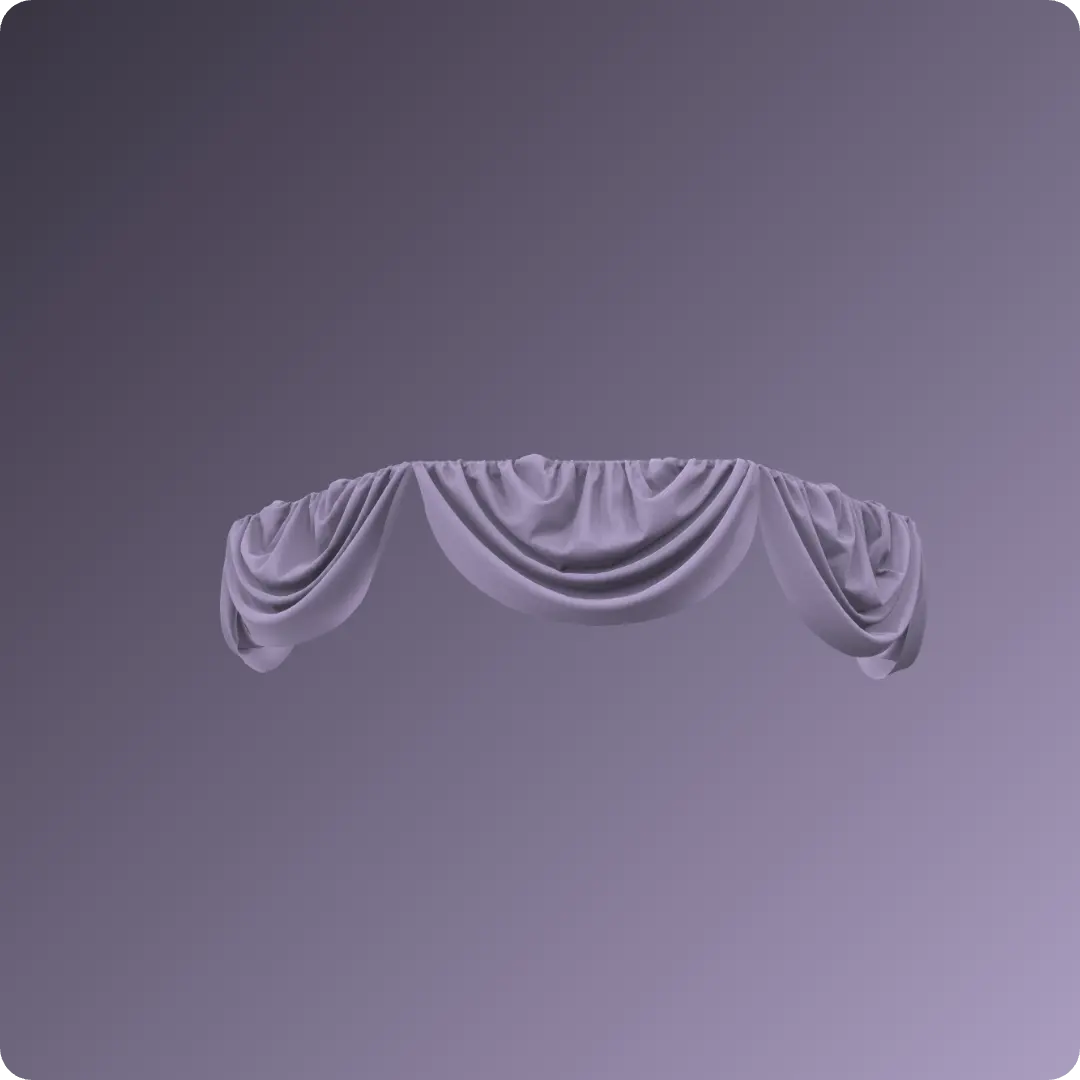
Create elegant swag-style curtains for a tent project. You will learn to use essential tools like symmetric pattern editing, Attach to Avatar, and pleat folding techniques to achieve both natural and uniform drapery effects. This tutorial was created using Marvelous Designer 2025, and there may be slight differences compared to the latest version. For the latest UI and updated information, please refer to the Manual.
Create elegant swag-style curtains for a tent project. You will learn to use essential tools like symmetric pattern editing, Attach to Avatar, and pleat folding techniques to achieve both natural and uniform drapery effects. This tutorial was created using Marvelous Designer 2025, and there may be slight differences compared to the latest version. For the latest UI and updated information, please refer to the Manual.
Tent: French Style Curtain
Tent: French Style Curtain
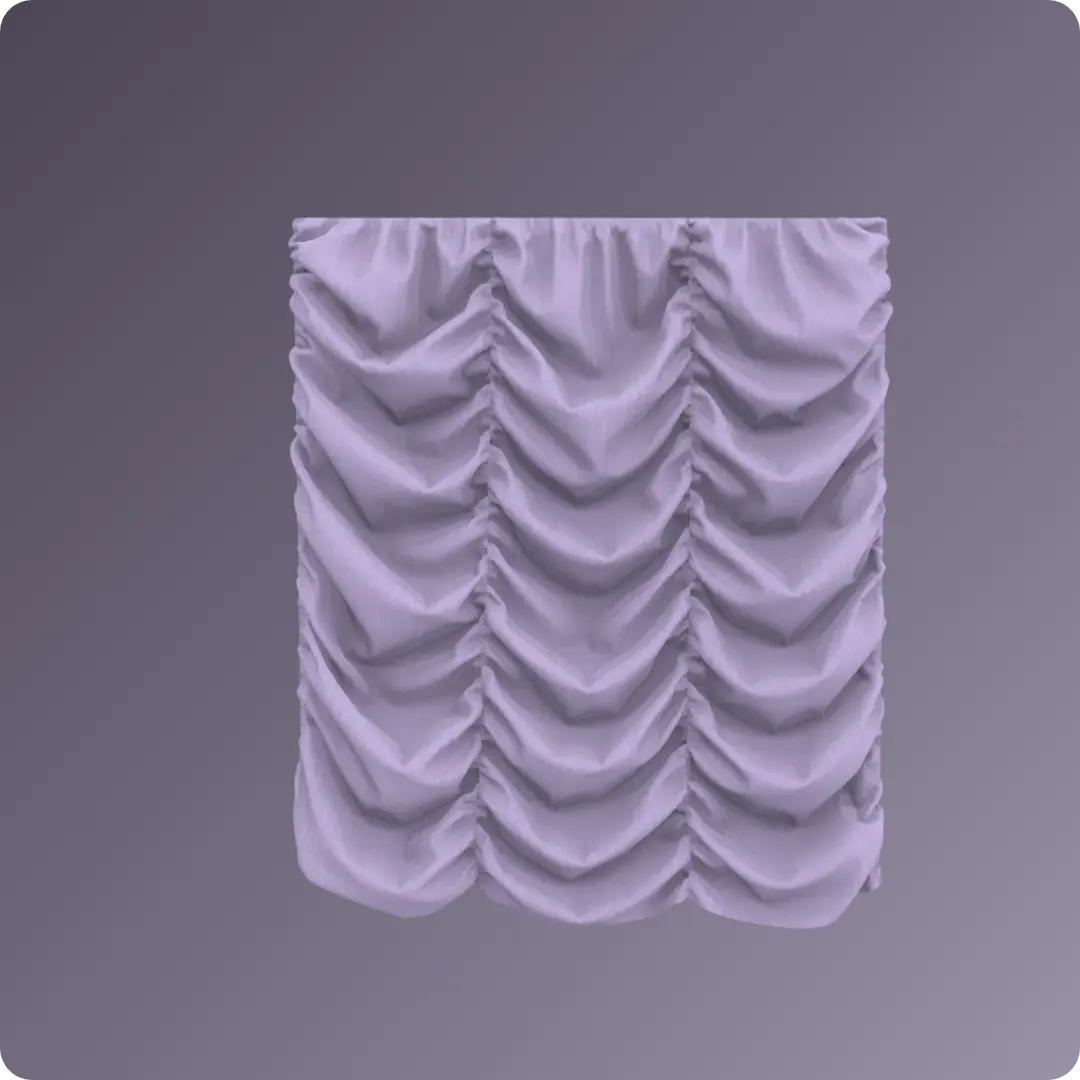
Design a French-style tent curtain by creating detailed pleats and textures. The process utilizes key tools such as Elastic , Internal Lines , Avatar measurement tools , and Strengthen settings to achieve a realistic, high-quality draped finish. This tutorial was created using Marvelous Designer 2025, and there may be slight differences compared to the latest version. For the latest UI and updated information, please refer to the Manual.
Design a French-style tent curtain by creating detailed pleats and textures. The process utilizes key tools such as Elastic , Internal Lines , Avatar measurement tools , and Strengthen settings to achieve a realistic, high-quality draped finish. This tutorial was created using Marvelous Designer 2025, and there may be slight differences compared to the latest version. For the latest UI and updated information, please refer to the Manual.
Tent Open Style Curtain
Tent Open Style Curtain
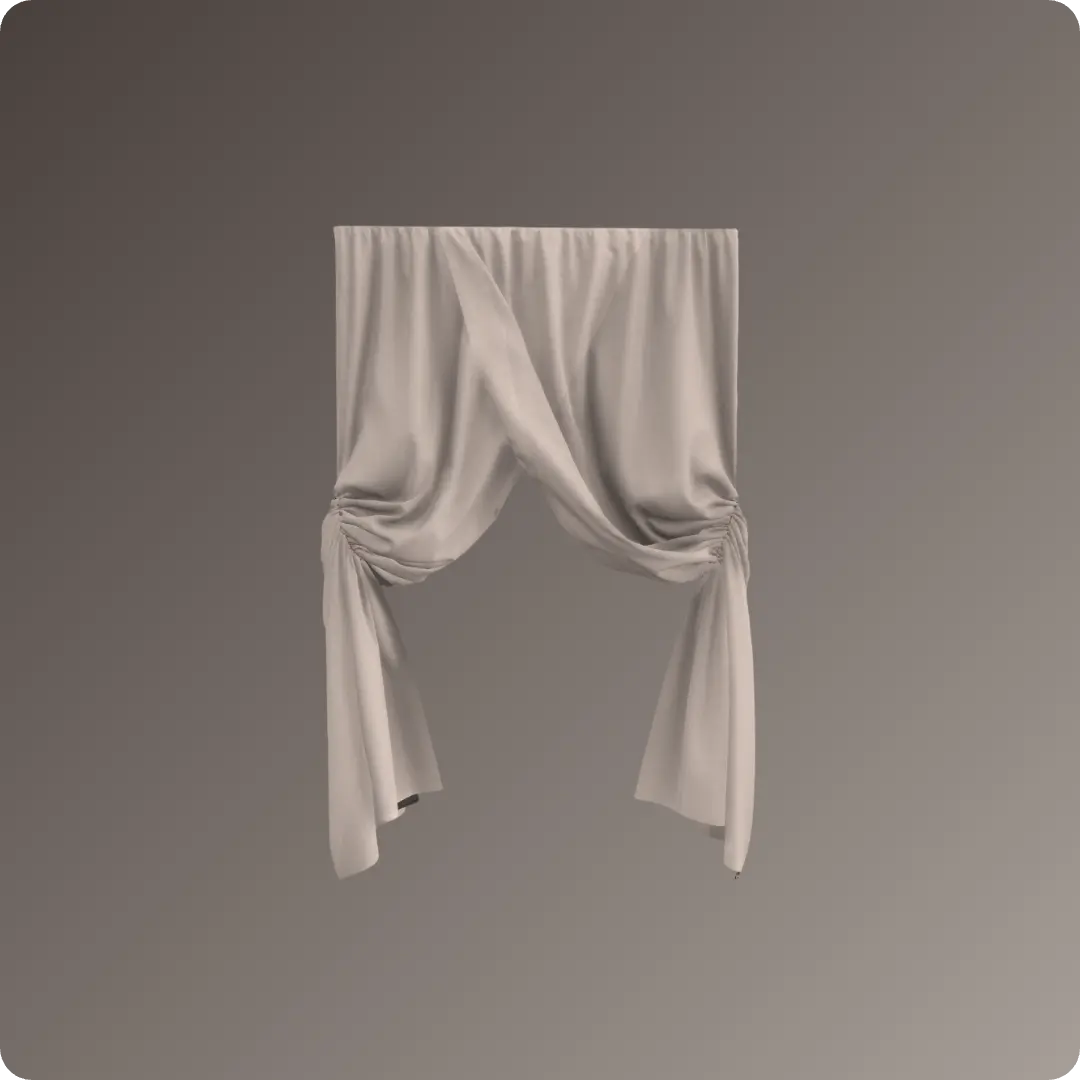
Create an open-style tent curtain. You will learn to use features like the Attach to Avatar tool and Internal Lines with Elastic settings to achieve realistic draping and styling effects. This tutorial was created using Marvelous Designer 2025, and there may be slight differences compared to the latest version. For the latest UI and updated information, please refer to the Manual.
Create an open-style tent curtain. You will learn to use features like the Attach to Avatar tool and Internal Lines with Elastic settings to achieve realistic draping and styling effects. This tutorial was created using Marvelous Designer 2025, and there may be slight differences compared to the latest version. For the latest UI and updated information, please refer to the Manual.
Tent Carpet
Tent Carpet
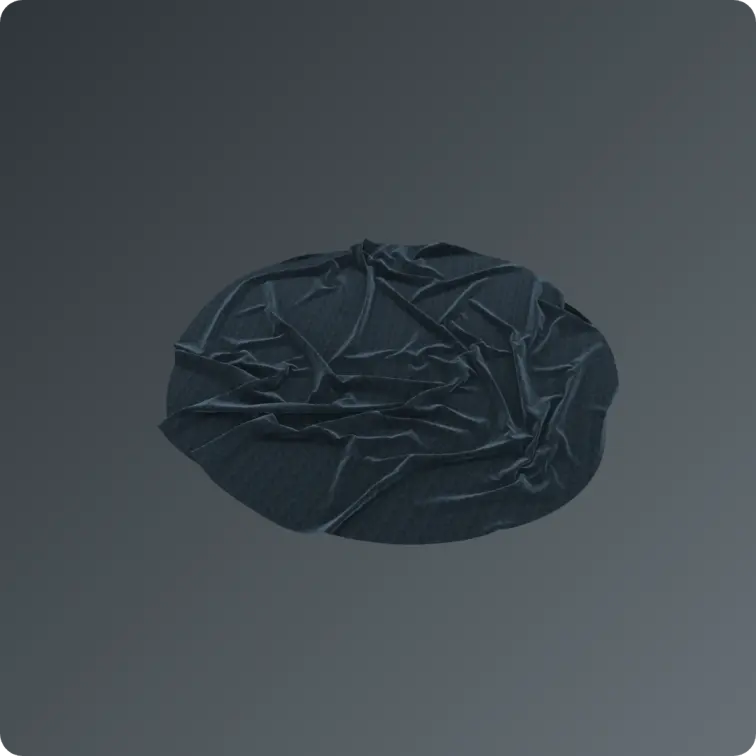
Design a realistic tent carpet by setting up a tent frame and creating a custom circular pattern. You will learn to control fabric behavior and achieve natural folds by adjusting simulation properties like gravity and particle distance. This tutorial was created using Marvelous Designer 2025, and there may be slight differences compared to the latest version. For the latest UI and updated information, please refer to the Manual.
Design a realistic tent carpet by setting up a tent frame and creating a custom circular pattern. You will learn to control fabric behavior and achieve natural folds by adjusting simulation properties like gravity and particle distance. This tutorial was created using Marvelous Designer 2025, and there may be slight differences compared to the latest version. For the latest UI and updated information, please refer to the Manual.
Backpack: 5. Back Shoulder Straps
Backpack: 5. Back Shoulder Straps
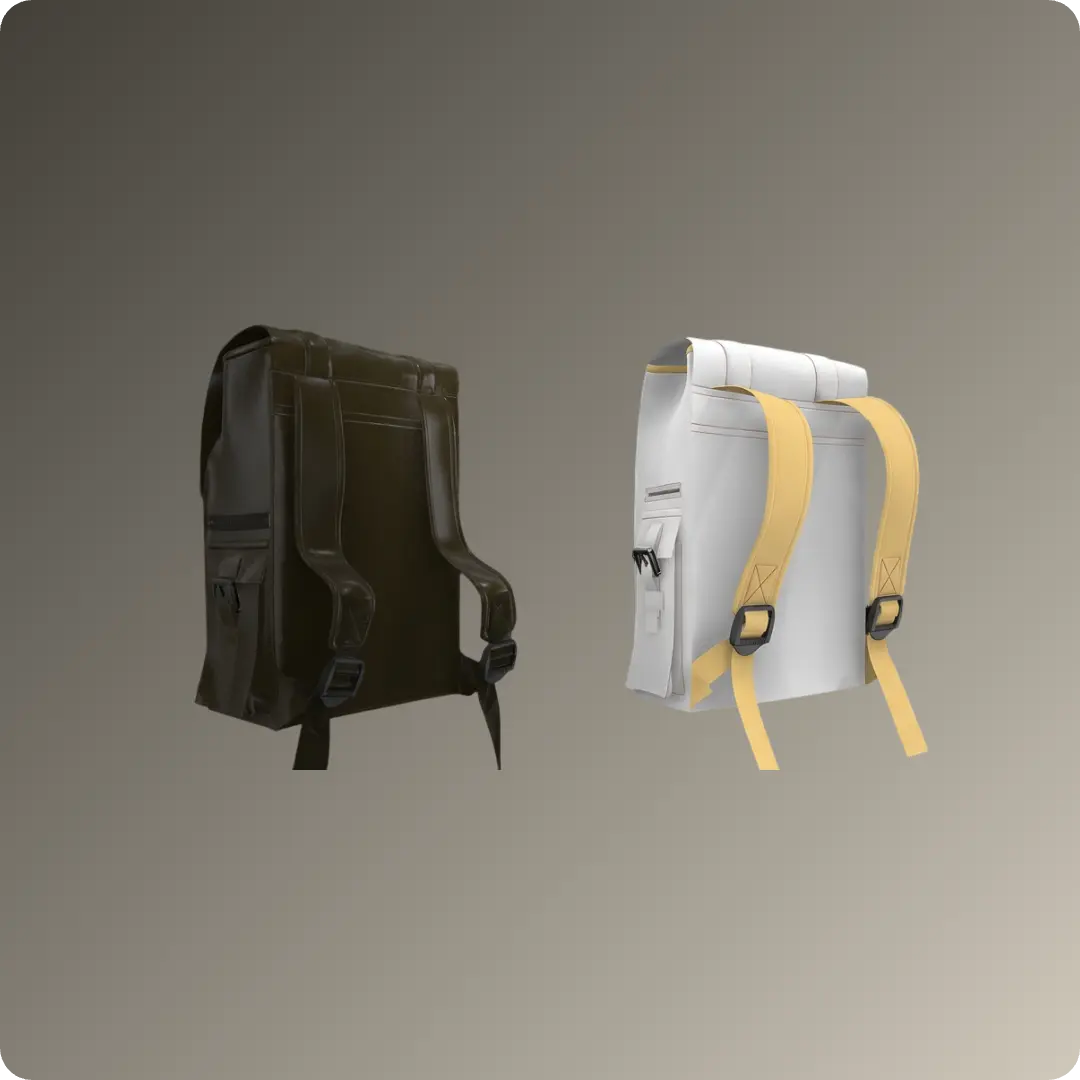
From pattern creation and sewing to seamless buckle integration and optimized fabric simulation . Maximize your efficiency with symmetry and add realistic finishes using the binding tool . This tutorial was created using Marvelous Designer 2025, and there may be slight differences compared to the latest version. For the latest UI and updated information, please refer to the Manual.
From pattern creation and sewing to seamless buckle integration and optimized fabric simulation . Maximize your efficiency with symmetry and add realistic finishes using the binding tool . This tutorial was created using Marvelous Designer 2025, and there may be slight differences compared to the latest version. For the latest UI and updated information, please refer to the Manual.
Backpack: 4. Top Cover and Straps
Backpack: 4. Top Cover and Straps
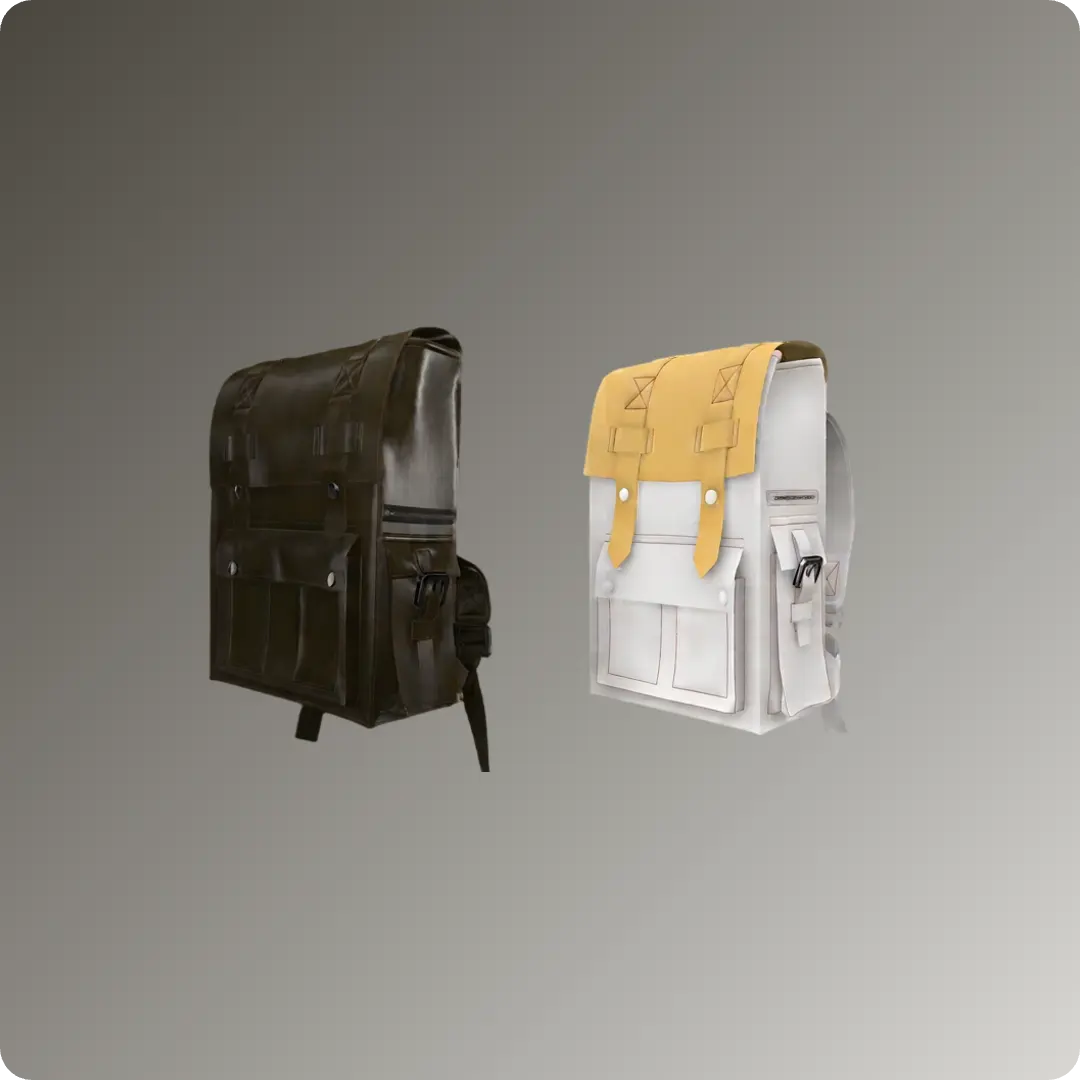
Learn to design professional bags while mastering pattern duplication and modification, sewing and placement, precision editing, particle distance adjustment, and simulation and finishing . This tutorial was created using Marvelous Designer 2025, and there may be slight differences compared to the latest version. For the latest UI and updated information, please refer to the Manual.
Learn to design professional bags while mastering pattern duplication and modification, sewing and placement, precision editing, particle distance adjustment, and simulation and finishing . This tutorial was created using Marvelous Designer 2025, and there may be slight differences compared to the latest version. For the latest UI and updated information, please refer to the Manual.
Backpack: 3. Side Pocket and Buckle
Backpack: 3. Side Pocket and Buckle
Learn to create and place patterns , express realistic 3D volume using Fold Angle and Pleats Fold , and master buckle and strap detailing, collision handling, and zipper tools . This tutorial was created using Marvelous Designer 2025, and there may be slight differences compared to the latest version. For the latest UI and updated information, please refer to the Manual.
Learn to create and place patterns , express realistic 3D volume using Fold Angle and Pleats Fold , and master buckle and strap detailing, collision handling, and zipper tools . This tutorial was created using Marvelous Designer 2025, and there may be slight differences compared to the latest version. For the latest UI and updated information, please refer to the Manual.
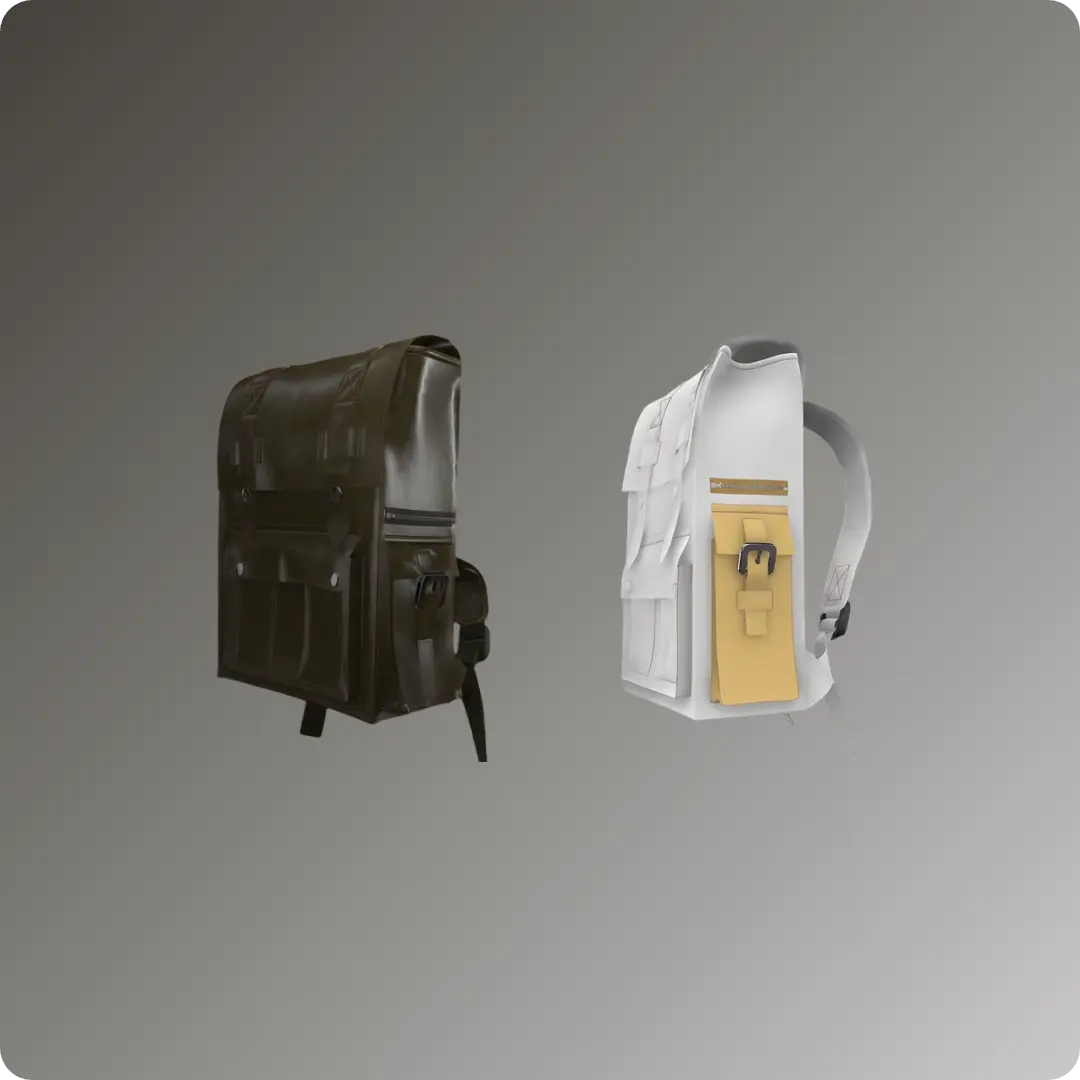
Backpack: 2. Front Pocket
Backpack: 2. Front Pocket
Learn to master pattern and line creation, simulation and property adjustment, 3D volume expression, pattern editing and transformation, and hardware integration . This tutorial was created using Marvelous Designer 2025, and there may be slight differences compared to the latest version. For the latest UI and updated information, please refer to the Manual.
Learn to master pattern and line creation, simulation and property adjustment, 3D volume expression, pattern editing and transformation, and hardware integration . This tutorial was created using Marvelous Designer 2025, and there may be slight differences compared to the latest version. For the latest UI and updated information, please refer to the Manual.
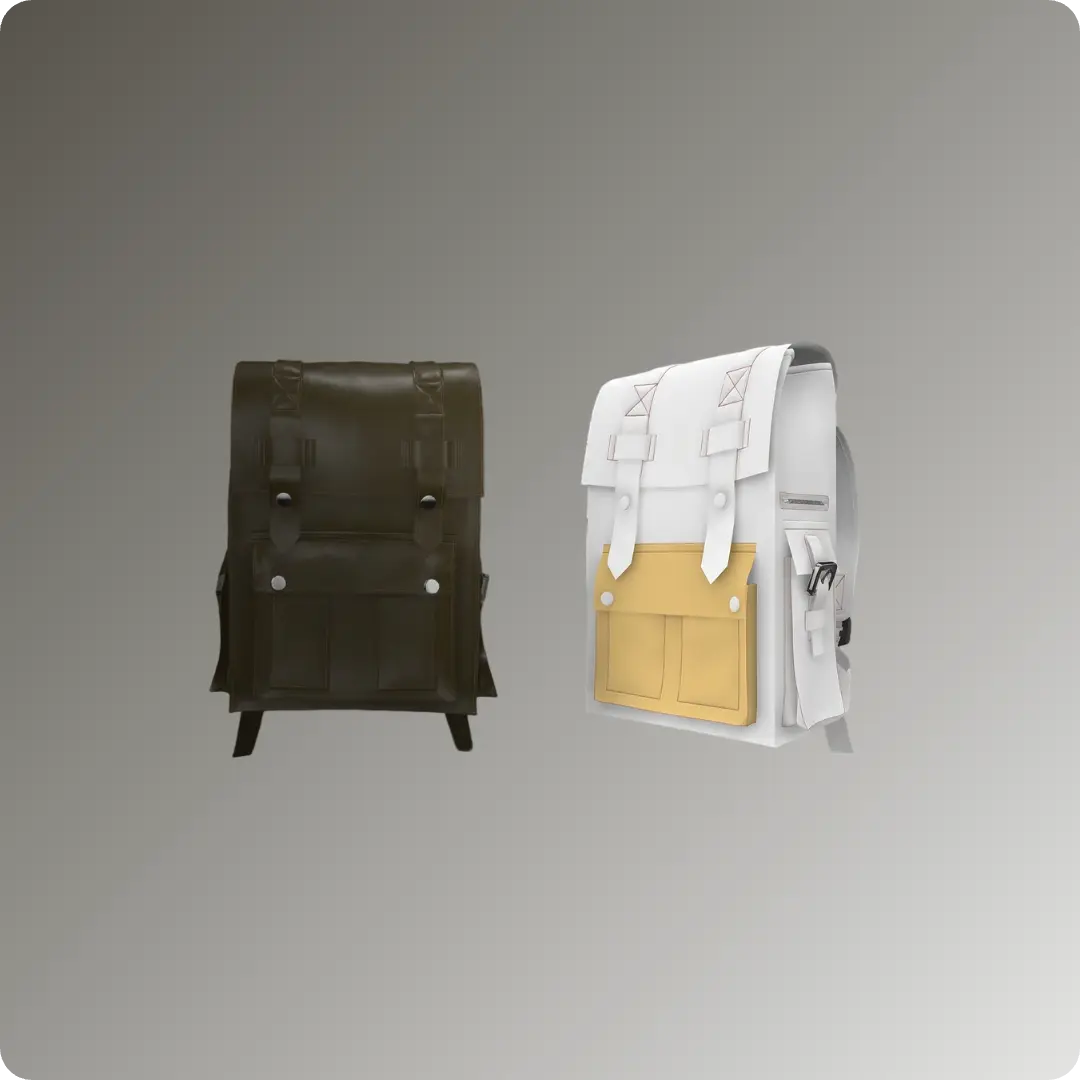
Backpack: 1. Dummy Setting
Backpack: 1. Dummy Setting
Discover key setup techniques: placing and modifying dummy objects, configuring multi-dummy scenes, and mastering the Gizmo and Scale tools . This tutorial was created using Marvelous Designer 2025, and there may be slight differences compared to the latest version. For the latest UI and updated information, please refer to the Manual.
Discover key setup techniques: placing and modifying dummy objects, configuring multi-dummy scenes, and mastering the Gizmo and Scale tools . This tutorial was created using Marvelous Designer 2025, and there may be slight differences compared to the latest version. For the latest UI and updated information, please refer to the Manual.
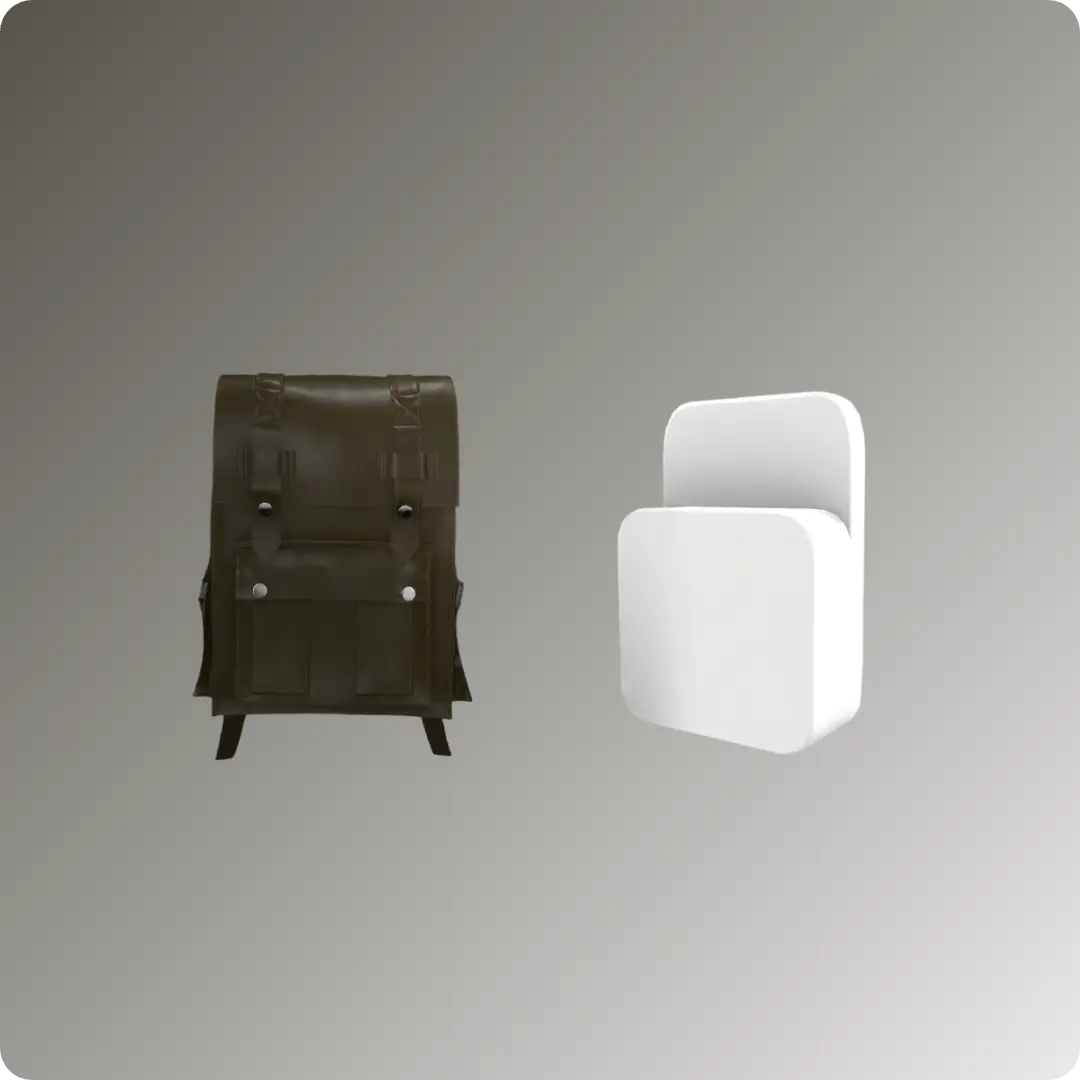
Utility Vest
Utility Vest
Design a custom Utility Vest in Marvelous Designer by utilizing reusable assets from the Connect store. You will learn efficient workflows for placing pockets, attaching straps, and applying functional features like zippers to create detailed, professional-grade garments. This tutorial was created using Marvelous Designer 2024, and there may be slight differences compared to the latest version. For the latest UI and updated information, please refer to the Manual.
Design a custom Utility Vest in Marvelous Designer by utilizing reusable assets from the Connect store. You will learn efficient workflows for placing pockets, attaching straps, and applying functional features like zippers to create detailed, professional-grade garments. This tutorial was created using Marvelous Designer 2024, and there may be slight differences compared to the latest version. For the latest UI and updated information, please refer to the Manual.
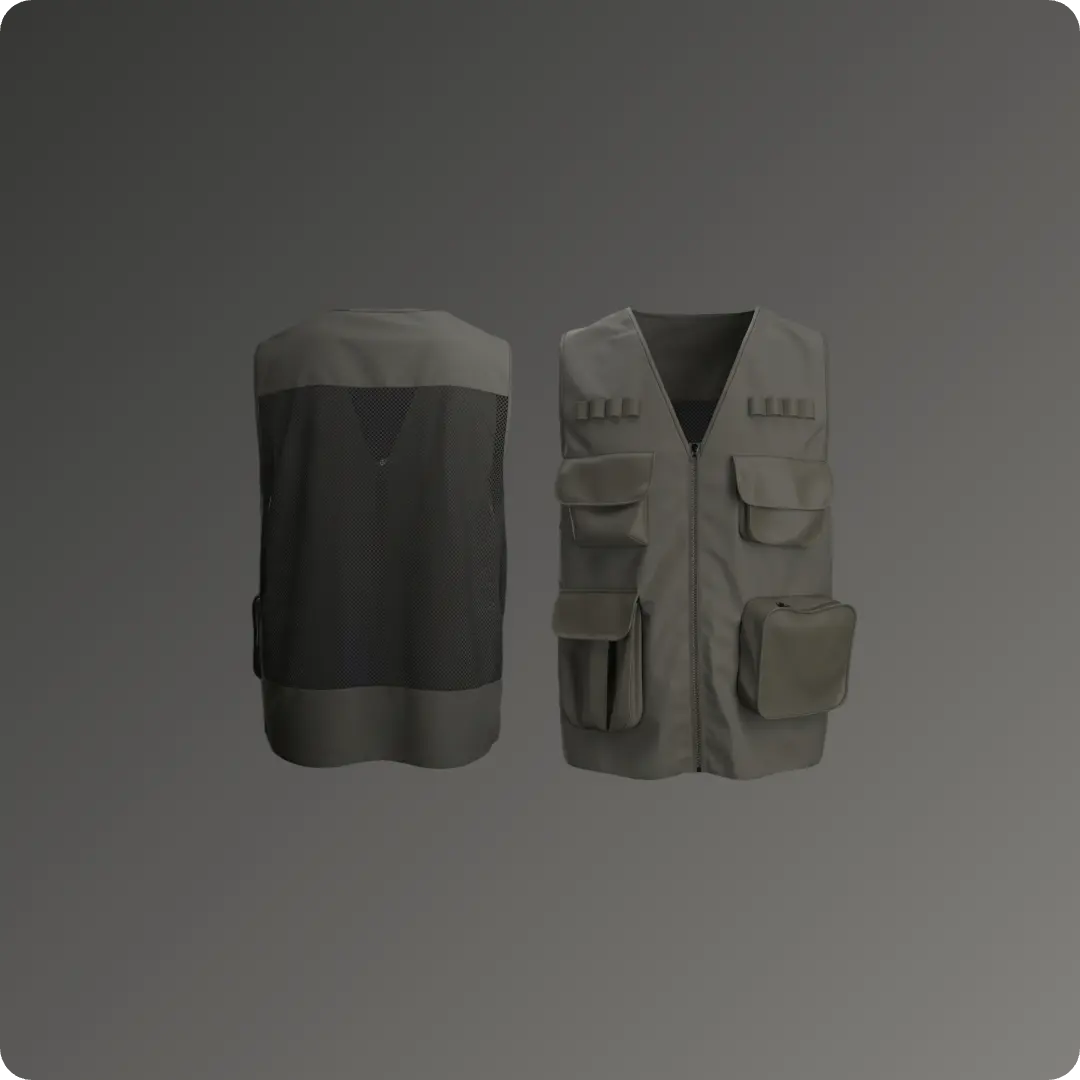
Summer Vibes: Sun Bed
Summer Vibes: Sun Bed
Create a custom sunbed cushion for a slatted chair in Marvelous Designer without prior pattern-making experience. You will learn to use essential features like pattern offsetting, internal lines, simulation pressure, and tacking to build and secure realistic outdoor furniture elements. This tutorial was created using Marvelous Designer 12.2, and there may be slight differences compared to the latest version. For the latest UI and updated information, please refer to the Manual.
Create a custom sunbed cushion for a slatted chair in Marvelous Designer without prior pattern-making experience. You will learn to use essential features like pattern offsetting, internal lines, simulation pressure, and tacking to build and secure realistic outdoor furniture elements. This tutorial was created using Marvelous Designer 12.2, and there may be slight differences compared to the latest version. For the latest UI and updated information, please refer to the Manual.