🎬[Renewal] VRChat Outfit Creation with EveryWear : 2026.0 Tutorial
Hello, Creators!
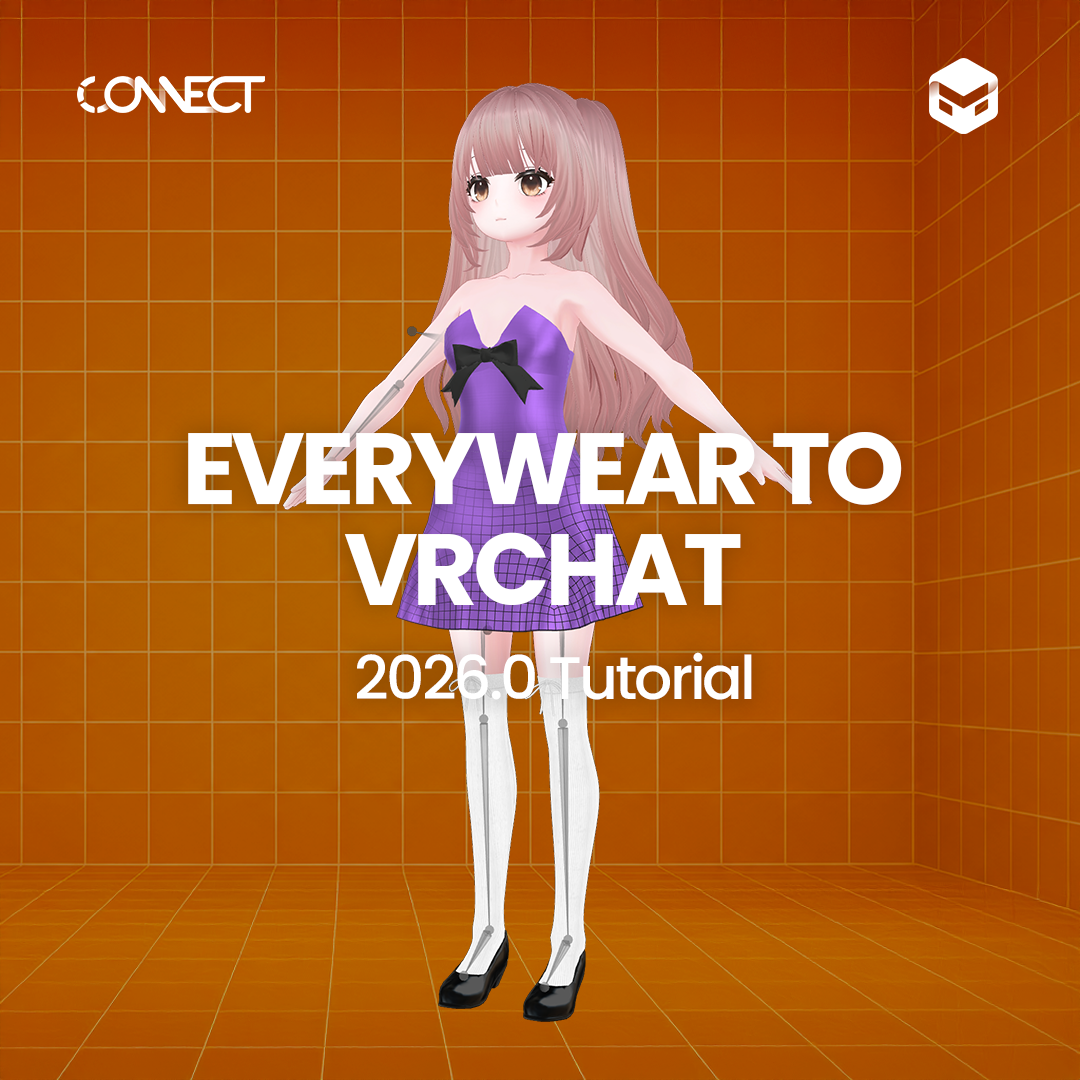
The Everywear to VRChat tutorial, designed to make your VRChat outfit creation easier and more flawless, has been fully renewed with powerful new 2026.0 features! 🎉
Notably, this updated tutorial features CONNECT’s charming new avatar,
'Lucy' as the main model.
You can now master features you’ve all been waiting for—from skirt bone generation to toon shaders and blendshapes—all in one go within Everywear, completely bypassing complex external tools.
Check out the core curriculum of this more intuitive and powerful tutorial below! 👇
✨ 2026.0 Update Highlights
Skirt Template: Set up perfect skirt bones in just a few clicks, no external tools required!
Toon Shader: Achieve an aesthetic, anime-style visual perfectly optimized for VRChat avatars.
Blendshape: Flawlessly prevent clipping where garments overlap or clip through the avatar.
📖 Tutorial Table of Contents
👗 Part 1 : Everywear (Garment Creation & Optimization)
This section covers high-quality garment editing steps using the new features of Everywear 2026.0.
Fitting with Lucy
Learn how to flawlessly fit garments using CONNECT's fresh new face, avatar 'Lucy.'
Mesh Optimization
Essential step to improve your VRChat Performance Rank.
Autorigging
One-click rigging for natural and smooth movements.
Skirt Template (Skirt Bone Generation)
Generate skirt bones instantly within Everywear—no extra tools needed!
UV Packing & Texture Baking
Reduce texture size and maximize efficiency with a single click.
Toon Shader
Craft a stylized, aesthetic toon look with the brand-new 2026.0 feature.
Blend Shape
Effortlessly prevent garment-to-avatar clipping!
Export
Extract the final files to import directly into Unity.
🛠 Part 2 : Unity Setup & VRChat Upload
This practical phase guides you through importing your finished garment from Everywear into Unity, applying it to the Lucy avatar, and uploading it live in-game.
Unity Settings
Setting up the basic Unity environment for VRChat uploads and importing assets.
Importing the Lucy Unity Package
Import the Lucy Unity package featuring perfectly pre-configured PhysBones for a quick and effortless setup!
Material & Shader Settings
Configuration tips to make your textures look their absolute best in-game.
Blend Shape Configuration
Solutions to prevent garments from clipping through the skin during avatar movements!
PhysBone Setup
Add a natural swaying effect to make the skirt flutter beautifully with every step!
Upload
Officially upload your custom outfit to VRChat and play with it live in-game!
💡 Check it out right now!
With the smarter Everywear 2026.0, it's time to gift your avatar the trendiest outfit yet.
🔗 [ Everywear to VRChat : Part 1_Everywear 2026.0 ]
🔗 [ Everywear to VRChat : Part 2_Unity & Upload ]
이 작업은 CLO, CONNECT, Unity, EveryWear, Rigging, Baking 등의 기술로 제작되었습니다.
Marvelous Designer의 최신 기능과 소식을 만나보세요.