Marvelous Designer 2024.2 is HERE!
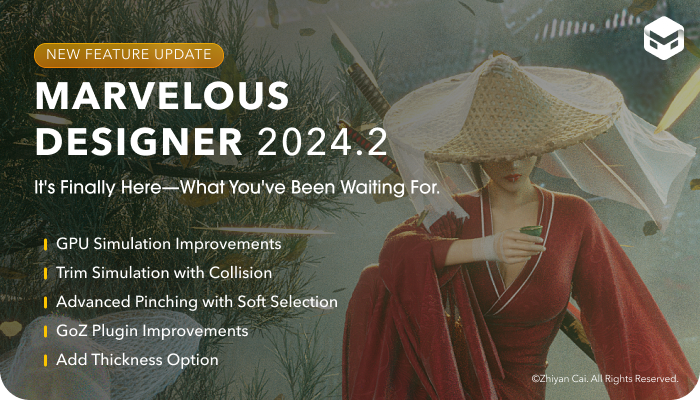
We’d like to share exciting new updates in 2024.2,
with key improvements in simulation, interoperability, and more.
The highlight of the new version is Marvelous Designer’s enhanced GPU simulation—which now matches the accuracy of CPU simulation and can even be used for Animation Caching. GPU simulation brings significant speed improvements compared to CPU simulation, and now, after improvements from the team at CLO Virtual Fashion, the quality of the simulation is also on par. It dramatically accelerates design processes by allowing faster pattern creation and simulation in the 3D window. Artists can seamlessly switch between the faster GPU simulation and the stable, trusted CPU simulation from previous versions.
Another major improvement is a trim simulation with improved collision accuracy. This allows artists to have greater control over collision properties such as weight and stiffness, boosting the realism of garments beyond perfect wrinkles. The update amplifies the level of detail artists can achieve in their simulations through trims.
The advanced pinching with soft selection feature also offers greater control than ever before. Unlike previous versions, which limited selection to a single vertex, artists can now use the customizable soft selection tool to select garments with smooth falloff shapes during simulation. This adds precision and flexibility when fine-tuning details or fixing intersecting patterns, offering significantly more control compared to past versions.
On the interoperability front, the GoZ Plugin has been improved with the latest versions of Marvelous Designer and ZBrush, adding more options that grant artists greater flexibility and control. (ZBrush Download)
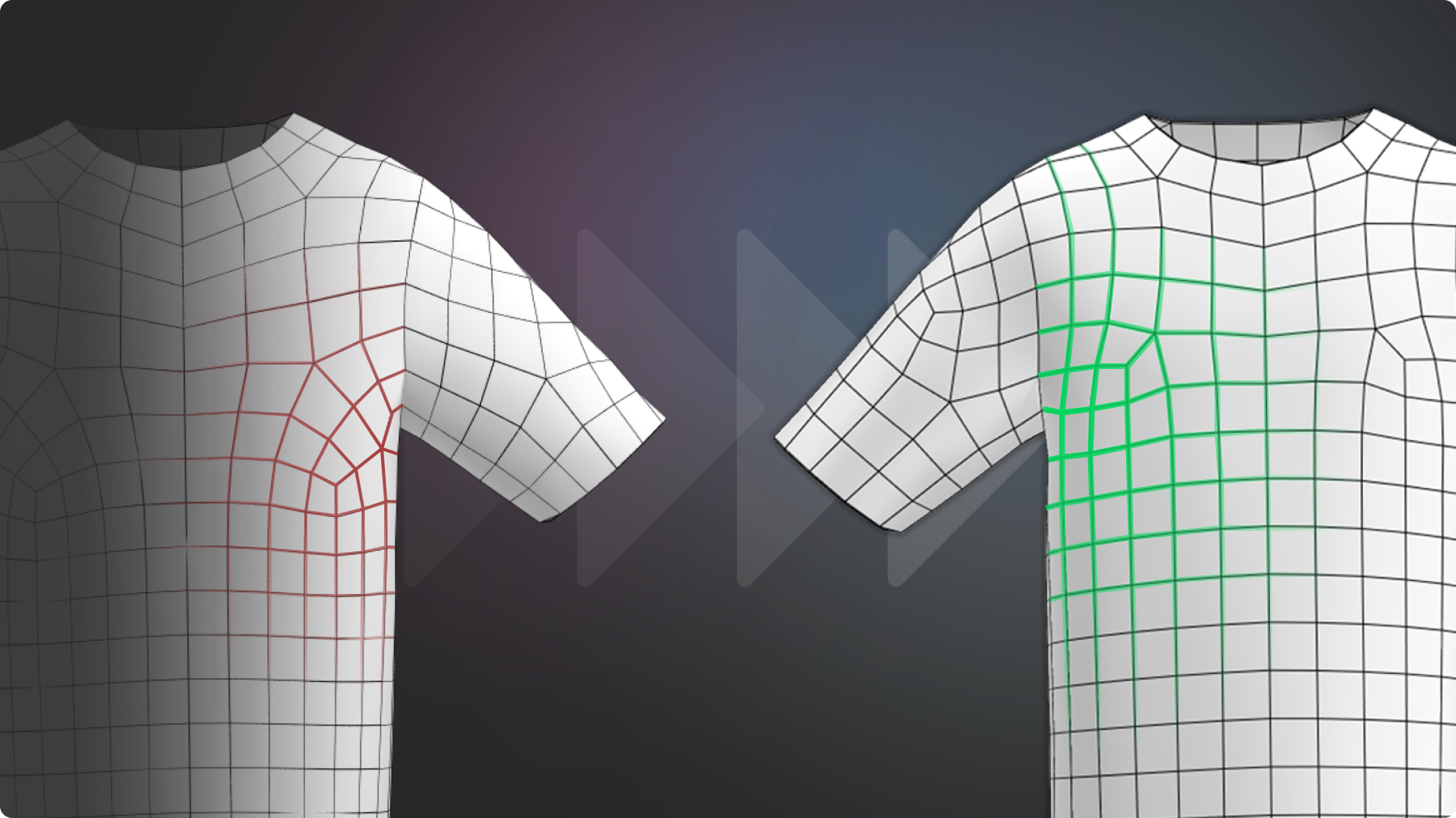
Lastly, Marvelous Designer 2024.2 brings significant enhancements to automatic quad remeshing, delivering cleaner topology with faster, more efficient post-processing cleanup. The new update emphasizes the reduction of irregular meshes and an increase in overall quadrangulation quality regarding mesh flow and structure. Previously, achieving the desired topology required a degree of manual adjustment. With this latest improvement, along with recent features focused on retopology, artists now have the tools needed within Marvelous Designer to set the proper quad mesh distribution for their designs.
Overall, Marvelous Designer 2024.2 delivers key upgrades to speed, accuracy, and integration, ensuring a smoother and more powerful user experience than ever before. We hope our new updates will increase your work efficiency.
[SEE ALL FEATURES]
Thanks for your support!
If you have any questions, please feel free to contact us!
Marvelous Designer Team
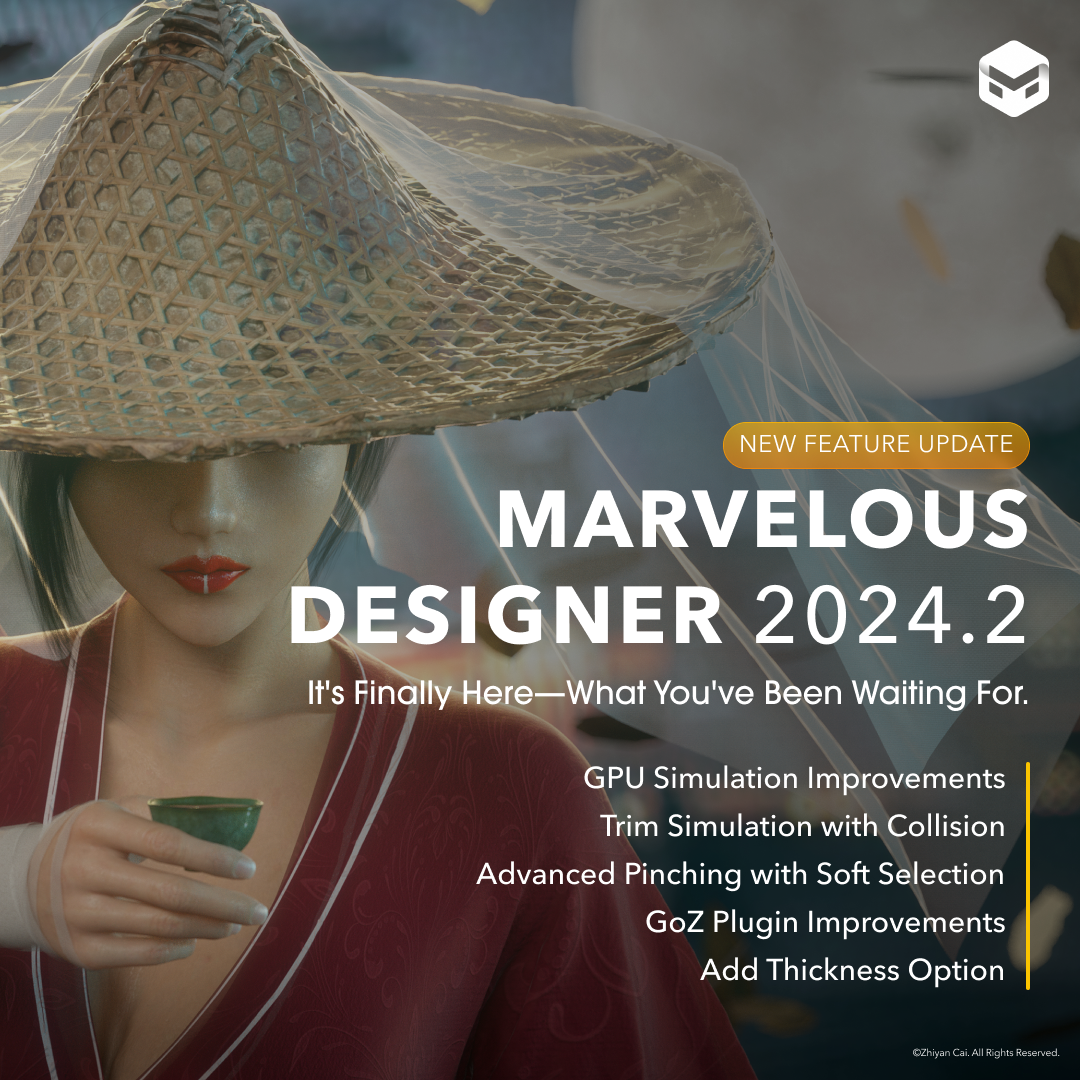
이 작업은 Retopology, Simulation, UI, Trim, ZBrush 등의 기술로 제작되었습니다.
Marvelous Designer의 최신 기능과 소식을 만나보세요.