Pinch, Rip, Refine. Explore New Features in Marvelous Designer 2026.1
Marvelous Designer 2026.1 delivers a highly anticipated feature you’ve been asking for, and a few more you never knew you needed. Here’s what you’ll find in our latest major update.
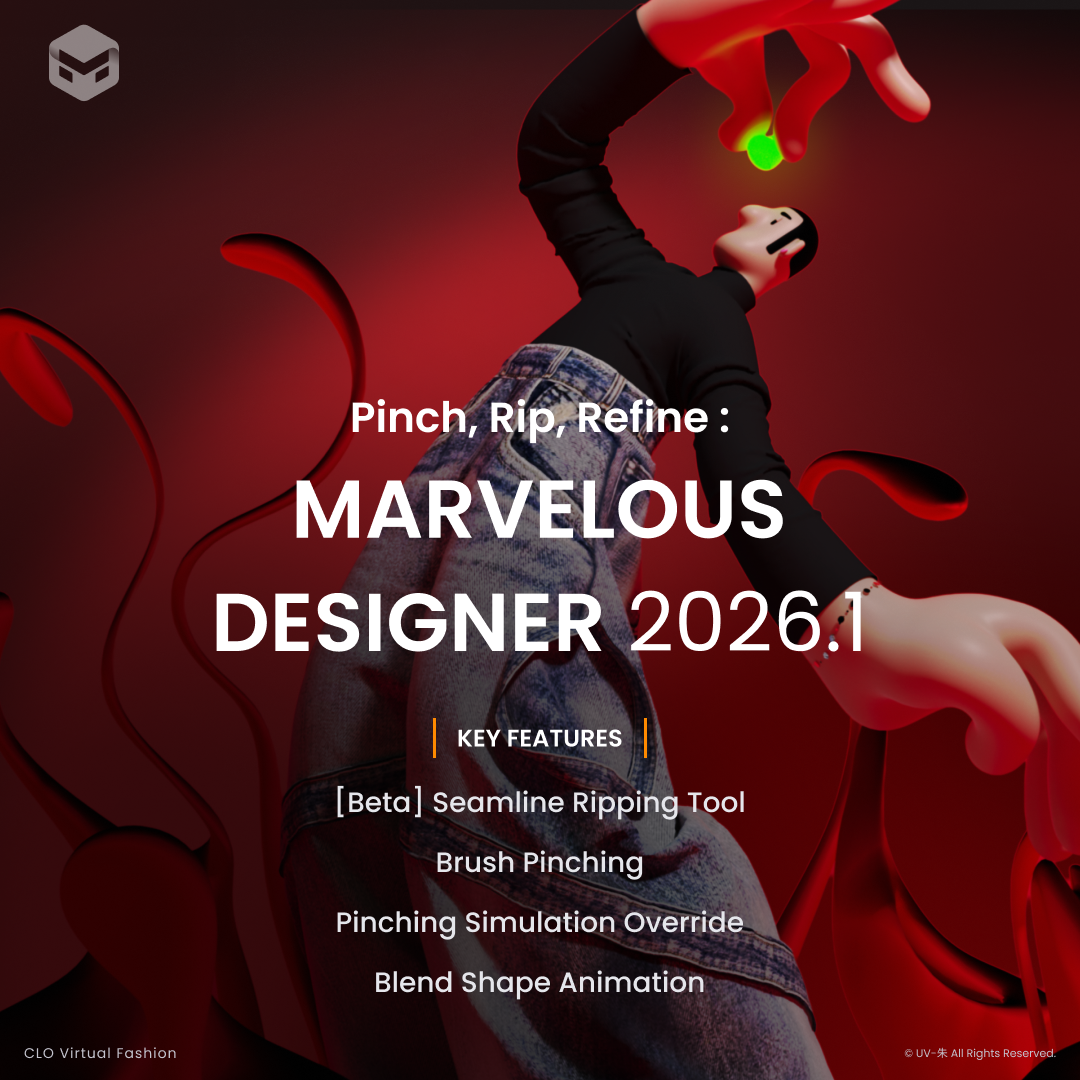 Marvelous Designer 2026.1 delivers a highly anticipated feature you’ve been asking for, and a few more you never knew you needed. Here’s what you’ll find in our latest major update.
Seamline Ripping Tool [Beta]
One of our most requested features, the [Beta] Seamline Ripping Tool delivers a powerful new dimension to your toolkit. As the fabric is pulled apart, it will rip just like real fabric, complete with customizable fraying. Use ripping to add dynamism to fights and transformation sequences, and texture to tattered rags and ripped jeans.
Pinching Simulation Override
The most impactful update to pinching yet, Pinching Simulation Override transforms 3D interaction. Enabling it overrides global fabric and simulation values with your own custom parameters while pinching, giving you precise control over your design in the 3D window. Perfect for creating stylized looks, it allows you to shape your project directly in Marvelous Designer, then lock your changes in place, reducing the need to sculpt in another software.
Brush Pinching
A brand new type of pinching, Brush Pinching pushes or pulls fabric along a path with a customizable brush. Use it to create precise wrinkles, quickly bunch fabric, and guide movement. Paired with the new Pinching Simulation Override, Brush Pinching is a game-changer for styling garments.
Blend Shape Animation
Our previous update added blend shape support, which we’re expanding upon with Blend Shape Animation. The ability to add keyframes directly inside Marvelous Designer grants even greater flexibility during animations, faster iterations, more accurate timing control, and simplifies some workflows that previously required morph targets.
To learn more about these key features, or about other additions and improvements, visit our website.
이 작업은 newupdate 등의 기술로 제작되었습니다.
Marvelous Designer의 최신 기능과 소식을 만나보세요.