[NOTICE] Store Integration to CONNECT
Hello Marvelous Designer friends,
We’re happy to announce that Marvelous Designer “Store” will be integrated and operated with “CONNECT”, which is one of our company's services. We believe that this service integration will allow Marvelous Designer users to access more diverse services and benefits related to the purchase of 3D assets. The service integration is effective now, and you will be redirected to "CONNECT" service from Marvelous Designer "Store".
What is CONNECT? (LINK)
CONNECT is an open marketplace & community where anyone can become a creator, purchase and download a variety of assets uploaded by creators. Find the digital assets you need more easily with CONNECT, which features 6,200 different 3D assets and 700 content creators.
CONNECT also provides a wide range of free assets such as various poses, avatars, shoes, and garments through its official account. Download and import them directly into the Marvelous Designer.
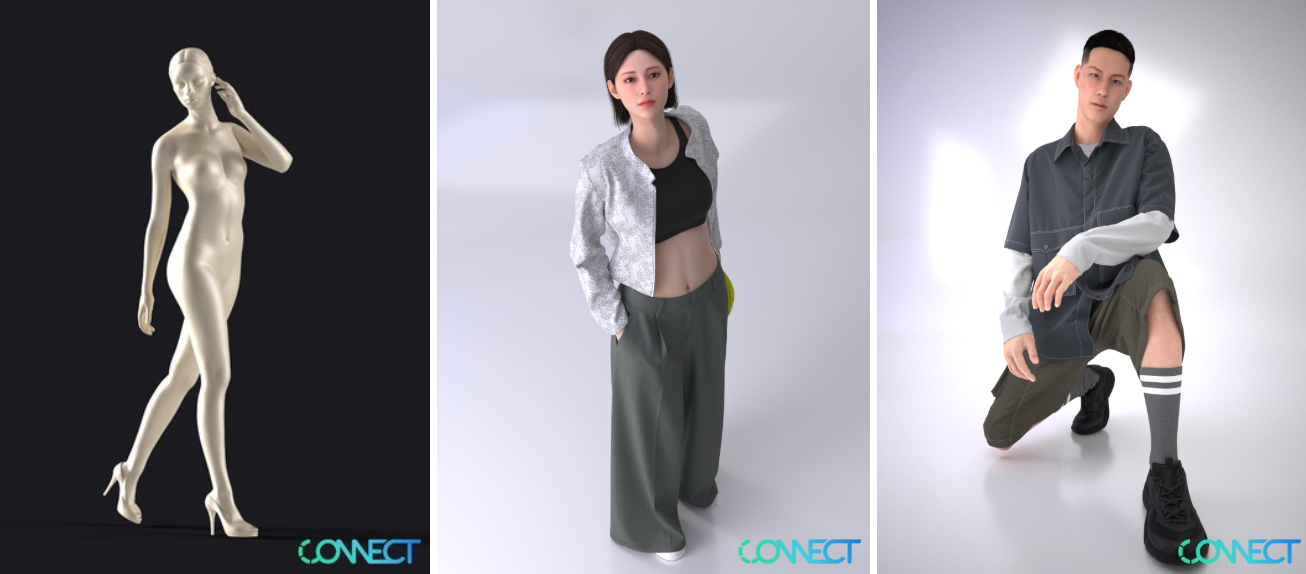
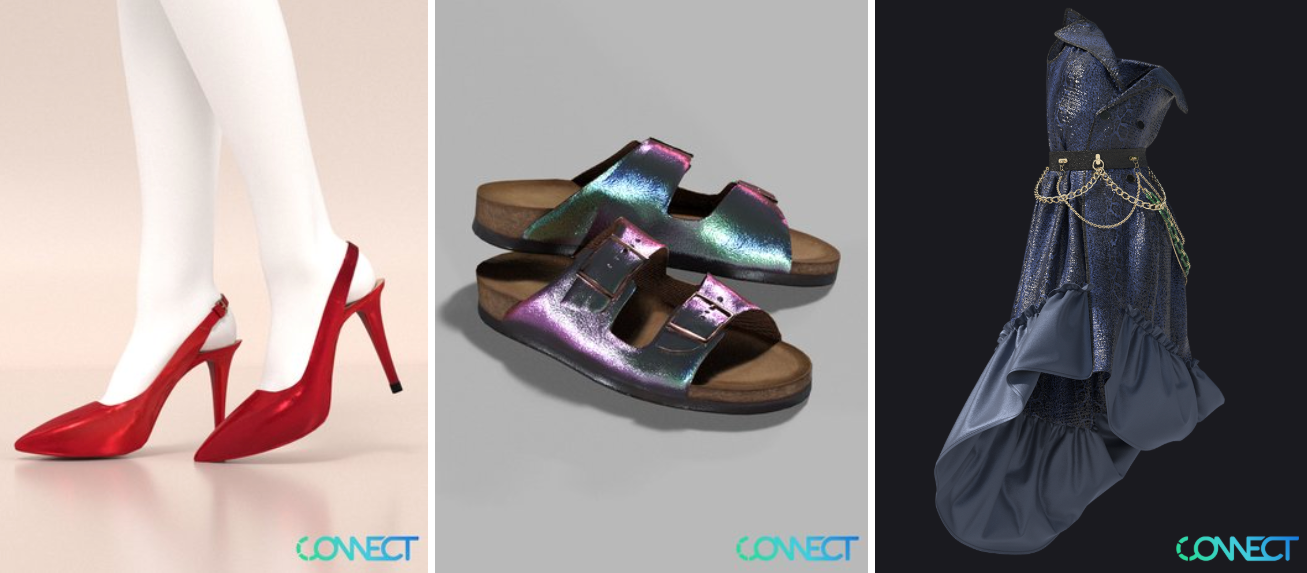 [Free Digital Assets from CONNECT Official Account]
Also, if you have your own 3D items produced in Marvelous Designer, you can be a creator of CONNECT and sell your own items. Don't miss the opportunity to become a creator and take advantage of business opportunities! Visit CONNECT to check out the garment item upload manual. (Click here)
Marvelous Designer Website Store Purchase/Download
[AS IS]
When you click the “Store” on the website, it connects you to the Marvelous Designer Store, where you can purchase and download assets.
[TO BE]
If you click the “Store” on the website, you will be redirected to the CONNECT service directly. Then, you can sign in the CONNECT service to purchase and download various digital assets.
* How to sign in to the CONNECT
1. Sign in with SSO by entering the Marvelous Designer account User ID
In case, you do not have a linked CLO-SET account yet, you can create an account by signing Terms Of Service. (*If you face any login issues, please contact support@marvelousdesigner.com.)
2. Or you can create a CLO-SET account
Marvelous Designer Store in Software
[AS IS]
When you click the "Store" tab, you can browse Marvelous Designer Store and are able to checkout through the Marvelous Designer website.
[TO BE]
When you click the "Store" tab, you can browse all the items (Garment, Fabric, Trim, and Avatar) from CONNECT and will be able to checkout through the CONNECT website. You will be automatically redirected to CONNECT.
*If you’re using software version 6.1.723.37401 or under, only items from the Garment category are supported.
FAQ
1. I bought an item from a Marvelous Designer store. Where can I download my purchased item?
All items purchased at Marvelous Designer Store will be downloadable from CONNECT's Purchase page. Sign in with SSO by entering Marvelous Designer User ID in order to download your item(s).
*The above information applies to purchases made as of April 28, 2020. If you have a purchased item made before April 28, 2020, you can download it on the Marvelous Designer website > My Account page.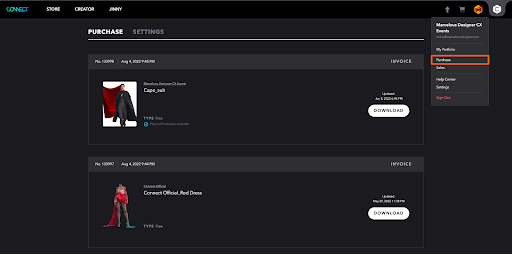
[CONNECT Purchase Page]
2. I’d like to become a creator of the CONNECT open marketplace. How can I apply?
Anyone can become a creator through a simple upload process (without an additional approval process.) (Manual)
3. I’m not using the latest version of the software. Does it mean I cannot use the “Store” in the software?
Marvelous Designer software “Store” has developed from version 11. To purchase an item in the software, you can simply sign in to the CONNECT website.
The latest version of Marvelous Designers supports expanded categories from Garment to Fabric, Trim, and Avatar. If you’re using previous versions than Marvelous Designer 11 (6.1.723.37401), only the Garment category item list is available to view and purchase. We recommend you download the latest version of Marvelous Designer so that you can use items in various categories.
4. I’d like to send an inquiry to the CONNECT service. Where should I inquire?
Please submit your inquiry to CONNECT team! (Click here)
If you have any questions, please contact via support@marvelousdesigner.com
이 작업은 CONNECT, news 등의 기술로 제작되었습니다.
Marvelous Designer의 최신 기능과 소식을 만나보세요.