Cinematic Environment Art Inspired by Joker
What emotions are captured in the light and color of Arthur Fleck's worn-out office from the film Joker? Jihak Jeong, an artist who began his journey in architectural CG and nurtured a dream of exploring virtual worlds, set out to find his own answer.
Could you please give us a brief introduction of yourself?
Hello, my name is Jihak Jeong, and I am an aspiring 3D Environment Artist.
I began my career in architectural CG, but my lifelong passion for exploring the worlds inside games—and the joy I felt in spaces that couldn't exist in reality—drove me to pursue a career in the game industry. I wanted to create that same joy in my own work so that others could experience it too.
Discovering Unreal Engine 5 was a turning point. I was captivated by its power to create detailed artwork and reinterpret spaces through storytelling. I have been enthusiastically researching and practicing with it ever since.
Your latest artwork, 'Joker,' is very impressive. Could you tell us more about it?
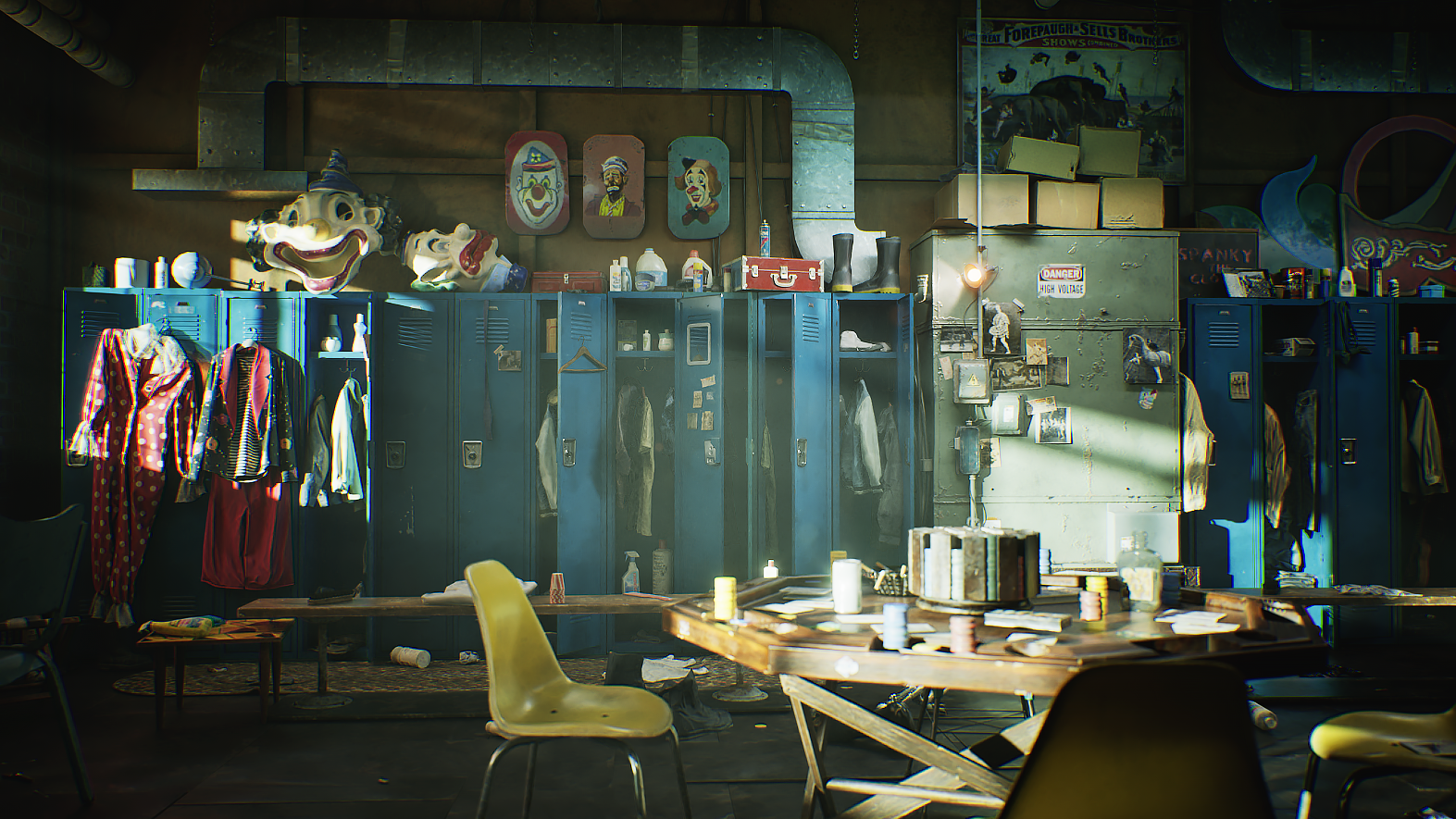
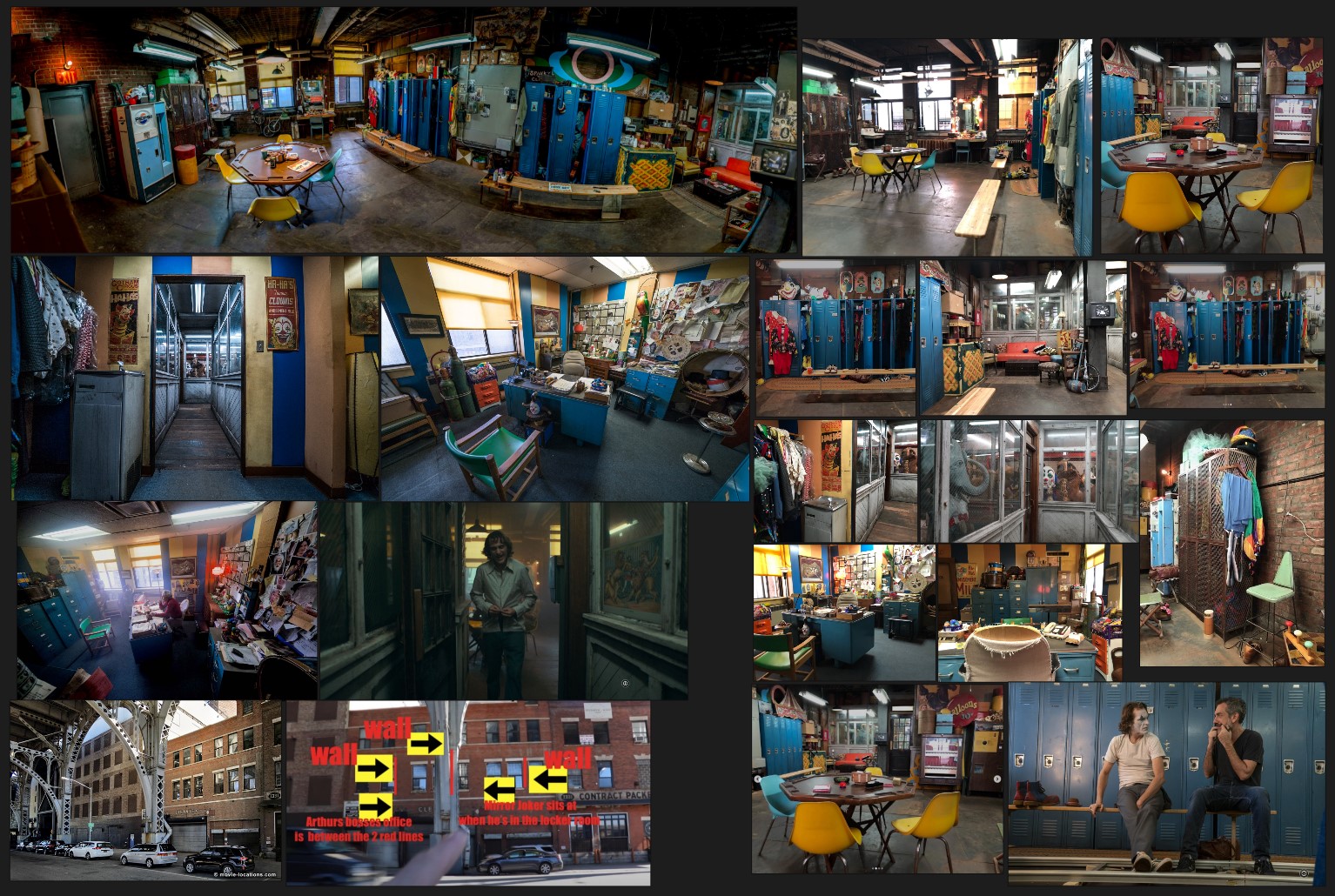
My portfolio project, "HaHa’s Agency," was inspired by the office where Arthur Fleck works in the movie Joker (2019).
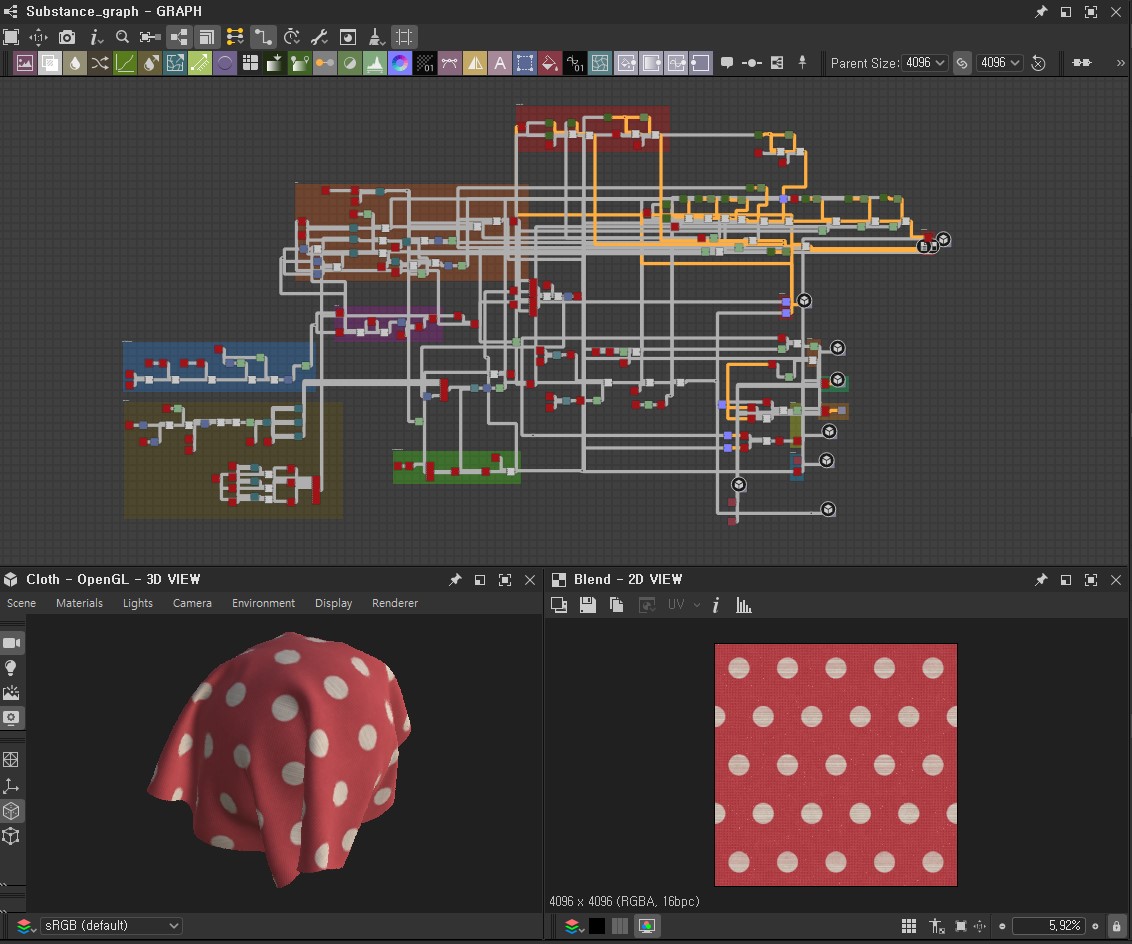
I was particularly drawn to the impressive lighting, the use of color, and the emotional atmosphere of that space. Rather than just focusing on visual aesthetics, I chose this theme because I believed it would be a great subject for exploring and showcasing a wide range of environment art skills—from hard-surface and organic modeling to creating vintage materials and telling a story based on mood and emotion.
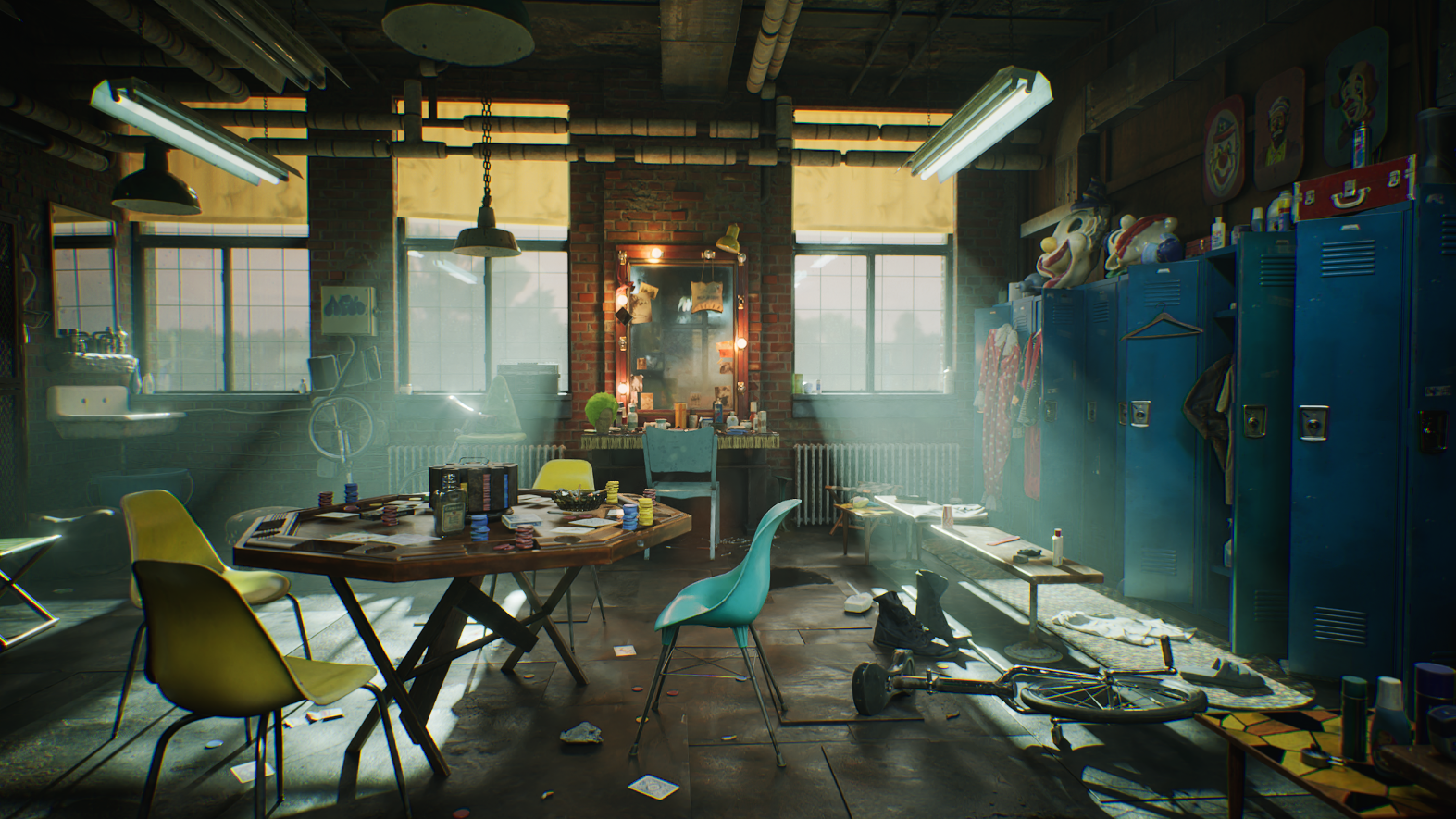
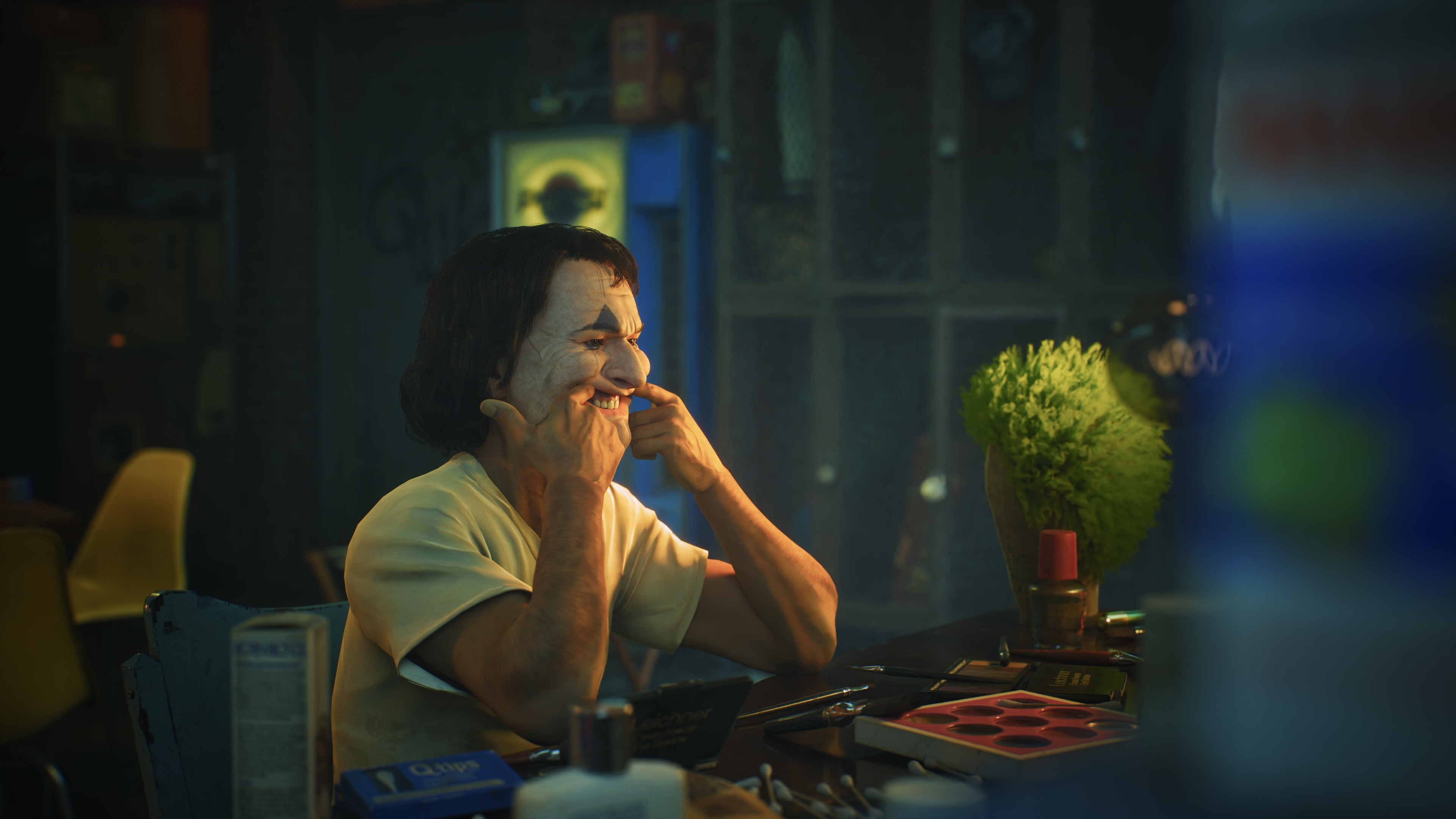
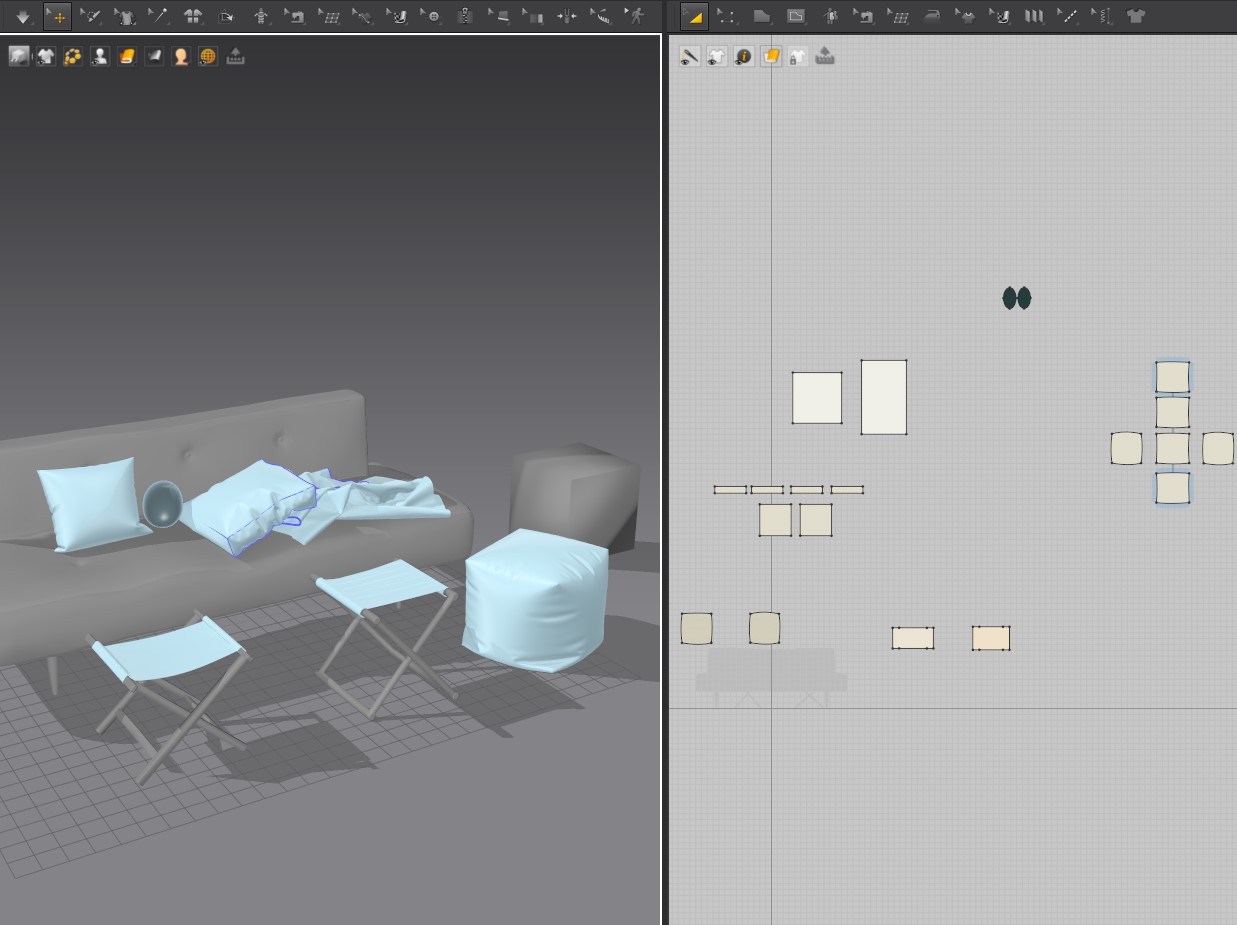
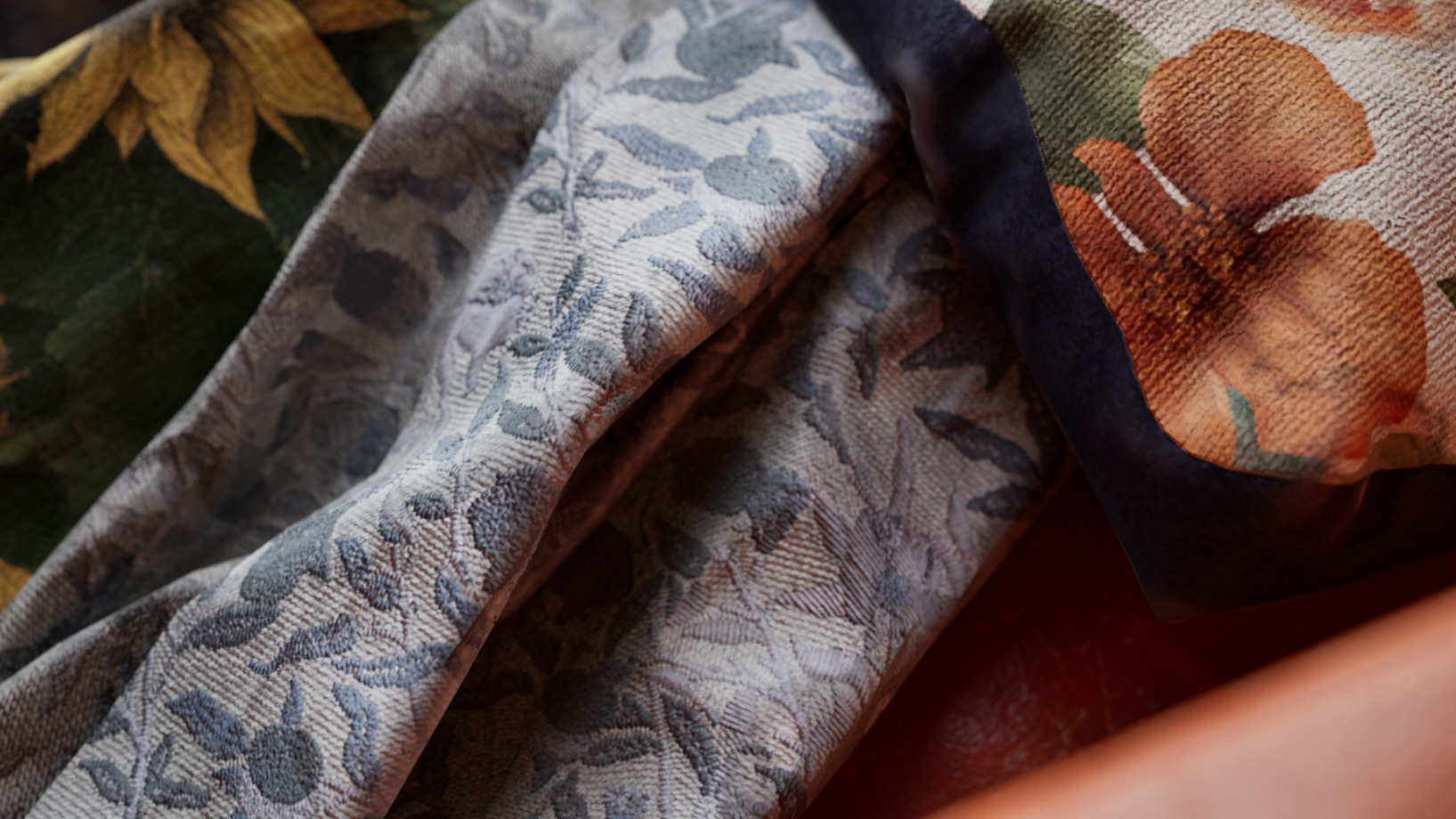
This project was an excellent opportunity to naturally integrate various skills, including prop creation, lighting setup, diverse material work, and scene composition. Instead of recreating a specific scene from the movie verbatim, I reinterpreted the space with my own layout while preserving its emotional tone. Throughout this process, I made extensive use of Marvelous Designer.
Additionally, to complete the atmosphere of the space, I created a character using MetaHuman Creator, customizing the base model’s face, hair, skin, and clothing to enhance the overall detail and realism.
What was the most memorable prop you worked on for this portfolio, and why?
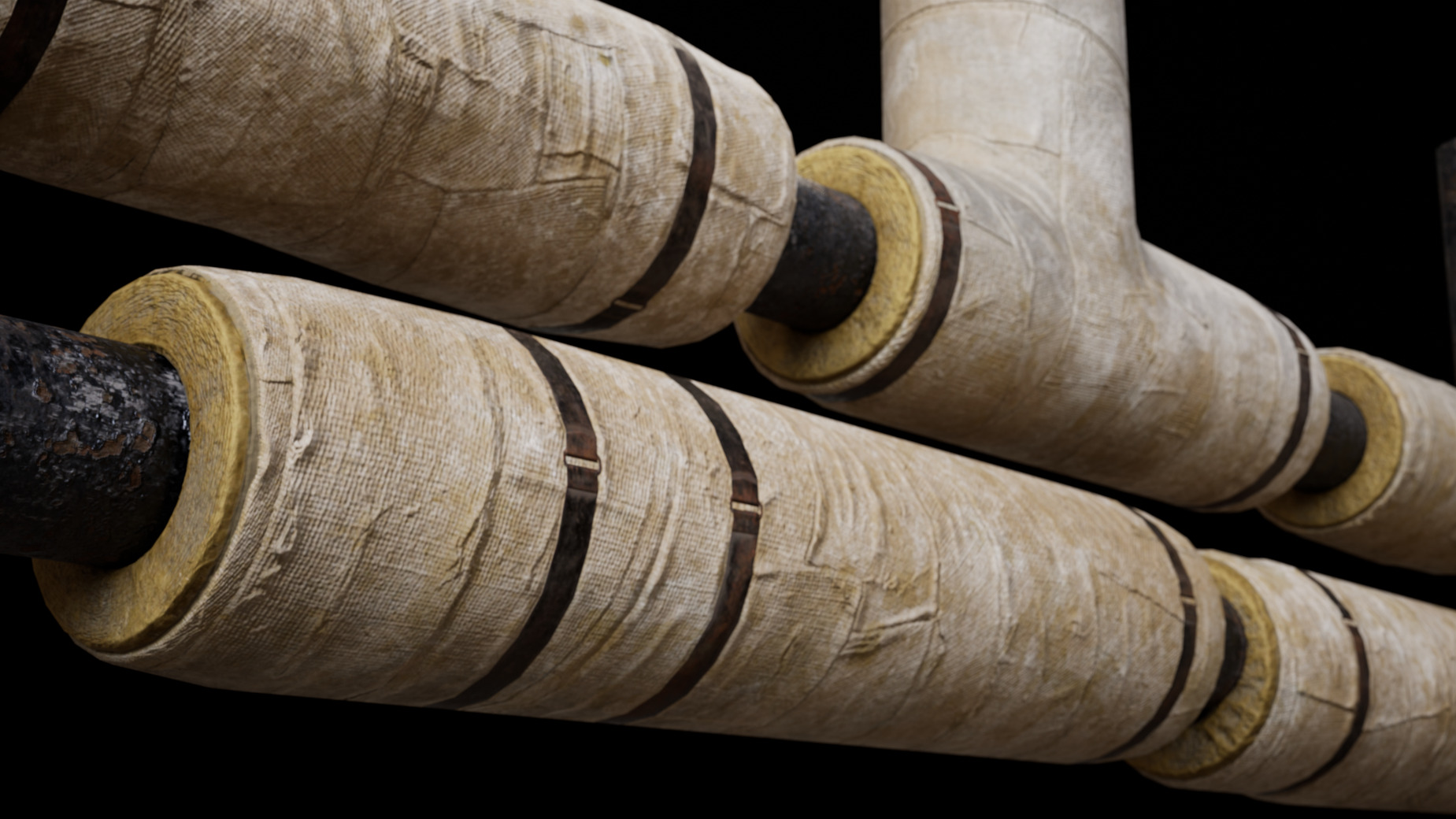
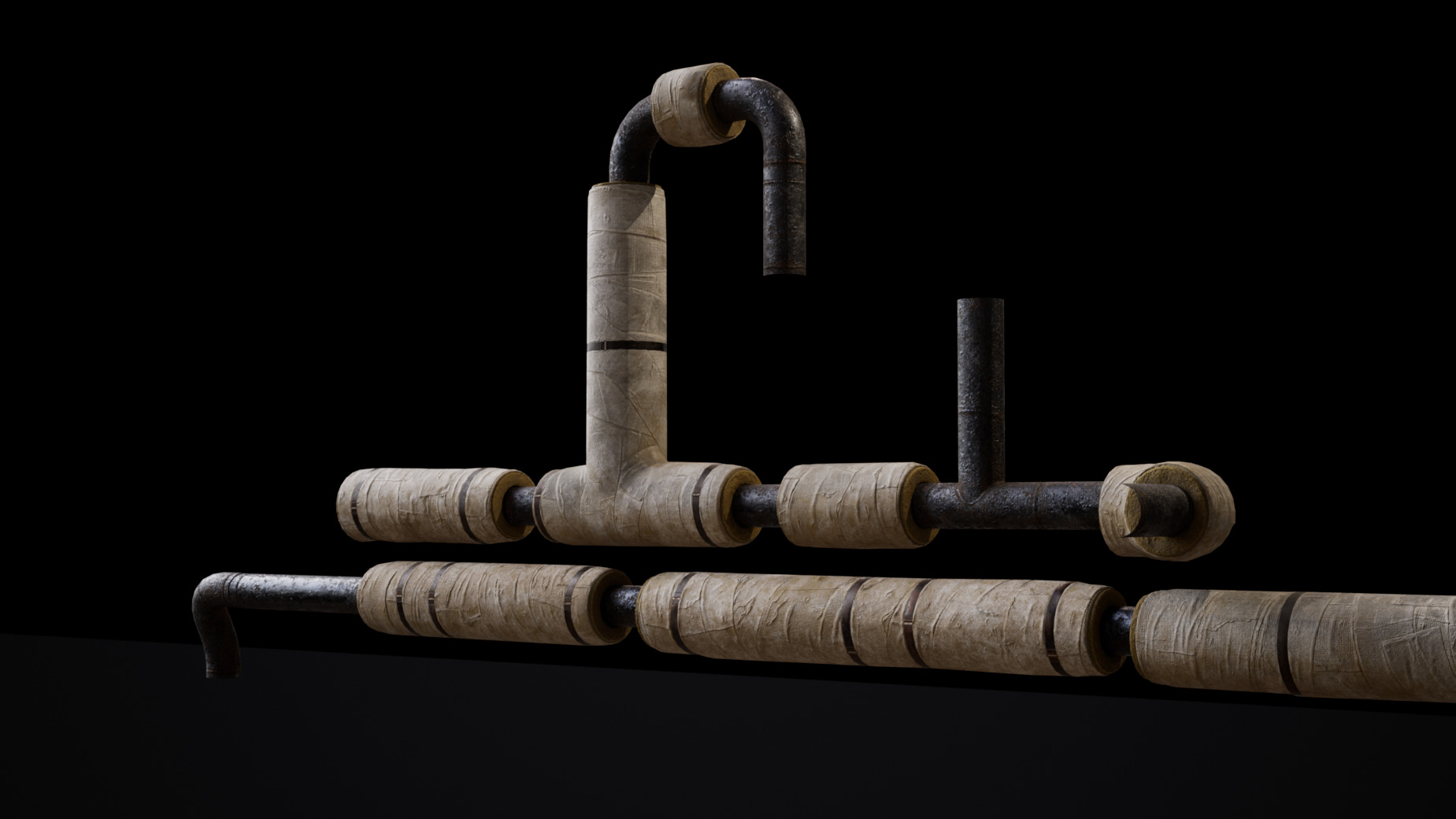
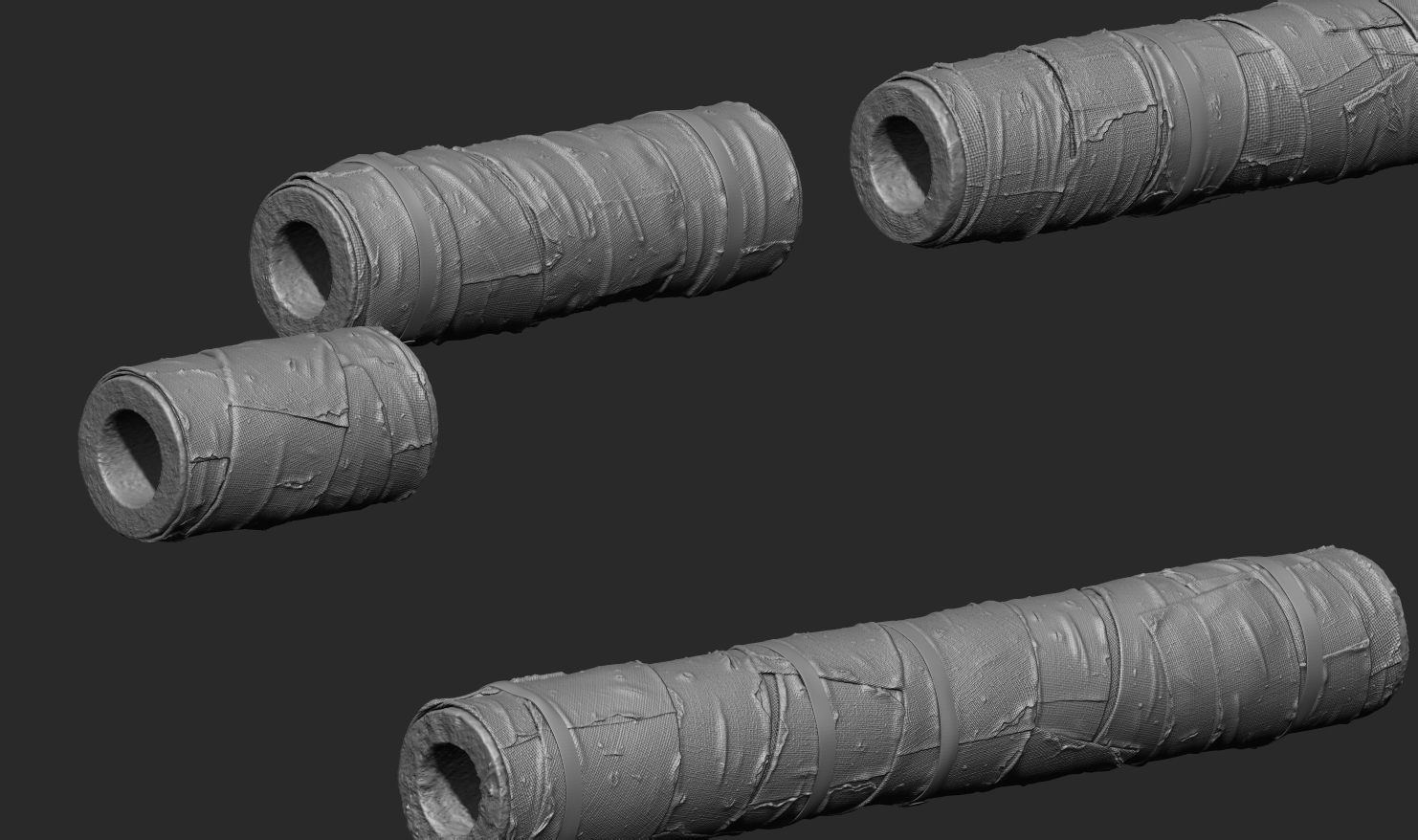
While nearly every part of the process was enjoyable, the prop that stands out the most functionally was the cloth wrapping I created for an old pipe, designed to prevent it from freezing with fiberglass insulation.
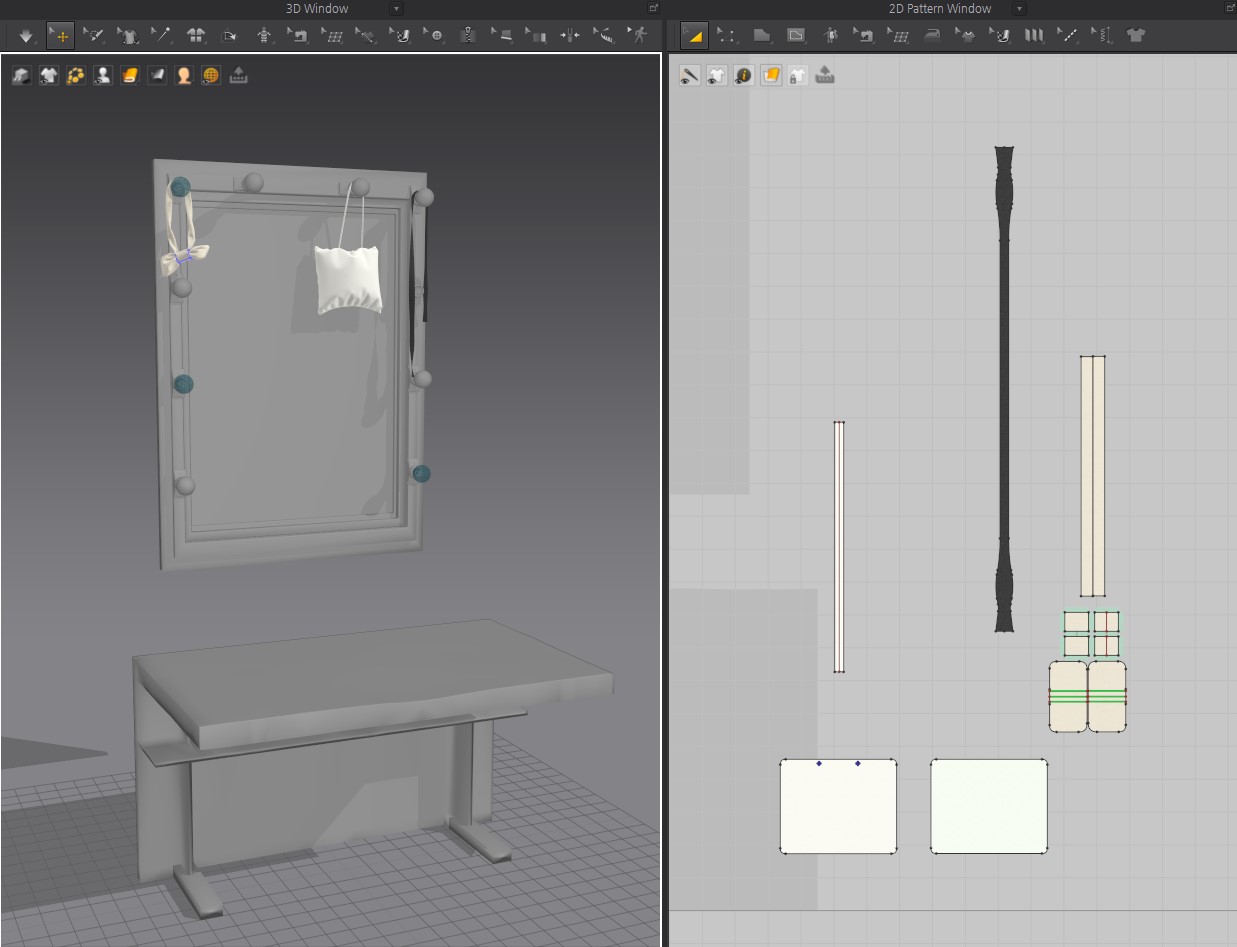
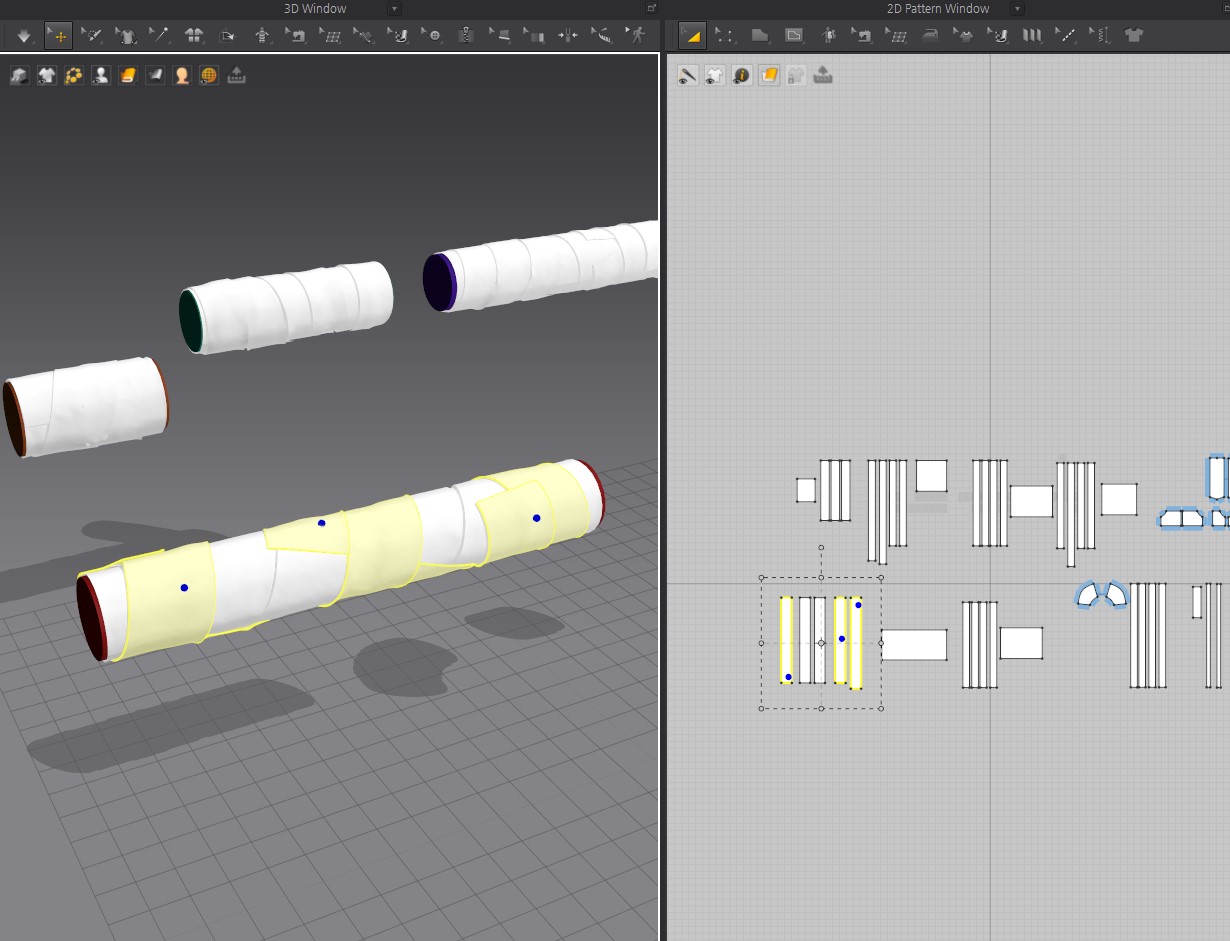
I had spent a lot of time thinking about how to best create the fabric wrapping naturally around the cylindrical pipe. I got the idea after seeing how fabric could be made to adhere to objects using the Pressure feature in Marvelous Designer.
The process of estimating the cloth's length and wrapping it around the pipe in Marvelous Designer was incredibly interesting, and thanks to that feature, I was able to achieve a natural and realistic result.
You mentioned that the circus costume took the longest to create. What was the most challenging part of that process?
(Please tell us how Marvelous Designer helped you realize the emotional flow and natural silhouette of the clothing.)
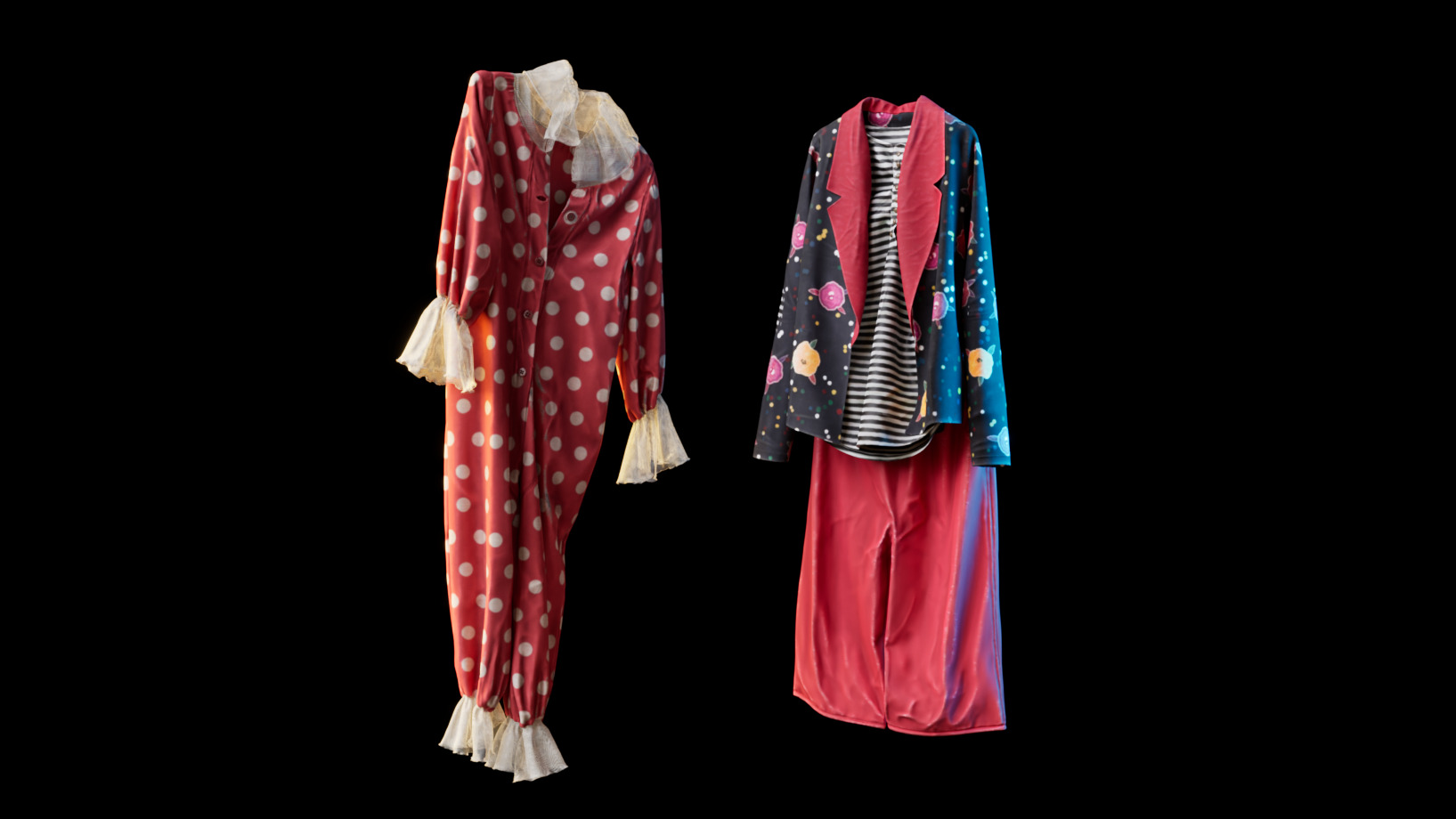
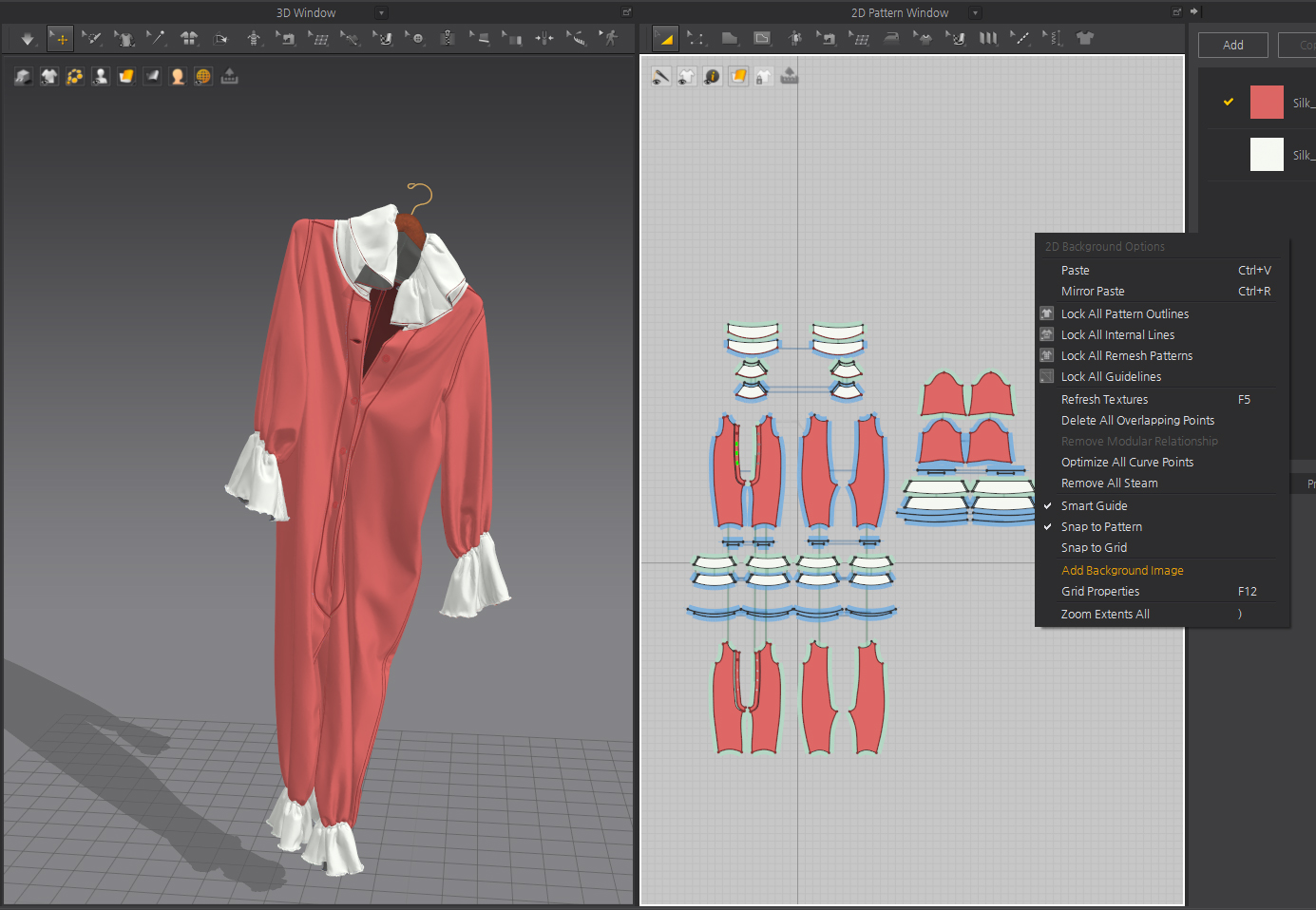
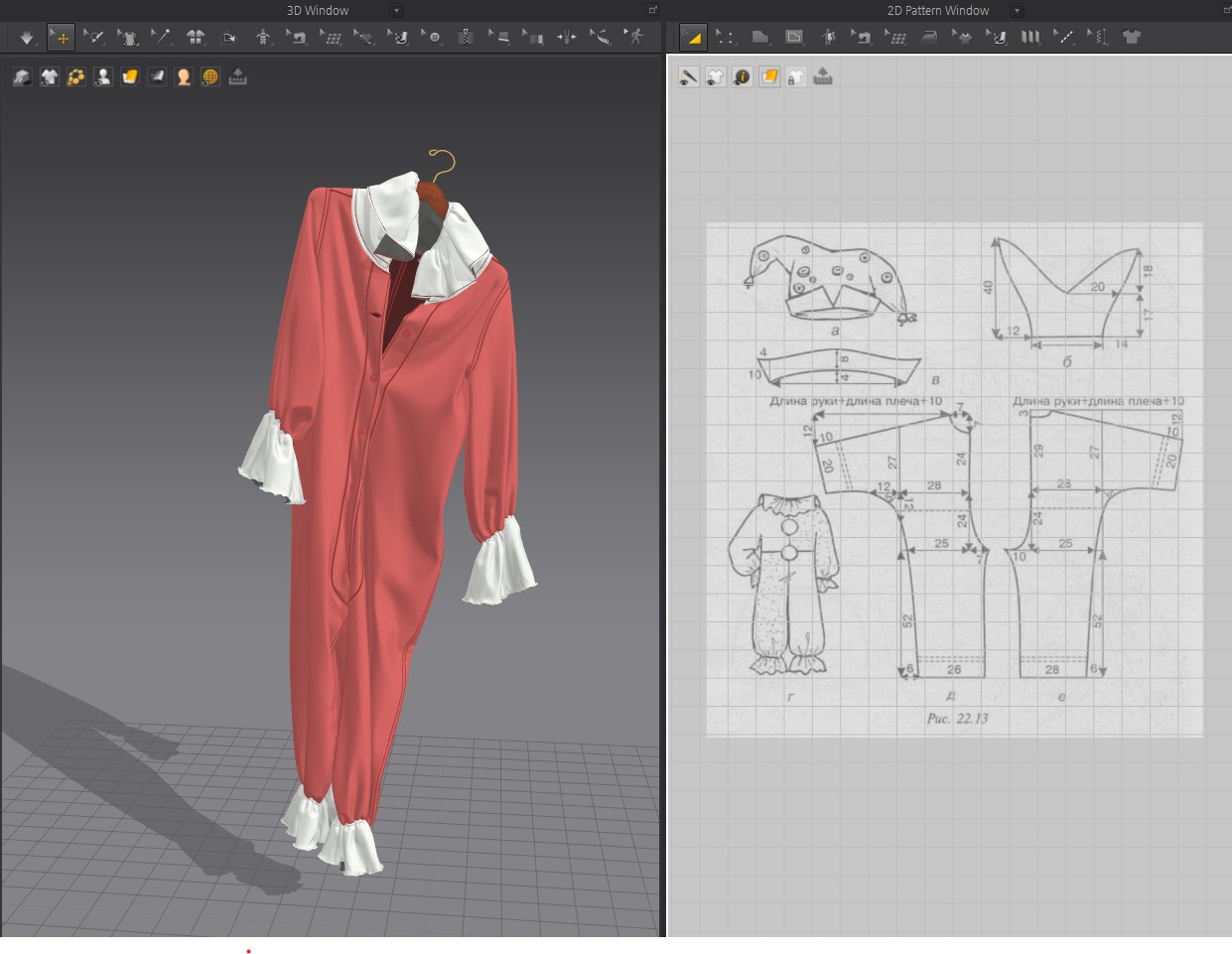
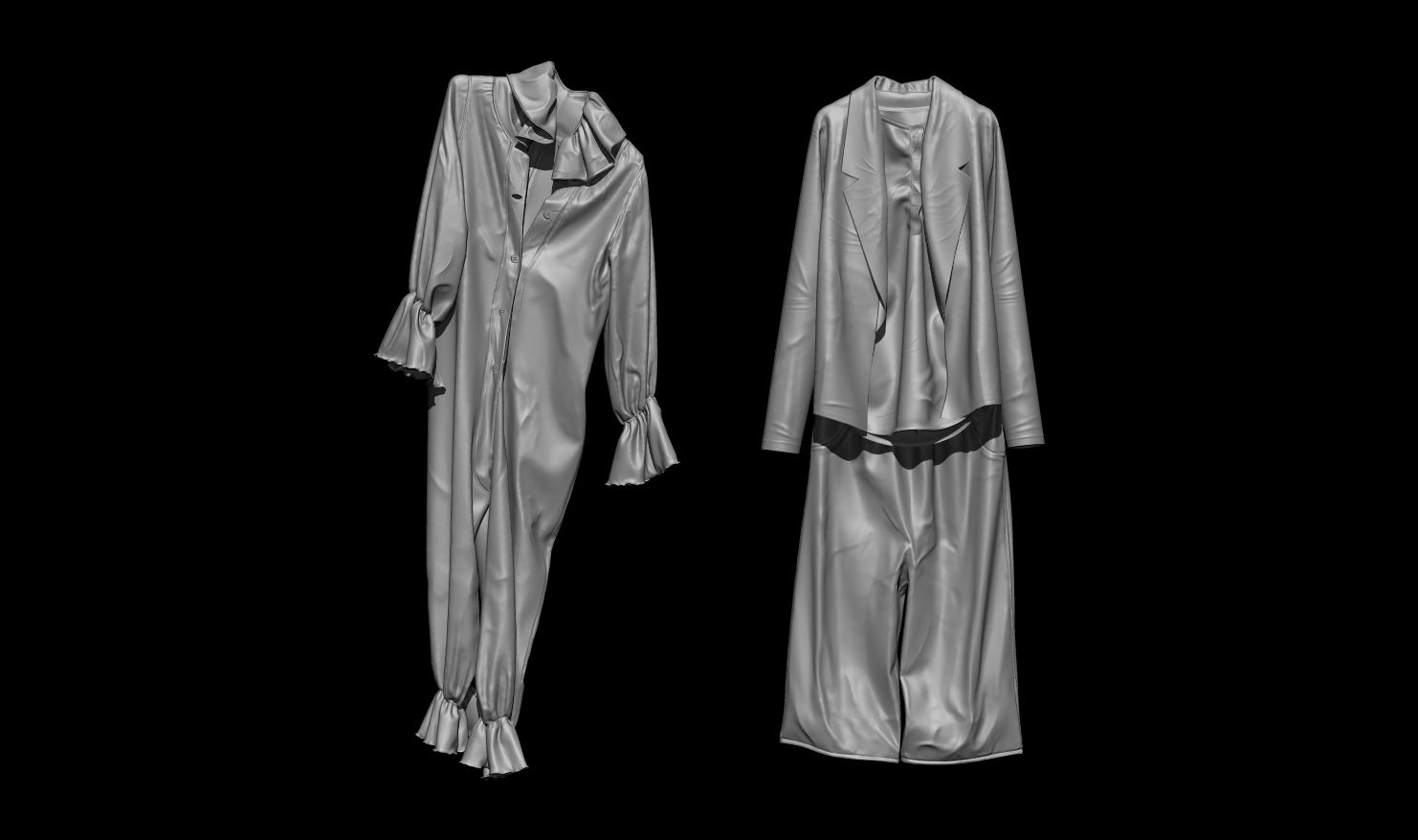
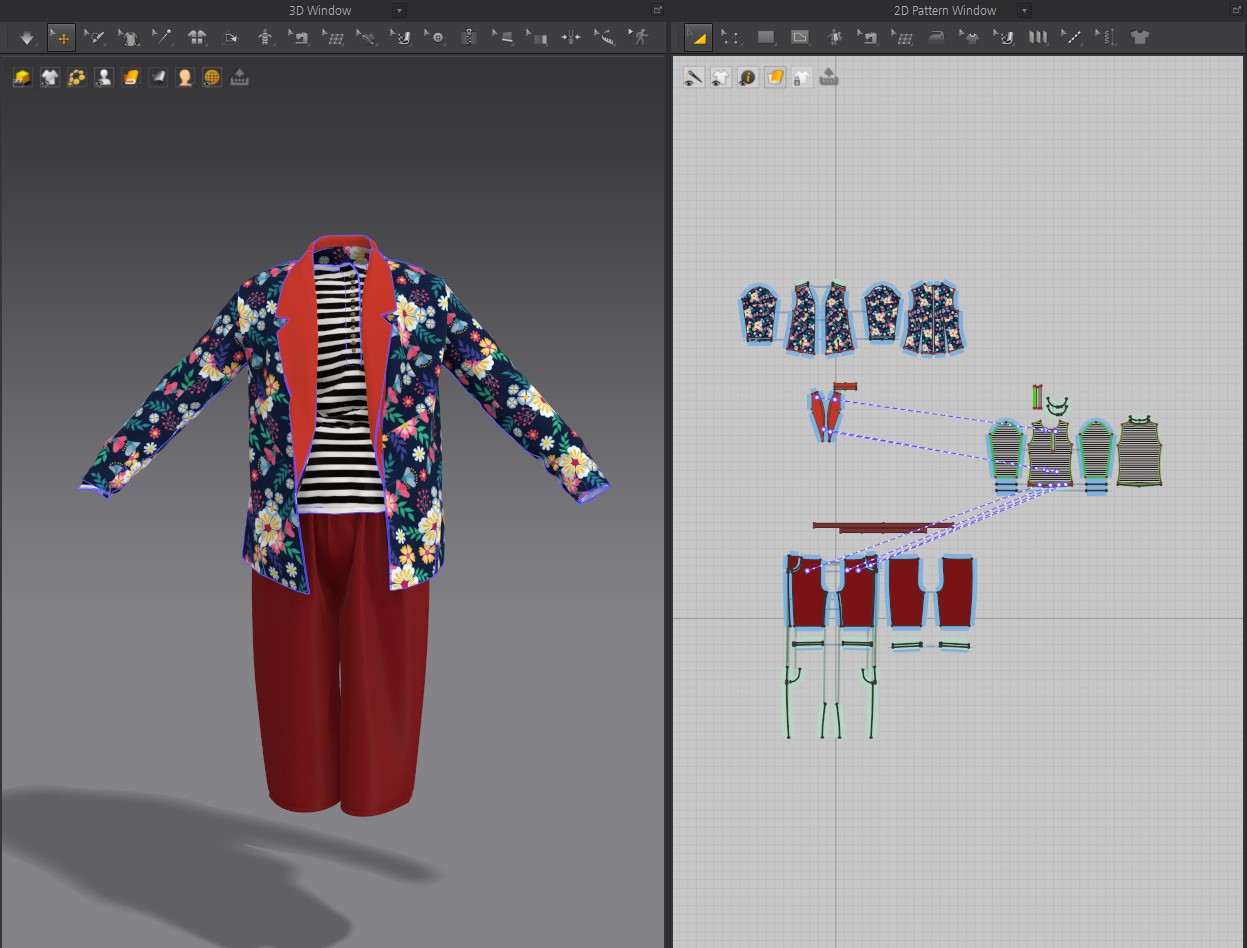
I used Marvelous Designer to create the circus costume, specifically capturing the way it would naturally hang and stretch on a hanger.
First, to dress the character model, I imported an image of a circus sewing pattern as a background into Marvelous Designer's 2D pattern workspace. This approach made it much easier to establish the basic shape of the garment.
Once the costume was created, I simulated it hanging on a hanger within Marvelous Designer to achieve natural wrinkles and draping. I was very satisfied with the result, as it effectively captured the authentic feel of a well-worn piece of clothing carelessly hung up. What was particularly helpful was the ability to naturally express the feeling that the creases and flow of the garments held the stories of their owners.
From there, I exported the model to ZBrush for additional detailing and then used TopoGun to create a low-poly version. The most challenging part was the low-poly modeling, as I had to work with the garment in its already draped state. The areas where clothes overlapped or had deep, complex wrinkles and curves were especially difficult to handle.
What was the most impressive feature or experience you had while using Marvelous Designer?
(It would be great to focus on what you feel are Marvelous Designer's unique strengths compared to other 3D tools, and at which stage of your overall workflow it played the most critical role.)
The most impressive aspect of working with the software was the ability to see real-time simulation results immediately after making adjustments.
Although I am an environment artist, not a character artist, I found Marvelous Designer to be incredibly intuitive and engaging. The ability to easily get started by imagining a design or referencing a 2D pattern was a huge plus.
Within my overall workflow, I believe Marvelous Designer played its most critical role during the crucial garment creation stage, where achieving a natural silhouette and an emotional narrative was key.
If you are planning future projects using Marvelous Designer, in what direction would you like to expand your work?
I truly enjoy creating props that I find impressive in my daily life.
Personally, I would love to take on an in-depth project centered around a retro leather jacket, combining Marvelous Designer with various other 3D tools to bring it to life.
Artstation
이 작업은 EnvironmentalArt, Pattern, Rendering, Simulation, ZBrush, Topogun 등의 기술로 제작되었습니다.
Marvelous Designer로 이와 같은 3D 의상·캐릭터 작업을 직접 만들어볼 수 있습니다.