Release
Marvelous Designer 2026.1
Key features
Simulation
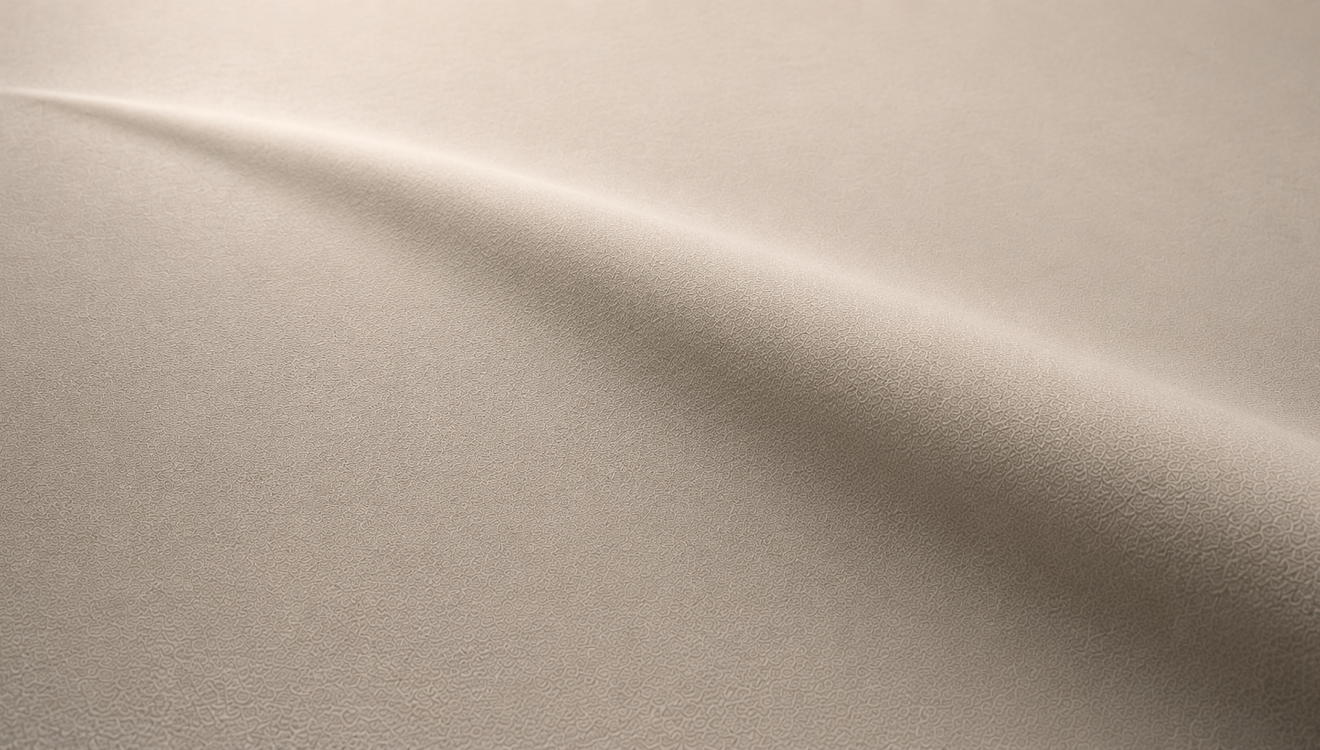
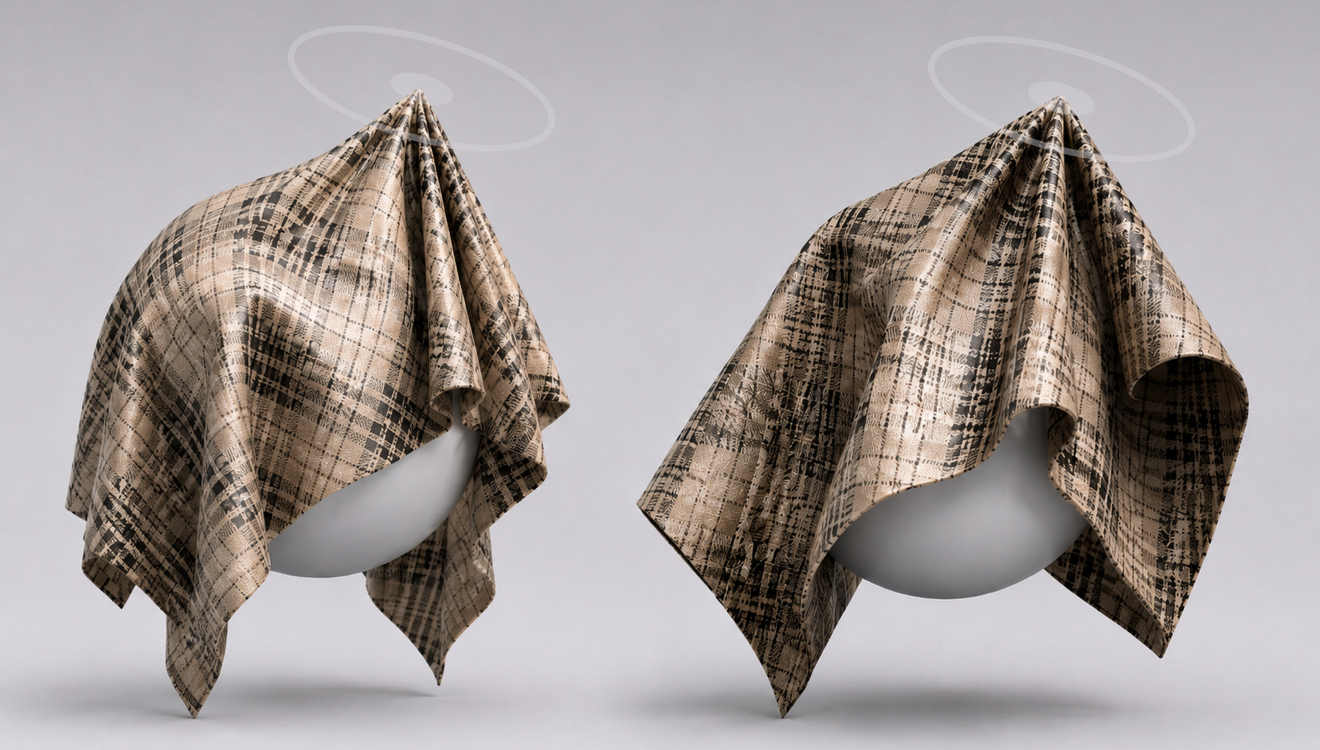
Brush Pinching
Intuitively create detailed forms, such as wrinkles, by applying pinching based on brush strokes and strength in the simulation environment
Usability
Pinching Simulation Override
Temporarily override global and fabric simulation values during pinching to help control detailed form changes, such as wrinkles, more stably
Simulation
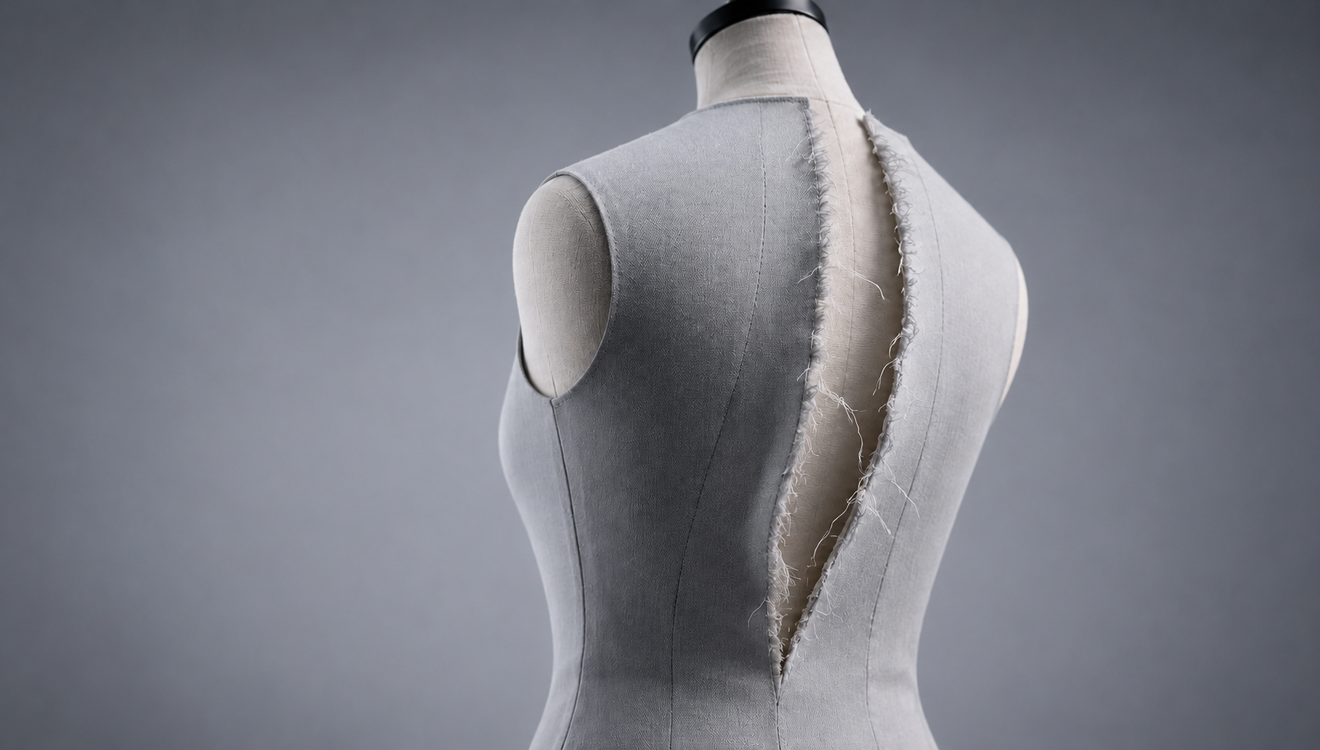
Seamline Ripping Tool [Beta]
Seamlines can be ripped in real time based on applied force, with natural fraying along the torn edges.
Animation
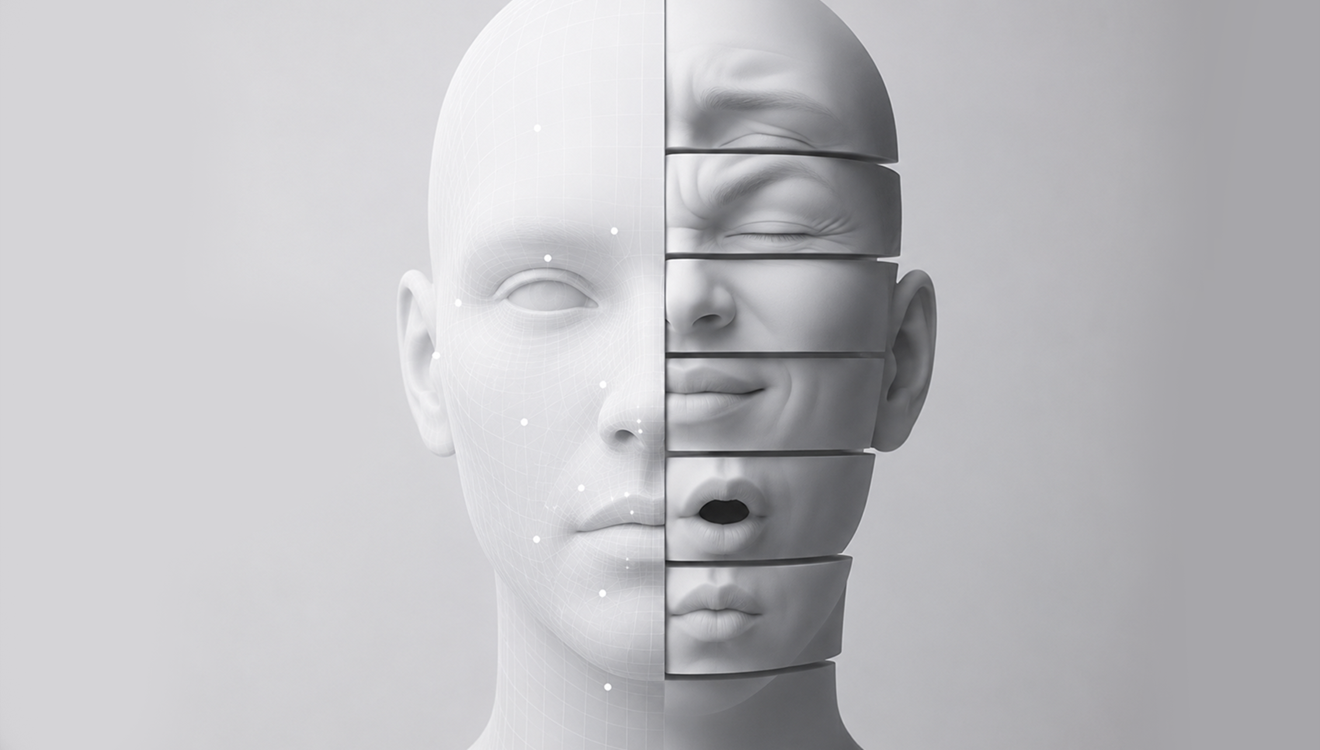
Blend Shape Animation
Record changes in avatar Blend Shape values as animation keyframes to naturally express movement and shape transitions.
What's new in Marvelous Designer 2026.1?
Download and explore the evolutionary features now!
© Olivier Caron All Rights Reserved.All Features
Simulation
Brush Pinching
Intuitively create detailed forms, such as wrinkles, by applying pinching based on brush strokes and strength in the simulation environment
Usability
Pinching Simulation Override
Temporarily override global and fabric simulation values during pinching to help control detailed form changes, such as wrinkles, more stably
Simulation
Seamline Ripping Tool [Beta]
Seamlines can be ripped in real time based on applied force, with natural fraying along the torn edges.
Animation
Blend Shape Animation
Record changes in avatar Blend Shape values as animation keyframes to naturally express movement and shape transitions.
Usability
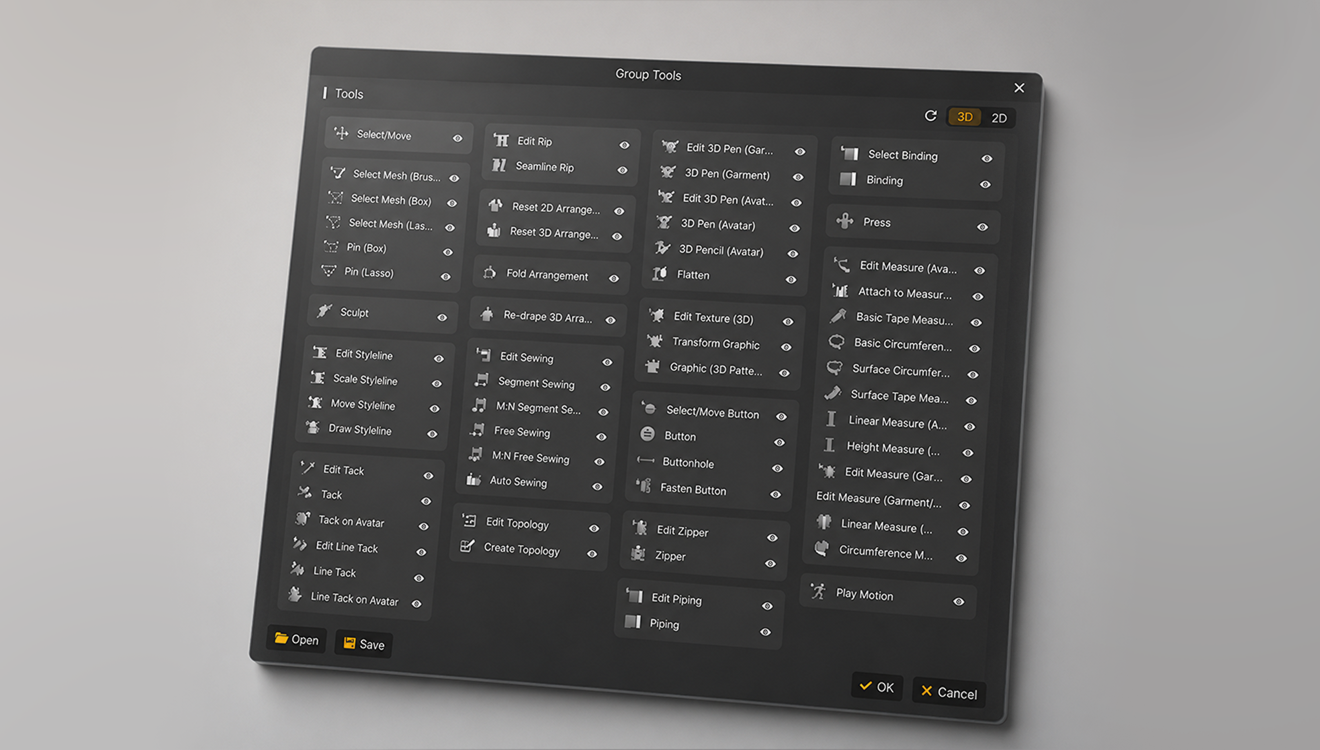
Toolbar Customization
Customize the position and visibility of tools in the 3D/2D toolbar.
Usability
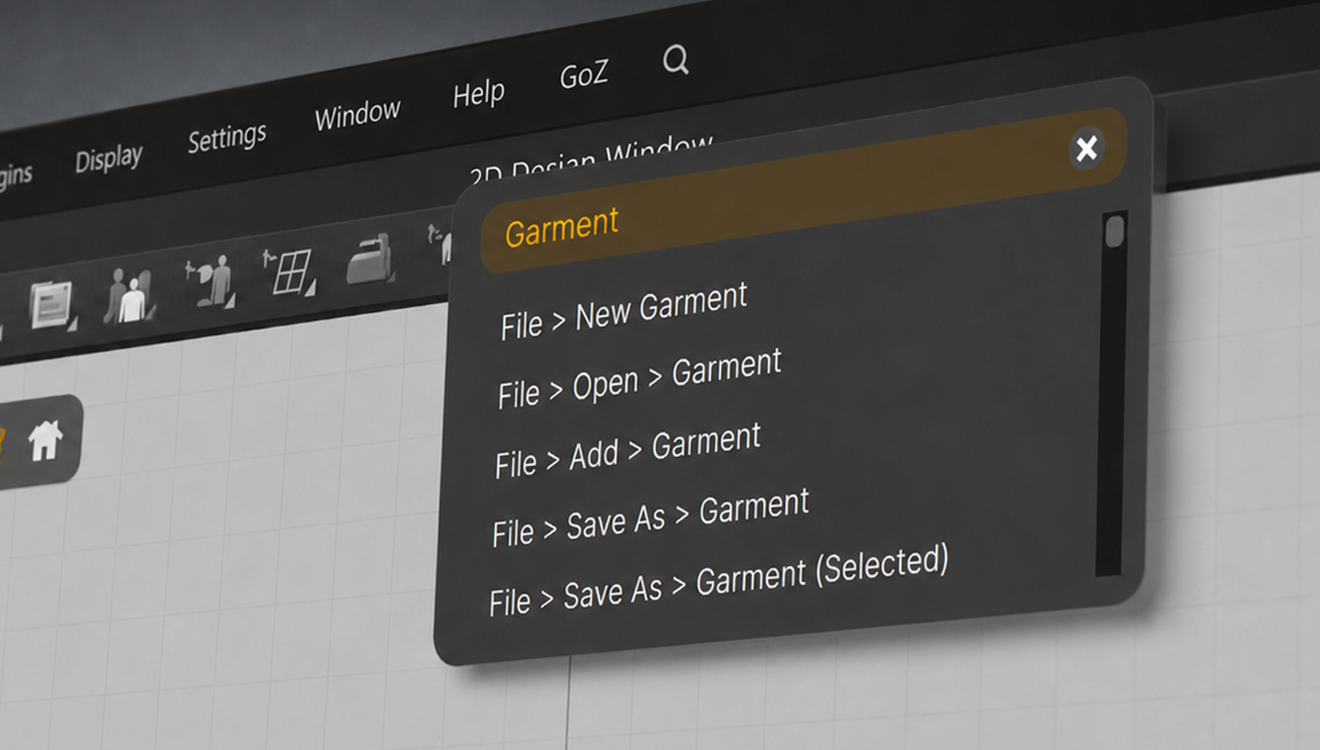
Global Menu Search for Windows
Quickly access and use the features you need through menu search.
Material
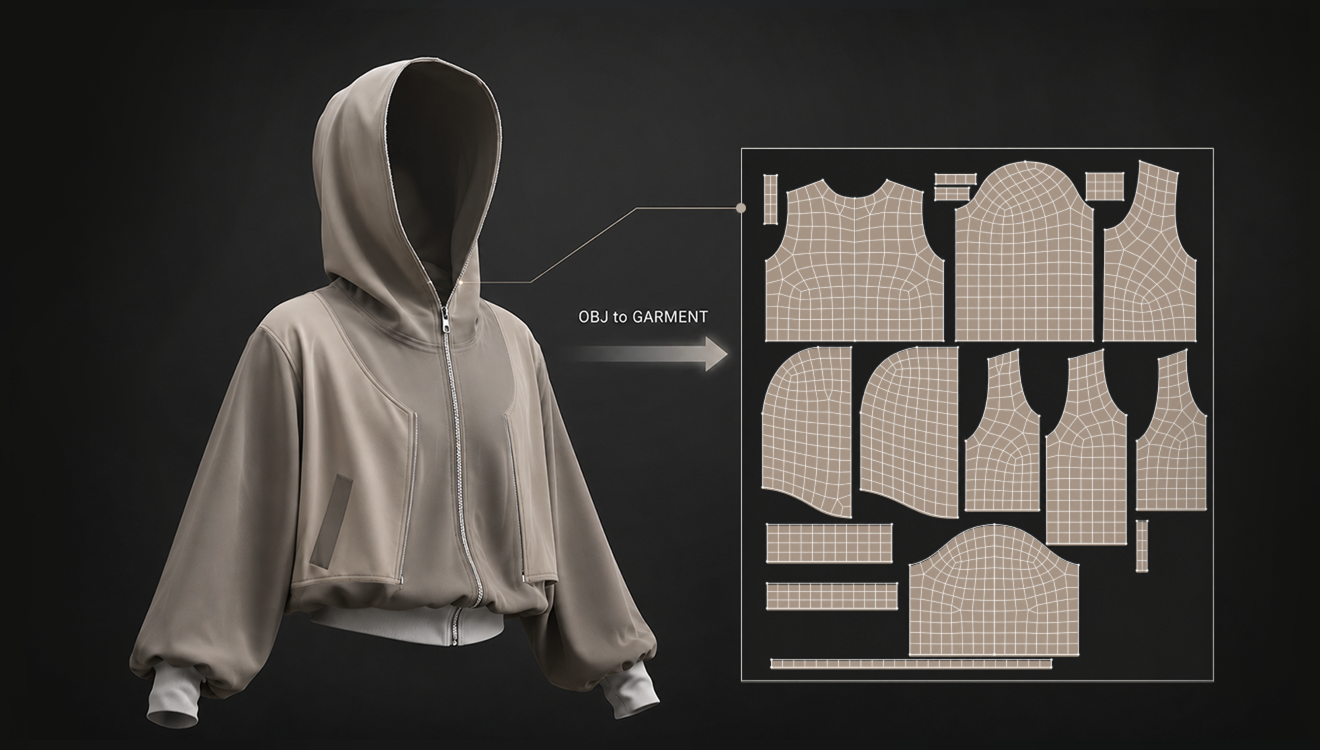
Garment OBJ UV Preservation
Preserve original UVs and material data when importing OBJ files as Garments for a smoother texture and UV editing workflow.
Simulation
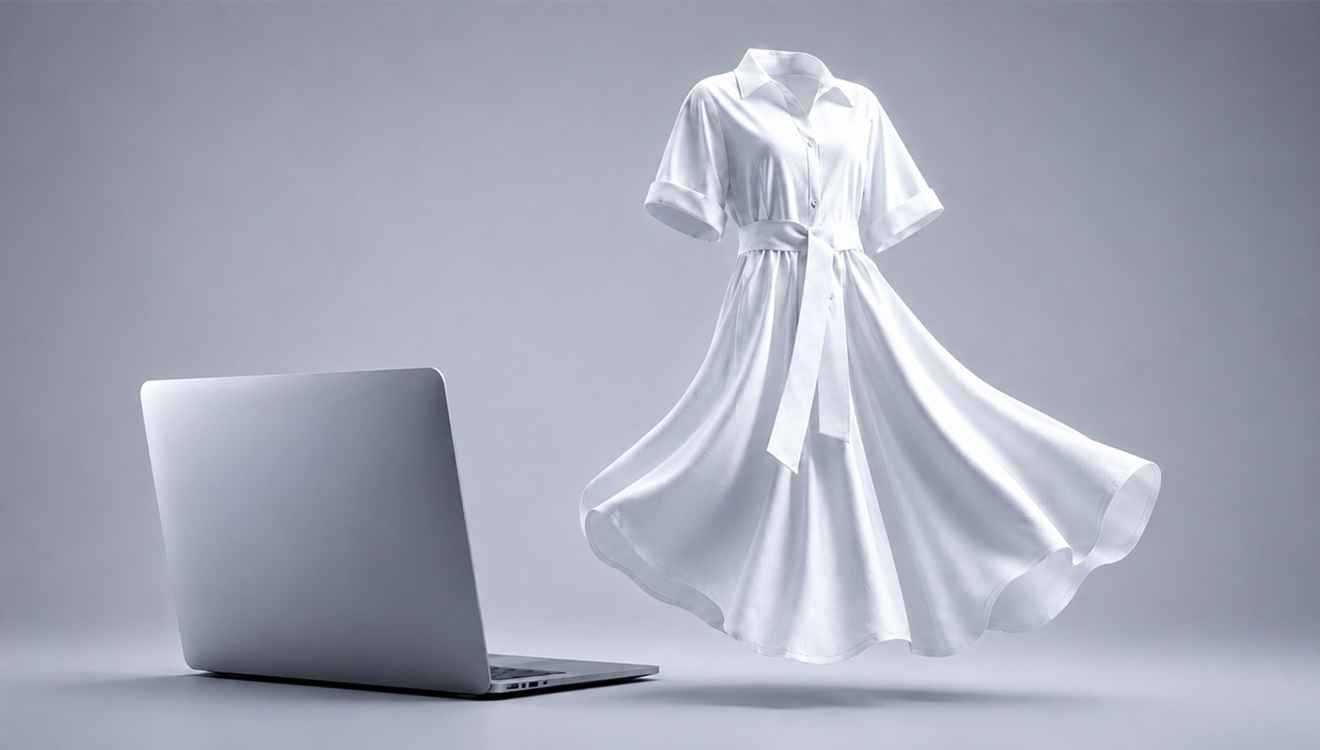
MacOS GPU Simulation
Support Metal-based GPU simulation on Apple Silicon to provide faster and more natural garment simulation.
Simulation
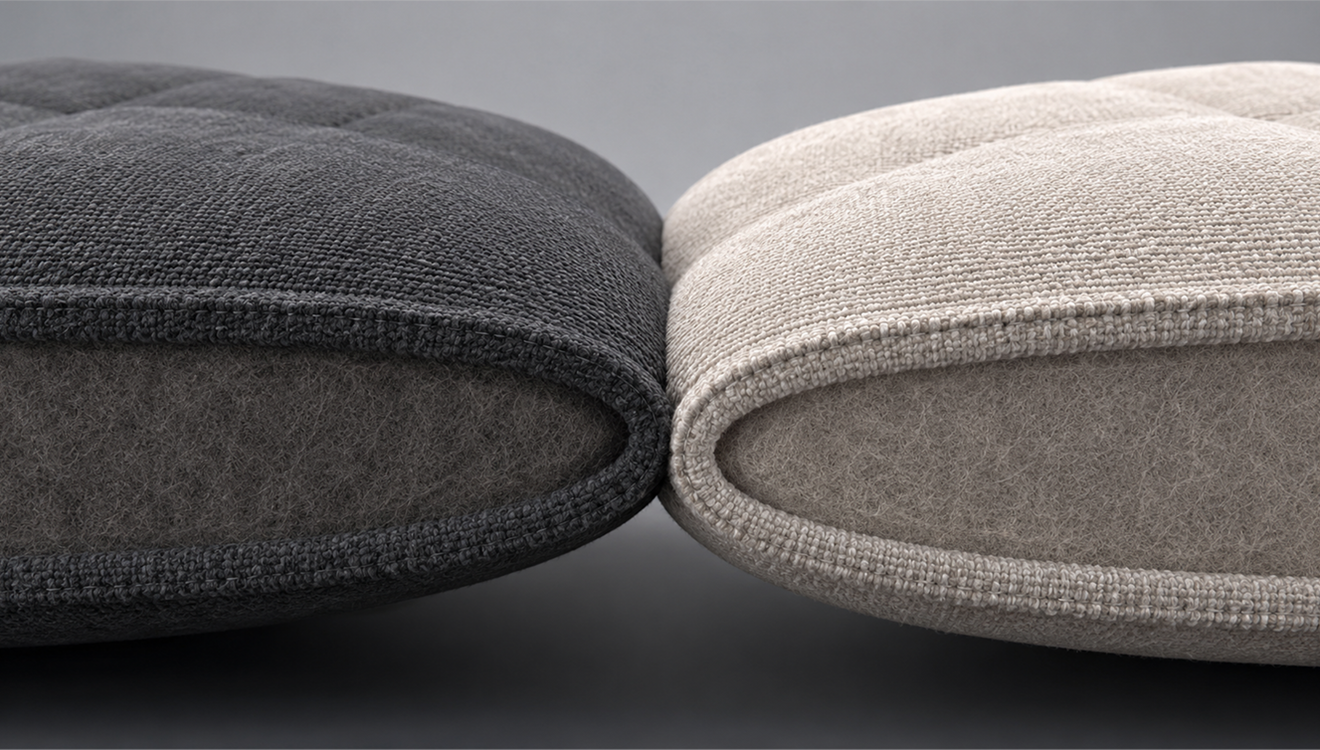
Align Collision Direction with Render Direction
Sync collision thickness with render thickness direction for more accurate simulation results that match the visual thickness.
Pipeline
Camera Import & Export
Import and export camera data through FBX and glTF/GLB files to reliably preserve scene composition.
Garment
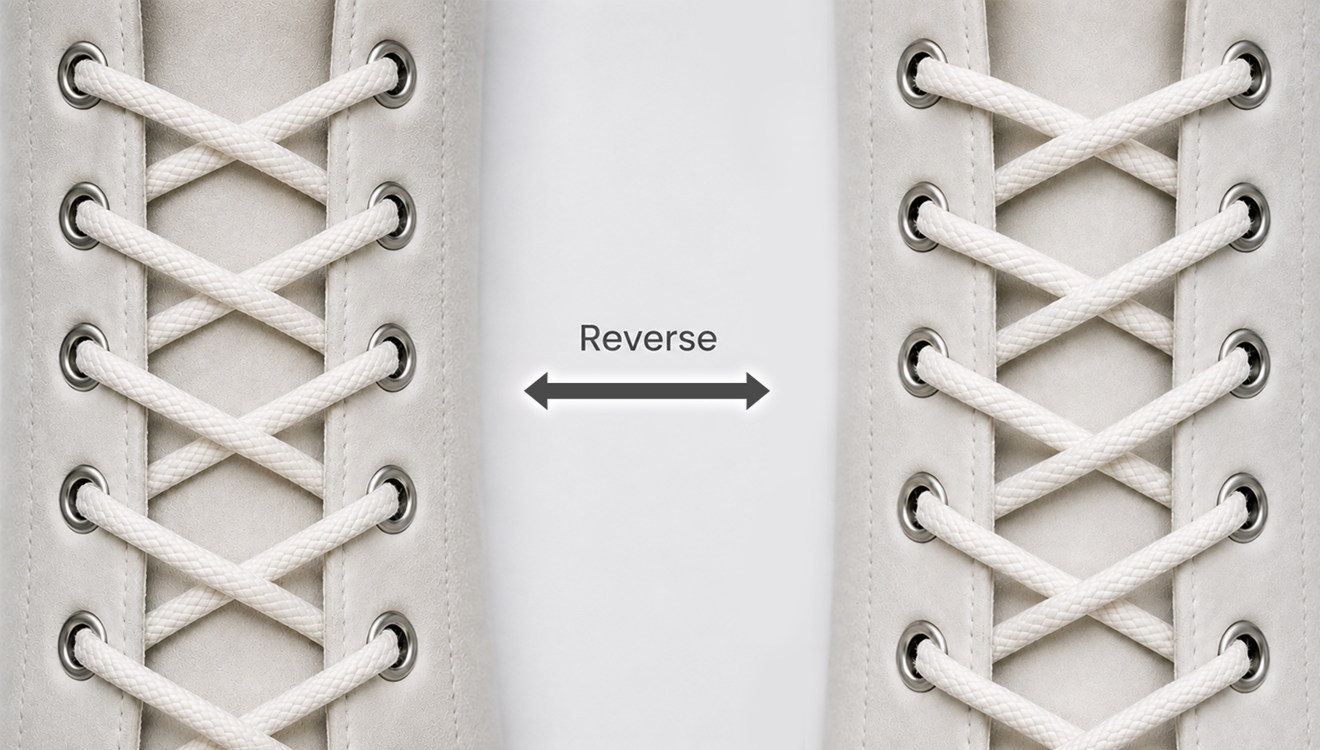
Edit Lacing Tool
Edit the existing lacing into the desired shape by progressively adjusting its direction and curvature.
Garment
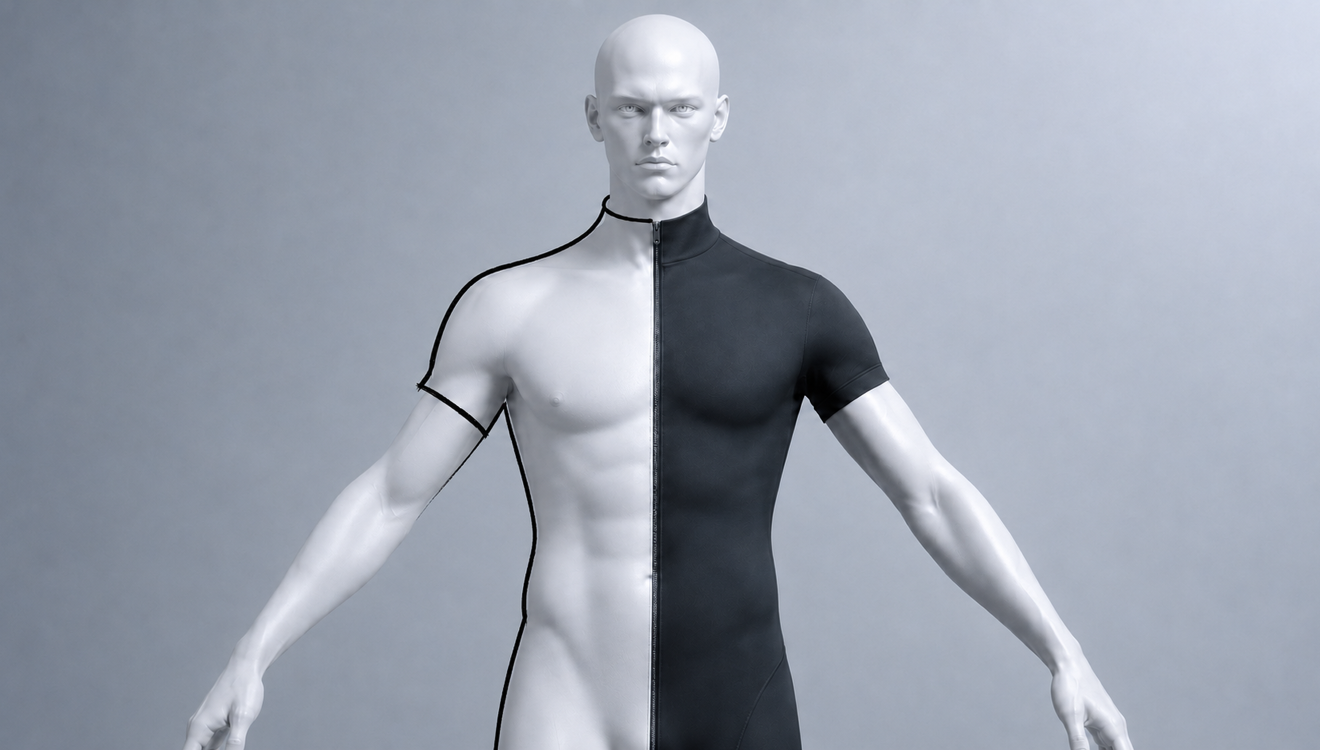
3D Pencil: Symmetry Side Lock
Draw more reliable symmetrical lines with the 3D Pencil by ignoring inputs that cross the center line.
Garment
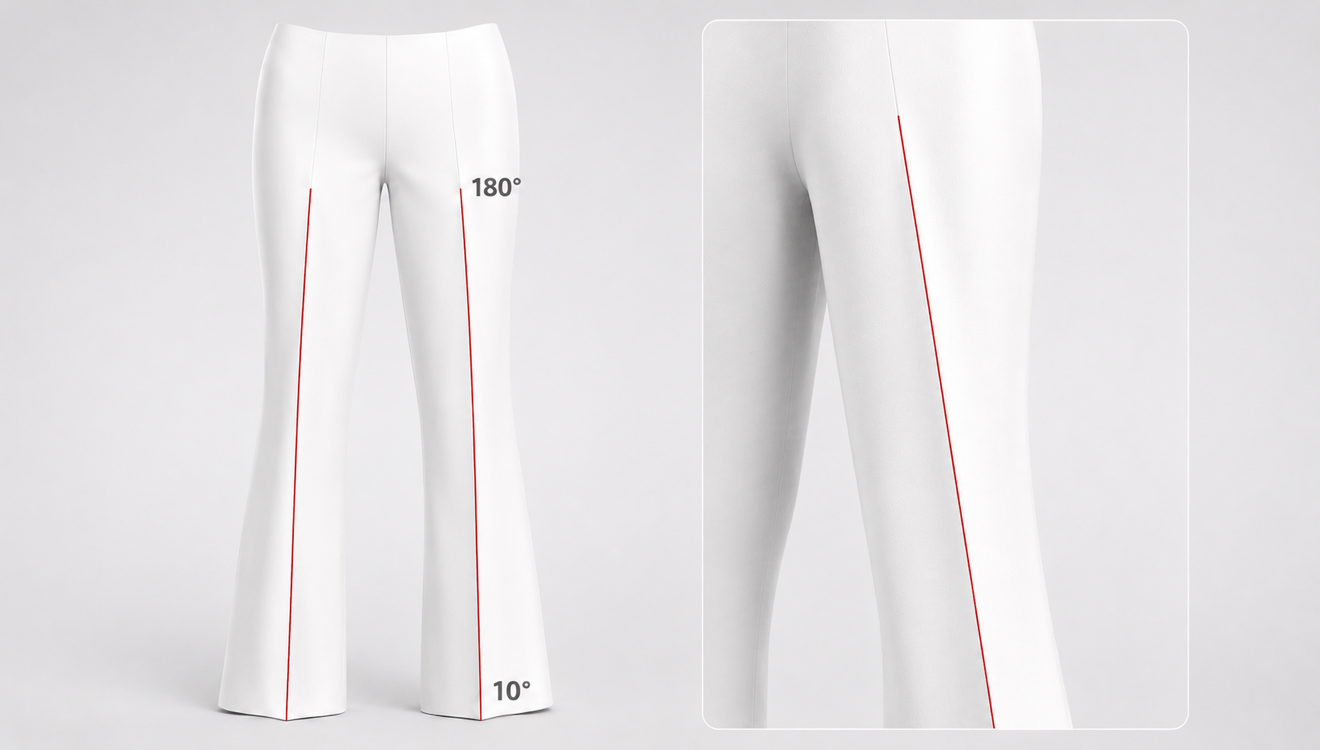
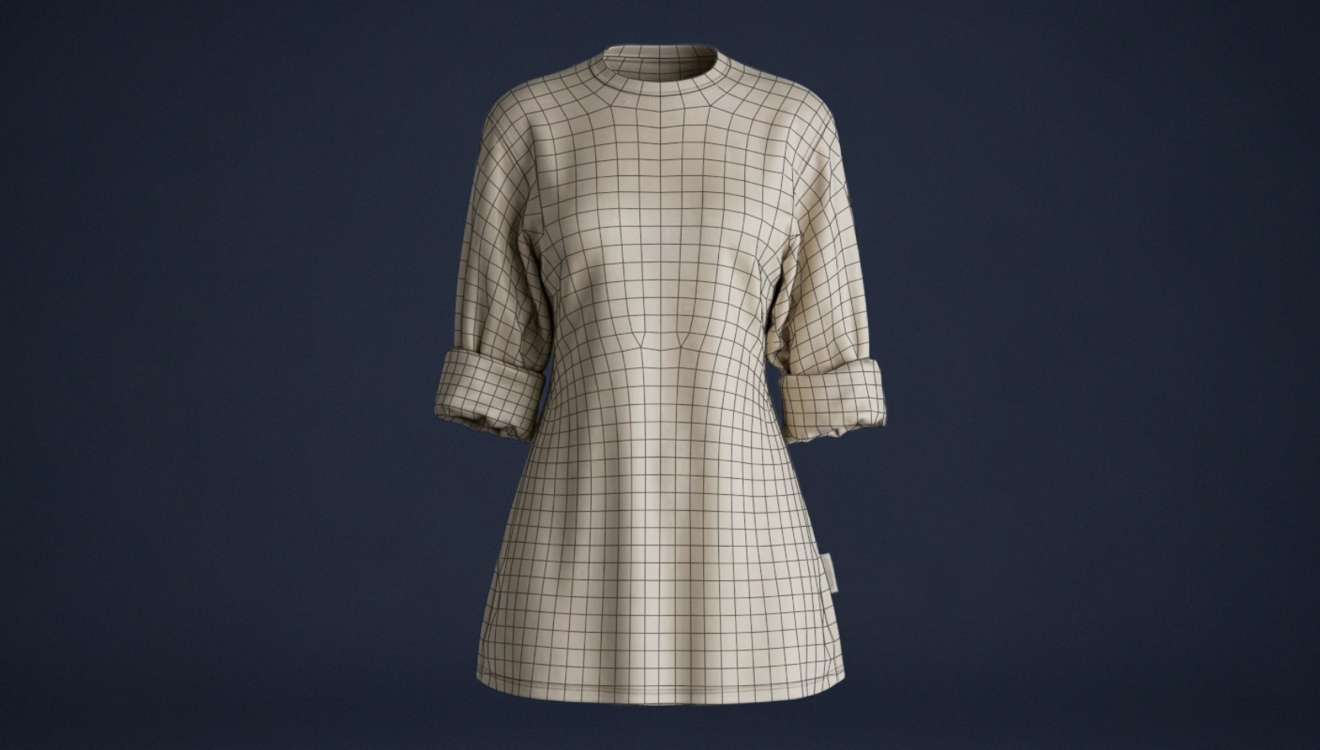
Variable Fold Angle
Apply different Fold Angles to the start and end points of an Internal Line to create smoother, more natural folds.
Garment
Symmetry Sync for Half-Symmetric Patterns
Mirroring one side of a half-symmetry pattern mesh to the other side keeps the topology balanced and synchronized while improving meshing speed.
Pipeline
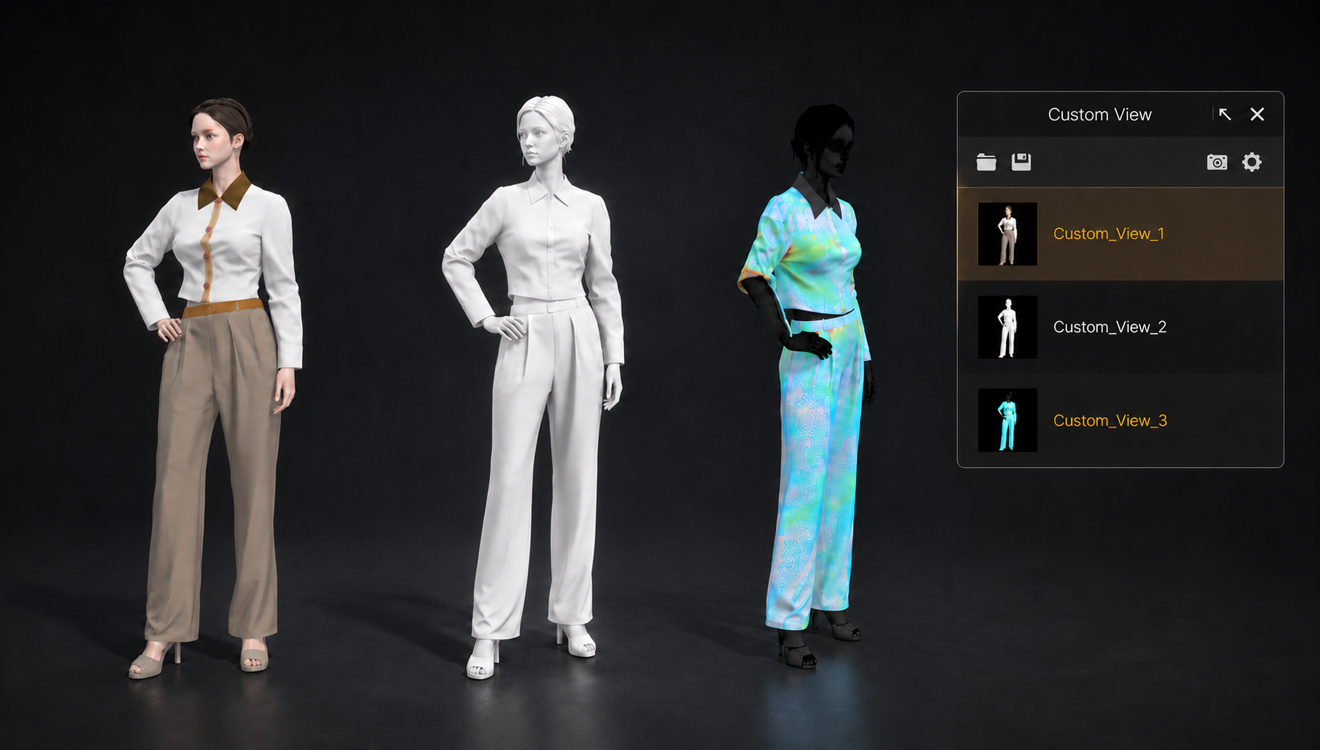
Display State for Custom View
Save 3D display states in Custom View to preserve consistent scene states across the rendering pipeline.
Usability
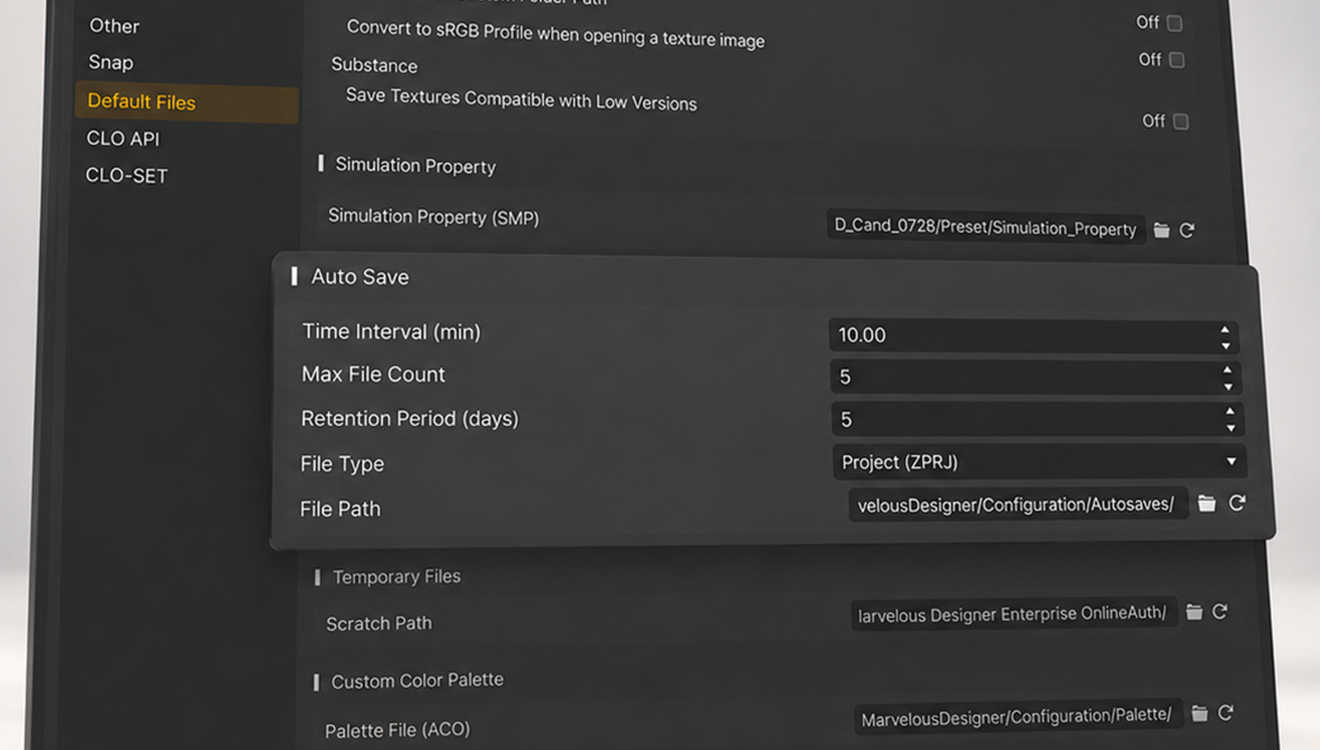
Time-Based Autosave
Keep multiple autosave versions and manually choose the best recovery point after a crash or file corruption.
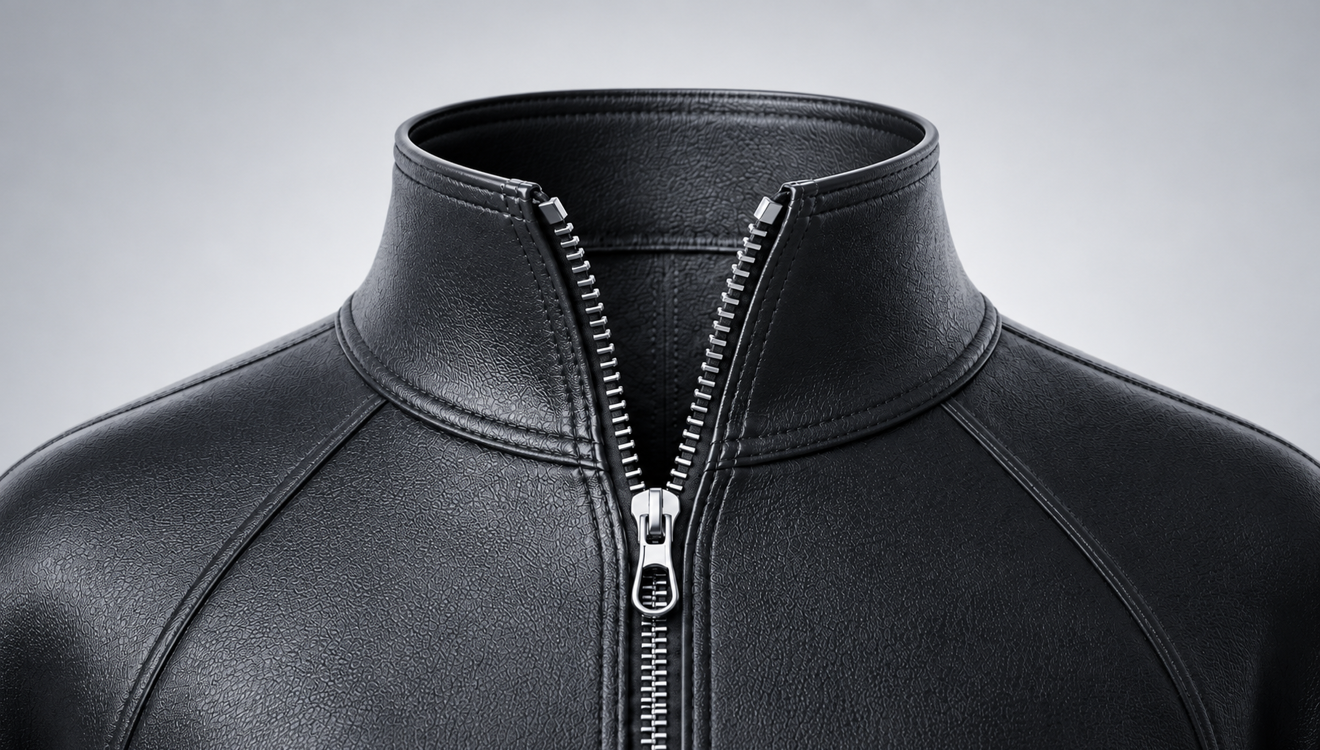
Garment
Zipper Placement Improvement
Create functional, realistic zippers more easily with improved placement accuracy and more reliable zipper ghost behavior.
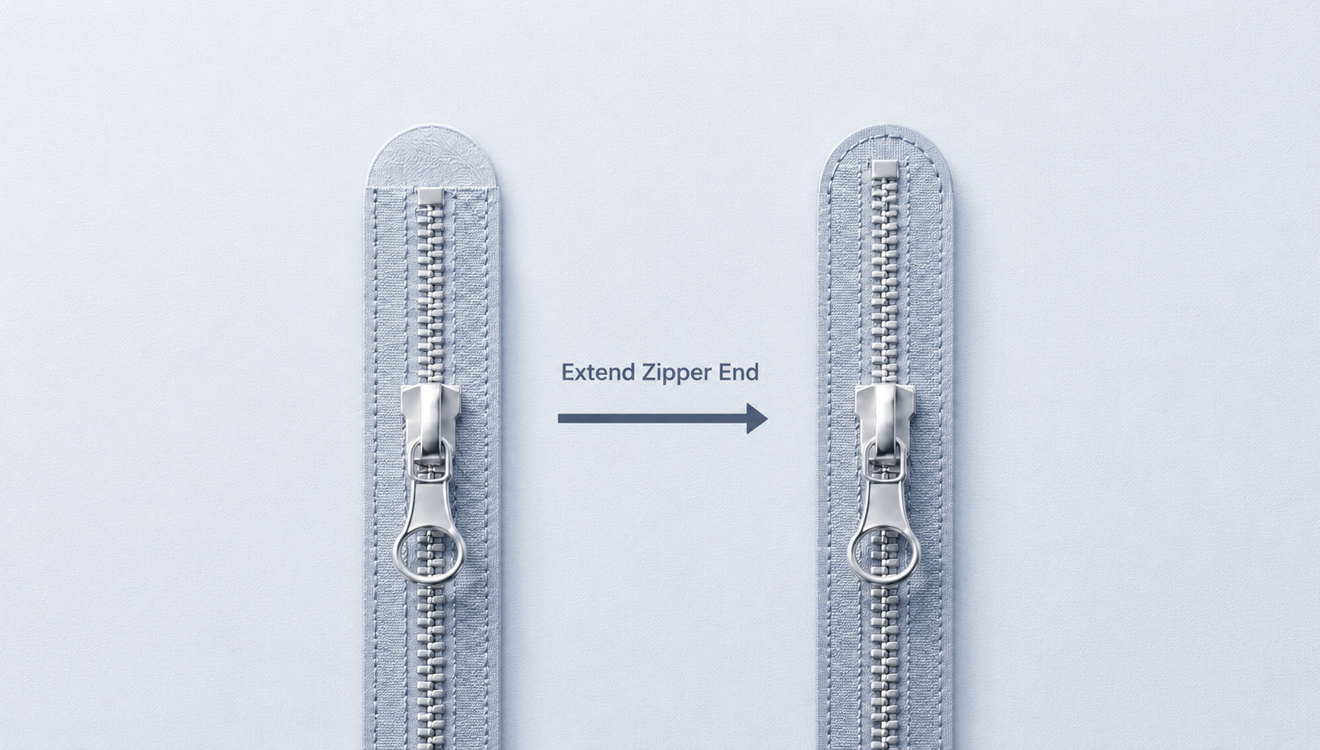
Garment
Zipper End Extension
Extend zipper ends by a specified length to fill gaps on curved or slanted pattern edges to create a cleaner finish.
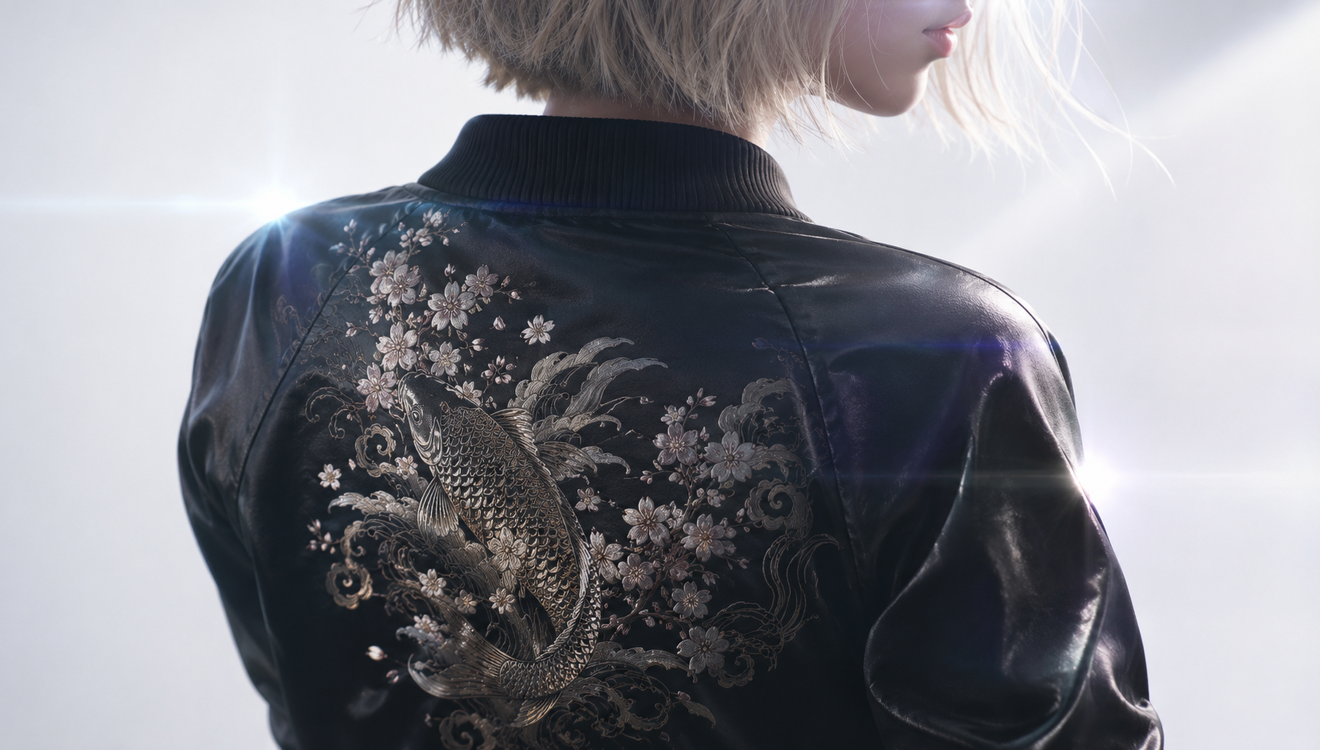
Material
Lock Graphics
Lock graphics to prevent unintended changes to position, size, and settings.