Sculpted Wrinkles vs. Simulated Cloth: A Hybrid Workflow for Cinematic Characters
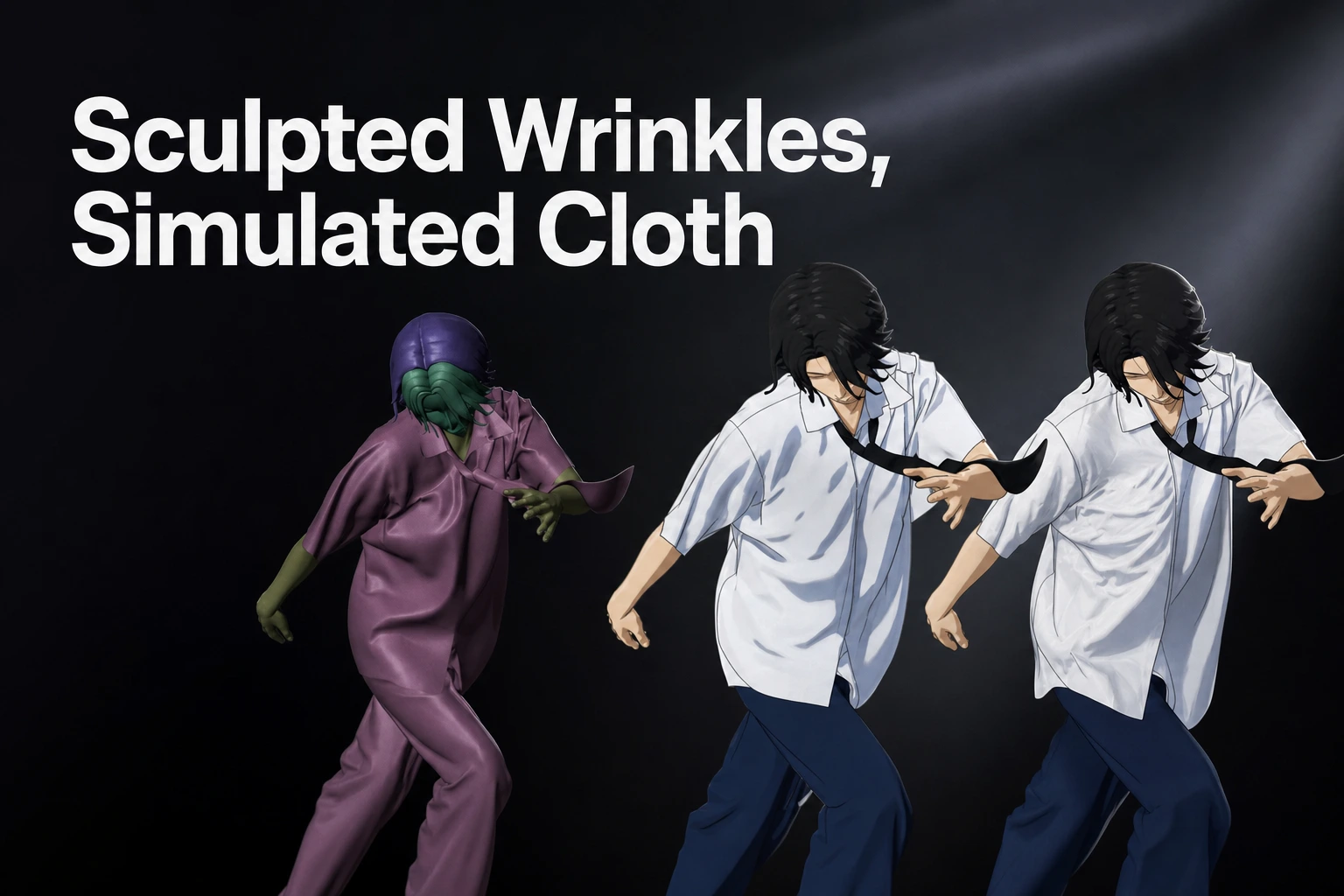
Sculpted wrinkles place exact folds in a hero frame, while simulation adds changing drape and contact; combine them when a moving shot needs both.
Key takeaways
For a locked hero frame, sculpt the folds the camera needs; for a moving shot, build on cloth motion and add art-directed corrections where the shot calls for them.
- Hand-sculpting gives direct control over the wrinkle layout in a chosen pose and view.
- Cloth simulation provides changing folds as the character moves and the garment contacts the body or other objects.
- Marvelous Designer can establish an editable, pattern-based garment and its baseline drape.
- Use shot-specific simulation and sculpted detail together when the sequence needs both motion response and a deliberately composed image.
A single cinematic frame and a moving shot ask clothing to do different jobs. In a still, the question is whether the folds, silhouette, and shading sell the intended pose from the chosen camera. Across a sequence, those same features also have to develop with motion, gravity, and contact.
For one final pose, a sculpted wrinkle can be the clearest route to a specific crease or silhouette. For clothing that moves, simulation gives the garment a changing drape; a hybrid workflow combines that changing base with art-directed details. Marvelous Designer belongs at the garment-construction and baseline-draping stage: artists can edit 2D pattern pieces, sew them, arrange them around an avatar, and simulate the garment in 3D.
For a single hero frame, which wrinkle approach reads best?
For a locked close-up, choose the method that places the important folds where the camera can read them. Sculpting is a strong fit when the frame calls for a deliberate crease, a controlled silhouette, or a wrinkle that stays in one designed pose. Simulation is useful when the folds should emerge from the garment’s drape, construction, and contact with the body.
| Decision for the still | Hand-sculpted wrinkles | Simulated cloth |
|---|---|---|
| Main control | The artist places and shapes the folds for a chosen pose. | The garment deforms through a cloth simulation, with folds arising from its setup and interactions. |
| Strong fit | A locked pose, close crop, or specific silhouette needs precise art direction. | The frame should show a drape shaped by cloth behavior, body contact, or gravity. |
| Camera relationship | The artist can tune the form to the final view and composition. | The artist evaluates the resulting drape in the pose and view being rendered. |
| Useful starting point | A posed garment surface or a simulated base can receive local sculpted adjustments. | Pattern construction and a baseline drape provide a garment surface to evaluate. |
In “Connecting Look and Feel,” an MIT and Tsinghua University study of fabric appearance and touch, the authors built a dataset of 118 fabrics, each draped 10 times over a cylindrical post and captured with color and depth images. The paper’s related-work section cites earlier research by Xiao et al. reporting that people matched visual and tactile fabric properties with high accuracy, and that color and three-dimensional folds were the most important cues for visual perception. For a hero frame, inspect the broad fold pattern and its light-and-dark read at the final camera scale, not just the detail seen close to the model.
In the study’s own neural-network experiments on a small dataset, the networks extracted fabric properties better from depth images than from color images, and pressing on folded fabric revealed more properties than pressing on flat fabric. The authors also draped the same fabric twice: the two images differed, yet both conveyed its mechanical properties. A second, heavier and thicker fabric looked and felt different from the first. For a camera test, compare the garment’s large fold structure with its color and material read, then judge their combined appearance under final lighting. This helps distinguish the cloth’s overall material cues from one exact fold map: a pose-specific sculpt can adjust a local crease while the larger drape still communicates the intended fabric weight and flexibility.
A frame can make a technically plausible garment appear visually weak when a key fold disappears in shadow, merges with a neighboring crease, or disrupts the intended silhouette. Keep the fold hierarchy legible: establish the large breaks that describe the garment’s mass, then add smaller wrinkles where the camera resolves them.
Treat a silhouette mismatch as a garment-shape problem and one weak crease as a local sculpting task.
For example, imagine a locked close-up of a character leaning over a table. The shoulder and upper sleeve may define the silhouette, while a fold near the elbow tells the viewer how the arm is bent. If the simulated base supplies a convincing drape but places that elbow fold outside the camera’s readable area, a pose-specific correction can place it deliberately. The image remains the test: a beautifully detailed wrinkle set that disappears at final resolution contributes less than a few clear forms that survive the shot’s lighting and crop.
In research on a perceptual control space for garment simulation, the authors mapped terms such as “flowiness” and “softness” to simulation parameters using participant ratings. That work shows one way to make simulated behavior art-directable through familiar material descriptions. It supports evaluating the cloth’s overall character, while a hand-shaped wrinkle remains the more direct choice when the required result is a particular contour in one frame.
What changes when the character and garment move?
Motion turns a wrinkle from a shape into a pattern that changes over time. A fold may deepen as an elbow bends, shift as cloth slides over a leg, or settle after the character stops. A single sculpted pose represents its authored shape; a moving shot needs a plan for the transitions between poses as well.
The shot’s motion helps determine how much dynamic behavior the garment needs. A character turning, running, reaching, or sitting creates changing body contact and cloth deformation. A cape or loose sleeve may lag and settle after a turn, while a tight cuff may mainly need wrinkles that follow the arm pose. For shots with visible changes like these, use simulation or an animated wrinkle method that accounts for the movement across frames.
A 2005 art-directed wrinkle system for CG character clothing from PDI/DreamWorks offers a useful middle ground. Artists create wrinkles on a small set of reference poses, and the system interpolates those patterns during animation using local surface stress. The authors say it complements dynamic cloth simulation in their production pipeline, where looser garments are simulated and tighter ones use the wrinkle system, and they acknowledge that the visual results of dynamic simulation are preferable to a kinematic solution. The lesson for a shot team is to treat authored wrinkle patterns as a way to direct pose-dependent detail, while reserving dynamic cloth for motion and interaction that the shot needs to show.
In the published wrinkle system, artists typically create patterns on 10 to 12 reference poses, including an undeformed rest pose. The system compares local surface-stress maps at each animation frame with the reference poses, then filters the blend weights to transition between authored wrinkle patterns. This gives pose-based wrinkle authoring a defined role when the shot needs designed creases to change with character movement.
Cloth can also preserve effects of recent deformation. A 2025 study of time-dependent persistent wrinkles models wrinkles that remain after cloth has been deformed for a period, such as creases around a knee after sitting, and change as the deformation continues or relaxes. Its experiments report spatially and temporally varying fine wrinkles under the proposed model. It highlights a practical review question: does the shot need fabric to retain a crease after contact, or should the garment return quickly to a smoother shape?
A 2023 paper on motion-inspired garment synthesis with temporal consistency likewise treats the motion sequence as a central input: its proposed workflow generates garment dynamics from body motion and aims for spatial and temporal coherence. The paper reports that its network retained wrinkles from physics-based simulation in its own experiments. For artists, the useful criterion is continuity: folds should develop in a way that matches the body’s movement, rather than popping between unrelated designs from frame to frame.
Review the garment at the start of movement, at the strongest deformation or contact, and during recovery. This catches a fold that reads well at the peak pose but changes abruptly on approach, as well as cloth that settles in a way that changes the character’s intended silhouette after the movement.
Consider a character who reaches across the body and then turns away. The shoulder and sleeve folds need to follow the changing arm pose, while the loose part of the garment may continue moving as the torso turns. Pose-based wrinkle authoring can carry designed creases through reference poses; simulation can supply the changing drape and contact. The team can choose which behavior is visible and important, then review that part of the motion in the rendered camera rather than treating every garment area as if it needs the same degree of dynamic detail.
How can garment construction and simulation support a hybrid wrinkle workflow?
A hybrid workflow gives construction, simulation, and sculpting distinct jobs. The Marvelous Designer Simulation manual describes Simulate as applying gravity so garments fall and drape over avatars or similar objects with collision in their path. That makes the simulated garment a practical starting point for reviewing shape and contact before refining camera-critical folds.
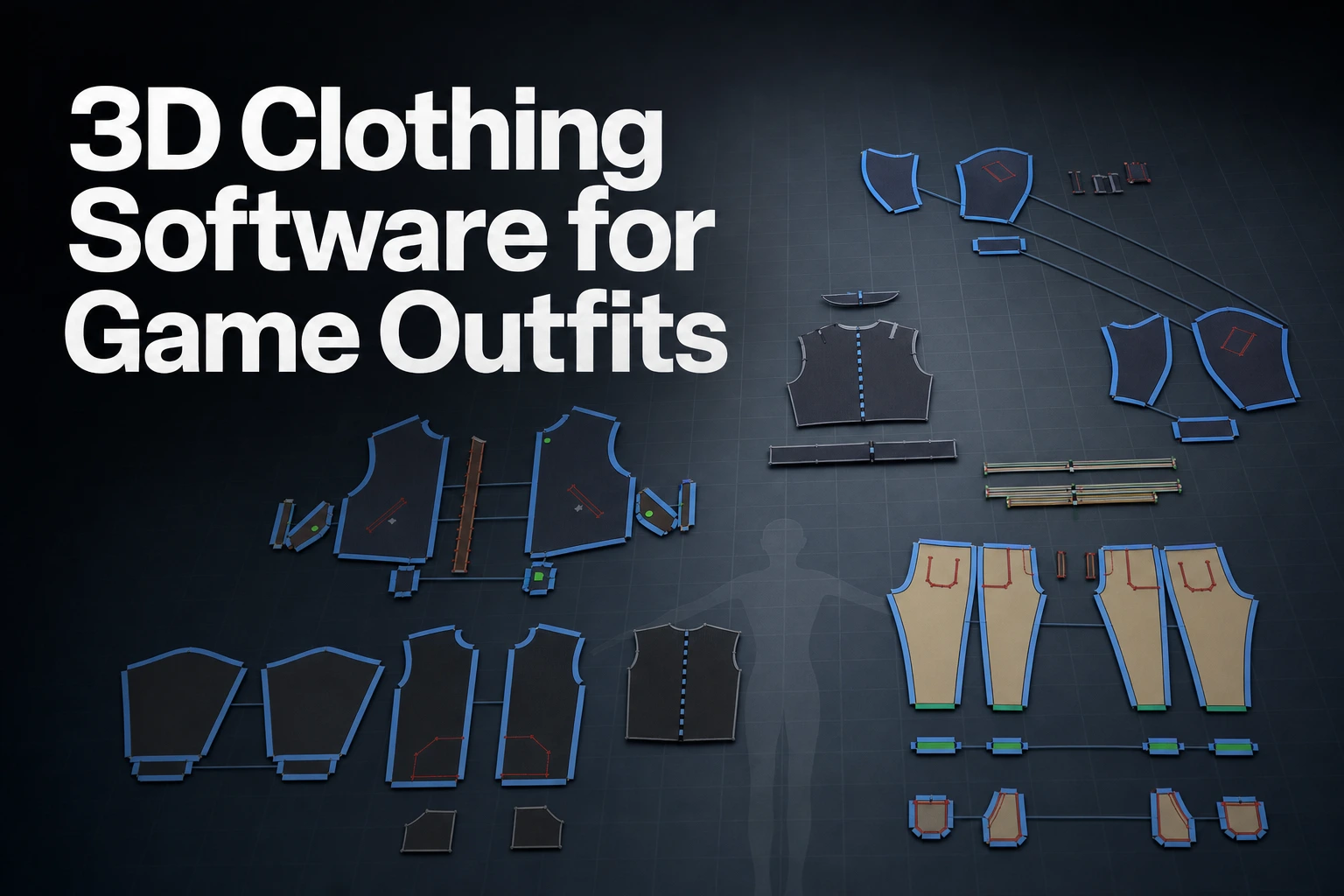
- Build the garment from its pattern. Create or edit the 2D pattern pieces, sew the panels, and arrange them around the avatar. This keeps the garment’s construction visible as a set of pieces and seams rather than treating the entire outfit as an undifferentiated sculpted surface.
- Establish a baseline drape. Simulate the garment on the avatar and review its silhouette, contact, and large fold directions. This pass gives the team a starting garment shape that responds to gravity and the avatar’s collision surface.
- Review the shot and the fold hierarchy. Look at the target pose or animation from the intended camera. Mark the large folds that define the silhouette, the contact folds that explain how the garment meets the body, and the small details that need deliberate placement.
- Sculpt the camera-critical fold. Sculpt a local fold for a hero pose, or use pose-dependent wrinkle authoring when an authored pattern must change across a sequence. Keep the correction tied to the relevant pose and garment area, then review it in motion if the shot moves.
- Add shot-level simulation for motion and contact. A downstream solver can address animation, contact, and collisions in the stage where the shot is being finished. Combine the resulting dynamics with sculpted corrections only where the rendered frames benefit from both.
A 2006 conference paper on generating seams and wrinkles for virtual clothing says that small rippled wrinkles along seam lines have not been fully studied and that garment draping simulations often leave out the boundaries between panels. It proposes a seam model of tension pucker to add those wrinkles. That makes seam lines useful review locations: if puckering or a fold radiating from a seam is important to the design, inspect that area in the baseline drape and shape the correction around the seam instead of placing an unrelated wrinkle across it.
A 2020 paper by Wu, Geng, Zhou and Fedkiw, “Skinning a Parameterization of Three-Dimensional Space for Neural Network Cloth,” presents a learned framework that embeds cloth in a tetrahedral mesh around the body, with the mesh constrained to follow the body surface as it deforms, as a volumetric parameterization for cloth deformation. A separate 2024 hybrid framework for loose-clothing animation combines low-degree-of-freedom physics simulation for motion with learned reconstruction of higher-resolution shape. The authors treat simulated degrees of freedom as virtual bones, skin them into a coarse dynamic mesh, and use a quasistatic neural network to produce a higher-resolution mesh. The method assigns motion to a dynamic base and surface detail to a learned shape-reconstruction stage.
Production research also shows how a team can direct drape at the garment-panel level. In Pixar’s “Directing Cloth Draping through Blended UVs”, the authors describe a technique that interpolates stretching and shearing from 3D shapes across 2D panels, with artist-authored blending values, to direct the 3D drape. They report that it was used on Inside Out 2 and Elio to produce dozens of unique garments. This is a production example of directable cloth construction, with its own method and pipeline; it offers a further option when panel-level drape needs authored control alongside a simulated result.
Pixar’s 2022 cloth-tailoring pipeline report describes a related stage separation: artists shape a low-resolution, quad-dominant garment mesh, then the pipeline derives a triangulated simulation mesh and a quadrangulated subdivision render surface. Its tools add adaptive remeshing, fold-over thickness, seams, and transferred attributes such as UV shells and vertex weights. For a studio, this example shows how garment appearance, simulation setup, and the final render surface can have distinct mesh roles.
The panel-level and seam-level views are useful at different points in the same review. If the broad garment volume feels wrong, revisit the panel arrangement and overall drape before spending time on small surface wrinkles. If the overall shape works and one seam area needs a characteristic pucker, focus the correction there. For example, a jacket lapel and front panel may need a carefully composed silhouette while the seam at the shoulder carries a smaller fold cue. Construction-based review helps the artist address the source area and scale of the problem.
The handoff from garment creation to shot finishing deserves a compact review. Confirm scale and orientation, mesh density and topology, UVs, garment thickness, materials, character animation, collision geometry, and the file or cache settings required by the next stage. These checks help the team judge the transferred asset and its expected role before spending time refining folds on an unsuitable surface or against the wrong motion.
For example, a close-up of a standing character may use the pattern-built and simulated garment as a base, then receive several sculpted creases at the shoulder and waist to match the camera’s silhouette. A running shot of the same outfit may preserve those design cues while relying on shot simulation for the sleeve and coat movement. The work is sequential: establish the garment, evaluate the base shape, add pose-specific direction, then test the combined result through the frames where body contact changes.
A small review package can keep this hybrid decision clear across departments. Keep a representative still from the camera, a view of the garment construction, and the relevant motion range available when discussing a correction. The still identifies the wrinkle or silhouette the shot needs; the garment view locates the pattern or seam area; and the motion range shows whether the correction belongs to one pose or should continue through movement. This shared context helps modeling, simulation, and shot artists discuss the same visible issue.
When does a shot need a downstream solver as well as sculpted corrections?
Add a downstream solver when the shot’s visible cloth behavior depends on final animation, body contact, or object interactions that need evaluation in the shot pipeline. Sculpted corrections shape a deliberate fold placement or silhouette in the resulting frame. The solver addresses evolving motion and contact, while sculpting directs selected forms in the image.
Use this shot checklist to decide where to spend effort:
- The camera holds on one pose. Sculpt the dominant folds and silhouette directly, with simulation as a garment-drape starting point when helpful.
- The character changes pose or direction. Evaluate motion across the sequence, and use simulation or pose-dependent wrinkle authoring for folds that need to follow that change.
- The garment contacts the body or other objects. Use a solver stage that can represent the relevant collision relationships, then inspect contact areas and transitions through the shot.
- The frame needs an exact wrinkle in a particular place. Add a sculpted or art-directed correction to the baseline result, then review it across any movement that follows.
- Motion, contact, and a camera-critical crease all matter. Simulate the changing drape and contact, then sculpt the fold the close-up needs, and review both in the final rendered view.
Autodesk’s nCloth collision attributes documentation says an nCloth object can collide with passive objects, nParticles, and other nCloth objects that share the same Maya Nucleus solver when Collide is on. Autodesk’s collision editing guidance documents a Collision Flag setting (a Face flag tests collisions for faces only), Collide Strength values that dampen or turn off collisions, painted maps that dampen or disable collisions on components, and Disable Collision constraints. Those controls are relevant when a shot needs targeted collision behavior around particular objects or components.
SideFX’s Houdini Vellum Solver documentation lists controls for collisions, friction, iterations, motion, and multi-pass solving. Its Vellum Constraints documentation includes bend, plasticity, breaking, and attachment options, including a sliding constraint point on a target surface. Choose Maya nCloth when the shot setup uses Maya Nucleus and needs controlled collision participants or components; choose Houdini Vellum when the work calls for its documented solver and constraint controls.
For Attach to Geometry and Stitch Points, Vellum’s Sliding Rate controls how quickly an attachment point moves across a target surface; a value of 1 matches the constrained point’s velocity. Sliding across primitives requires Use Closest Location on Primitive and a Target Group Type of Primitives.
A 2011 Clemson thesis on cloth for digital characters describes one cloth technical director’s workflow on an animated feature: after an initial simulation, attributes are tweaked to serve the shot’s aesthetic direction, simulations are re-run and combined by blending caches, and artists also model props for collision geometry and clean up deformation. The practical implication is to reserve time for evaluation: a first solve supplies a result to judge, while shot-specific adjustments shape its behavior and presentation.
FAQ
Are simulated folds always more realistic than sculpted wrinkles?
For one chosen frame, sculpting can match the required fold placement and silhouette directly; simulation is a better fit when the frame needs drape formed through cloth behavior or contact.
Can sculpted wrinkles work in an animated shot?
Artists can author wrinkles on reference poses and use pose-dependent wrinkle methods to carry those patterns through motion; review the transitions across the full shot.
Where does Marvelous Designer fit in a cinematic clothing workflow?
Marvelous Designer fits at garment construction and baseline draping: create or edit patterns, sew and arrange them around an avatar, then simulate the 3D garment before shot-specific refinement.
When should I add a downstream cloth solver?
Add one when the shot depends on changing drape, body contact, or object collisions during animation; use sculpted corrections for camera-critical fold placement that the shot also needs.
For a practical next step, read the Marvelous Designer Manual and build a baseline garment drape for one representative pose before deciding which folds need shot-specific art direction.
Disclaimer: This comparison reflects official vendor documentation available at the time of review. Features, availability, and terms may change; verify current details on each vendor’s official website before making a decision.

Learn More
See how these criteria hold up on the real thing.