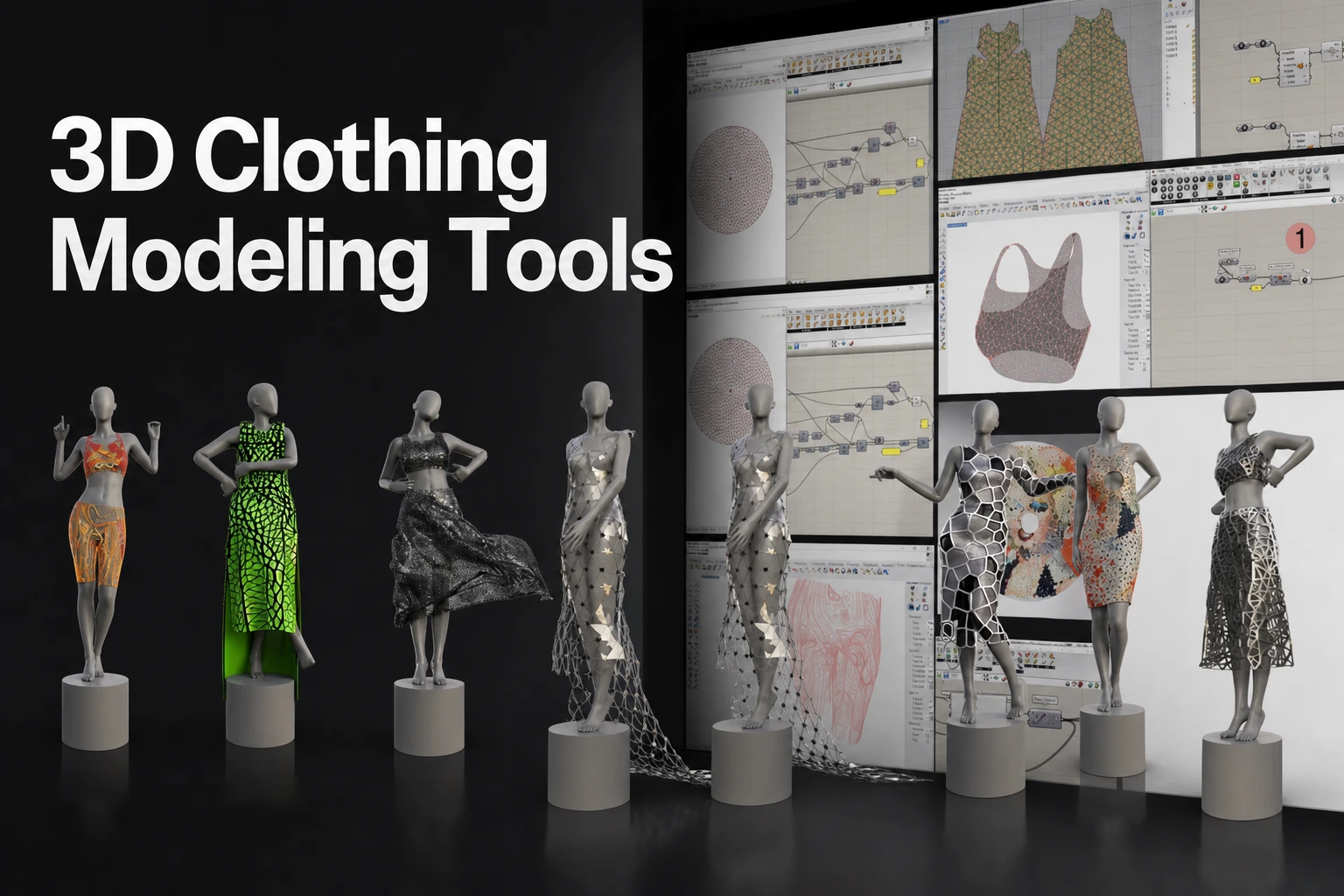
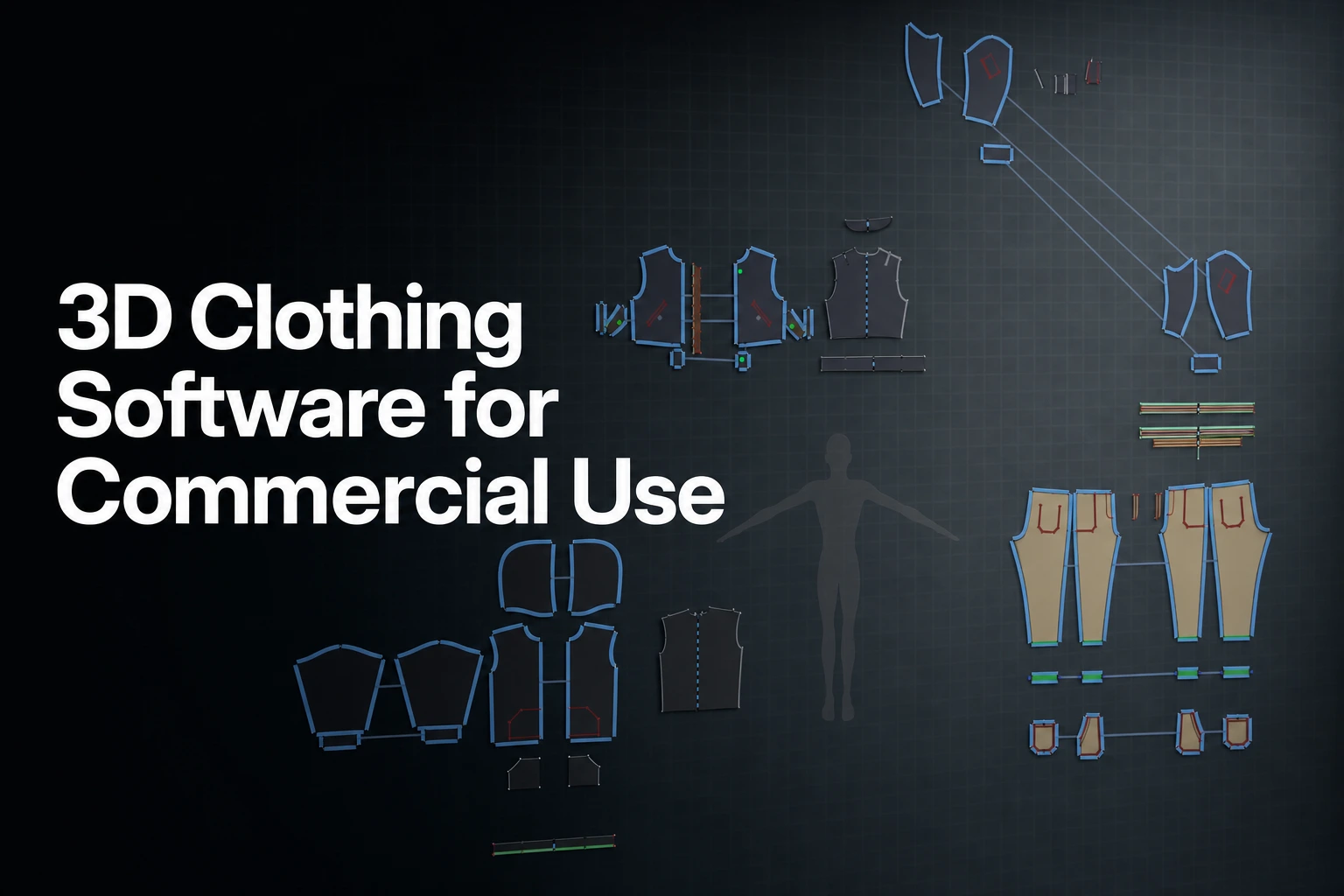
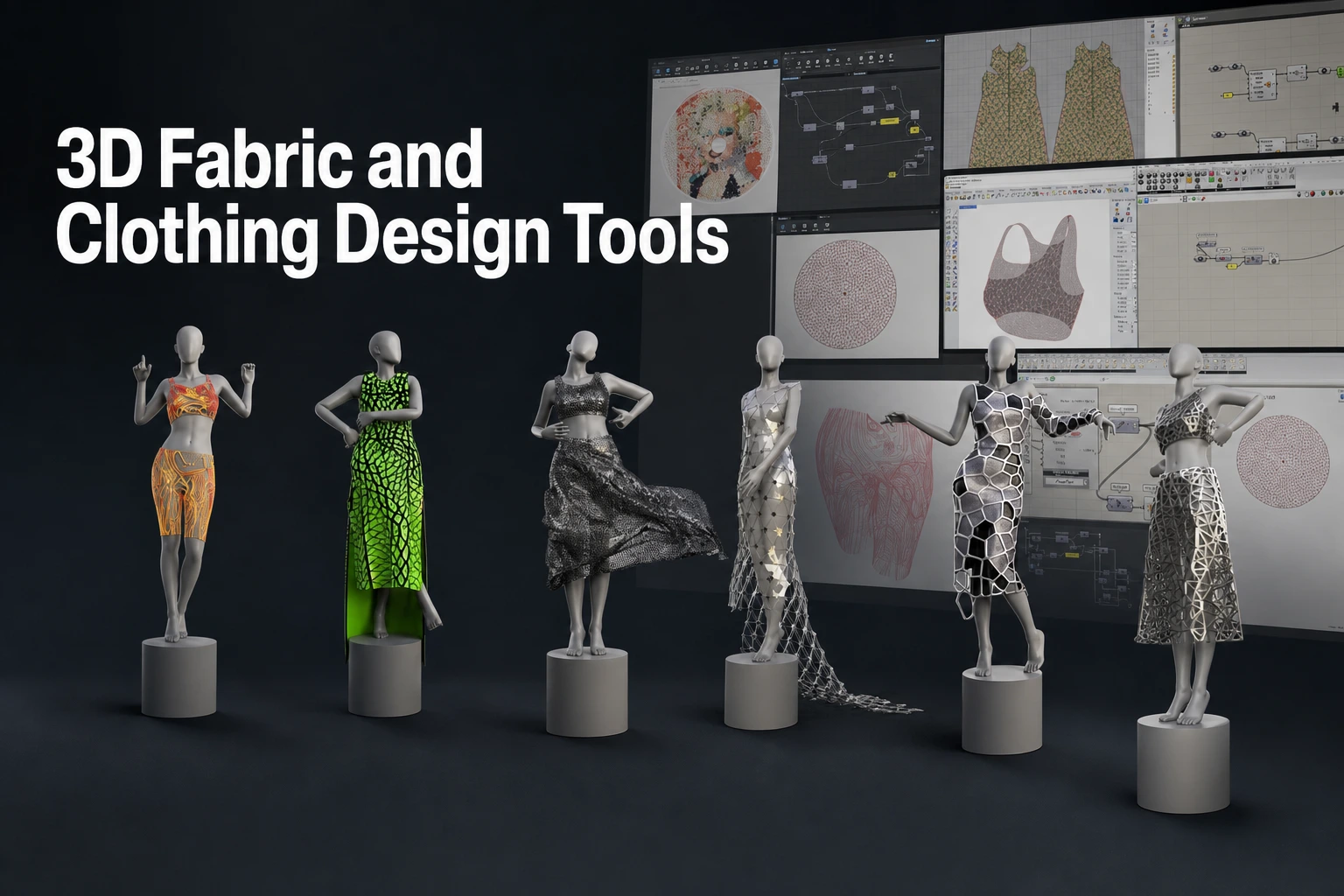
3D Cloth Simulation and Garment Modeling Software (2026): Dedicated Solvers vs. Hand-Sculpting for Characters and Avatars
Compare 3D cloth simulation tools, evaluate dedicated pattern-based solvers against manual sculpting workflows, and choose software for game, VFX, and avatar pipelines.
Key takeaways
- Compare the actual authoring route: Patterns, meshes, modifiers, procedural nodes and sculpt brushes can overlap within a product. Blender supports sewing springs and Houdini Vellum supports panel construction and stitching.
- Validate the drape: Pattern simulation uses garment geometry and physical parameters to produce a starting result. Inspect the folds, layers and collisions and refine them for the intended asset.
- 3D Sculpting offers direct art direction: ZBrush cloth brushes let artists drag drape and scrunch folds by hand, and TransposeCloth applies the Gizmo3D with cloth simulation without running the full simulation.
- Review the actual handoff: Check mesh, UVs, thickness, rigging and cache data for the target. Check the result of any automatic mesh conversion.
- Evaluate a hybrid pipeline when useful: A garment tool can supply the base, with sculpting or procedural tools handling other tasks. Test whether the extra handoffs improve the result and total effort.
Garment authoring paradigms: 2D patterns, Poly modeling, and node networks
Digital clothing creation relies on three distinct technical paradigms: 2D pattern drafting and assembly, direct 3D polygon modeling with modifier-based physics, and procedural node networks. Selecting the right software begins with understanding how each paradigm constructs geometry and manages garment deformation.
- 1. 2D Pattern Assembly (Marvelous Designer / CLO)
- Draft 2D flat patterns
- Define sewing seams
- Draping around avatar
- 2. Polygon Mesh / Sculpt (Blender / Maya / ZBrush)
- Model 3D shell topology
- Apply cloth modifiers
- Sculpt surface folds
- 3. Node-Based Procedural (SideFX Houdini Vellum)
- Position-based dynamics
- Stitch and sliding constraints
- Breaking and tearing
2D pattern-based tailoring and assembly
A pattern-based workflow draws on garment construction: draft or trace panels, assign sewing relationships, arrange them around an avatar and simulate. The digital process and material model are an approximation, so validate the result for its intended use.
Marvelous Designer documents pressing Simulate to make 3D garments fall toward the floor and drape onto avatars and other colliding objects. CLO documents parametric pattern drafting from avatar measurements and review of patterns across grading sizes.
Direct 3D mesh modeling and 3D Sculpting
Direct polygon modeling approaches garment creation from a 3D perspective. The artist models a contiguous polygon mesh matching the character's general clothing silhouette, such as a dress, coat, or trouser base, and applies dynamic cloth modifiers. In Autodesk Maya, the documented nCloth workflow converts an existing polygon mesh into a dynamic cloth object. Similarly, Blender assigns cloth physics directly to standard polygonal geometry through its Physics properties. Its cloth settings also include sewing springs, which pull vertices in one part of a cloth mesh toward vertices in another part (cloth shape settings).
For artists prioritizing direct silhouette manipulation, Maxon ZBrush provides cloth simulation brushes. Cloth Pull drags the surface to control drape, while TransposeCloth uses the Gizmo3D with cloth simulation. These provide a brush-based way to shape folds.
Procedural node networks
Procedural cloth workflows treat cloth as geometry governed by constraints. SideFX Houdini uses position-based dynamics for cloth, hair, grains, fluids and soft bodies. Its paneling and draping workflow can construct panels, stitch seams and weld them using SOP nodes.
Dedicated simulation tools vs. 3D Sculpting
Deciding between specialized cloth simulation software and manual hand-sculpting depends on production turnaround requirements, physical fold fidelity, multi-layered collision complexity, and the volume of design revisions expected during production.
| Decision Factor | Dedicated Pattern-Based Simulation | 3D Sculpting & Brush Dynamics |
|---|---|---|
| Primary authoring mechanic | 2D pattern drafting, sewing seams, 3D draping solve | 3D mesh manipulation, digital brushes, alpha stamps |
| Physical fold realism | Solved by gravity, fabric mass, stretch, and shear | 3D Sculpting shapes folds by eye; cloth brushes add simulation-driven folds |
| Multi-layer collision | Automated surface-to-surface self-collision solving | 3D Sculpting shapes each layer by hand; ZBrush cloth dynamics can use collision volumes and self-collision |
| Revision flexibility | Edit the pattern, rerun the simulation and inspect the drape | Manual sculpting may need reshaping; physics-assisted brushes provide additional controls |
| Typical pipeline stage | Garment foundation, base simulation, animation caching | Concept sculpting, high-frequency detailing, hero stills |
Physical fold realism and collision handling
In Marvelous Designer, simulation applies gravity to drape garments onto avatars. Its Simulation article describes the Fitting (Accurate Fabric) preset as expressing fabric stretch more realistically at a slower simulation speed. Collision thickness defaults to 1.5 mm per garment side, and avatar Skin Offset defaults to 3 mm; for form-fitting garments, the manual recommends adjusting Skin Offset alongside the simulation thickness.
Maxon ZBrush also supplies cloth dynamics: collision volumes respond to SubTools, Self Collision ranges up to 4, and Firmness affects wrinkles and folds. ZBrush also supports simulation-driven folds through its cloth dynamics. Validate layered costume collisions in the intended pose.
Iteration efficiency and silhouette revisions
Character outfits often go through several design revisions. In a pattern-based workflow, edit the 2D pattern, then run the simulation in Marvelous Designer and inspect the revised drape.
After a silhouette change, inspect the folds created through 3D Sculpting and use the available deformation, brush or simulation tools to revise them. Compare the work with a pattern-based route on a representative asset.
3D cloth simulation and garment creation tools compared
This comparison groups tools by their documented capabilities.
| Software | Garment Authoring Paradigm | Simulation Engine & Scope | Pipeline Interchange & Handoff | Pricing & Access Model (as of 2026) |
|---|---|---|---|---|
| Marvelous Designer | 2D pattern construction, sewing, avatar arrangement | CPU or GPU simulation with Normal, Animation and Fitting presets | Triangle/quad mesh conversion, USD export (clothing, avatars, trims, animation), Alembic import/export | As of 2026, the Personal plan is $39 per month or $280 for a one-year prepaid license (USD); Contact vendor for enterprise tier pricing |
| CLO | Pattern drafting, grading and virtual sampling | Fabric simulation and fit diagnostics | FBX, OBJ, Alembic and animation cache formats (Compatible File Format) | As of 2026, $37.50 to $50 per month for the Individual subscription (USD, billed yearly or monthly after a 14-day trial, excluding tax/VAT) (CLO subscriptions); Contact vendor for enterprise tier pricing |
| SideFX Houdini (Vellum) | Procedural node networks, stitch and sliding constraints | Vellum uses Position Based Dynamics for cloth, hair, grains, fluids and softbodies | USD-based Solaris and Karma; Houdini Engine | Commercial and Indie licenses available; Contact vendor for enterprise tier pricing |
| Maya nCloth | Polygon-mesh simulation | Particles, links and collision controls | Define and test the required mesh/cache handoff | Check current regional subscription |
| Blender | Polygon mesh modeling, cloth physics, sculpt brushes | Cloth modifier with tension, compression, shear and bending springs; CPU-intensive | Alembic and USD import/export; Python API | Free software under the GNU GPL |
| ZBrush | Sculpting and cloth brushes | Gravity, collisions and masks | Desktop and iPad plan options with different toolsets | Check current platform-specific plan |
Marvelous Designer
Marvelous Designer’s Help Center describes it as software for creating 3D clothing assets for the Game, Animation, VFX, Design and Architecture industries. Its simulation modes include CPU and GPU processing with Normal, Animation and Fitting presets.
For asset conditioning, Marvelous Designer provides triangle and quad mesh conversion. Its USD documentation describes exporting clothing, avatars, trims and animation, with related textures saved in a Texture folder. Validate the selected objects, textures and animation in the receiving application before delivery.
CLO
CLO documents parametric pattern drafting from avatar measurements, review across grading sizes, and material and trim costs carried into BOM and Tech Pack information.
CLO provides pattern, simulation and interchange tools. Its user stories describe an open-source CLO-to-Blender integration plugin developed by Jaeyong Lee, founder of VGlab. Confirm the exporter or connector used by your pipeline.
SideFX Houdini (Vellum)
SideFX Houdini uses position-based dynamics for cloth, hair, soft bodies and grains. Its paneling and draping workflow constructs garment panels and joins them with stitch and weld operations in a SOP network.
Houdini’s product page documents procedural workflows, KineFX character tools, and USD-based Solaris and Karma rendering. Define the required task distribution, plug-ins and license plan for the actual studio pipeline.
Autodesk Maya (nCloth)
Autodesk’s nCloth guide describes simulating polygon-mesh particles and their links. This is a mesh-based cloth workflow within Maya.
Maya’s Collide Strength guide explains how the attribute controls collision force and how values can be painted per vertex. Test collisions on the actual garment and character, then validate the required cache or export in the destination.
Blender (Cloth Simulation & Sculpting)
Blender is available under the GNU GPL. Its cloth workflow adds a Cloth modifier to a mesh, supports interaction with other modifiers, and exposes tension, compression, shear and bending spring controls.
Blender provides sculpting and cloth-simulation workflows. Its manual describes cloth computation as CPU-intensive, so simulation time depends on the computer and the complexity of the scene.
Maxon ZBrush (Dynamic Cloth Brushes)
Maxon ZBrush provides cloth brushes including Cloth Pull, ClothFold and TransposeCloth. These apply cloth simulation while giving the artist direct surface-shaping controls.
ZBrush’s documented Dynamics controls include collision volumes, self-collision, gravity, and options that apply the simulation to masked or brushed areas. Confirm which features are supported on your desktop or iPad release.
Production pipelines across game engines, VFX, and virtual avatars
Bringing digital garments into real-time game engines, cinematic VFX pipelines, and virtual avatar platforms usually involves several stages, and each stage can use a different tool.
Stage 1: Garment construction and baseline simulation
The garment can begin in a pattern-based authoring tool such as Marvelous Designer. The artist constructs 2D pattern panels from the character's concept art, assigns fabric physical property presets, and sews the pieces together around the base avatar. The simulation then establishes a baseline drape and layer offsets.
Stage 2: Export validation and scale checks
Before moving assets downstream, validate mesh scale, garment thickness and orientation. Marvelous Designer documentation describes an adjustable, invisible collision thickness and says its thickness direction matches Rendering Thickness, so visible thickness and simulation collision are applied consistently. Verify units and collision behavior in the receiving application.
Stage 3: Topology conversion, UV layout, and thickness conditioning
Inspect simulation geometry for the target task. Remesh or change topology when needed by deformation, rendering or performance requirements; triangular simulation meshes may be appropriate.
- Mesh options: Choose the documented triangular or quad option for the garment and downstream task, and inspect the result.
- UV layout: Inspect the exported UVs and organize them for the intended texture workflow. Pattern panels can provide a useful starting layout, but verify the actual export settings and result.
- Production cleanup: Marvelous Designer’s mesh documentation recommends triangle meshes while editing, then switching necessary patterns to quads for finishing. Check edge loops, deformation and target polycount against your project requirements.
Stage 4: High-frequency detailing, texturing, and rigging
Use the geometry and UVs required by the asset to add detail, texture and rigging. High-frequency detail created through 3D Sculpting may be baked or retained according to the rendering and animation workflow.
Stage 5: Game engine deployment and cinematic cache export
Depending on the final delivery platform, the garment follows one of two distribution paths:
- Real-time delivery: Choose a skinned or simulated garment workflow and test the target engine. The MD MetaHuman guide documents one USD/ChaosCloth path with explicit version requirements.
- Cinematic delivery: MD Alembic export and USD export provide different geometry/animation options. Validate the chosen cache in the shot and renderer.
Evaluation and selection framework for artists and studios
Selecting the appropriate cloth authoring toolset requires balancing project scope, studio infrastructure, technical expertise, and licensing budgets.
Software Selection by Primary Production Deliverable:
- Pattern-based character clothing for games, VFX, or 3D art → Marvelous Designer (2D pattern authoring)
- Apparel fit visualization, grading, and virtual sampling → CLO (Pattern drafting, grading and virtual sampling)
- Procedural shot-level effects, tearing, and constraint-based cloth → SideFX Houdini Vellum (Position Based Dynamics)
- Sculpted folds and surface detailing → Maxon ZBrush (Cloth brushes and dynamics)
- General 3D modeling with built-in cloth physics → Blender (Cloth physics and sculpting) / Autodesk Maya (nCloth)
Solo character artists and freelancers
Solo character artists often weigh turnaround time, learning curve, and license cost when choosing a tool.
- Marvelous Designer describes its Personal license as intended for sole proprietors and freelancers and usable for commercial purposes (pricing page). As of 2026, the license guide lists the Personal plan at $39 per month or $280 for a one-year prepaid license, a Student subscription at $8.25 per month (USD), and a 14-day free trial.
- Blender is released under the GNU GPL and includes modeling, cloth simulation, and sculpting tools.
- ZBrush supports direct sculpting and cloth dynamics. Check the current Maxon price, region and billing term before purchase.
Indie game studios and avatar creators
Indie development teams creating virtual avatars (for platforms like VRChat, Roblox, or custom game engines) often balance asset detail against polygon count and performance limits.
- Use MD’s pattern and simulation workflow for a representative garment, then inspect its mesh options, topology and target export. Measure total revision and cleanup effort.
- Teams using Maya can evaluate its nCloth workflow alongside their existing animation tools. Test the required cache and receiving application.
High-end VFX and cinematic animation studios
Animation and visual effects studios often pass garment assets between departments shot by shot, so interchange formats and scripting options matter.
- Houdini: Compare Vellum, garment paneling and the broader procedural/scene tools. Validate task distribution and licensing on the required production setup.
- Marvelous Designer Network Online, Linux and Indie Studio: According to the license guide, the annual Marvelous Designer Network Online, Marvelous Designer Linux and Indie Studio licenses are floating, and the monthly Marvelous Designer Network Online license is node-locked to one device per license. The User Pool feature lets administrators assign and reassign licenses and monitor license usage. Contact vendor for enterprise tier pricing.
FAQS
Frequently asked questions
Do I need traditional tailoring or pattern-making experience to use Marvelous Designer?
Marvelous Designer is a pattern-based tool, so sewing concepts such as darts, seam allowances, and grainlines apply when constructing garments. Artists can start with simple garments and move to complex, multi-layer ones as their pattern skills grow.
When should I use 3D Sculpting for cloth wrinkles instead of running a dynamic simulation?
Use 3D Sculpting when direct control of shape or surface detail serves the art direction. Use simulation when its garment and motion workflow helps achieve the target result. Compare quality and total effort on a representative asset rather than assuming one route is always faster.
How do dedicated cloth solvers prevent multi-layer garment clipping?
In Marvelous Designer, inspect the documented garment collision thickness, avatar offset and layer settings, then check the result in the actual motion and pose.
How do I export simulated clothing into real-time game engines like Unreal Engine?
Choose a skinned, simulated or cached garment workflow for the target engine. Inspect geometry, UVs, materials, weights and performance, using the export and cloth setup required by that route.
Can cloth simulations be modified after baking or caching?
Follow each tool’s cache-editing workflow. Source-mesh or simulation changes may require clearing and recomputing a cache; they are not necessarily per-frame edits to baked data. In Marvelous Designer, inspect the drape after pattern changes and simulation.
To explore pattern-based garment simulation for your character workflow, start a 14-day free trial of Marvelous Designer or consult the official Marvelous Designer Manual for documentation on pattern tools, simulation modes, and pipeline export options. Read the Marvelous Designer product overview.
Disclaimer: This comparison reflects official vendor documentation available at the time of review. Features, availability, and terms may change; verify current details on each vendor’s official website before making a decision.
Master Realistic 3D Garment Creation
Explore pattern-based simulation workflows, dynamic draping tools, and multi-format pipeline export with Marvelous Designer.
Related reading