Chasm's Call 3D Community Challenge - Marvelous Award Winner!
Elliott, a winner from Chasm's Call 3D Community Challenge, created a captivating creature sequence using Marvelous Designer — all with just a simple two-sided fabric wrap!
Interview with Elliott Holmes | 3D Artist | Marvelous Award Winner from Chasm’s Call 3D Community Challenge
Can you start by introducing yourself and sharing a bit about your background?
Hi, my name’s Elliott and I’m from Leeds, England. I’ve been creating 3D art for around five years, ever since I discovered the Alternative Realities challenge montage. I was captivated by the rich, imaginative worlds people were building and knew instantly it was something I had to learn how to do.
I began my 3D journey with Cinema 4D and Octane, but after seeing the incredible things being done with Unreal Engine 5, I made the switch in 2023 — and I’ve never looked back.
My goal from the beginning was always to place in the top 100 of a future pwnisher render challenge, and I’m incredibly proud to have achieved top 100 placements in the last three!
We’d love to hear more about your winning piece. What was the story or concept behind your artwork for the Chasm’s Call challenge? How did the idea come to life?
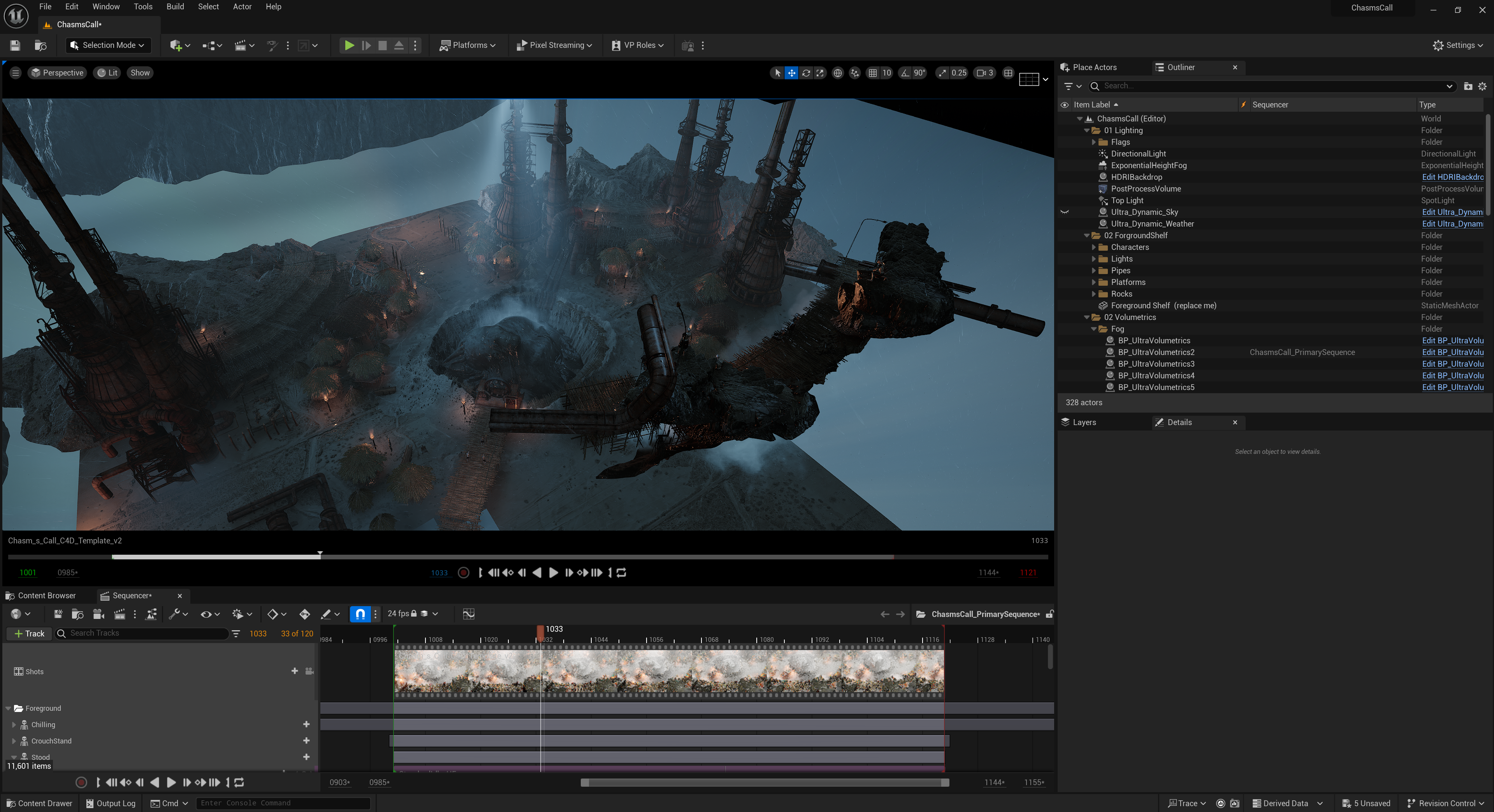
I usually spend a few days thinking through different ideas and potential stories, but one concept I kept returning to was a dystopian landscape where a fetus-like creature is birthed by a tribe.
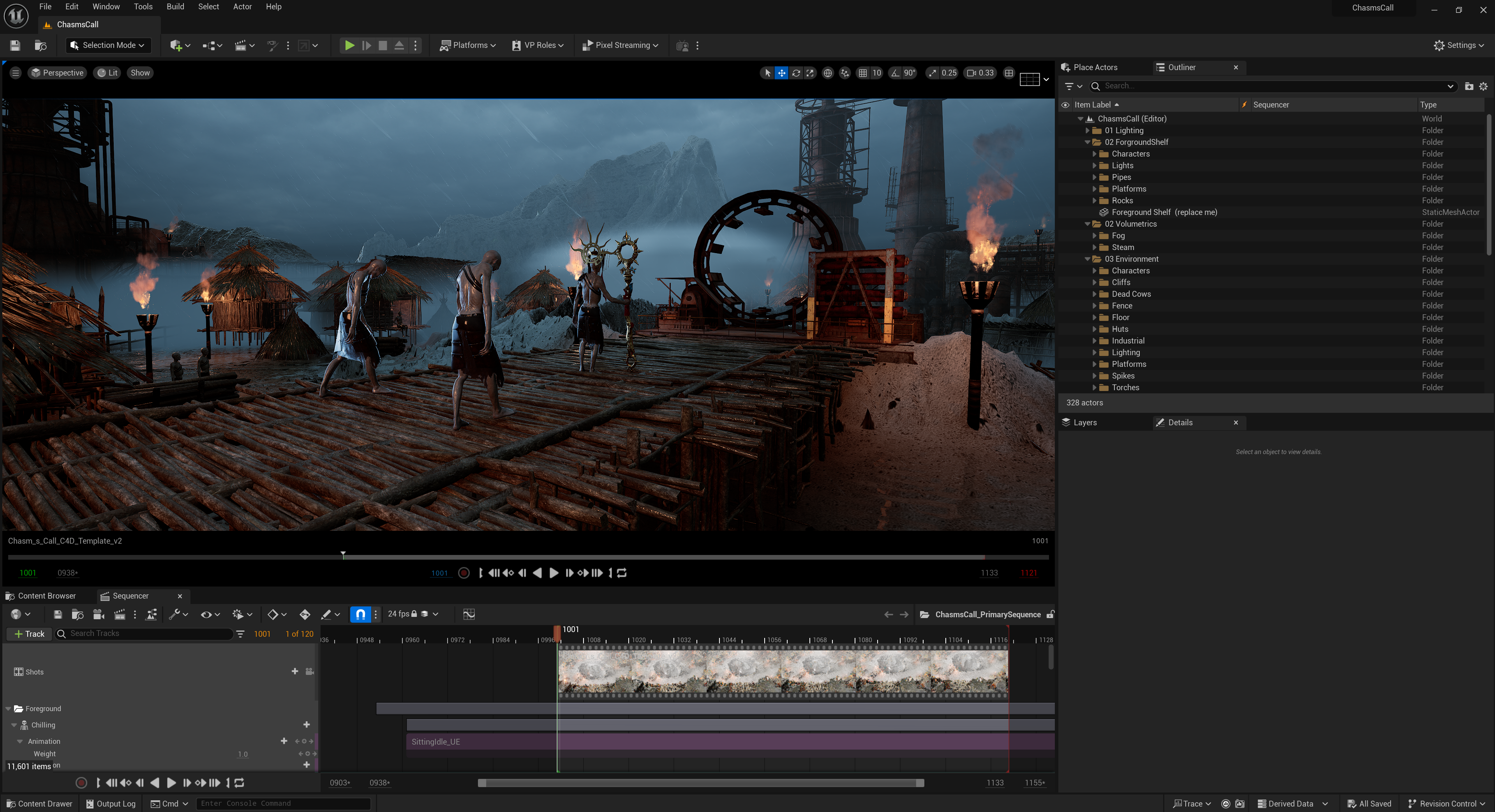
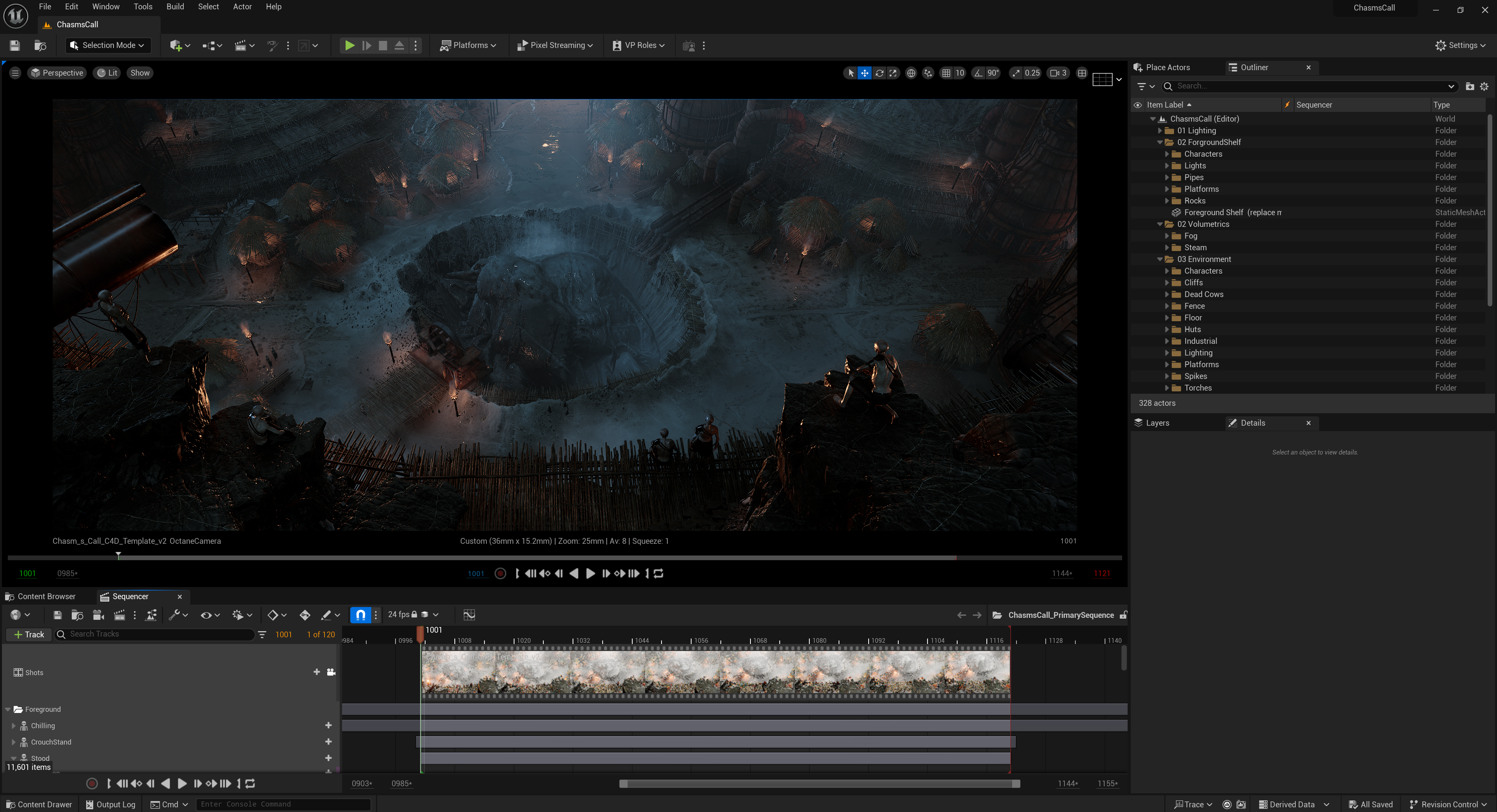
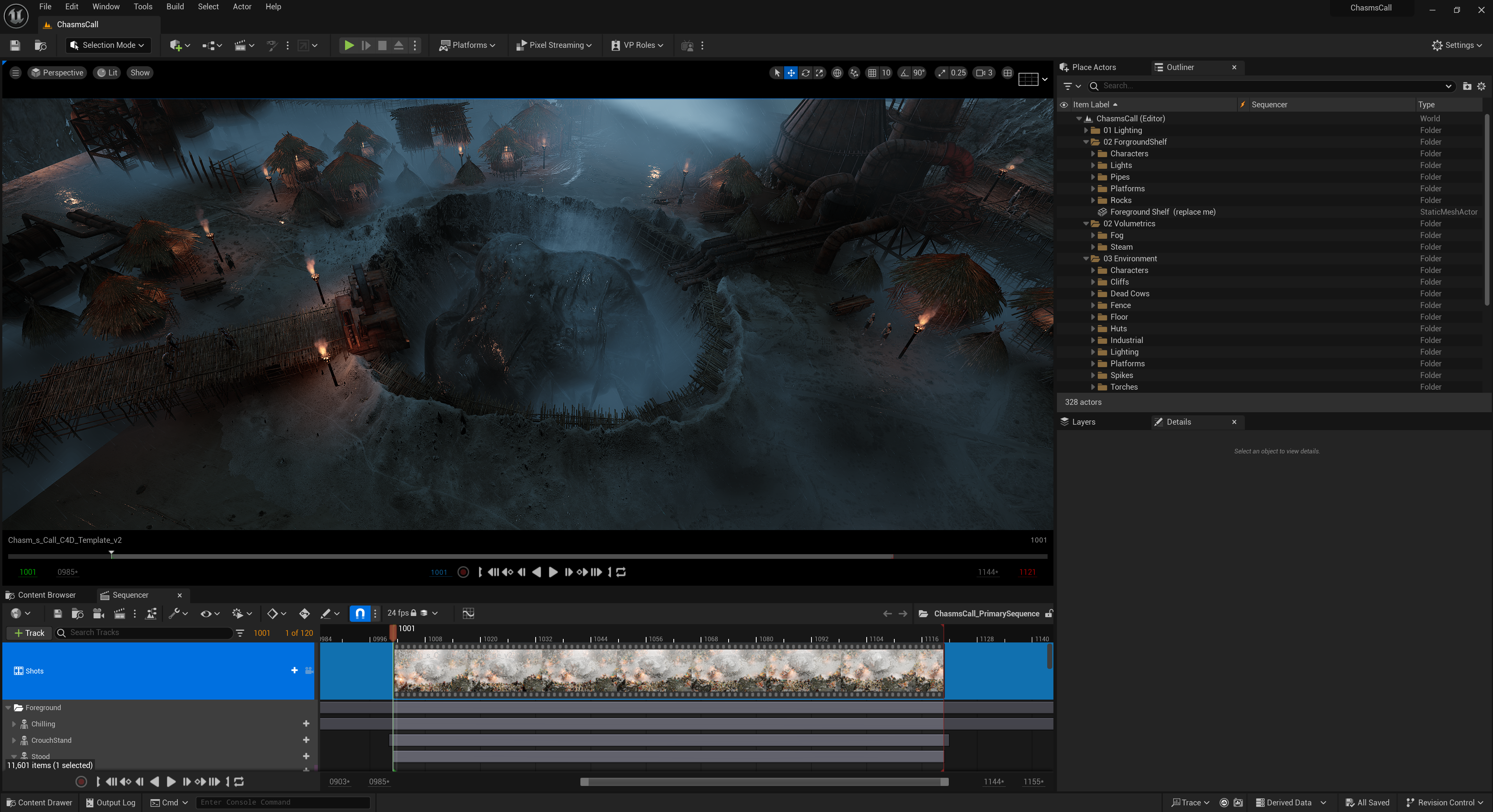
Originally, the idea was to have a tribe of robots, long after humans had disappeared, giving birth to an organic being — a reversal of how AI is currently being created by humans today. As the project evolved and I built more of the environment, it felt better that the tribe should be more humanoid than robotic, taking inspiration from The Lord of the Rings and other more fantasy style settings.
It’s interesting to see how you used Marvelous Designer for creature cloth simulation—such a creative approach! What inspired you to choose Marvelous Designer for this project, and how did it support your artistic vision?
Marvelous Designer was actually a huge reason why I committed to this concept in the first place. Having used it in previous render challenges, I knew as soon as I thought of a fetus-like creature that Marvelous Designer would be perfect for achieving the look I wanted — and I was excited to see how it would turn out.
Because the creature is the main focal point of the piece, I knew that a realistic cloth simulation could create a strong visual impact immediately, helping to grab the viewer’s attention.
Could you walk us through the tools you used in your workflow? How did Marvelous Designer fit into your pipeline?
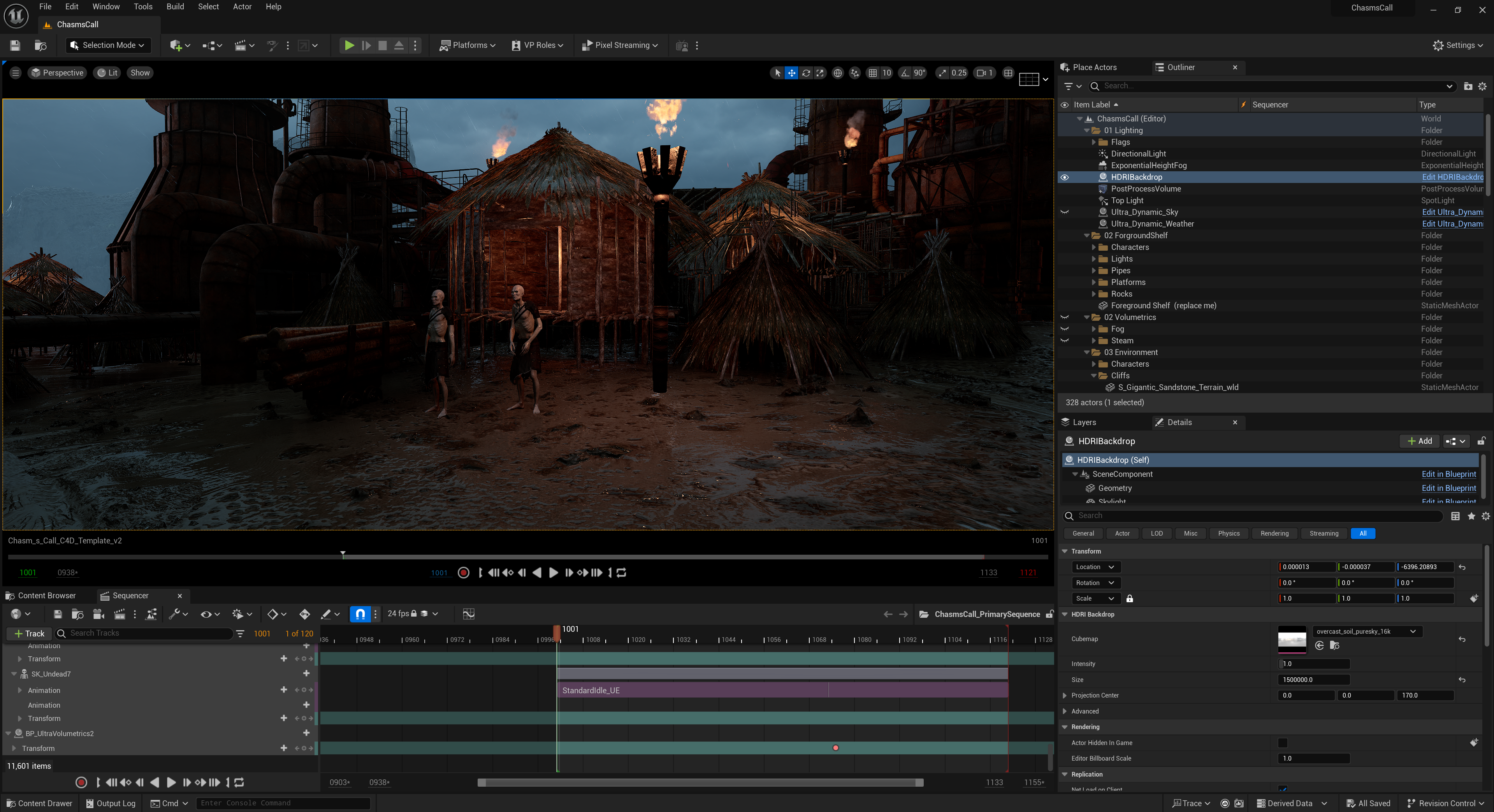
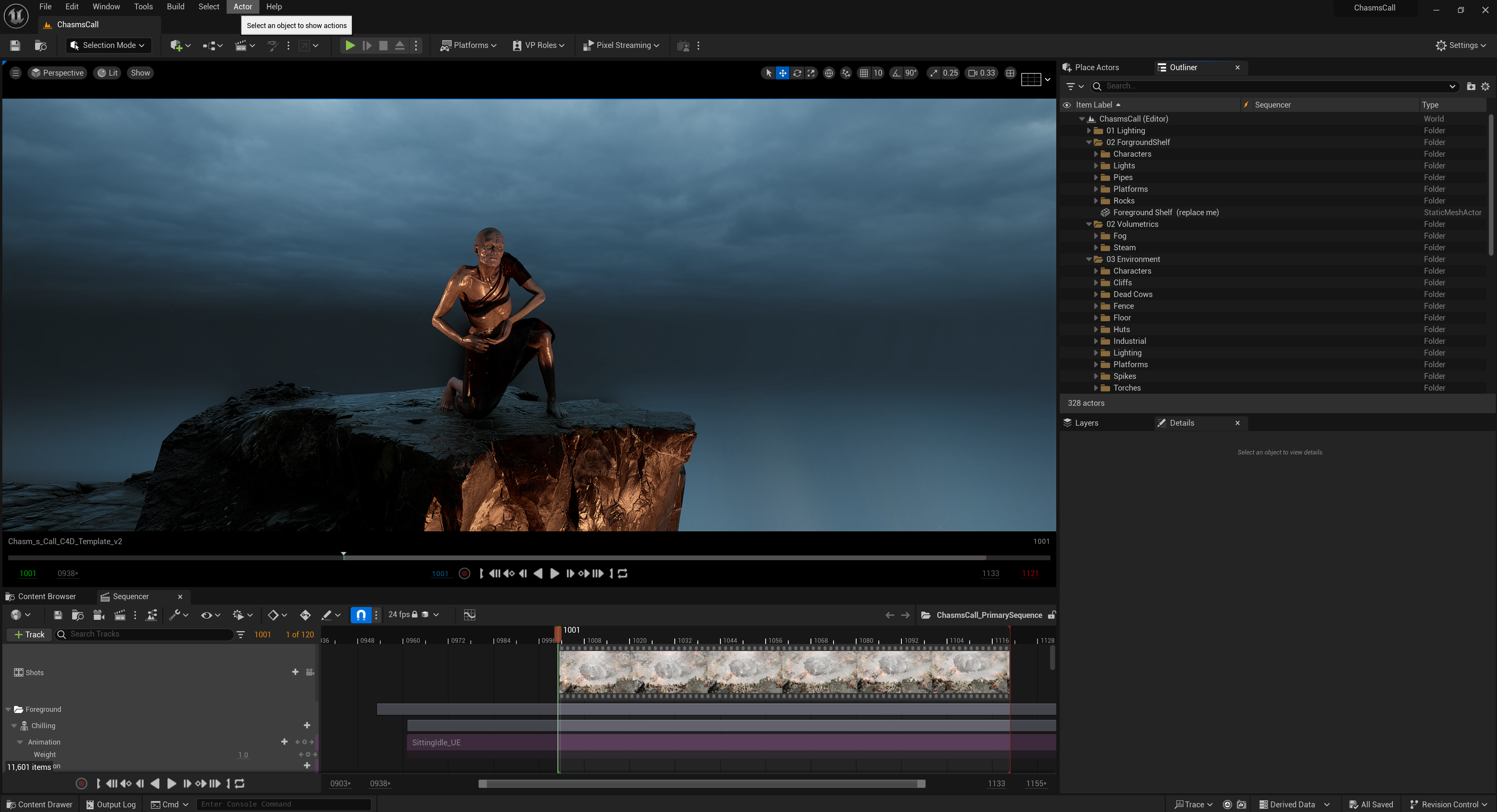
I primarily work in Unreal Engine 5, and I try to stay within it as much as possible. Being able to see everything in real-time means I can quickly iterate during the early stages — blocking out scenes with Quixel assets, setting up general lighting to establish mood, and even doing early colour grading all inside UE5.
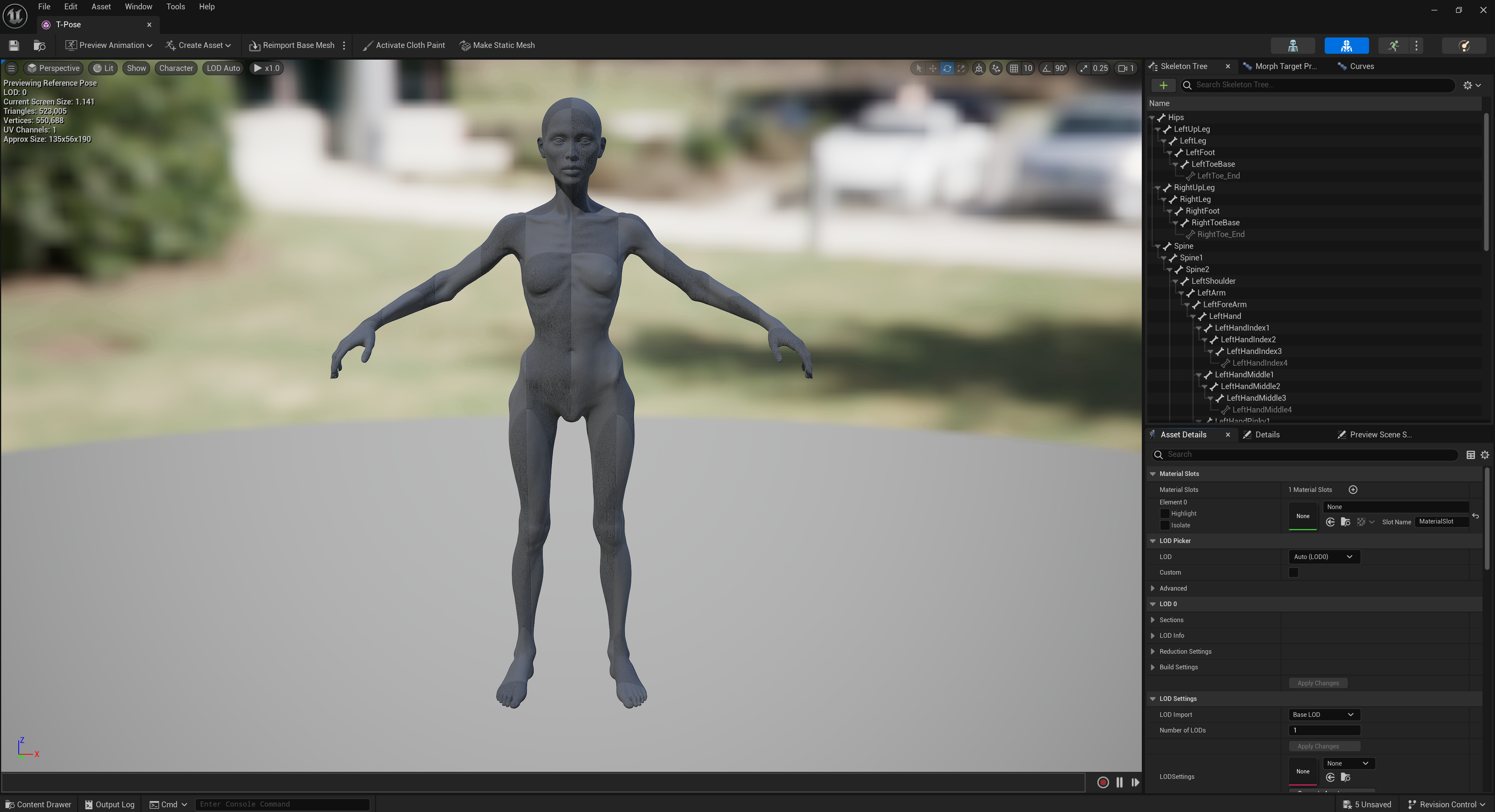
For this project, I spent the first half focusing on the environment before moving on to the creature and cloth simulation. I knew I wanted the creature to feel unsettling yet recognizable, so I downloaded a slim female base character and animated her inside Unreal Engine, timing the movements so the face and limbs would press against the surface at key moments. I then exported the animation into Marvelous Designer.
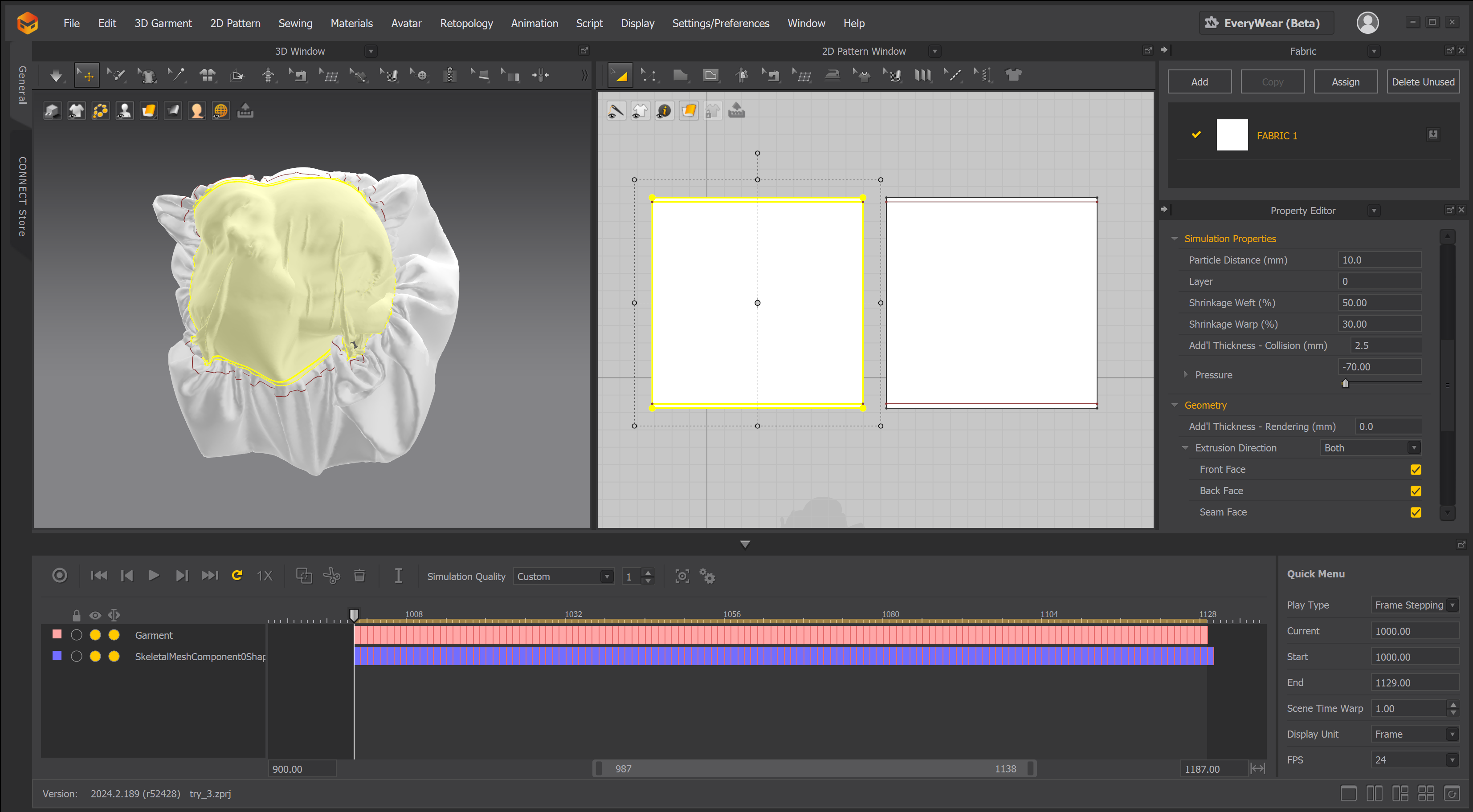
Normally, you'd need a T-pose starting position, but because my character begins curled into a ball, I could skip that and go straight to wrapping a simple two-sided fabric around her.
I made the front of the cloth tight against the face and kept the back loose and baggy to create a fleshy, organic volume. After simulating the cloth to match the creature’s movements, I exported the result as an Alembic file and brought it back into Unreal Engine, where I added a slimy skin texture.
Do you have any tips or advice for other 3D generalists looking to incorporate Marvelous Designer into their workflow?
There are so many great tutorials on YouTube that make it easy to get started, and Marvelous Designer itself is very intuitive once you learn the basics. Adding cloth simulation can really bring an extra layer of realism and magic to a project — it helps ground even the most surreal scenes into something tangible.
The workflow between Marvelous Designer and Unreal Engine is super smooth too, and it’s really satisfying to see your final animations running with full cloth simulations in real time.
Finally, how would you describe your overall experience using Marvelous Designer on this project?
It was a great experience! Marvelous Designer is always incredibly satisfying to work with, and although I still have a lot to learn, it’s a tool I keep coming back to again and again.
In previous projects I’ve created full character clothing, but for this one, the simplicity of the fabric setup meant everything was really fast — allowing me to experiment with different settings and styles to create a unique look.
It was a lot of fun to push Marvelous Designer into a more surreal direction rather than sticking to traditional character outfits, and I’m really happy with how it turned out.
ArtStation
Instagram
이 작업은 UnrealEngine, Animation, Creature, Simulation, motiongraphic 등의 기술로 제작되었습니다.
Marvelous Designer로 이와 같은 3D 의상·캐릭터 작업을 직접 만들어볼 수 있습니다.