RAID: Shadow Legends Alice Fan Art Reinterpreted Through the Detailed Synergy of Marvelous Designer and ZBrush
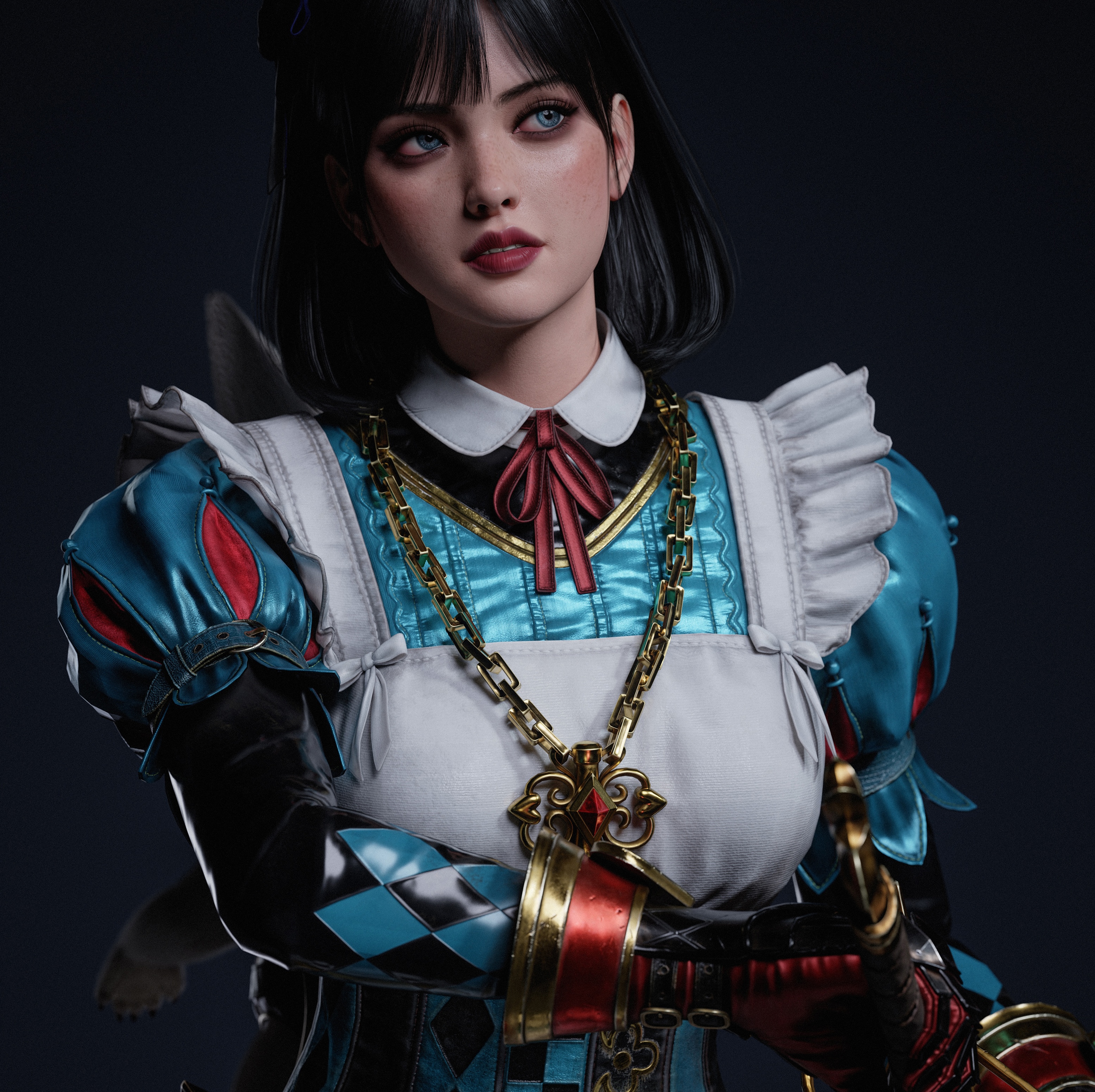
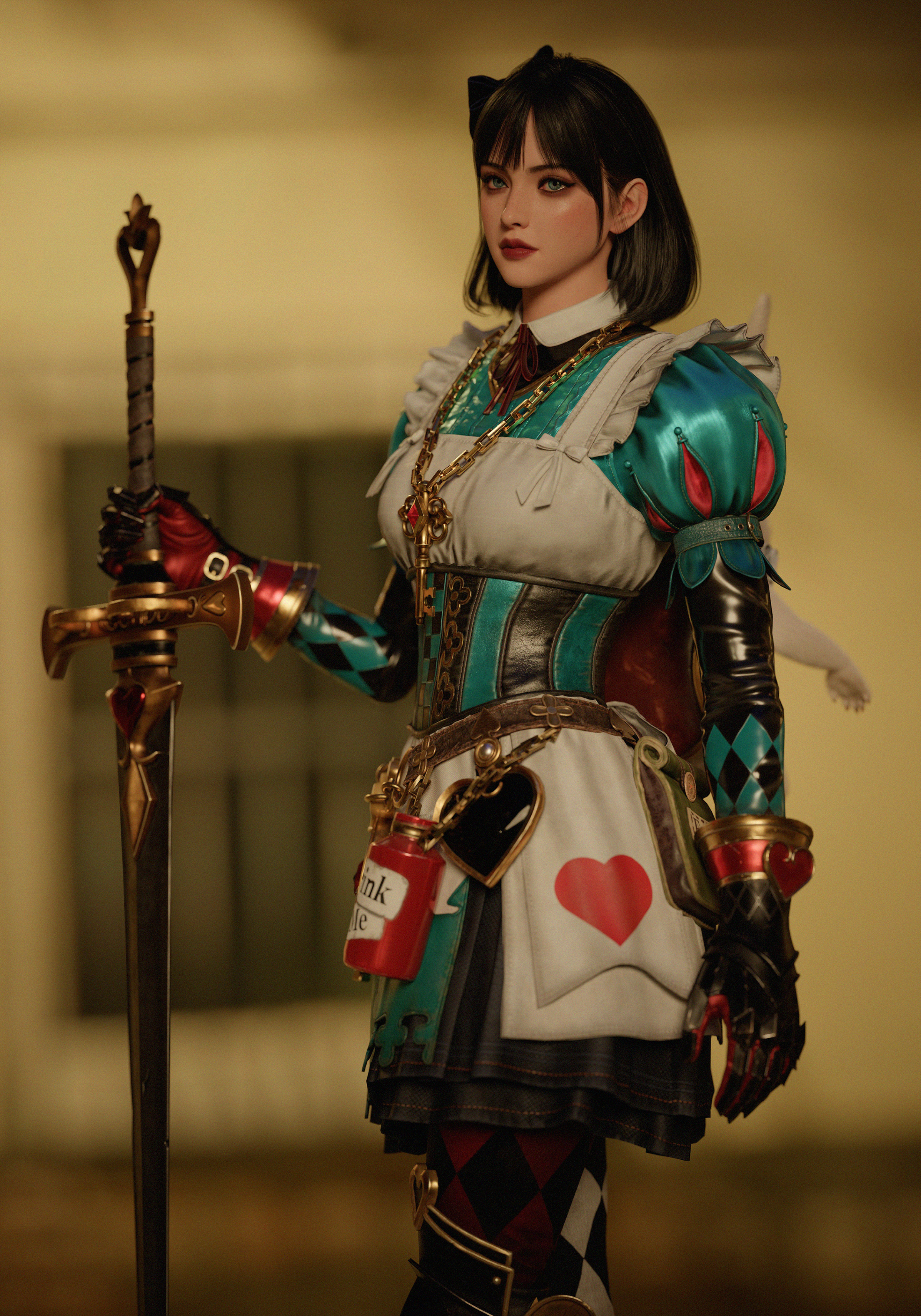
Introducing 3D character artist Dahye Han's workflow for her RAID: Shadow Legends Alice fan art—rapidly capturing garment silhouettes using Marvelous Designer's intuitive simulation, then perfecting realistic textures and layered details with ZBrush and Substance Painter.
Software used:
ZBrush - Sculpting
3ds Max - Modeling & Retopology & UV-Unwrapping & Ornatrix
Marvelous Designer - Cloth simulation
Substance 3D Painter - Texturing
Marmoset Toolbag - Baking & Lighting & Rendering
Photoshop - Retouching
Artist Introduction
Hello! My name is Dahye Han.
After graduating with a degree in Industrial Design, I worked as an advertising designer before developing an interest in character modeling out of a desire to create characters I personally love. This inspired me to pursue serious study in the field, building up my skills while creating portfolios based on what I learned.
Project Introduction
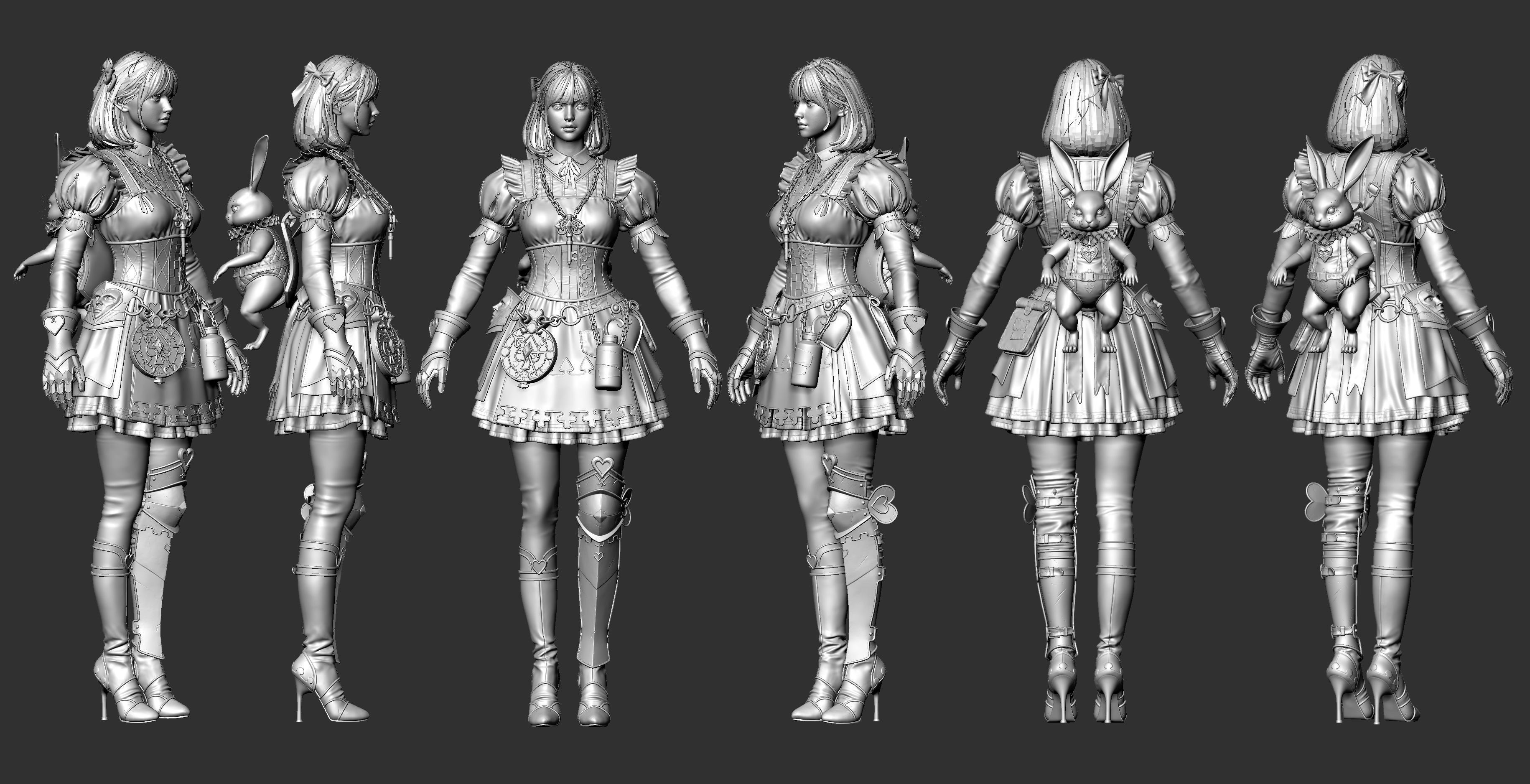
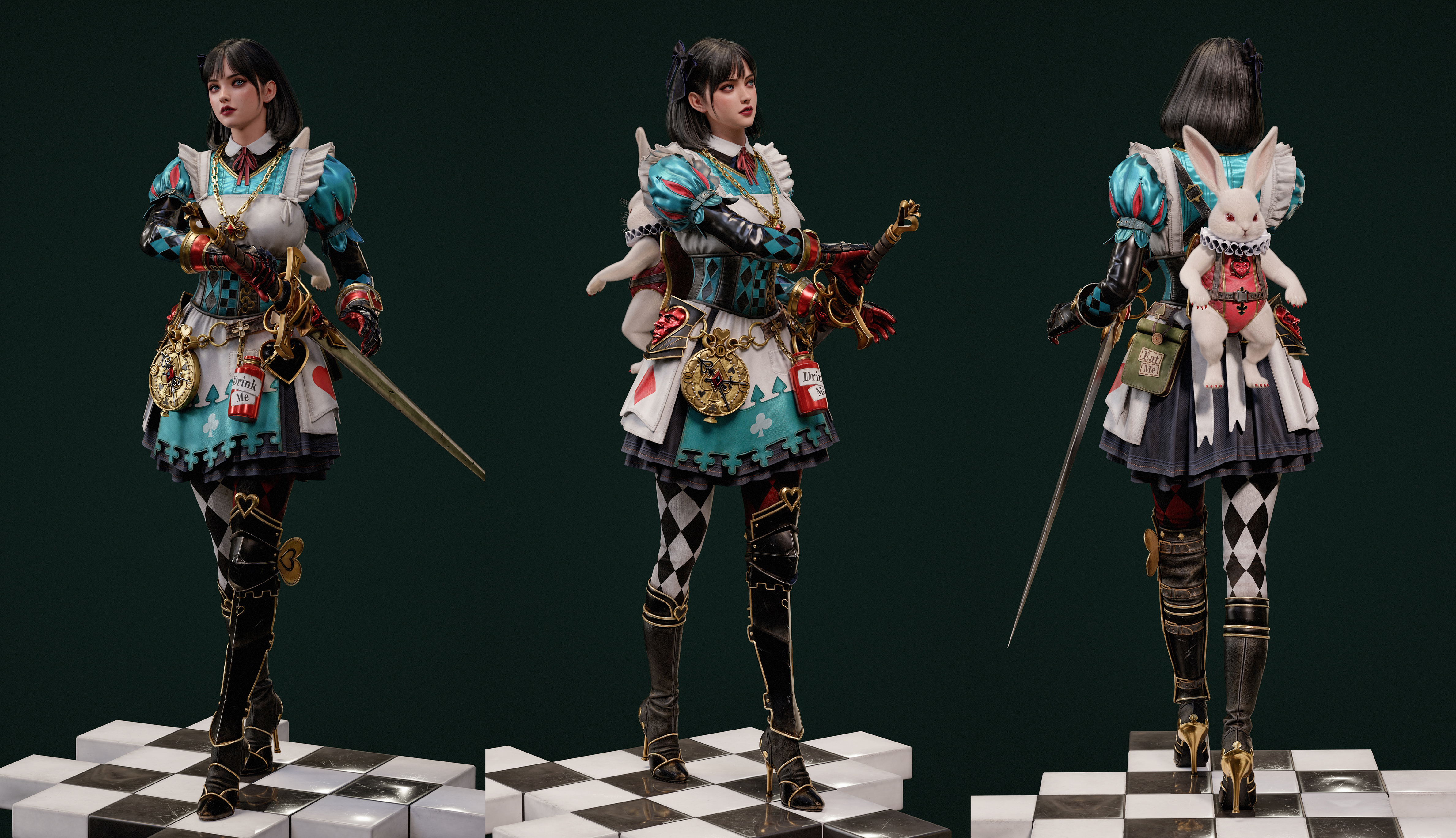
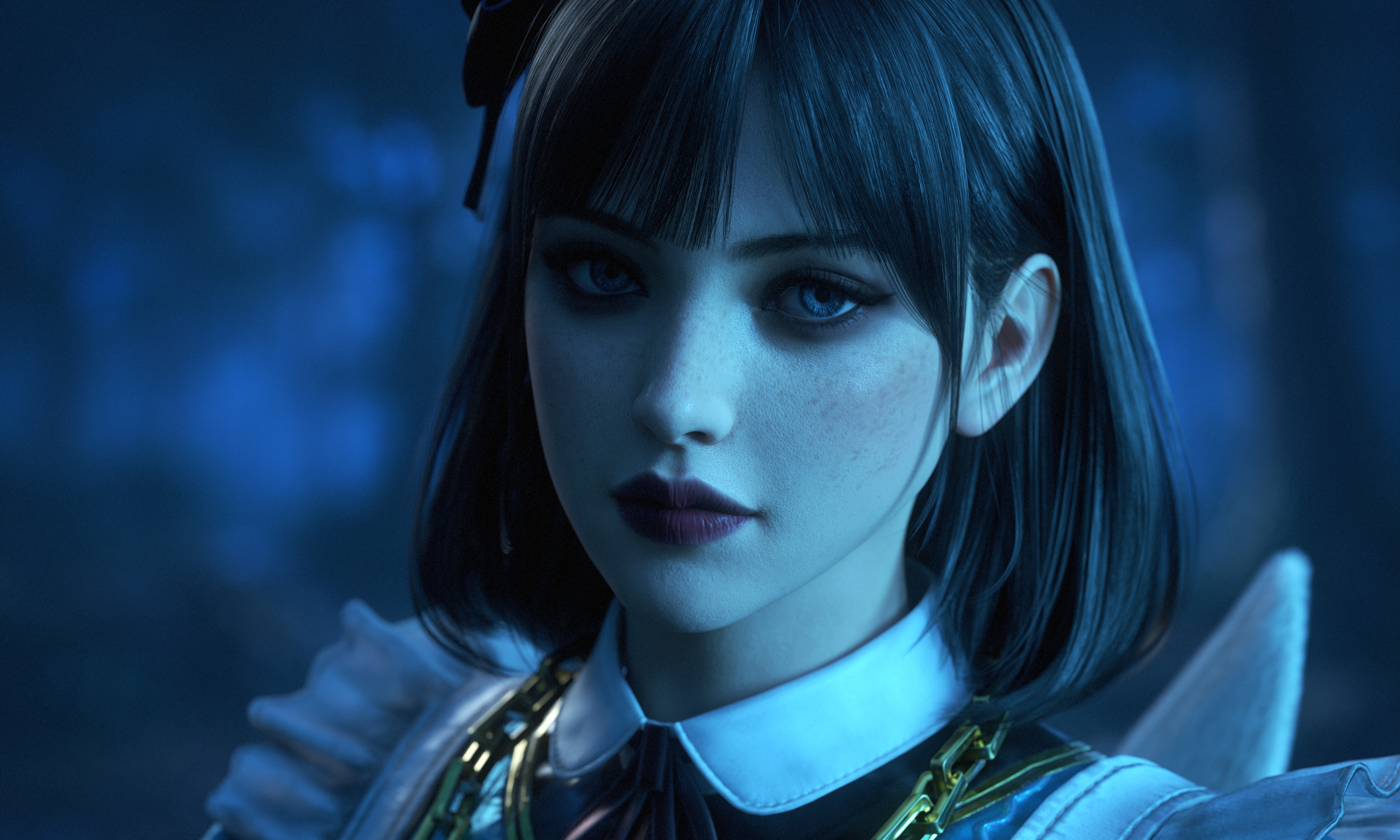
This project is a fan art piece of Alice from RAID: Shadow Legends.
I was drawn to the alluring and dark atmosphere of the original concept art. My goal was to retain the original concept and key character traits while adding realistic textures and intricate details to reinterpret her with a sense of vitality.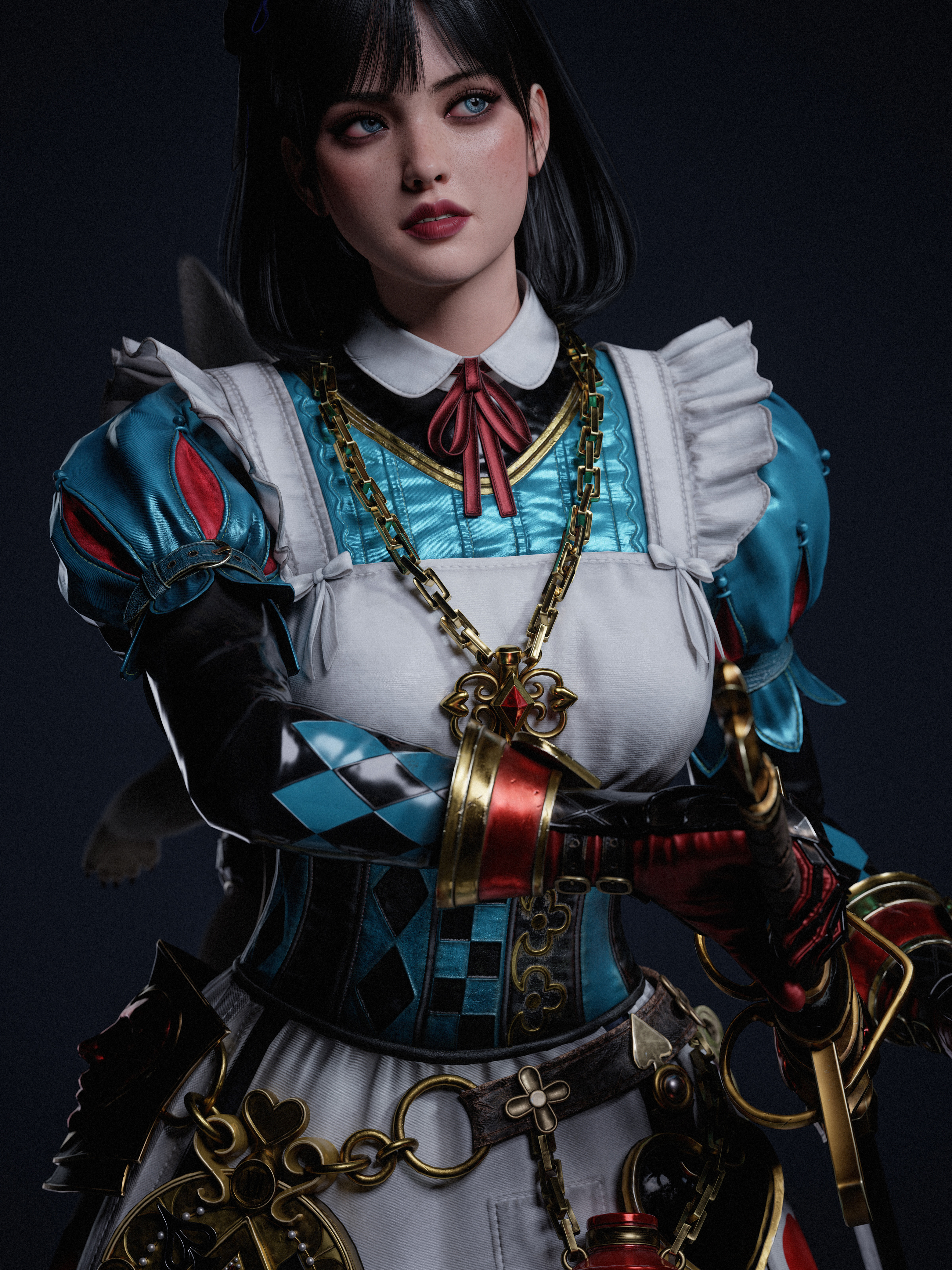
Tell us how Marvelous Designer creates value in this project.
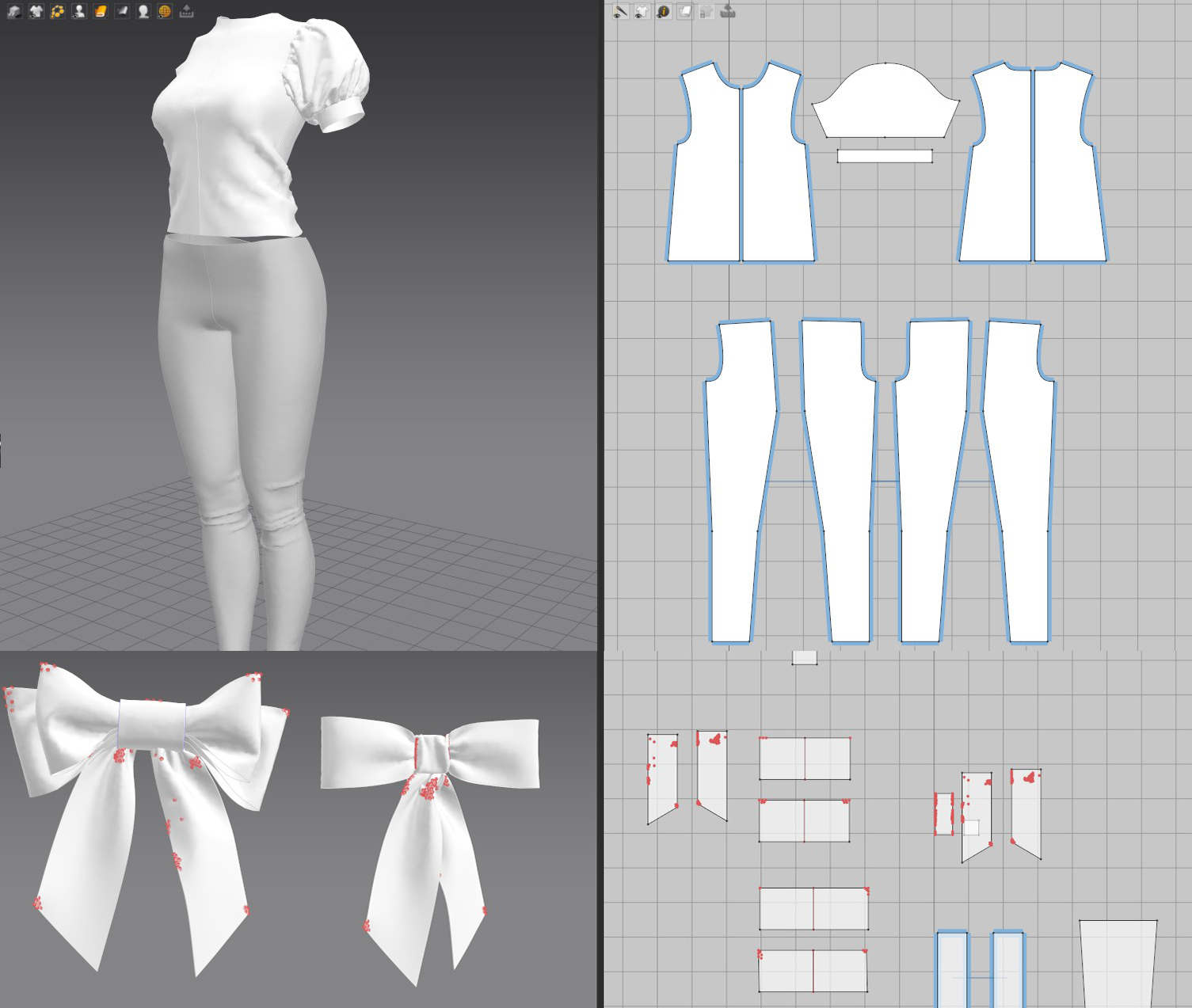
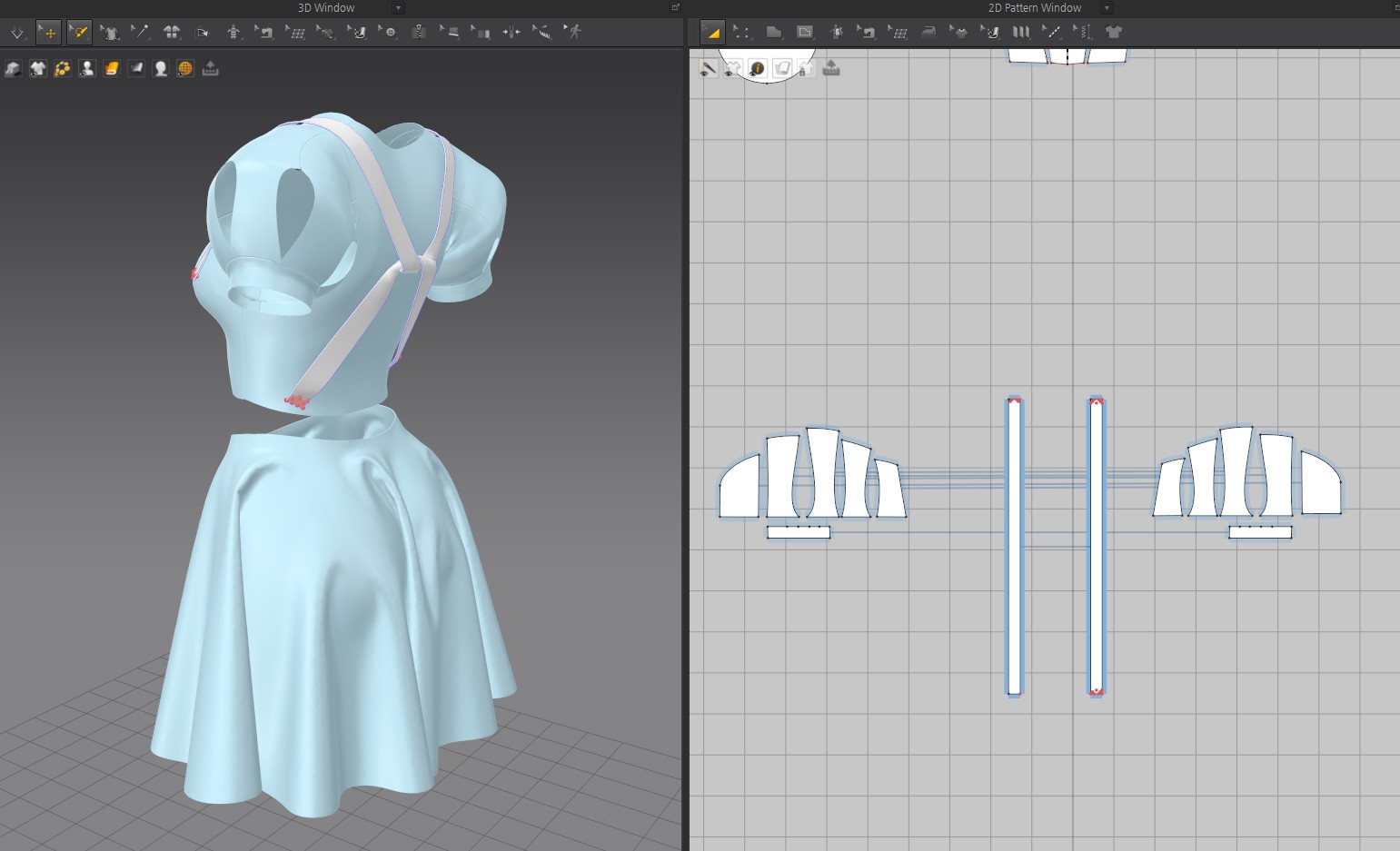
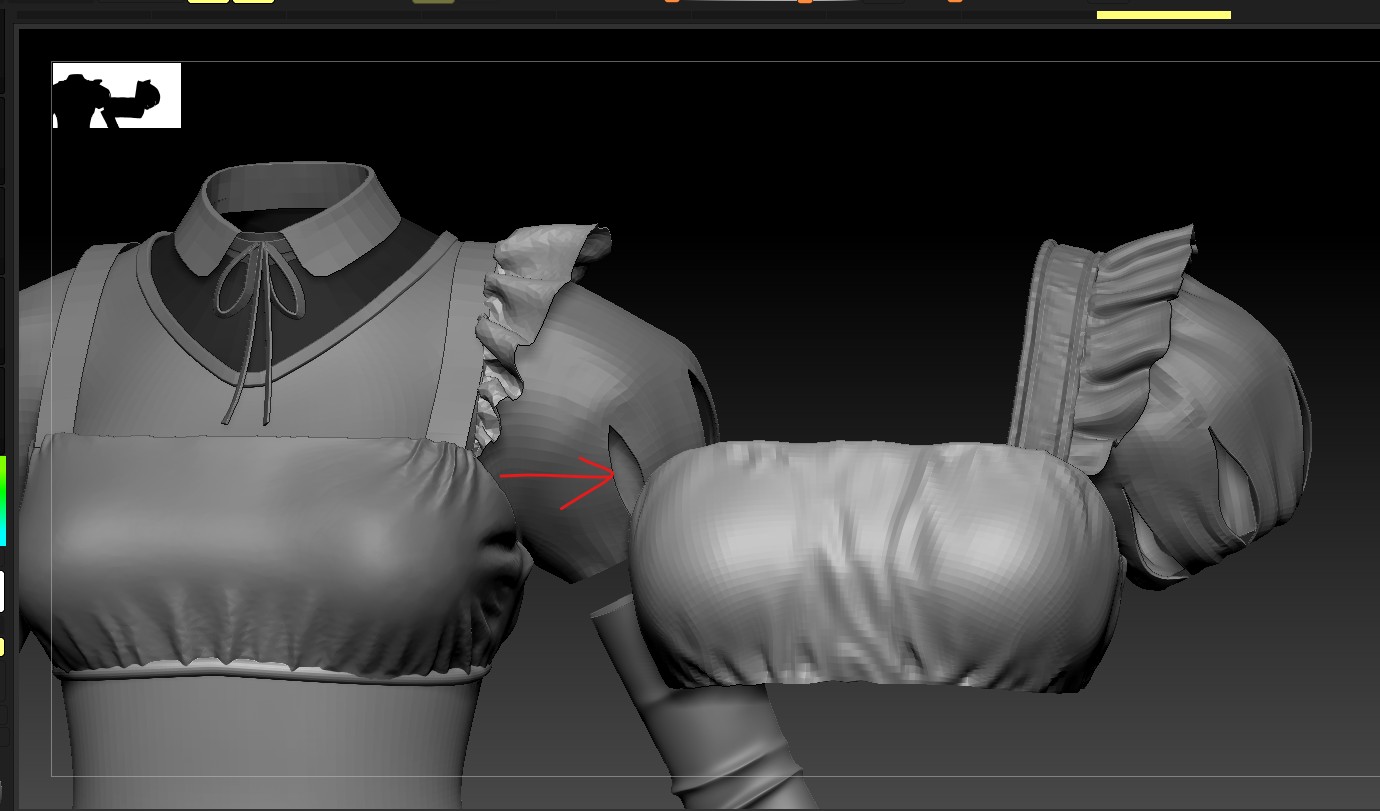
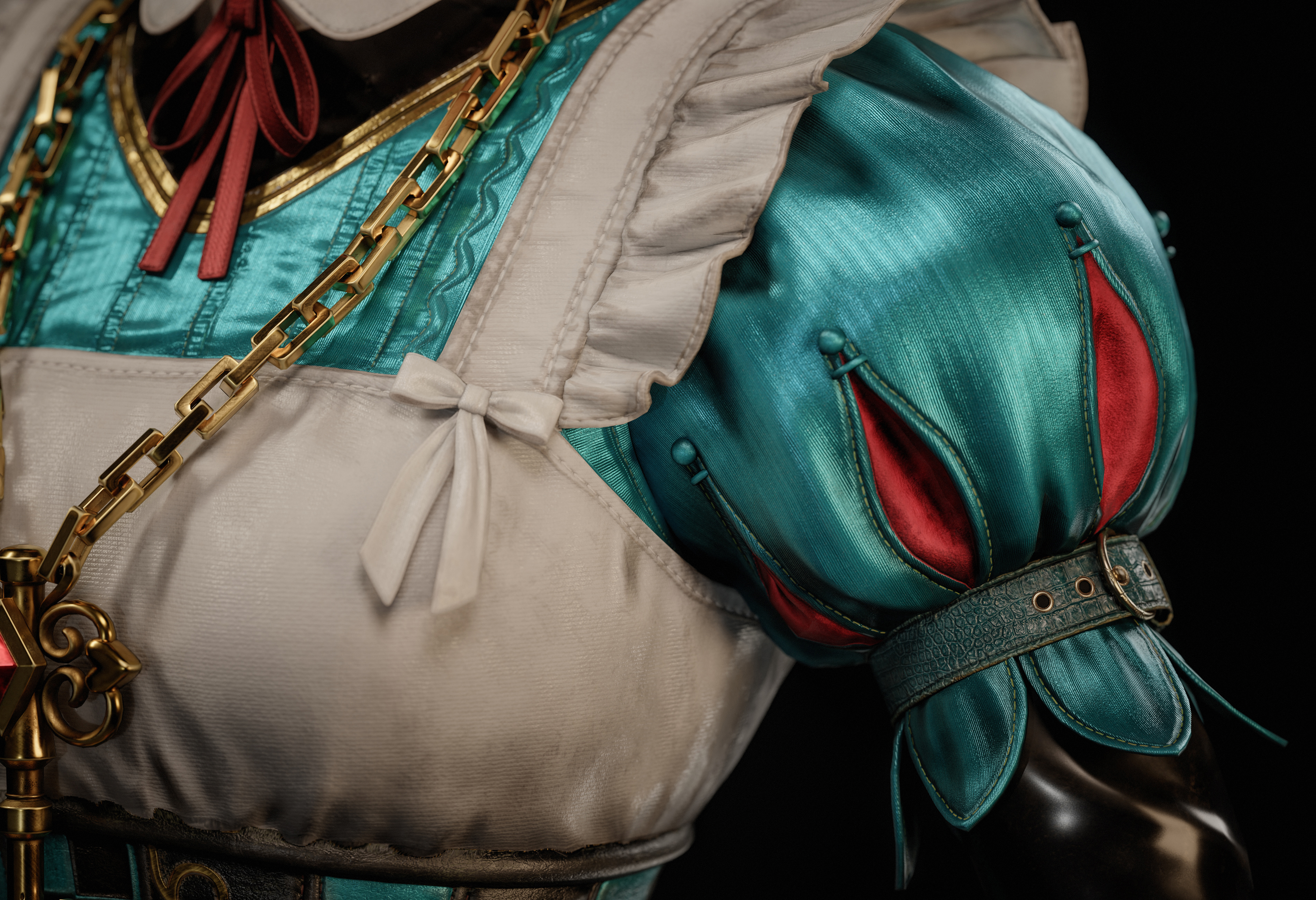
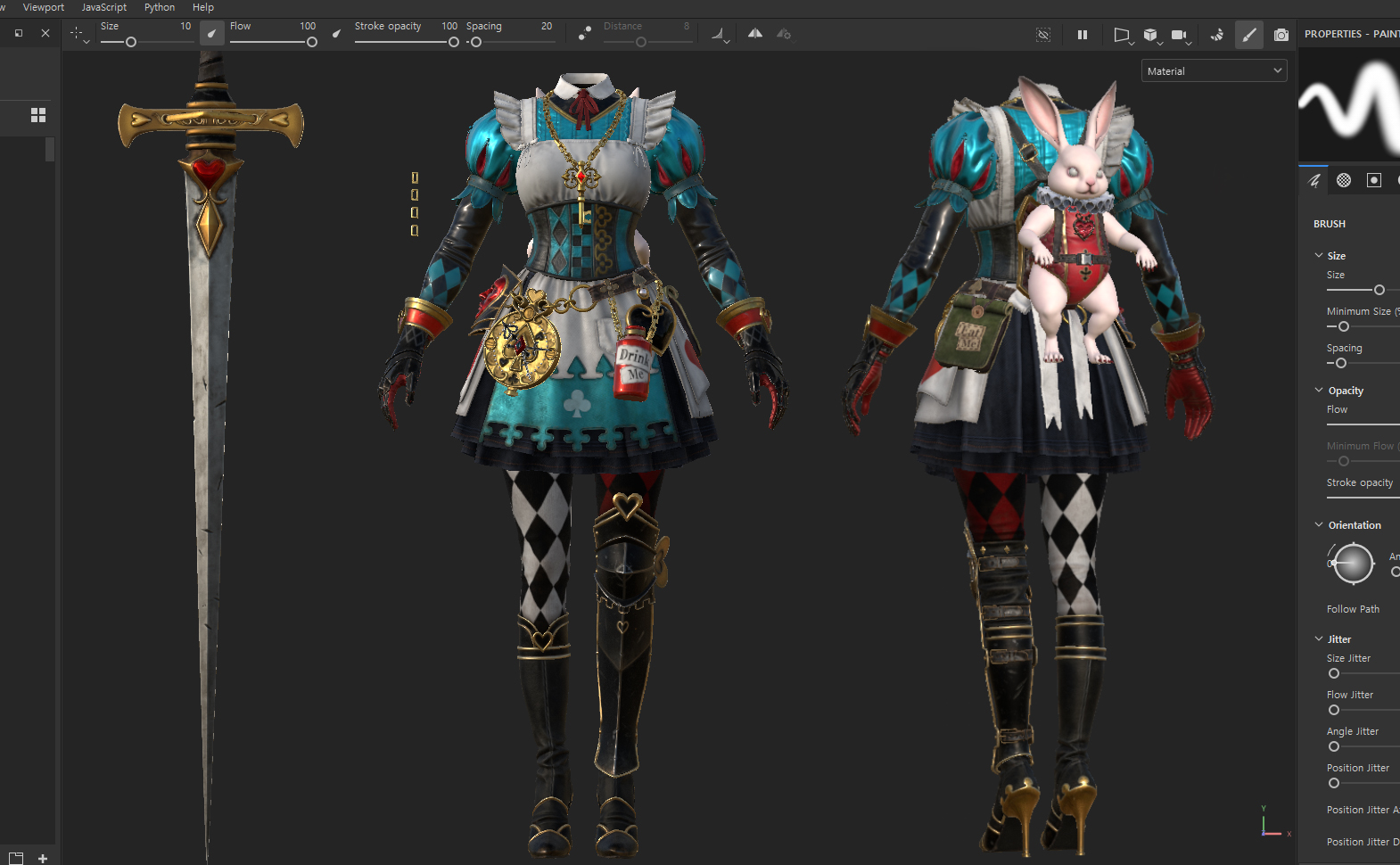
In this project, I used Marvelous Designer during garment creation whenever it was difficult to express natural folds using ZBrush sculpting alone.
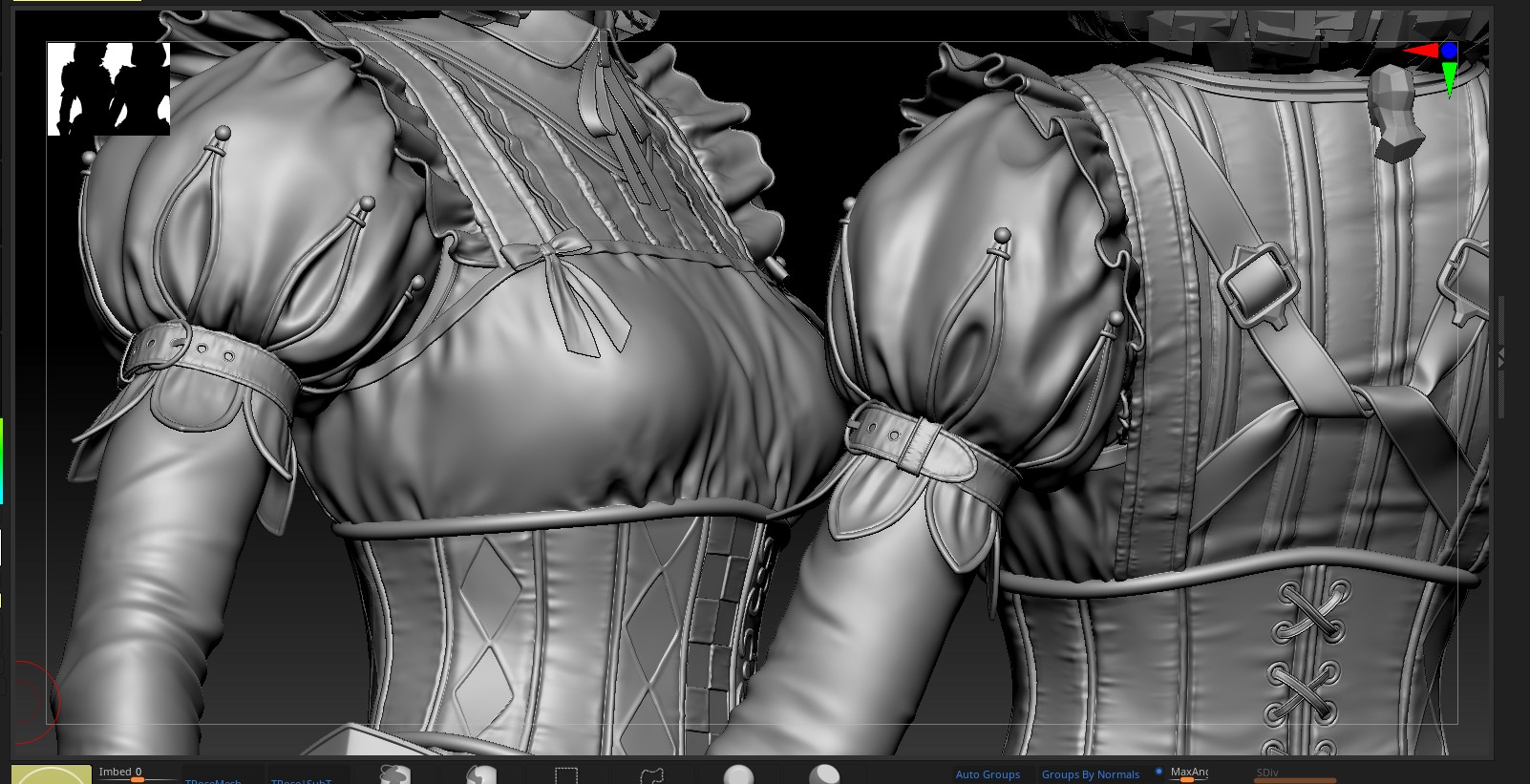
First, I established the overall silhouette and the main direction of the major folds in Marvelous Designer. Then, I refined the flow of the wrinkles and the silhouette using ZBrush's Dynamics feature and sculpting. Finally, I added textures and details appropriate for each fabric material in Substance Painter to enhance the overall level of completion.
What is your favorite feature or tool to use in Marvelous Designer?
My favorite feature is the simulation tool.
Compared to simulation features in other software, it has an intuitive UI, fast workflow, and allows me to inspect and adjust garment shapes and folds directly in real time. I rely on it heavily during the initial shaping phase, as it enables me to quickly establish the overall silhouette and the flow of the wrinkles.
The clothing layers and various trim details really stand out. Please tell us about what you focused on or your production process when working in Marvelous Designer.
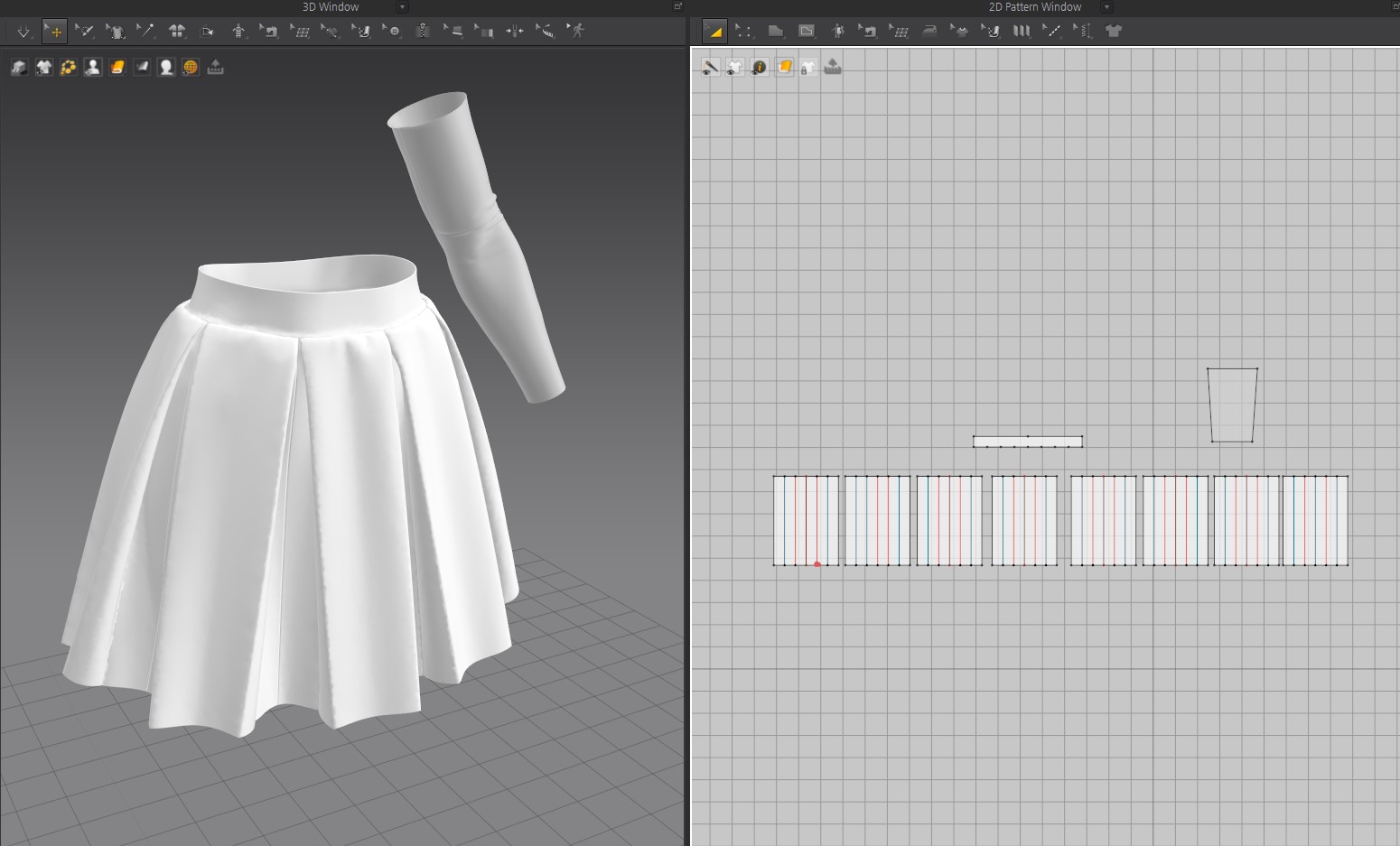
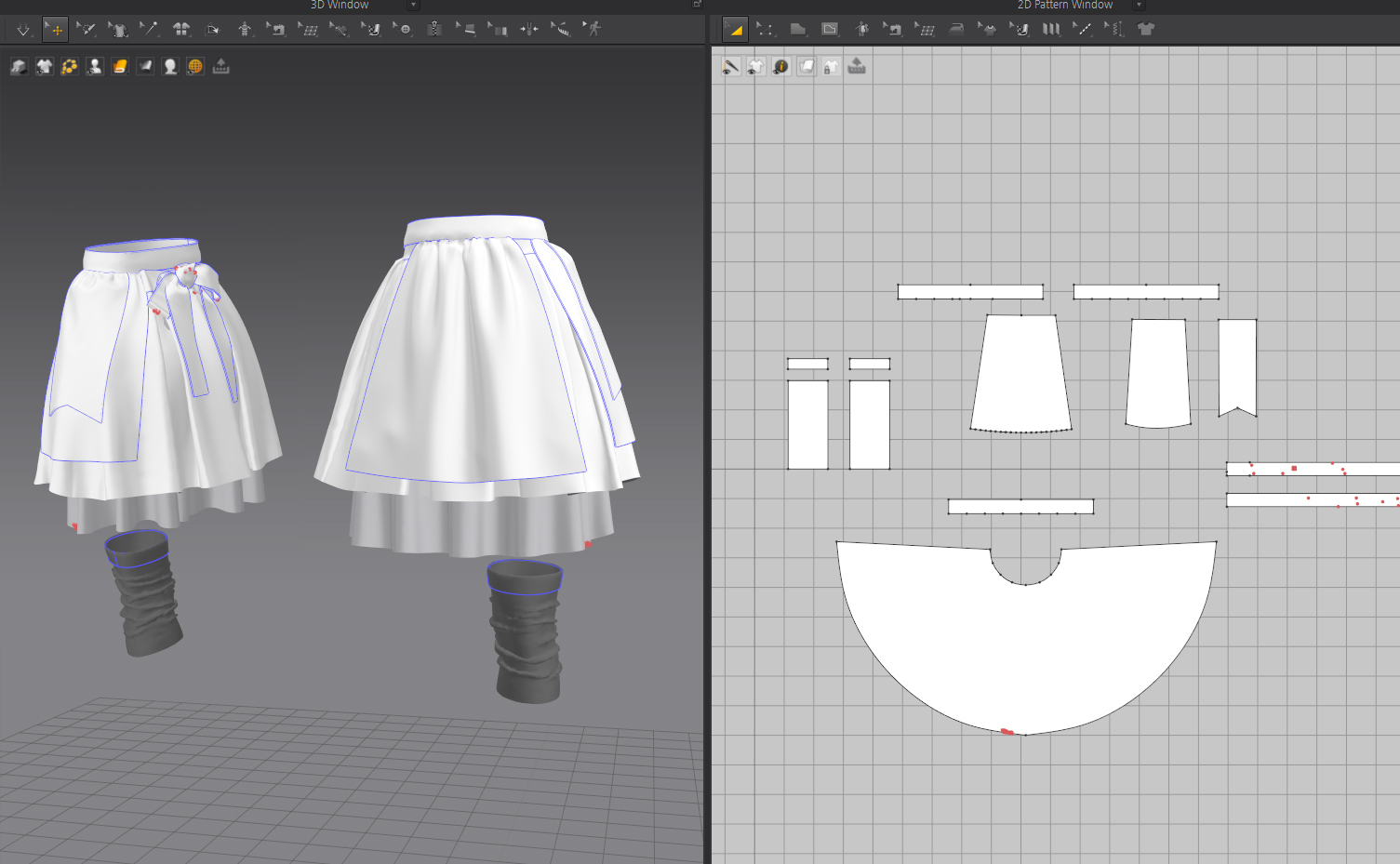
When creating the skirt in Marvelous Designer, I paid close attention to expressing the natural, flowing silhouette of the double-layered skirt and the apron.
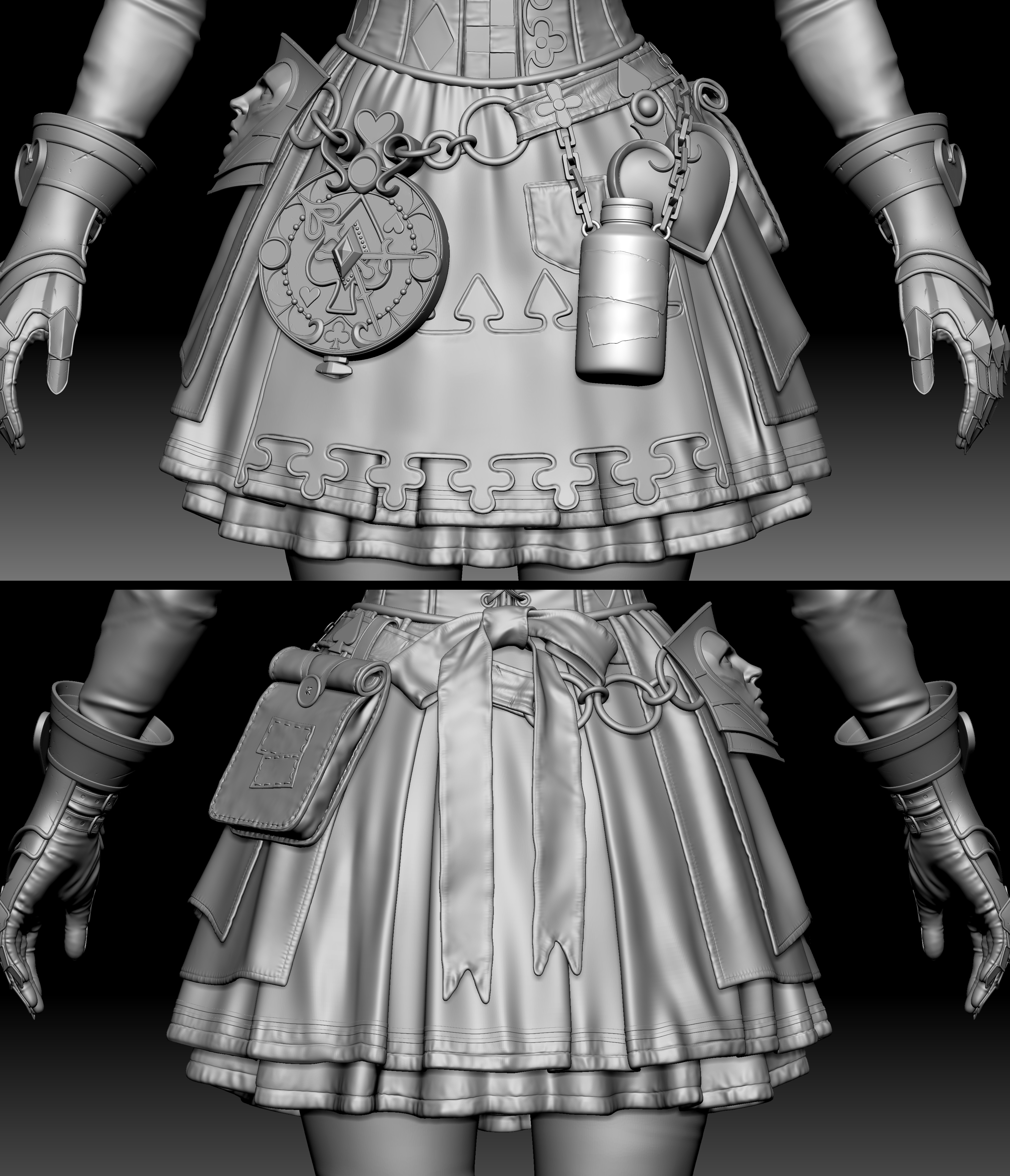
Because the inner and outer skirts had different designs, I created a pleated skirt and a flared skirt separately in Marvelous Designer to establish a natural shape. Afterwards, I refined the overall silhouette and wrinkles in ZBrush before adding fine details.
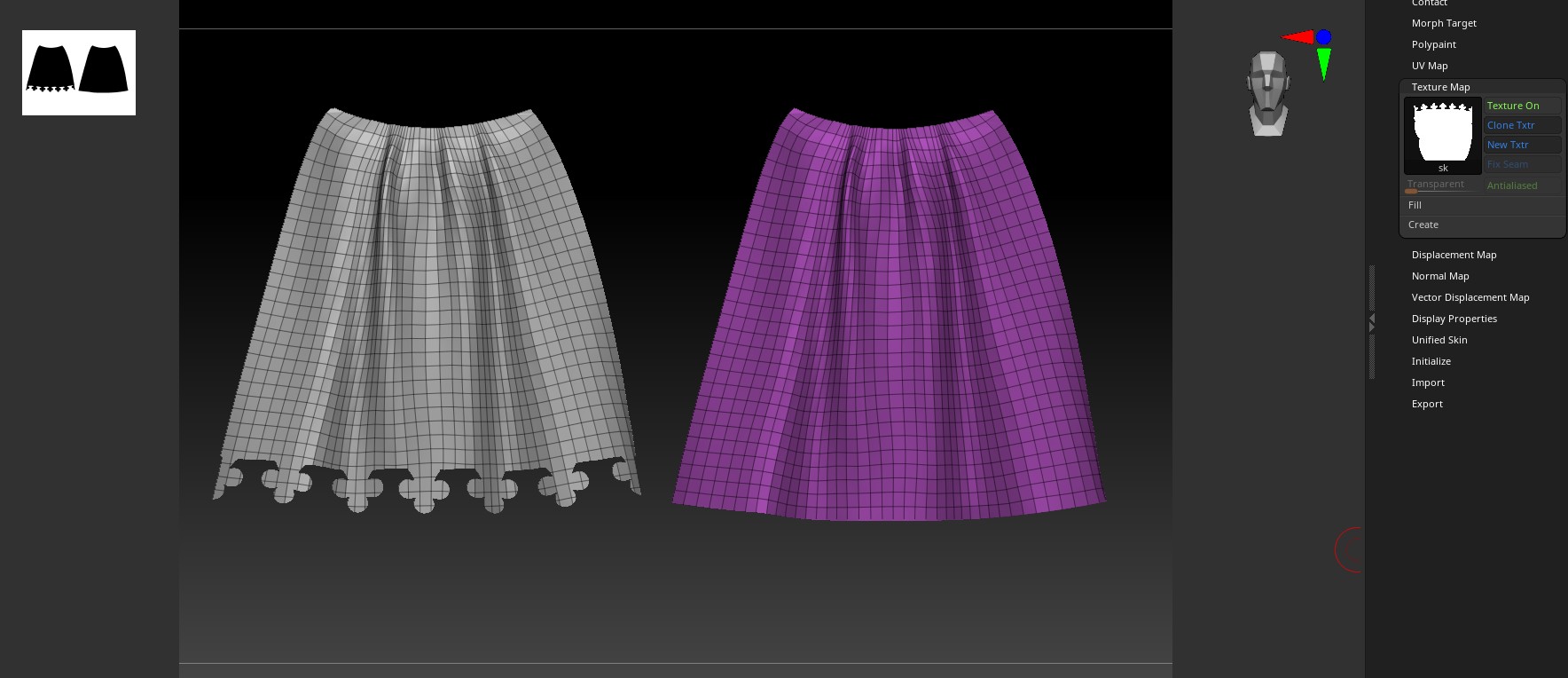
To express the clover pattern at the bottom of the apron as a structured trim, I applied the pattern as an alpha aligned to the UV space in ZBrush, cleaned up the area using masking, and finished it by adding thickness and detail.
For other users considering Marvelous Designer, do you have any advice or experience to share?
When I first started using Marvelous Designer, I wasn't familiar with how to construct and create garment patterns. However, there are many tutorial videos on the official YouTube channel explaining the workflow in detail, along with a wide variety of reference materials. Following along step by step helped me get comfortable with the software naturally and allowed me to enjoy the process of making clothing.
Now, I use it to quickly construct necessary outfit pieces and refine them while inspecting the shape in real time. Rather than trying to create a perfect pattern from the start, I think starting with simple forms and repeating simulations is the best way to master the software.
이 작업은 ZBrush, 3dsMax, Substance, Marmoset, Photoshop 등의 기술로 제작되었습니다.
Marvelous Designer로 이와 같은 3D 의상·캐릭터 작업을 직접 만들어볼 수 있습니다.