Copic Brand Promotion
From Pixels to Polygons – Explore the journey of a graphic designer who transitioned to 3D design, achieving remarkable results with her first project using Marvelous Designer.
Interview with Yuri Choi | Copic Brand Promotion | 3D Artist
We would like to know about you, Yuri. Could you please give a brief introduction and explain how you started working in 3D?
Hello, I am Yuri Choi, working in 3D in South Korea. Since childhood, I have enjoyed looking at illustrations and drawing, which naturally led me to major in design. After graduation, I got a job at a 3D media art exhibition company as a graphic designer, where I was offered the opportunity to try 3D work as well. This prompted me to start studying 3D in earnest and challenge myself in a new field.
Could you please explain in detail about your recent project, "Copic Brand Promotion"?
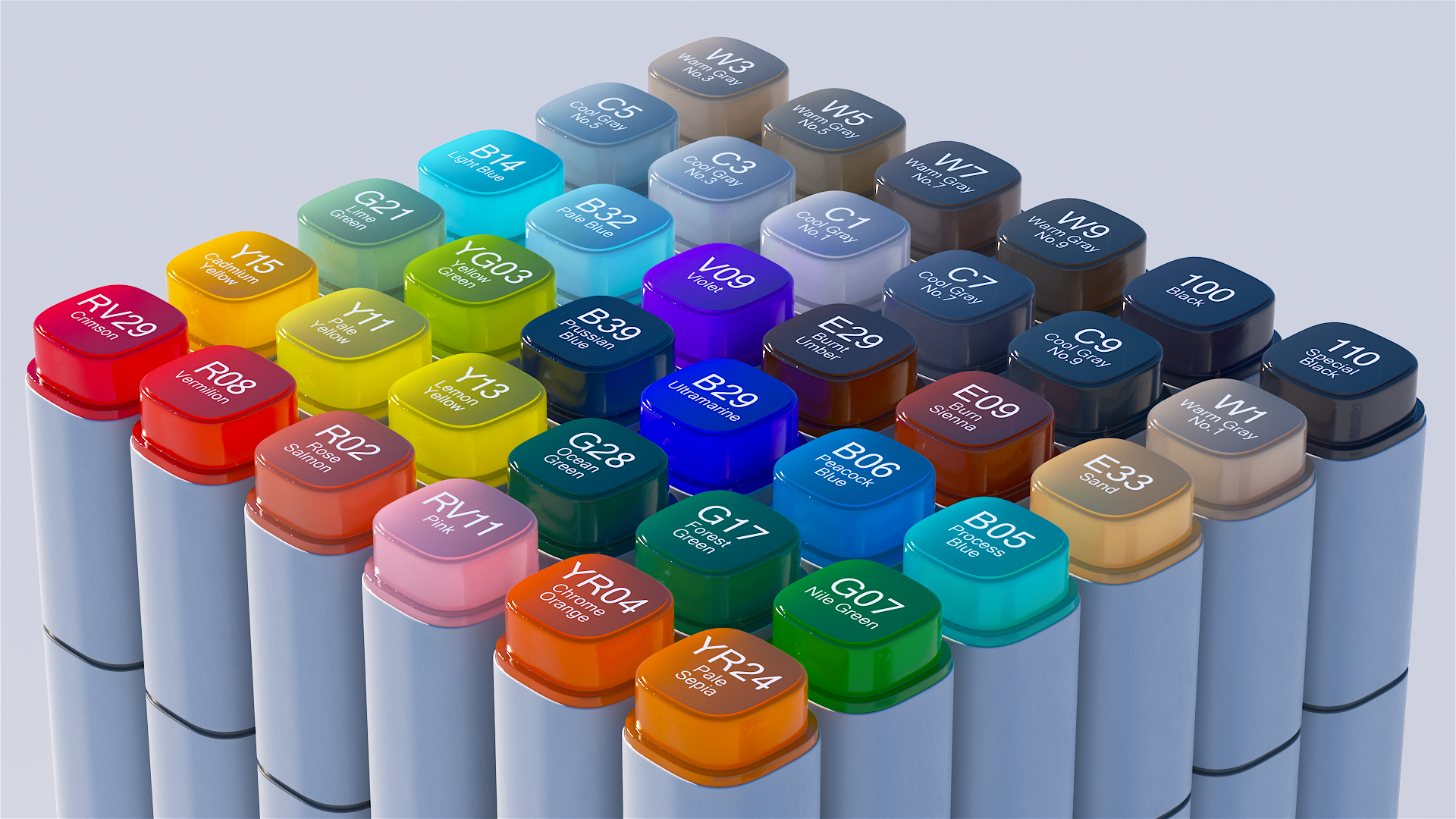
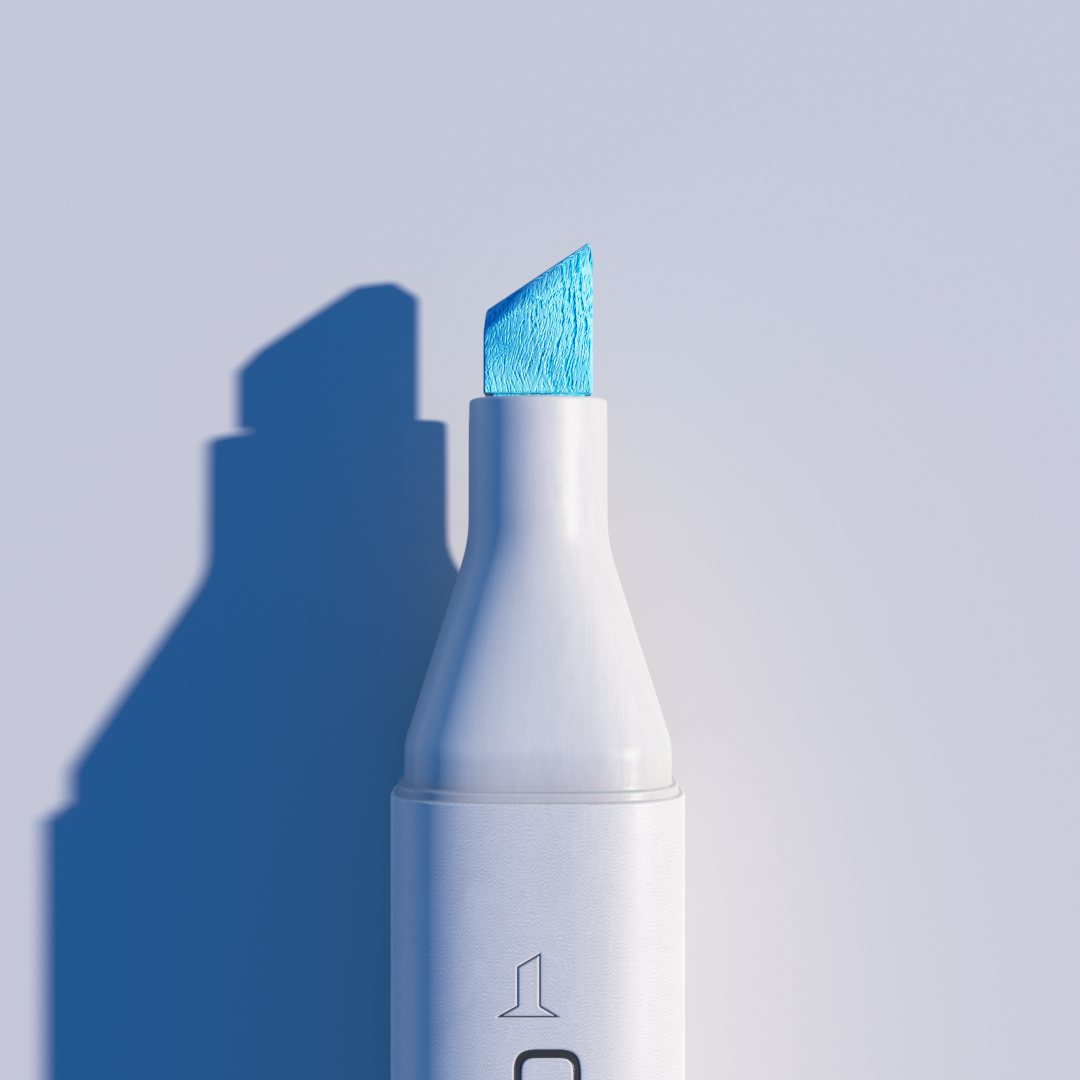
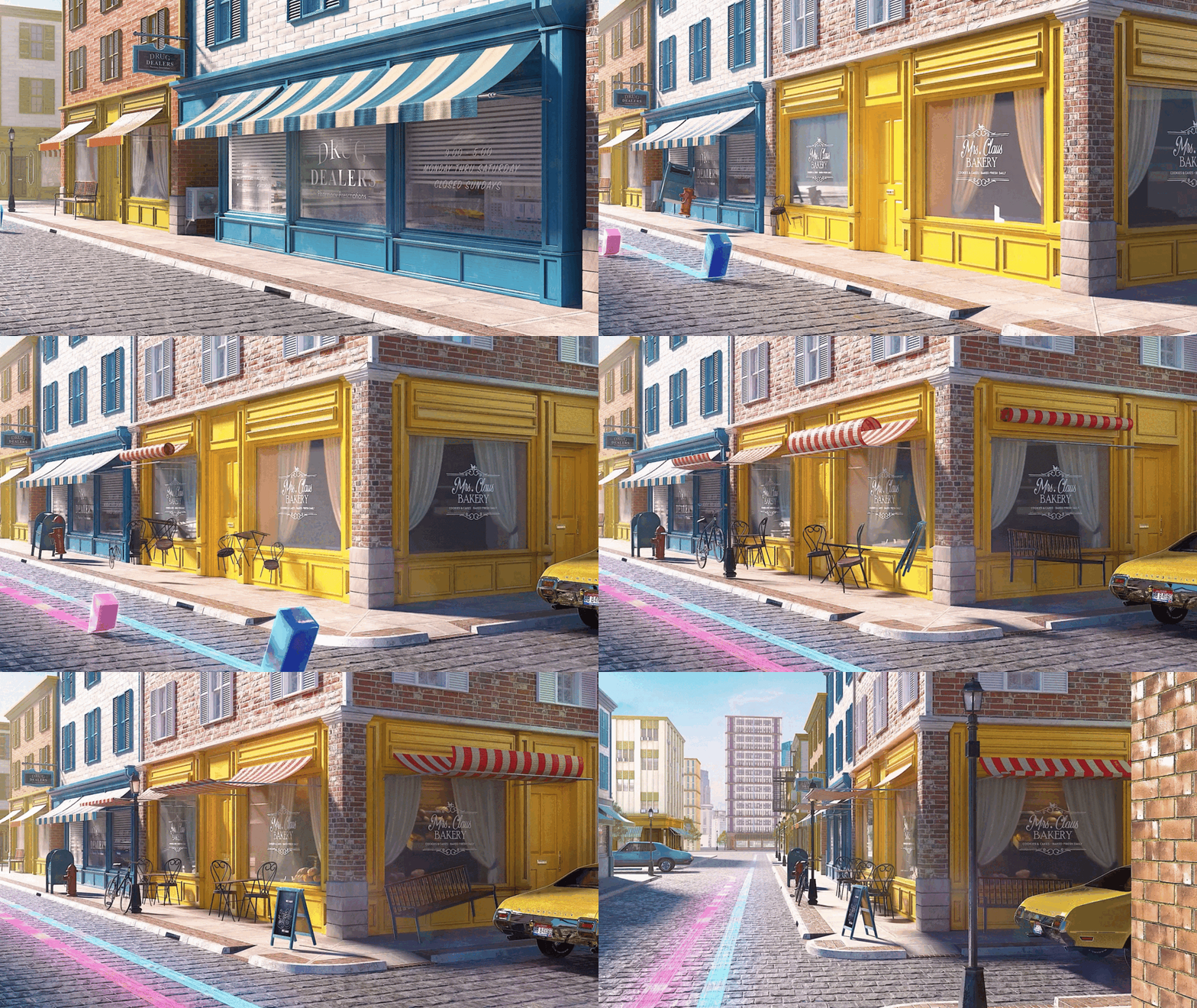
The "Copic Brand Promotion" is the first portfolio video I created at the academy where I studied 3D. The theme of this video is "A Parade of Vibrant Colors by Copic Markers that Brighten Up the City." It emphasizes the ease and speed of coloring with Copic markers, depicting shapes representing various marker tips starting from a small space and joyfully spreading color throughout the city. To highlight the advantage of quick coloring, I focused on dynamic and fast-paced scenes. Additionally, I aimed to make the scenes more exciting and lively by synchronizing them with the rhythm of the music.
Your work using Marvelous Designer is impressive. Do you have any advice or tips for Marvelous Designer users based on your recent project?
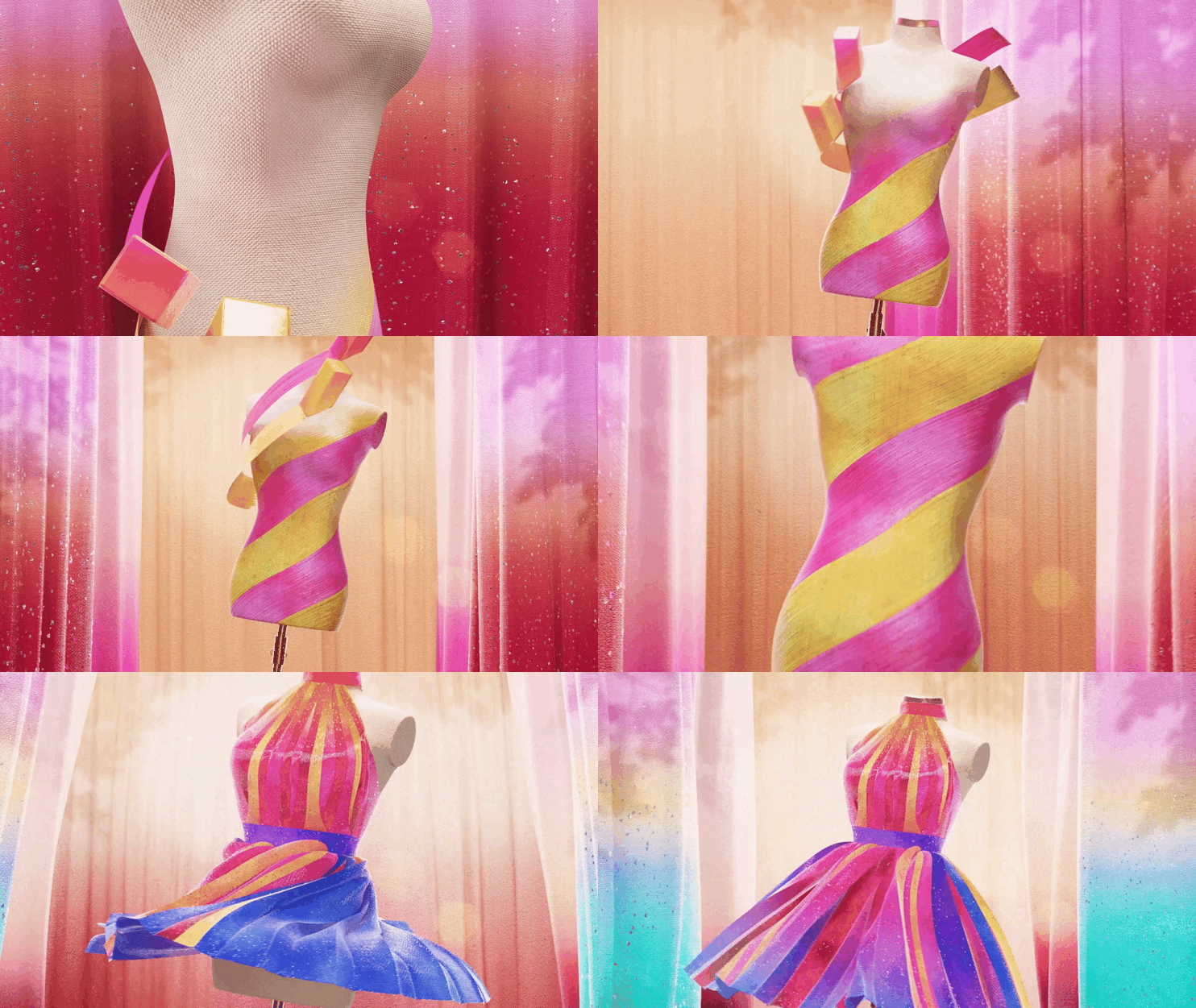
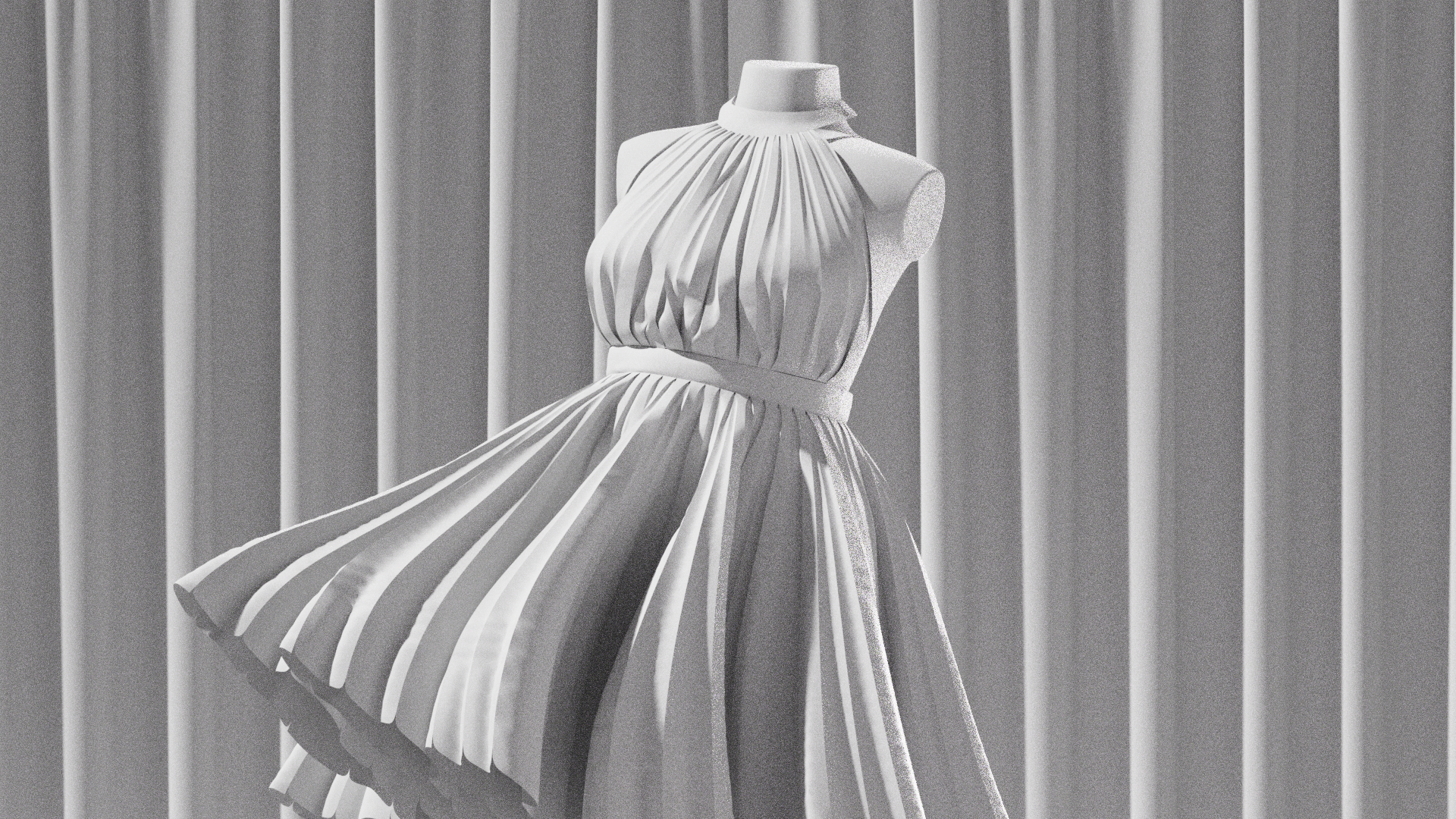
I used Marvelous Designer to express vibrant colored clothes. First, I modeled a mannequin in C4D to dress it, set the desired rotation speed and direction, and then imported it into Marvelous Designer. Since the design of the clothes I envisioned was relatively simple, I could create it quickly. Through animation, I adjusted the fabric's stretch, weight, and movement during rotation to achieve the desired texture. Once I was satisfied with the clothing motion, I transferred it back to C4D to complete the texturing work.
The biggest issue during this process was the structure of the clothing pattern. The fabric around the waist and neck was supposed to hold the top in place, but the pulling forces caused the clothes to keep slipping off the mannequin's neck. To solve this, I first elongated the mannequin's neck and created a band to secure the shape. I figured that lengthening the neck would reduce the chance of the clothes slipping off. Then, I added a band around the waist to secure it similarly and connected the top to the waist and neck bands.
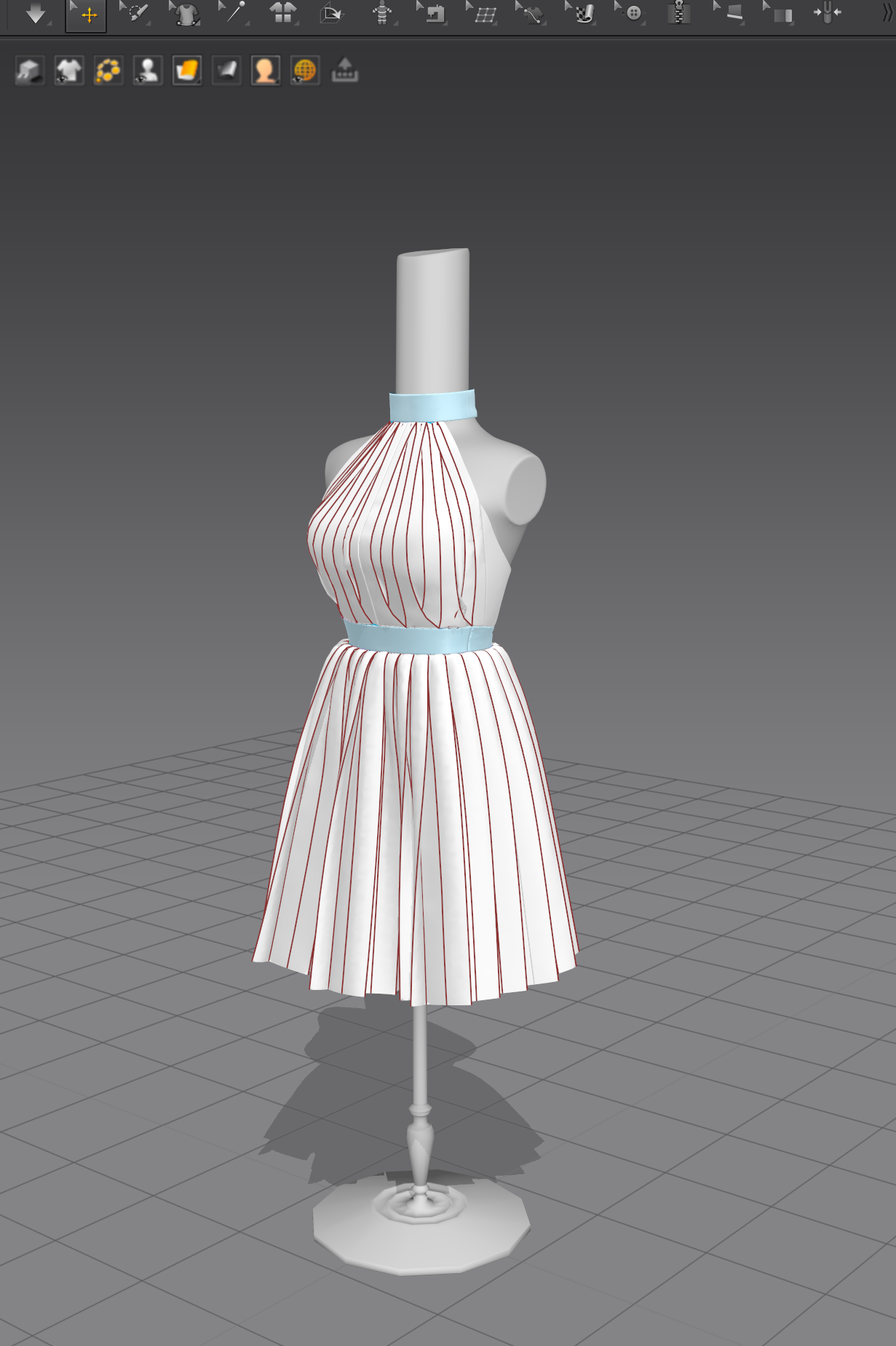
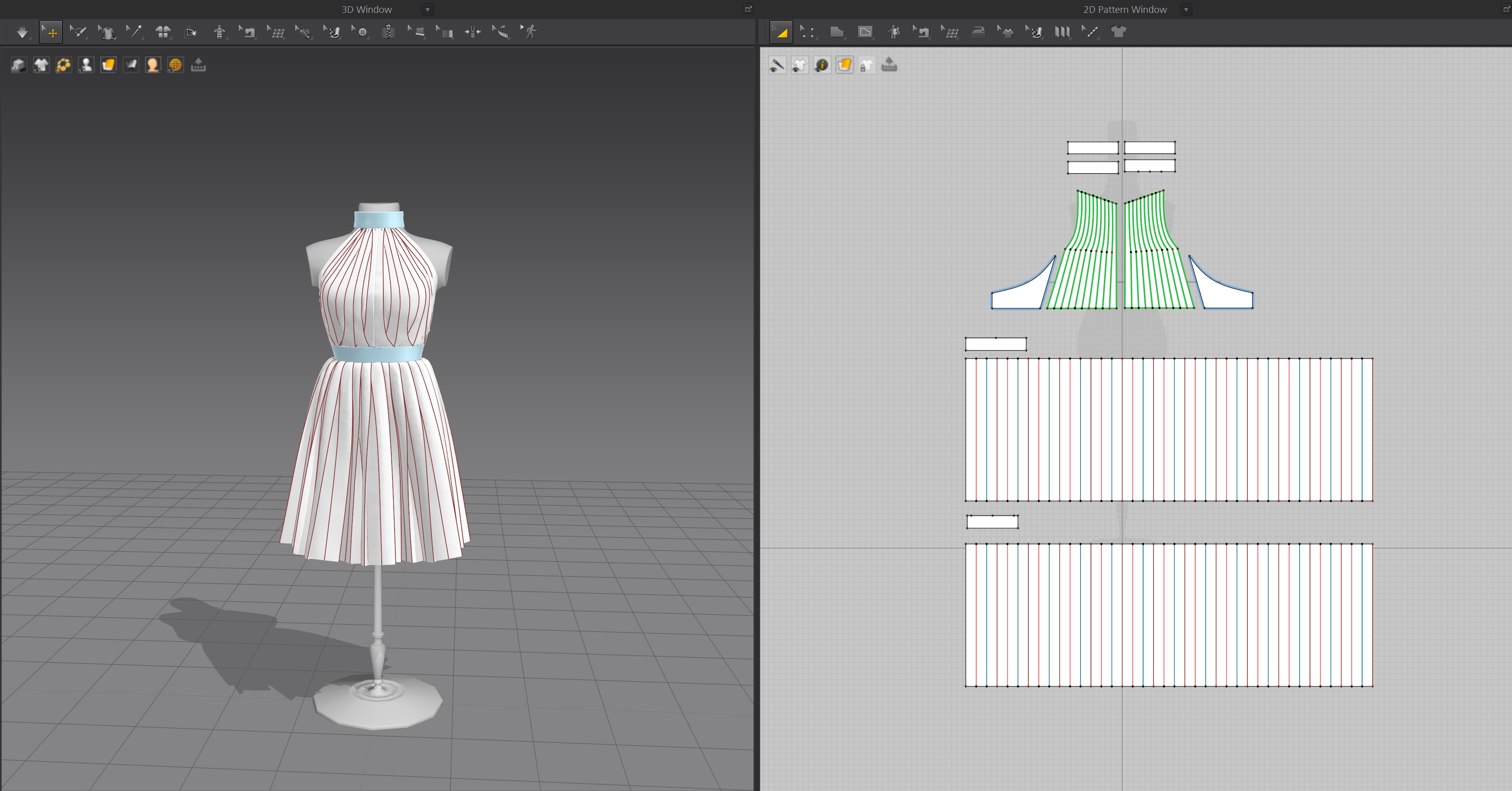
Instead of trying various attempts on the existing mannequin, I quickly modified the modeling to address the root cause of the problem. By applying the results from the modified mannequin to the existing work, I could solve the issue simply and efficiently. Would this method be considered a tip?😊
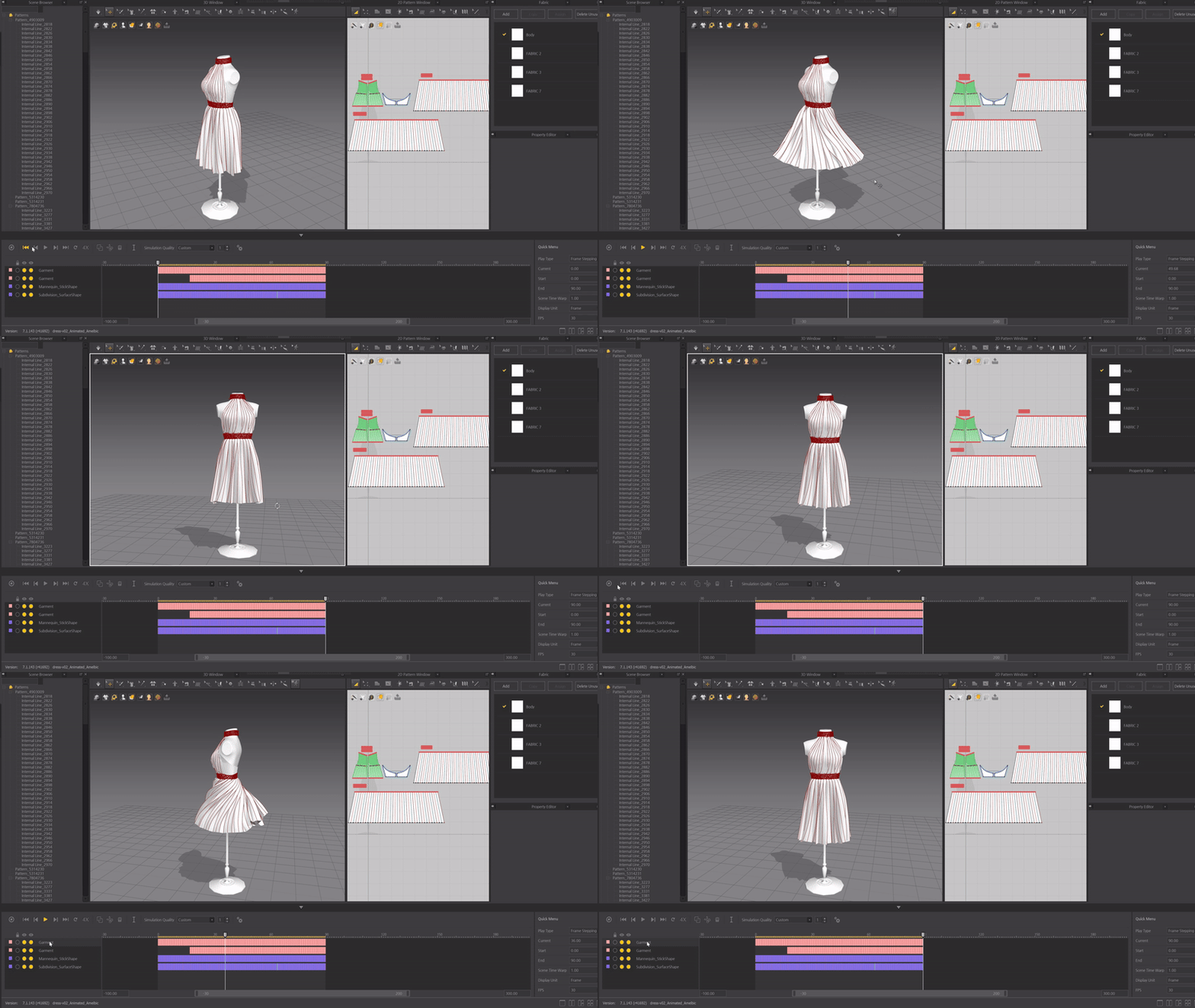
Could you provide a brief overview of the various tools used in your pipeline?
In addition to Marvelous Designer, I mainly used Cinema4D, Octane Render, After Effects, Photoshop, and Illustrator. Photoshop and Illustrator were used to create the necessary source images. The overall layout composition and rendering work were done in Cinema4D and Octane. The rendered images were then brought into After Effects for final post-processing to complete the final video.
When working on a project, there must be parts you enjoy the most and parts that are challenging. What was the most enjoyable part of the process for you?
I found the most enjoyment in the process of setting up style frames for each scene. Moving from the storyboard stage to actually setting up the lighting and post-processing to beautifully complete the scenes felt like a special experience of bringing imagination to reality.
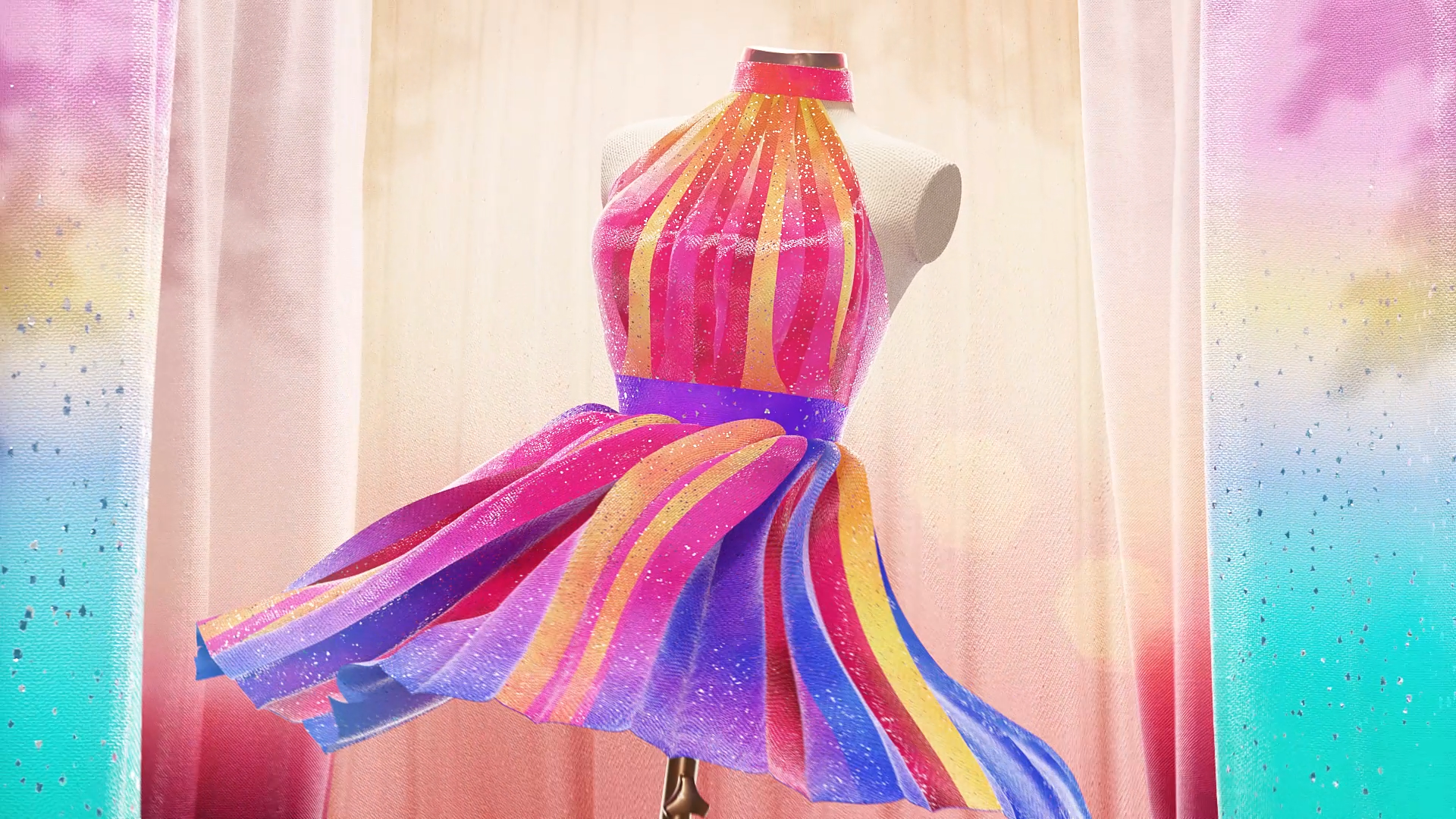
I particularly remember the initial concept for the scene featuring a vibrant-colored dress. I was unsure about what kind of dress to create and which colors to choose, but then I had the idea to use AI. I first created a simple reference image and then used AI to add details and refine the image. After that, I found a similar clothing pattern and created the dress in Marvelous Designer.
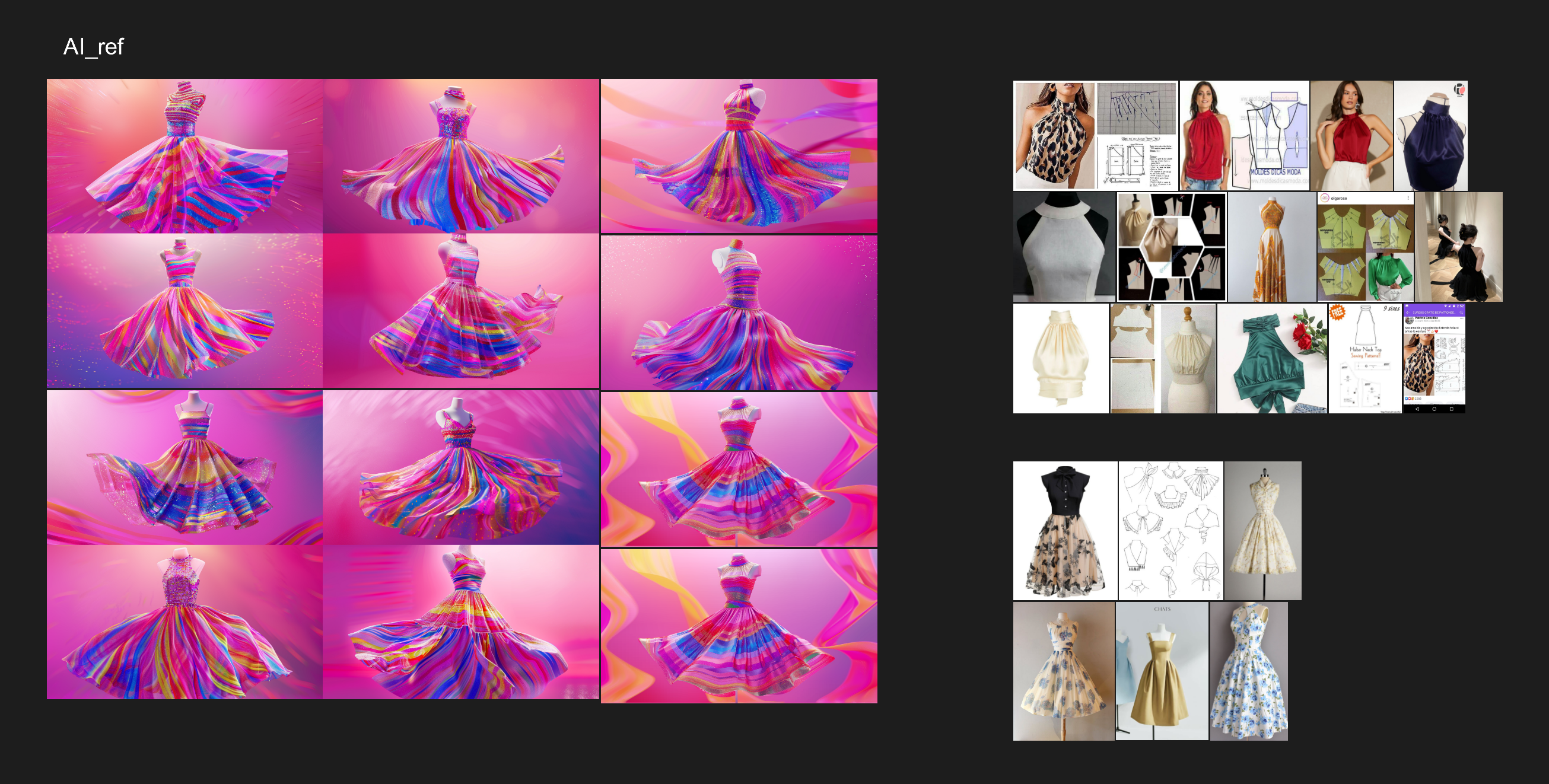
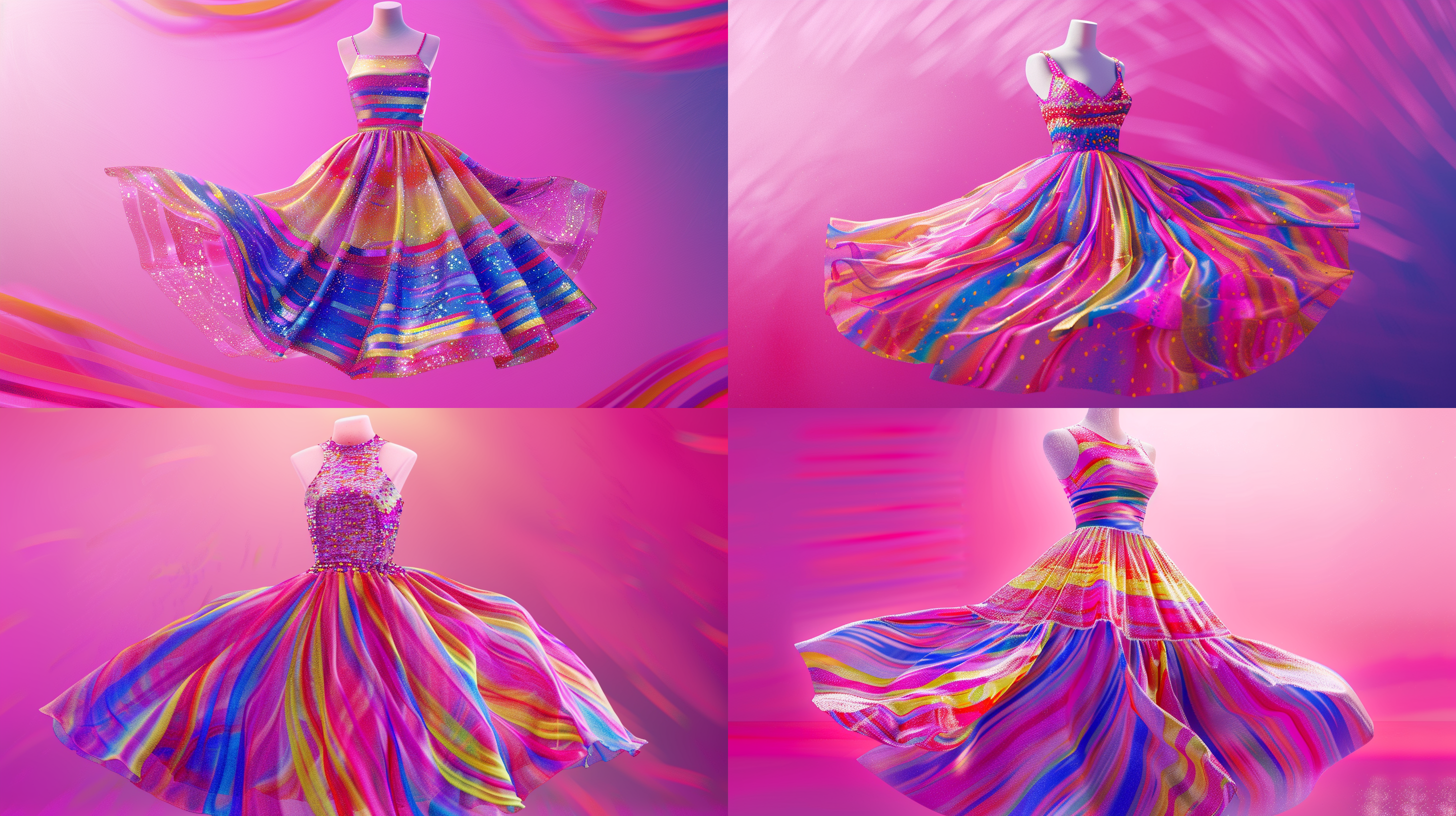
This was my first time using Marvelous Designer, and I remember trying various things and going through trial and error without watching any guide tutorials. Looking back, I wonder why I didn't look up resources from the start, but I clearly remember how much fun I had and how focused I was on the work. The process of using AI to refine my ideas and boldly trying out Marvelous Designer was the most interesting and enjoyable part of the project.
What was the biggest challenge you faced while working on the project?
The biggest challenge was having to control all aspects of the work by myself. As a beginner, handling everything from modeling, lighting, sound editing, sound effects, and post-processing alone was very complex and overwhelming.
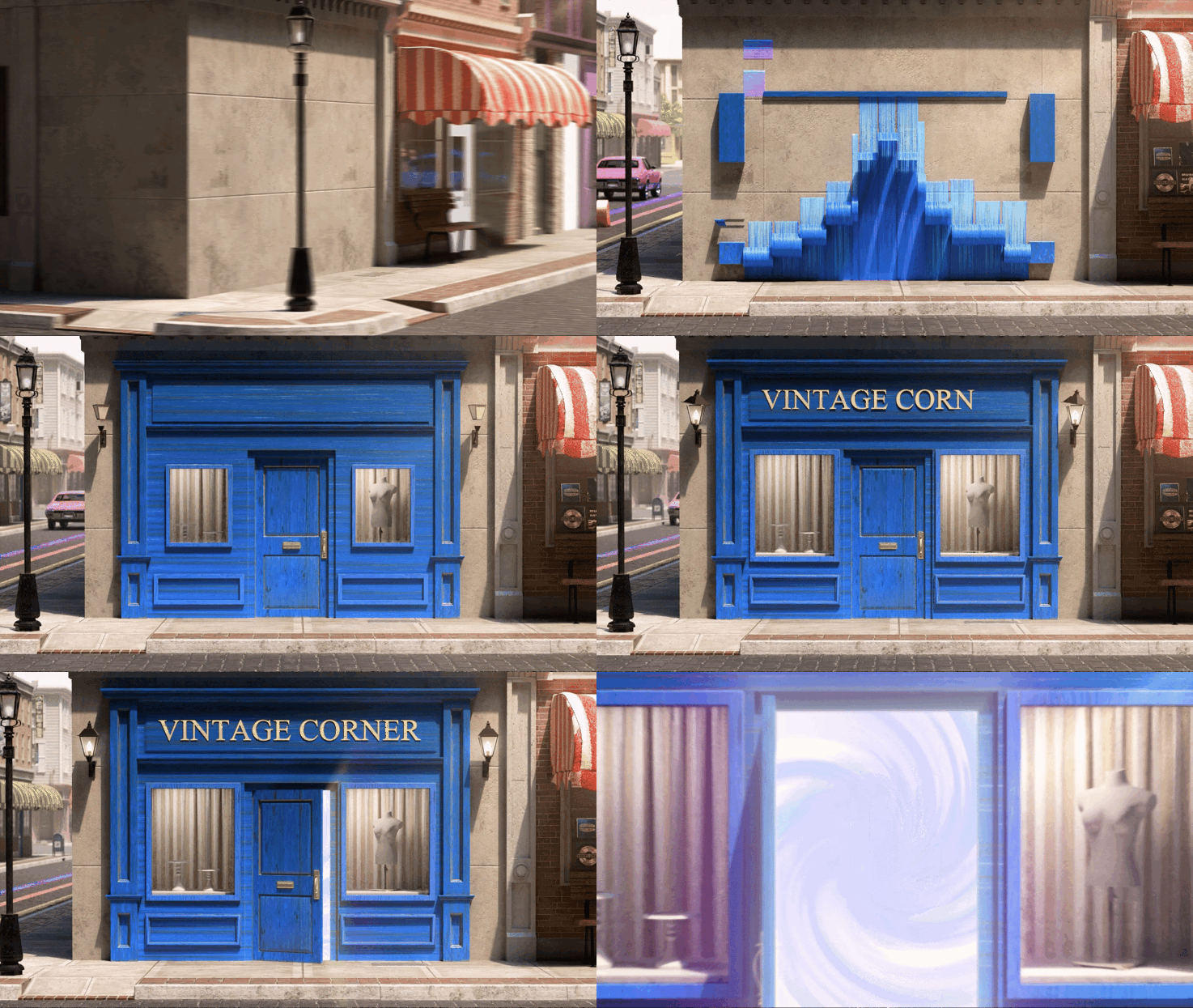
Another major difficulty was figuring out effective ways to express my ideas. For example, when creating the scene where a blue store appears after the marker shape passes through an alley, I spent a long time staring at the monitor, unsure of how to make it look natural. Initially, I tried to show ink droplets seeping into the wall to create the store, but the result didn't feel right, so I changed direction. I then came up with the idea to layer colors gradually, similar to how markers are used, to reveal the store's vibrant texture. Ultimately, I created a scene where 2-3 layers with the marker's transparent and vivid texture overlapped to form the store, which received positive feedback for being impressive.
The process of figuring out how to effectively portray the desired look was always challenging but also very rewarding.
Lastly, do you have any advice for those starting out in 3D art? It could be career advice or mindset tips for creating artwork.
Don't doubt yourself, and if you do, shake it off quickly!
I often doubted myself or questioned my talent. But recently, I recalled my early days in 3D. I remembered the excitement of holding the mouse and working enthusiastically on a simple model with a basic texture. I have grown a lot since then, and I continued working with the belief that I could improve even more.
There are times when I get stuck or struggle to come up with ideas, but the sense of accomplishment and rapid progress when the results turn out better than expected are truly precious. If you can recall these positive experiences more vividly and for longer than any negative thoughts about yourself, I believe you can work much more healthily.
Of course, it's important to identify and address your shortcomings, but sometimes taking the time to reflect on your strengths and progress so far can give you the motivation to create even more beautiful artwork.
이 작업은 Cinema4D, Octagon, Aftereffect, Illustrator, Photoshop, AI 등의 기술로 제작되었습니다.
Marvelous Designer로 이와 같은 3D 의상·캐릭터 작업을 직접 만들어볼 수 있습니다.