Making Fabric Folds Make Sense: Illustrator Luobu on Her 2D + 3D Workflow
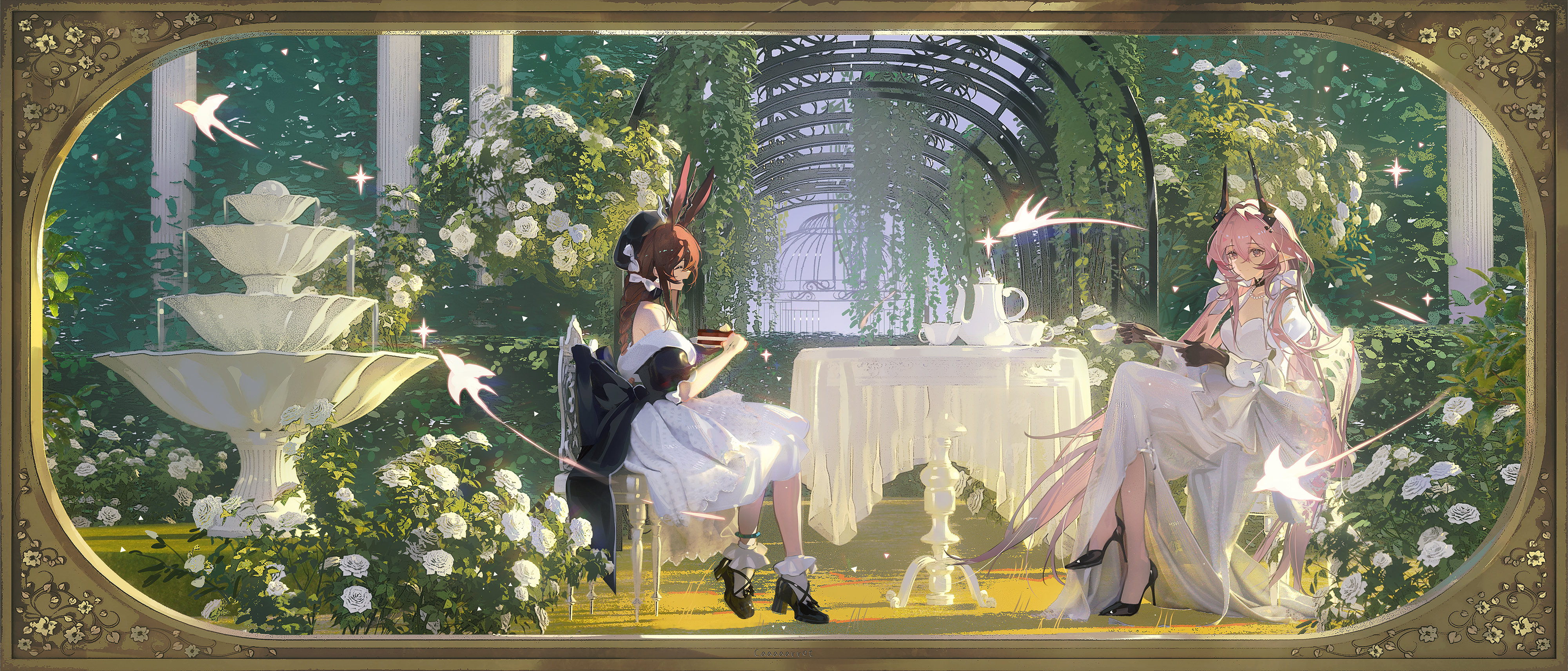
In character illustration, clothing is more than visual decoration. It affects a character's movement, material expression, visual depth, and the overall mood of the image.
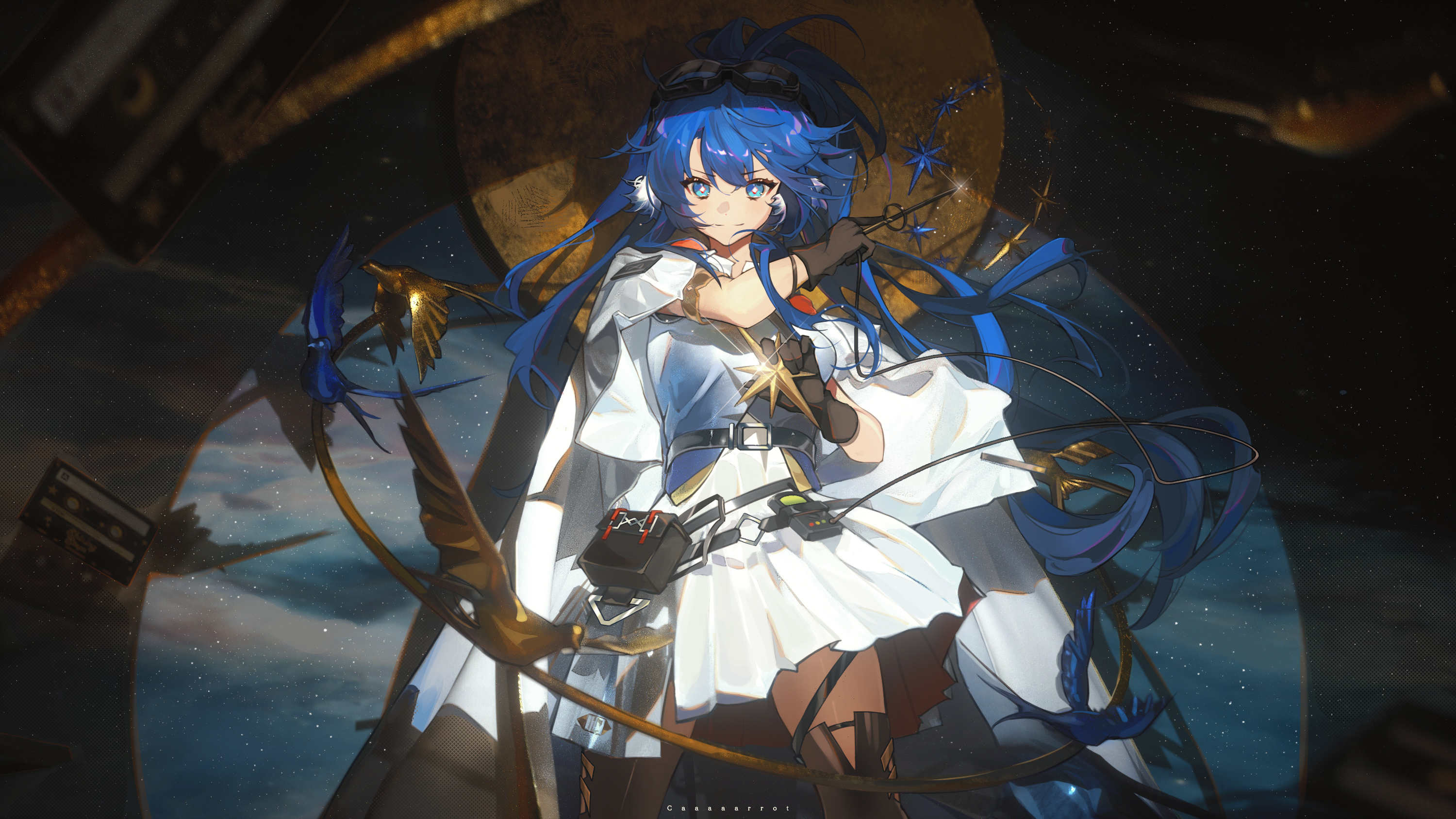
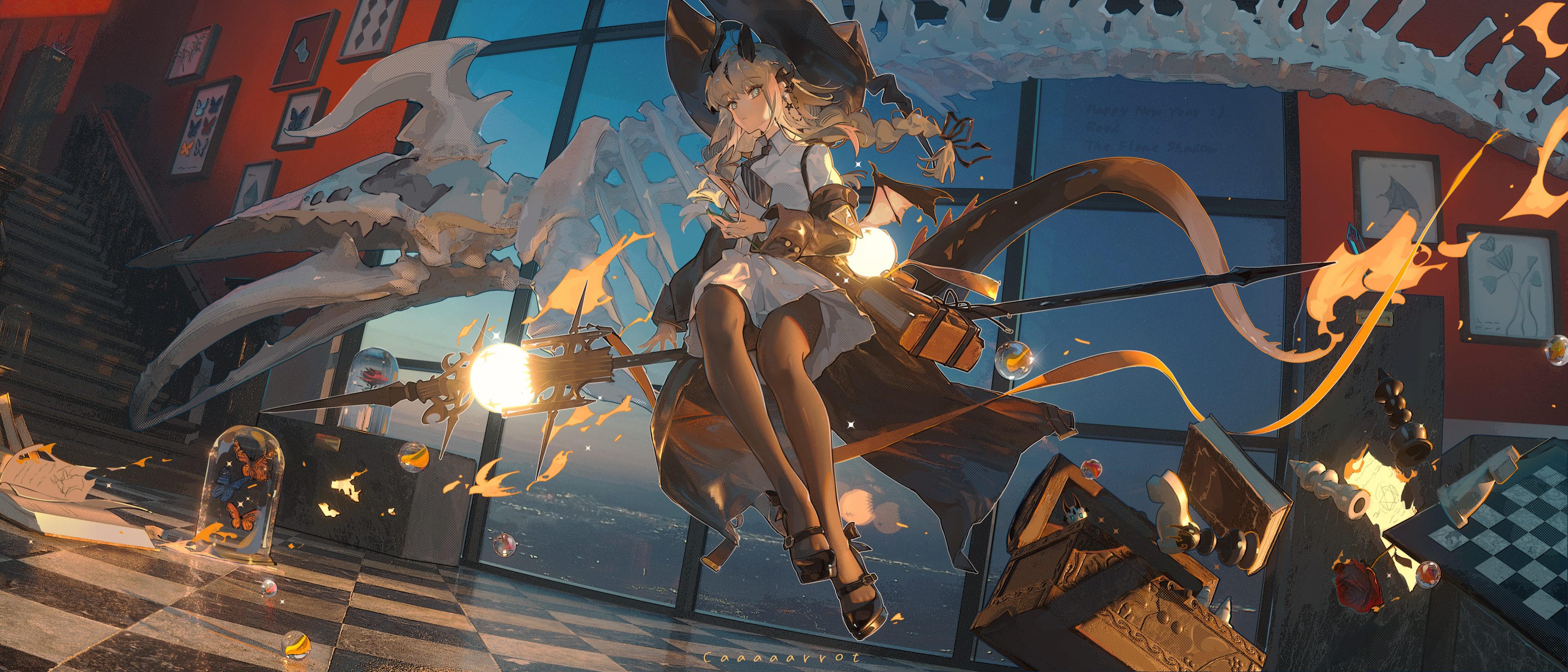
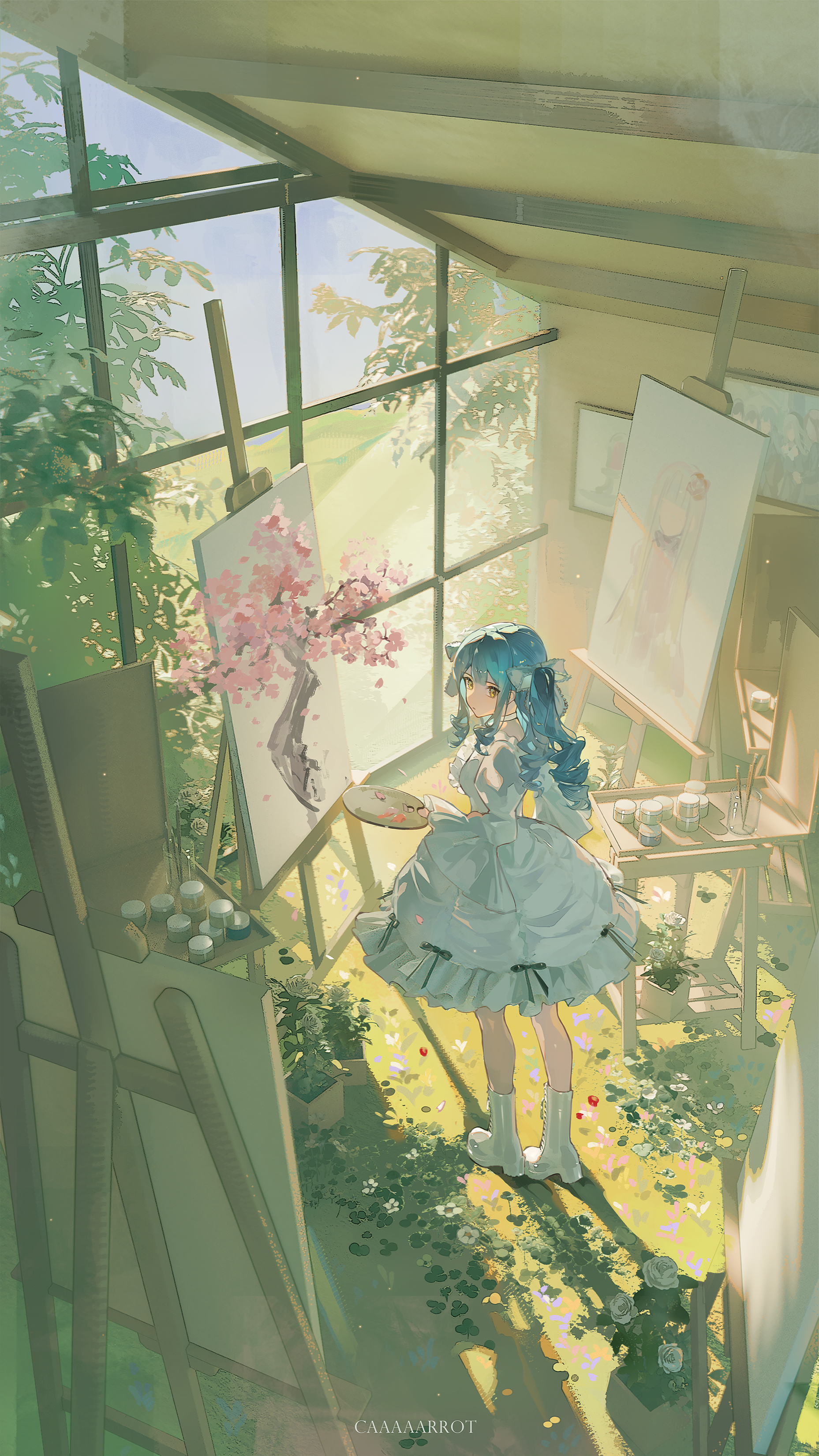
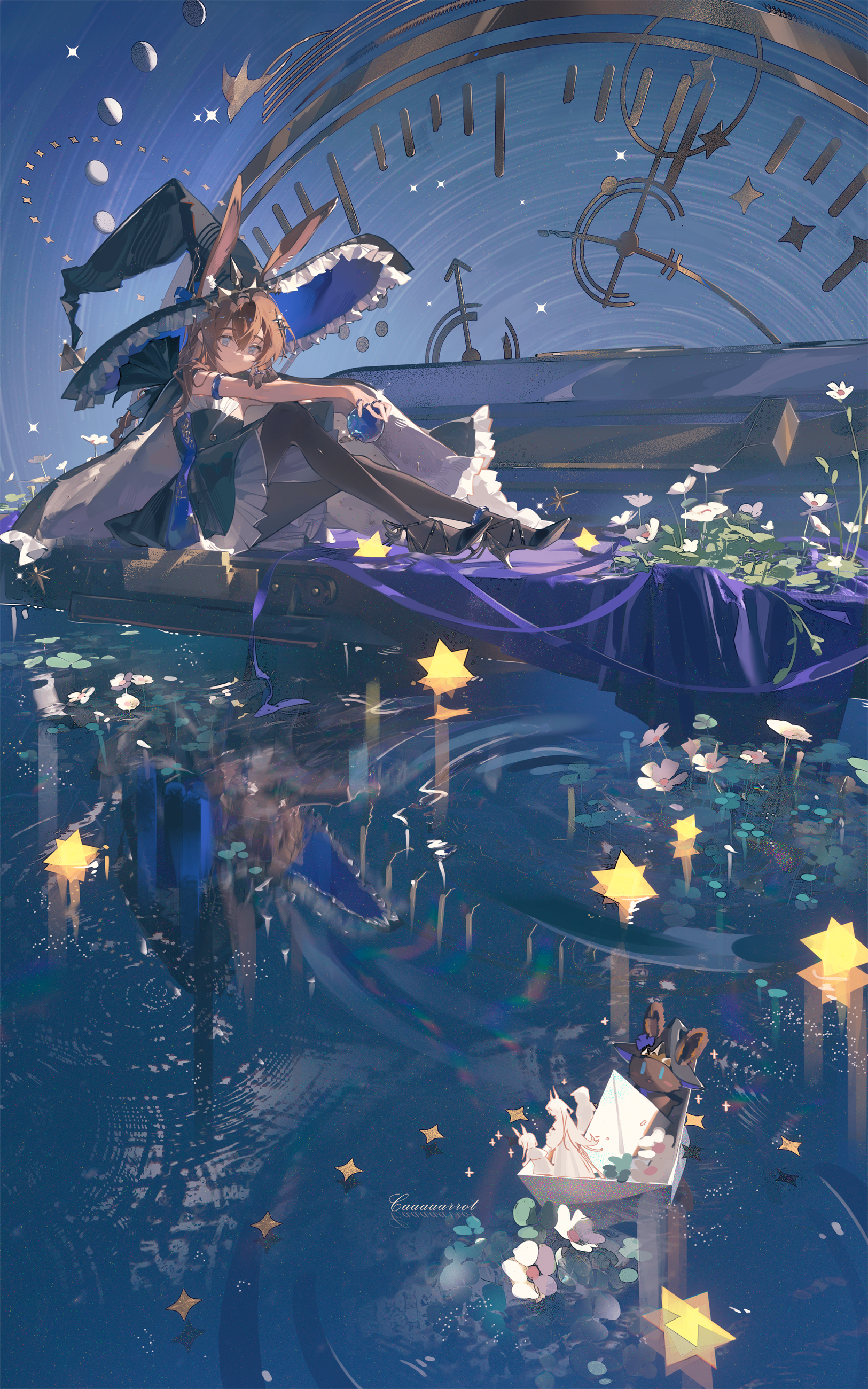
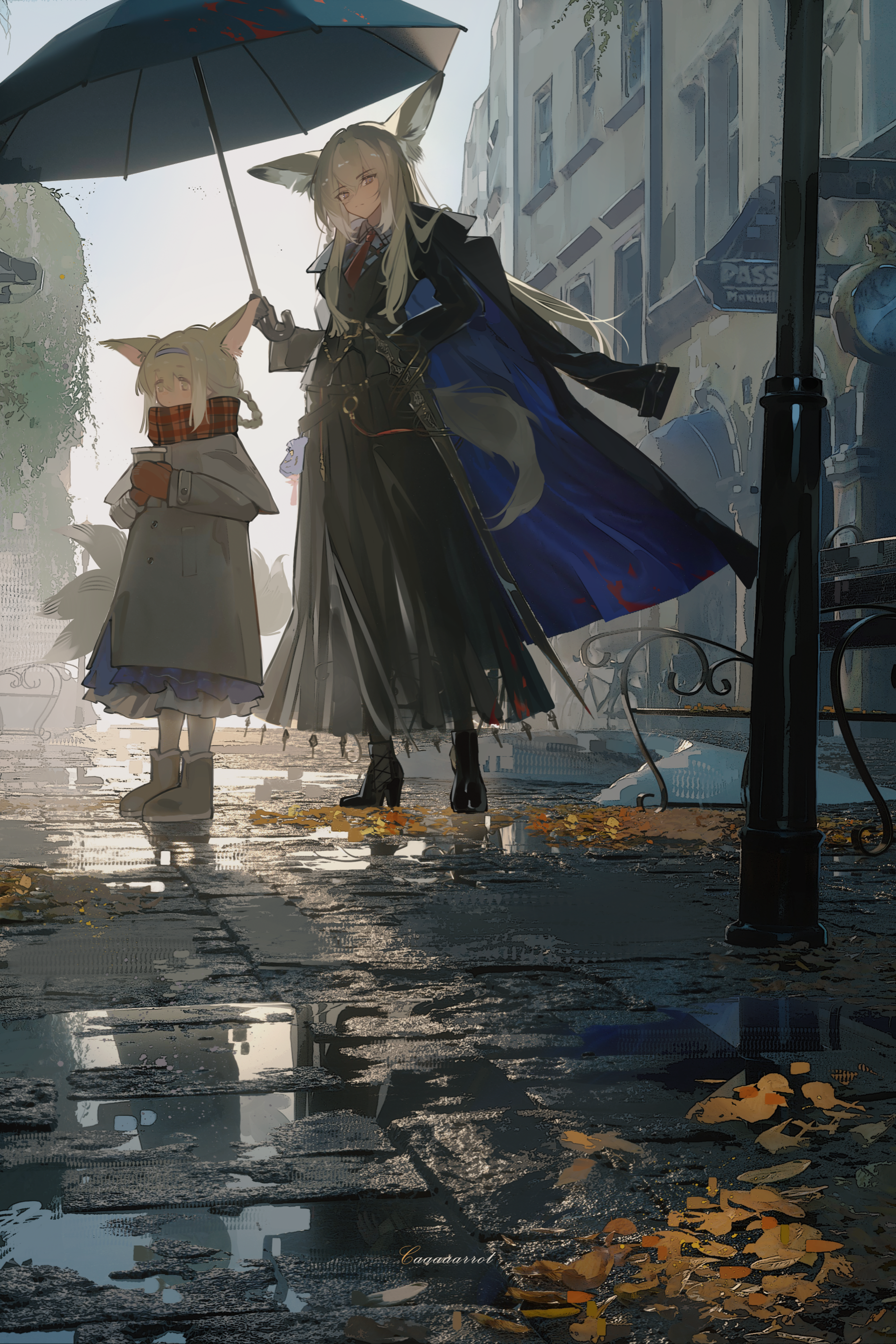
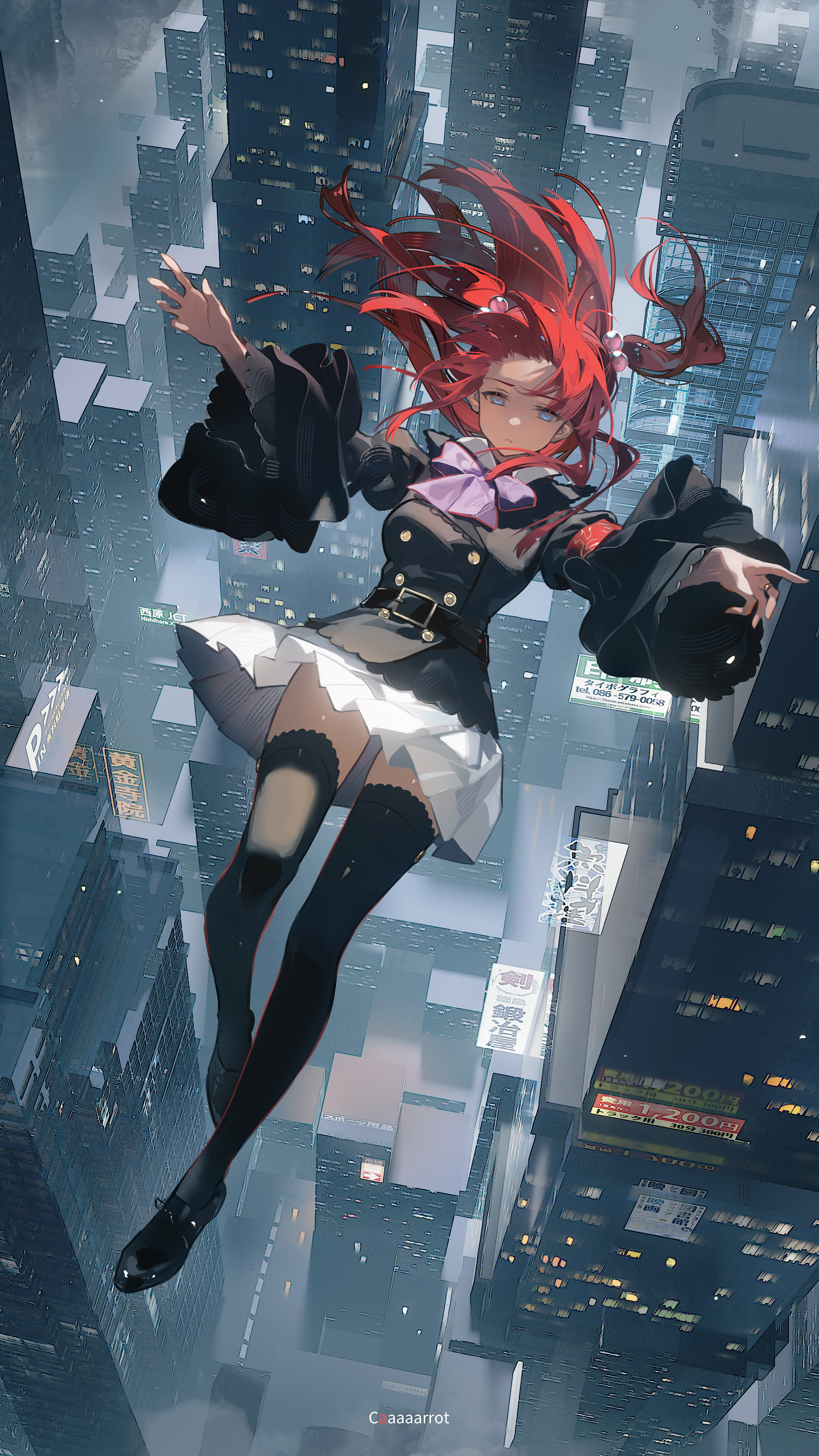
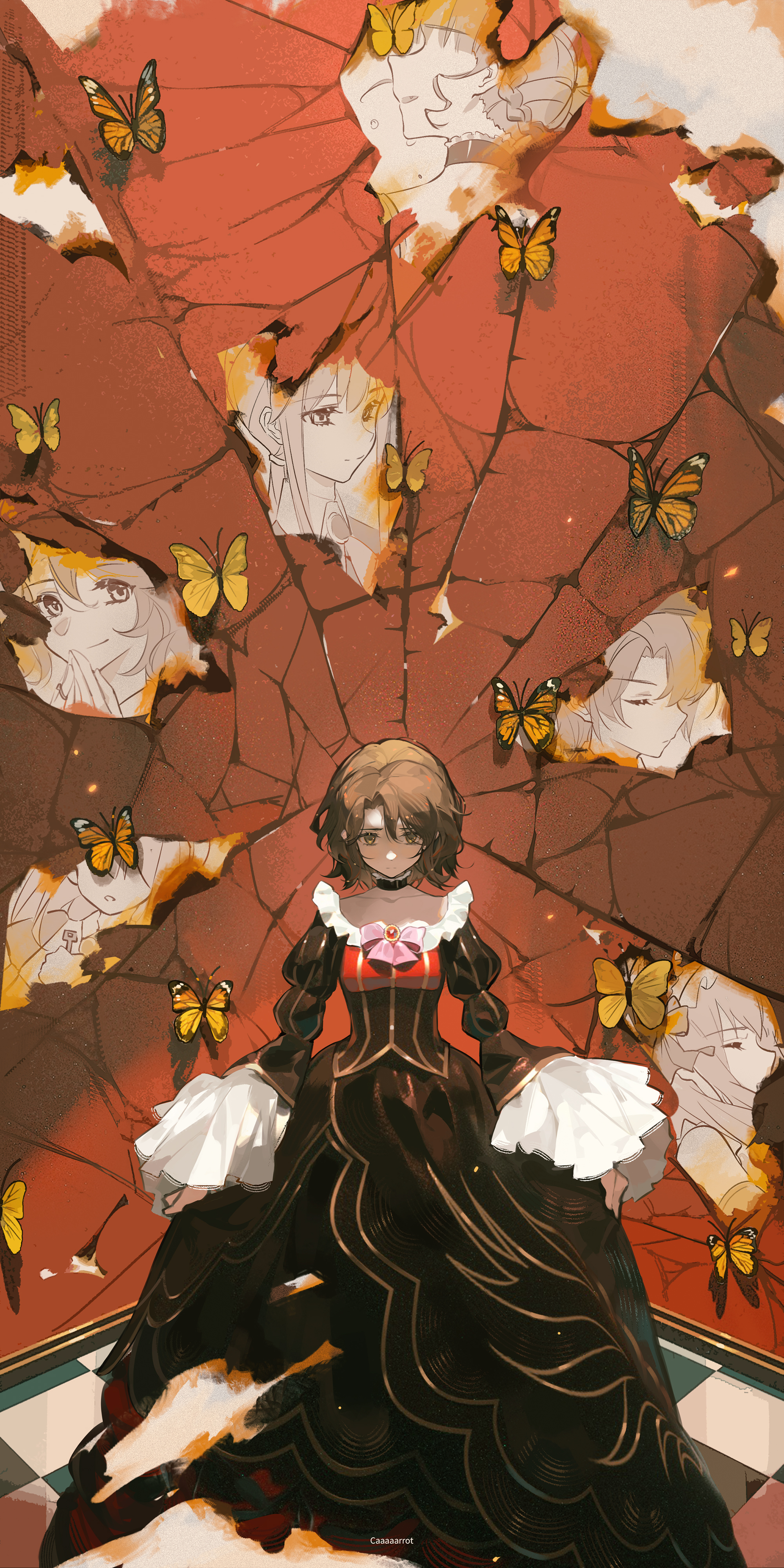
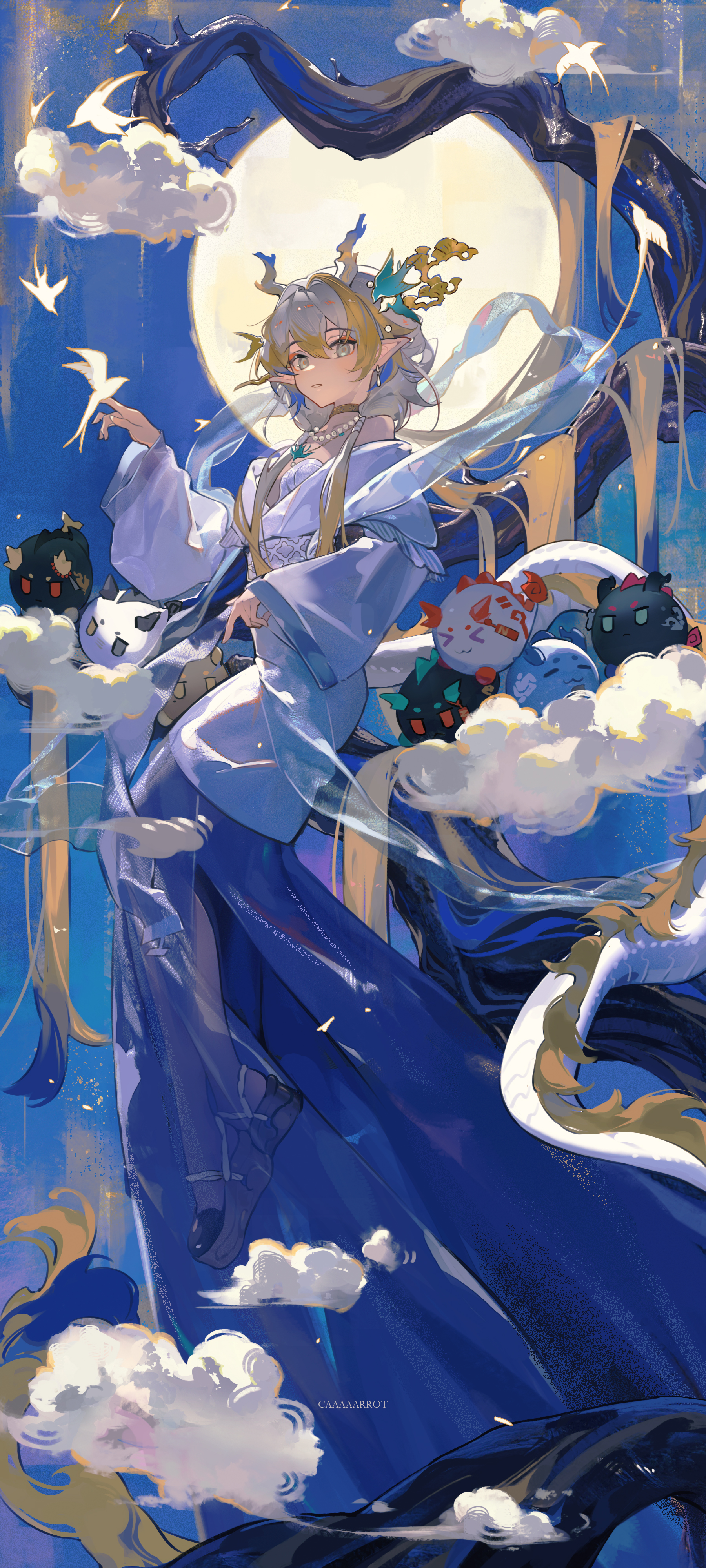
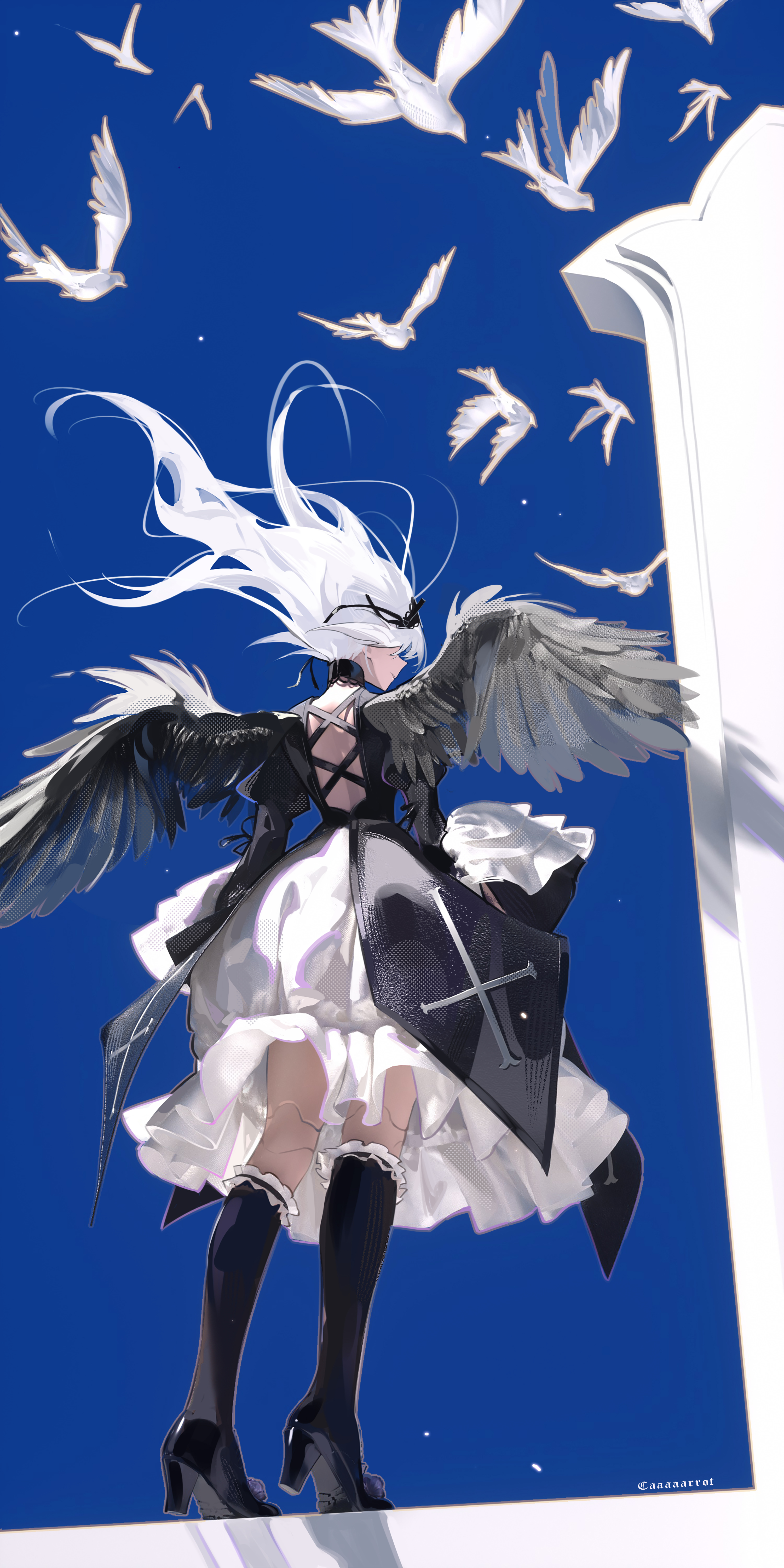
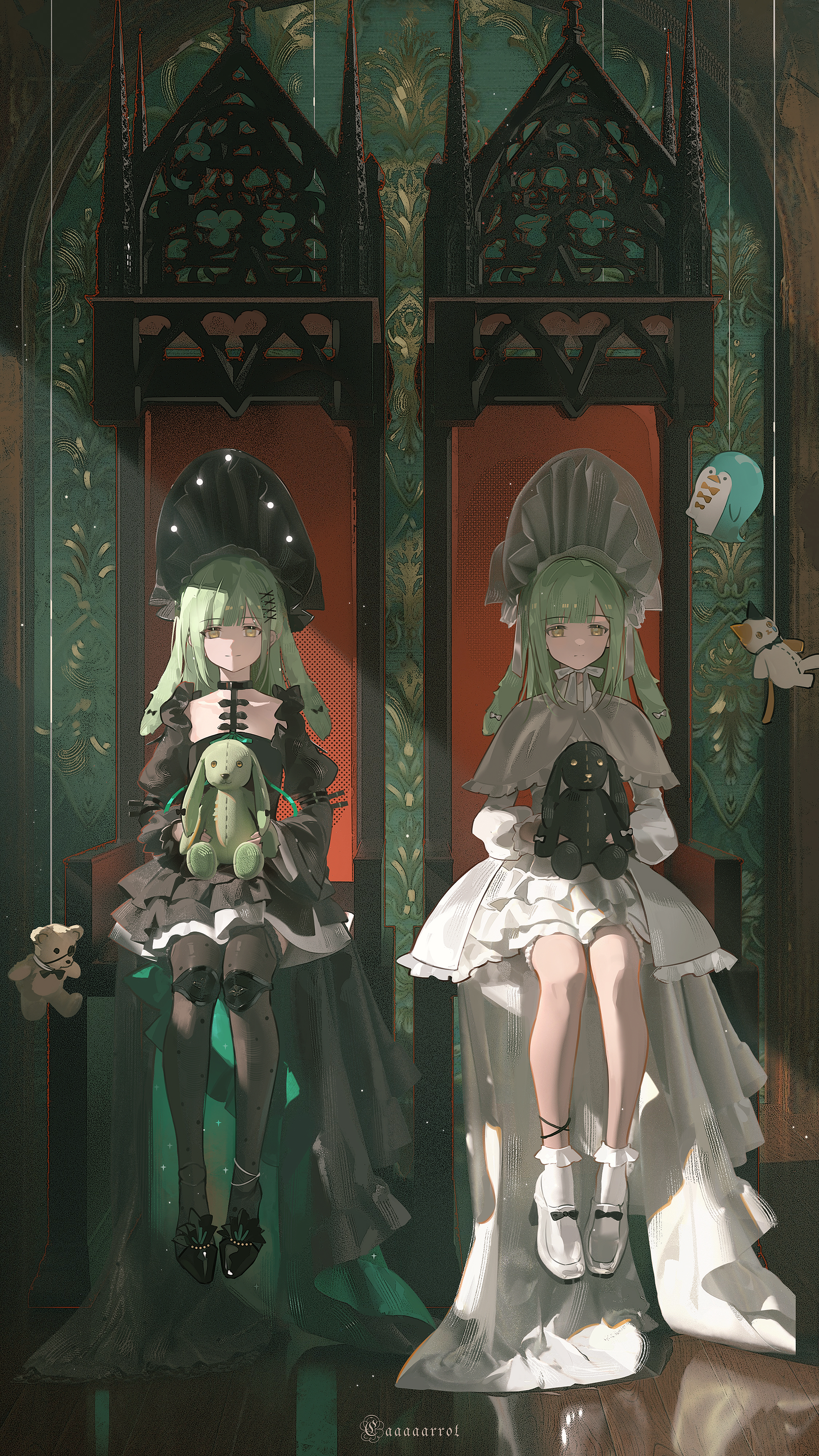
Illustrator Luobu specializes in anime-style character illustration. Her work often features a semi-realistic atmosphere, strong lighting, dynamic poses, and elaborate costume design. In her workflow, 3D tools are not a replacement for drawing. They help her understand structure, space, and fabric behavior more accurately.
In this interview, we spoke with Luobu about how she brings Marvelous Designer into her 2D illustration workflow, including real-world garment experience, 3D base models, garment patternmaking, animation simulation, and final 2D refinement.
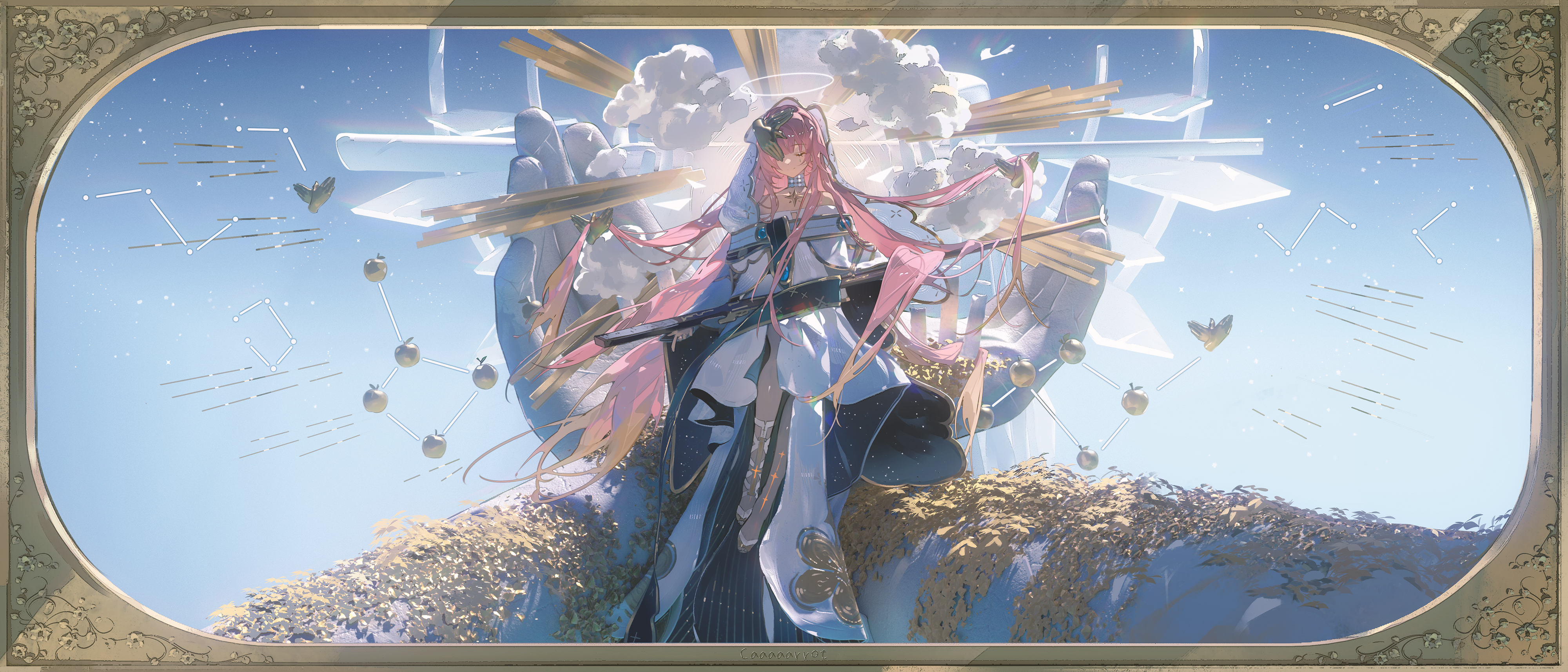
To start, could you introduce yourself and the creative direction you usually focus on?
Luobu: Hi everyone, I'm Luobu, an illustrator.
I enjoy creating anime-style character illustrations. I am especially drawn to images with a semi-realistic atmosphere and strong lighting, as well as dynamic character poses and elaborate costume designs.
In character design and illustration, I usually use 3D software to support my 2D painting process. It helps me handle space, garment structure, and lighting relationships with more stability.
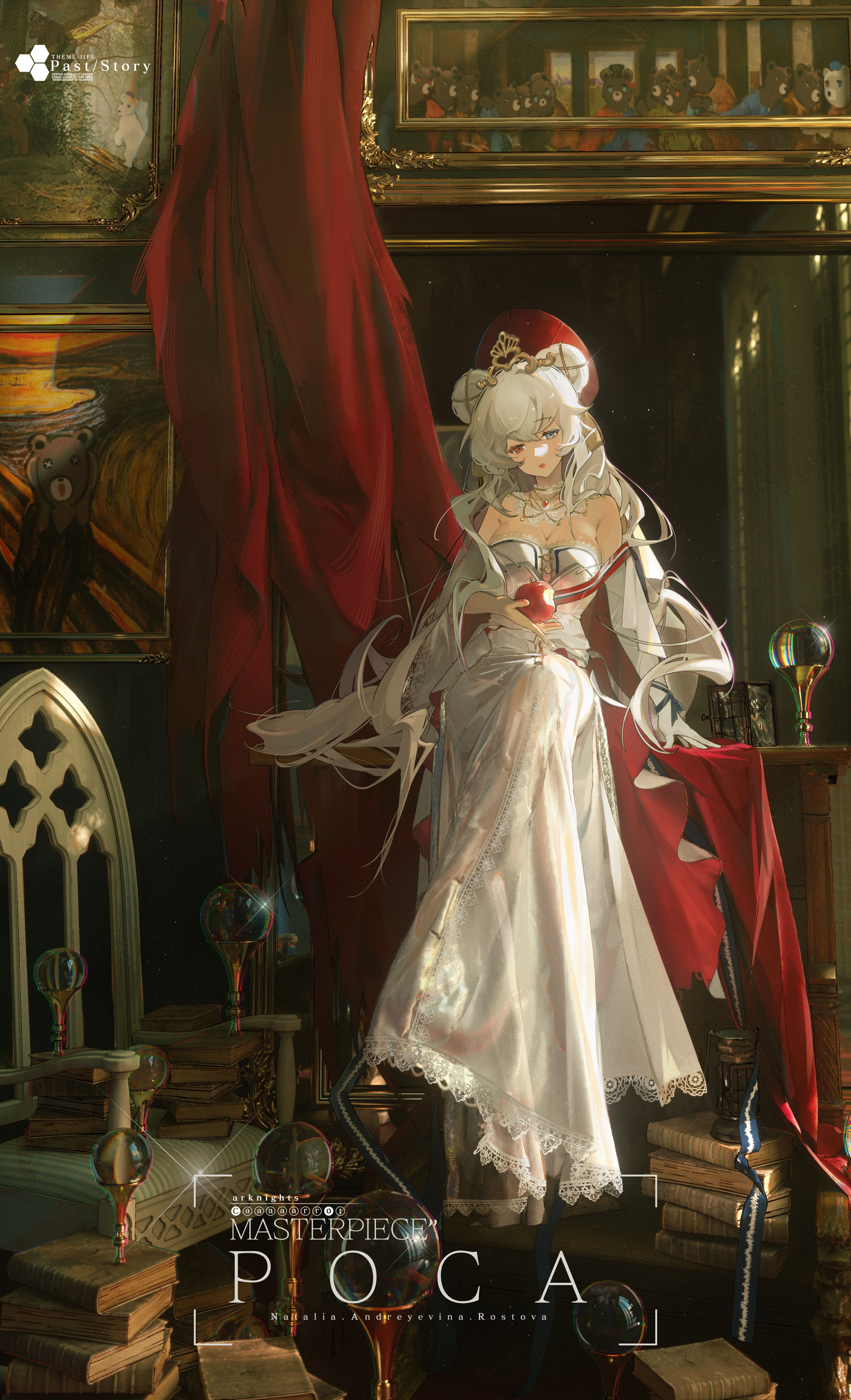
You also have experience with cosplay. How has making or wearing clothing in real life helped you understand clothing in digital painting?
Luobu: Making clothing in real life gives me a more intuitive understanding of garment styles, structure, and patternmaking.
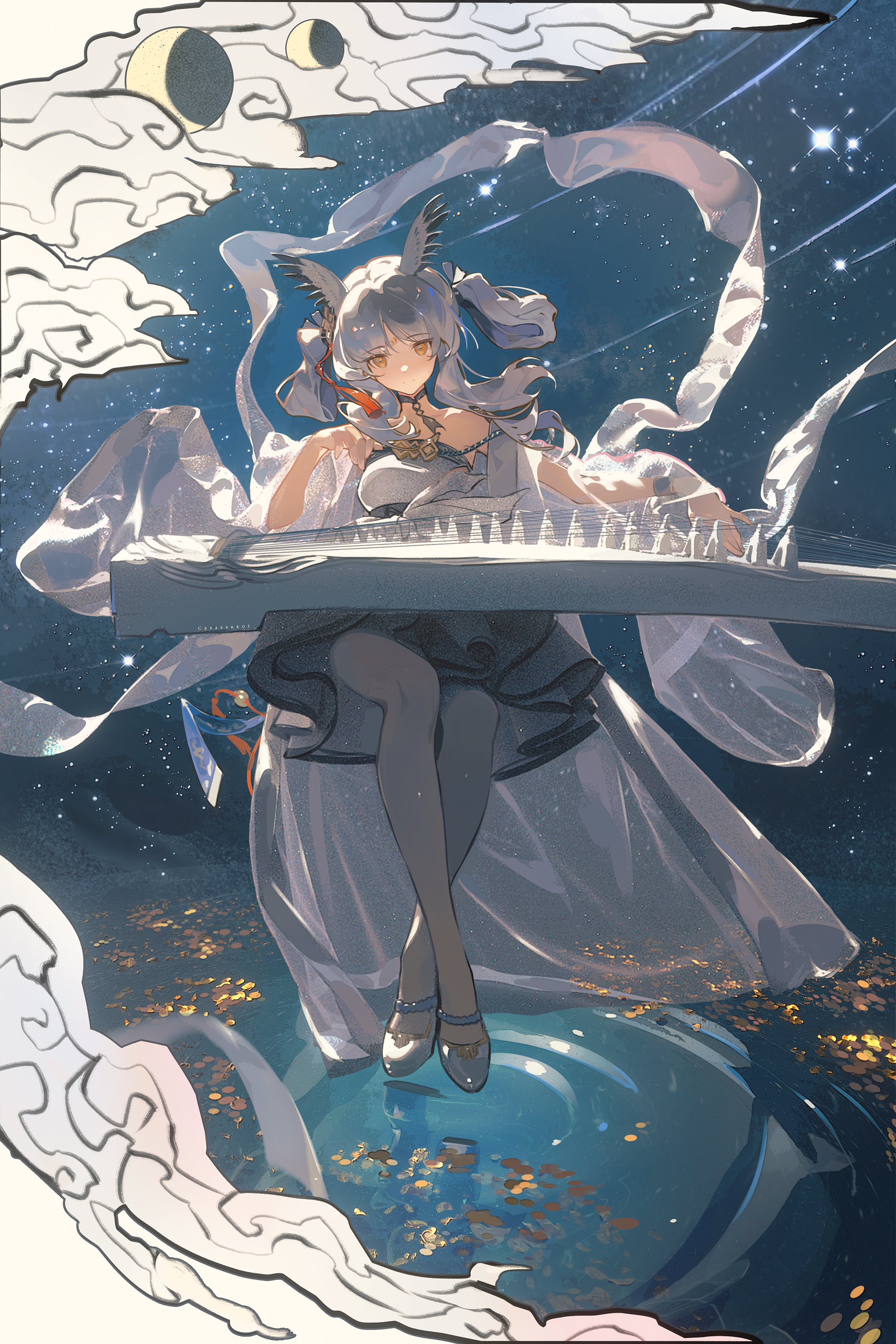
It also helps me understand the properties of different fabrics, such as weight, sheen, and elasticity. That experience supports me in two ways. On one hand, when I build clothing models in 3D software, I can judge the structure more quickly. On the other hand, when I paint in 2D, I have a clearer sense of why folds form, how they flow, and how different material textures should be rendered.
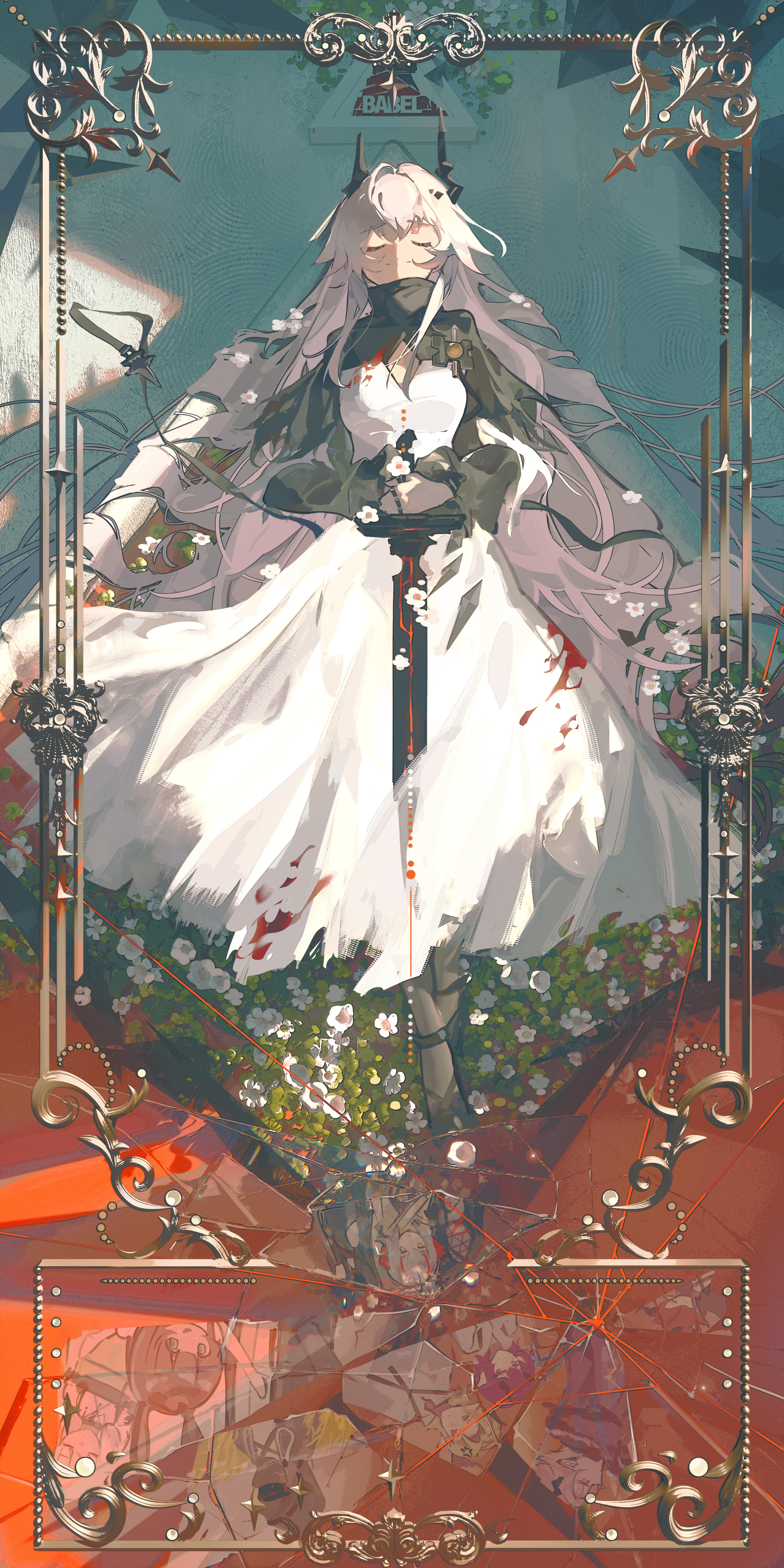
Many 2D illustrators feel that 3D comes with a learning curve. What first made you decide to bring 3D tools into your illustration workflow?
Luobu: When I was first learning to draw, I was not very confident with illustrations involving perspective or complex scenes.
At the time, I learned that some illustrators were using 3D software to build more complex scene compositions before painting. That became the starting point for me. I began learning 3D software and gradually brought it into my own workflow.
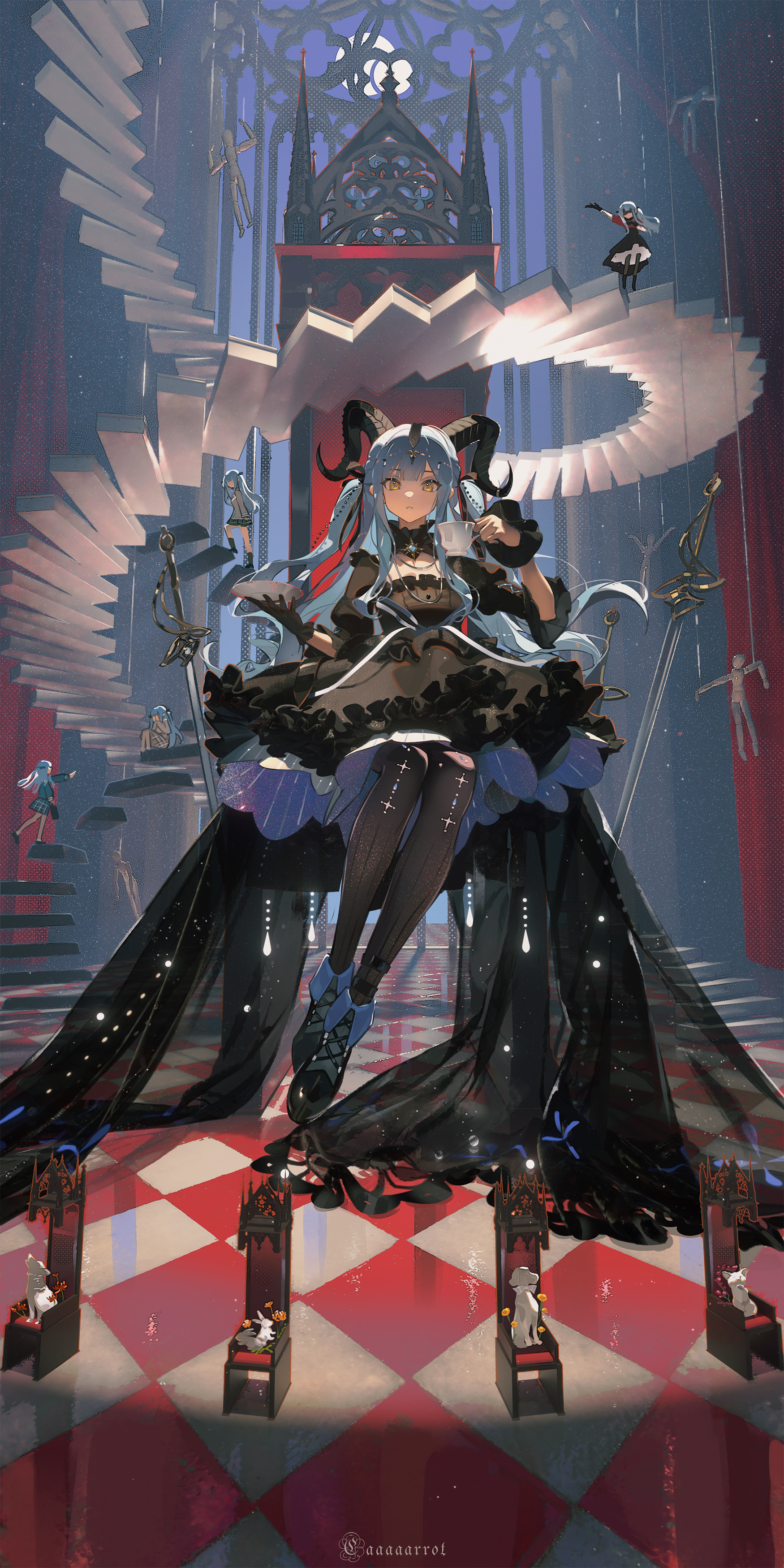
What does your usual 2D + 3D workflow look like now?
Luobu: My current workflow is roughly: sketch -> 3D base human model -> garment creation in Marvelous Designer -> scene props and set pieces in 3D software -> lighting and rendering -> final 2D refinement.
In this process, different software tools need to work together. Some tools can be connected through bridge plugins. When there is no bridge plugin available, I use common model formats such as OBJ or FBX files. I also keep the scale units consistent across programs, which makes it more stable to move between different tools.
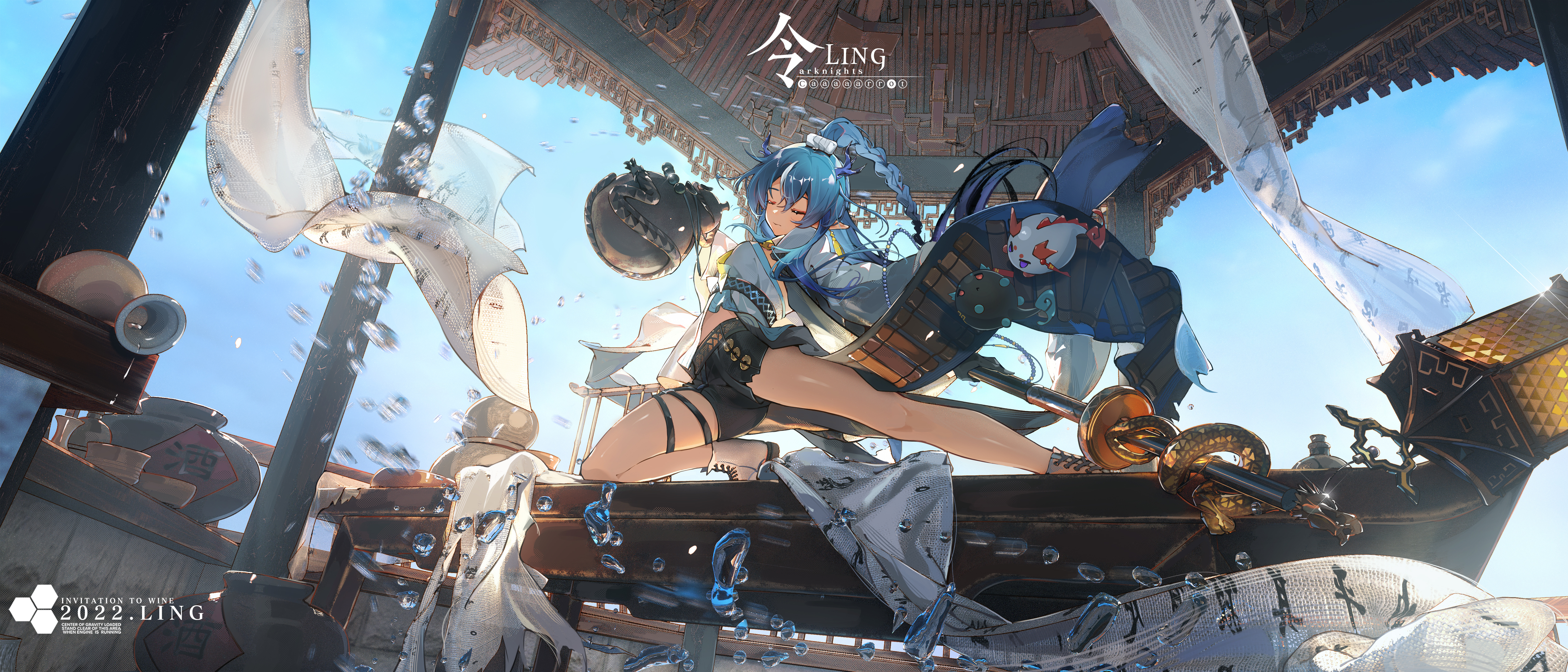
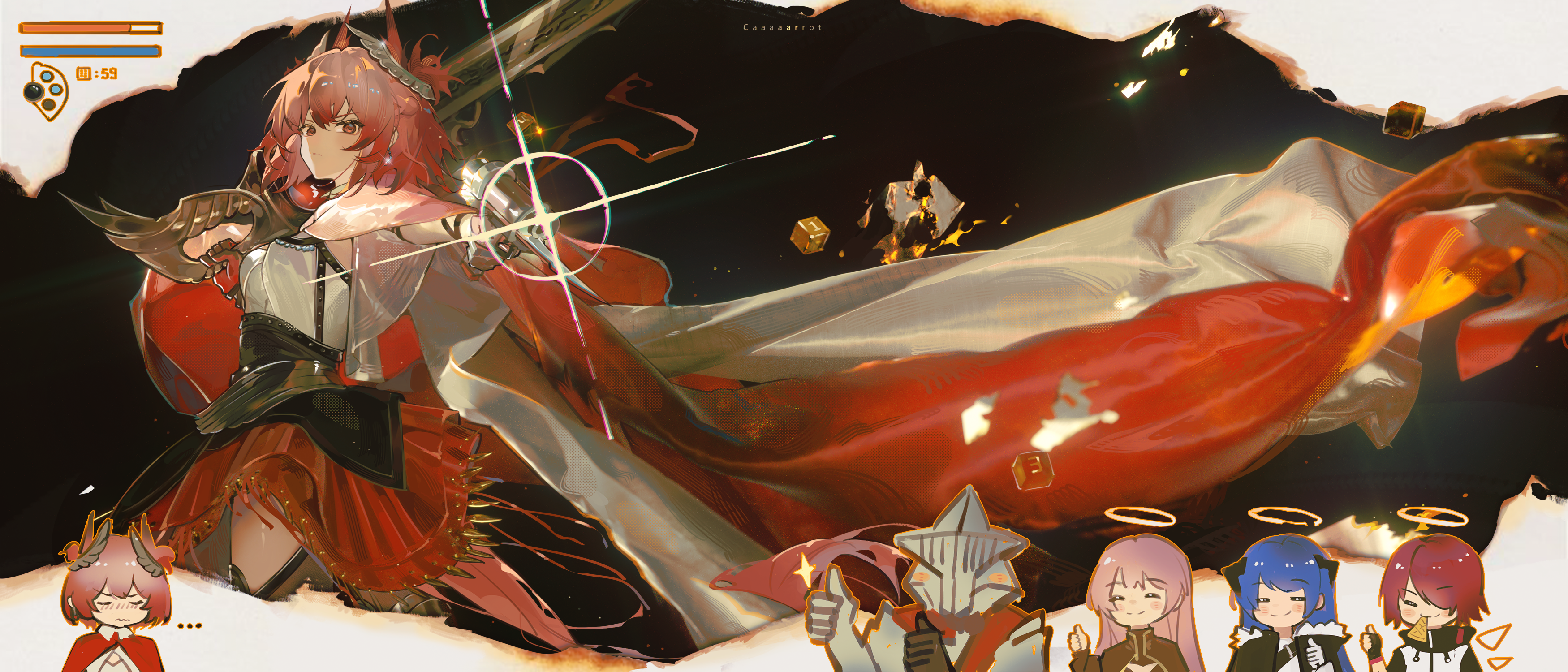
You often share your process of building 3D garments by hand. What does Marvelous Designer help you with in garment creation?
Luobu: I usually begin by sketching the full illustration and deciding the character's pose, clothing style, and the general motion of the garment.
After that, I use Marvelous Designer to create the garment patterns and dress the clothing on the character model. With Marvelous Designer's animation simulation features, I can simulate the dynamic shape of the garment. This process can produce highly realistic garment folds and physical simulation effects.
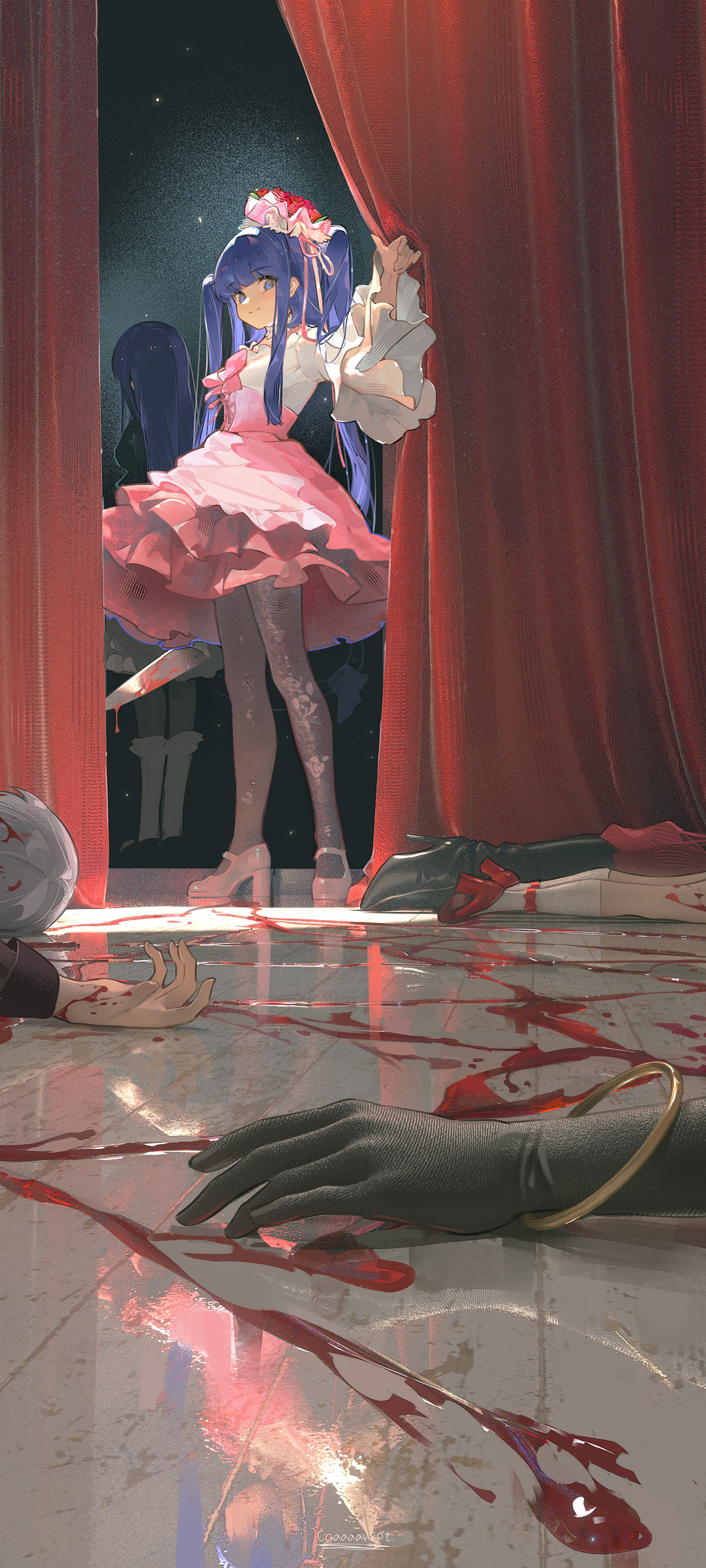
In 2D painting, artists often rely on imagination to work through complex folds. After using Marvelous Designer, how has it influenced your 2D rendering?
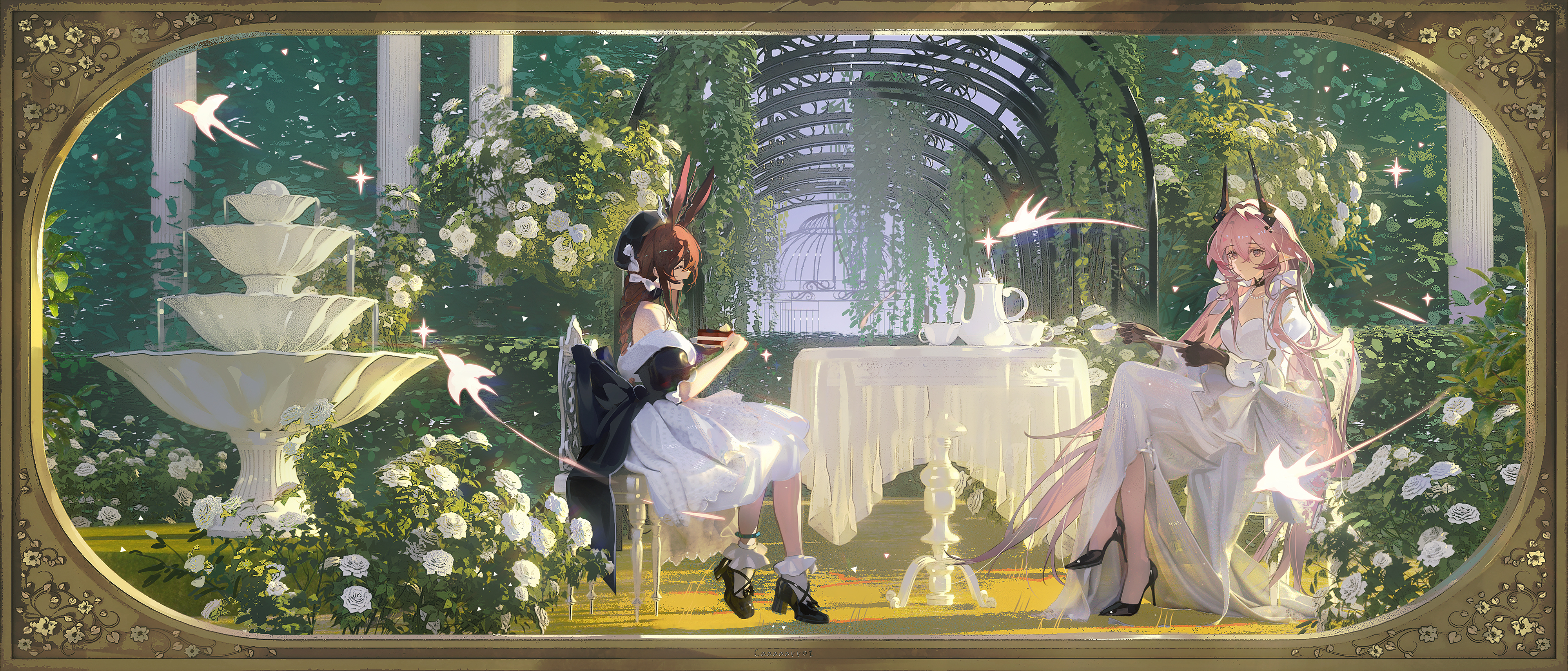
Luobu: Marvelous Designer's cloth simulation can create very realistic and delicate folds. It can also simulate physical collisions between fabric and objects such as the floor, tables, and chairs.
For later 2D rendering, these results give me useful references for form and for separating light and shadow. I do not copy the simulation results directly. Instead, I organize and simplify them, then translate them into clothing details that suit the final image.
In that sense, it helps me quickly establish the overall movement and shape of the garment, while also improving my efficiency during the final refinement stage.
Would you recommend 3D tools to artists who are still working in a traditional 2D workflow?
Luobu: If an artist needs to paint more realistic clothing, environments, or atmospheric lighting, I would recommend bringing 3D tools into the workflow.
For beginners, I suggest first building a simple workflow, such as base model -> clothing model -> scene render -> painting. You do not need to learn many software tools at once. Start with one tool, understand its basic functions, and build from there.
Taking it one step at a time makes the learning process more gradual, and makes it easier to truly integrate the tools into your own creative workflow.
From real-world garment experience to garment patternmaking and cloth simulation in Marvelous Designer, and finally to 2D refinement, Luobu's workflow offers a useful approach for illustrators: use 3D tools to establish structure and physical logic, then return to 2D painting for the final artistic interpretation.
In this workflow, 3D is not a replacement for drawing. It is a more stable and intuitive reference system. It helps artists see folds, gravity, material, and spatial relationships more clearly, making clothing in character illustration feel more believable, layered, and alive.
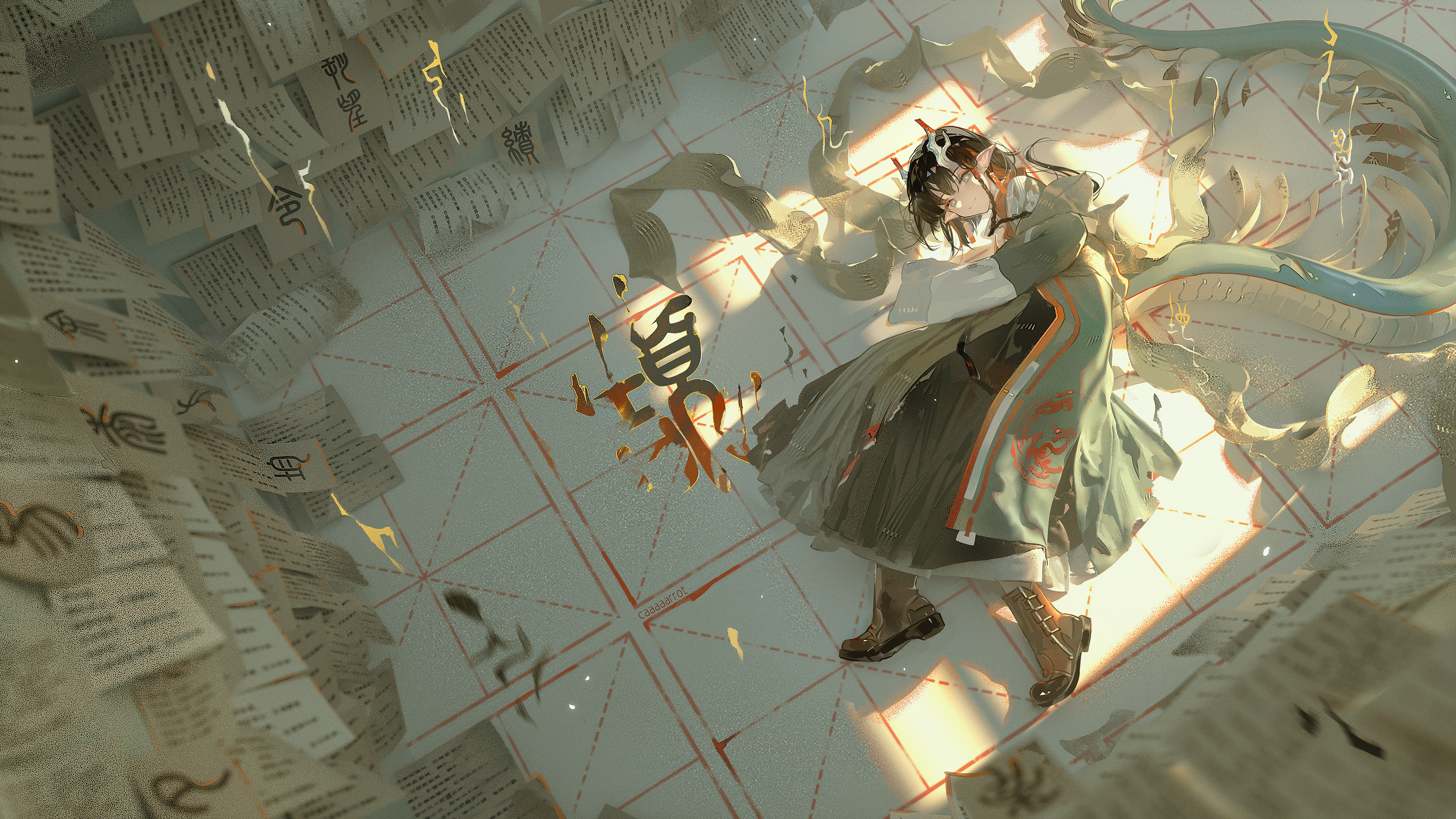
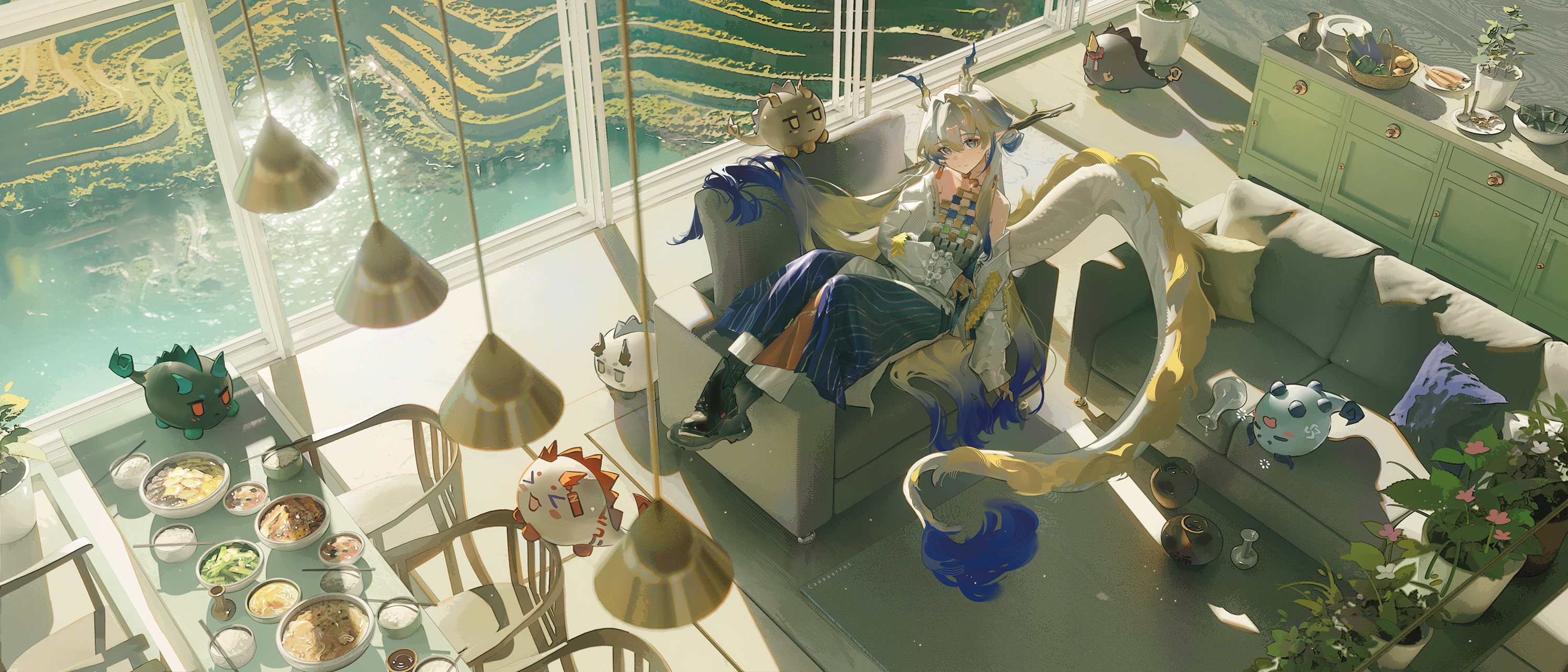
이 작업은 Photoshop, Blender, DAZStudio, Cinema4D, Animation, Avatar 등의 기술로 제작되었습니다.
Marvelous Designer로 이와 같은 3D 의상·캐릭터 작업을 직접 만들어볼 수 있습니다.