Swan
Jaegil Lim shares his character creating workflow, from garment making in Marvelous Designer and final lighting and rendering.
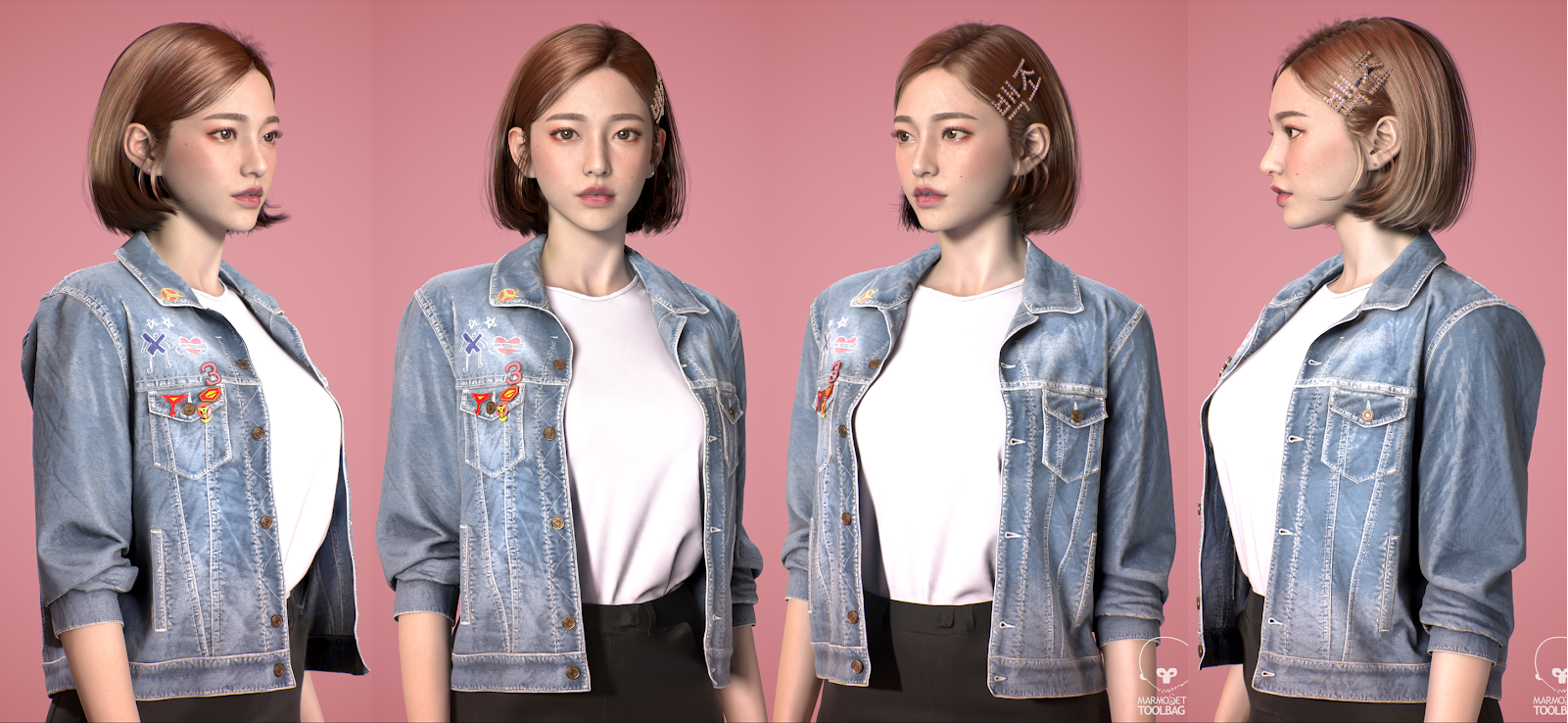
Interview with Jaegil Lim | Swan | Freelancer Character Artist
The Process of Collecting References For Swan
This artwork is inspired by Jun, Swan which comes from the 3rd hero character from the animation called “GATCHAMAN”
I chose to envision Swan wearing a casual outfit rather than reproducing the original hero costume from the animation.
The overall concept style is an image of a Korean woman in her early-mid 20s. The style is also inspired by the current trends of Jean Jacket, juicy makeup and bob hair.
A Workflow For Swan
1) Face Modelling in Zbrush
Firstly, the model’s face was made in ZBrush. The aim of the model was to reflect a woman during her early-mid 20s.
I used a multi-channel face purchased from Texturing XYZ to work on the finer details of her face.
2) Garment Making in Marvelous Designer
The next step was to model the body.
I used Marvelous Designer to create a well fitting garment for Swans’ body shape.
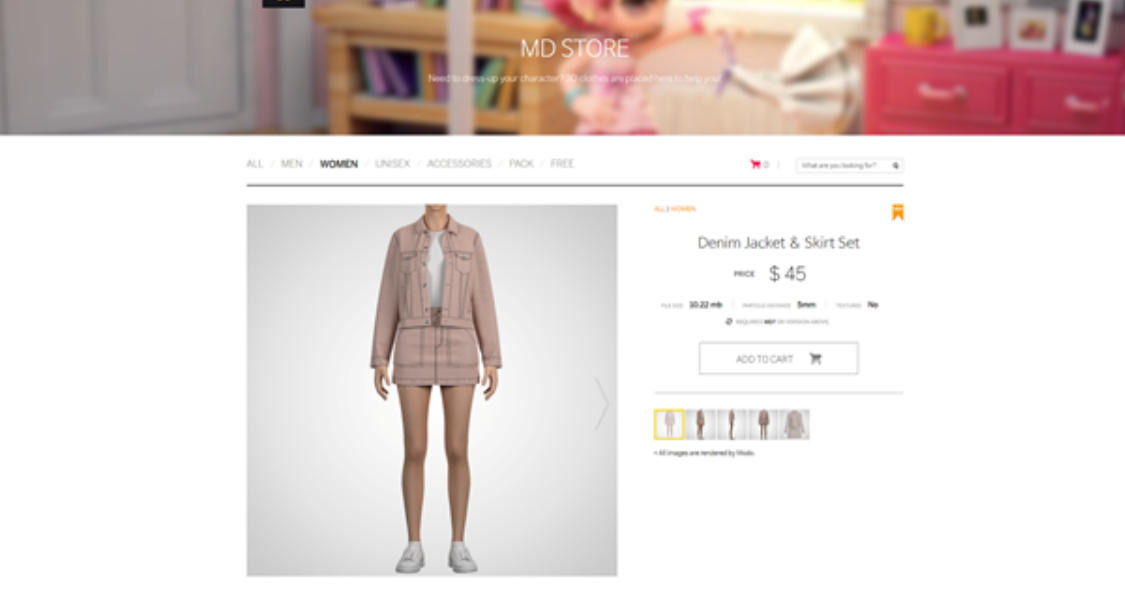
I purchased a base denim jacket & Skirt set on Marvelous Designer Store and imported the patterns into Marvelous Designer to edit.
Some patterns were merged for convenience for further editing.
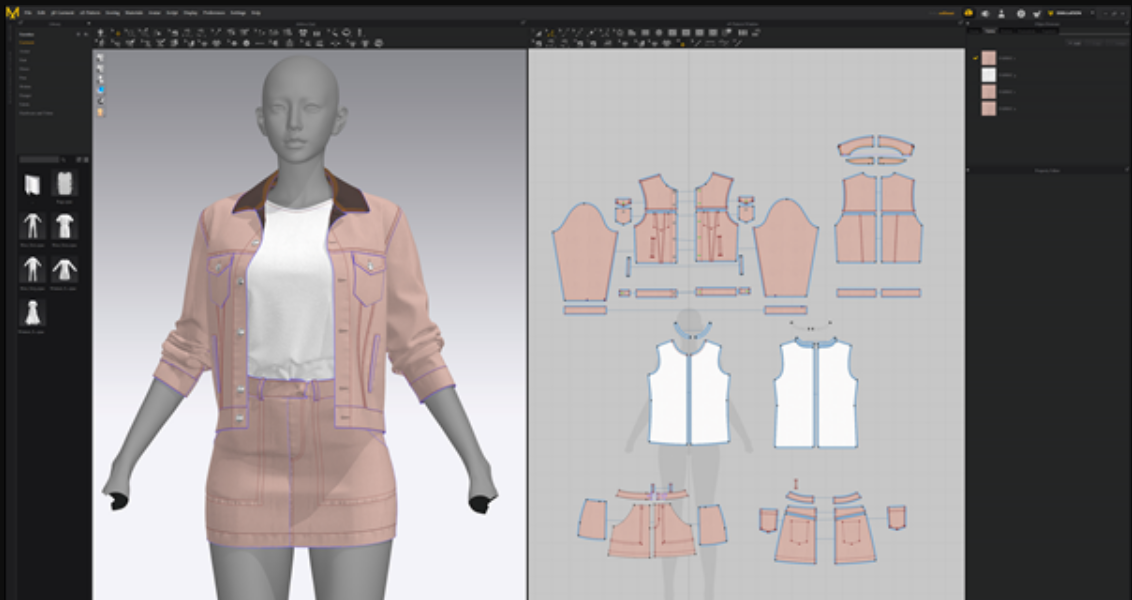
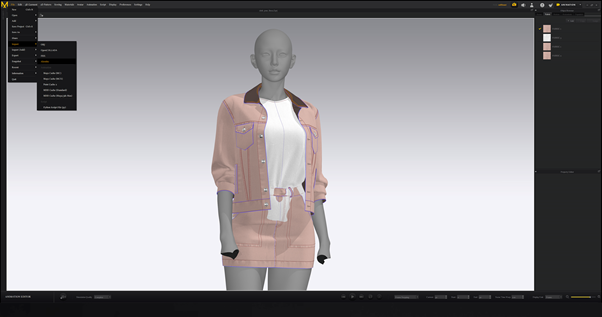
For the next step, I edited the pose in 3Ds Max and converted it to an Alembic file then imported it to Marvelous Designer to apply the changed pose.
The picture below indicates that the costume was simulated in the pose shown.
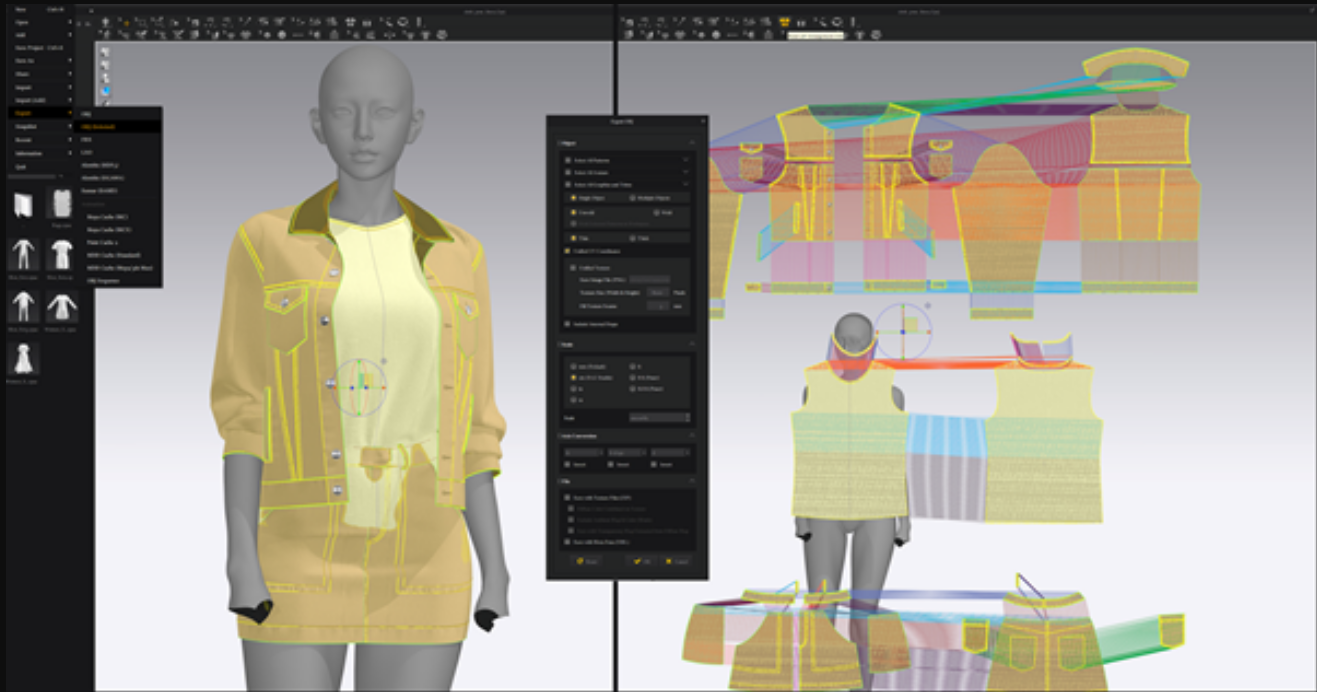
After remeshing the patterns, each of Pose Mesh and Pattern Mesh were converted to OBJ files then imported into 3Ds Max.
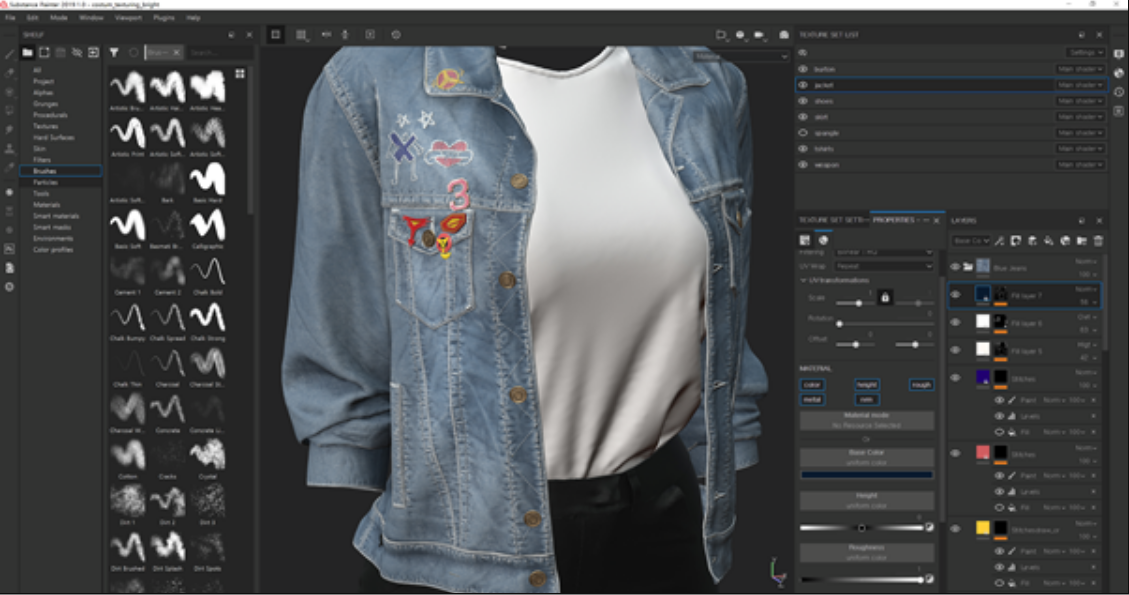
Substance Painter was used for the texturing process to express finer texture and fading of the denim jacket.
3) Hair Modelling
Ornatrix was used in Hair modelling.
Based on the Guide Mesh I made in Zbrush, I made Cardmesh in Ornatrix. I used the same method for her eyebrows as well.
4) Final Lighting and Rendering
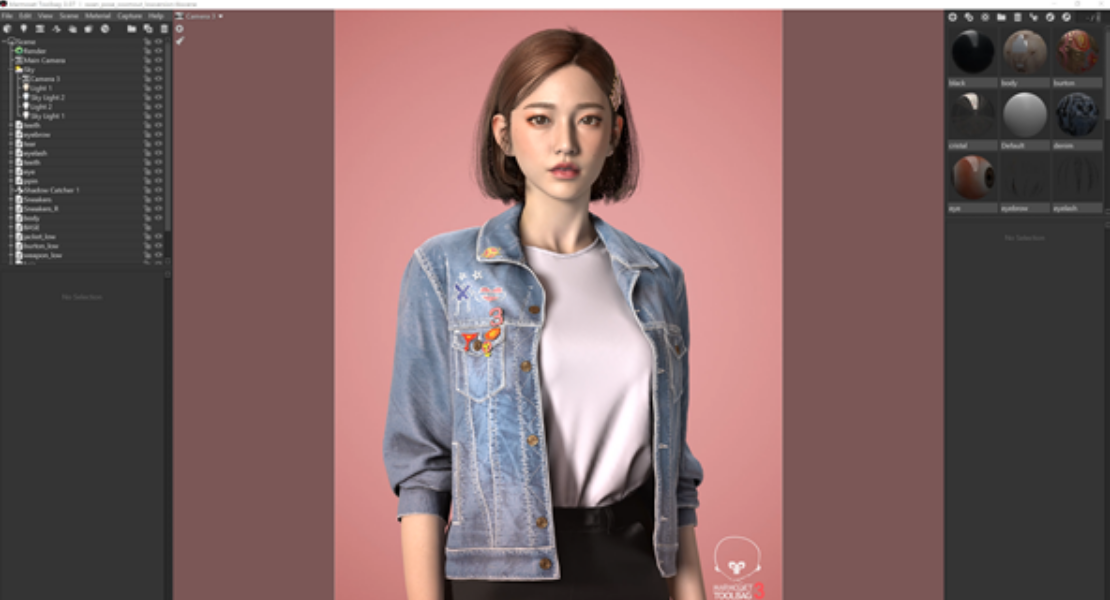
Pastel pink was chosen for the background to express a joyful and lively Swan.
Marmoset Toolbag was used for final lighting and rendering.
Experiences in Marvelous Designer and Marvelous Designer Store
I absolutely enjoy using Marvelous Designer Store to save time on pattern making.
It takes less time when I modify the purchased patterns to fit into the character than making patterns from scratch.
The cloth simulation in Marvelous Designer also enables me to have intuitive and efficient workflow.
Any changes made in the 2D window are directly reflected in the 3D window.
Another advantage of Marvelous Designer is the compatibility with a variety of 3D software such as Maya, ZBrush, and 3Ds Max.
Link to Youtube
Link to Artstation
이 작업은 ZBrush, Marmoset, 3dsMax, Substance, ornatrix, Avatar 등의 기술로 제작되었습니다.
Marvelous Designer로 이와 같은 3D 의상·캐릭터 작업을 직접 만들어볼 수 있습니다.