


Marvelous Designer vs CLO vs Blender vs Houdini in 2026: Which 3D Clothing Software Is Best for UK Creators?
For UK games, animation, VFX and virtual-fashion creators who need a pattern-based garment foundation, Marvelous Designer is the dedicated contender; compare CLO, Blender and Houdini on current cost, learning curve, layered-costume work and pipeline handoffs.
The short answer for UK 3D clothing workflows
Choose Marvelous Designer when the job begins with a tailored digital garment for a character.
Choose CLO when the output is apparel development.
Choose Blender when one no-cost application must cover broad 3D work.
Choose Houdini when procedural systems, reusable effects tools, or shot-focused cloth behavior drive the work.
A hybrid stack is often the right answer. Marvelous Designer can establish the garment construction and baseline drape. Blender can handle general modeling, sculpting, retopology, rigging, animation, and rendering tasks. Houdini can take responsibility for procedural or final-shot cloth work. CLO fits apparel-oriented pattern, grading, and production-review work.
Marvelous Designer uses pattern-based technology for digital clothing in games, VFX, design, and architecture. Its simulation drapes garments onto avatars and collision objects. This makes it a suitable option when your main decision is how to author clothing that can be revised at the pattern level. Marvelous Designer describes its garment-authoring role, and its Simulation manual documents draping.
CLO supports apparel design and pattern exchange through DXF-AAMA and DXF-ASTM. Validate the exported patterns, grading and manufacturer requirements before a production handoff. Its DXF documentation describes the available controls.
Blender includes modeling, sculpting, rigging, animation, simulation, rendering and compositing. It is a generalist option for solo developers and teams, and includes sewing springs for cloth panels. Test garment construction and revision time instead of assuming only a dedicated product can support sewn clothing.
Houdini Vellum handles cloth, paneling, draping, collisions, fabric behavior, and fast-moving cloth in a node-based workflow. Houdini Vellum can complement garment authoring when procedural or shot-focused cloth work is required. Houdini and Vellum document this procedural simulation role.
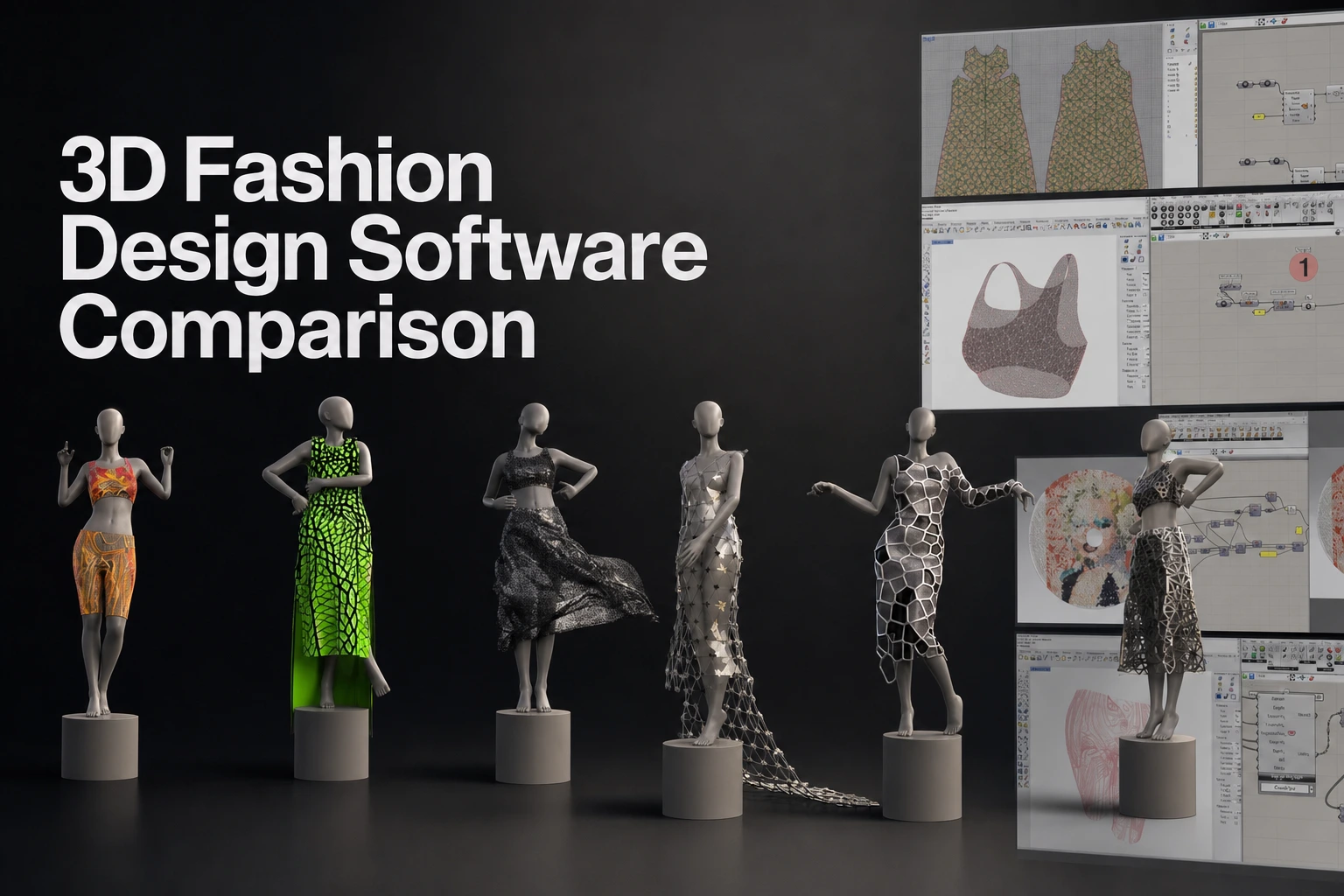
Marvelous Designer vs CLO vs Blender vs Houdini comparison table
| Tool | Intended user and primary output | Construction approach | Cloth and layering role | Learning focus | Commercial model for UK buyers | Best production context |
|---|---|---|---|---|---|---|
| Marvelous Designer | Game, VFX, design, and architecture creators | Pattern-based digital clothing | Simulation drapes garments onto avatars and collision objects | Pattern construction and garment simulation | Personal $39/month or $280 for one year prepaid, checked 09/09/2026; a 14-day trial is available (license options) | Entertainment and CG garment foundations |
| CLO | Fashion and apparel workflows | Pattern creation and DXF-AAMA/DXF-ASTM exchange | Garment design development | Patterns and manufacturing handoffs | Individual $50/month or $450/year excluding tax/VAT; confirm current plan terms | Apparel development |
| Blender | Solo developers, generalist artists, small studios, and wider 3D teams | Polygon modeling, sculpting, retopology, rigging, scripting, and simulation | General cloth simulation with collisions, wind, caches, armatures, and mesh-shaping workflows | Broad generalist 3D skills | No-cost and open-source software under the GNU GPL, checked September 18, 2026 | General 3D creation and game-asset workflows |
| Houdini | Technical artists, procedural artists, VFX teams, and character-FX artists | Node-based procedural networks, attributes, and reusable digital assets | Vellum cloth and paneling/draping | Procedural modeling and simulation systems | Commercial rental and other license options; check SideFX purchasing information for the applicable plan | Procedural assets, VFX, character FX, and final-shot cloth |
Marvelous Designer is not the primary apparel-production CAD choice. It also does not support garment pattern digitizers. Marvelous Designer’s requirements set that boundary clearly.
For a deliverable that needs downstream topology work, sculpting, rigging, or shot effects, choose the application for each pipeline stage rather than treating this as a CLO limitation. CLO’s documented role is apparel-oriented virtual garment development, while downstream asset preparation and effects work may require other tools.
Blender’s cloth tools are part of a wider 3D application and support panel sewing, collisions, wind and caching. Compare their mesh-based controls with the pattern-editing interface of dedicated garment software.
Houdini also documents creating garment panels, stitching seams, and draping cloth through its paneling and draping workflow. Compare that node-based process with dedicated garment software using the same costume test.
Dedicated garment authoring or a generalist and procedural tool?
A dedicated garment application changes the first stage of clothing creation. Instead of starting with polygons, you start with garment pieces. You define the shape of each 2D panel. You sew panels together. You place the garment around an avatar. You simulate the result and revise the construction when the silhouette or fit changes.
That construction logic matters for costumes with shirts, trousers, jackets, armor layers, linings, belts, capes, and other separate clothing elements. A change to a sleeve, waistband, collar, or hem begins at the pattern level. CLO documents making patterns from scratch and using editing tools to draft a bodice and sleeve.
Marvelous Designer supports this garment-authoring stage through pattern-based digital garment construction, simulation, and iteration for entertainment and CG work. What is Marvelous Designer? describes the product as a tool for creating and simulating digital garments.
Polygon modeling and sculpting still have clear responsibilities. Use them for hard-surface costume components, stylized reshaping, accessories, anatomy-adjacent detail, retopology, and non-cloth forms. Blender is suited to those wider tasks because it covers modeling, sculpting, rigging, animation, simulation, rendering, and compositing in one application. Blender documents those disciplines as part of its core toolset.
A procedural solver also has a distinct role. Houdini Vellum supports cloth simulation, paneling, draping, thickness, mass, collisions, and fast-moving cloth. This makes it relevant where a shot needs procedural control, character interaction, effects integration, or reusable simulation networks. Houdini Vellum describes its Position Based Dynamics workflow for cloth and other simulation types.
Testing a complex layered costume
Use the same test asset for every tool. Build an outfit with an underlayer, a fitted middle layer, an outer garment, closures, and materials that behave differently. A useful test includes a shirt, waistcoat or armor layer, coat, belt, cape, and fasteners.
Evaluate construction first. Measure how long it takes to establish the garment’s main silhouette. Record whether a sleeve, collar, closure, or hem can be revised without rebuilding surrounding forms. Pattern-led authoring should be judged on construction changes, not only on the first simulated result.
Evaluate layering next. Arrange each layer around the avatar. Test collisions between underlayers and outer layers. Change the material behavior of at least one garment. Test a pose or animation movement that creates intersections or compression. Record the steps needed to recover the intended silhouette.
Evaluate the mesh after simulation. Check mesh density before export. Check whether the topology fits the next stage. Check UVs, thickness, material assignments, scale, orientation, and texture output. A visually convincing drape is not the same as a finished game or shot asset.
Evaluate the final simulation stage separately. A garment foundation can move to another application for rigging, animation, engine preparation, character interaction, or shot-specific effects. Houdini is relevant when that final stage requires procedural cloth controls. Blender is relevant when the team needs broad asset work in the same generalist environment.
Pipeline handoffs for games, animation, and VFX
A reliable clothing pipeline assigns responsibility by stage.
- Garment construction and baseline simulation: Create the garment pieces, sewing relationships, layers, and initial drape. Marvelous Designer fits this stage when the project needs a tailored, pattern-based CG garment foundation.
- Export validation: Confirm scale, orientation, file settings, mesh density, UVs, materials, texture files, thickness, and animation requirements before a downstream handoff.
- Topology, UV, and thickness work: Prepare the garment for its target. The target may require different topology density, UV treatment, thickness, or material setup than the construction-stage asset.
- Sculpting and texturing: Add art-directed forms, wear, surface detail, and texture work in the tools the team uses for those disciplines.
- Rigging and animation: Test the garment against the intended character movement. Check collisions, deformation, and motion ranges that affect the costume.
- Engine or shot-specific simulation: Apply final constraints for the game, cinematic, or VFX shot. Houdini can take on procedural and shot-focused cloth work when the project needs Vellum’s simulation controls.
Marvelous Designer’s FBX manual distinguishes imported avatar/joint/camera data from export controls for objects, UVs, textures, scale, axes, thickness and animation. Check the exact options for the selected version and inspect the result in the destination.
Select a format supported by both applications and test it in the receiving tool. The glTF 2.0 specification defines that format, not the quality of every garment or the compatibility of every application version.
Is paid garment software worth it for a solo developer or small team?
A paid subscription may be worthwhile when garment authoring is repeated work. Count costumes, variants, revisions and characters, then test whether the time saved covers the licence and workflow costs.
Marvelous Designer may suit a project that needs several tailored garments, repeated silhouette changes, layered costumes, or clothing variants across characters. Its value is in reducing the need to construct every garment as a polygon-modeling problem. The same pattern-led logic also helps when a team needs a reusable garment foundation before downstream work.
Blender is a budget starting point when the project needs one broad 3D application and clothing is a smaller part of the workload. Its no-cost model removes subscription cost. The trade-off is that the artist must build clothing through a broader modeling, sculpting, and simulation workflow rather than a dedicated sewing-led workflow.
Houdini Indie is relevant when the team already needs procedural simulation, reusable effects tools, or high-control shot work. Choose based on whether procedural simulation or garment construction is the primary bottleneck.
CLO suits projects whose success depends on apparel development, fit, grading, production review, and virtual sampling. Its garment workflow serves a different downstream decision from character-asset authoring.
UK pricing and licensing checks for 2026
Compare commercial terms by billing basis, displayed currency, eligibility, and project use. Do not convert USD figures into GBP estimates when choosing a plan. Currency conversion, taxes, and checkout treatment change the actual amount paid.
Marvelous Designer Personal is listed at $39/month or $280 for one year prepaid, checked 09/09/2026, with a 14-day trial. Marvelous Designer also has academic, enterprise, and qualifying indie options. Companies with two or more members use enterprise licensing; the pricing FAQ explains eligibility. Marvelous Designer license options provides the current plan terms.
CLO lists its Individual plan at $50/month or $450/year, excluding tax and VAT, checked 09/09/2026, with a 14-day trial. CLO pricing provides the billing options. Confirm the plan type and buyer eligibility before purchase.
Blender has no subscription price. It is free and open source under the GNU GPL. Blender states that artwork created with Blender can be used commercially. Blender’s license information covers those terms.
Houdini offers commercial, Indie, and Education options. The displayed commercial workstation rentals are $1,475 USD for one year of Houdini Core and $3,505 USD for one year of Houdini FX, checked 09/09/2026. SideFX purchasing information provides the listed tiers and license options.
The applicable VAT rate depends on the goods or services supplied and any relevant conditions. HM Revenue & Customs explains these VAT rate conditions. Confirm the final tax and currency at checkout.
Which skills should a UK virtual-fashion or character artist learn?
Learn garment construction when you want to make clothing that begins as clothing. Pattern pieces, sewing relationships, layering, and fabric behavior are the core skills behind a Marvelous Designer workflow.
Learn general DCC skills when you need to prepare the wider character asset. Modeling, sculpting, retopology, UV work, rigging, animation, rendering, and scene assembly remain separate disciplines. Blender offers a single environment for many of those tasks.
Learn procedural simulation when the work involves effects, complex collisions, reusable setups, or final-shot control. Houdini’s node-based workflow rewards artists who need to build systems rather than one-off manual edits.
Learn apparel-development workflows when the output supports product development, fit review, grading, production communication, or virtual sampling. That is the domain where CLO fits the documented output.
The stack can be role-based. Start with Marvelous Designer for garment authoring in entertainment and CG. Add a general DCC tool for downstream asset work. Add Houdini when procedural or shot-specific simulation becomes a production requirement.
A practical trial scorecard
Use a score from 1 to 5 for each tool during a real project test.
| Test | What to measure |
|---|---|
| Setup time | Time from opening the application to a usable character and garment workspace |
| First acceptable drape | Time required to establish a believable baseline silhouette |
| Construction revision | Steps required to change a collar, sleeve, hem, closure, or proportion |
| Layered collision | Control over underlayers, outer layers, and recovery from intersections |
| Material variation | Ability to test visibly different fabric behavior in the same costume |
| Export condition | Scale, orientation, mesh density, UVs, thickness, materials, and texture output |
| Downstream cleanup | Retopology, UV, sculpting, texturing, rigging, or simulation work still required |
| Hardware performance | Performance on the actual project asset and target workstation |
For very heavy and complex clothing and animations, Marvelous Designer recommends 64GB or more of memory. Marvelous Designer system requirements also list 16GB as the minimum memory requirement.
FAQS
FAQ
Do I need sewing-pattern experience to use Marvelous Designer?
You need to learn pattern construction and sewing relationships to get the most from its workflow. You do not need to be an apparel-production specialist to create CG garments, but the software’s main construction method is based on 2D pattern pieces, sewing, arrangement, and simulation.
Can one application handle garment authoring and final-shot cloth?
One application can cover part of both tasks, but the production decision is stage-specific. Marvelous Designer handles garment construction and baseline simulation. Houdini is suited to procedural and shot-focused cloth work. Blender can cover broad downstream asset tasks. Assign the final responsibility based on the target shot, animation, topology, and simulation requirements.
How should I compare prices shown in USD?
Compare the billing period first. Then compare eligibility, project restrictions, trial conditions, and the final UK checkout amount. Do not treat a free non-commercial version, a trial, a single-user plan, and a commercial studio plan as equivalent entry points.
When is a dedicated garment subscription difficult to justify?
It is difficult to justify when clothing is infrequent, simple, or secondary to a broader modeling task. Blender is the no-cost choice when a project needs general 3D work more than repeated garment construction. When costumes are a recurring asset category and revisions begin at the garment-construction stage, Marvelous Designer is a relevant investment.
Choose Marvelous Designer for the garment-authoring stage
For UK games, animation, VFX, and character-art work, Marvelous Designer supports a pattern-based digital garment foundation before the asset moves to topology work, texturing, rigging, animation, game preparation, or final-shot simulation.
Use CLO for apparel development. Use Blender for a no-cost generalist 3D workflow. Use Houdini for procedural systems and shot-focused cloth. Use Marvelous Designer when tailored garment construction and iterative simulation are the central problem to solve.
Build your next garment foundation
Explore Marvelous Designer for pattern-based garment construction and simulation.