


Marvelous Designer vs CLO vs Browzwear: Detailed Comparison 2026
The right fit depends on the deliverable: compare Marvelous Designer, CLO, and Browzwear VStitcher by pattern workflow, custom-avatar handling, fabric-validation scope, pipeline handoffs, and current plan terms.
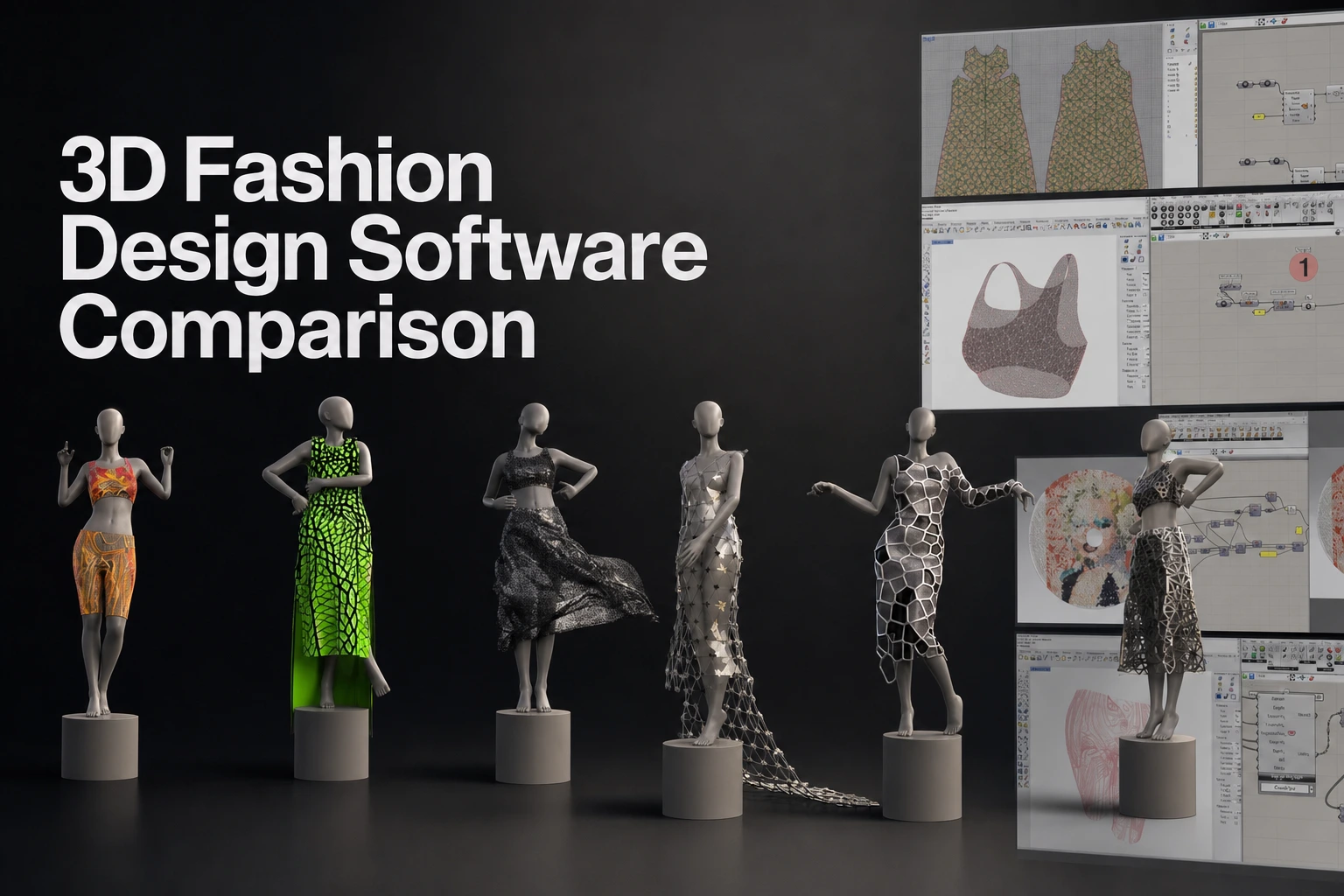
Which tool fits which deliverable?
Consider Marvelous Designer when the deliverable is a pattern-based digital garment for a character, game, animation, VFX, or other CG workflow. It is built around creating 2D pattern pieces, sewing them, arranging them on an avatar, and simulating the garment in 3D. Its pattern-based construction and simulation workflow can support artists who need a garment foundation before downstream texturing, rigging, animation, or shot work.
Choose CLO when the work centers on apparel design, virtual sampling, fit, grading, and product-development processes. CLO’s product direction connects garment patterns and fit visualization to apparel teams working toward physical collections and production-adjacent documentation.
Choose Browzwear VStitcher when an apparel organization needs digital product development across sizing, fit review, virtual sampling, merchandising, and team-controlled workflows. VStitcher documents customizable avatars, size-set grading, tension and pressure mapping, and plan structures for freelancers through enterprise teams.
All three products use pattern-led garment construction and simulated drape. They are not interchangeable because their primary outputs differ. A CG garment asset needs a different handoff and review process than an apparel prototype intended to inform product development.
Marvelous Designer vs CLO vs Browzwear at a glance
| Decision area | Marvelous Designer | CLO | Browzwear VStitcher |
|---|---|---|---|
| Primary output | Digital garments for entertainment and CG workflows | Apparel design, virtual sampling, fit, grading, and product-development workflows | Apparel product development, virtual sampling, fit review, and production-oriented workflows |
| Best-fit teams | Character artists, game teams, animators, VFX artists, and CG studios | Apparel designers, pattern-makers, technical designers, and fashion teams | Apparel creators, brands, merchandising teams, and organizations managing broader digital product development |
| Construction approach | 2D patterns, sewing, avatar arrangement, and 3D simulation | Parametric patterns, avatar-measurement-based drafting, grading review, and 3D garment visualization | 2D drafting, 3D draping, customizable avatars, and graded size workflows |
| Custom-avatar focus | Imports avatars in OBJ, FBX, Alembic, and OpenCOLLADA formats; FBX or Alembic supports animated-avatar cache workflows | Supports avatar-measurement-based pattern drafting and blend-shape avatar animation | Documents imported avatars, customizable avatars, parametric templates, and avatar size sets |
| Simulation role | Baseline cloth simulation for garment construction, drape, fitting, and animation-oriented work | Visualization of fabric, fit, and silhouette for apparel workflows | Fabric behavior visualization, 3D fitting tools, tension mapping, and pressure mapping |
| Physical-validation scope | Simulated cloth behavior, not laboratory textile testing | Virtual sampling and garment visualization, not laboratory textile testing | Fit and fabric-behavior analysis tools, not laboratory textile testing |
| Pipeline emphasis | CG garment foundation and downstream DCC, game, animation, and VFX work | Apparel pattern, grading, visualization, and production-adjacent processes | Apparel workflow handoffs, detailed exports, team processes, and enterprise integrations |
| Commercial starting point | Starting from approximately $39/month checked September 18, 2026; a 14-day trial is available | Individual, Enterprise, Academic, and Student plans; a 14-day trial is available | Yearly display: Freelancer $750, Freelancer Plus $1,500, Teams $3,950; confirm seat and checkout terms (pricing) |
For digital garment assets in entertainment and CG, evaluate Marvelous Designer when the workflow requires pattern-based construction for garment panels, seams, silhouette, fit to a character, and baseline cloth behavior.
Entertainment garment authoring versus apparel product development
A garment for a game character and a garment for an apparel line can begin with similar pattern concepts. Their production decisions diverge after construction.
A character artist often needs to establish a convincing garment silhouette on a specific digital character. The garment may then move into topology cleanup, texture work, rigging, animation, engine preparation, or shot-specific effects. Marvelous Designer is positioned for this entertainment and CG context, including character art, games, animation, and VFX.
An apparel team often needs to evaluate pattern changes across sizes, review fit and silhouette, communicate a design, reduce sampling cycles, and retain information useful to a product-development process. CLO and Browzwear VStitcher address that apparel-oriented context through pattern, fit, grading, and virtual-sampling workflows.
The shortlist should follow the required deliverable. Do not start with a solver comparison. Start by deciding whether the team is producing a CG asset, an apparel prototype, or a workflow that must support physical product decisions.
Digital patterns and custom avatars
Marvelous Designer uses a pattern-based workflow. You create or edit 2D pattern pieces, sew them together, arrange them around an avatar, and simulate the result in 3D. This gives character artists a direct way to revise a collar, sleeve, waistband, layered panel, or overall silhouette without rebuilding the entire garment as polygon geometry.
Marvelous Designer avatar documentation supports importing custom avatars in OBJ, FBX, Alembic, and OpenCOLLADA formats. An avatar without joints can use those supported formats. An avatar with animation cache is suited to FBX or Alembic. Before simulation, confirm avatar scale, orientation, pose, collision setup, and the intended garment size.
CLO documents parametric pattern drafting based on avatar measurements, 2D grading review, DXF pattern workflows, and blend-shape avatar animation. Those capabilities suit apparel teams that need measurements and graded patterns to remain central to the design review. A team using its own avatar assets should demonstrate its actual source format, arrangement process, measurement handling, pose requirements, and scale rules during evaluation.
VStitcher documents 2D pattern work, 3D draping, imported avatars, customizable avatars, parametric avatar templates, avatar size sets, and grading across sizes. That makes a size-range test important for apparel teams. Use the same base pattern, the same measurement set, and the same grading request across every shortlisted tool.
Fabric behavior, data, and physical-validation claims
Cloth simulation and physical textile validation are different activities.
Marvelous Designer provides simulation controls for garment behavior. Its Simulation Properties include simulation presets, CPU processing, time step, simulation quality, collision, gravity, air damping, and self-collision. Its Complete Nonlinear Simulation improves simulation of fabric strength and elongation. These controls help artists develop and evaluate digital drape. They do not constitute a laboratory fabric-test result.
CLO documents GPU simulation and tools for garment visualization. Those functions support apparel visualization and design review. A buyer who needs test evidence for a physical material should define the required testing method before treating any simulated result as validation.
VStitcher documents Real-Life Fabric Physics, 3D fitting tools, and Tension & Pressure Mapping. These tools provide apparel teams with a digital basis for reviewing stretch, drape, fit, and stress areas. They do not replace a defined textile test method.
Physical-material evidence has its own standards and procedures. ISO 13934-1 covers tensile properties of fabrics. AATCC testing standards cover textile-performance evaluation methods. When a product decision depends on physical-material performance, specify the required test, material sample, acceptable tolerance, and approval process outside the garment-visualization review.
Pipeline handoffs and downstream work
For Marvelous Designer, the usual responsibility split begins with garment construction and baseline simulation. The asset can then move into downstream topology work, UV review, thickness decisions, sculpting, texturing, rigging, animation, game preparation, or VFX work when the project requires those stages.
Marvelous Designer documents joint and cache animation import, garment animation export, and mesh thickness options through its FBX import/export documentation. Check the current version’s export settings before committing an asset to production. The required checks are mesh density, topology, UVs, thickness, materials, scale, orientation, animation state, and target constraints.
CLO documents DXF pattern import options, OBJ import that retains original UV and material information, FBX and glTF/GLB camera transfer, grading-size rendering, and blend-shape avatar animation. Its handoff decision centers on apparel information and visualization requirements as well as the receiving tool’s requirements.
VStitcher supports detailed exports and apparel-oriented workflow handoffs. Its format behavior varies by export type. Teams should validate which properties travel with the chosen format before standardizing a production route.
No export test is complete until the receiving application is checked. Import one garment into the actual destination tool. Inspect seam areas, pattern-derived details, normals, mesh density, UVs, material assignments, thickness, scale, and animation behavior. Repeat that check after a revision to confirm the workflow remains usable when the garment changes.
Current plans and practical ownership cost
Marvelous Designer offers a Personal plan at approximately $39/month or $280 for a one-year prepaid license (license types). The Personal plan includes Windows and macOS access, a single-user license, automatic updates, technical support through Contact Us, and in-app assets access. A 14-day free trial is available. The trial converts to monthly billing unless it is canceled before the trial ends. Enterprise teams can use User Pool to assign, reassign, and monitor user access. See Marvelous Designer pricing for current terms.
CLO offers Individual, Enterprise, Academic Institution, and Student plan categories, with a 14-day free trial. The trial includes the full version of CLO and its features. Confirm the current price, seat allocation, renewal terms, and update access for the selected plan before purchase. Contact vendor for enterprise tier pricing.
Browzwear’s yearly pricing displays Freelancer $750, Freelancer Plus $1,500 and Teams $3,950. Teams supports up to three named users and 100 styles per year. Plans renew automatically unless canceled before renewal; the FAQ says Teams renewal pricing may rise by up to 7%. Enterprise is quoted separately. Confirm checkout and seat terms.
The lowest entry price does not settle ownership cost. Review who needs access, whether licenses can be reassigned, whether training is required, how support is delivered, whether the team needs central administration, and whether the planned handoff has been proven.
A proof-of-work test before committing
Run the same production test in each shortlisted application. The test should use the actual type of work the team expects to repeat.
- Import the same avatar or use a matched avatar specification.
- Build the same pattern-led garment with equivalent seams, layers, and closures.
- Use the same fabric target and review the same drape objective.
- Test a defined fit or silhouette revision, such as a sleeve-length change or graded size change.
- Simulate the garment in the required pose or motion context.
- Export to the real downstream destination when the project requires a handoff.
- Inspect scale, orientation, topology, mesh density, UVs, thickness, materials, animation, and target constraints.
- Record the time needed for the first garment and the revision, not only the initial visual result.
This test separates a successful demonstration from a repeatable workflow. It also exposes whether the team needs one primary garment tool or separate tools for CG garment authoring and apparel product-development work.
Recommendations by production scenario
Entertainment character artist, game team, animation team, or VFX artist
Consider Marvelous Designer when the work requires pattern-based garment construction and simulation for digital garments in entertainment and CG workflows. Use it to establish the garment foundation, then validate the downstream requirements for the destination DCC application, engine, animation pipeline, or shot workflow.
Digital-fashion brand creating apparel concepts and virtual samples
Choose CLO when the workflow requires pattern drafting, grading review, virtual sampling, fit and silhouette visualization, and apparel-focused collaboration. Verify the exact avatar, export, seat, and commercial requirements against the team’s current process before rollout.
Apparel team connecting digital work to product development
Choose Browzwear VStitcher when the team needs customizable avatars, size-set grading, fit review, tension and pressure mapping, production-oriented deliverables, and structured team access. Validate the required fabric inputs, export properties, approval process, and enterprise services with the vendor before standardizing the workflow.
Team producing both CG assets and apparel-development outputs
Use separate evaluation criteria for each output. Evaluate Marvelous Designer against CG garment-authoring requirements. Evaluate CLO or VStitcher against apparel-development requirements. One team can use more than one garment tool when the outputs, approval methods, and downstream responsibilities are genuinely different.
FAQS
FAQ
How should a team verify custom-avatar support?
Provide the actual avatar source file, target pose, measurement requirements, scale convention, and intended garment type. Import the avatar, arrange the garment, run simulation, and inspect fit. Then repeat the test with an animation or revision if that reflects the planned workflow.
What counts as physical fabric validation?
A simulated visual result does not by itself count as physical-material validation. Physical validation requires a defined material sample, test method, measurement process, tolerance, and approval standard. Textile methods such as ISO 13934-1 and relevant AATCC procedures provide examples of formal testing frameworks.
Can patterns move between applications?
Pattern and garment exchange depends on the chosen format, version, target application, and production requirements. Test the actual pattern, seam information, measurements, grading data, materials, and downstream output before making a workflow decision.
When does a team need more than one garment tool?
A team may benefit from more than one tool when its CG and apparel deliverables have different requirements. Test whether one application covers the necessary outputs and review steps before adding another. Marvelous Designer focuses on CG garment creation; CLO and VStitcher offer apparel-development workflows.
Try Marvelous Designer with an actual character garment and downstream handoff test, or consult the Marvelous Designer Manual before building a production workflow.
Explore Marvelous Designer
Evaluate a pattern-based garment workflow with your own character asset and downstream handoff test.