



Why Use Dedicated Cloth Simulation Software
A practical guide to evaluating pattern-based garment construction, cloth simulation, revisions, and export for VFX and game pipelines.
Key takeaways
- Pattern-based garment tools let artists edit panels and seams before simulating the cloth; not every cloth solver includes that authoring workflow.
- Simulation tools improve garment iteration by allowing artists to evaluate how fabric physics reacts to wind, gravity, and collisions.
- Marvelous Designer uses tailoring-to-3D logic to help artists build realistic garments from editable construction decisions.
How does dedicated software overcome manual sculpting?
Manual sculpting can create convincing results in a still render, but it becomes challenging when a production requires design revisions or animation tests.
Using a 2D-to-3D simulation workflow can help overcome these limitations by providing an editable baseline.
Compared with a purely sculpted workflow, a 2D-to-3D garment process keeps the structure editable. In production, the advantage is not just speed; it is the ability to revise the garment structure when notes arrive.
Manual sculpting still has a place, but a simulation-based workflow can serve as a strong foundation for garments that must undergo design updates, revisions, or animation tests across production.
When comparing workflows, measure revision effort as well as the initial build. Include character variants, shot changes, animation tests, and downstream cleanup in the trial.
How does tailoring logic create more believable garments?
Tailoring logic gives garment artists an editable structure before the final surface is polished.
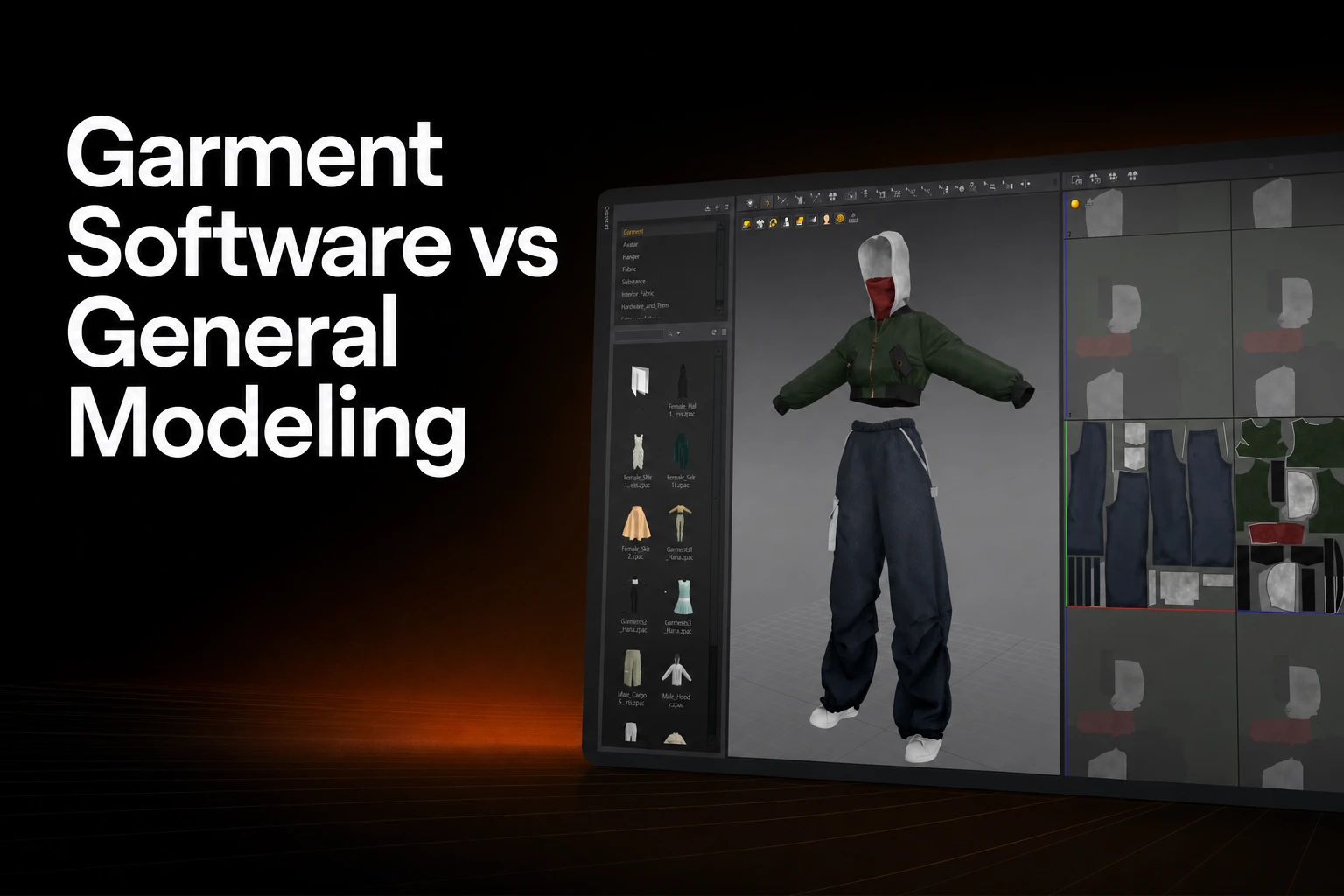
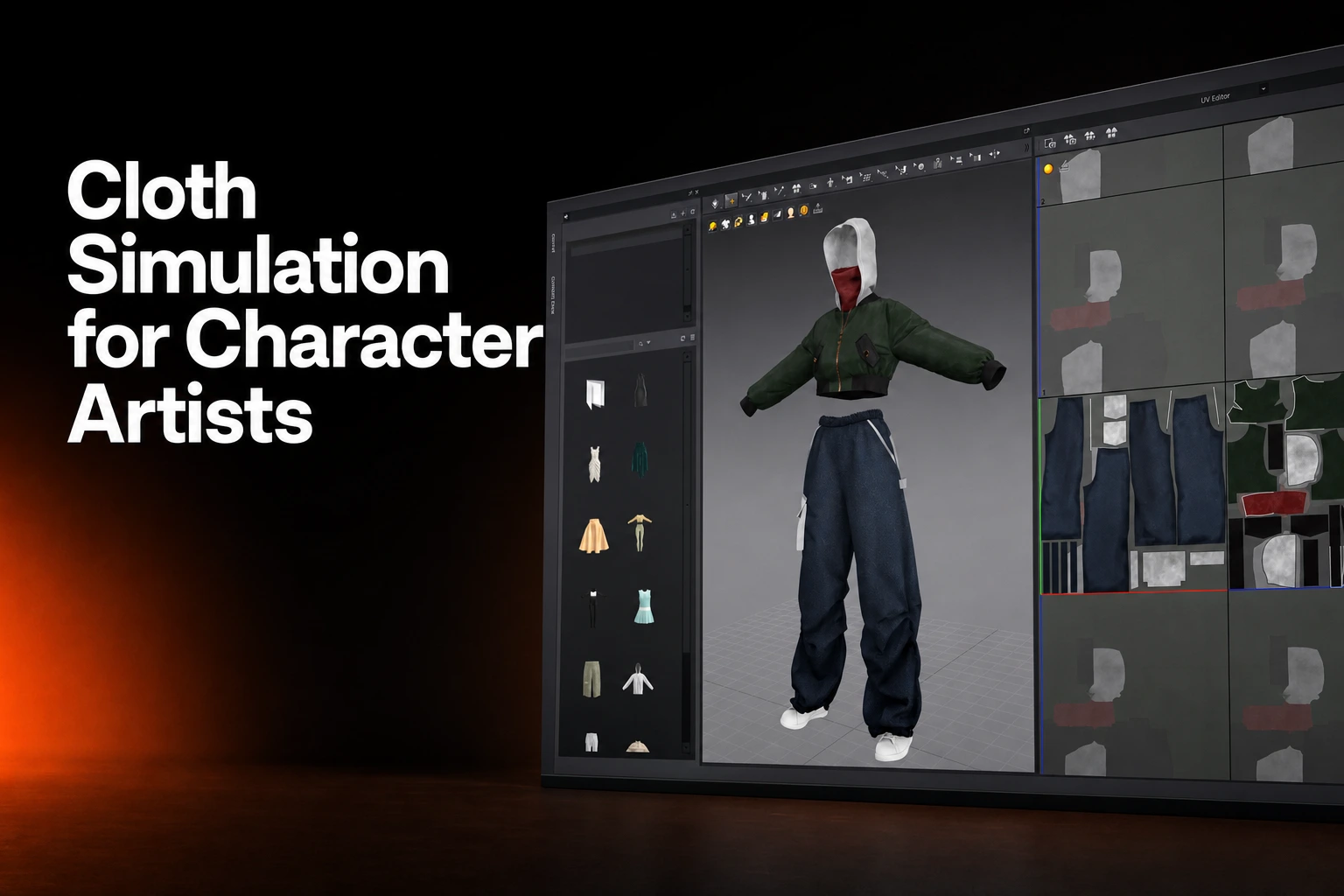
Pattern-based garment applications combine editable panels and seams with simulation. Marvelous Designer’s Simulate command applies gravity and drapes garments against collision objects. Evaluate the selected material, forces and collision settings rather than assuming a guaranteed physical result.
Marvelous Designer documents pattern-based clothing creation, garment/project files containing patterns and sewing, and simulation. Its 3D Pencil guide provides another route from avatar sketches to editable pattern outlines.
This is especially useful for character work because audiences notice fabric behavior even when they cannot name the problem. A leather jacket should not collapse like chiffon. A silk dress should not fold like denim. A layered robe should not pass through the body during a turn. When those cues are wrong, the character can feel less grounded in the scene.
Simulation tools create cloth behavior that reacts to wind, gravity, and collisions. That is why they matter in character-driven VFX and animation work.
A tailoring-based workflow also improves communication between departments. Costume design, character art, look development, rigging, and technical art can all point to the same garment structure. Instead of debating whether a fold should be moved by sculpting, the team can ask a more useful production question: is the seam, pattern shape, material behavior, or collision setup causing the issue?
What ROI can studios expect from faster cloth iteration?
Dedicated cloth simulation can reduce repeated manual work when a garment must go through multiple revisions.
The business case for dedicated cloth simulation software is clearest when a garment must go through repeated approvals. A character costume may need fit adjustments, silhouette changes, new animation tests, material swaps, and shot-specific modifications. Each revision is expensive when the team must manually rebuild folds and repair intersections.
The impact depends on garment complexity, artist experience, pipeline integration, approval structure, hardware, and whether the asset needs animation or only a still render. But the mechanism is clear: when garment behavior is generated from editable construction logic, revision work becomes less repetitive.
A costume artist can adjust pattern shapes, sewing, layer relationships, and fit before exporting or refining the asset downstream. Test whether that workflow reduces revision effort for the garment and pipeline you use.
Test simulation early enough to reveal problems with patterns, deformation, and exports. Record the pilot’s revision time and downstream cleanup before estimating its return for the studio.
How does dedicated cloth software fit VFX and game pipelines?
High-fidelity garments can be simulated first, then retopologized or baked for real-time use after cloth behavior has been validated.
VFX, animation, games, and digital fashion do not all need the same final asset. A film character may need high-resolution simulated cloth for close-up shots. A game character may need a simulated garment that is later retopologized, baked, optimized, and tested in a real-time engine. A technical art team may need procedural control for unusual collisions or destruction scenes.
The useful question is not whether one tool replaces every other tool. It is where the cloth decision should happen. For many garment-heavy characters, tailoring-to-3D tools are most useful before downstream optimization, when the team is still deciding fit, silhouette, and fabric behavior.
Test the garment in the intended engine. For example, Marvelous Designer documents a USD-to-ChaosCloth workflow with specific Unreal Engine compatibility. Follow the selected engine’s current cloth requirements rather than assuming all engines accept the same simulation data.
| Tool category | Primary strength | Production fit |
|---|---|---|
| Houdini Vellum | Position Based Dynamics for cloth and other materials; paneling and draping | Procedural garment construction and simulation within Houdini |
| Real-time engine integration | Test the supported cloth setup, mesh, rig and material path | Validate the asset within the actual runtime budget |
Houdini Vellum uses Position Based Dynamics for cloth, hair, grains, fluids and soft bodies. Its paneling and draping guide includes garment panels and stitching. Compare that authoring workflow with a dedicated garment application when choosing where construction and simulation should happen.
For game teams, the dedicated cloth workflow can sit upstream of engine implementation. Artists can create a detailed garment, approve the design and silhouette, then prepare the asset for real-time constraints. For VFX teams, the simulated result can support look development, animation tests, and shot work where fabric needs to respond believably to the character and environment.
How should a studio adopt a dedicated cloth workflow?
A studio should start with one garment-heavy character, test export paths, document revision savings, and train artists on pattern logic.
Adoption works well when the pilot project is narrow enough to measure but realistic enough to expose pipeline issues. A simple still asset may not show the full value of simulation. A character with layered clothing, body movement, and expected revisions is a more useful test case.
- Choose a garment-heavy character or costume that already creates revision pressure in your current workflow.
- Confirm export paths with your primary 3D tools, including OBJ, FBX, or Alembic where relevant to your pipeline.
- Build the garment in Marvelous Designer using 2D pattern pieces, sewing, fit checks, and simulation previews.
- Compare revision effort against the previous manual process, including fit changes, fold updates, and animation tests.
- Document where the simulated garment moves downstream, such as retopology, baking, engine validation, or shot-specific polish.
- Train artists with the Marvelous Designer Manual so the team understands how pattern decisions affect the 3D result.
A practical pilot should produce more than a finished garment. It should produce answers to pipeline questions: where does topology cleanup happen, who owns final art-directed sculpting, which material settings are approved, how are animation tests reviewed, and what data needs to be passed to technical art or engine teams?
The Marvelous Designer Manual is a useful starting point for standardizing the team’s vocabulary around pattern pieces, sewing, simulation, and garment construction. Standard language matters because cloth issues are often misdiagnosed. A fold problem might come from pattern shape, fabric settings, avatar collision, or layer order.
If your team wants to test the workflow on current characters, use the Marvelous Designer free trial with an asset that has known cloth challenges. A useful internal case usually comes from a side-by-side comparison: one revision completed manually, one revision completed through editable garment simulation.
Test pattern-based cloth simulation on your own character
Use Marvelous Designer with an existing garment challenge, then compare fit revisions, fold updates, and downstream prep against your current workflow.
FAQS