



Marvelous Designer vs. Blender for 3D Clothing: When You Need Dedicated Garment Software
Find out when a dedicated garment tool earns its place over Blender's general modeling and cloth tools, and when the two can work together in a clothing pipeline.
Blender or Marvelous Designer: the short answer
The short answer
Blender's mesh and cloth tools
Blender offers two general routes to putting clothing on a character. The first is mesh modeling: you block out a shape from primitives and then edit it polygon by polygon in Edit Mode, adding detail as you go. The second is Sculpt Mode, where you deform the surface with brushes, shaping it more like clay than moving individual vertices and edges.
Blender’s traditional Cloth modifier simulates a mesh using virtual springs for tension, compression, shear and bending. Set up collision objects and run the timeline to evaluate the result. This describes the Cloth modifier, not every physics system in Blender.
Marvelous Designer's pattern-based workflow
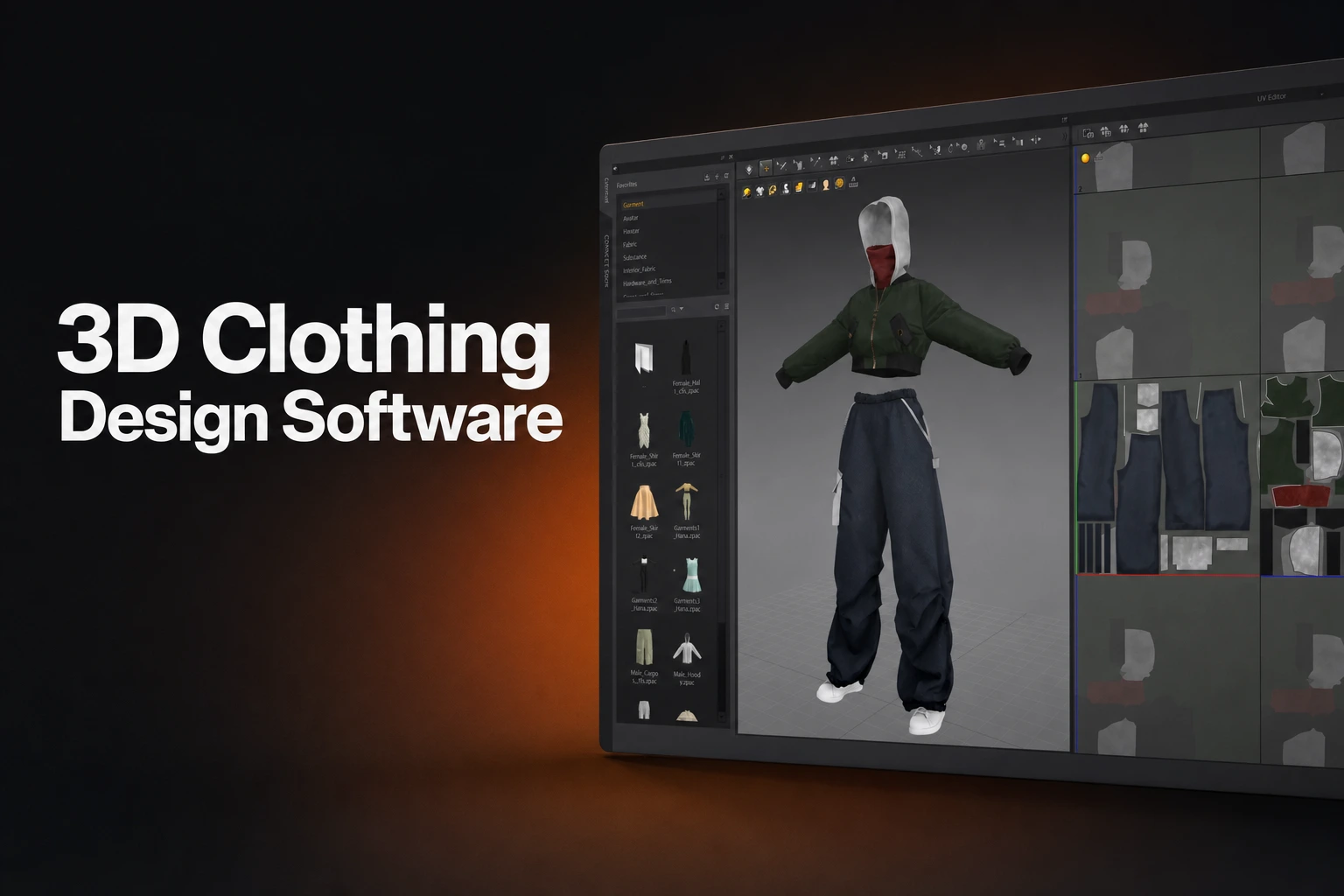
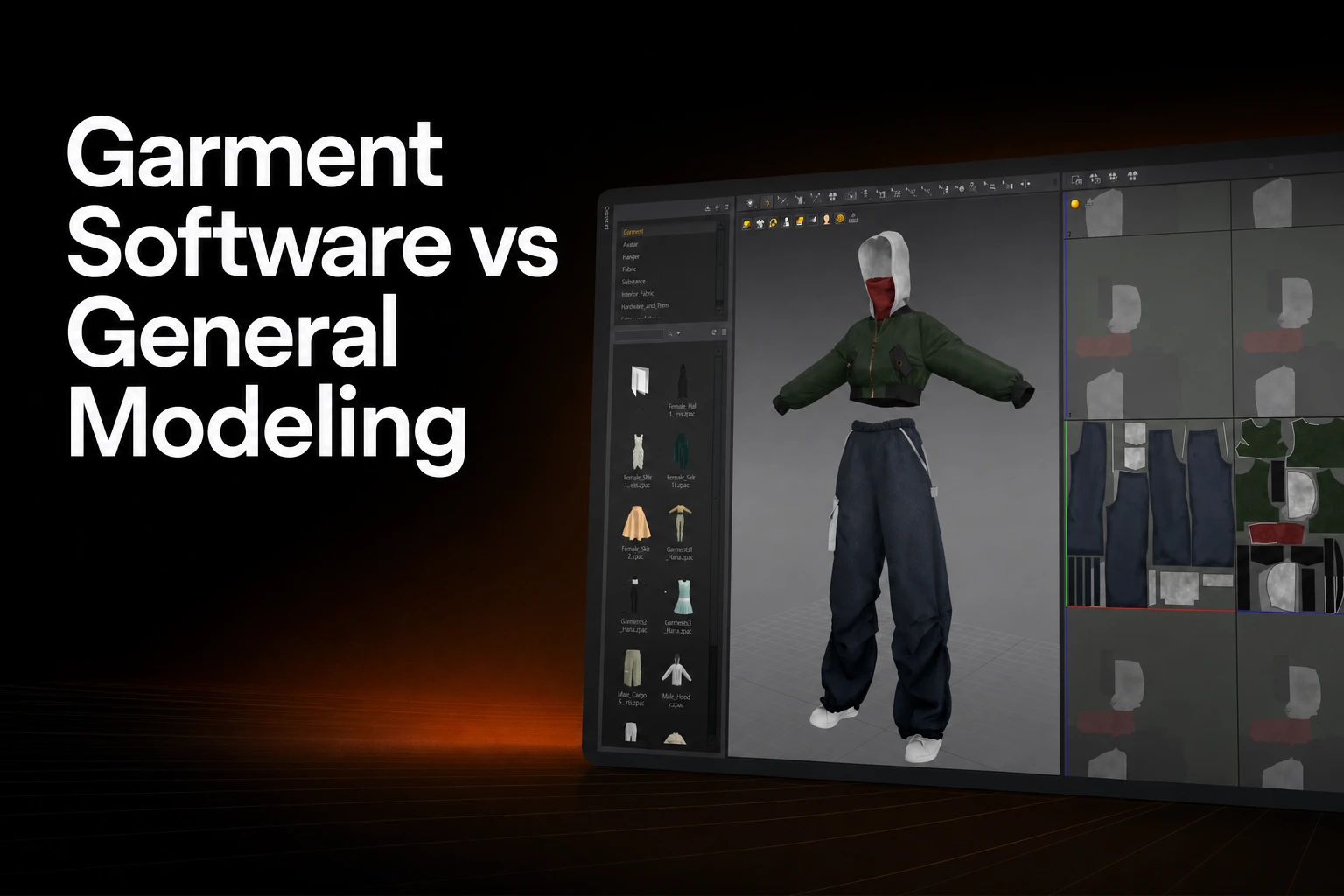
Marvelous Designer starts from the opposite direction: the pattern comes first, and the 3D shape is what the pattern becomes once it's placed and simulated.
Create or import 2D pattern pieces, arrange them around the avatar, and define their sewing relationships. Arrangement Points help position the pieces. Simulate applies gravity and drapes the garment against the avatar and other collision objects. Check the pattern, seams, fabric and collision setup as the garment settles.
Construction method and output, side by side
| Blender's native tools | Marvelous Designer | |
|---|---|---|
| Construction method | Mesh modeling, sculpting, and cloth sewing using loose edges between panel meshes | 2D pattern pieces arranged around an avatar, then simulated into 3D |
| Cloth behavior | Mesh-based Cloth modifier: vertex springs applied to a mesh you've already built | Draping driven by the pattern's shape and seams as you arrange and simulate it |
| Where it sits in a pipeline | General-purpose 3D application; cloth is one physics system among many, alongside rigid bodies and particles in the same file | Dedicated garment-construction and simulation stage, ahead of the tools that handle sculpting, texturing, rigging, or engine integration |
When a dedicated garment tool earns its place
Consider Marvelous Designer when you want dedicated tools for drawing garment panels, assigning seams, and iterating on a simulated outfit. Compare its construction workflow with the Blender modeling and sewing tools you would use for the same garment.
Blender may fit a project whose modeling, cloth simulation, animation, and rendering already happen in one application. Evaluate the garment’s construction and required output before deciding whether another tool earns its place.
A hybrid pipeline: who does what
For garments that need both tailored construction and the rest of a CG pipeline, splitting the work by stage keeps each tool doing what it's built for: garment construction and baseline draping in Marvelous Designer, then an export step, then whatever topology, UV, or texture work the target application still needs, then sculpting, texturing, rigging, or animation in the downstream tool.
The MetaHuman USD guide lists MD2025.0 with UE5.4 and MD2025.2 with UE5.6 or later for ChaosCloth simulation data. It flags UE5.5 as incompatible with that workflow; ordinary mesh and material imports are unaffected.
For a Blender handoff, choose a format supported by both applications. Marvelous Designer’s format table lists FBX, OBJ, Alembic, and USD import/export. Verify the corresponding Blender importer and test geometry, materials, scale, joints, and animation for the chosen versions.
A studio may also use a downstream solver such as Houdini Vellum or Maya nCloth for shot-specific simulation. The exact division of authoring, simulation, and finishing depends on the production setup; a downstream role does not mean those tools cannot help construct a garment.
FAQS
FAQ
Does Blender have pattern-based garment construction like Marvelous Designer?
Blender documents sewing springs that pull together loose edges between cloth meshes. Marvelous Designer organizes garment work around dedicated 2D patterns and sewing tools. Compare the editing controls and export workflow for your garment; the existence of different interfaces does not establish a universal quality ranking.
Can you move a garment from Marvelous Designer into Blender?
Yes. Choose a supported exchange format, then check the garment in Blender. Marvelous Designer’s format table lists FBX, OBJ, Alembic, and USD import/export; joint and animation transfer depend on the format and options.
What should I test after exporting a garment?
See the pattern-based workflow in action
Explore how pattern construction and draping work in Marvelous Designer.