Tutorials by Topic
Tutorials by Topic
Women's Medieval Complex: 2. Corset & Shirt
Women's Medieval Complex: 2. Corset & Shirt
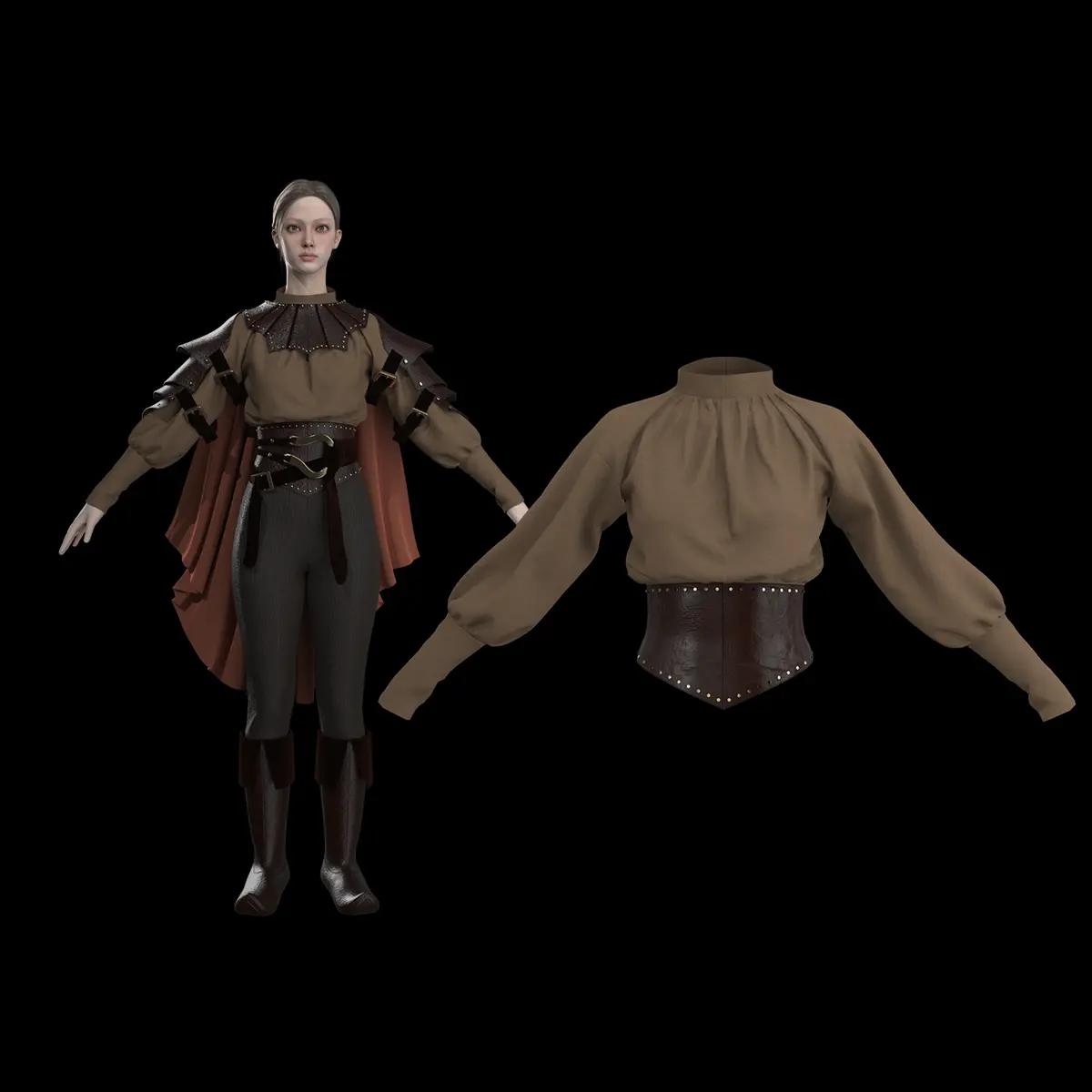
Create a medieval-style corset and shirt. You will learn to construct patterns based on basic shapes, apply fabric properties like elasticity, and use advanced tools such as Slash & Spread to manage pleats and fit. This tutorial was created using Marvelous Designer 2025, and there may be slight differences compared to the latest version. For the latest UI and updated information, please refer to the Manual. To start this tutorial, please load the pants and boots you created in the first step.
Create a medieval-style corset and shirt. You will learn to construct patterns based on basic shapes, apply fabric properties like elasticity, and use advanced tools such as Slash & Spread to manage pleats and fit. This tutorial was created using Marvelous Designer 2025, and there may be slight differences compared to the latest version. For the latest UI and updated information, please refer to the Manual. To start this tutorial, please load the pants and boots you created in the first step.
Women's Medieval Complex: 1. Pants and Boots
Women's Medieval Complex: 1. Pants and Boots
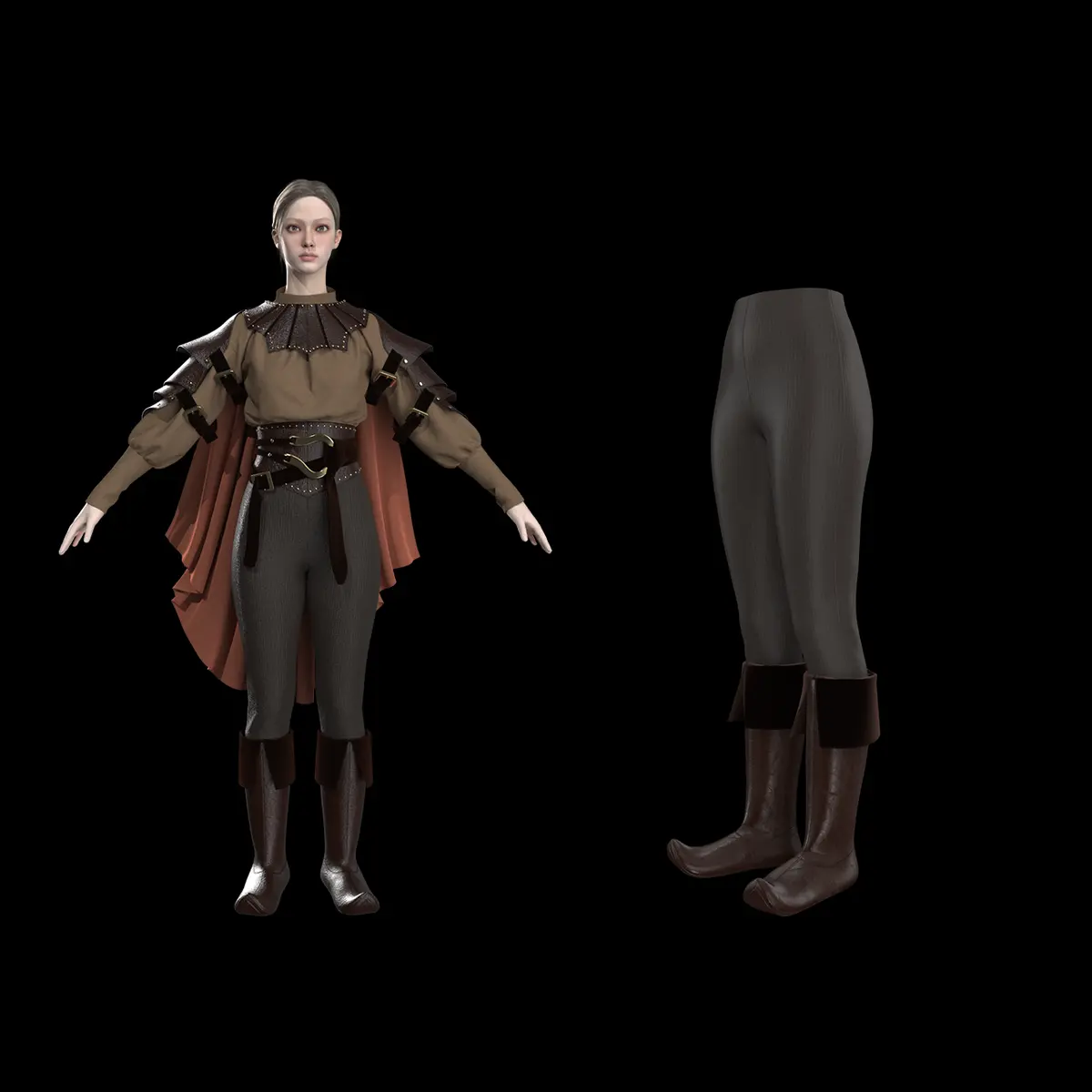
Create medieval-style pants, covering professional techniques for fitting, garment layering, and placing boots over trousers. You will learn to utilize advanced tools like Auto-fitting, Pin Box, and Pressure settings to achieve a realistic, high-quality layered look for your digital avatar. This tutorial was created using Marvelous Designer 2025, and there may be slight differences compared to the latest version. For the latest UI and updated information, please refer to the Manual.
Create medieval-style pants, covering professional techniques for fitting, garment layering, and placing boots over trousers. You will learn to utilize advanced tools like Auto-fitting, Pin Box, and Pressure settings to achieve a realistic, high-quality layered look for your digital avatar. This tutorial was created using Marvelous Designer 2025, and there may be slight differences compared to the latest version. For the latest UI and updated information, please refer to the Manual.
Shoulder Armor
Shoulder Armor
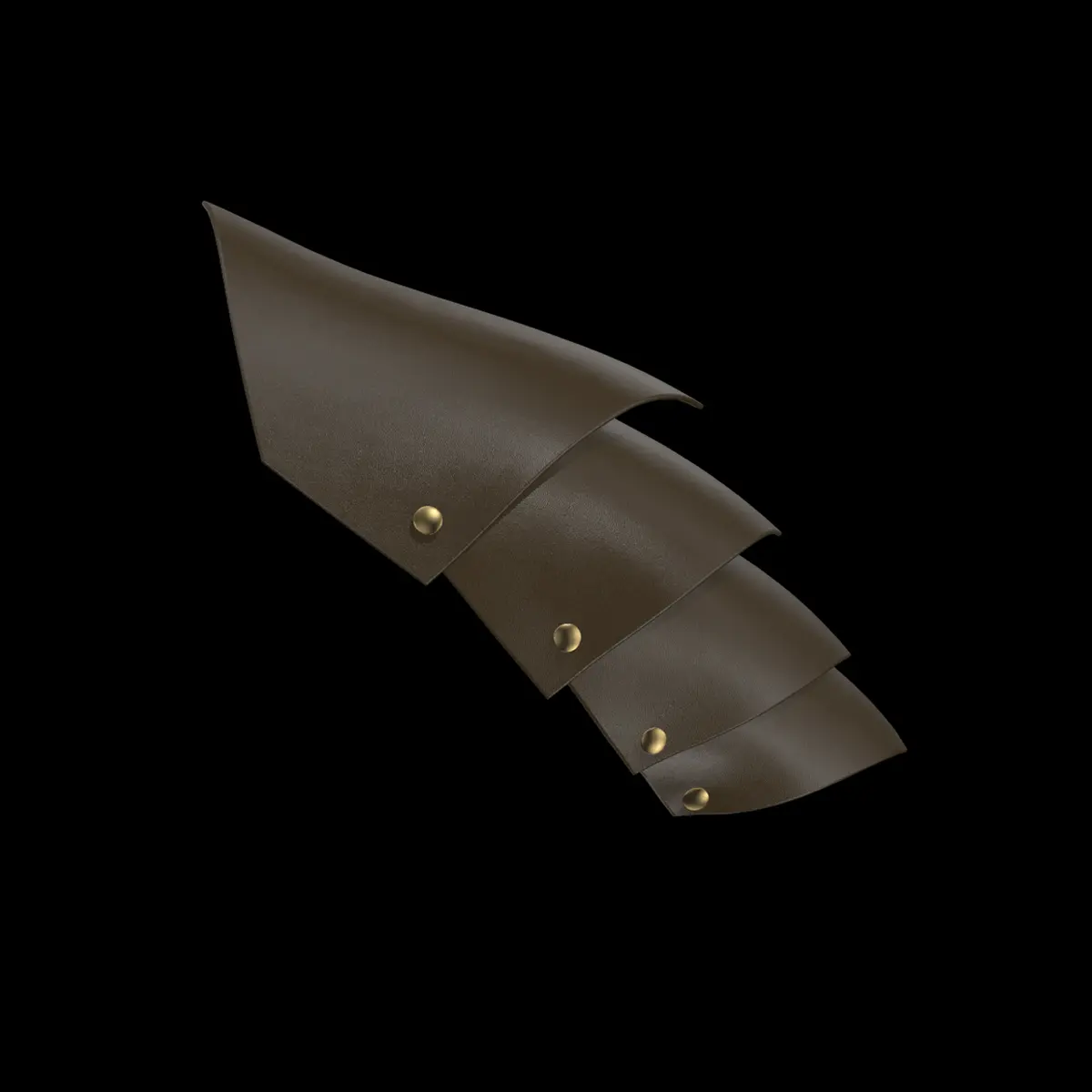
Create shoulder armor by utilizing arrangement points, pattern positioning, and custom buttons to connect and layer armor segments. You will learn how to refine the fit and adjust the structural angle of the armor pieces on an avatar through precise simulation and tool settings. This tutorial was created using Marvelous Designer 2025, and there may be slight differences compared to the latest version. For the latest UI and updated information, please refer to the Manual. 👉 Download the free tutorial asset files from the CONNECT Store! Marvelous Designer Official on CONNECT: https://connect.clo-set.com/ko/detail/4093e46f06dd4a56ae7be1b46f644398
Create shoulder armor by utilizing arrangement points, pattern positioning, and custom buttons to connect and layer armor segments. You will learn how to refine the fit and adjust the structural angle of the armor pieces on an avatar through precise simulation and tool settings. This tutorial was created using Marvelous Designer 2025, and there may be slight differences compared to the latest version. For the latest UI and updated information, please refer to the Manual. 👉 Download the free tutorial asset files from the CONNECT Store! Marvelous Designer Official on CONNECT: https://connect.clo-set.com/ko/detail/4093e46f06dd4a56ae7be1b46f644398
宇宙船
宇宙船
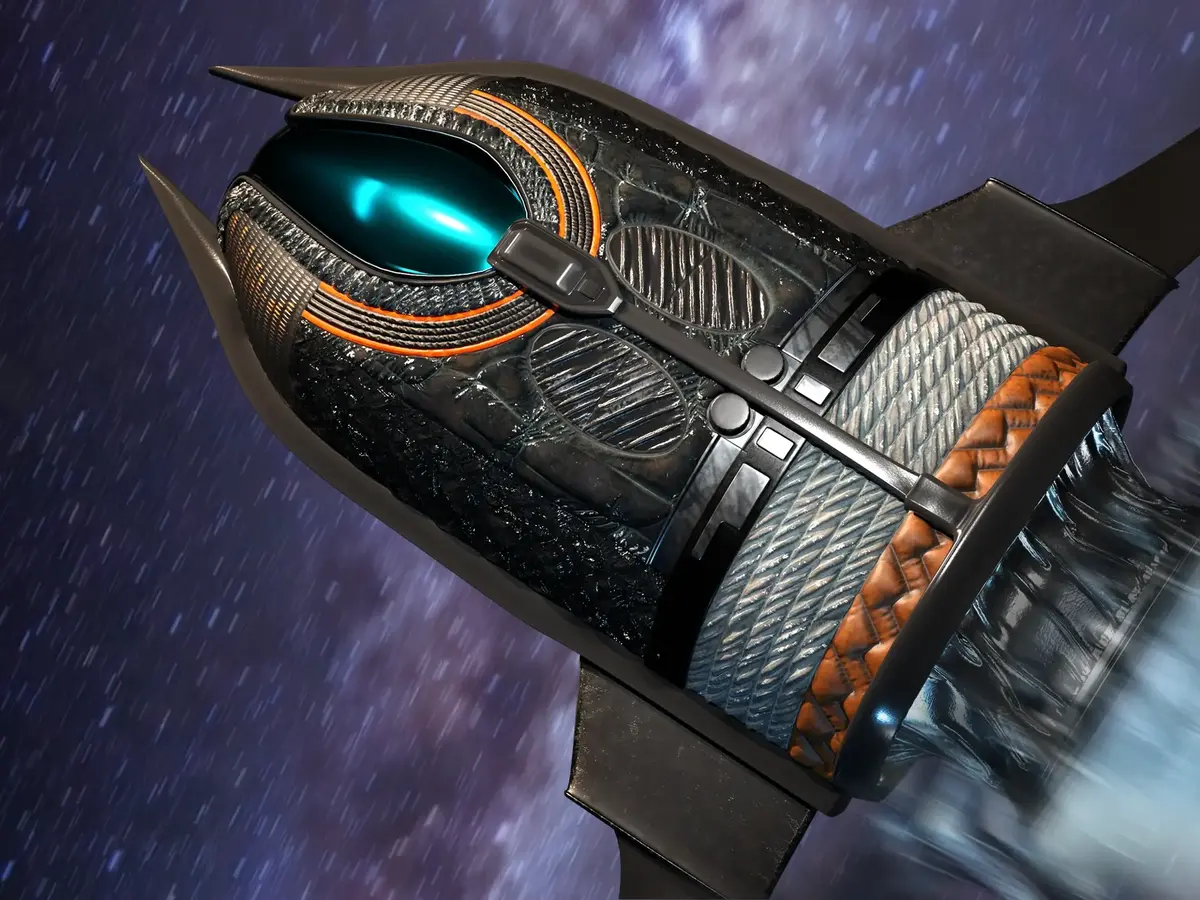
外部のハードサフェースベースアセットと専門的なクロスシミュレーション技術を組み合わせ、細部まで作り込まれた宇宙船の表面を作成しましょう 。内部多角形線、レイヤークローン(上)、内部線のオフセット、ゴムや折り返し角度 のプロパティなどのツールを活用し、リアルな質感やパネル表現を生み出して宇宙船のデザインを洗練させる方法を学びます。 本チュートリアルはMarvelous Designer 12.2を使用して作成されており、最新バージョンとは若干の違いがある場合があります。最新のUIや更新情報については、 マニュアル をご参照ください。
外部のハードサフェースベースアセットと専門的なクロスシミュレーション技術を組み合わせ、細部まで作り込まれた宇宙船の表面を作成しましょう 。内部多角形線、レイヤークローン(上)、内部線のオフセット、ゴムや折り返し角度 のプロパティなどのツールを活用し、リアルな質感やパネル表現を生み出して宇宙船のデザインを洗練させる方法を学びます。 本チュートリアルはMarvelous Designer 12.2を使用して作成されており、最新バージョンとは若干の違いがある場合があります。最新のUIや更新情報については、 マニュアル をご参照ください。
竜 パート2
竜 パート2
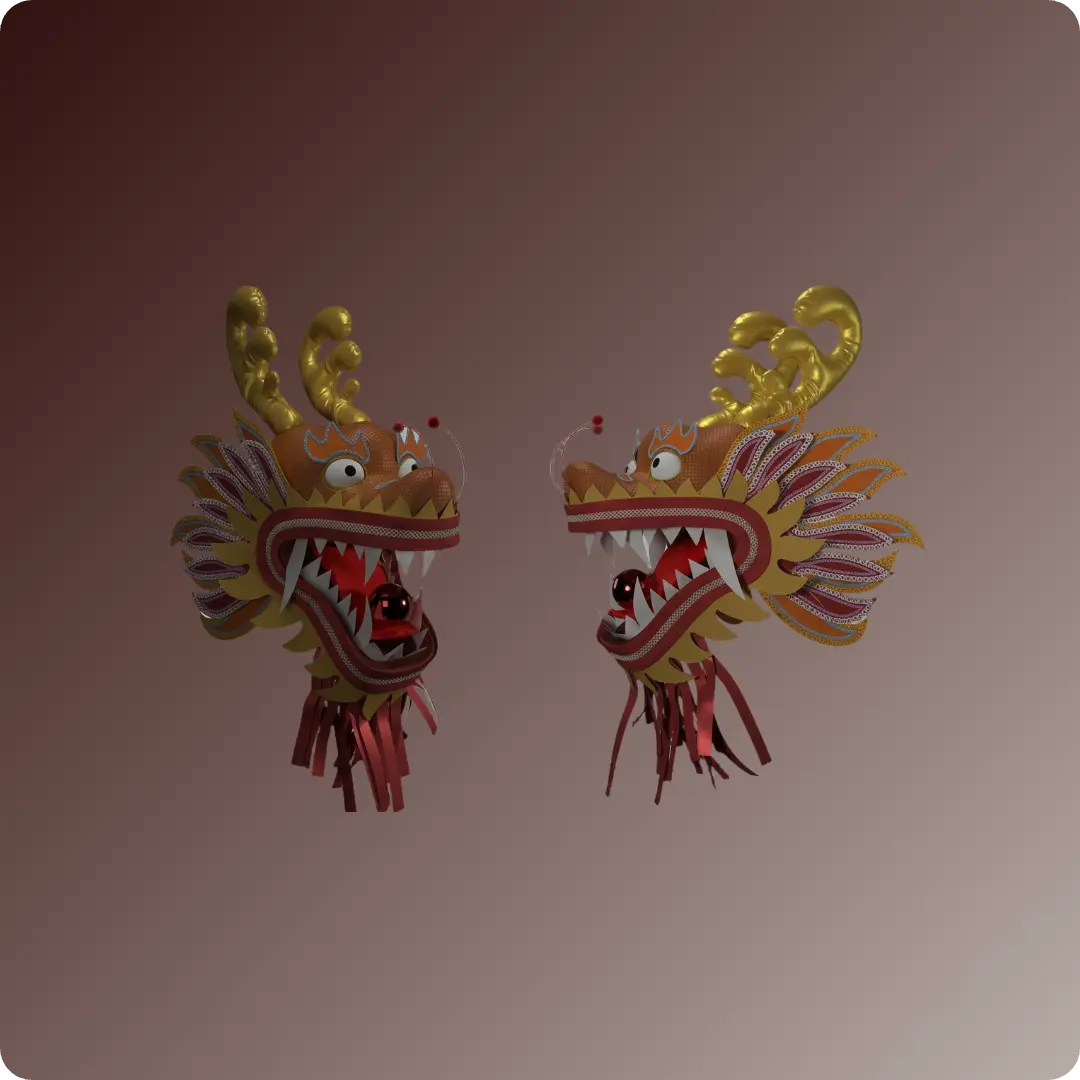
Marvelous Designer 12.2で高度なLookDevとポージング技術を活用し、中国の龍舞(ドラゴンダンス)の頭部と胴体を作成する方法を学びましょう。ヘアカード、カスタムトリム、複雑なトップステッチの適用に加え、アニメーションキャッシュを活用して龍の動きをシミュレートする方法を解説します。 本チュートリアルはMarvelous Designer 12.2を使用して作成されており、最新バージョンとは若干の違いがある場合があります。最新のUIや更新情報については、 マニュアル をご参照ください。
Marvelous Designer 12.2で高度なLookDevとポージング技術を活用し、中国の龍舞(ドラゴンダンス)の頭部と胴体を作成する方法を学びましょう。ヘアカード、カスタムトリム、複雑なトップステッチの適用に加え、アニメーションキャッシュを活用して龍の動きをシミュレートする方法を解説します。 本チュートリアルはMarvelous Designer 12.2を使用して作成されており、最新バージョンとは若干の違いがある場合があります。最新のUIや更新情報については、 マニュアル をご参照ください。
竜 パート1
竜 パート1
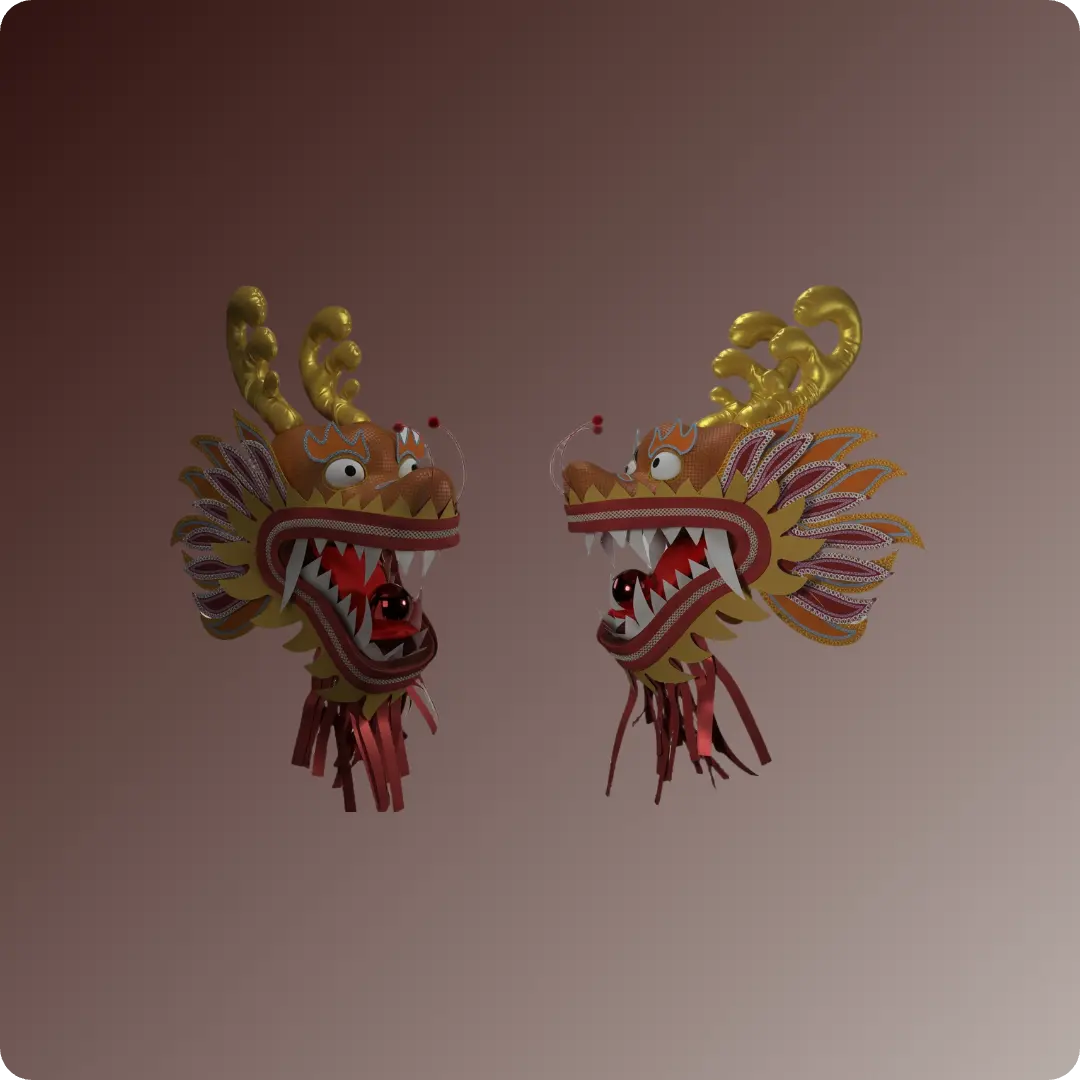
コンセプト画をリファレンスとしてパターンを作成し、Marvelous Designerで複雑な3Dの中国の龍舞(ドラゴンダンス)の頭部をモデリングしましょう。線アバターツール、対称編集、フラット化、生地の物性調整などの高度な機能を活用し、龍の構造を構築・補強し、細部まで作り込む方法を学びます。 本チュートリアルはMarvelous Designer 12.2を使用して作成されており、最新バージョンとは若干の違いがある場合があります。最新のUIや更新情報については、 マニュアル をご参照ください。
コンセプト画をリファレンスとしてパターンを作成し、Marvelous Designerで複雑な3Dの中国の龍舞(ドラゴンダンス)の頭部をモデリングしましょう。線アバターツール、対称編集、フラット化、生地の物性調整などの高度な機能を活用し、龍の構造を構築・補強し、細部まで作り込む方法を学びます。 本チュートリアルはMarvelous Designer 12.2を使用して作成されており、最新バージョンとは若干の違いがある場合があります。最新のUIや更新情報については、 マニュアル をご参照ください。
冬のファンタジーコート
冬のファンタジーコート
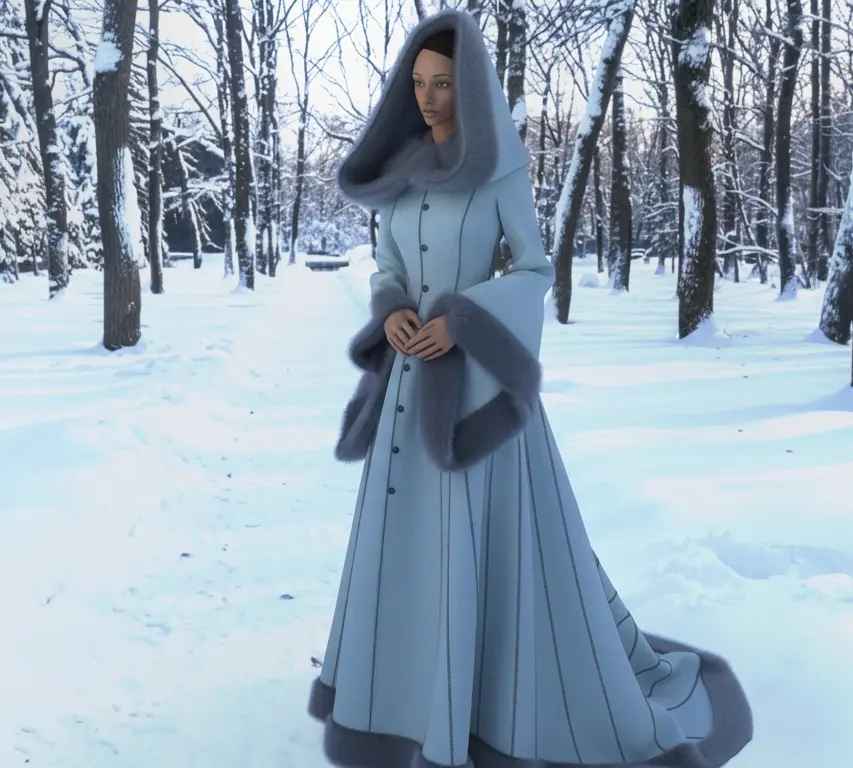
Marvelous Designerでウィンターファンタジーコートを作成し、パターンの製図、モジュールの組み立て、高度な衣服のディテール表現を学びましょう。プリンセスライン、フードの構築、ファー 副資材の適用、カスタムトップステッチなどの必須機能を活用し、プロ仕様の完成度の高い仕上がりを実現する方法を学びます。 本チュートリアルはMarvelous Designer 12.2を使用して作成されており、最新バージョンとは若干の違いがある場合があります。最新のUIや更新情報については、 マニュアル をご参照ください。
Marvelous Designerでウィンターファンタジーコートを作成し、パターンの製図、モジュールの組み立て、高度な衣服のディテール表現を学びましょう。プリンセスライン、フードの構築、ファー 副資材の適用、カスタムトップステッチなどの必須機能を活用し、プロ仕様の完成度の高い仕上がりを実現する方法を学びます。 本チュートリアルはMarvelous Designer 12.2を使用して作成されており、最新バージョンとは若干の違いがある場合があります。最新のUIや更新情報については、 マニュアル をご参照ください。