Tutorials by Topic
Tutorials by Topic
Tent: Side and Top Shades
Tent: Side and Top Shades
Final step in creating a tent design by constructing detailed side and top shades. You will learn to use essential tools such as instance pattern generation, sewing functions, and solidify/physical property adjustments to achieve natural, professional fabric results. This tutorial was created using Marvelous Designer 2025, and there may be slight differences compared to the latest version. For the latest UI and updated information, please refer to the Manual.
Final step in creating a tent design by constructing detailed side and top shades. You will learn to use essential tools such as instance pattern generation, sewing functions, and solidify/physical property adjustments to achieve natural, professional fabric results. This tutorial was created using Marvelous Designer 2025, and there may be slight differences compared to the latest version. For the latest UI and updated information, please refer to the Manual.
Tent: Swags
Tent: Swags
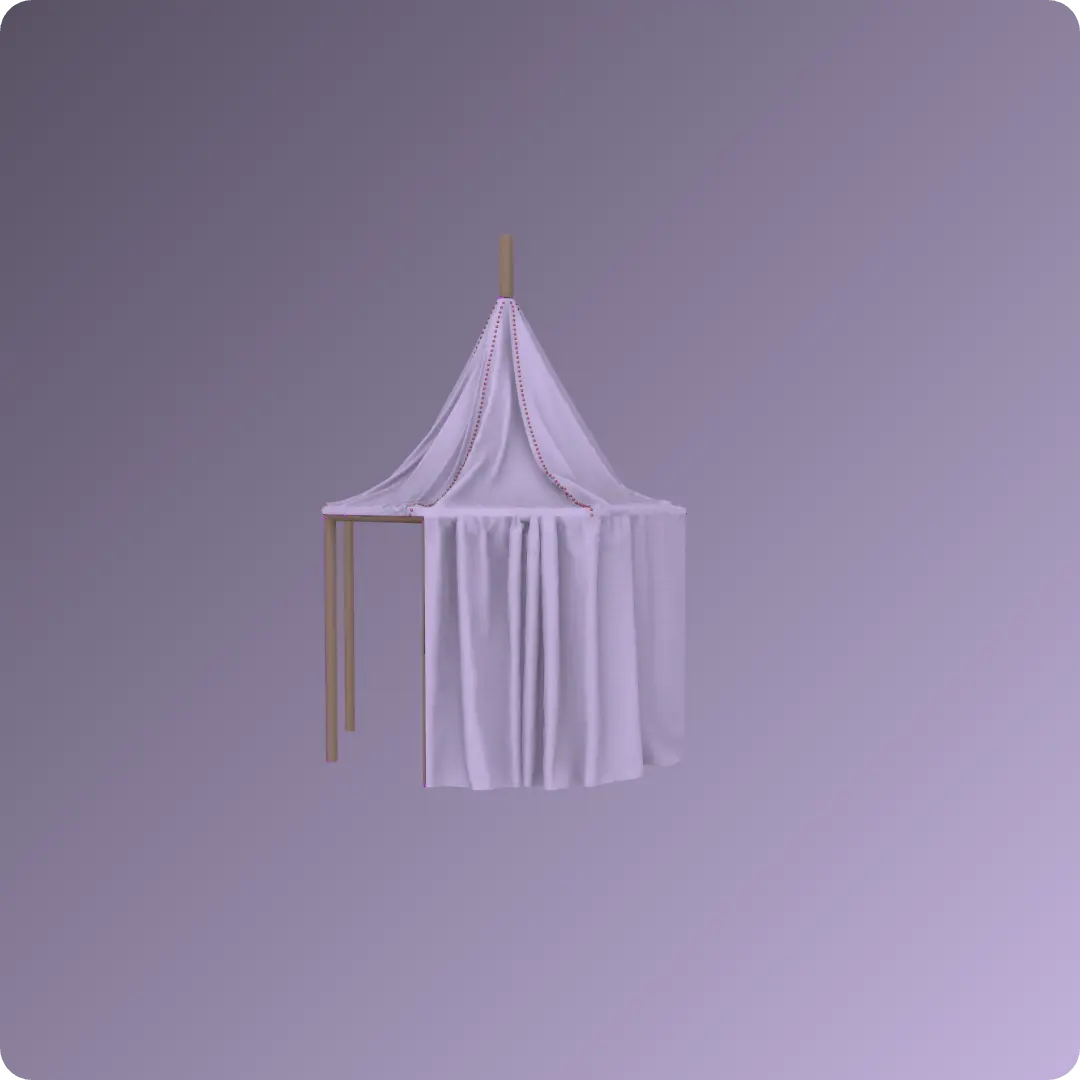
Create elegant swag-style curtains for a tent project. You will learn to use essential tools like symmetric pattern editing, Attach to Avatar, and pleat folding techniques to achieve both natural and uniform drapery effects. This tutorial was created using Marvelous Designer 2025, and there may be slight differences compared to the latest version. For the latest UI and updated information, please refer to the Manual.
Create elegant swag-style curtains for a tent project. You will learn to use essential tools like symmetric pattern editing, Attach to Avatar, and pleat folding techniques to achieve both natural and uniform drapery effects. This tutorial was created using Marvelous Designer 2025, and there may be slight differences compared to the latest version. For the latest UI and updated information, please refer to the Manual.
Tent: French Style Curtain
Tent: French Style Curtain
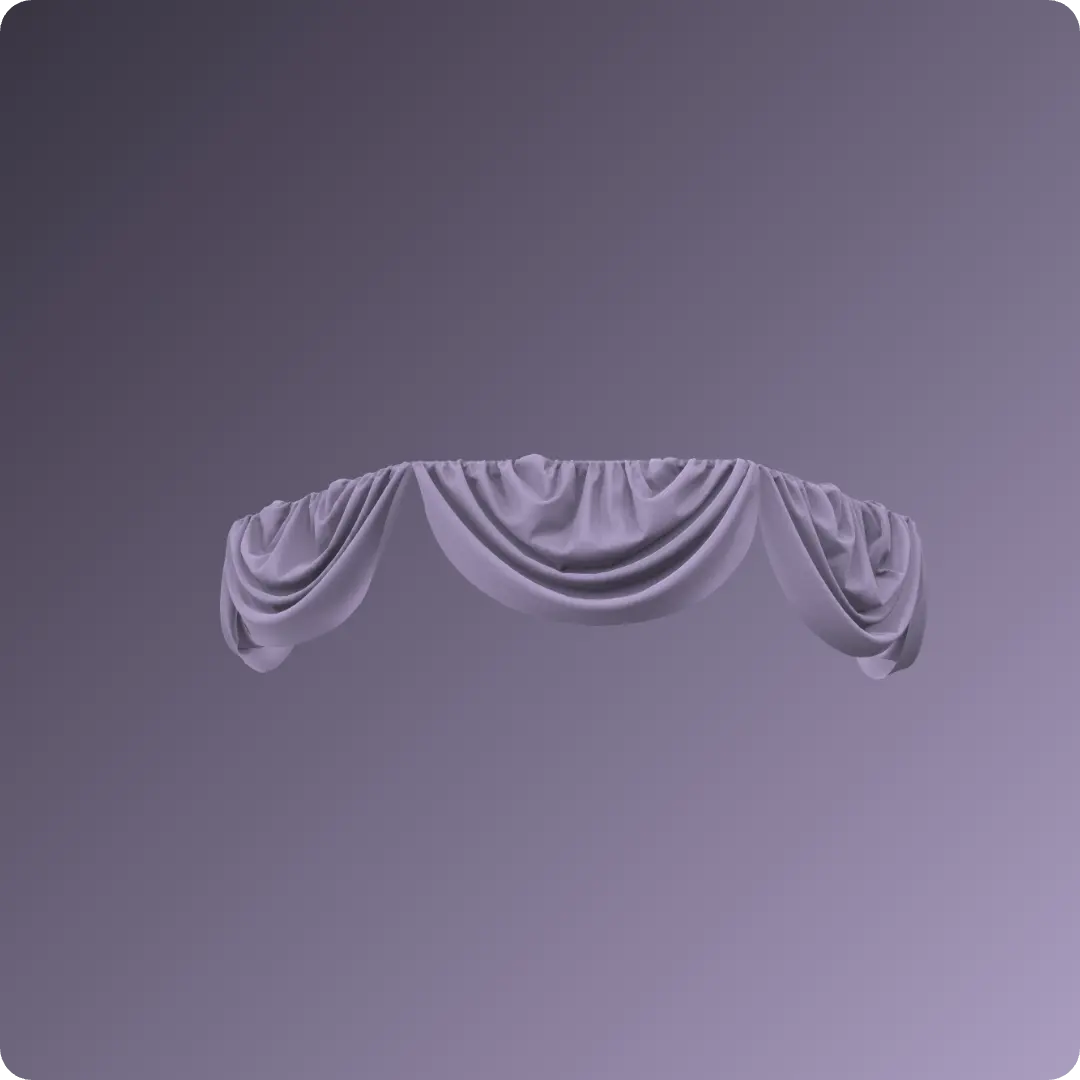
Design a French-style tent curtain by creating detailed pleats and textures. The process utilizes key tools such as Elastic , Internal Lines , Avatar measurement tools , and Strengthen settings to achieve a realistic, high-quality draped finish. This tutorial was created using Marvelous Designer 2025, and there may be slight differences compared to the latest version. For the latest UI and updated information, please refer to the Manual.
Design a French-style tent curtain by creating detailed pleats and textures. The process utilizes key tools such as Elastic , Internal Lines , Avatar measurement tools , and Strengthen settings to achieve a realistic, high-quality draped finish. This tutorial was created using Marvelous Designer 2025, and there may be slight differences compared to the latest version. For the latest UI and updated information, please refer to the Manual.
テント:オープンスタイルカーテンの作り方
テント:オープンスタイルカーテンの作り方
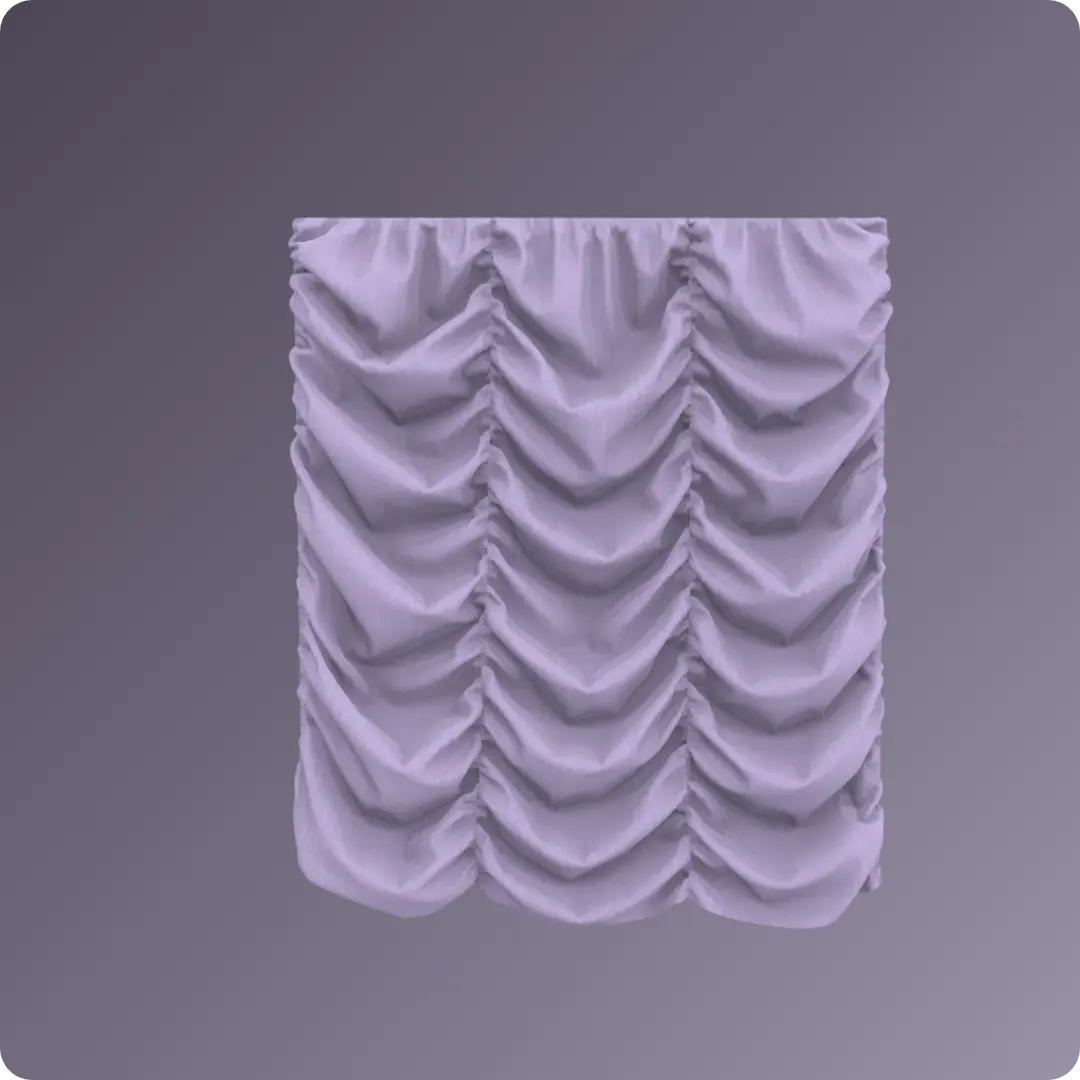
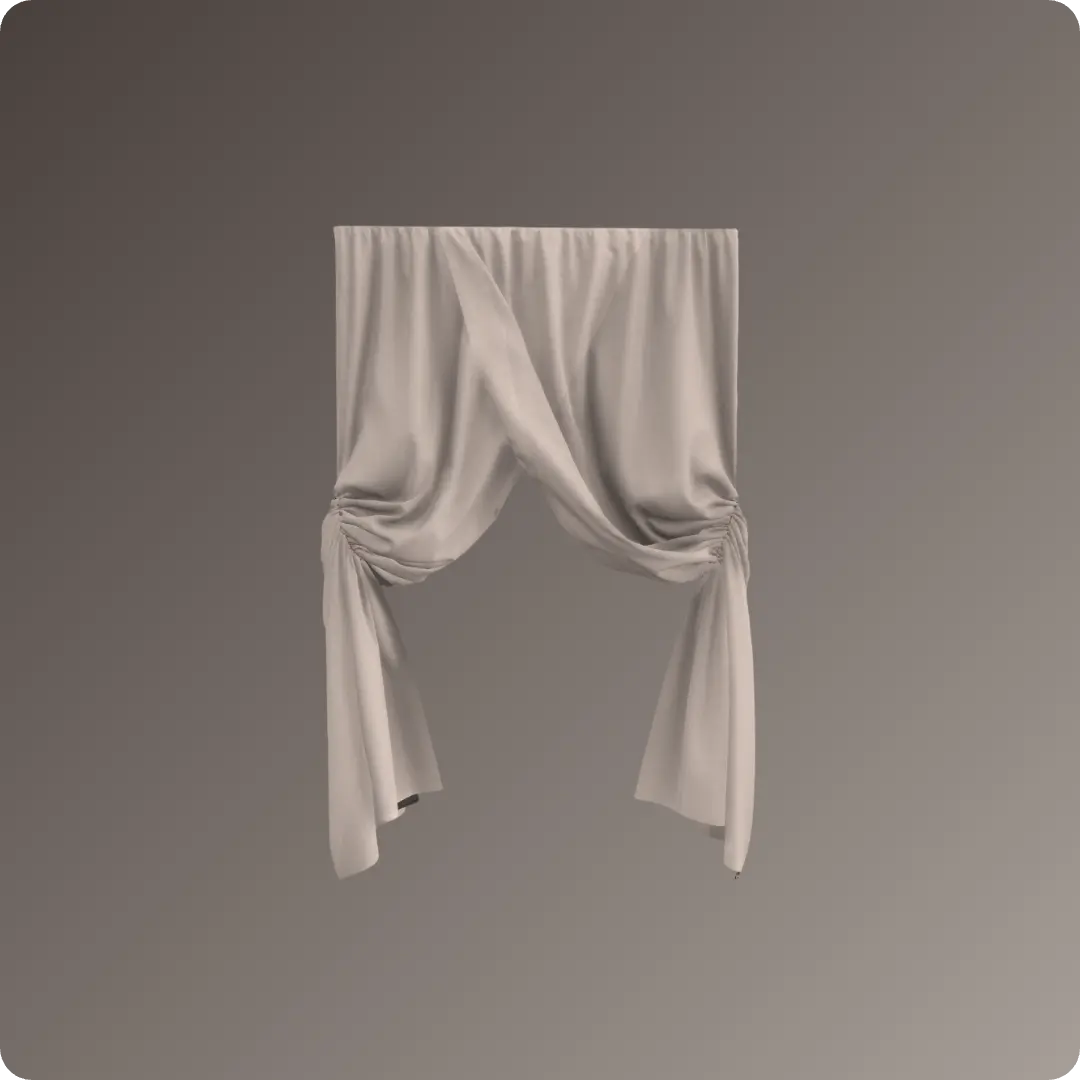
オープンスタイルのテントカーテンを作成しましょう。「メジャーに留める(アバター)」ツールやゴム設定を適用した内部線などの機能を活用し、リアルなドレープとスタイリング効果を実現する方法を学びます。 本チュートリアルはMarvelous Designer 2025を使用して作成されており、最新バージョンとは若干の違いがある場合があります。最新のUIや更新情報については、 マニュアル をご参照ください。
オープンスタイルのテントカーテンを作成しましょう。「メジャーに留める(アバター)」ツールやゴム設定を適用した内部線などの機能を活用し、リアルなドレープとスタイリング効果を実現する方法を学びます。 本チュートリアルはMarvelous Designer 2025を使用して作成されており、最新バージョンとは若干の違いがある場合があります。最新のUIや更新情報については、 マニュアル をご参照ください。
背景プロップ:テントラグ(カーペット)の作り方
背景プロップ:テントラグ(カーペット)の作り方
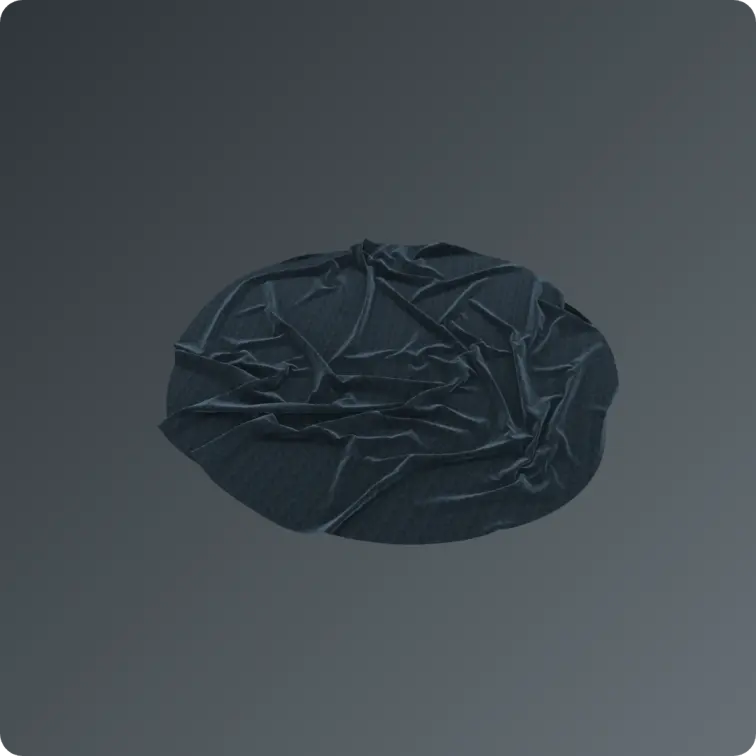
テントフレームの設置とカスタム円形パターンの作成を通して、リアルなテントカーペットをデザインしましょう。重力や粒子間隔などのシミュレーション設定を調整することで、生地の挙動をコントロールし、自然なひだ表現を実現する方法を学びます。 本チュートリアルはMarvelous Designer 2025を使用して作成されており、最新バージョンとは若干の違いがある場合があります。最新のUIや更新情報については、 マニュアル をご参照ください。
テントフレームの設置とカスタム円形パターンの作成を通して、リアルなテントカーペットをデザインしましょう。重力や粒子間隔などのシミュレーション設定を調整することで、生地の挙動をコントロールし、自然なひだ表現を実現する方法を学びます。 本チュートリアルはMarvelous Designer 2025を使用して作成されており、最新バージョンとは若干の違いがある場合があります。最新のUIや更新情報については、 マニュアル をご参照ください。
Backpack: 5. Back Shoulder Straps
Backpack: 5. Back Shoulder Straps
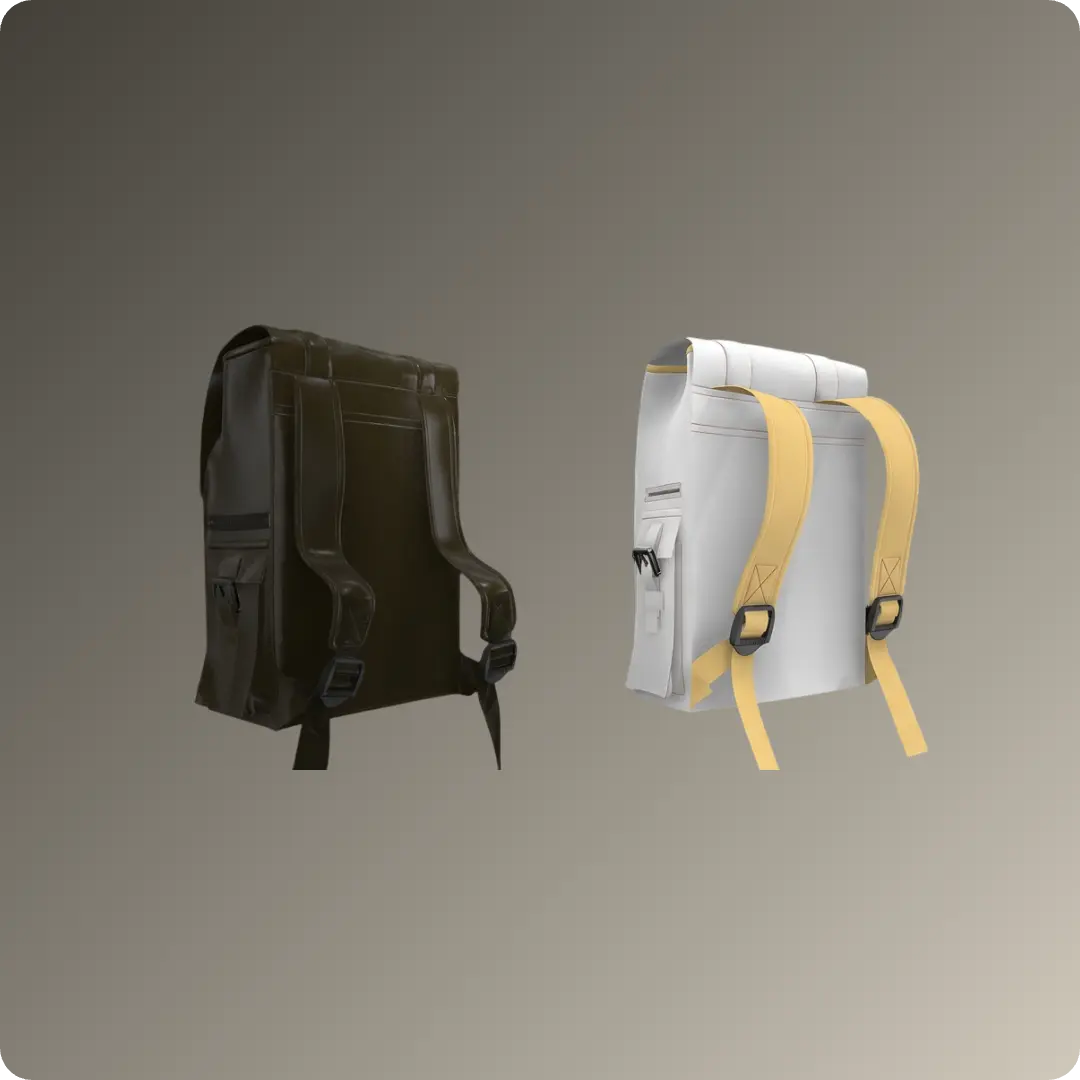
From pattern creation and sewing to seamless buckle integration and optimized fabric simulation . Maximize your efficiency with symmetry and add realistic finishes using the binding tool . This tutorial was created using Marvelous Designer 2025, and there may be slight differences compared to the latest version. For the latest UI and updated information, please refer to the Manual.
From pattern creation and sewing to seamless buckle integration and optimized fabric simulation . Maximize your efficiency with symmetry and add realistic finishes using the binding tool . This tutorial was created using Marvelous Designer 2025, and there may be slight differences compared to the latest version. For the latest UI and updated information, please refer to the Manual.
Backpack: 4. Top Cover and Straps
Backpack: 4. Top Cover and Straps
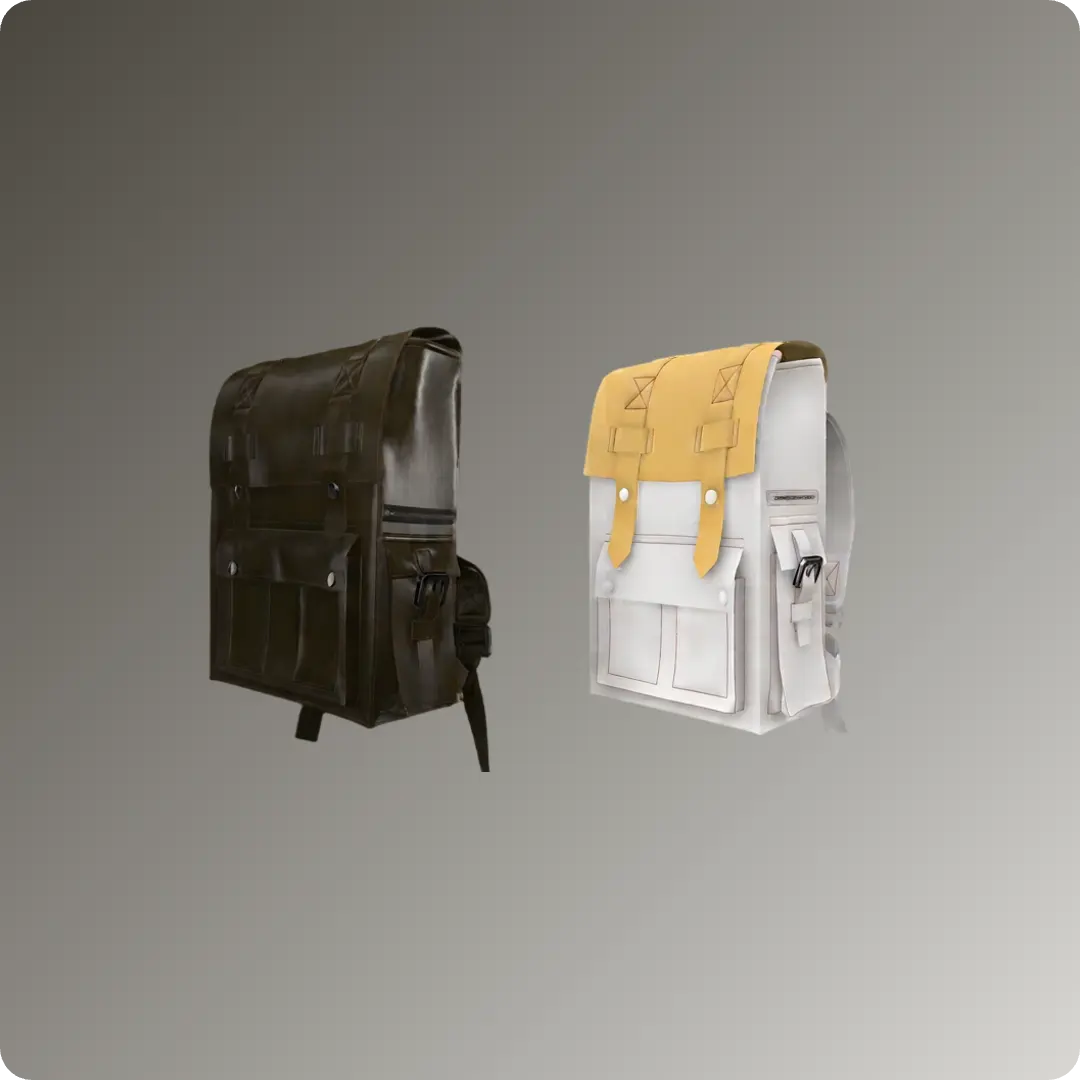
Learn to design professional bags while mastering pattern duplication and modification, sewing and placement, precision editing, particle distance adjustment, and simulation and finishing . This tutorial was created using Marvelous Designer 2025, and there may be slight differences compared to the latest version. For the latest UI and updated information, please refer to the Manual.
Learn to design professional bags while mastering pattern duplication and modification, sewing and placement, precision editing, particle distance adjustment, and simulation and finishing . This tutorial was created using Marvelous Designer 2025, and there may be slight differences compared to the latest version. For the latest UI and updated information, please refer to the Manual.
Backpack: 3. Side Pocket and Buckle
Backpack: 3. Side Pocket and Buckle
Learn to create and place patterns , express realistic 3D volume using Fold Angle and Pleats Fold , and master buckle and strap detailing, collision handling, and zipper tools . This tutorial was created using Marvelous Designer 2025, and there may be slight differences compared to the latest version. For the latest UI and updated information, please refer to the Manual.
Learn to create and place patterns , express realistic 3D volume using Fold Angle and Pleats Fold , and master buckle and strap detailing, collision handling, and zipper tools . This tutorial was created using Marvelous Designer 2025, and there may be slight differences compared to the latest version. For the latest UI and updated information, please refer to the Manual.
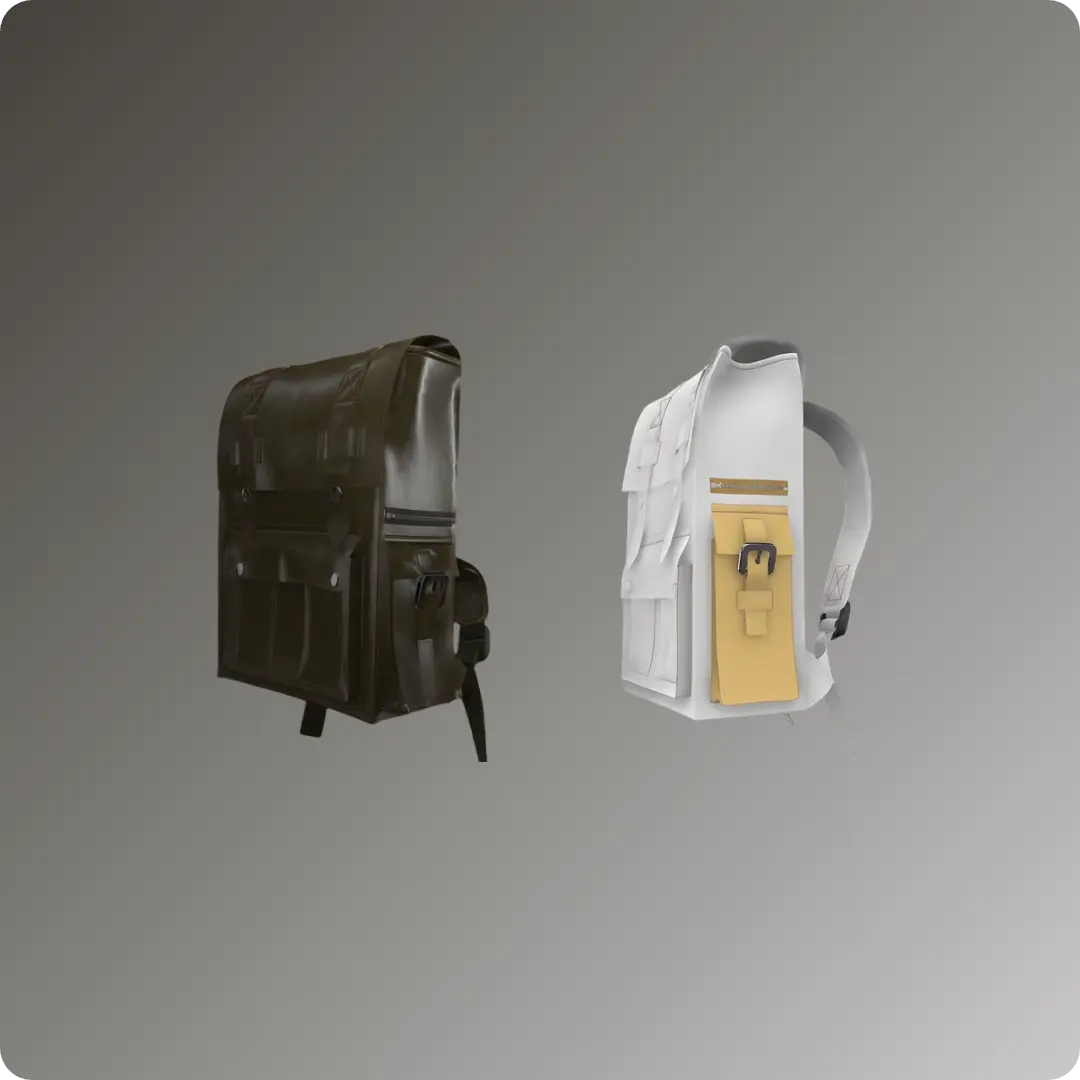
Backpack: 2. Front Pocket
Backpack: 2. Front Pocket
Learn to master pattern and line creation, simulation and property adjustment, 3D volume expression, pattern editing and transformation, and hardware integration . This tutorial was created using Marvelous Designer 2025, and there may be slight differences compared to the latest version. For the latest UI and updated information, please refer to the Manual.
Learn to master pattern and line creation, simulation and property adjustment, 3D volume expression, pattern editing and transformation, and hardware integration . This tutorial was created using Marvelous Designer 2025, and there may be slight differences compared to the latest version. For the latest UI and updated information, please refer to the Manual.
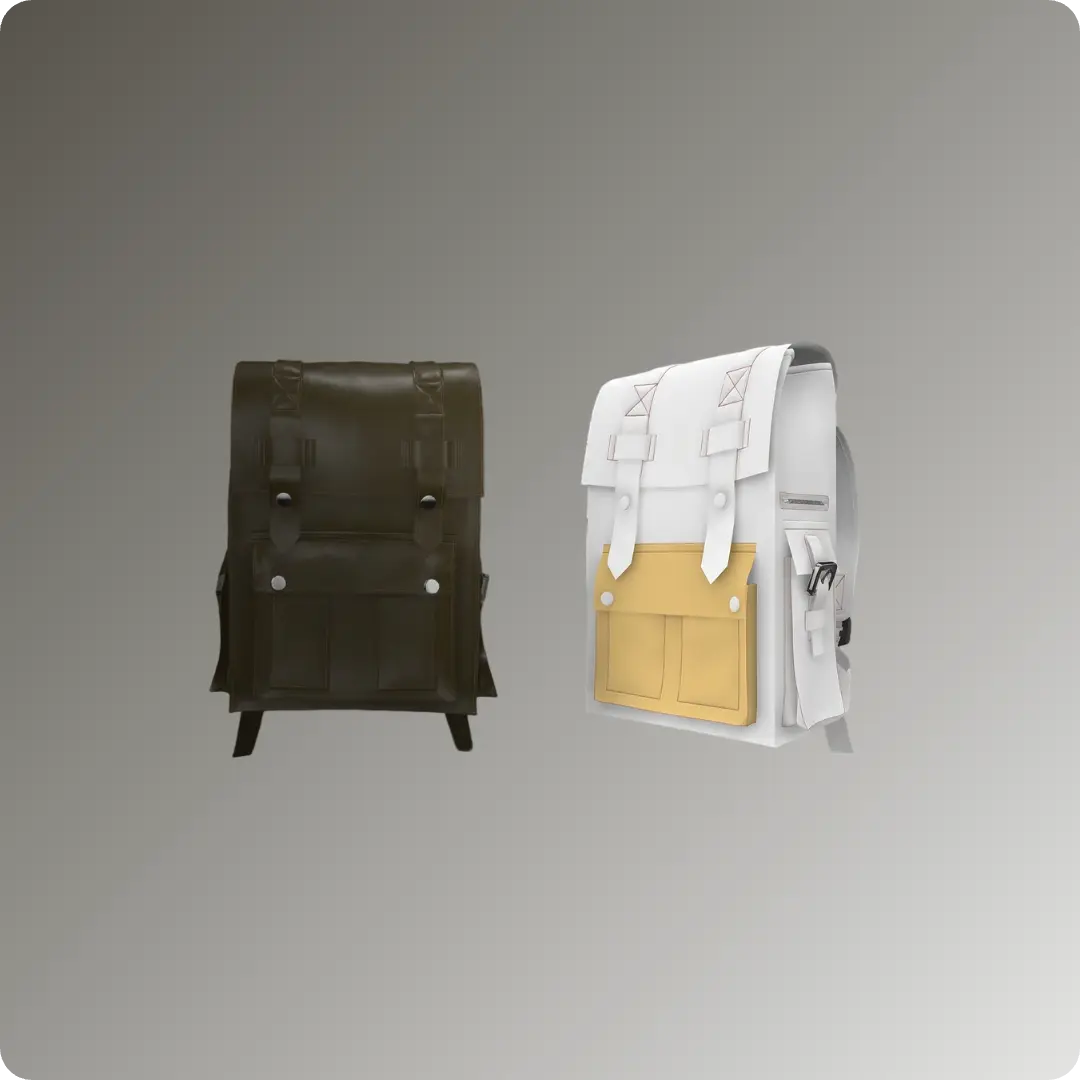
Backpack: 1. Dummy Setting
Backpack: 1. Dummy Setting
Discover key setup techniques: placing and modifying dummy objects, configuring multi-dummy scenes, and mastering the Gizmo and Scale tools . This tutorial was created using Marvelous Designer 2025, and there may be slight differences compared to the latest version. For the latest UI and updated information, please refer to the Manual.
Discover key setup techniques: placing and modifying dummy objects, configuring multi-dummy scenes, and mastering the Gizmo and Scale tools . This tutorial was created using Marvelous Designer 2025, and there may be slight differences compared to the latest version. For the latest UI and updated information, please refer to the Manual.
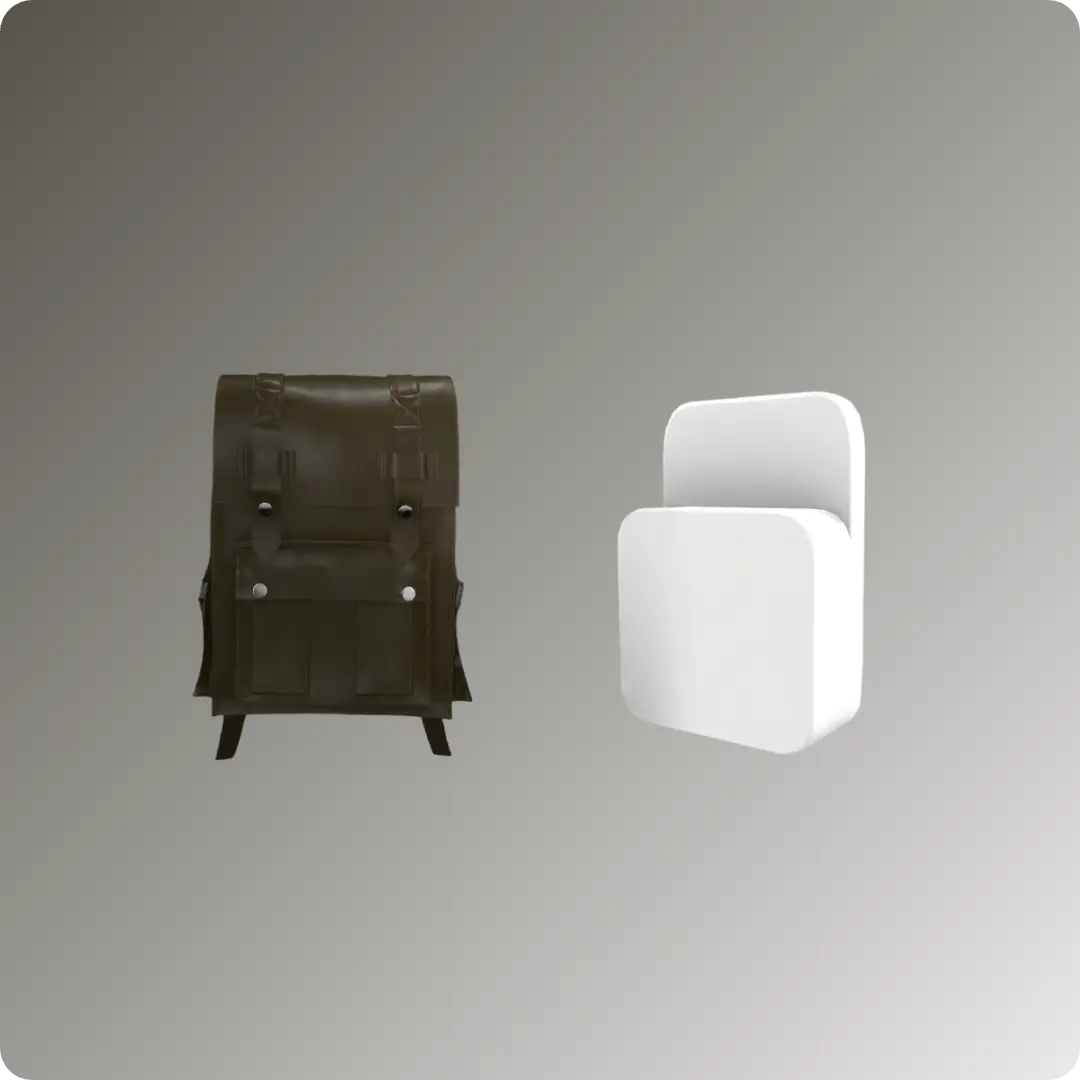
警察用防刃ベストの作り方
警察用防刃ベストの作り方
CONNECTストアの再利用可能なアセットを活用し、Marvelous Designerで警察官用の防刃ベストをデザインしましょう。 ポケットの配置、ストラップの取り付け、ジッパーなどの機能的なパーツの適用に関する効率的なワークフローを通して、細部まで作り込まれたプロ仕様の衣服を作成する方法を学びます。 本チュートリアルはMarvelous Designer 2025を使用して作成されており、最新バージョンとは若干の違いがある場合があります。最新のUIや更新情報については、 マニュアル をご参照ください。 ※本チュートリアルは、 Marvelous Designer Korea YouTube チャンネルにて投稿された「 Utility Vest in Marvelous Designer 」を一部改変の上、作成されました
CONNECTストアの再利用可能なアセットを活用し、Marvelous Designerで警察官用の防刃ベストをデザインしましょう。 ポケットの配置、ストラップの取り付け、ジッパーなどの機能的なパーツの適用に関する効率的なワークフローを通して、細部まで作り込まれたプロ仕様の衣服を作成する方法を学びます。 本チュートリアルはMarvelous Designer 2025を使用して作成されており、最新バージョンとは若干の違いがある場合があります。最新のUIや更新情報については、 マニュアル をご参照ください。 ※本チュートリアルは、 Marvelous Designer Korea YouTube チャンネルにて投稿された「 Utility Vest in Marvelous Designer 」を一部改変の上、作成されました
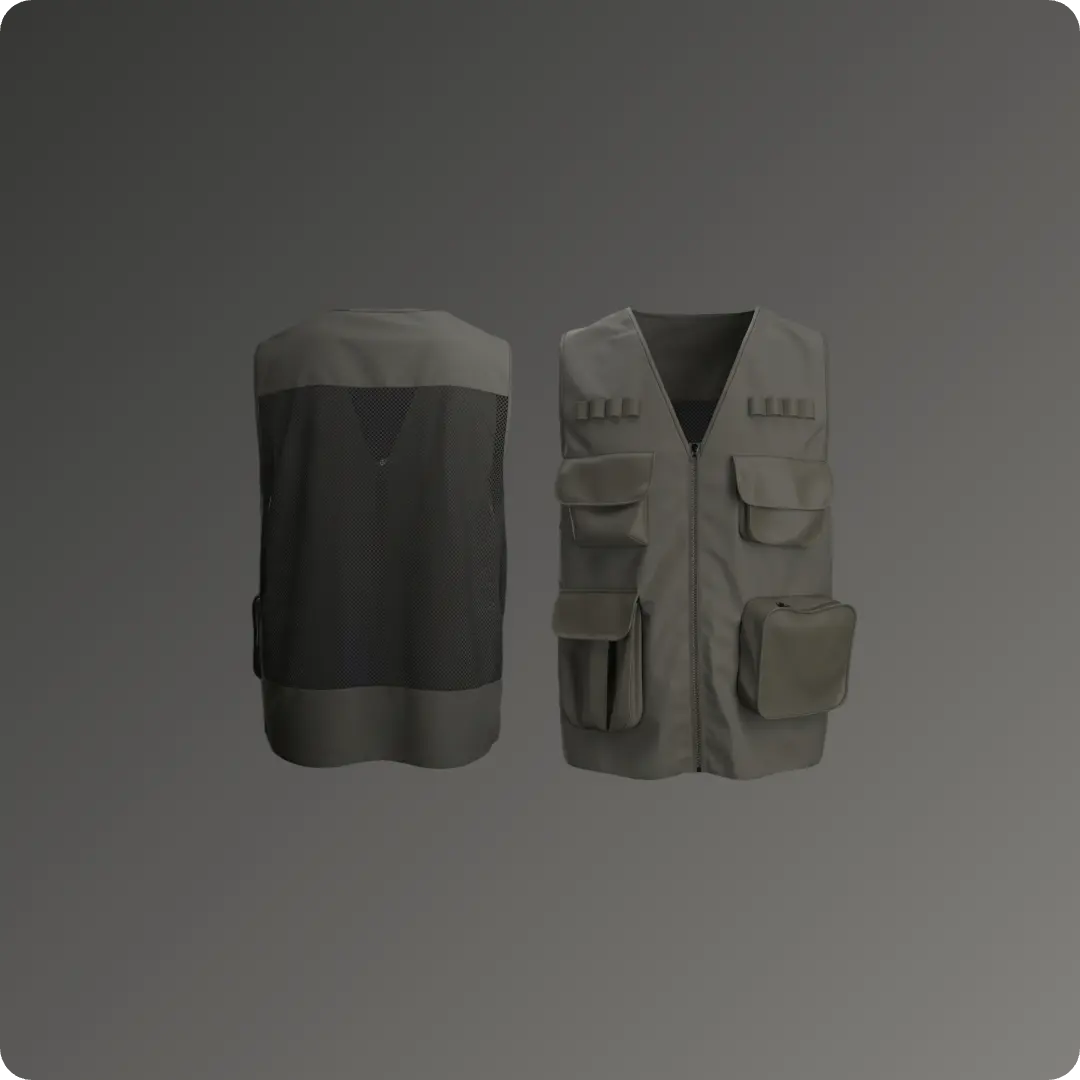
Summer Vibes: Sun Bed
Summer Vibes: Sun Bed
Create a custom sunbed cushion for a slatted chair in Marvelous Designer without prior pattern-making experience. You will learn to use essential features like pattern offsetting, internal lines, simulation pressure, and tacking to build and secure realistic outdoor furniture elements. This tutorial was created using Marvelous Designer 12.2, and there may be slight differences compared to the latest version. For the latest UI and updated information, please refer to the Manual.
Create a custom sunbed cushion for a slatted chair in Marvelous Designer without prior pattern-making experience. You will learn to use essential features like pattern offsetting, internal lines, simulation pressure, and tacking to build and secure realistic outdoor furniture elements. This tutorial was created using Marvelous Designer 12.2, and there may be slight differences compared to the latest version. For the latest UI and updated information, please refer to the Manual.