S.KOREA IN THE 1980s
WoonJu, a 3D artist, explores 1980s South Korea nostalgia, leveraging Marvelous Designer for fabric-rich scenes and recommending its versatile use.
Artist introduction
Hello. My name is WoonJu and I'm studying 3D backgrounds. I majored in fine art western painting, focusing on landscape paintings, and became interested in 3D, which led me to create this project.
What inspired you to come up with this concept of the project?
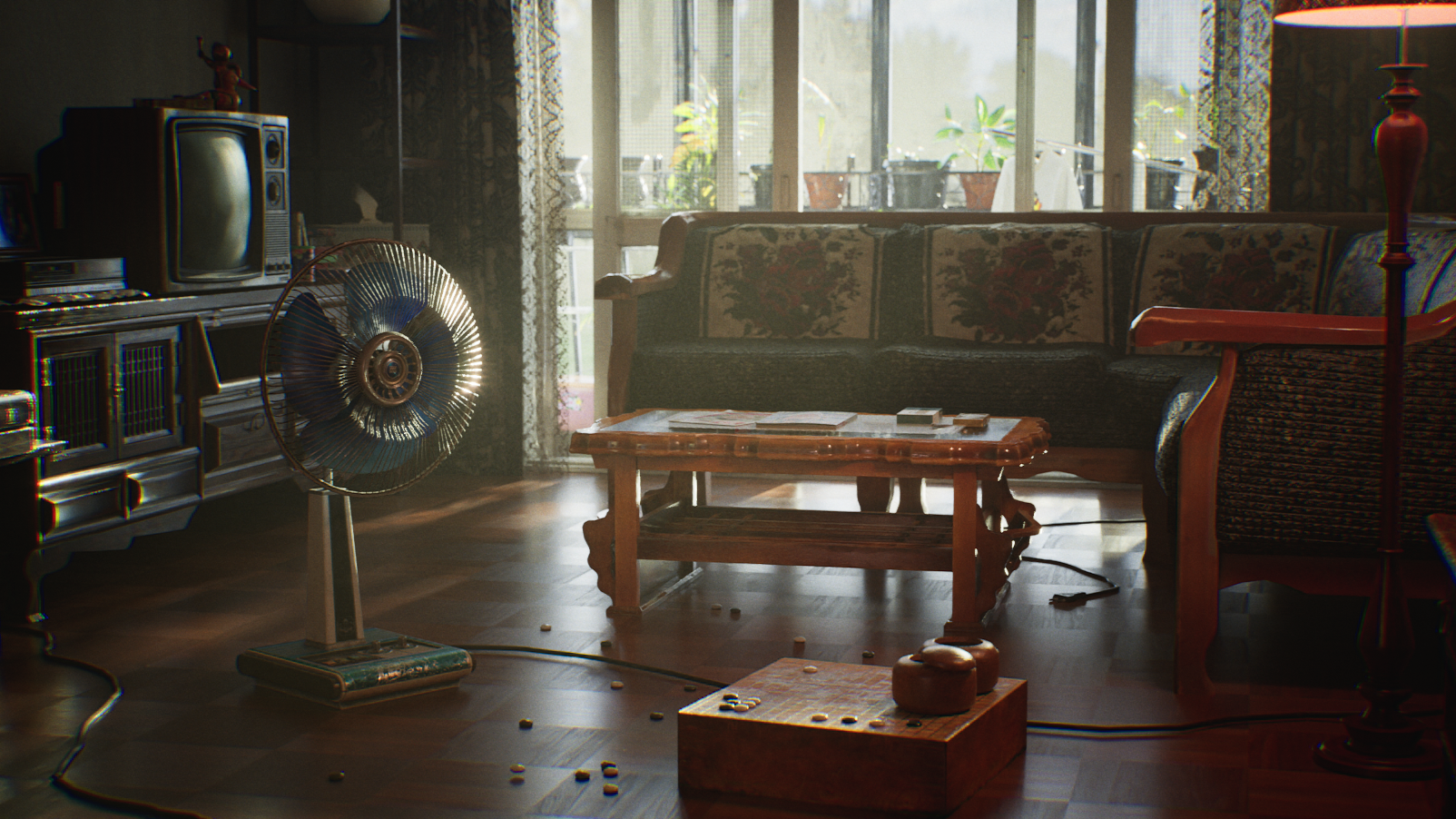
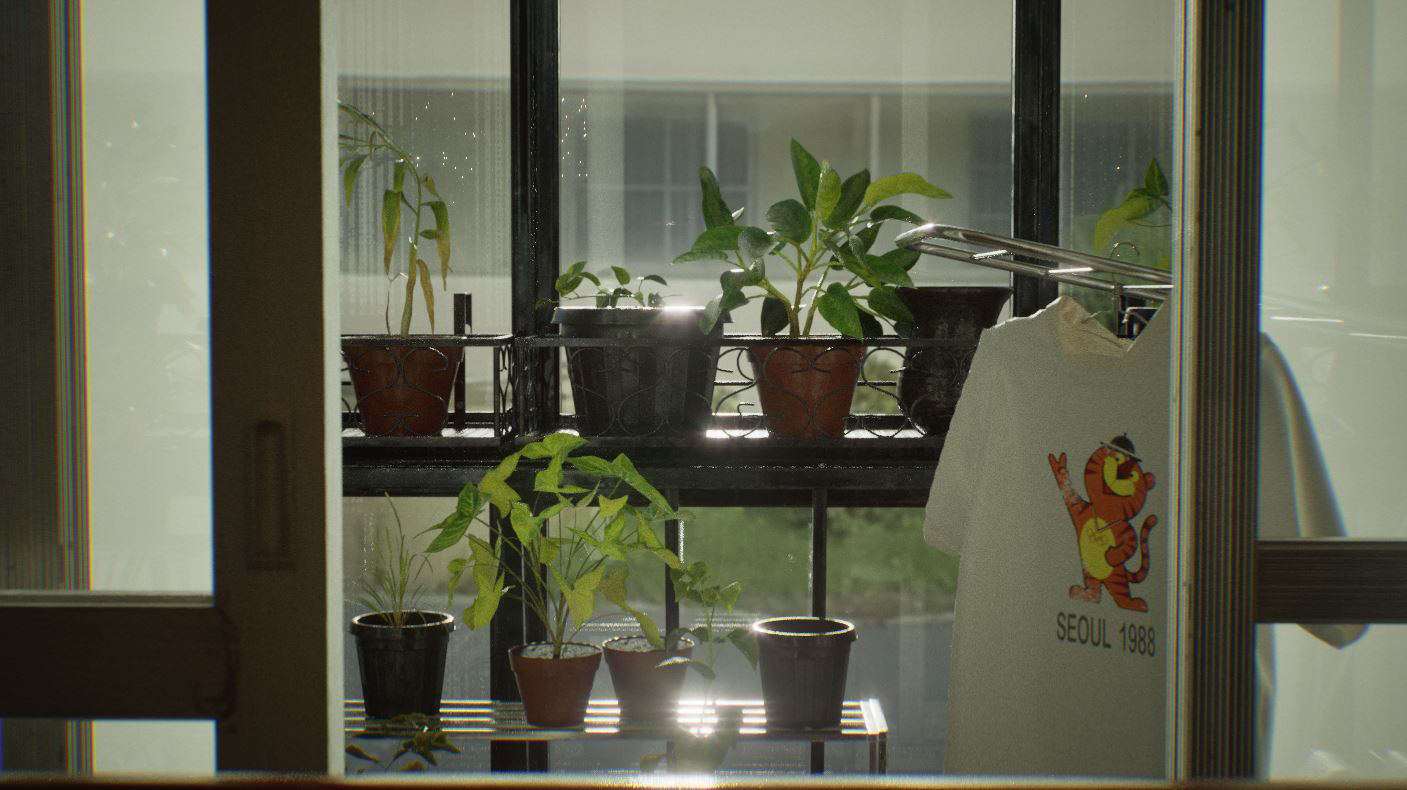
The concept of the project is 1980s South Korea, which encompasses my parents' teens and twenties.
I had warm feelings for my parents when they were in their teens and twenties in the 1980s, and even though I didn't live through that era, I feel nostalgic when I look at their faded photos.
My parents often tell me stories about their youth, and how they used to pass the time listening to the radio with their favorite DJs, and when their favorite songs came on the radio, they would record them and listen to them.
As a gift to my parents, who still remember that era, I wanted to make them feel like they were in a time machine.
I was also influenced by a Korean drama called Reply 1988 that I was watching at the time, so I thought it would be fun to create a 3D background that was set in that era.
Which corners that you want to highlight in this artwork? How did Marvelous Designer help to serve?
This is my first project, but I've always wanted to dabble with different 3D tools, so I wanted to be able to approach any object I made in different ways.
By the end of the project, I wanted to be able to create anything and not be intimidated by it, and I wanted to be someone who could model and texture beautifully.
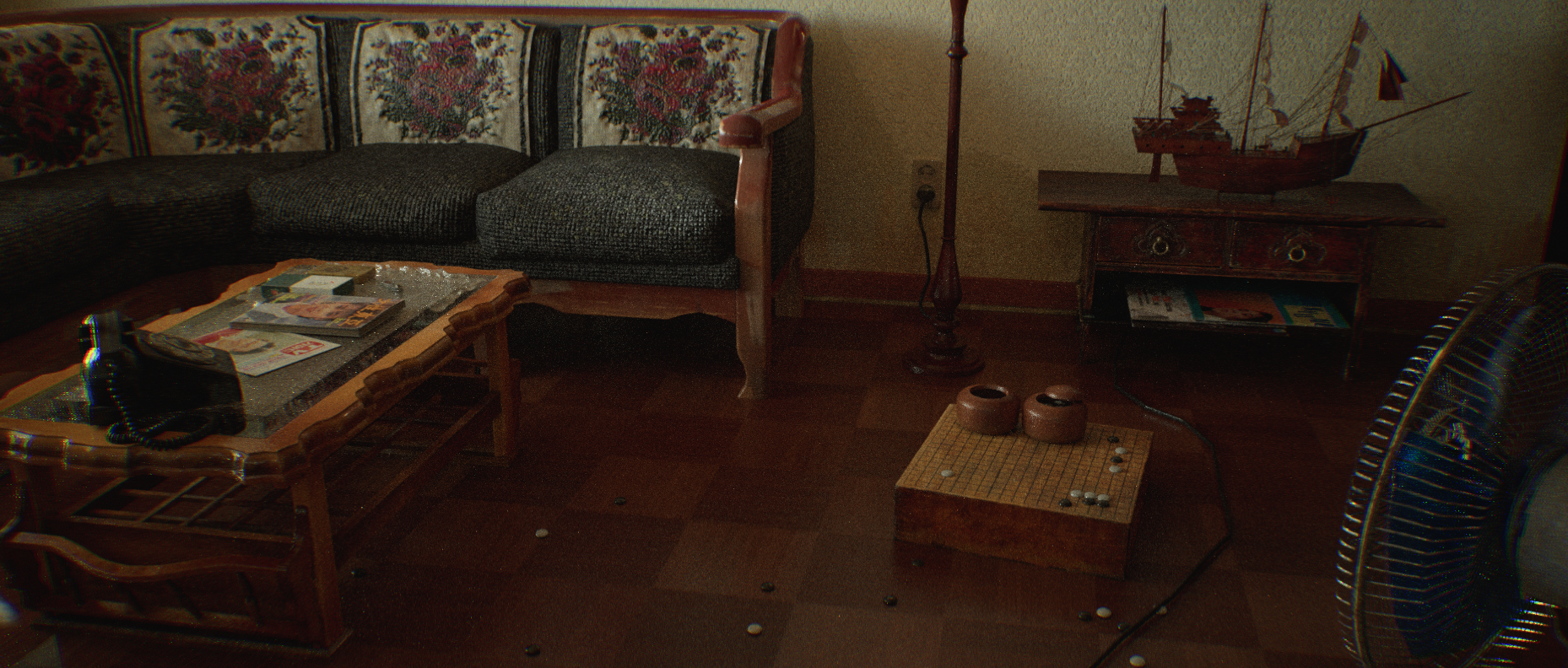
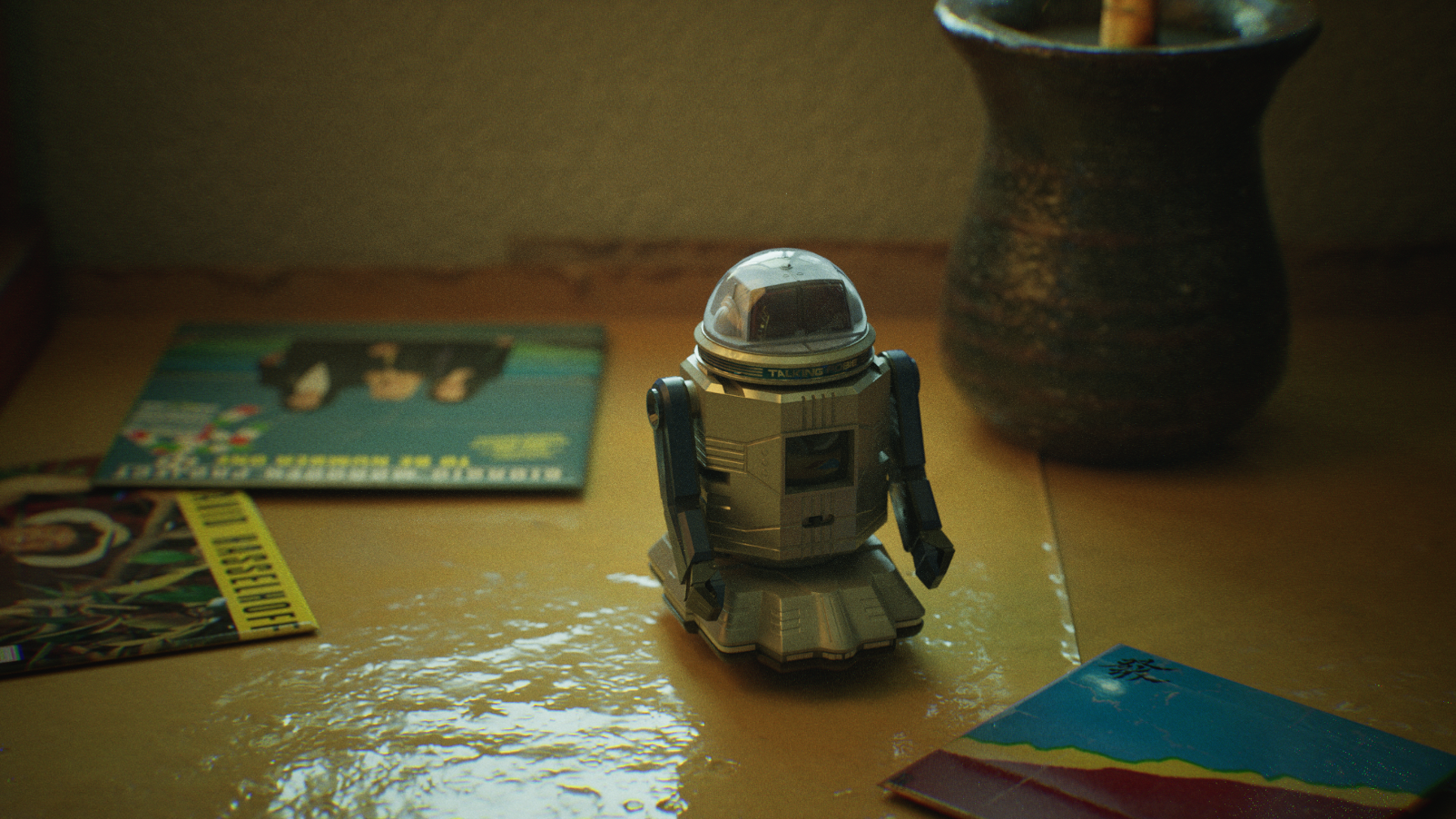
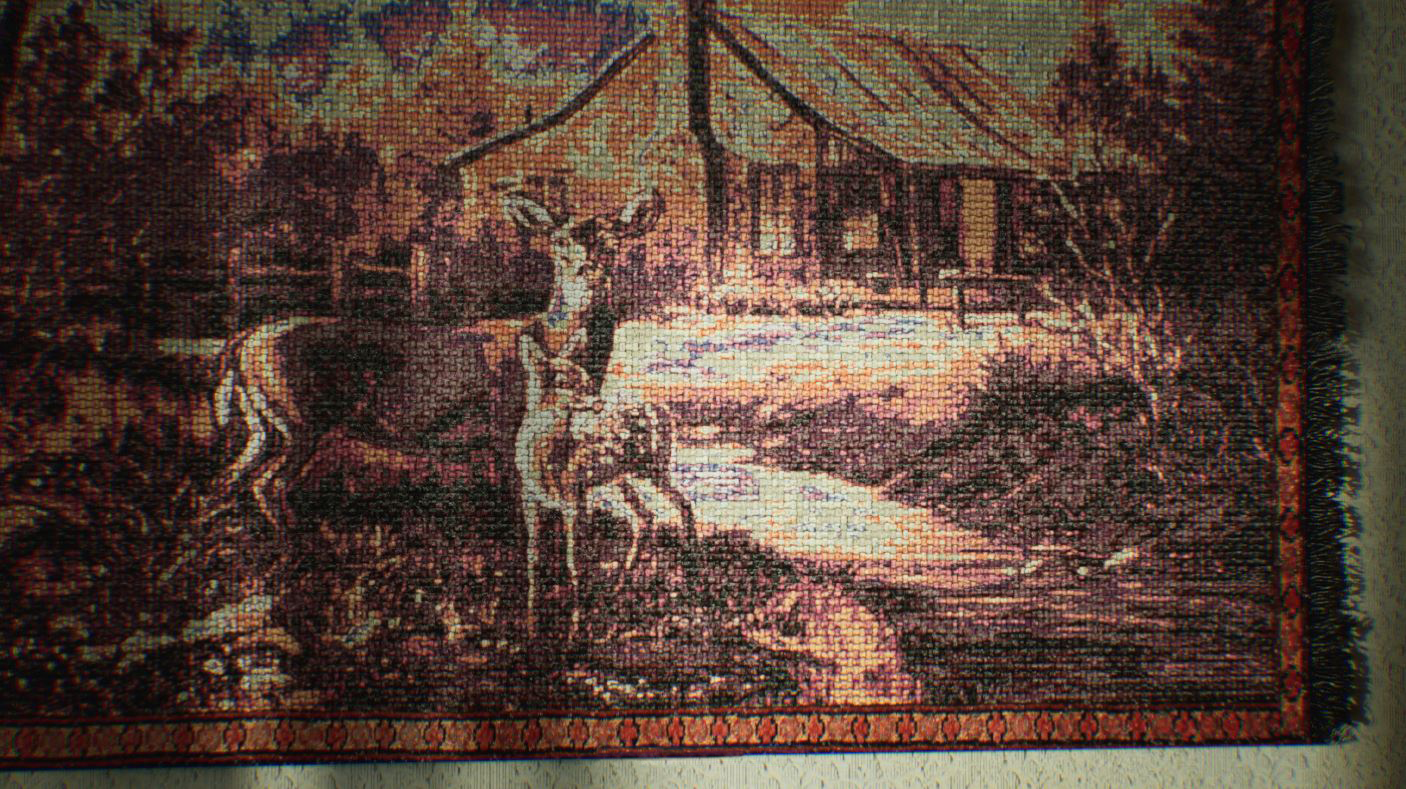
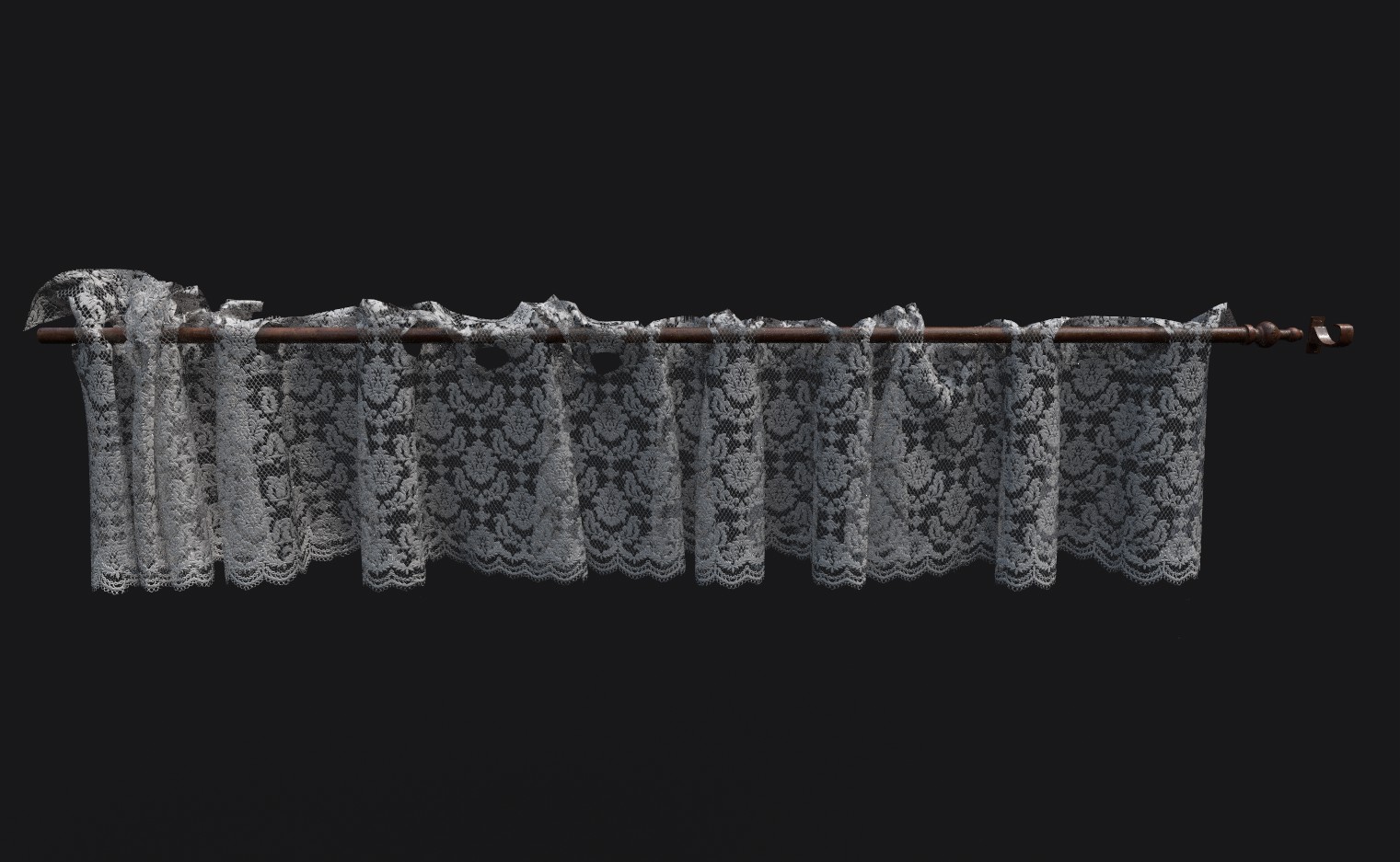
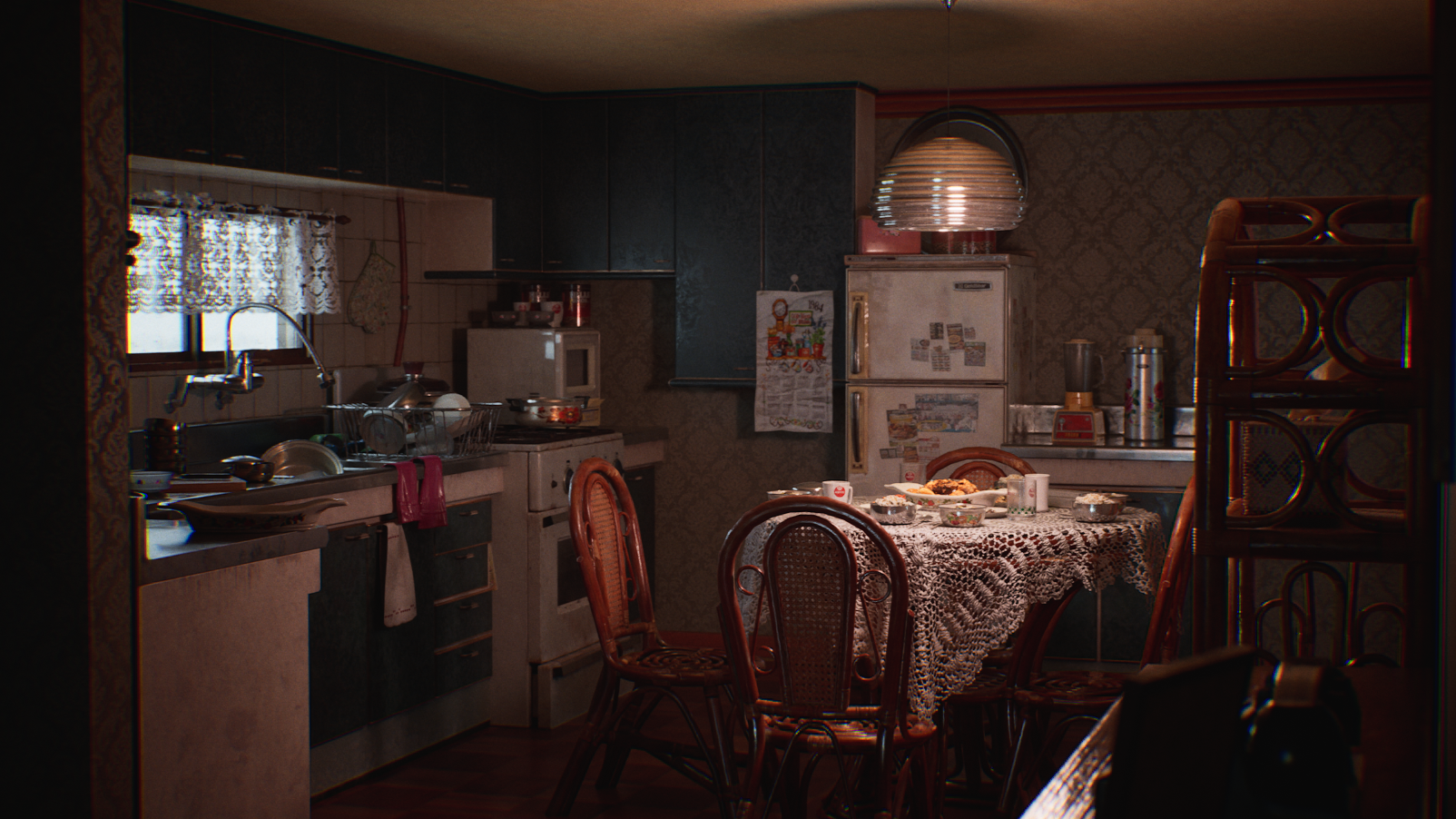
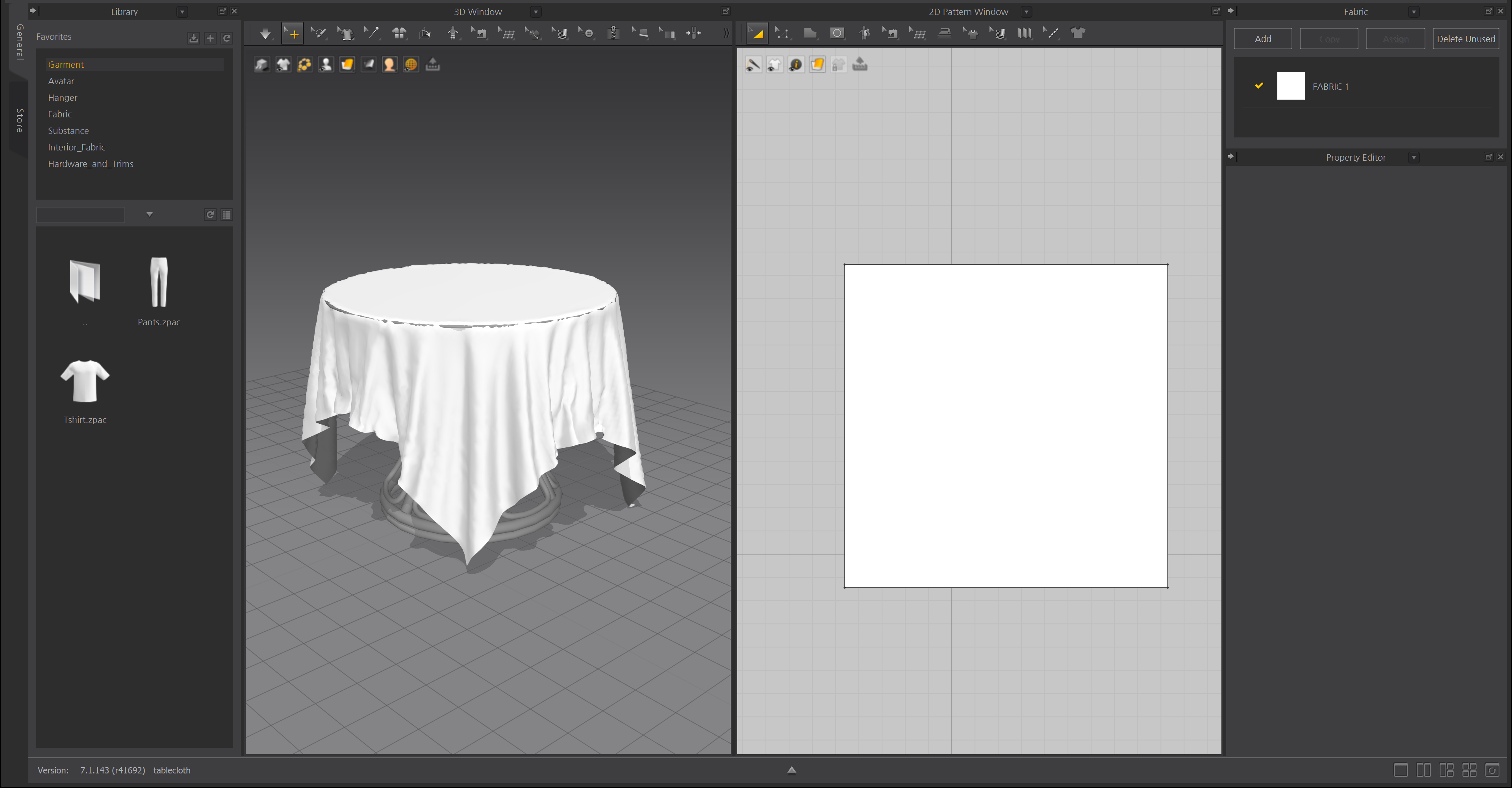
I used Marvelous Designer for this piece for the bed, curtains, sofa, tablecloth, carpeting, yellow floor mattress, and more.
What are some of the feature usage that you would like to recommend while working on the background art?
The Marvelous Designer is a great tool to use for creating things that involve clothes in your everyday life.
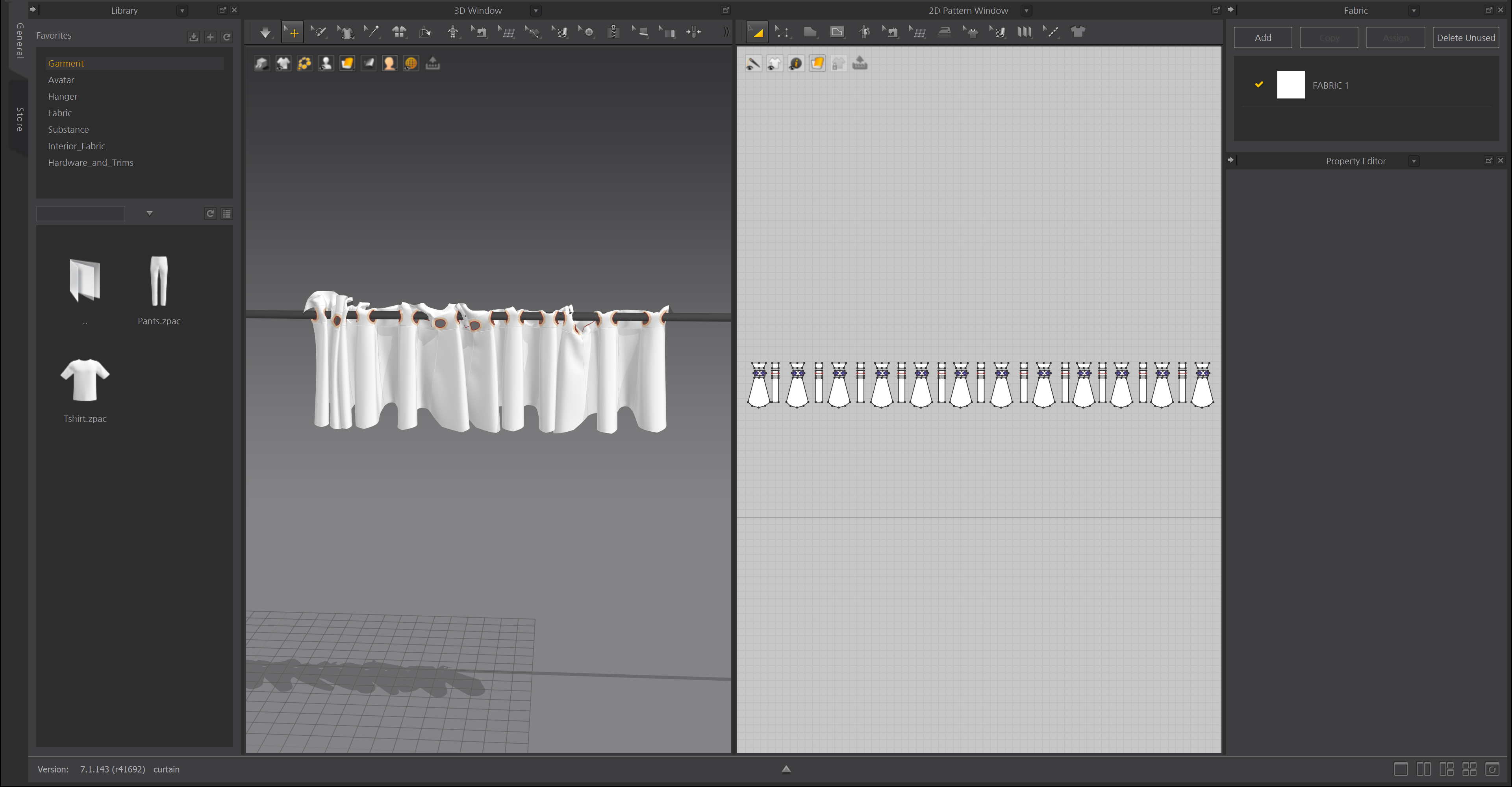
To create the basic foundation of the fabric, I used Marvelous Designer to create high and low 3D models, which I then transferred to the 3D Model tool to clean up.
The advantage of Marvelous Designer over other modeling tools is that you can pull out everything about the fabric, the texture of the fabric, the orientation of the fabric, the bulge of the fabric, etc. in real-time.
I think Marvelous Designer is the only program that can give you the best cloth quality while reducing production time.
Are there any tips and tricks with Marvelous Designer that you can share with the community?
I mentioned earlier that we create high and low 3D models within Marvelous Designer, and the Particle Distance and Remesh are useful for this.
Particle Distance allows you to adjust the number of faces based on a number, which I used to create the high mesh.
Remesh allows you to replace triangular faces with square faces, which is useful for creating a low mesh.
How would you recommend Marvelous Designer to the background artist who has never used the solution?
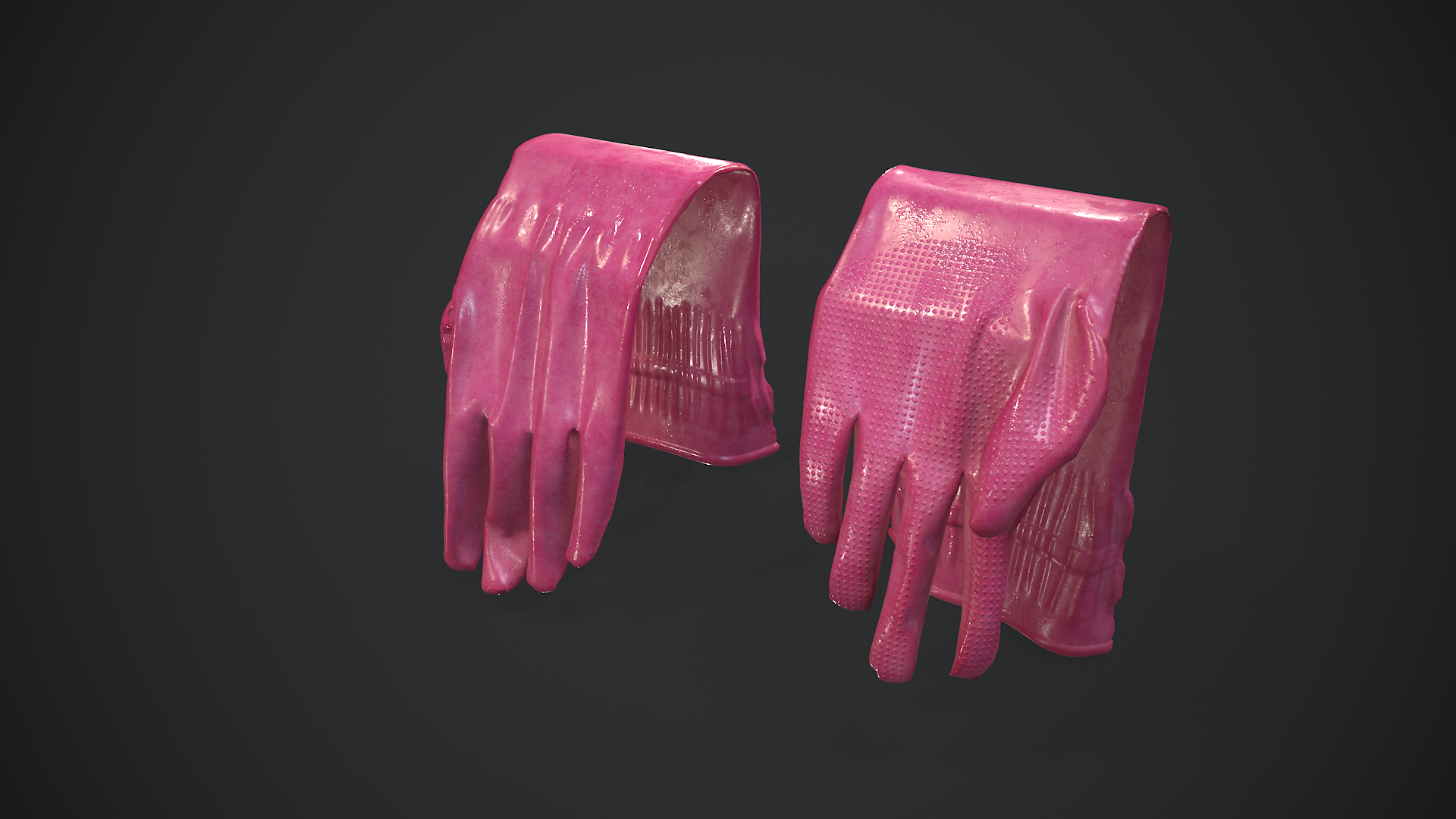
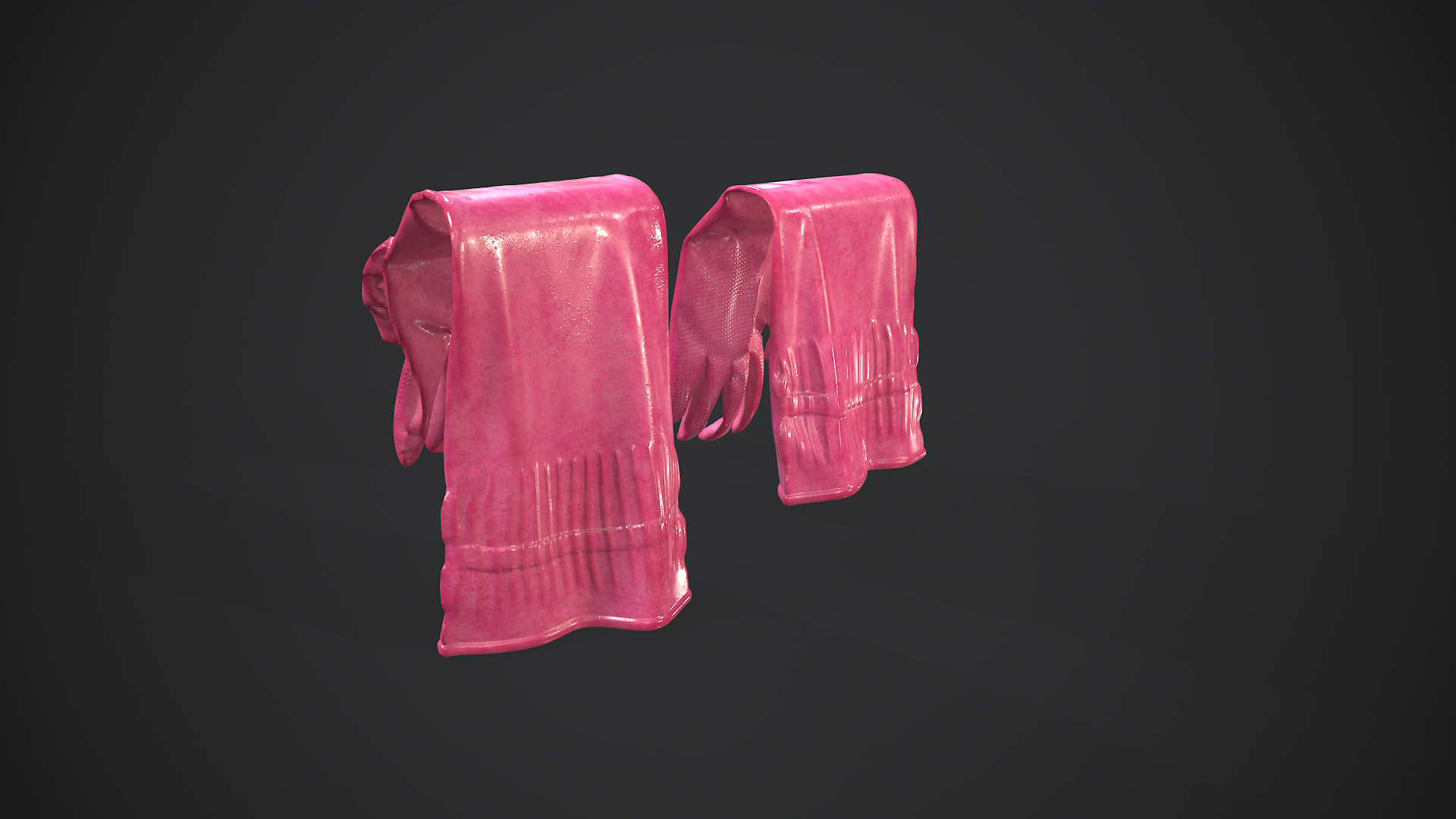
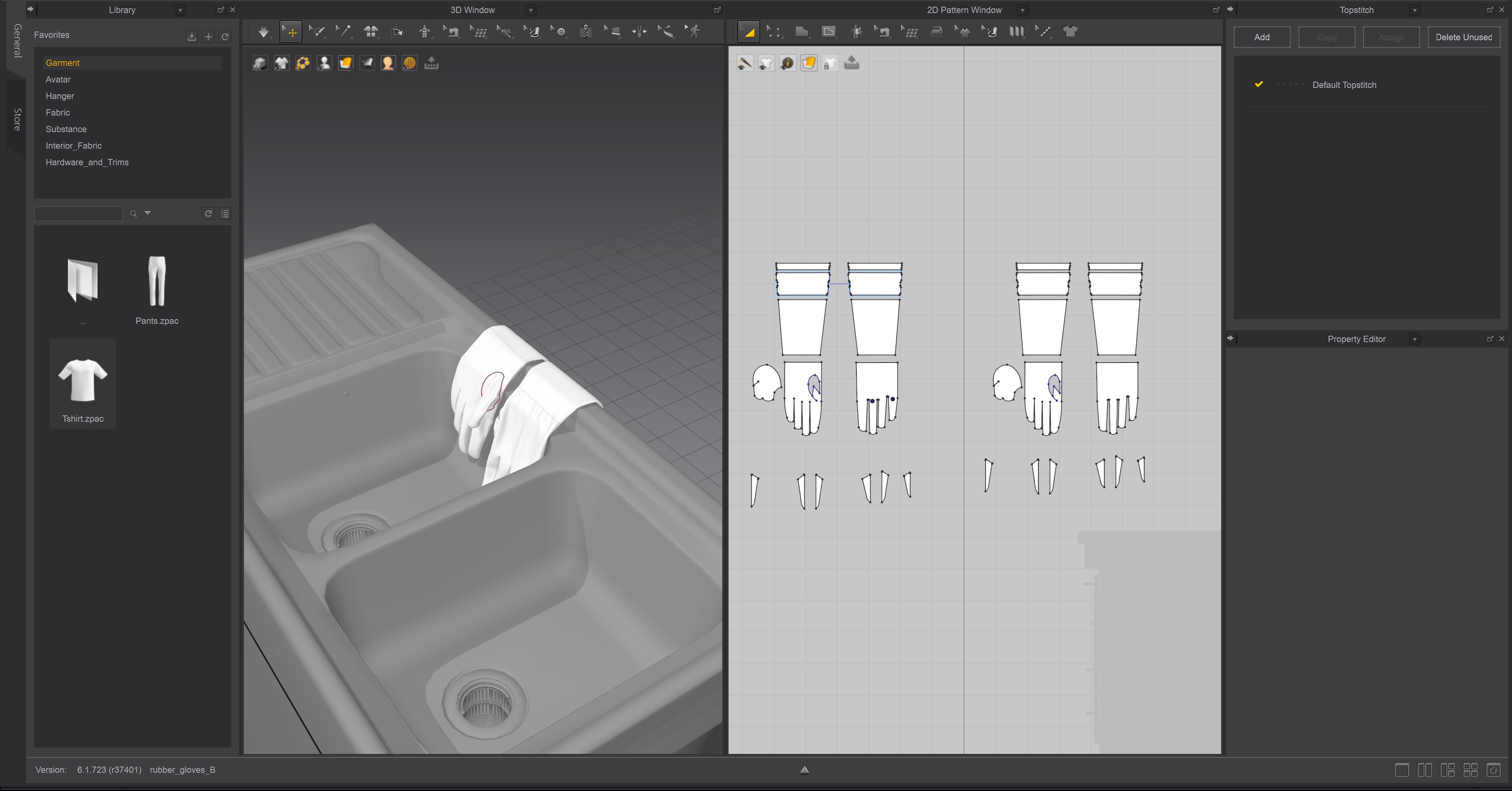
I've only completed projects that fit the basic concept of "Marvelous Designer is for cloth," but I think it can be used to create things that don't involve cloth, with a focus on real-time rendering.
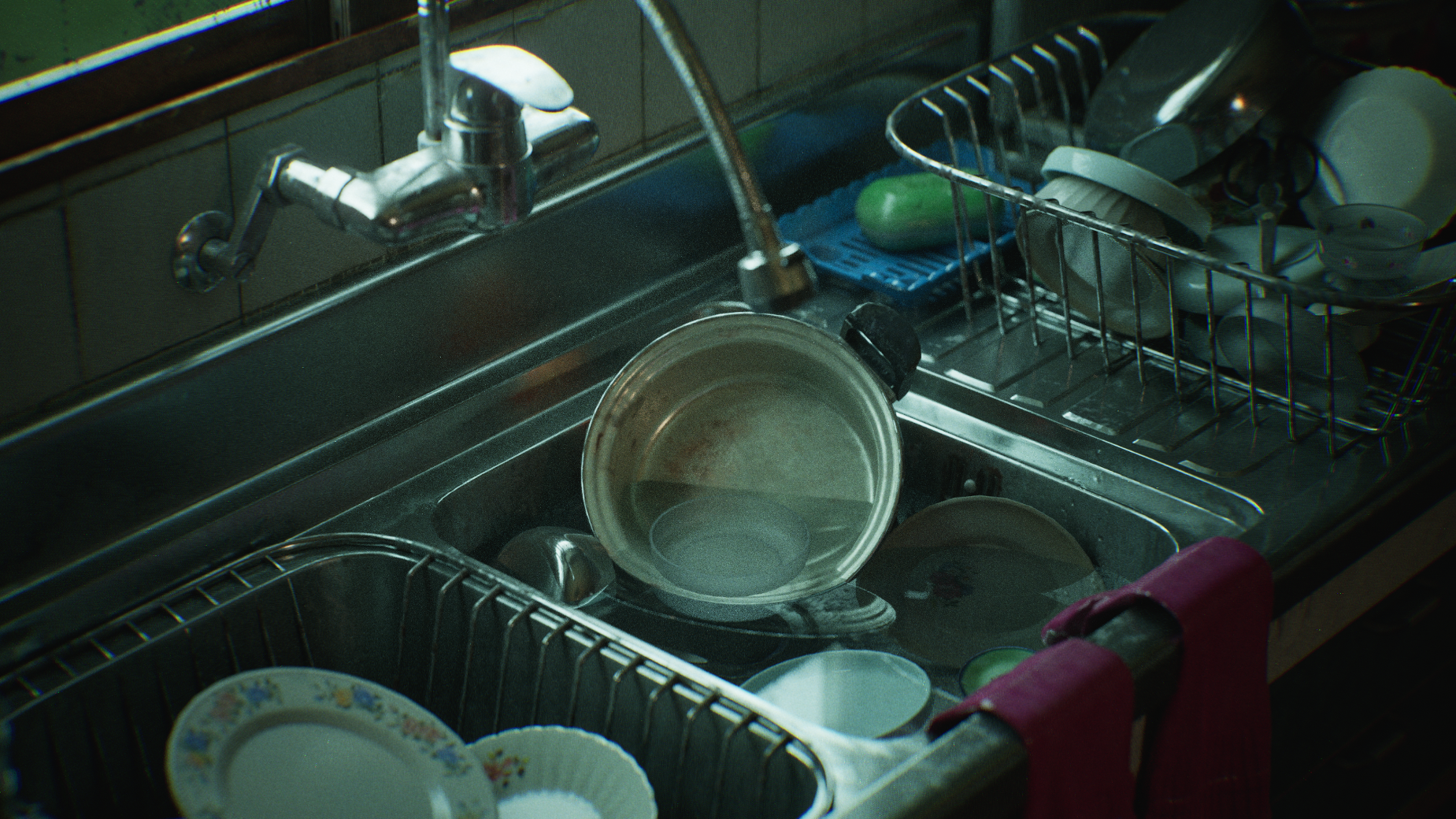
For example, I used Marvelous Designer to create rubber gloves, a kitchen staple.
Marvelous Designer is a tool for 3D modelers to make modeling easier in any way possible. I want to encourage 3D background modelers to think outside the box and utilize Marvelous Designer's ability to render in real-time within a background.
이 작업은 3dsMax, UnrealEngine, ZBrush, environmentart 등의 기술로 제작되었습니다.
Marvelous Designer로 이와 같은 3D 의상·캐릭터 작업을 직접 만들어볼 수 있습니다.