The Trees: How Super Very More Sculpted the Organic Universe
Motion graphics studio Super Very More shares the creative journey behind "The Trees," a cinematic project that reinterprets organic natural forms through the lens of Marvelous Designer’s fluid cloth simulation.
Could you please introduce your team and the artists who participated in this project?
Hello, we are Super Very More, a motion graphics studio based in South Korea. The team members for this project include our lead artist, Chanwoo Kim, along with artists Haena Jang and Minkyung Park. The project was directed by Youngmin Kim.
Let’s talk about ‘The Trees,’ the project you created using Marvelous Designer. Where did you find inspiration for the concept, and what was the visual style you aimed to achieve?
https://superverymore.tv/the-trees
When we first began planning this project, we spent a lot of time reflecting on what kind of insights we could offer other users, especially since we don't consider ourselves "specialists" in Marvelous Designer. Since there are already so many talented artists showcasing incredible performance with traditional MD workflows, we decided to focus on what we do best.
We explored a wide range of creative approaches to integrating Marvelous Designer into motion graphics—from standard techniques and simple applications to intentionally complex and experimental use cases.
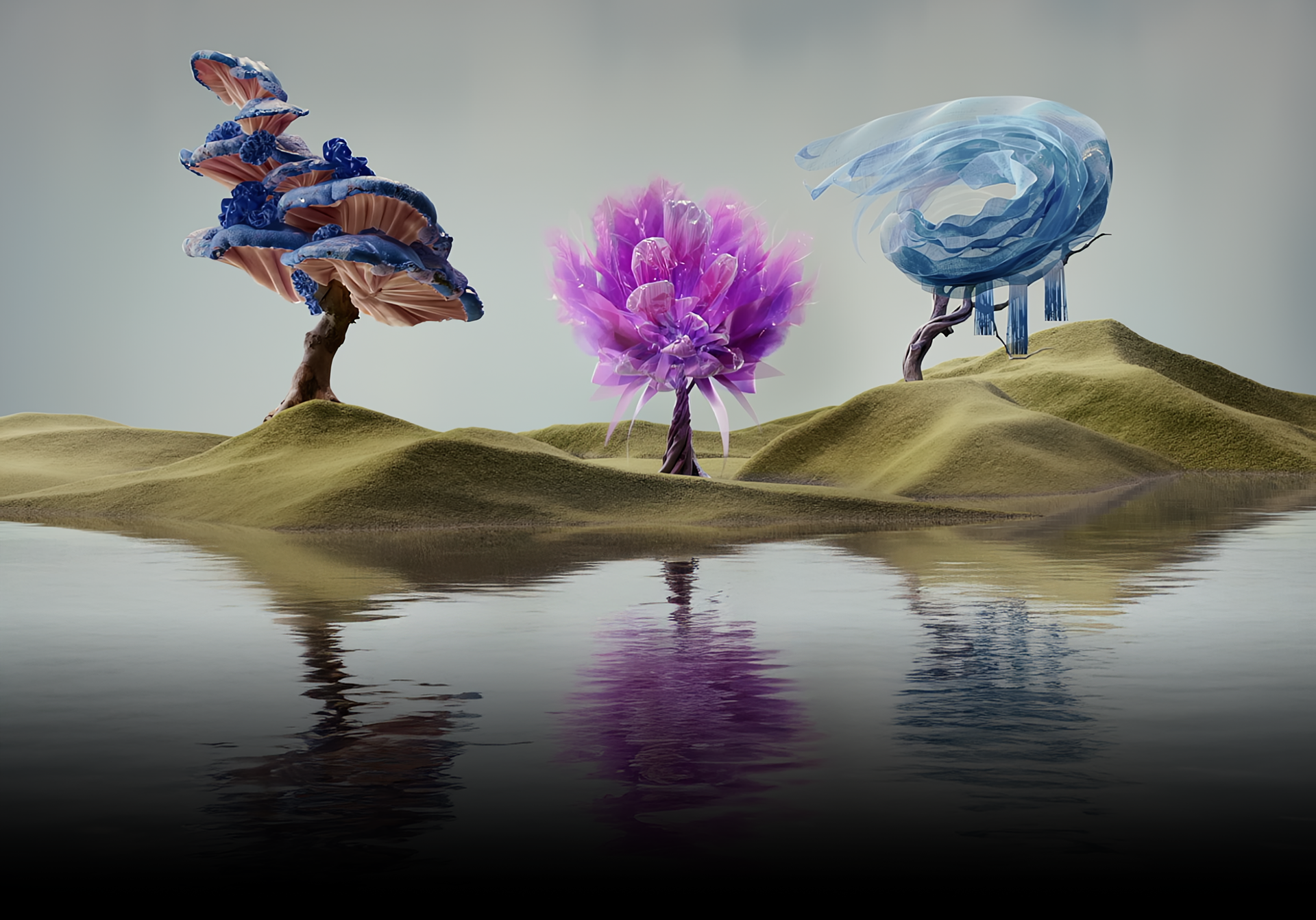
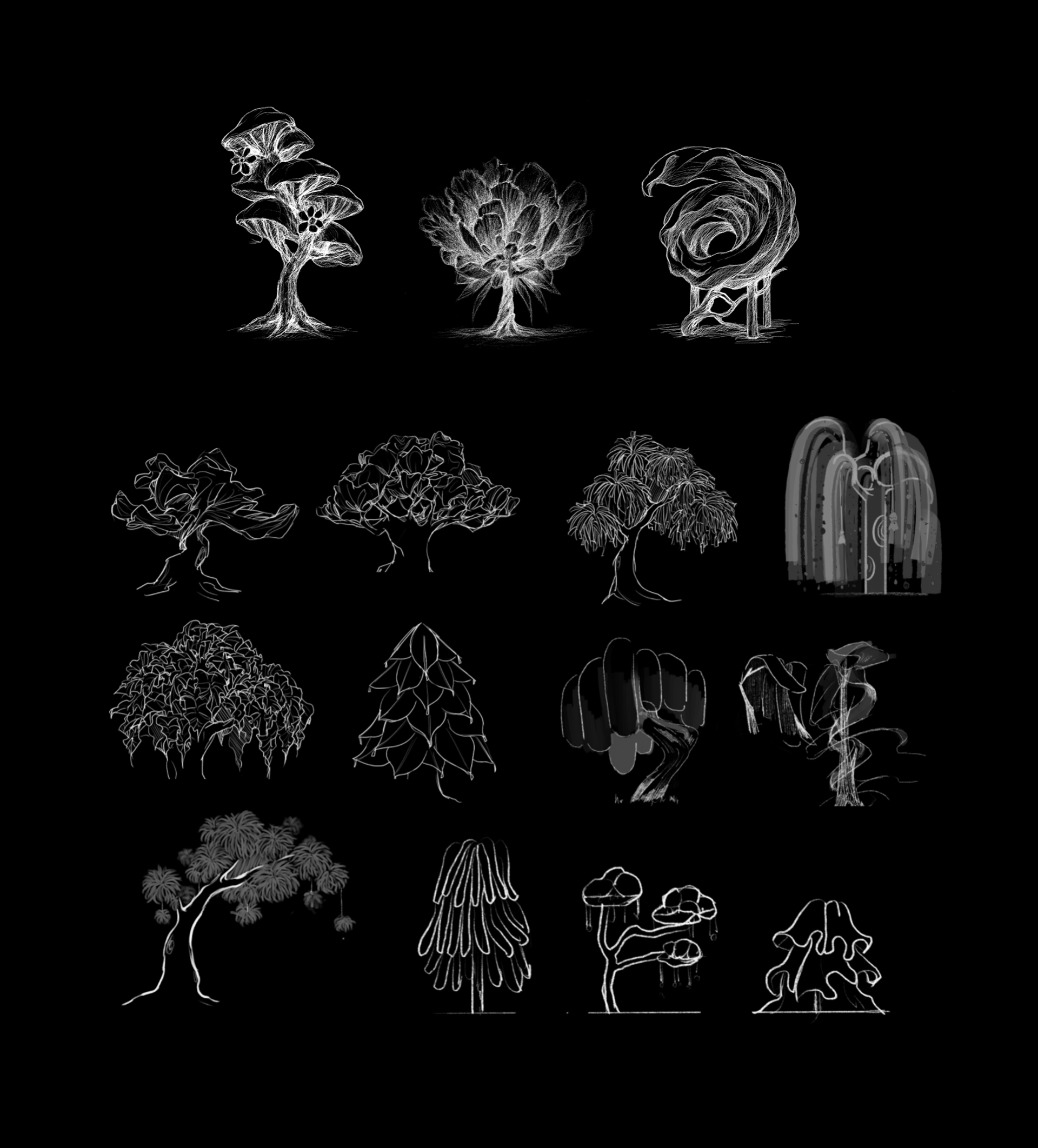 As we brainstormed these various ways to utilize the software, we needed a strong metaphor to tie all our ideas together. That’s how we arrived at the concept of "Trees." Trees exist in countless forms across the world; sometimes they take on eerie, fantastical shapes that look as though they were intentionally designed by someone. We felt this perfectly aligned with the forms we wanted to express.
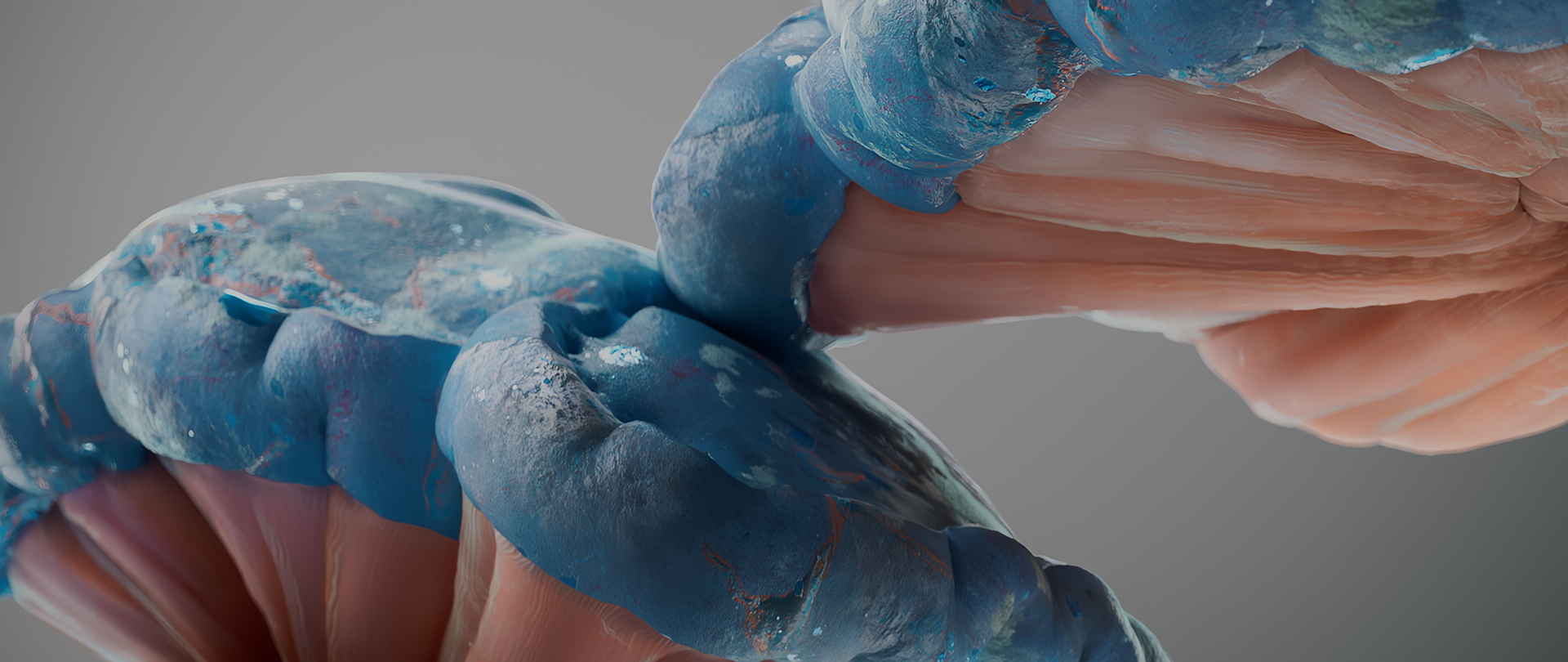
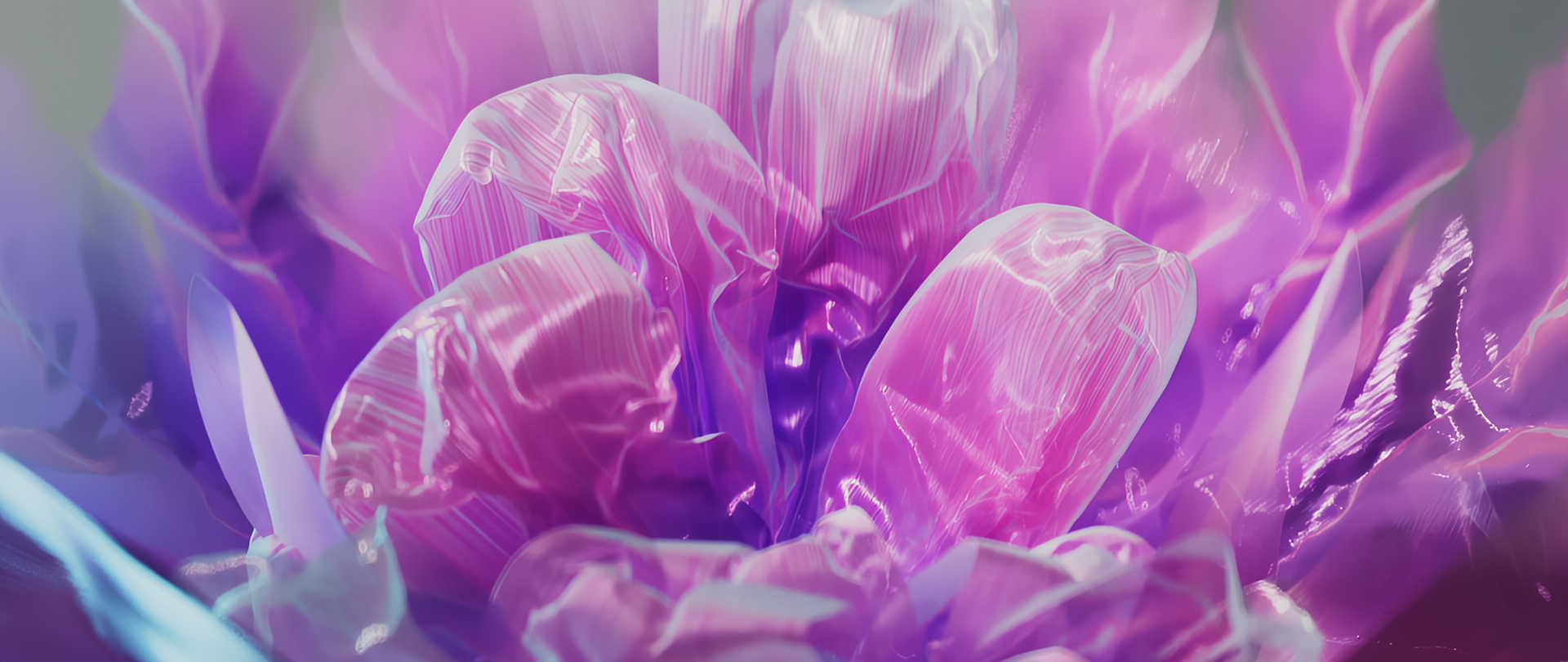
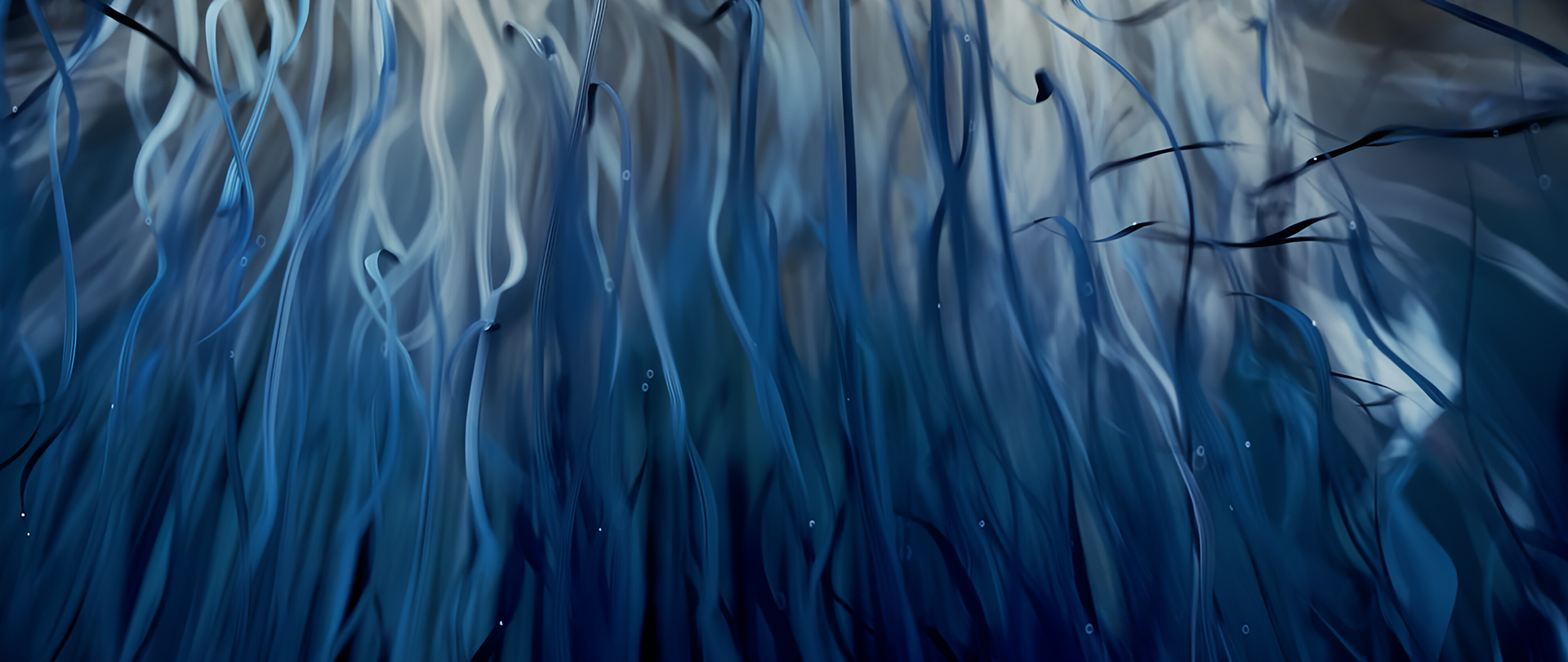
Visually, we wanted each tree to feel highly detailed and grand in scale. Our goal was to create a cinematic piece with plenty of visual interest—a video that offers a sense of "paradoxical fun" by being both tranquil and spectacular at the same time. We believe that this essence is what defines motion graphics, and it’s exactly what we excel at.
How did each of you use Marvelous Designer in this project? Also, if you discovered any "pro-tips" during the process, please share them with us!
Chanwoo:
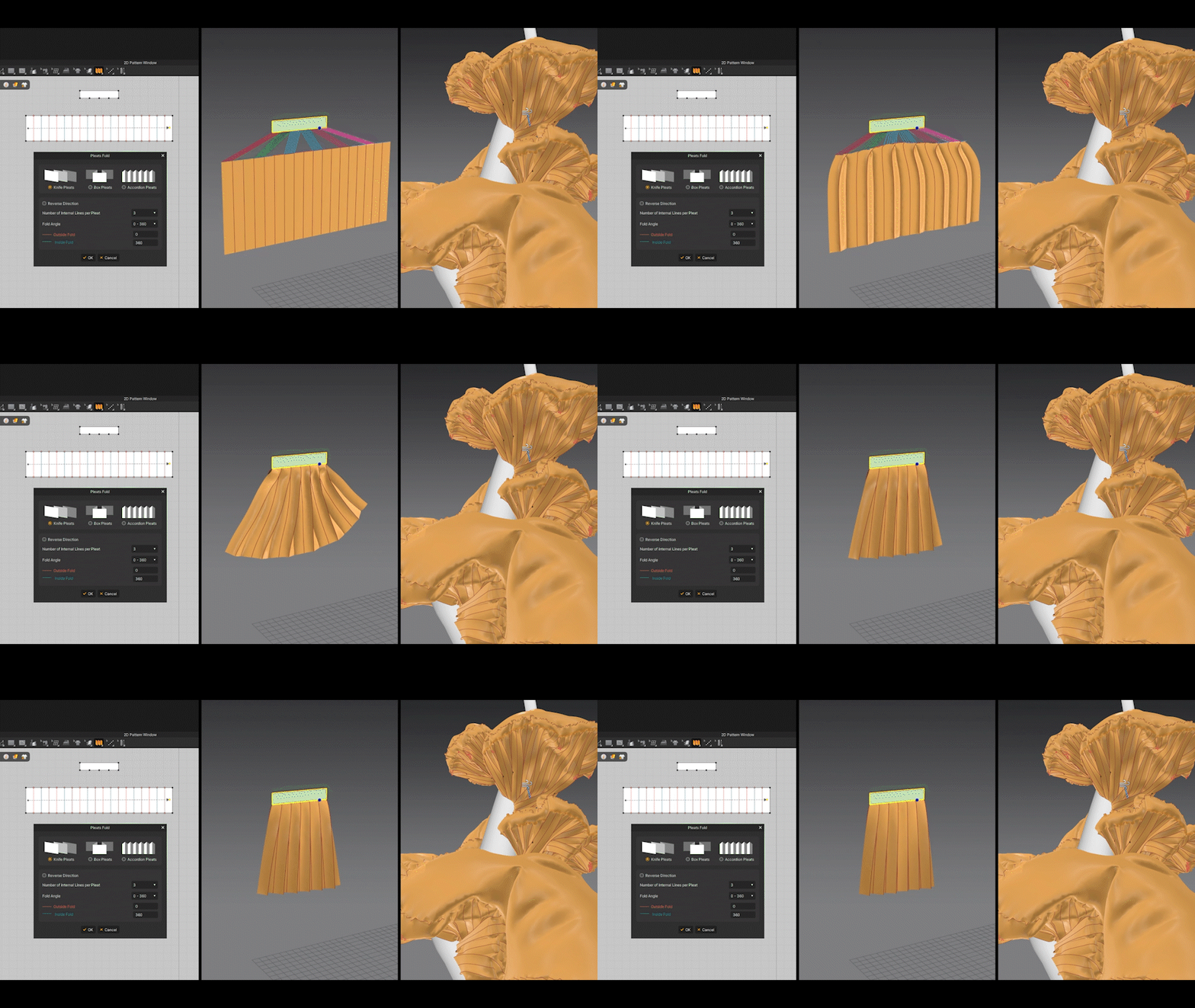
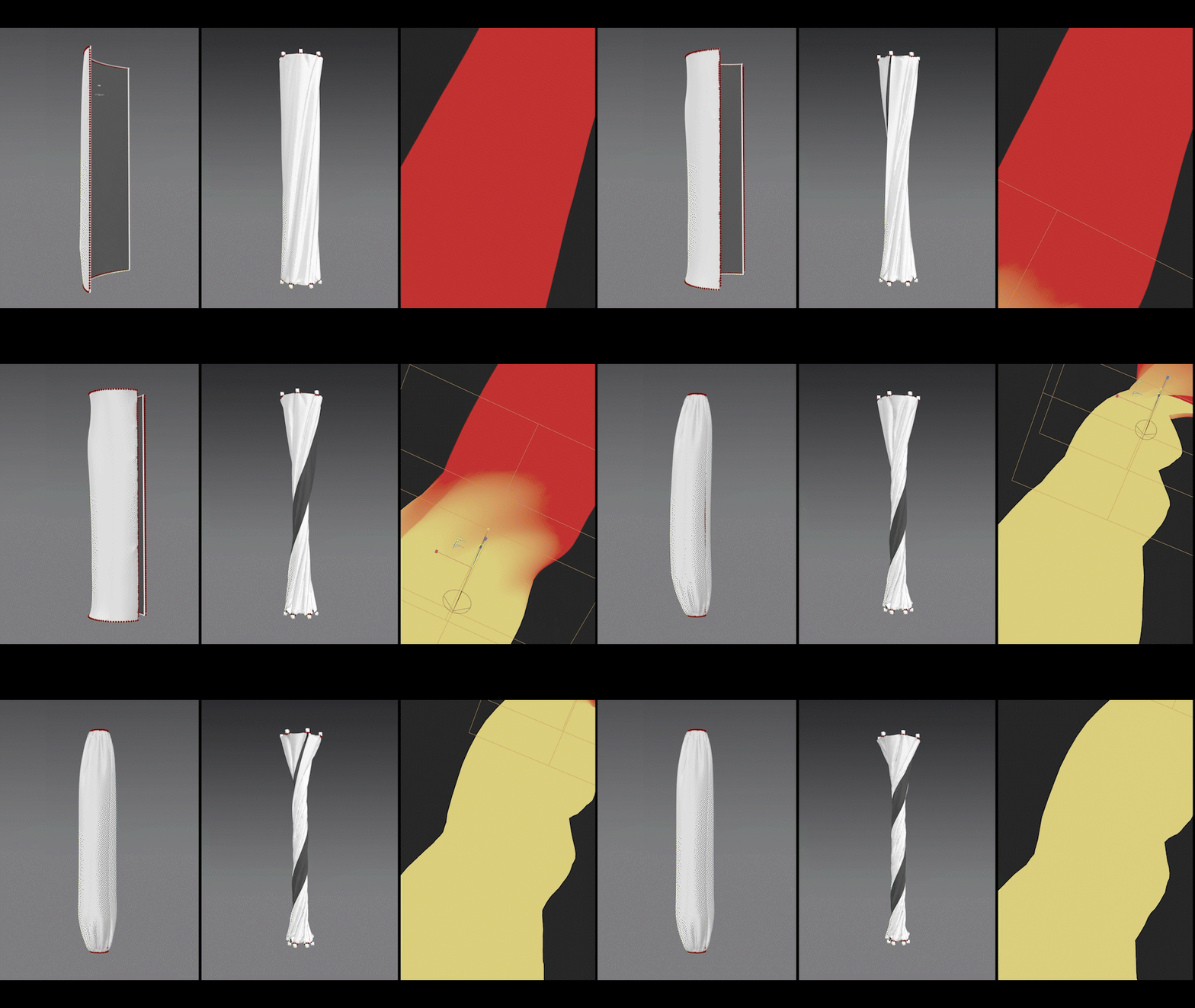
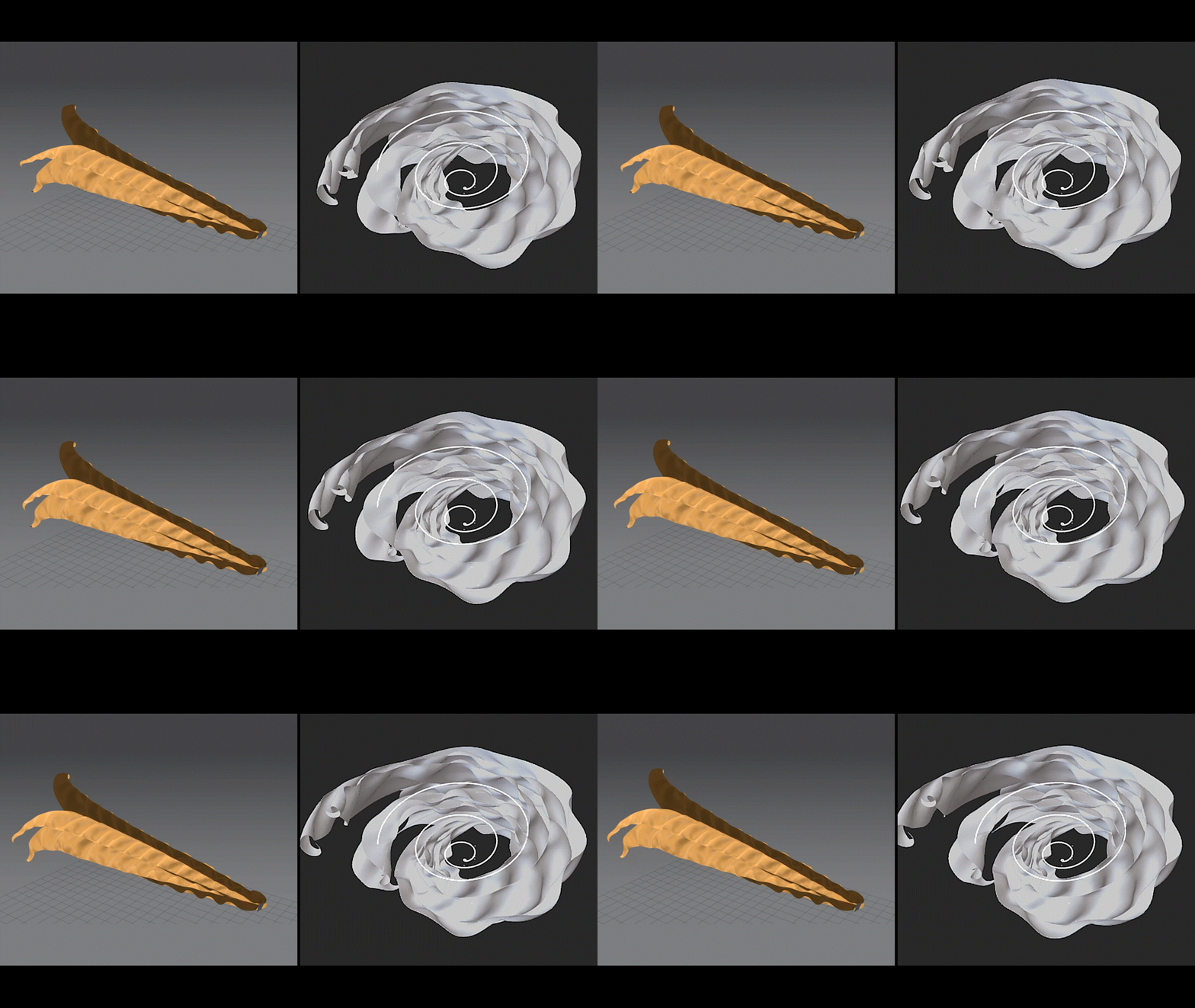
In my part of the project, I created an effect that took advantage of the "Sewing" property, where seam lines snap together instantly when the simulation starts. I felt this was a unique and playful way of expressing form that is only possible in Marvelous Designer.
Another standout strength is the ability for the user to intervene in real-time during a simulation. By using the "Pull" and "Push" functions, I could control the fabric intuitively as if I were physically shaking real cloth. This was incredibly useful for creating those one-of-a-kind, organic shapes.
Haena:
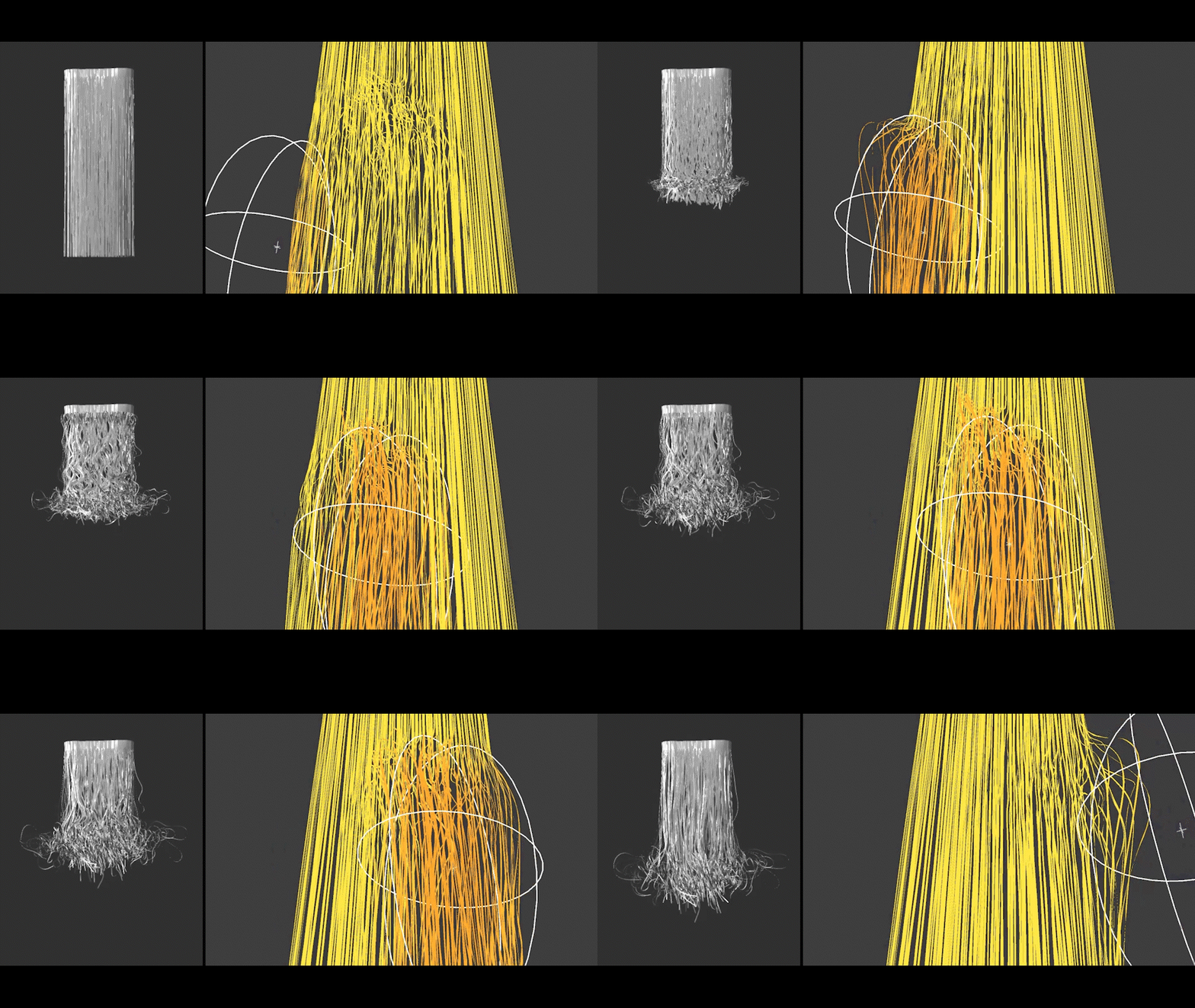
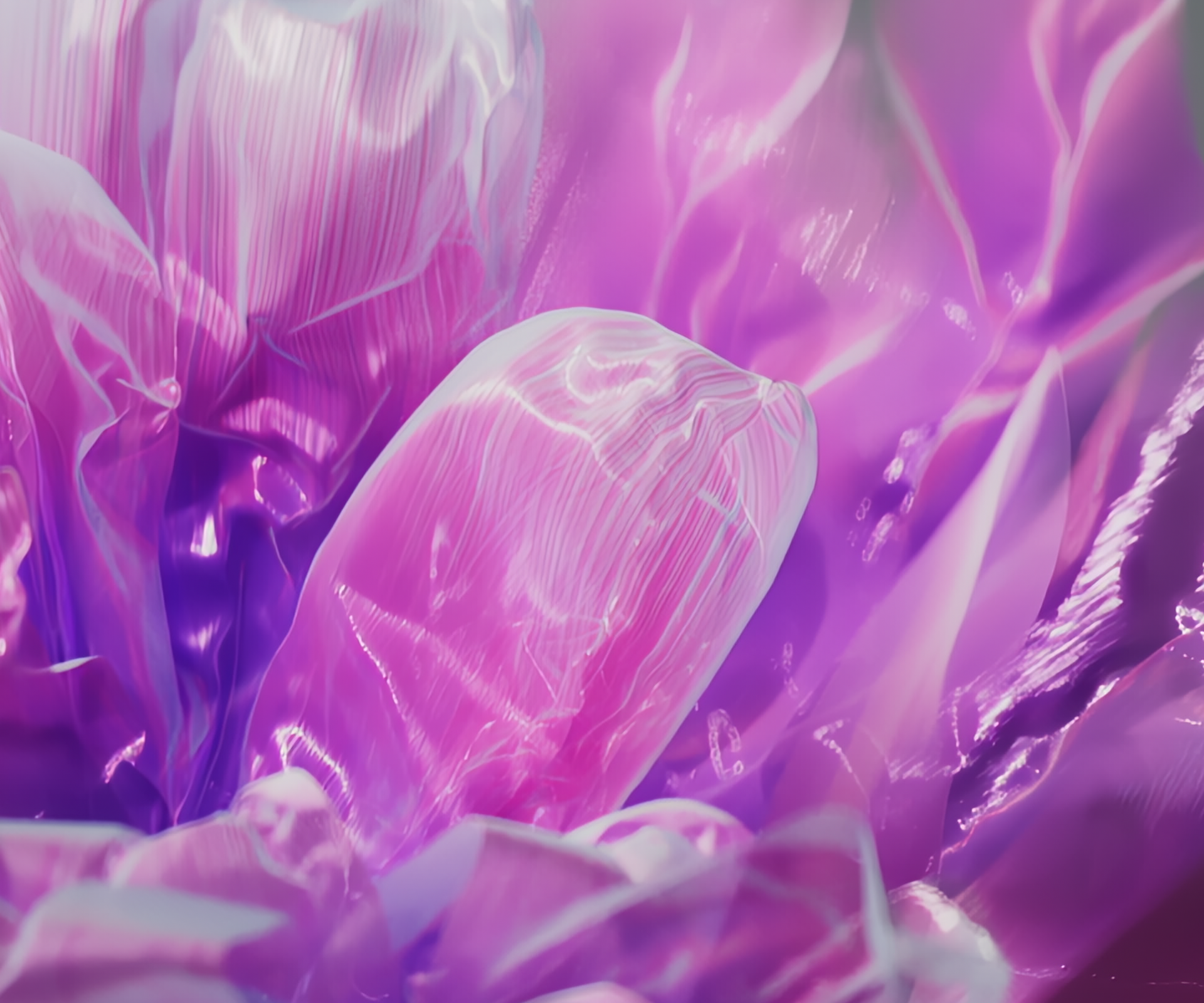
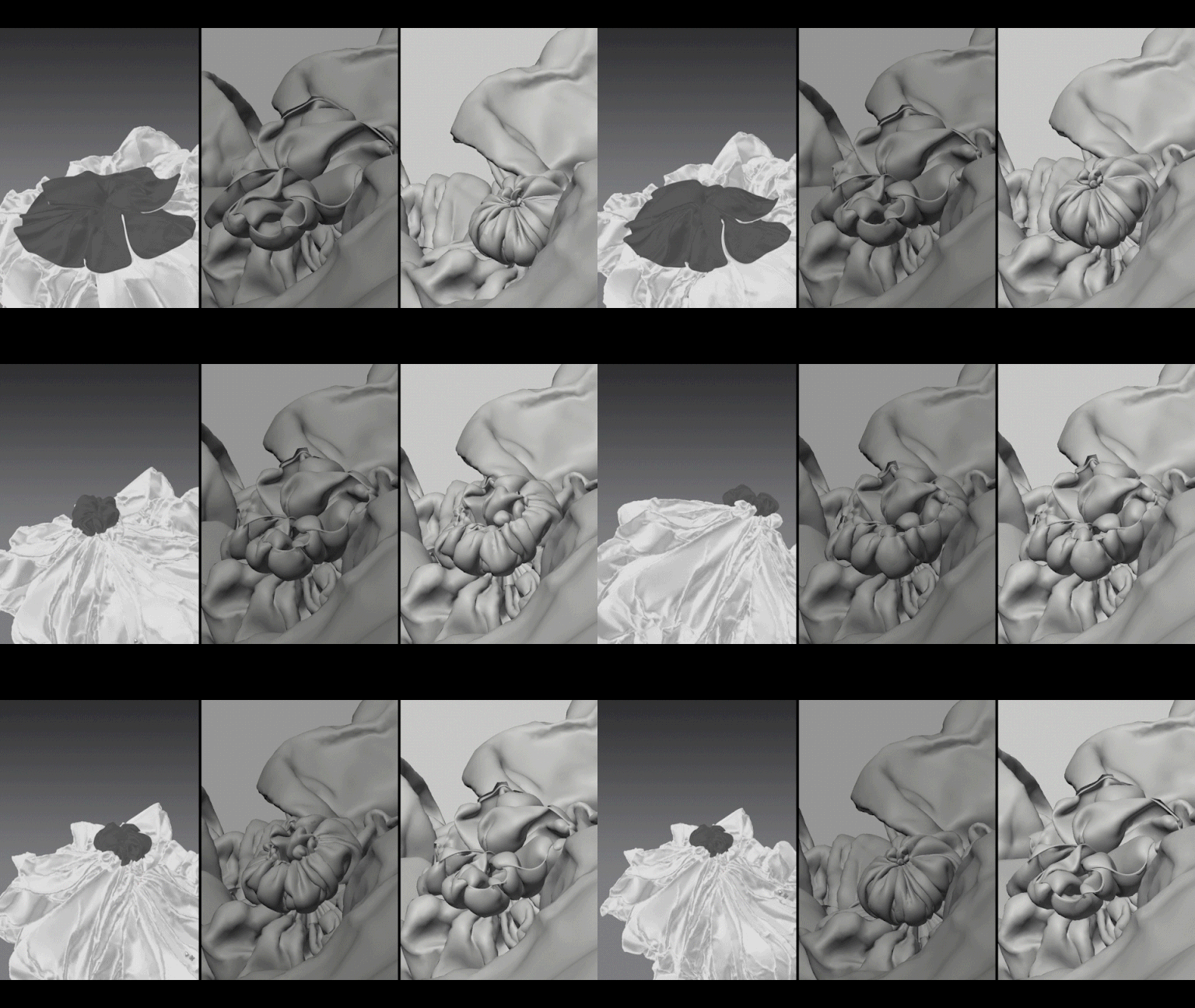
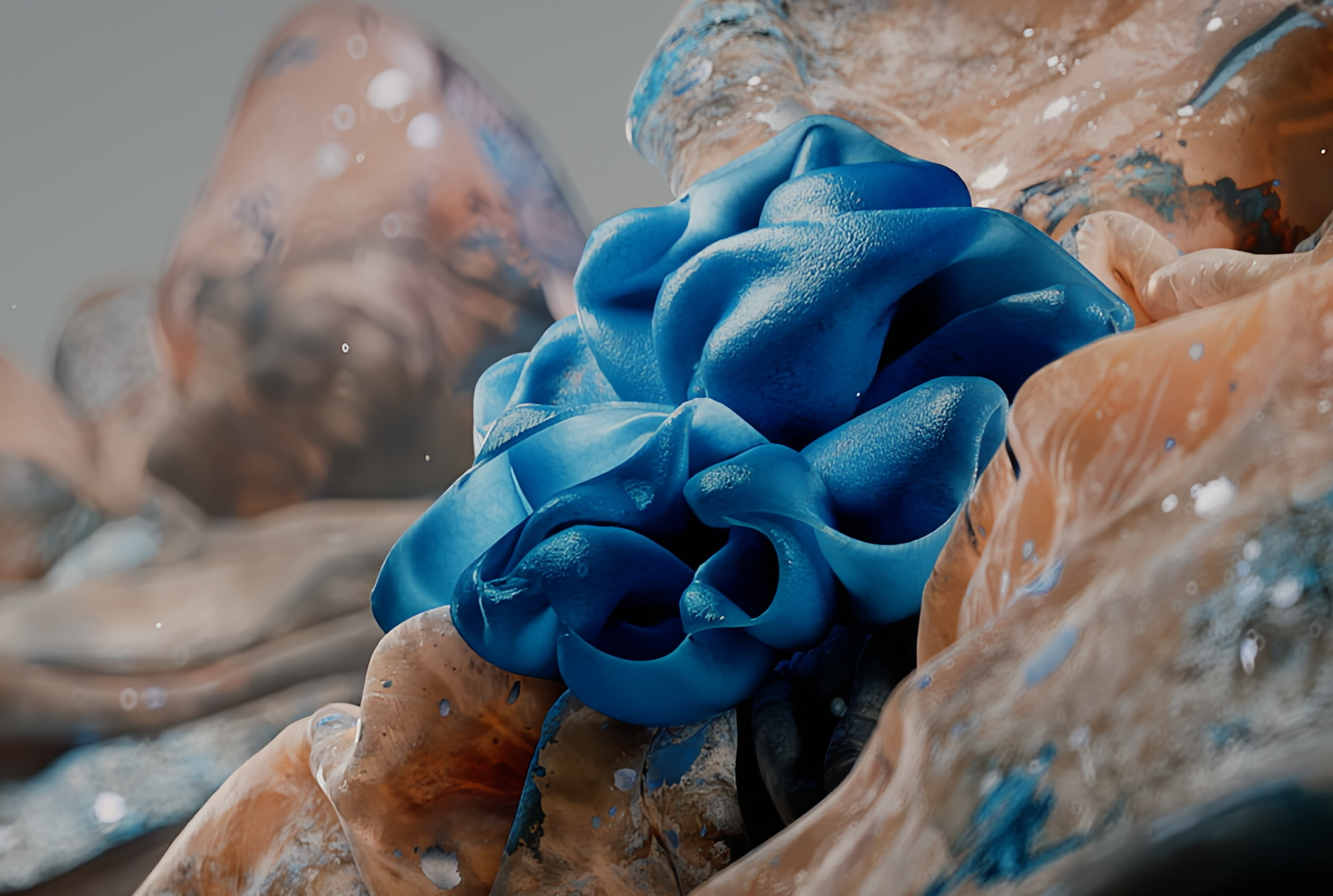
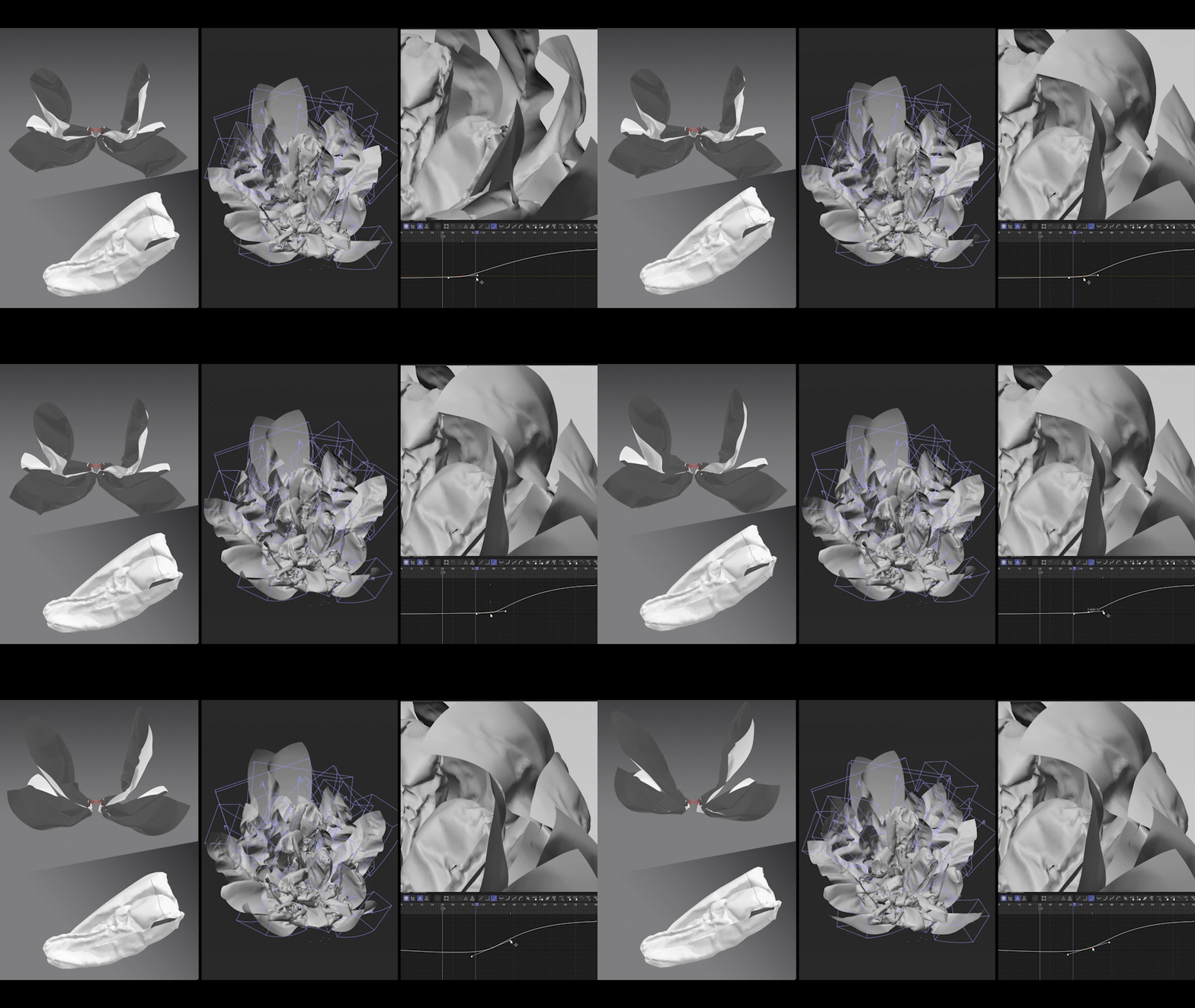
I focused on the "Elastic" feature. I first created a flower bud shape by gathering the edges of the fabric. Then, by gradually lowering the Elastic values, I allowed the bundled fabric to spread out naturally, creating a motion that looked like a flower blooming.
The software's ability to express realistic and detailed wrinkles is a huge advantage. In particular, even high-resolution polygon simulations—which can feel quite heavy in Cinema 4D—could be tested very lightly and quickly here, which significantly boosted my efficiency.
Minkyung:
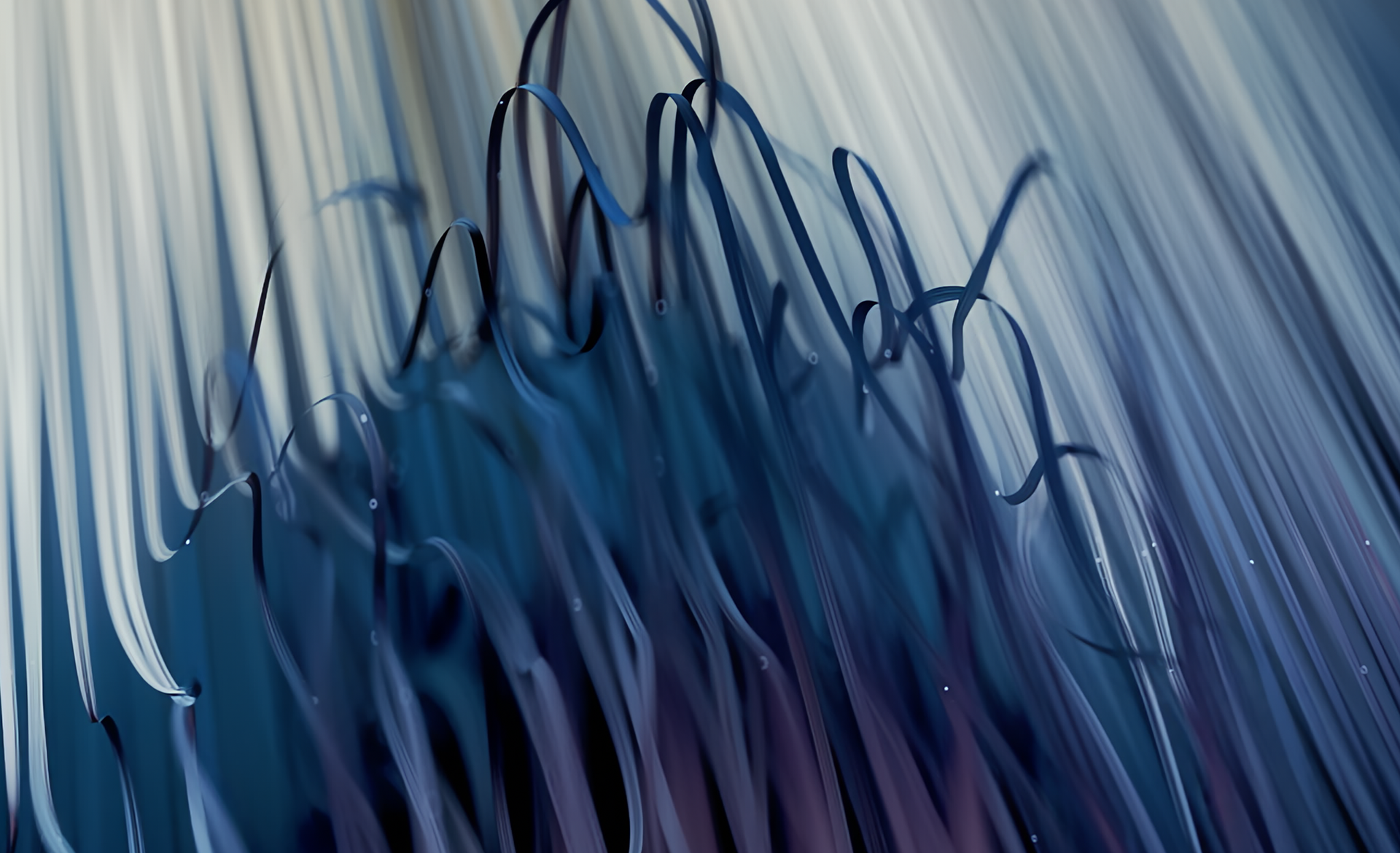
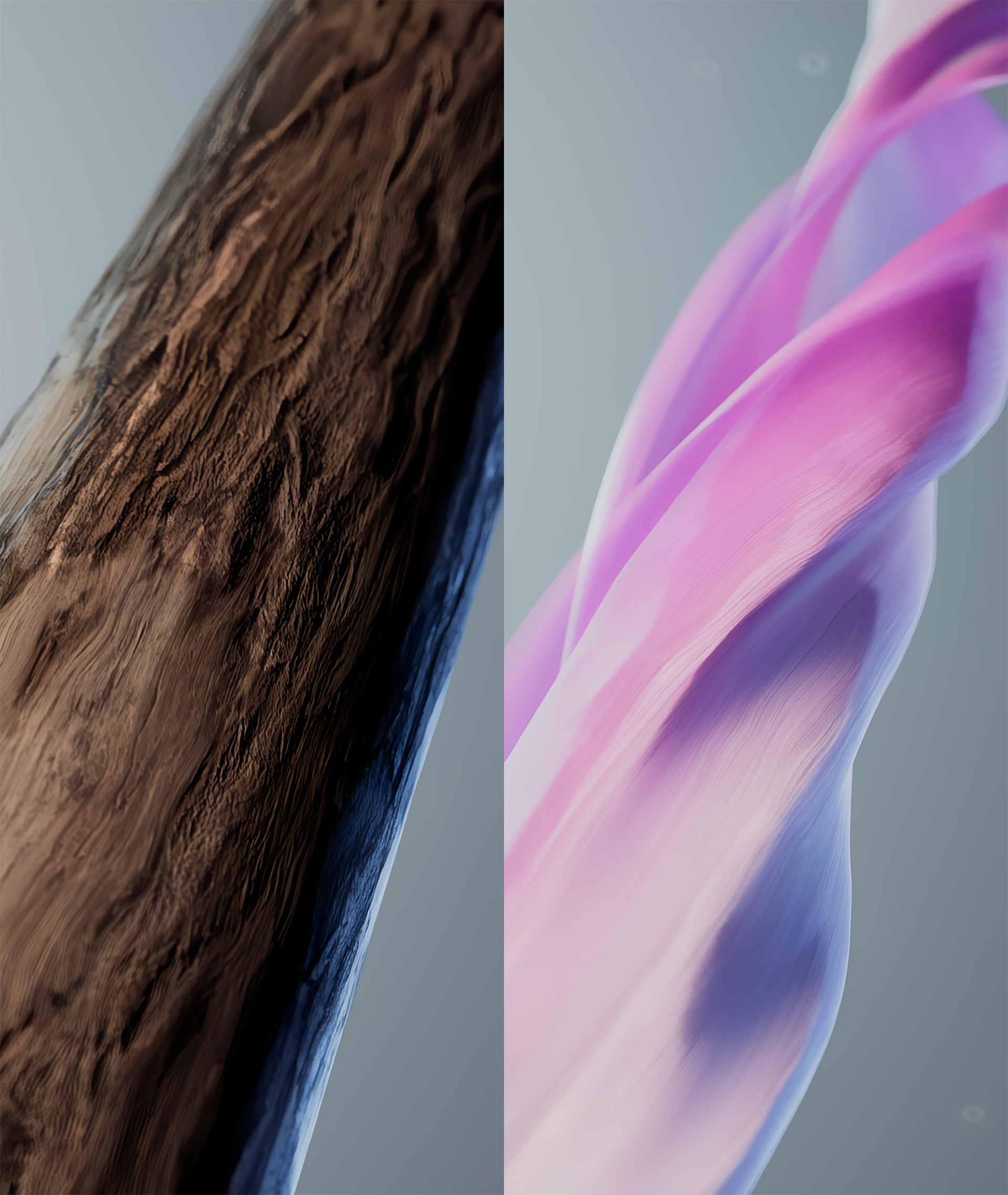
I utilized the various "Fabric" presets to create a "Morph" effect, where a rigid material like raw denim transforms into soft silk. By adjusting and keyframing values for Gravity, Air Damping, and Wind to match the characteristics of each material within the simulation environment, I was able to sophisticatedly express the changing textures and surroundings.
It was incredibly appealing to be able to use multiple simulation features in combination while still being able to record and edit the results easily. For those who want to achieve detailed simulation results quickly and efficiently, I highly recommend actively experimenting with Marvelous Designer’s wide range of options.
Since Cinema 4D (C4D) is a main part of your pipeline, how was the compatibility and overall usability between Marvelous Designer and C4D?
Chanwoo:
In terms of basic compatibility, the connection was seamless without any major issues. However, when reprocessing Alembic files in Cinema 4D, there is a step where you need to convert them to an 'Editable' state for more flexibility. I found that this process significantly increases the file size, which was a bit challenging to manage. I think it’s important to strategically choose your workflow depending on whether you'll use the file simply as a final simulation result or as an element for further modification.
Haena:
The workflow between the two programs felt very continuous and fluid, which made the overall process highly efficient. It saved a lot of time because I didn’t need to do much additional cleanup or reorganization within Cinema 4D. I was particularly satisfied with the fact that the UVs come over already unwrapped, allowing me to skip complex UV tasks. Also, being able to check high-fidelity previsualizations in Marvelous Designer made it much easier to increase the final quality later when applying lighting and textures in C4D.
 One observation, however, is that compared to C4D’s 'Soft Body' simulation, Marvelous Designer tends to feel relatively flexible even with thicker fabric materials. It would be even better if future updates allow for more freedom in expressing stiffer, weighted materials with fewer wrinkles.
Minkyung:
I found that a methodical process works best: instead of creating every source from scratch in Marvelous Designer, I pre-plan the motion paths and positions in Cinema 4D, import them into Marvelous Designer for the simulation, and then bring them back to C4D. Early in the project, I faced some trial and error by overlooking the fact that you can't set 'Transform' keyframes directly within Marvelous Designer. However, by repeating the process of moving between the two tools using FBX and Alembic files, I was able to achieve a much more flexible workflow.
One thing to be careful about is the difference in 'Unit' settings between the two programs. Also, I noticed that if you modify the 'Particle Distance' in Marvelous Designer after creating the result, the point structure changes from the original source used in C4D, which can break 'Morph' targets. If you keep these characteristics in mind, you can build a very efficient workflow. I believe that providing more of these useful tutorials will greatly help motion graphics designers utilize these tools in a more structured and planned way.
How do you envision expanding the role of Marvelous Designer in your upcoming workflows?
Chanwoo:
Moving forward, I want to actively incorporate Marvelous Designer into projects that require abstract, non-traditional graphics. I’m particularly interested in creating surreal visuals where the line between fabric and liquid becomes blurred, as I believe this is a powerful way to communicate a brand’s identity to its audience. To me, the true charm of Marvelous Designer lies in the "accidental beauty" that emerges from its unpredictable, organic flow.
Haena:
It will remain my go-to tool whenever I need detailed, realistic attire or specific fabric textures. Beyond that, I plan to utilize Marvelous Designer for projects that require unique and complex simulations—the kind of motion that is difficult to achieve through standard keyframe animation alone—to further elevate the overall production quality.
Minkyung:
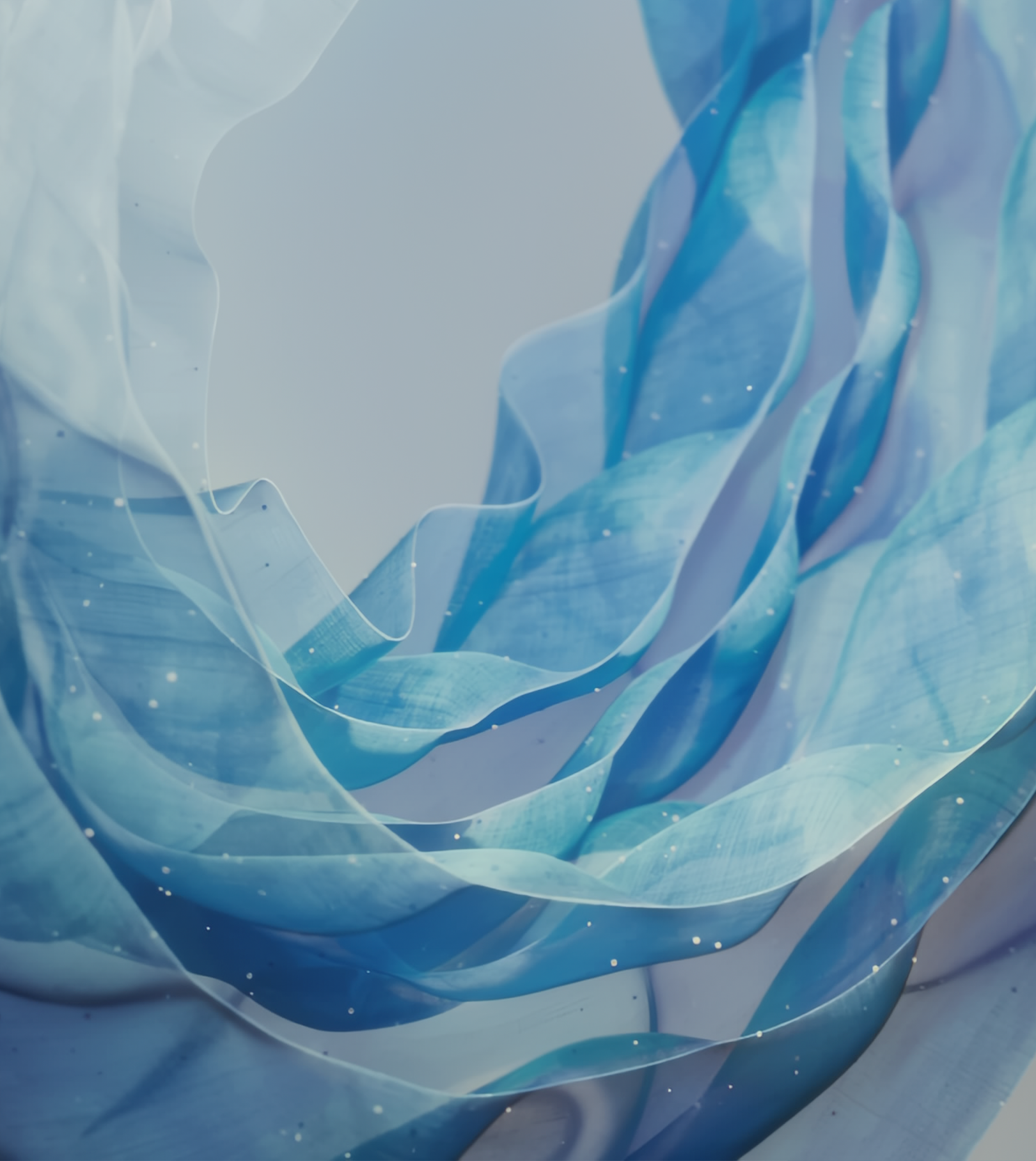
I’d like to dive deeper into using the software for non-standard natural elements. For instance, heavy simulations involving multiple layers of objects swaying in the wind—like smoke or flower petals—can be controlled both precisely and efficiently within Marvelous Designer. Building on its unrivaled ability to express fabric wrinkles, I intend to apply its core features to a wider variety of creative directions.
I was particularly impressed by the 'Air Damping' option during this project, and I’m looking forward to experimenting with it further to create deep, immersive visual expressions in future projects set in underwater environments.
이 작업은 Cinema4D, Animation, Pattern, Simulation, motiongraphic 등의 기술로 제작되었습니다.
Marvelous Designer로 이와 같은 3D 의상·캐릭터 작업을 직접 만들어볼 수 있습니다.