King Lear
Step into the world of Shakespearean drama, King Lear. This piece meticulously recreates the intricate costumes and emotions of the iconic characters.
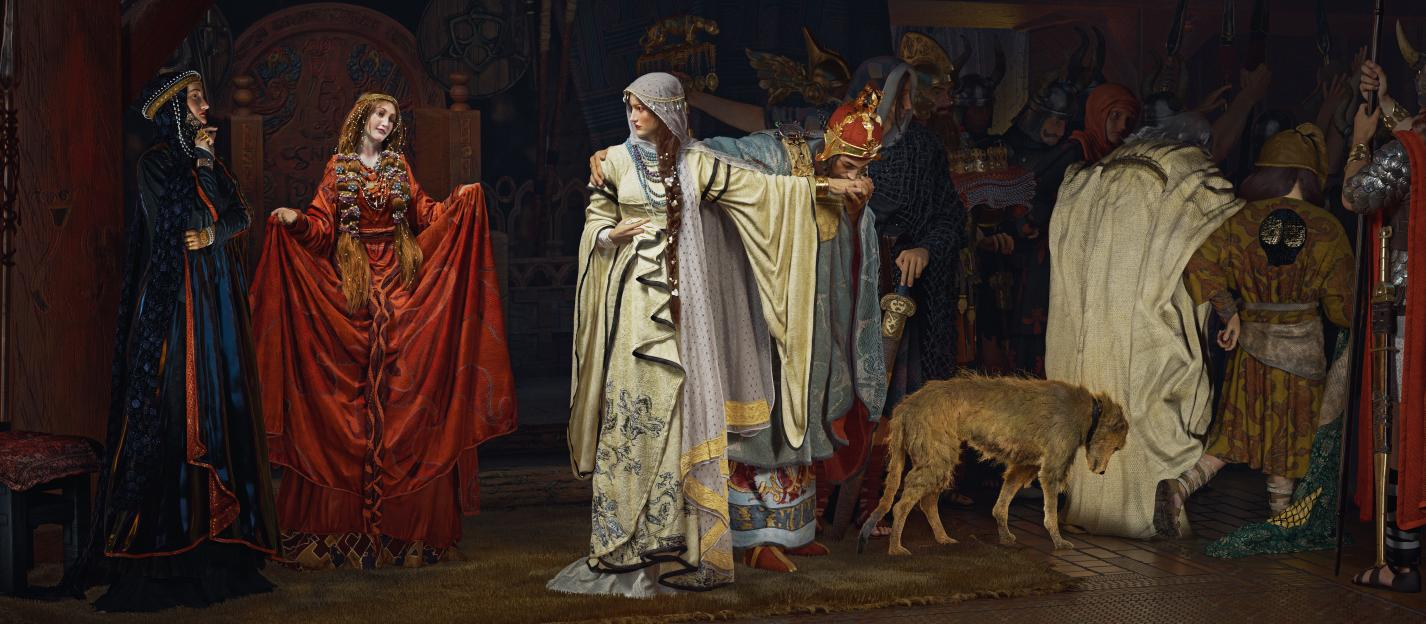
Interview with Chuying | King Lear | 3D Character Artist
Artist Introduction
Hello everyone, my name is Chu Ying, and I am a 3D modeling hobbyist. I came into contact with 3D production by chance, and my mentor is YangGuang, who is an amazing character artist.
Tell us about the project: King Lear
This artwork is based on an oil painting by Edwin Austin Abbey. I was deeply attracted to it when I saw it for the first time. As I learned more, I found out that the painting depicted a scene from King Lear, which is one of my favorite stories, so based on that I decided to try to create it in 3D.
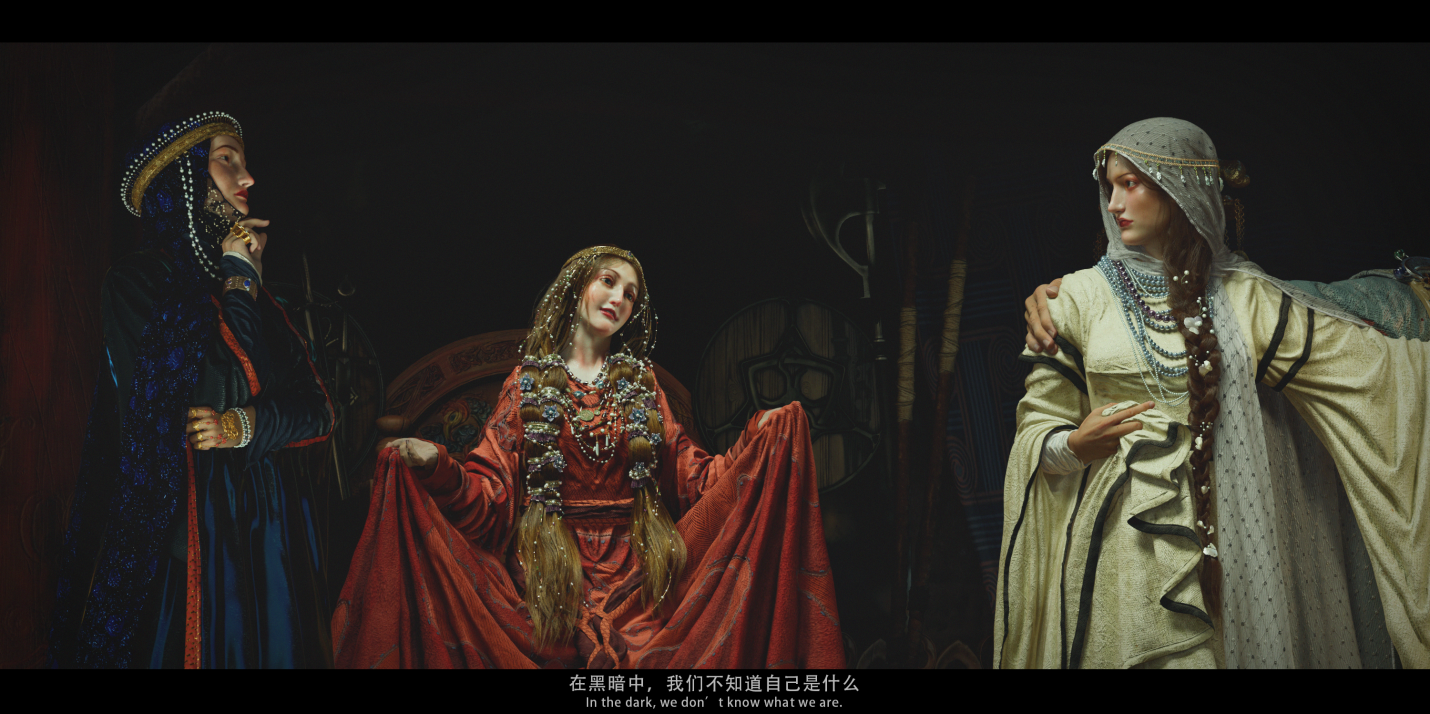
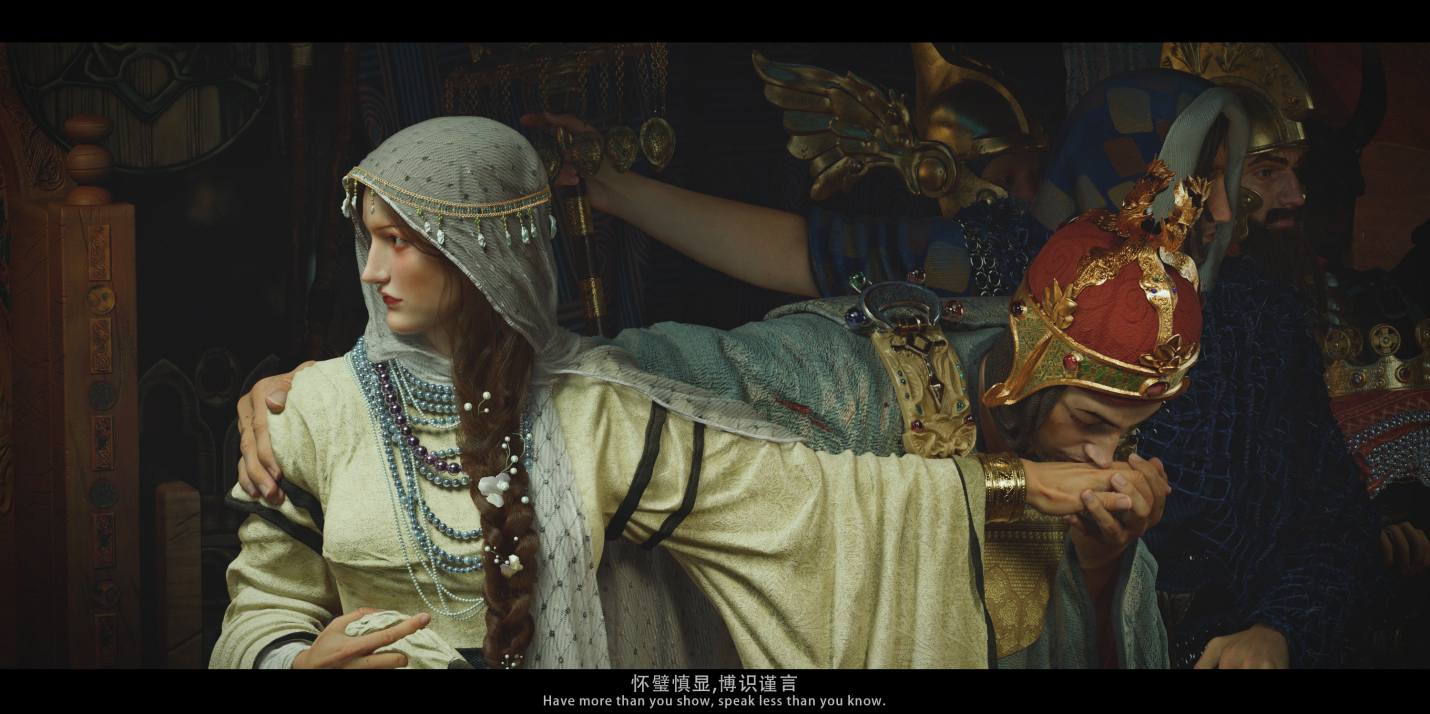
For this artwork, before starting it, I have spent a lot of time to understand the historical background and creation period of this work, as well as collecting more reference images that fit their background story, to ensure that I have a basic understanding of what kind of garments and textures I need to make.
I will gather those collected reference images in PureRef, including the garments, trims, hairstyles, armor or weapons, or any other that makes my inspiration sparks.
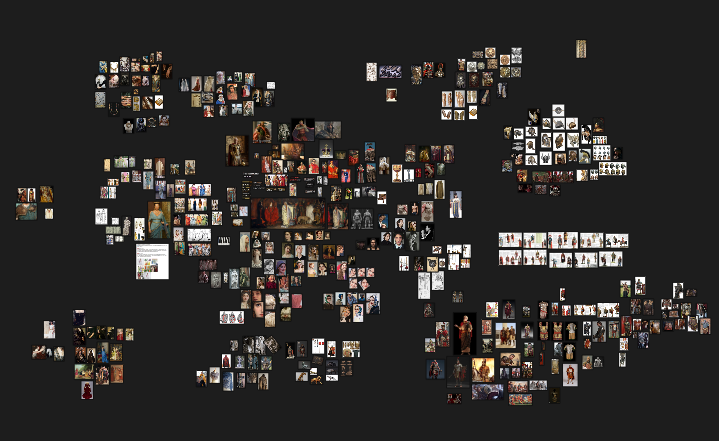
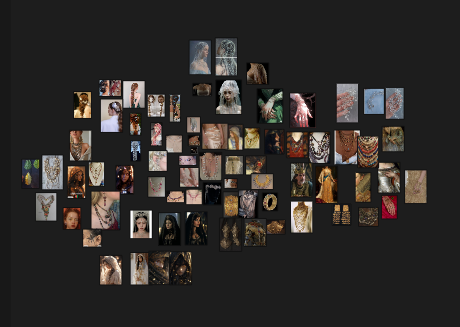
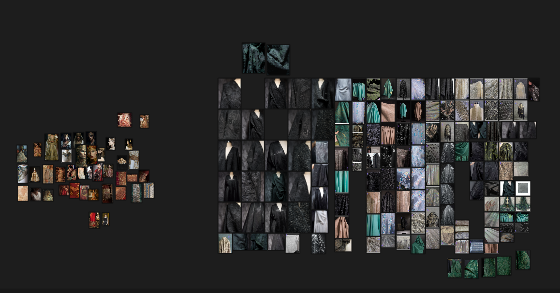
These are the mood boards that combine the reference images.
Why did you decide to use Marvelous Designer? How did it help you serve art direction?
Since I need to simulate a lot of fabrics in this artwork, I chose Marvelous Designer after trying a lot of software because it can quickly iterate to help me realize the required clothing and very realistic folds.
In Marvelous Designer workflow, first of all, I will quickly create a prototype of the clothing I need.
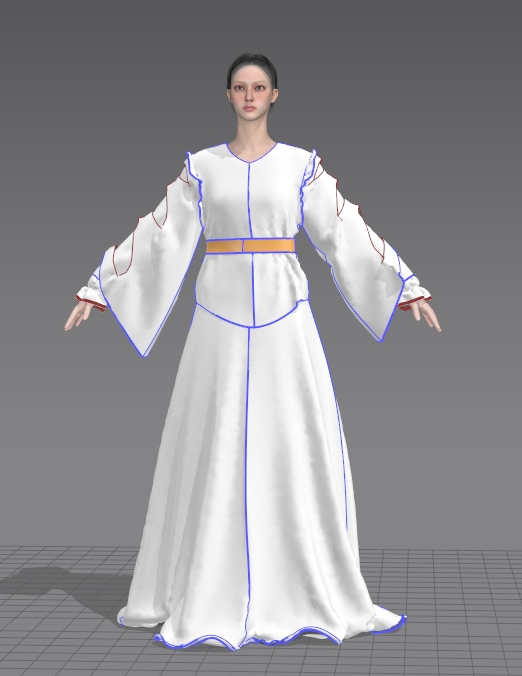
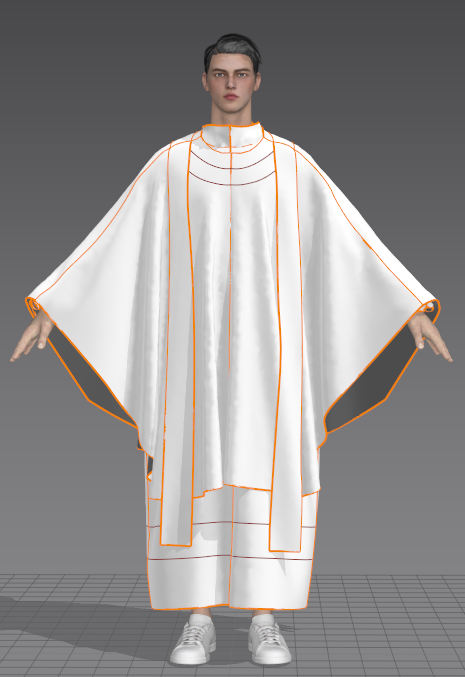
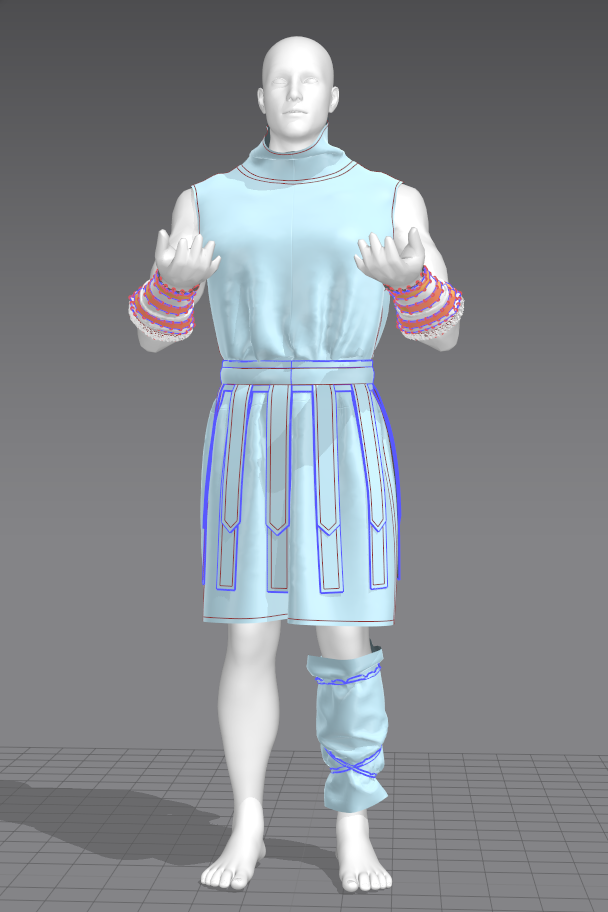
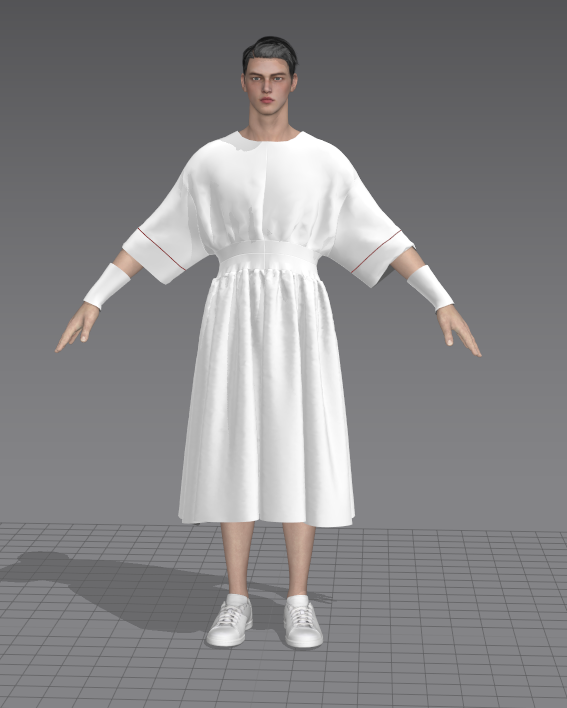
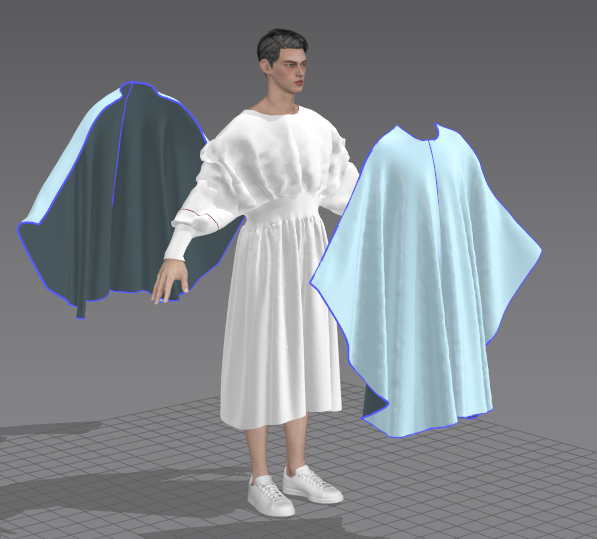
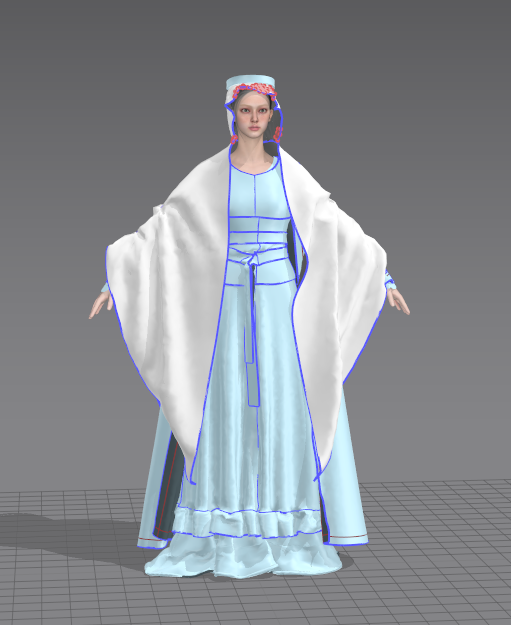
Then I will export the model in Marvelous Designer to Maya to make a simple .pos file, and then import it in Marvelous Designer to simulate the garment draping that follows the pose changing. I really like this function because it achieves very good results and does not require too many settings. It is very simple and easy to use.
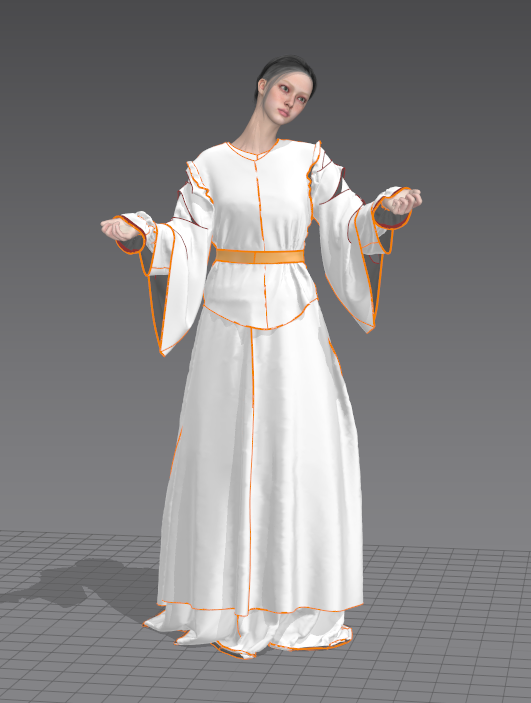
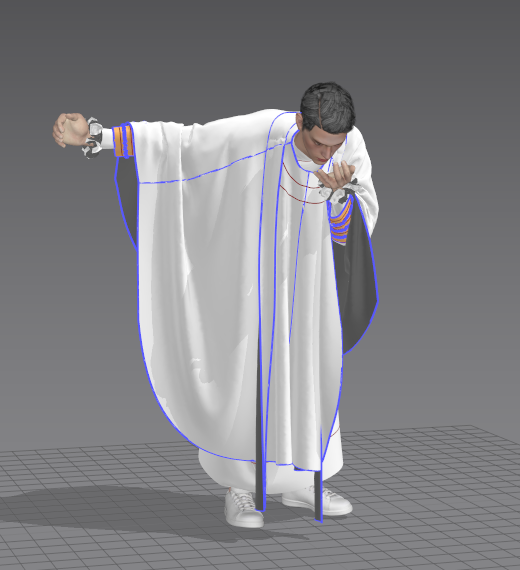
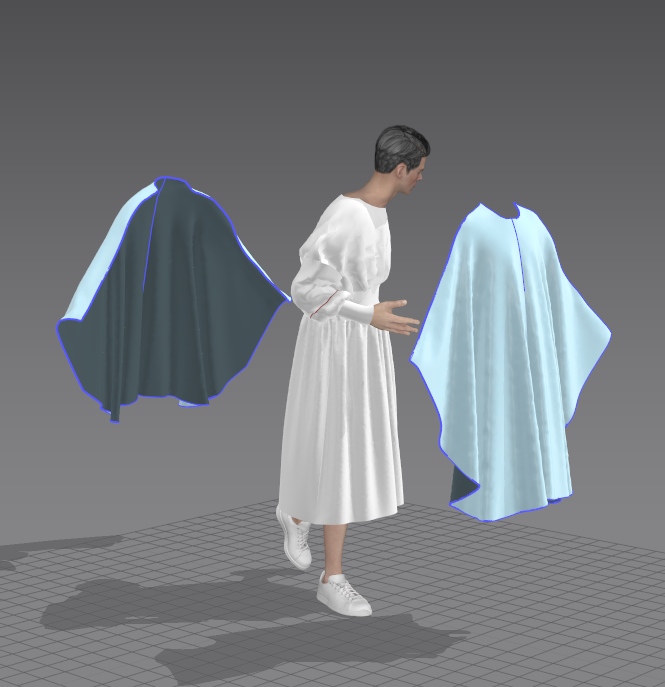
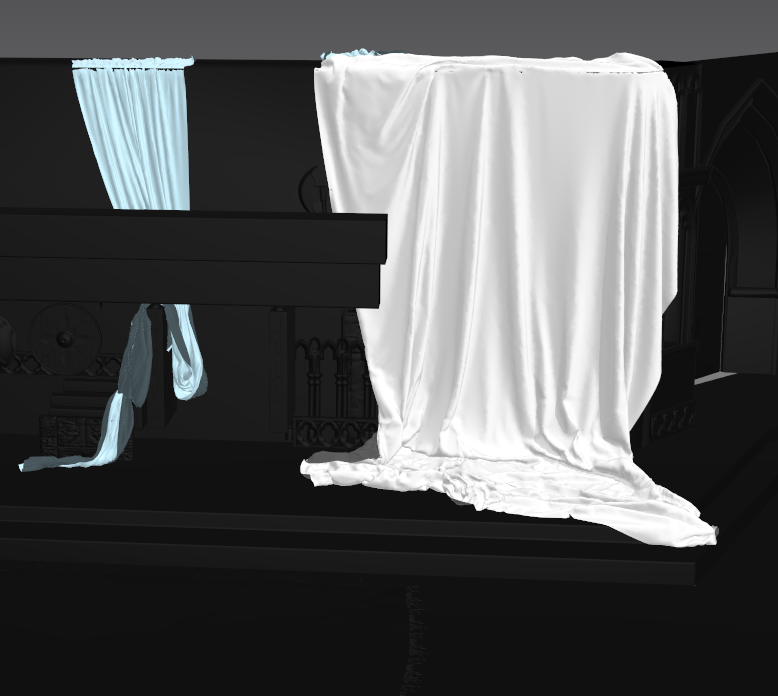
I’ve also used those powerful features in making the scene fabrics, Marvelous Designer brings me realistic and natural fabric effects. I highly recommend you to take a try. It will help you to enhance the realism of the garment and the efficiency of creating the artwork. It doesn't require knowing complex dynamics, it's really easy to use, just press the magic space bar, and it will help you achieve the effect you want.
Can you give us a quick overview of the different tools used in your pipeline?
I’ve used Maya, Zbrush, Substance 3D Painter and some other 3D software.
Can you elaborate on the challenges while you’re working on the project: King Lear?
The biggest challenge is handling a huge amount of simulation of garment and fabric, and changing the pose of the avatar is another big challenge. But fortunately, Marvelous Designer helps me to solve those problems.
What tips do you have for other character artists using Marvelous Designer?
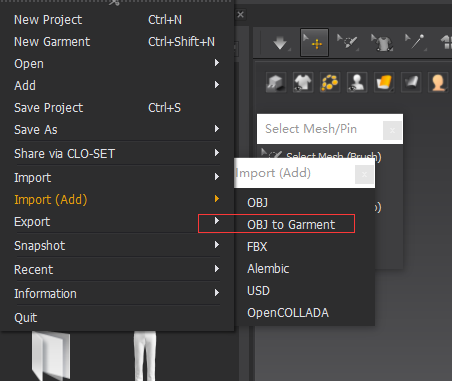
Importing the OBJ file that you make from other 3D software as Garment is very helpful for us to create the garment quickly.
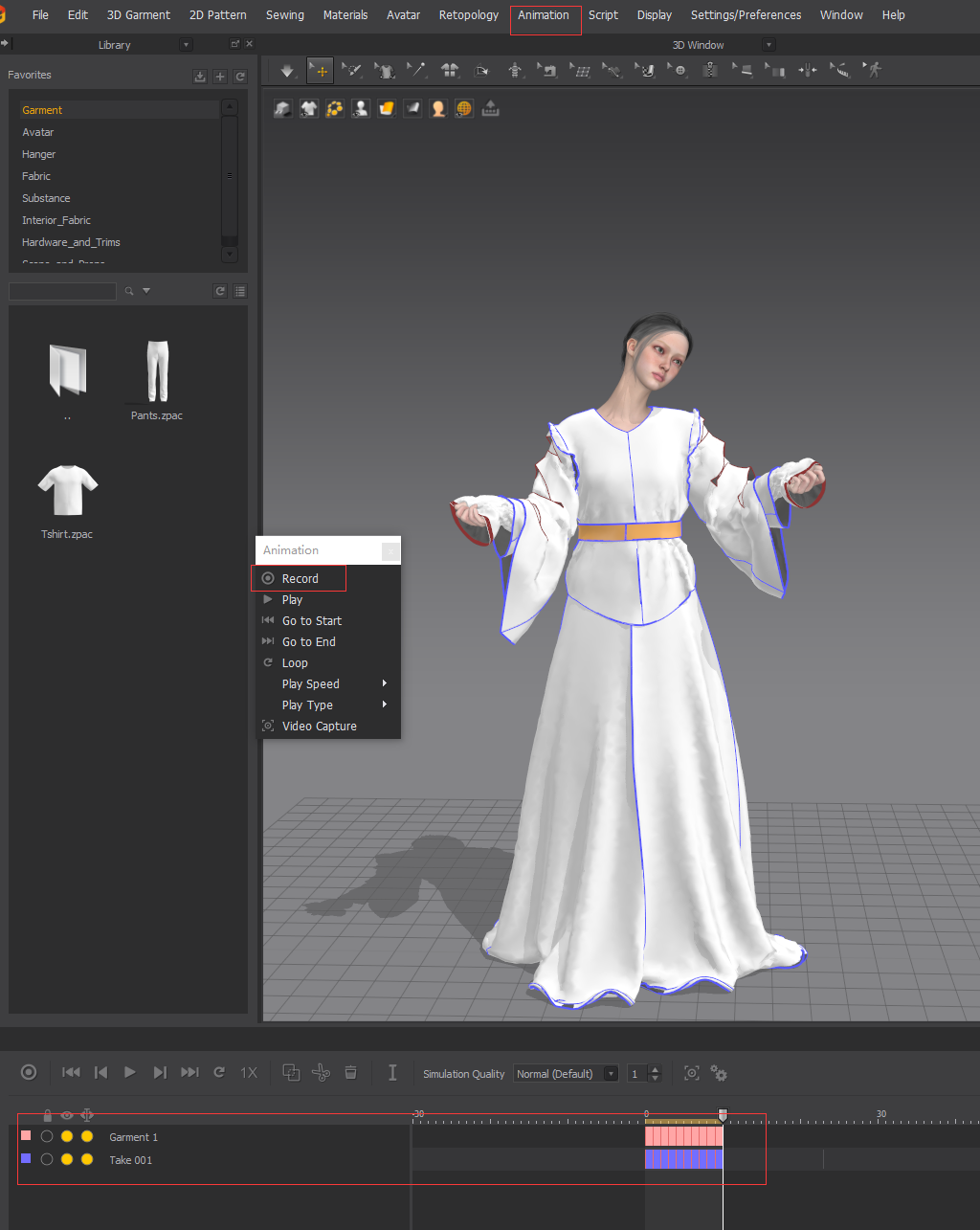
And recording animation function is helpful for me to simulate the garments. I can load a pose file and have the garment transform according to the joints.
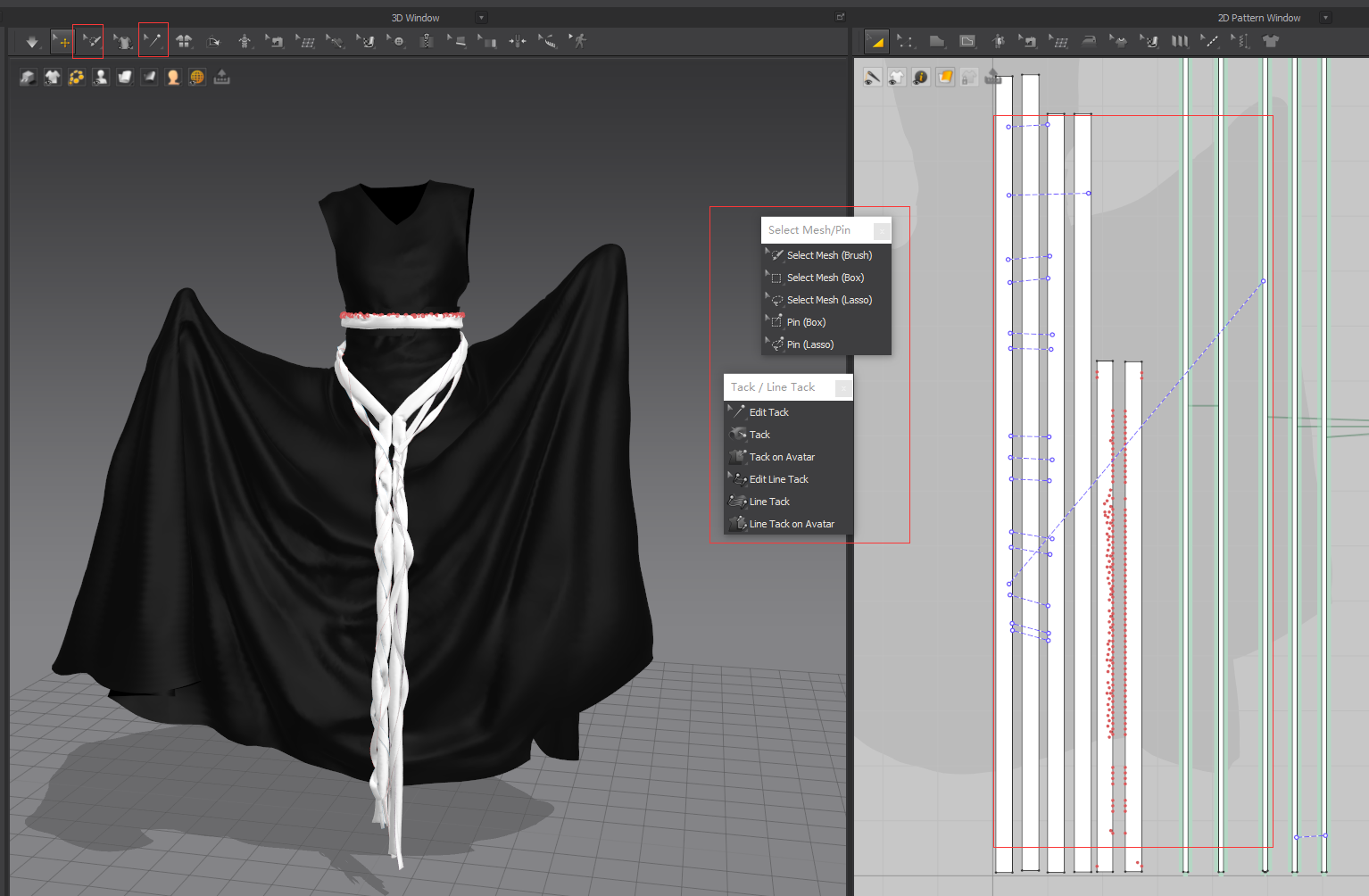
When creating the bands or stripes, Pin tool helps me to fix those fabrics in the air. I highly recommend you to use the pin to do the knots or twist the bands.
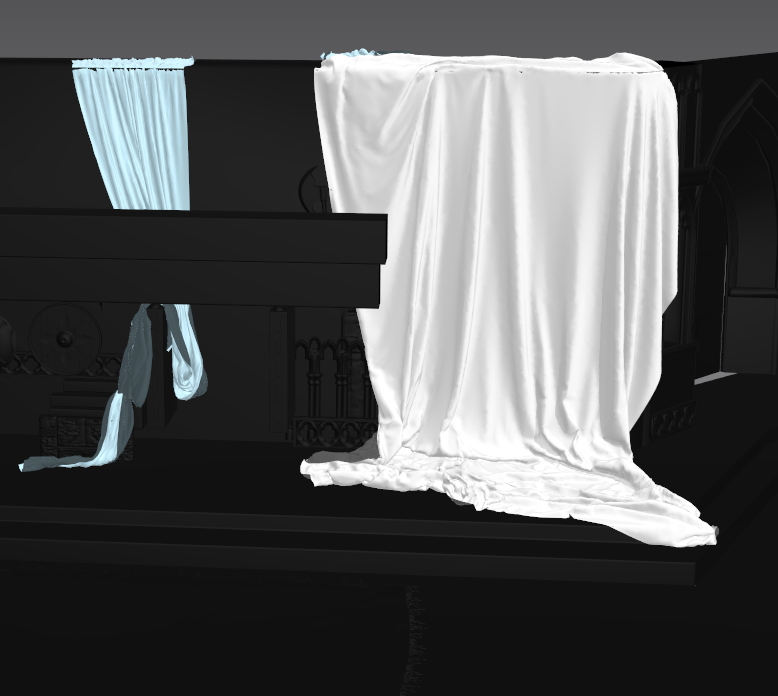
And if you have fabric simulation needs for making the environment, you can definitely try Marvelous Designer, build up a simple pattern and see how it goes.
There are lots of tips and tricks when you are using Marvelous Designer, I cannot list them all with several sentences. You can follow up the Youtube or Bilibili official channel of Marvelous Designer, there are lots of good tutorials or nice videos about it. I’ve learned a lot since I followed up with these accounts.
How can you describe your overall experience of the use of the Marvelous Designer?
Using it makes me feel wonderful, Marvelous Designer is absolutely an outstanding 3D design tool, it’s easy to use. The workflow could be more efficient and I could adjust the garments quickly based on the effect. The UI is user-friendly and the fabric simulation is realistic. It is compatible with other 3D software and is an ideal tool for promoting digital clothing design. By using Marvelous Designer, the designer's creativity can be extended infinitely.
by Chuying
ArtStation
이 작업은 ZBrush, Maya, SubstancePainter, Simulation, Pattern, Traditional 등의 기술로 제작되었습니다.
Marvelous Designer로 이와 같은 3D 의상·캐릭터 작업을 직접 만들어볼 수 있습니다.