Recreating Tommy Shelby in 3D: A Tribute in Cloth and Character
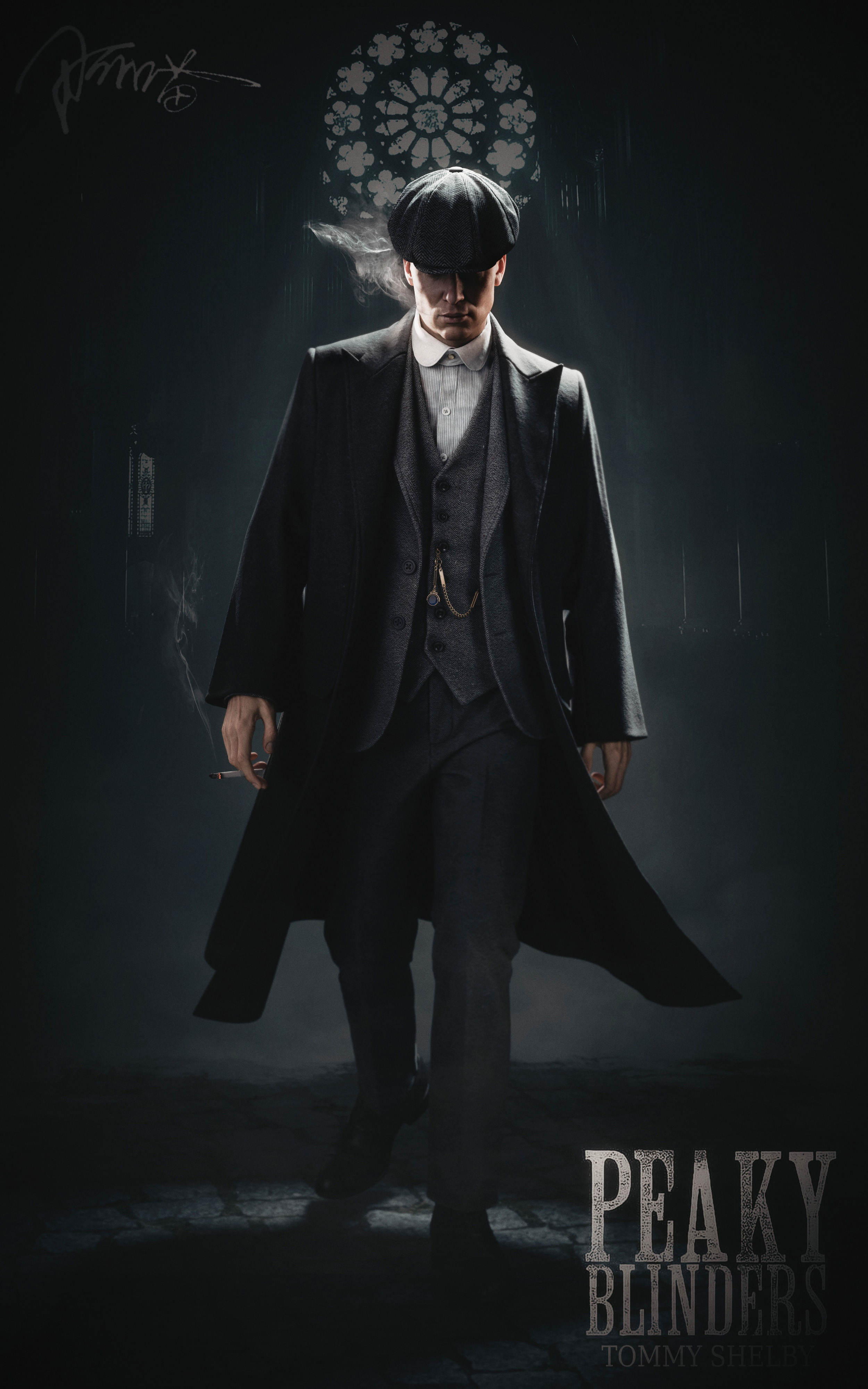
3D artist A Miao brings the iconic Peaky Blinders character to life using Marvelous Designer, blending historical fashion research with advanced cloth simulation to capture Shelby’s signature style and presence.
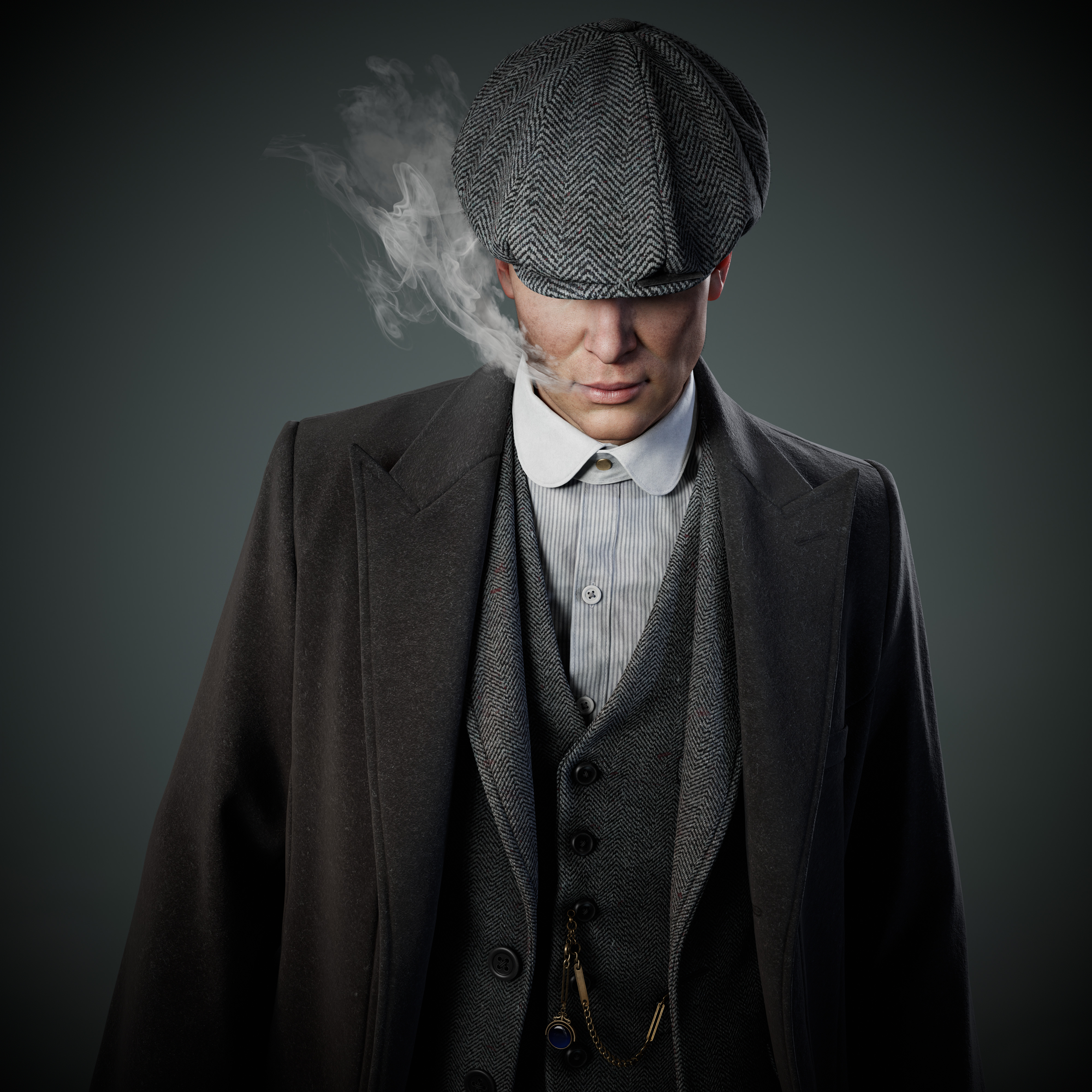 Interview with A Miao | Tommy Shelby | 3D character designer
Could you please introduce yourself to the Marvelous Designer community?
Hi everyone! I’m A Miao, a 3D character designer from Chengdu. Right now, I’m working as a topology artist, and when I’m not modeling, I love riding my bike. I really enjoy the whole modeling process—it’s amazing to see something go from nothing to exactly what I imagined. My go-to phrase is: “(/≧▽≦)/~ Good Job!”
Super excited to be here and share my story with you!
Why did you choose Tommy Shelby as the inspiration for your work? Is there a story behind it?
I was hanging out at a friend’s place when I stumbled upon the show. The moment Tommy Shelby appeared on screen, I was hooked. He’s deep, a bit melancholic, super stylish, sharp, and full of contradictions. He’s doing all these dark, dangerous things, but still looks like a total gentleman. That contrast really got to me—I couldn’t stop thinking about it. And then I thought: I’ve got to make him in 3D!
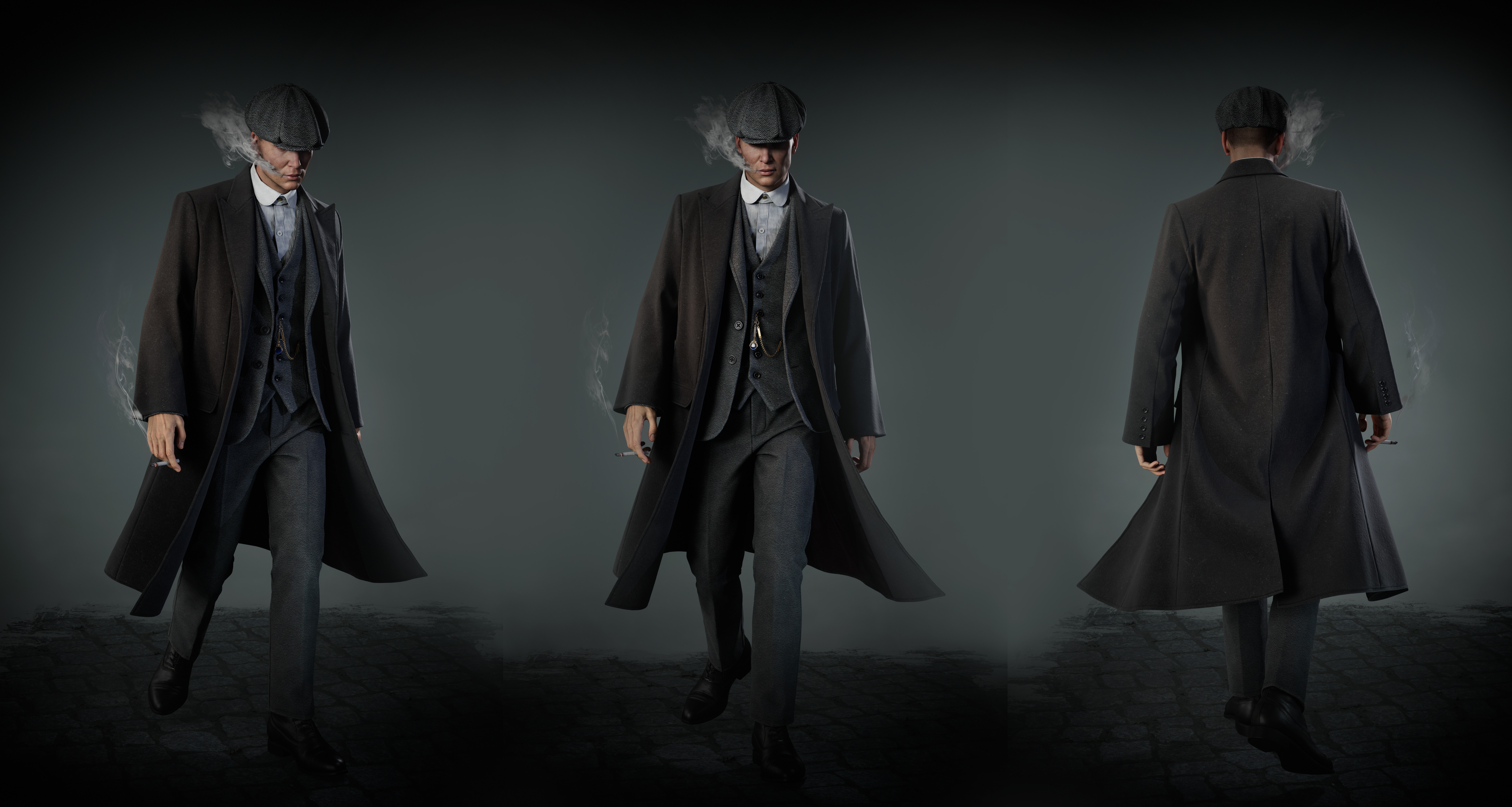
How did Marvelous Designer contribute to your clothing design process? What unique advantages did it offer?
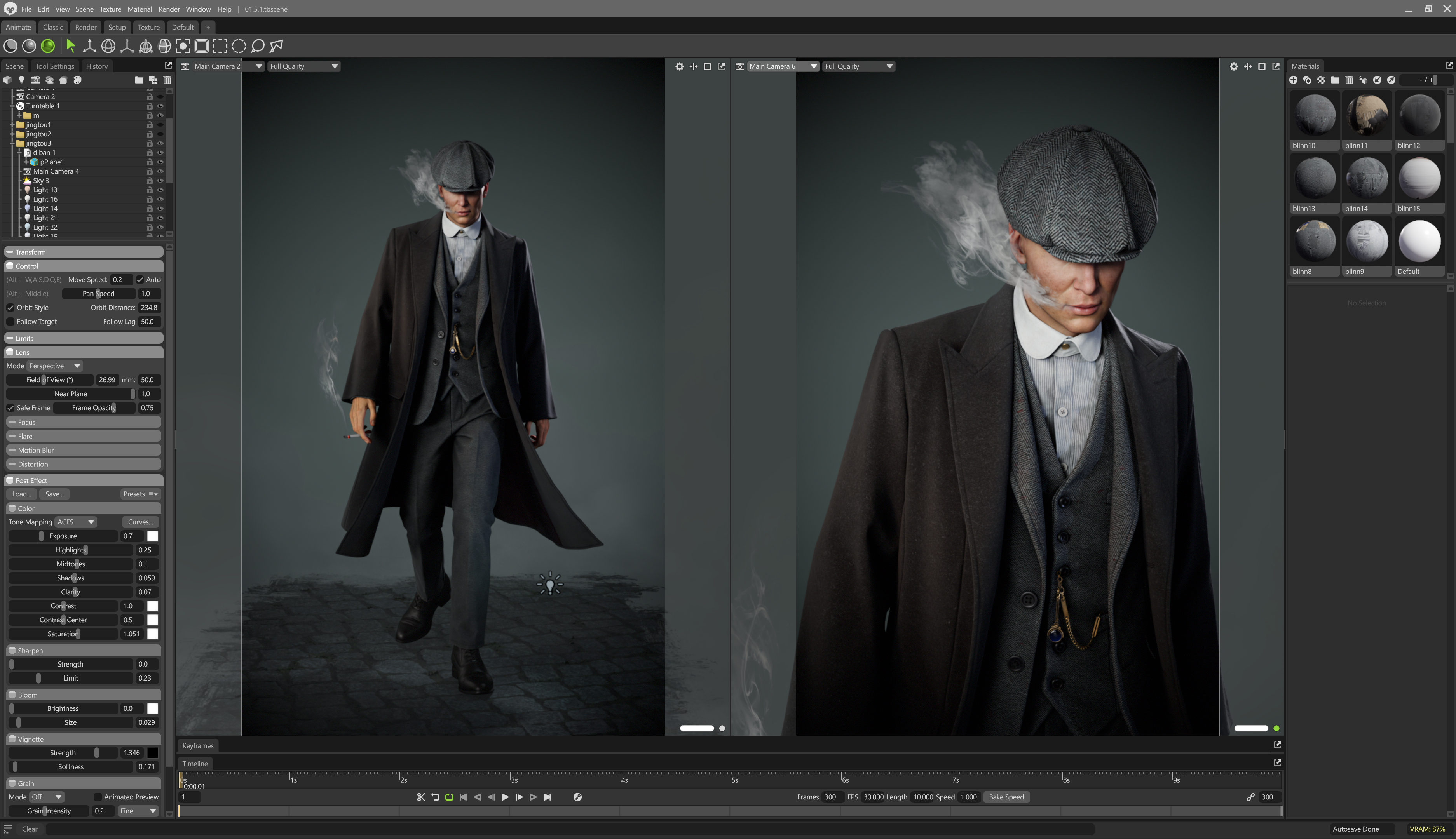
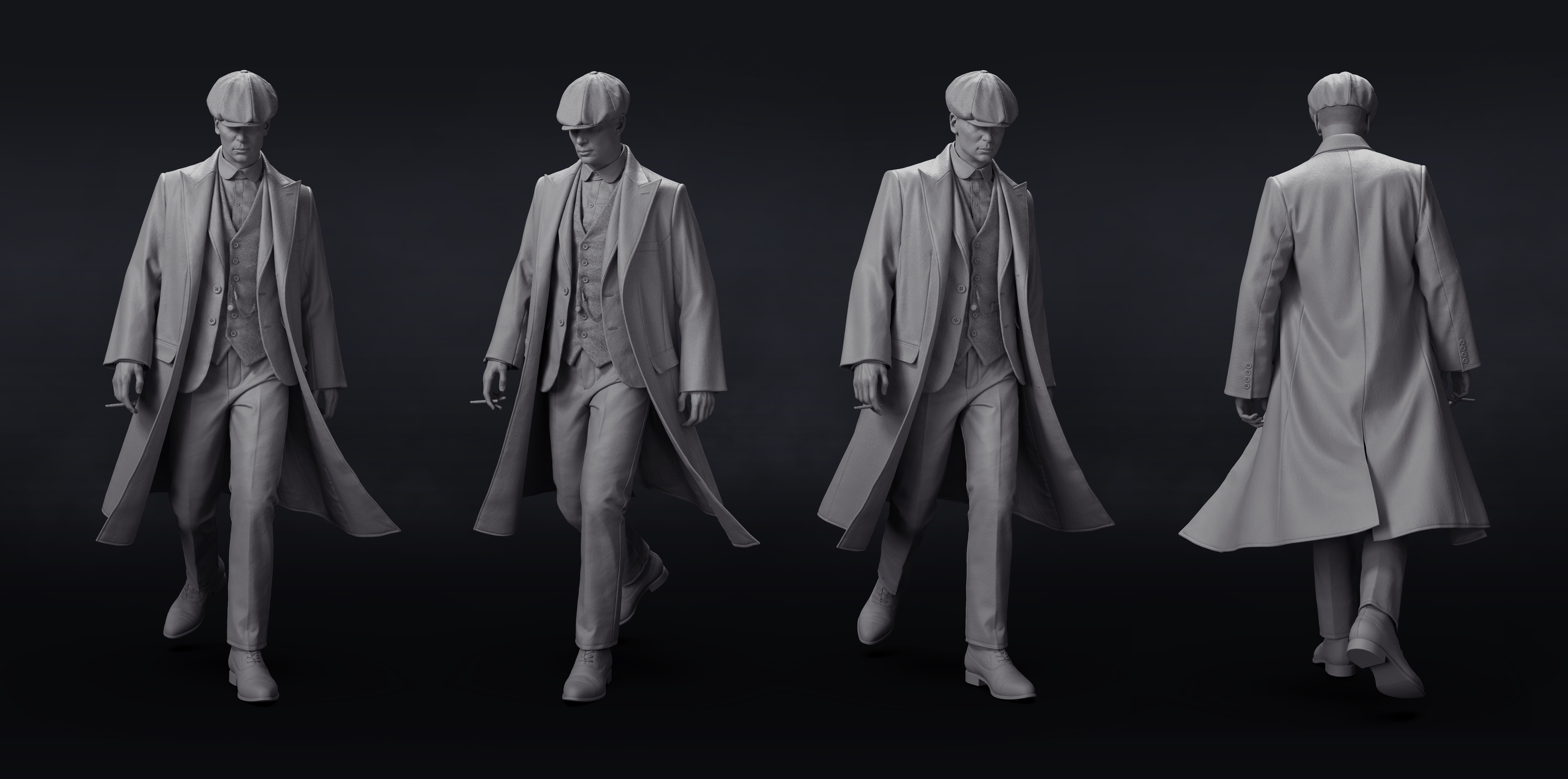
Most of the asset is made up of cloth, so I spent a good chunk of the early phase working in Marvelous Designer. I started by digging up references—outfits Tommy Shelby wore in the show, plus fashion styles from that era. Then I built the clothes in a T-pose to nail down the silhouette and vibe.
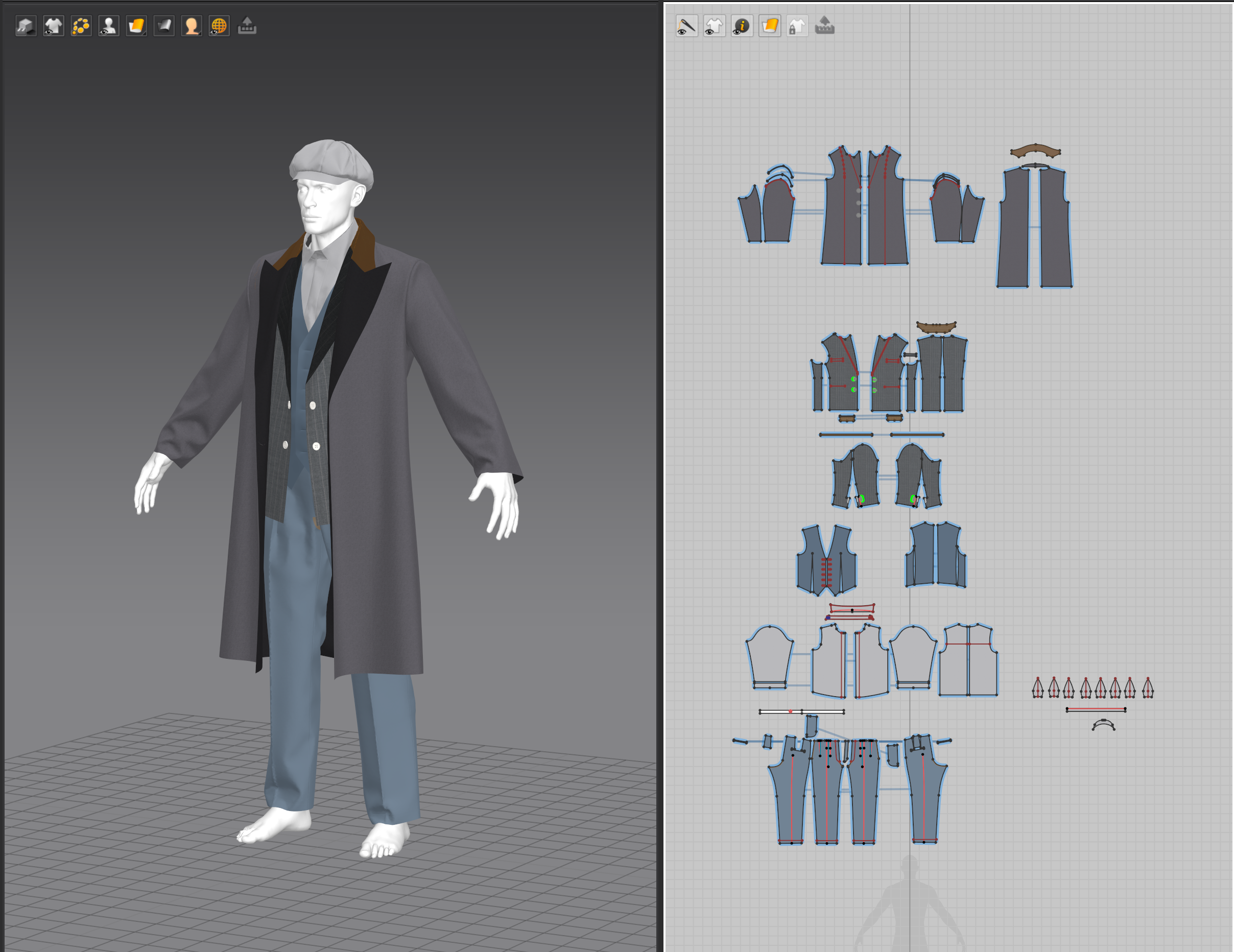
After that, I posed the base model in ZBrush and brought it back into MD to simulate the wrinkles more accurately. The latest MD update with GPU simulation that matches CPU results was a game-changer—it made everything run smoother and helped me stay in the creative flow. Also, the new collision improvements made dealing with garment intersections way less frustrating, so I could really focus on the fun part: making cool stuff!
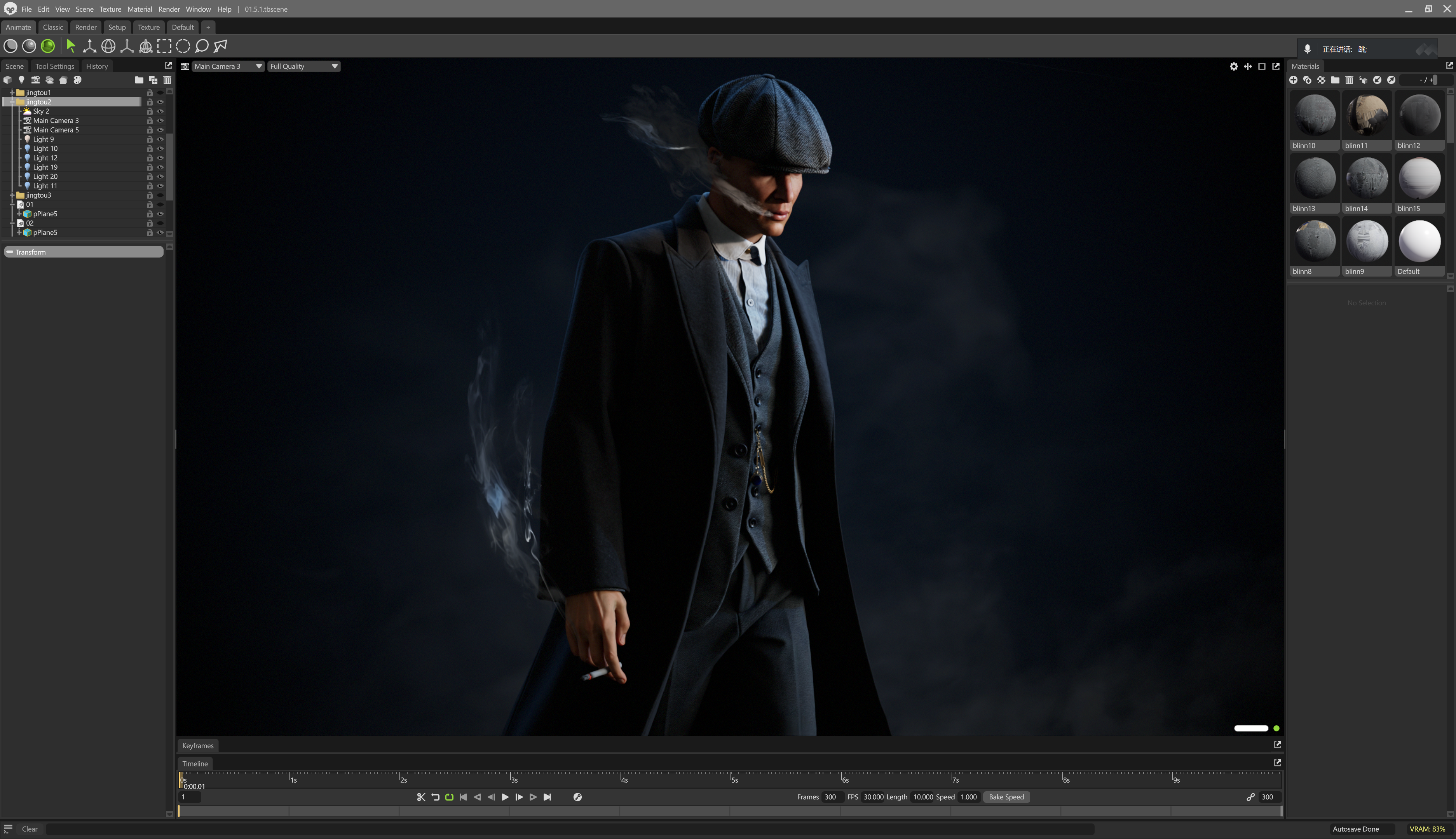
What were the key details you focused on when recreating Tommy Shelby’s signature suit and coat?
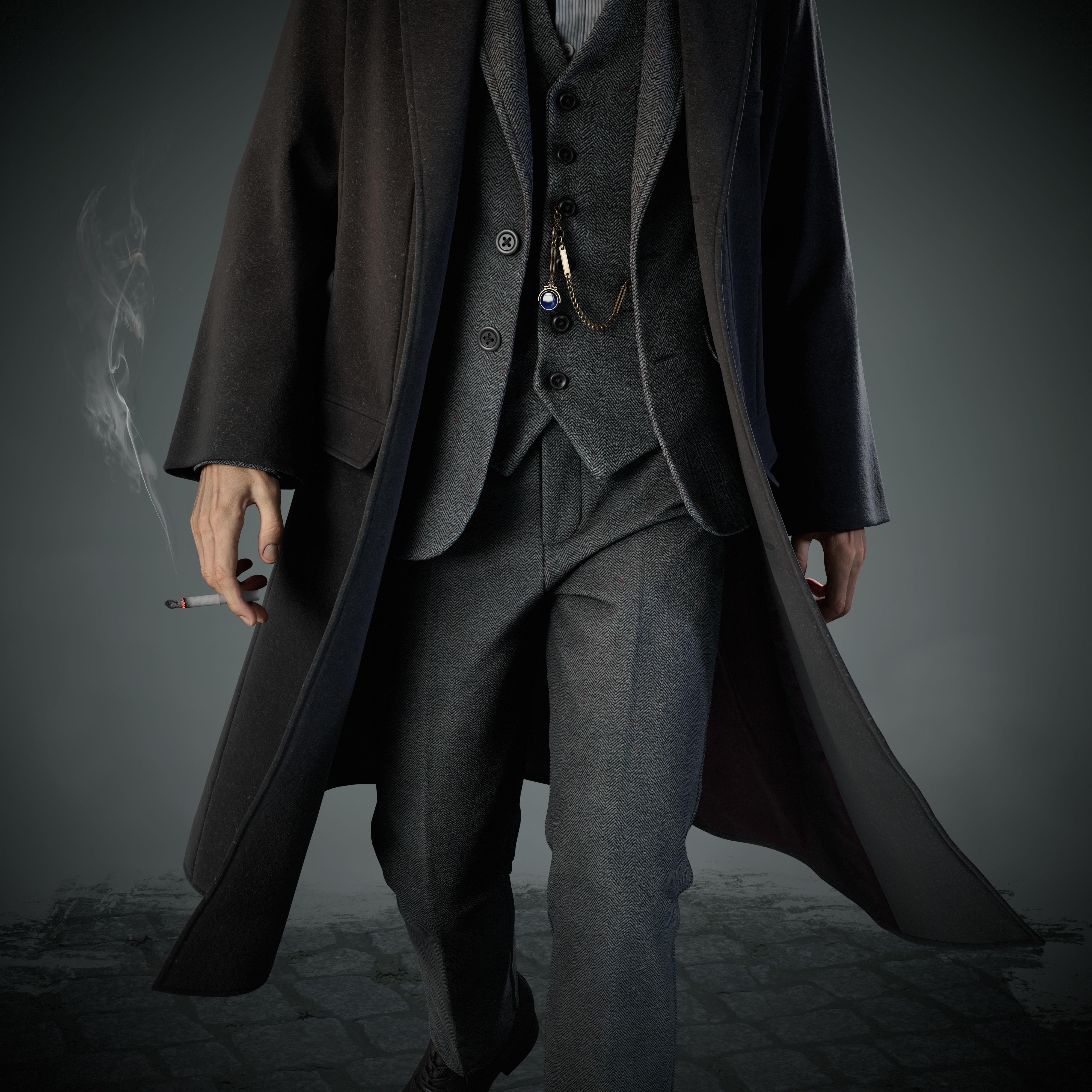
The most critical aspects were the garment structure and the silhouette. It was important to convey a sense of sharpness and formality in the overall shape. Additionally, I paid close attention to the fabric behavior—specifically, differentiating the wrinkle characteristics between the overcoat and the suit. Each material needed to express its unique texture and weight to reflect the authenticity of the original design.
Did you encounter any challenges during the creative process? How did you overcome them?
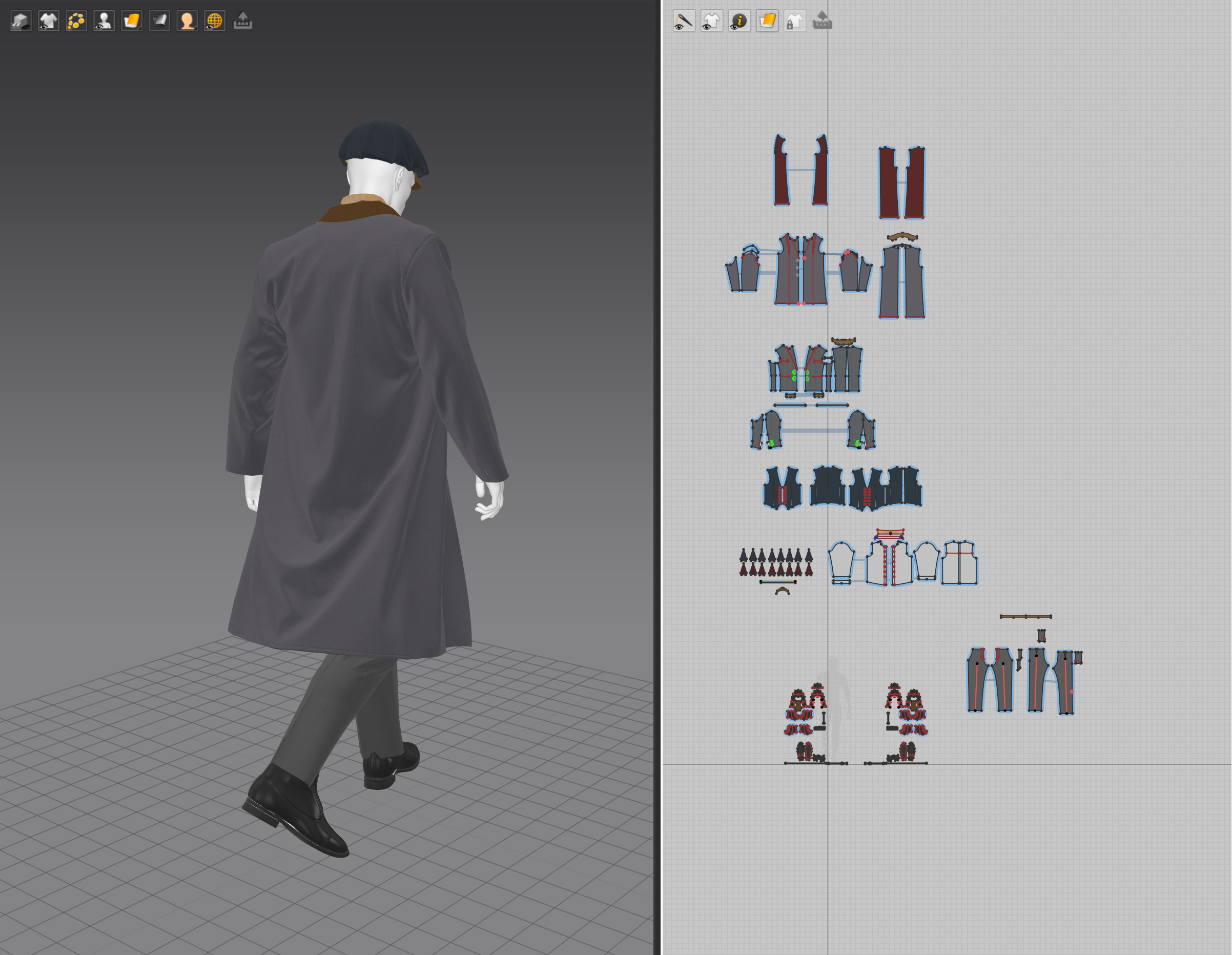
Yeah, one tricky part was trying to make Tommy’s coat look like it was flowing—kind of giving him that cool, effortless vibe. I tried using wind controller setting, but they were super unpredictable and didn’t give me the folds I wanted.
So I came up with a workaround: I added a hidden structure under the coat to fake the wind effect. It was like “pinning” the wind in place, and then I could shape the folds exactly how I wanted. It worked out way better and gave me full control over the look.
Any advice for other artists who want to use Marvelous Designer?
The GPU simulation in the newer versions of MD is awesome—it gives the same results as CPU but way faster, which really helps speed things up.
Also, don’t overlook the Layer feature, It’s super handy for avoiding those annoying pattern intersections. And the Adhesive Lining tool? Super useful! I used it on the hat in this project to get that realistic, structured look, and you can even pick different lining materials. Once you get the hang of these tools, your workflow becomes way smoother.
이 작업은 ZBrush, Substance, Marmoset, Maya, Pattern, Retopology 등의 기술로 제작되었습니다.
Marvelous Designer로 이와 같은 3D 의상·캐릭터 작업을 직접 만들어볼 수 있습니다.