Meet the Winner: Creator's contest 2025 Vol.1 - Seifuku Decoded (1st place, Yoon)
In this interview, we delve into the creative approach and workflow of Dasom Yoon, the winner of the Creator's contest 2025 Vol.1 - Seifuku Decoded. Explore the world of 3D fashion design through her work style and valuable tips!
Could you briefly introduce yourself and explain how you started working with 3D?
Hello, my name is Dasom Yoon, and I work as a 3D fashion and graphic designer. Before pursuing this career, I majored in clothing and worked in the overseas sales team for fabric import and export at a wholesale and retail clothing company. Due to the nature of the company, which frequently deals with vendors, I first learned about creating virtual garments when I saw vendors using the proposed fabrics to create virtual clothing for buyer presentations. This chance encounter introduced me to 3D garment simulation, and although I didn't know what kind of work I could do or what career I could pursue with it, I decided to learn it anyway.
Having majored in clothing and spent a considerable amount of time learning leathercraft as a hobby, I found it easy to understand patterns, sewing, and garment structures. Despite having no prior knowledge of 3D concepts, I found CLO and Marvelous Designer easy to learn because the process of creating garments is very similar to the actual clothing production process. At that time, I didn't even realize I was working in 3D because the process was so similar to real garment production.
As I gradually acquired knowledge related to 3D, such as texturing and animation, to improve the quality of my work, I began creating various fashion artworks primarily using CLO and Marvelous Designer. For a while, I focused on external projects, creating various garment mockups and videos, often working on projects that required realistic 3D models. This led to a desire for more creative and free work, and since last year, I have been frequently participating in competitions.
In this competition, I applied a new style to my personal work, aiming not just to create garments in 3D but to complete them as a single artwork, thereby establishing my own unique world.
We'd like to hear more about the direction of your work in the Creator's contest 2025 Vol.1 - Seifuku Decoded contest. Did you aim for a specific style? If so, what was it?
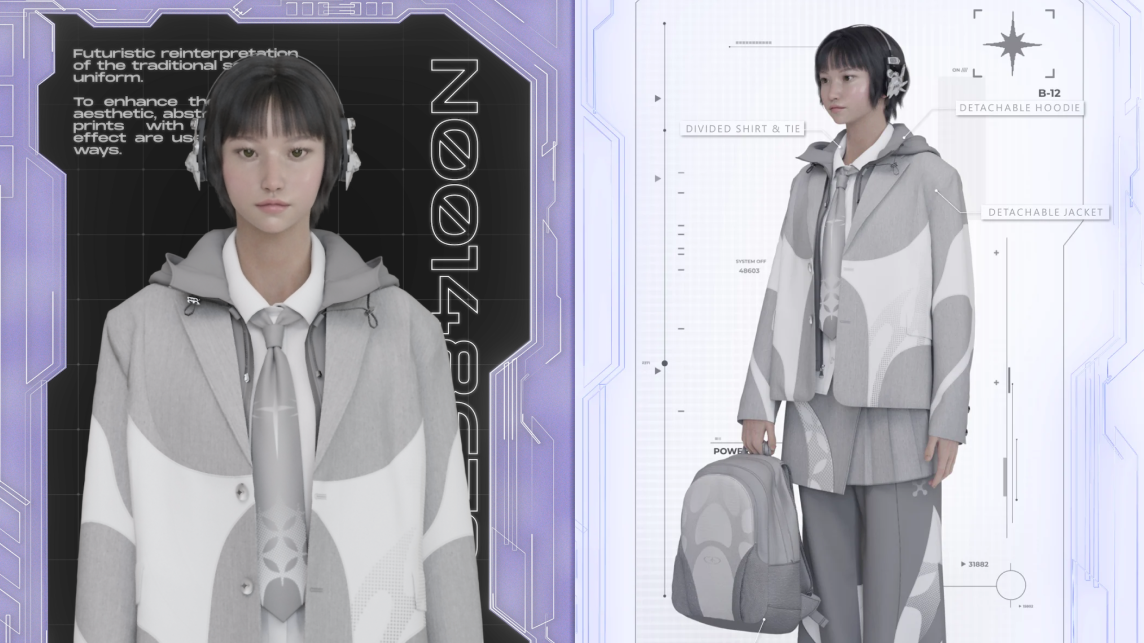
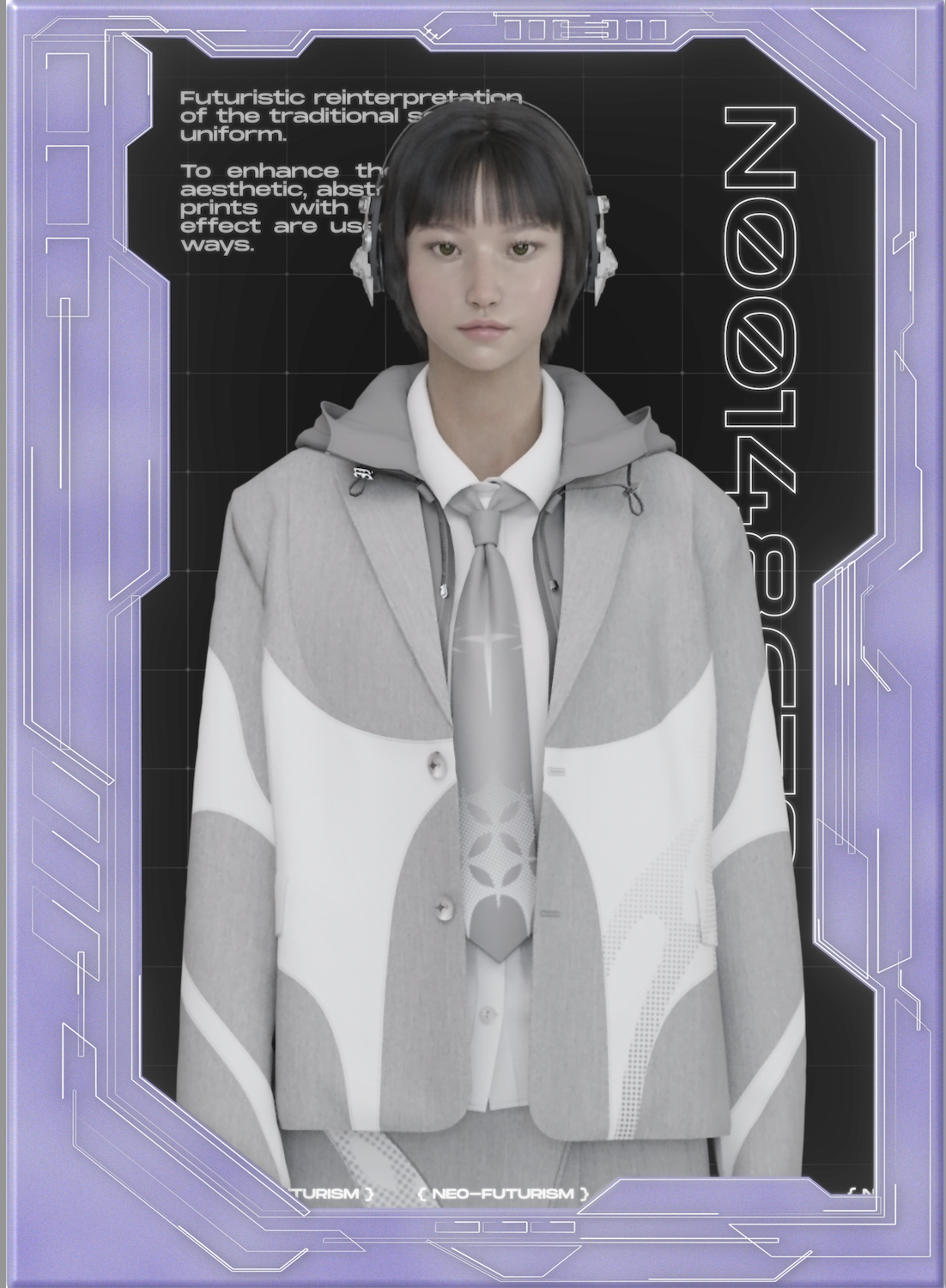
The theme of this competition, uniforms, includes various occupations and allows for multiple styles. When I think of Japanese uniform styles, the first thing that comes to mind is 'school uniforms.' They are the most familiar to me, and I thought they would allow for various ideas. The image that comes to mind when thinking of school uniforms is clear, making it easy to introduce changes centered around that image. Traditional school uniform designs focus on uniformity and unity, resulting in a neat and simple silhouette. However, this often means they lack practicality and comfort, causing inconvenience for students.
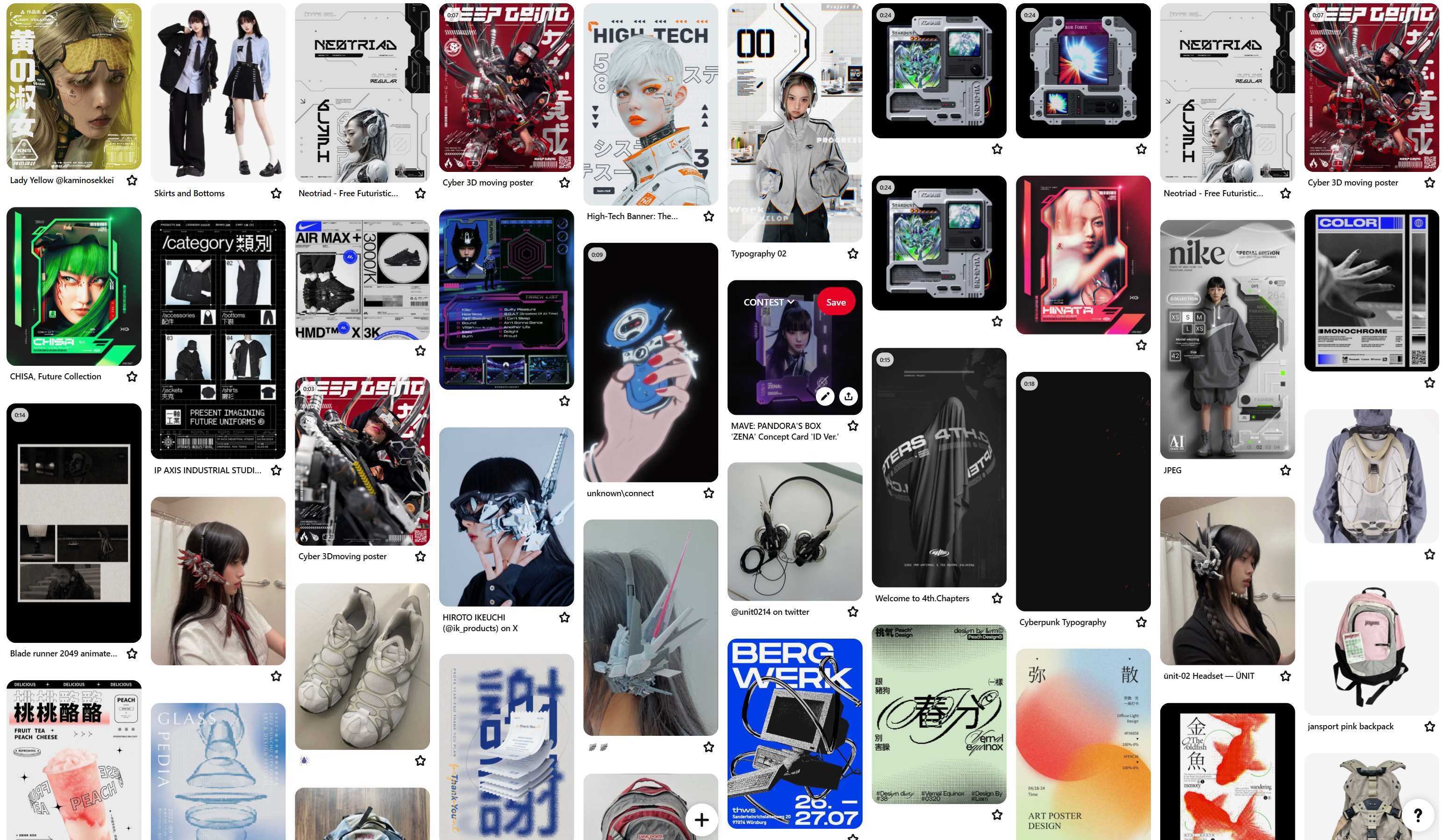
My initial idea stemmed from the fact that, unlike when I was in school, Korean students now wear comfortable, neat, and practical clothes called 'daily uniforms.' I imagined that in the near future, designs that prioritize practicality while maintaining the symbolic nature of school uniforms would become more common. I aimed to incorporate this imagination into my design. I referenced various futuristic clothing designs, trying to infuse the unique sci-fi aesthetic, colors, and shapes into my design.
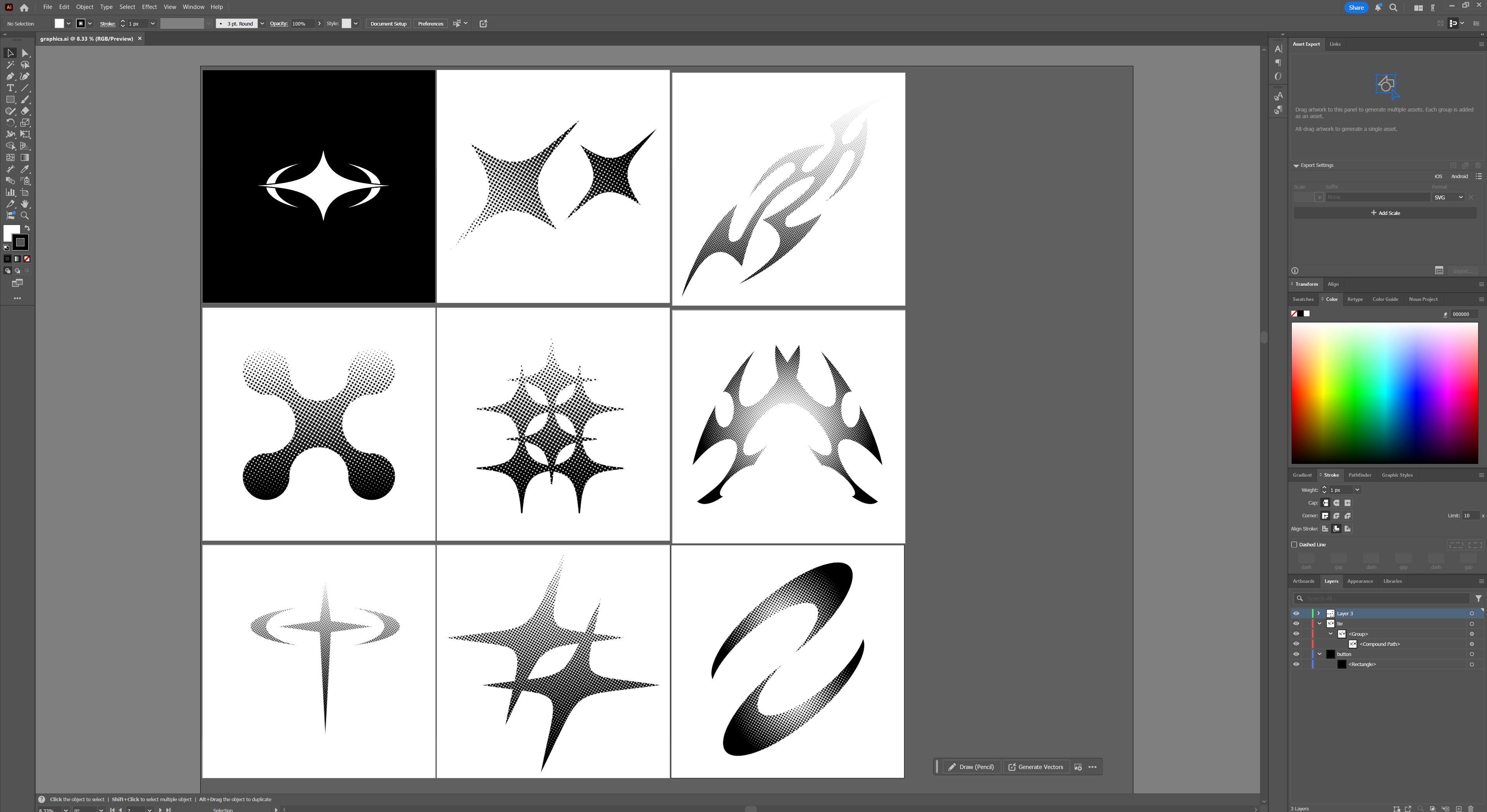
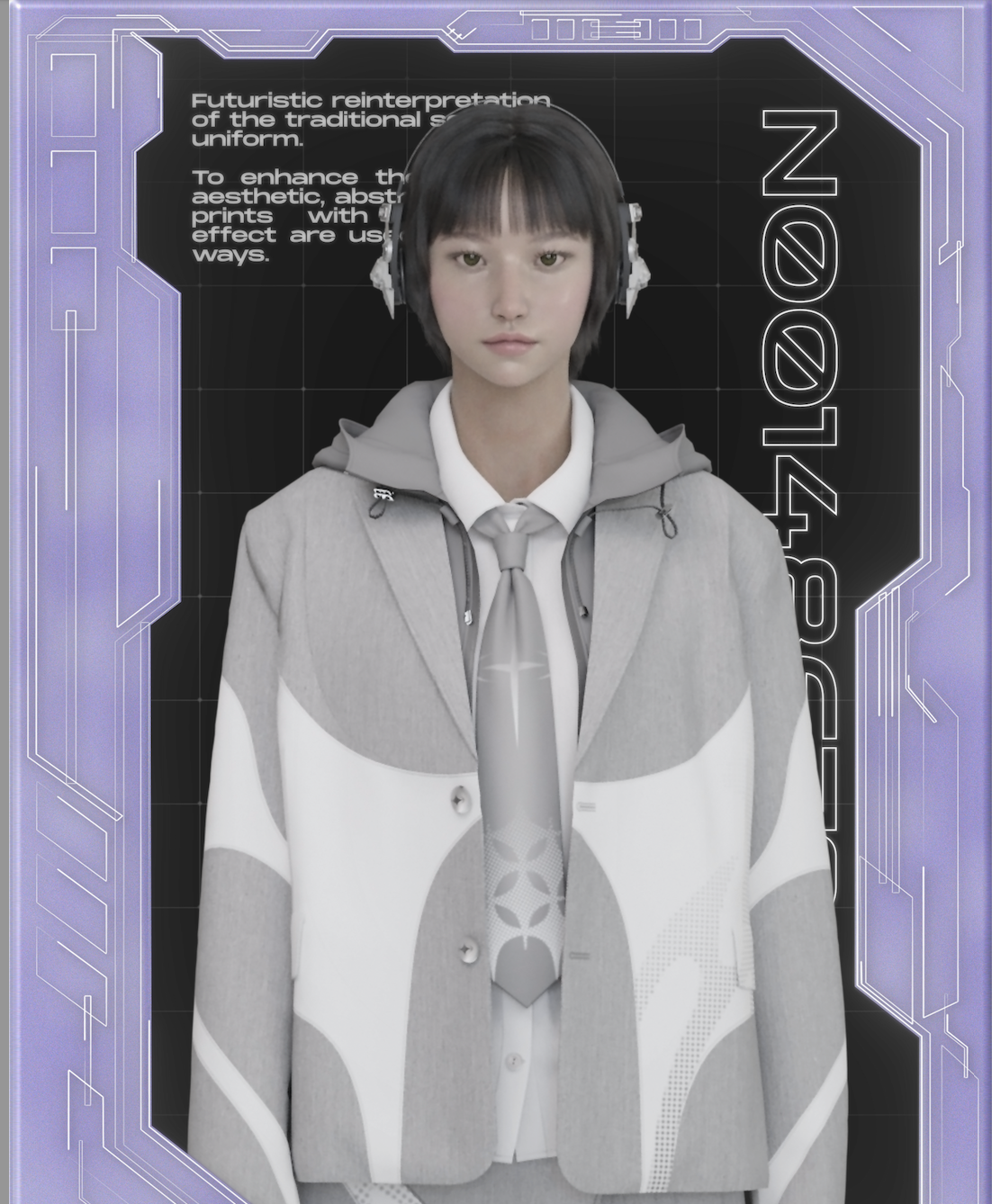
In this project, I included various graphics inspired by neo-futuristic architectural styles, converting organic and abstract curved graphics into halftones and matching them tone-on-tone to emphasize a futuristic feel. From a garment structure perspective, the jacket features a detachable hood liner, allowing it to be combined with a windbreaker for easy switching during outdoor activities, creating a two-way structure. The skirt pants, composed of two layers, were an attempt to make traditional school uniform designs trendy and practical. They can be worn as a skirt alone, as a skirt and pants together, or just as pants for outdoor activities, creating a three-way design.
The most important aspect I considered during this process was creating a design that anyone would want to wear.
Could you briefly explain the various tools you use in your pipeline? I'm curious about the challenges you faced and how you overcame them.
My basic workflow is as follows: CLO or Marvelous Designer (clothes modeling) > Substance 3D Painter (texturing) > Blender (avatar & background scene) > Blender (render) > After Effects (2D graphic & video).
When creating images or videos that include custom avatars and backgrounds, I often use external 3D tools. However, when working solely on garments, I render them in CLO. While external 3D tools are more convenient for arranging multiple objects and setting up cameras and lighting, I believe no tool can match CLO for realistically rendering garments. For the same reason, when rendering only garments, there is no need to texture them in Substance 3D Painter; the internal texturing system of CLO is sufficient.
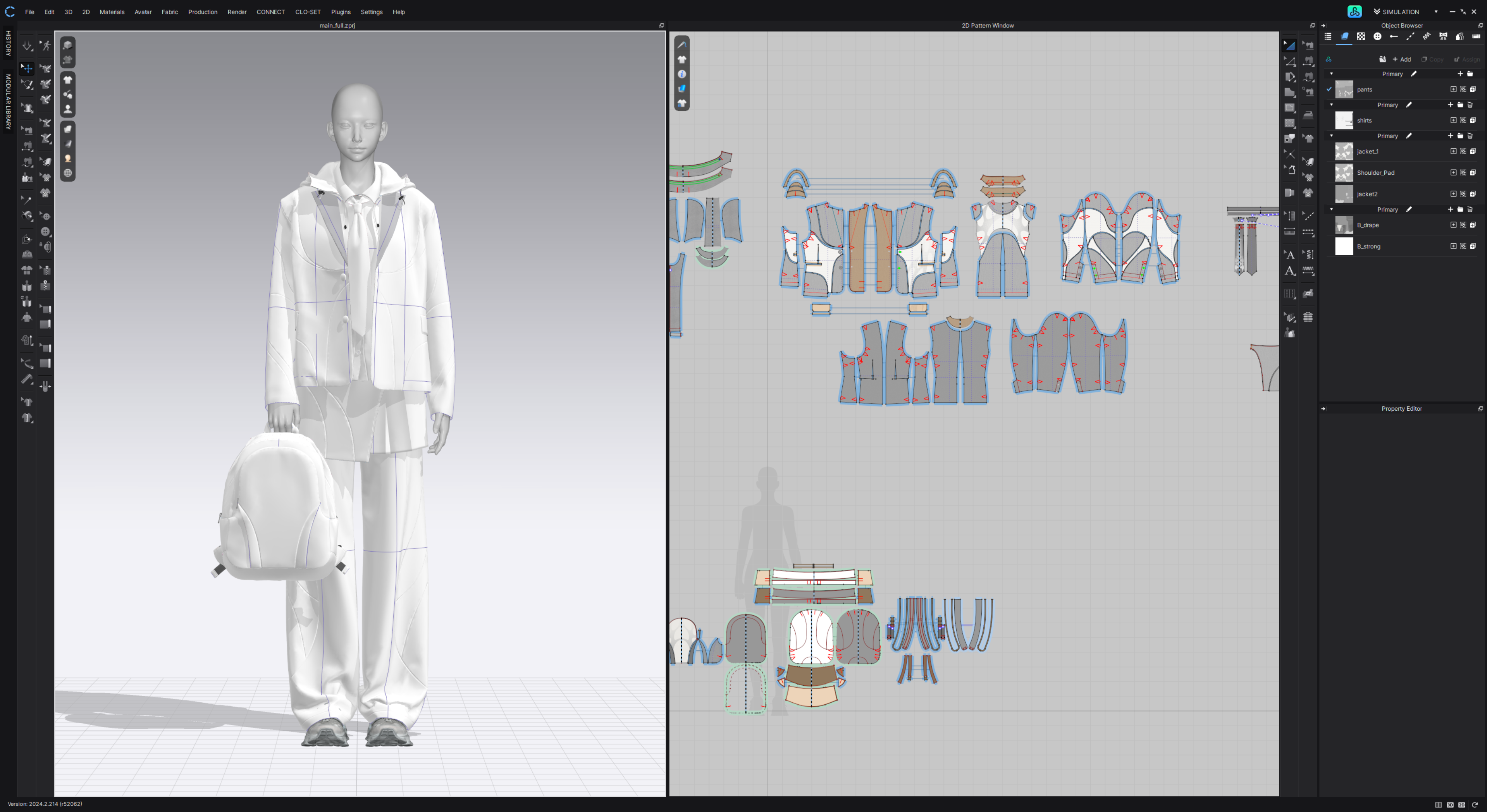
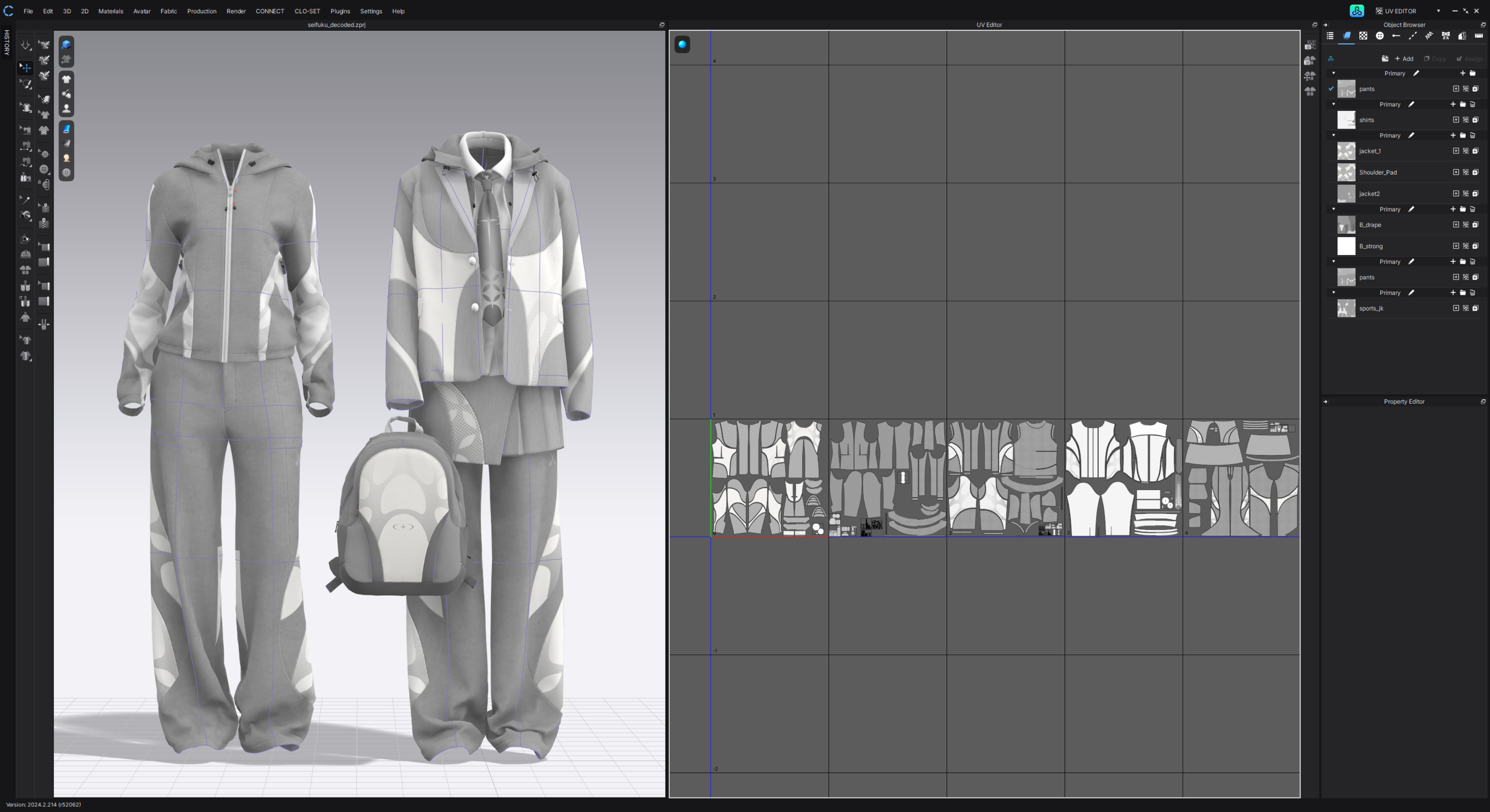
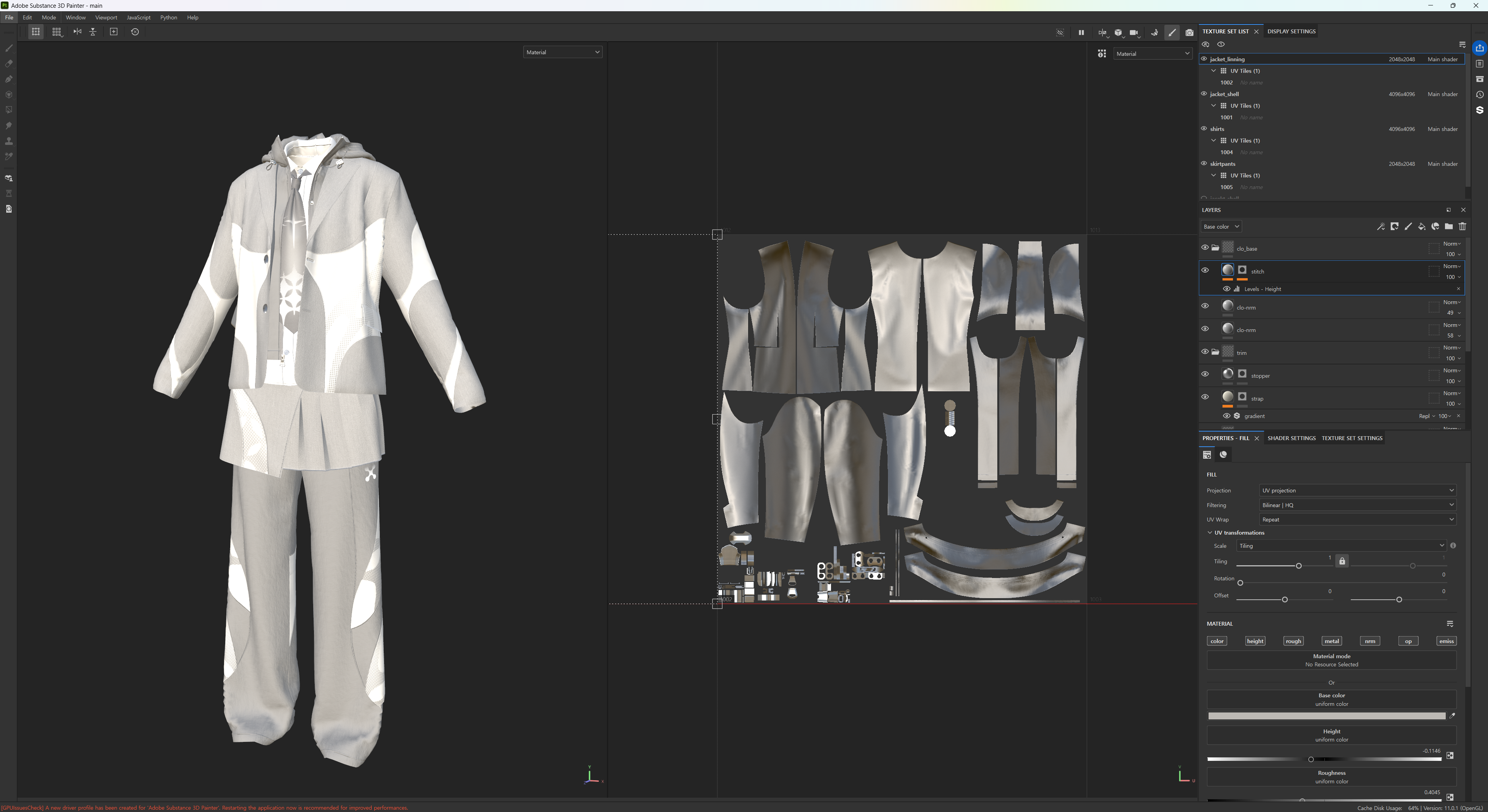
Due to the nature of sewing and simulating 2D patterns, UV unwrapping is unnecessary, and creating UDIM tiles is easy, making it convenient to import/export to other programs. The process of creating garments in CLO and Marvelous Designer is overwhelmingly convenient and user-friendly compared to other tools, so I haven't faced significant difficulties. Recently, I have felt the benefits of the updated GPU simulation and trim simulation features.
The GPU simulation in Marvelous Designer and CLO is much faster than the previous simulation, which greatly helped speed up the process of layering multiple garments in this project. The skirt belt and hood string have trims attached, and with trim simulation, they can be accurately placed and remain attached like real trims even after multiple simulations, saving the effort of repositioning trims after each simulation.
Do you have any tips and tricks to share with the community regarding Marvelous Designer?
A question I often receive regarding my work is how I learned Marvelous Designer. I self-taught using tutorials created by their official YouTube channel, and I believe these tutorials are more useful than any other courses. While there are many courses showcasing stylish artworks, I think learning the basics properly is the most important. When learning something new, it can be tedious and frustrating when your skills don't improve quickly, but I believe that repeatedly practicing the basic tutorials until you fully understand them is better than taking shortcuts by learning someone else's style. Eventually, you'll be able to create various styles you want.
For those who want to create garments with Marvelous Designer but don't know how to start, using the various free and paid assets available on CLO-SET CONNECT can be helpful. Initially, you can start by adding and removing details from these patterns, gradually learning the structure of garments and creating your own designs. Even now, when I see a garment that I can't immediately visualize as a 2D pattern, I download the file to study its structure and texture direction, comparing which parts differ from my style. I believe this kind of study helps a lot in building your own style and improving quality.
이 작업은 CLO, CONNECT, Contest, Retopology, Rendering, Texture 등의 기술로 제작되었습니다.
Marvelous Designer로 이와 같은 3D 의상·캐릭터 작업을 직접 만들어볼 수 있습니다.