Meet the Winner: Creator's contest 2025 Vol.1 - Seifuku Decoded (2nd place, KSK)
Hasn't the community been eagerly waiting for this interview? Check out the story and workflow of KSK (Keisuke Higashide), another winner of the recent Marvelous Designer Creator's Content Vol1!
Artist Introduction: please tell us about yourself.
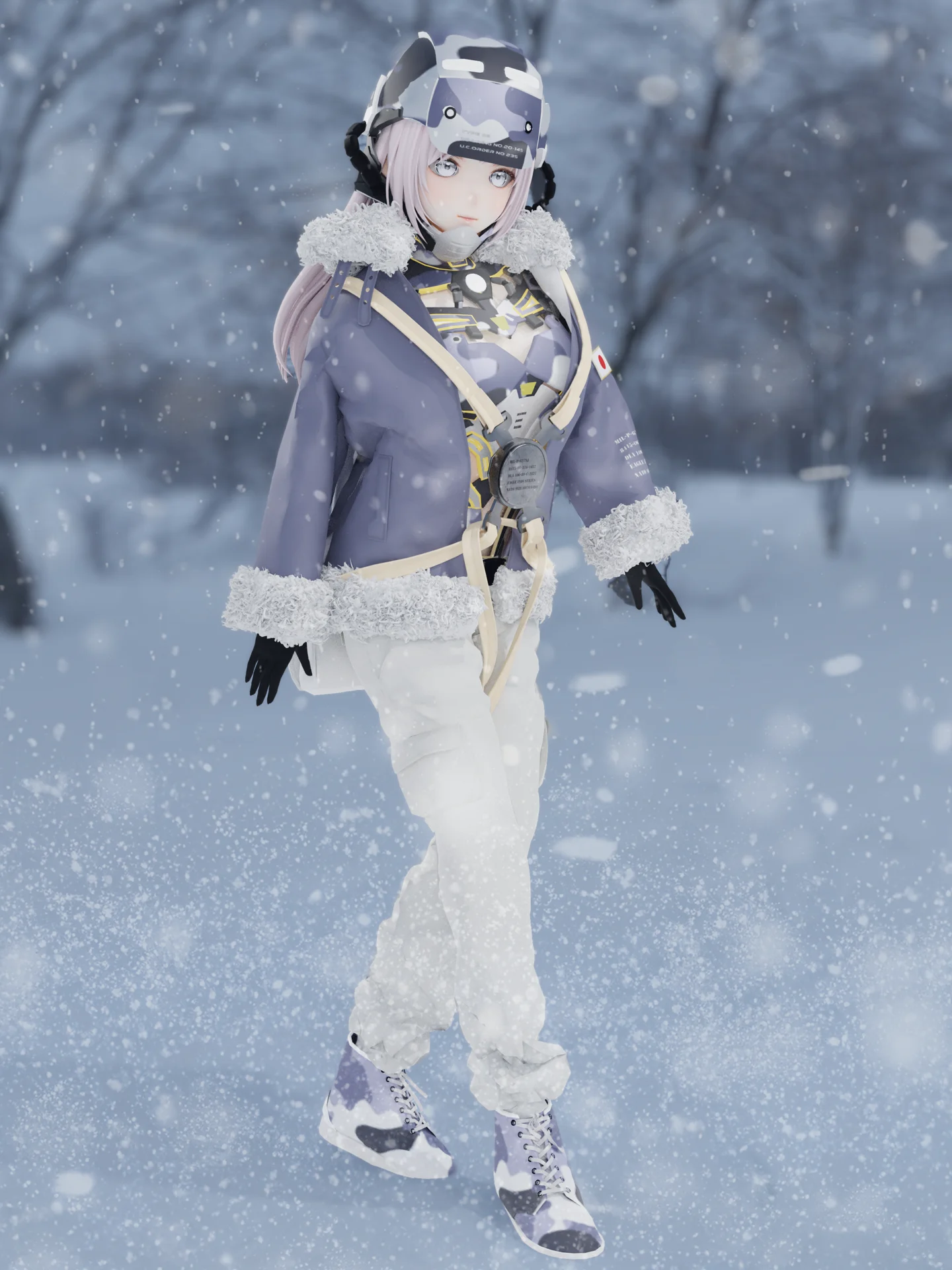
Hello, I am Keisuke Higashide, I am a teacher at a design vocational school in Sapporo, Hokkaido, Japan (Sapporo Designer Academy). I mainly teach fashion courses and costume design courses in the 3DCG field. This time, I applied because I was interested in the theme of reconstructing Japanese uniforms. In the current trend of uniformity in ready-made clothing, I believe that by merging existing designs with futuristic designs, we can discover new possibilities for design.
We’d like to hear more about the art direction in your Creator’s contest 2025 Vol.1 Seifuku Decoded Contest. What was the visual style you were aiming for?
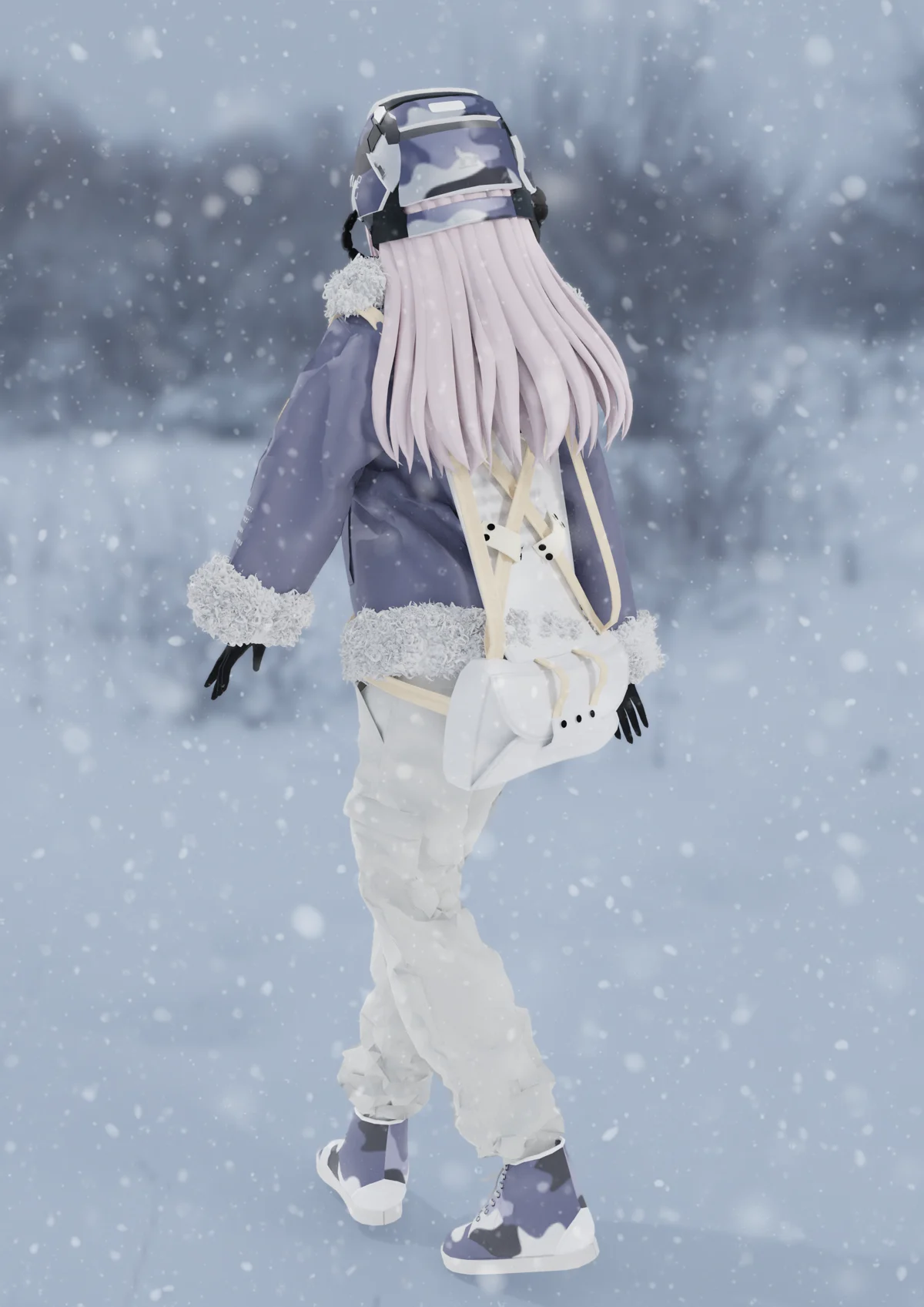
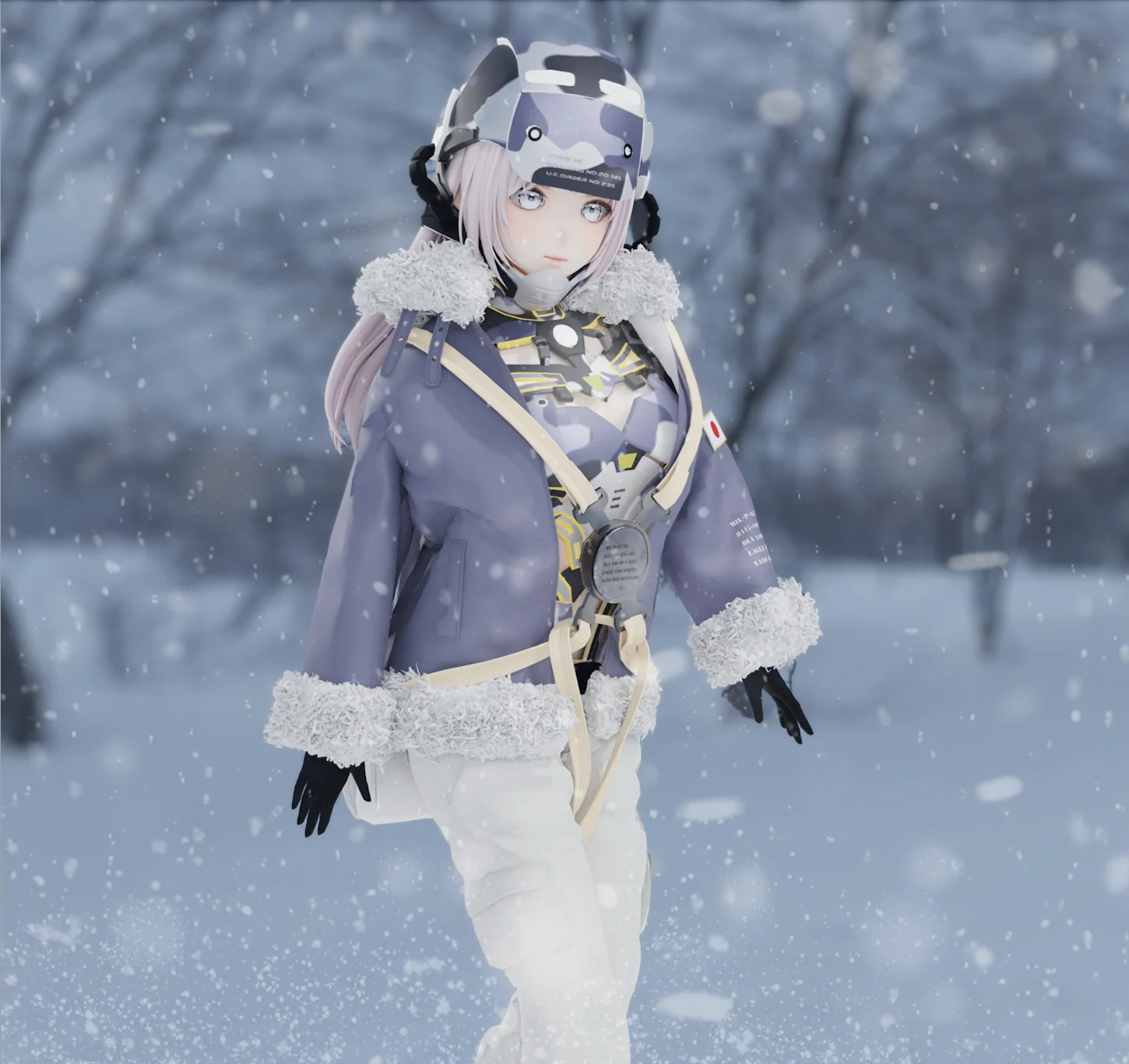
Since the theme was "Uniform Evolution," I focused on creating visuals that blend futuristic designs with archival elements, while preserving the essence of Japan. The concept is a world where traditional streetscapes, as depicted in Japanese animation, merge seamlessly with technology. Inspired by the uniforms of the Self-Defense Forces, I incorporated mechanical innerwear with old Japanese military harnesses and B-3 jackets, intentionally integrating historical designs. Being based in Hokkaido, I also paid attention to color schemes that blend into snowy environments.
Would you be able to give us a quick overview of the different tools you use in your pipeline with a focus on Marvelous Designer? Have you encountered any challenges and how have you overcome them?
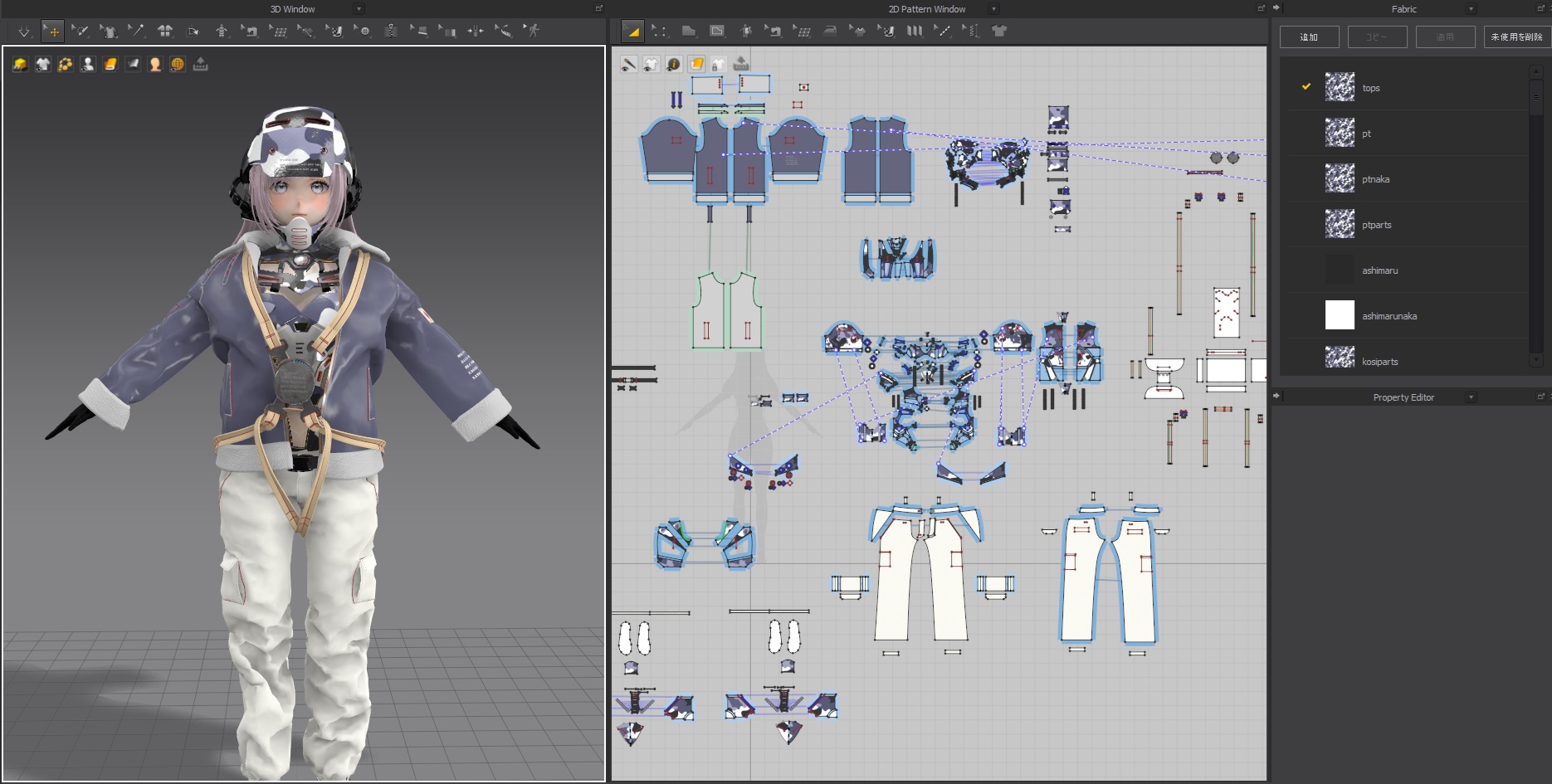
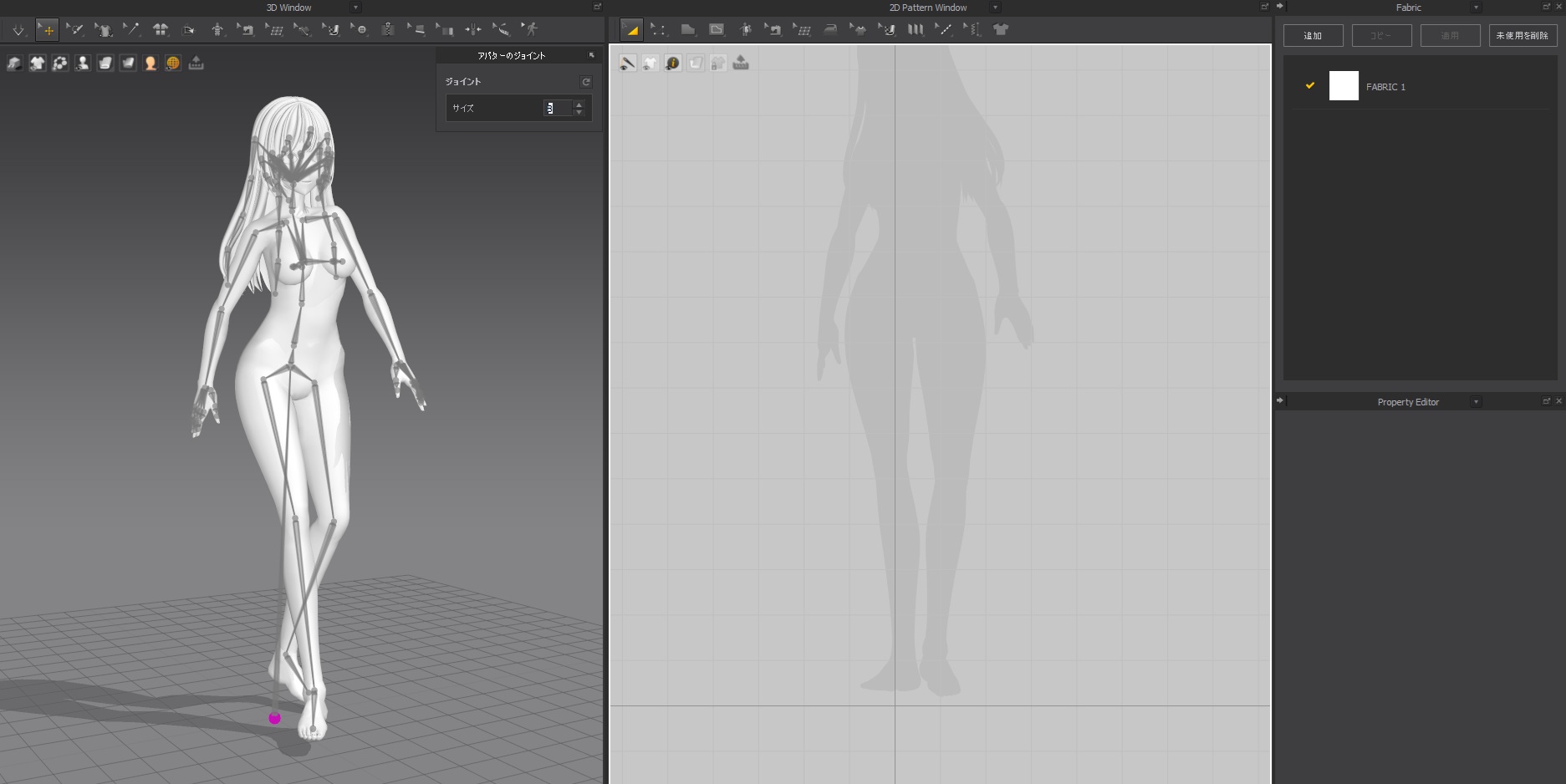
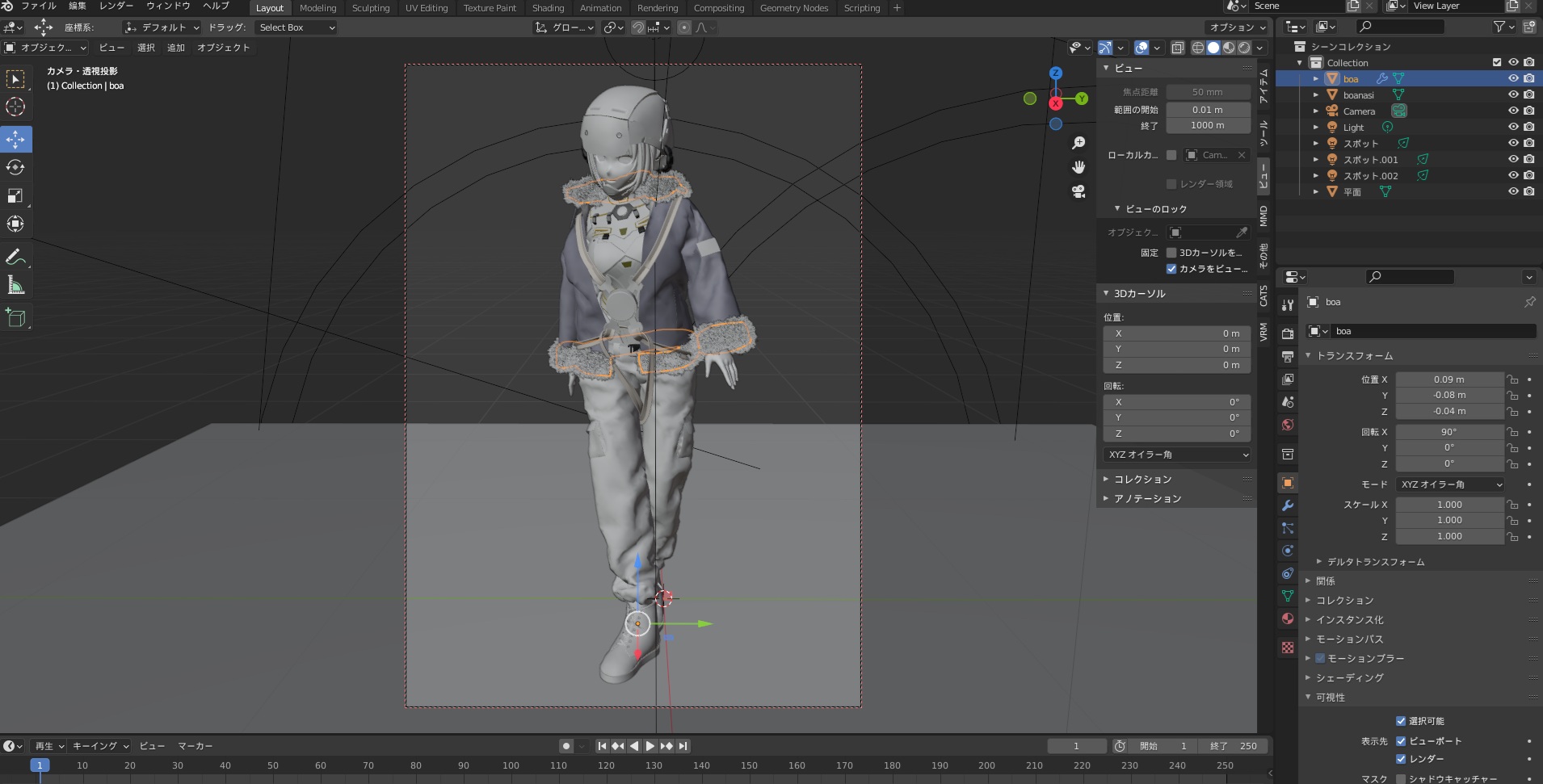
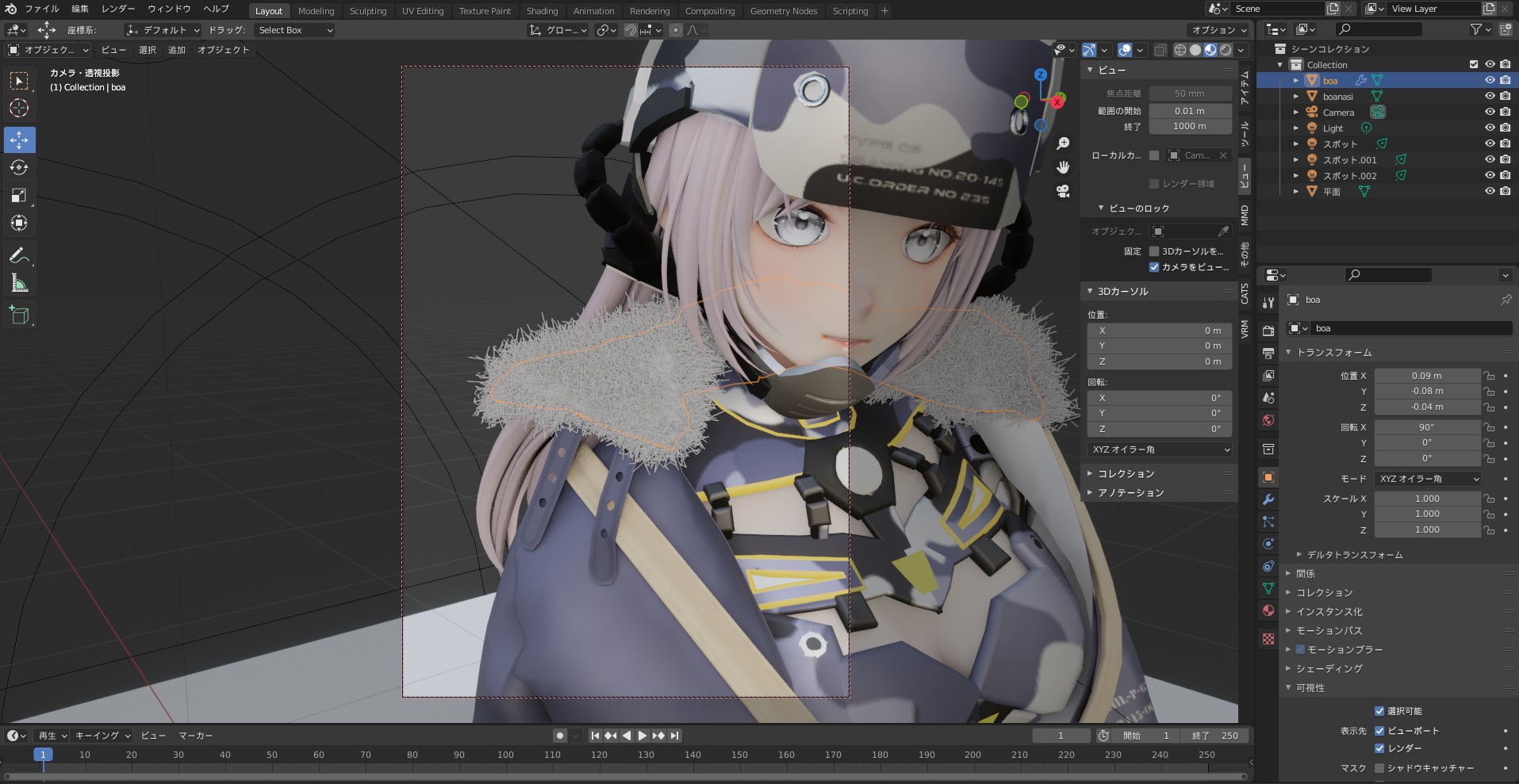
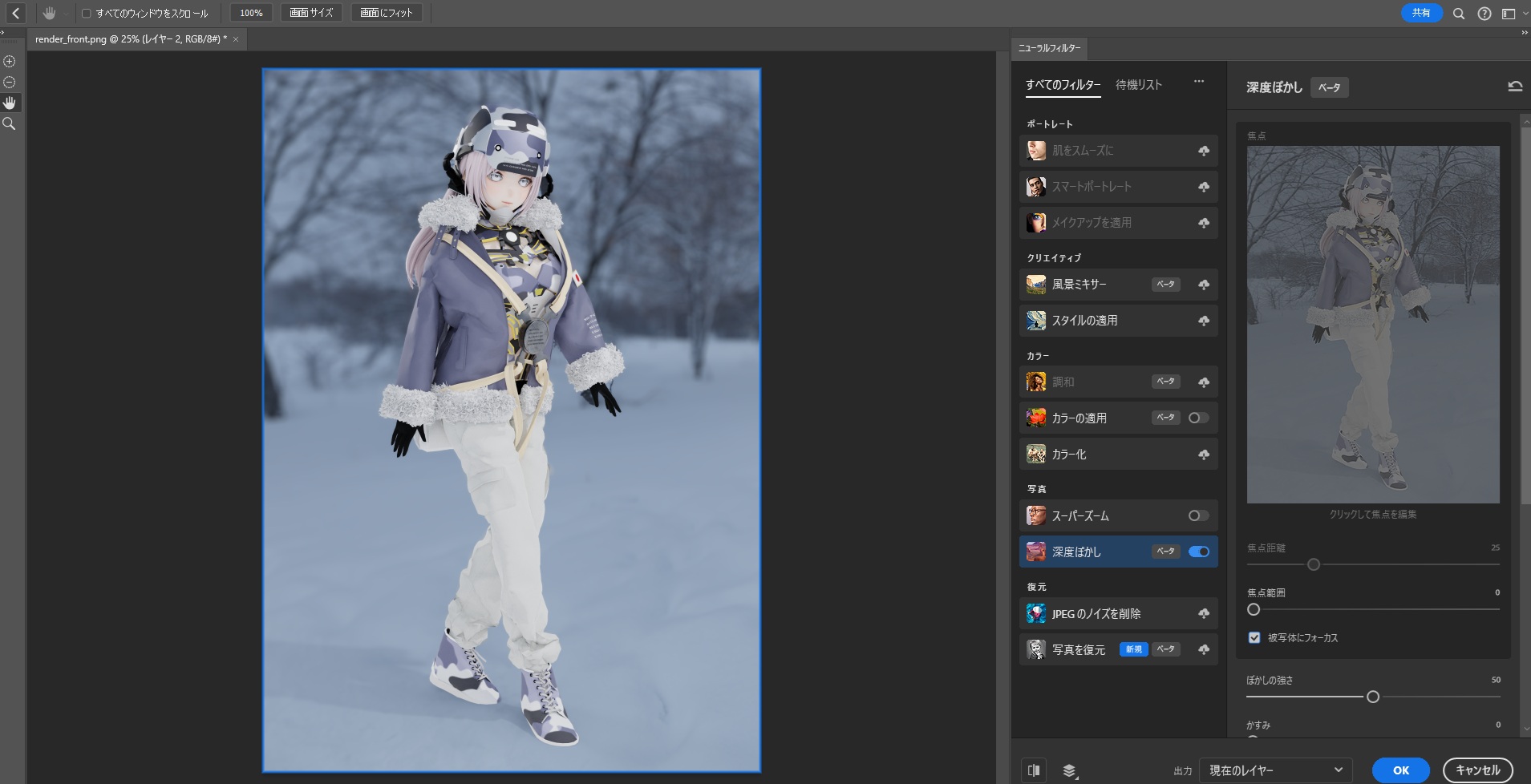
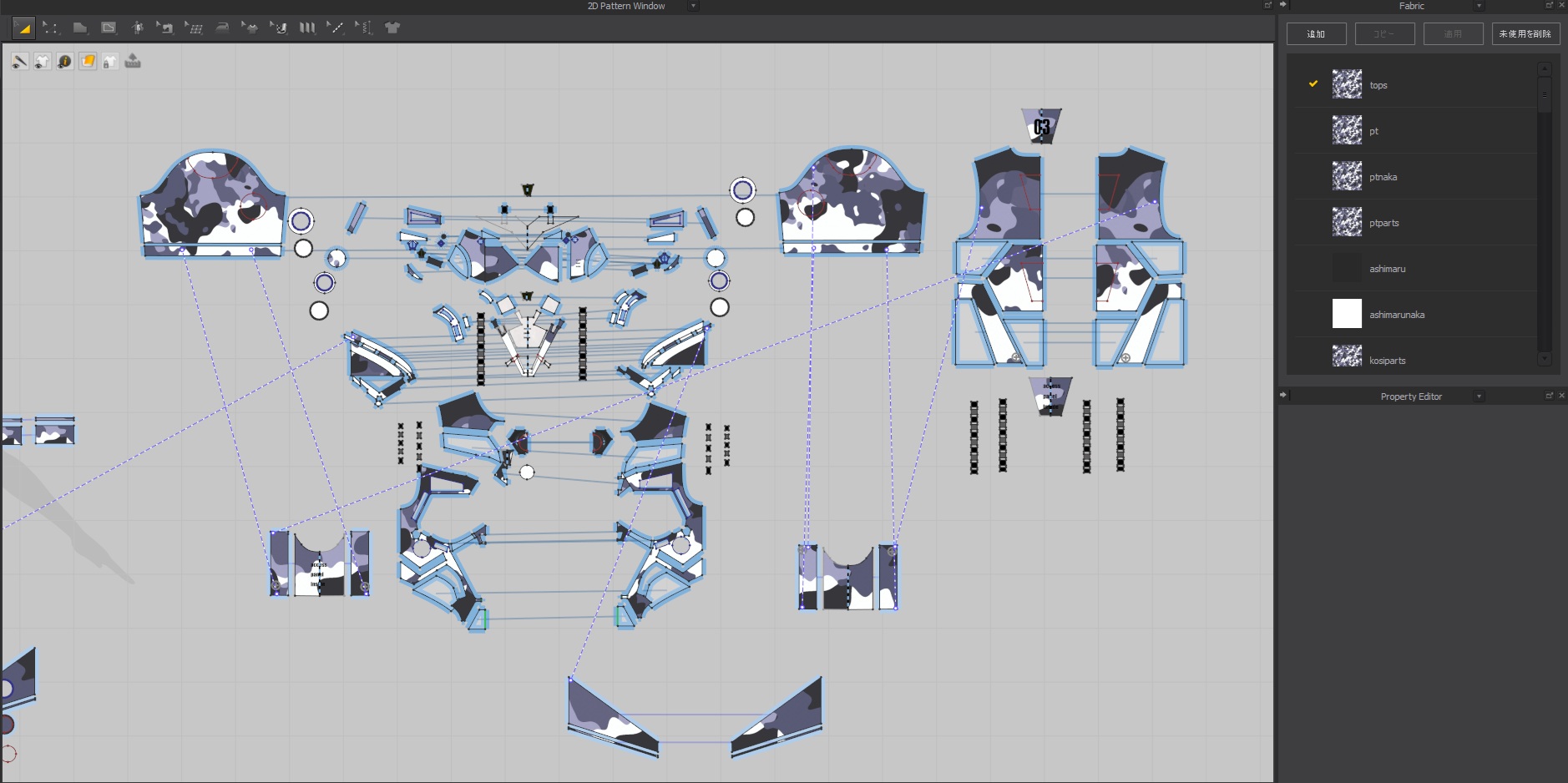
The avatar was created in Vroid Studio and converted to FBX in Unity. After completing the design in Marvelous Designer, poses were added in Mixamo, exported as OBJ, and fur details were expressed in Blender for rendering. The rendered image was then edited in Photoshop to blur the background and add snow effects.
Are there any tips and tricks with Marvelous Designer that you can share with the community?
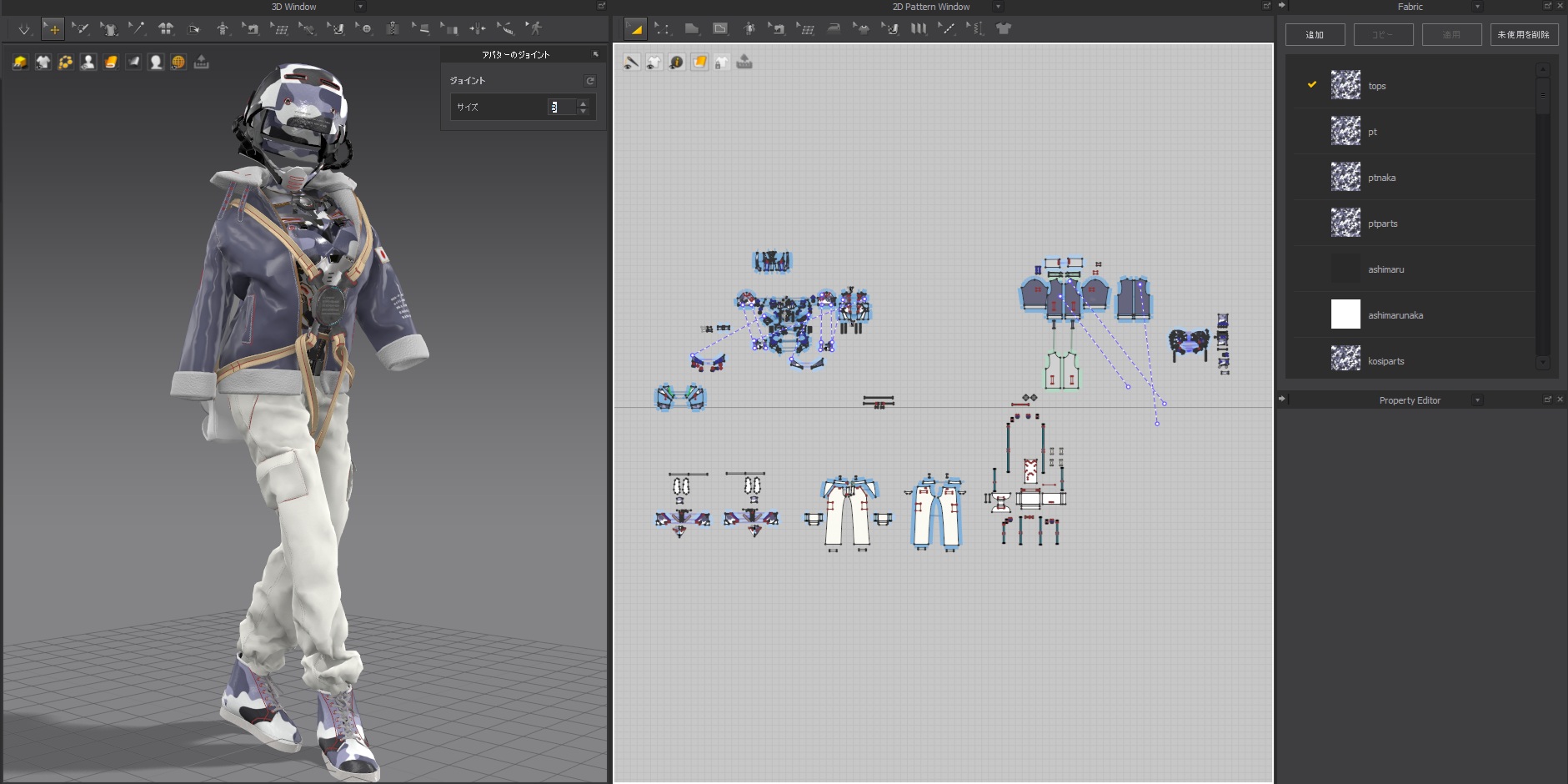
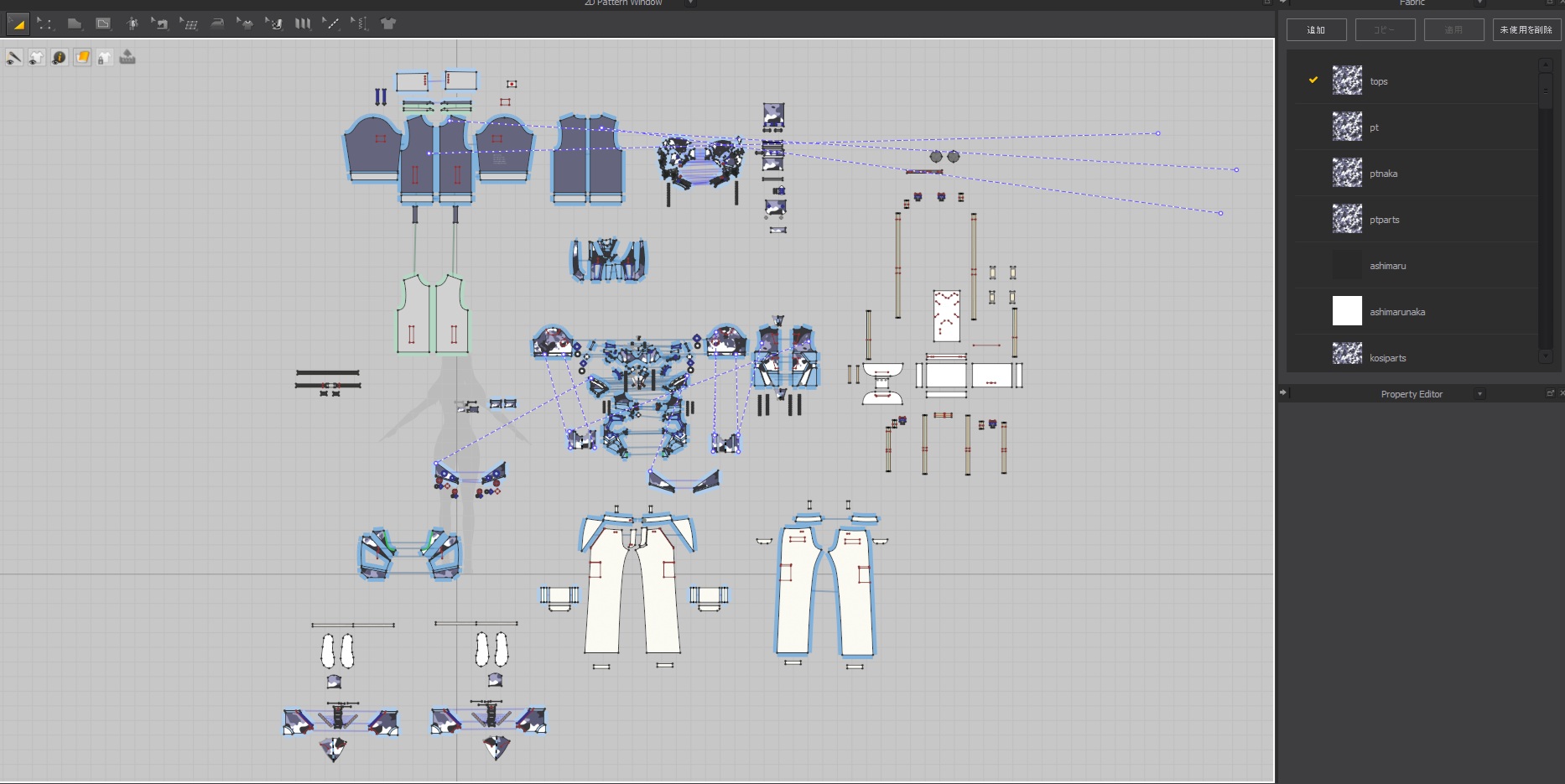
Even without knowing the basic pattern prototypes, you can achieve a lot of expressions by modifying default T-shirts and pants. Additionally, depending on the physical properties of the fabric, textures, and materials, it's interesting to see that you can create expressions similar to hard surfaces.
이 작업은 CONNECT, Contest, Characterart, mdcc2025vol1, marvelousdesignercontest 등의 기술로 제작되었습니다.
Marvelous Designer로 이와 같은 3D 의상·캐릭터 작업을 직접 만들어볼 수 있습니다.