Fabric Folds Not Realistic Enough? Who You Gonna Call?
Unnatural wrinkles are the ghosts that haunt digital garments. To bust them, 3D artist Johnny Xiao became an investigator of realism for his Ghostbusters Spengler project. His secret weapon? Not a proton pack of details, but a sharp eye for what to remove.
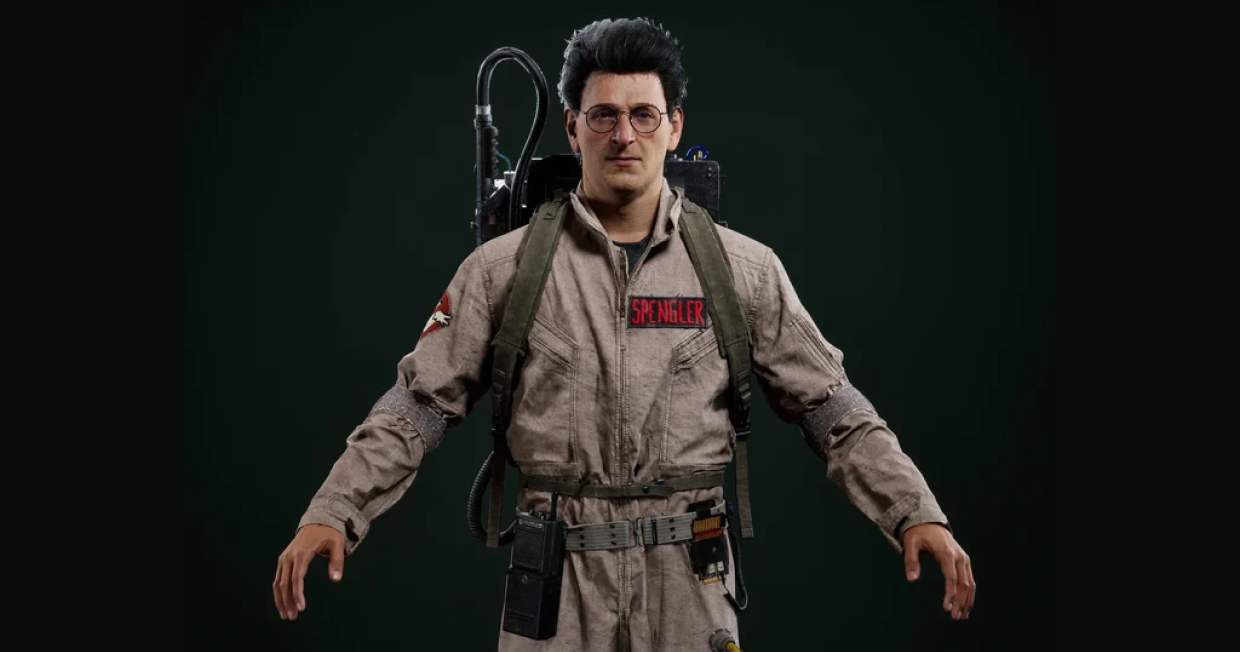
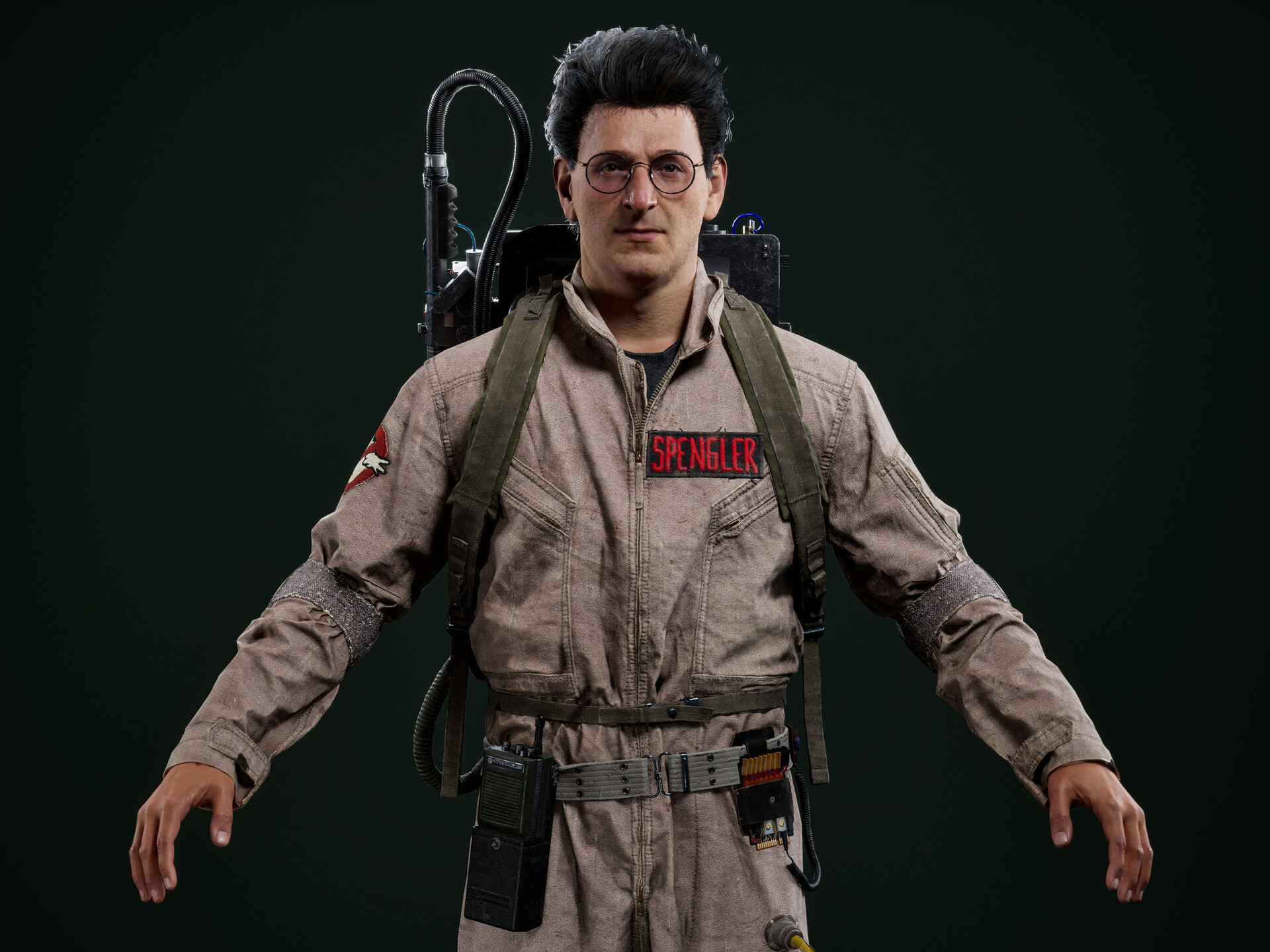 Interview with Johnny Xiao | Ghostbusters Spengler | 3D Artist
Please introduce yourself to the Marvelous Designer community.
Hello everyone. I’m Johnny Xiao, a senior 3D artist in the game and film industry.
What’s the story behind your work? Why did you decide to recreate Spengler from Ghostbusters?
I first saw Ghostbusters back in middle school, and it totally stuck with me. I was also super into movies like Starship Troopers, Back to the Future, and The Fifth Element. These movies all played a significant role in inspiring me to pursue a career in this industry.
As an experienced Marvelous Designer user, did you apply any unconventional techniques or workflows in this project to enhance the realism or efficiency of the garment creation?
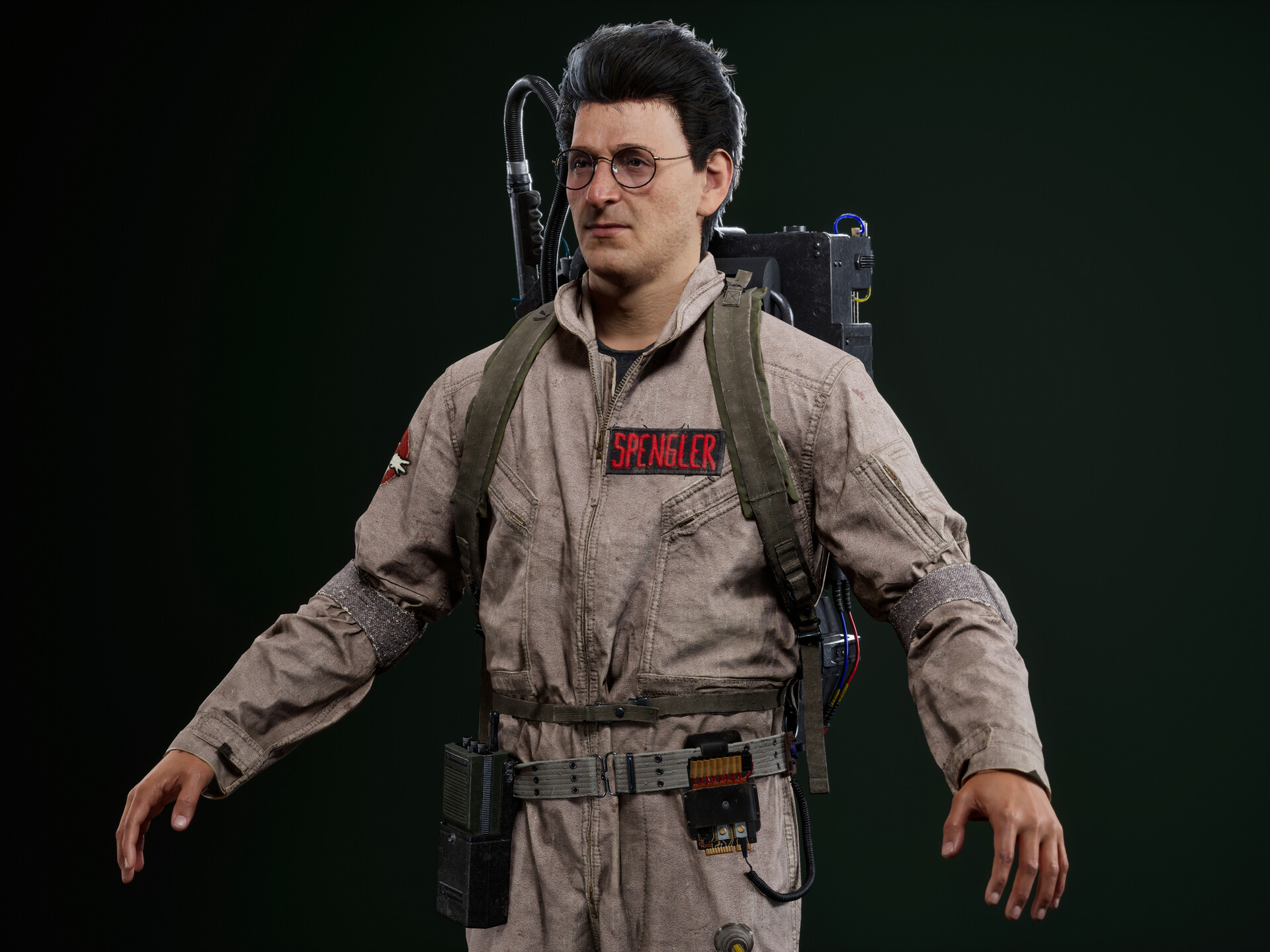
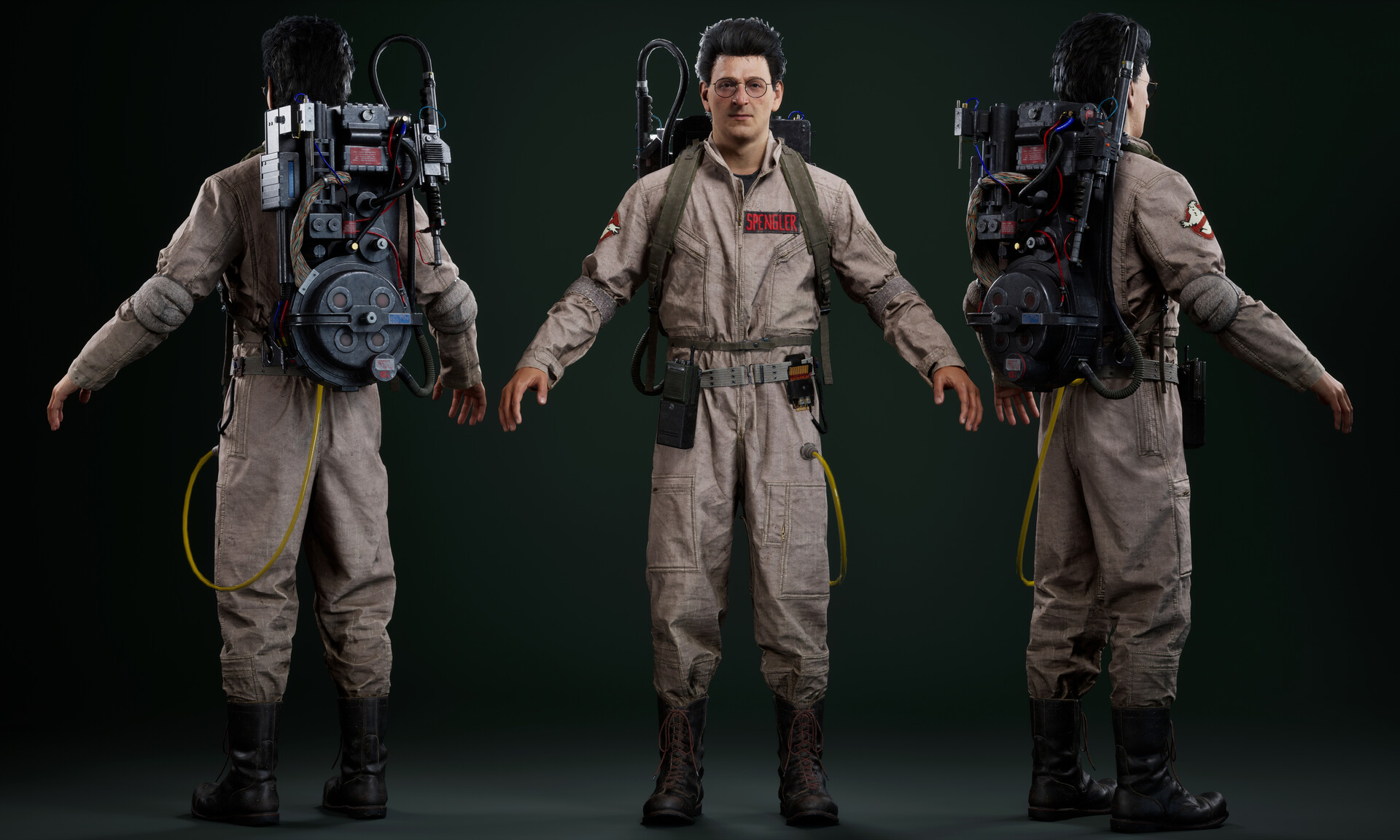
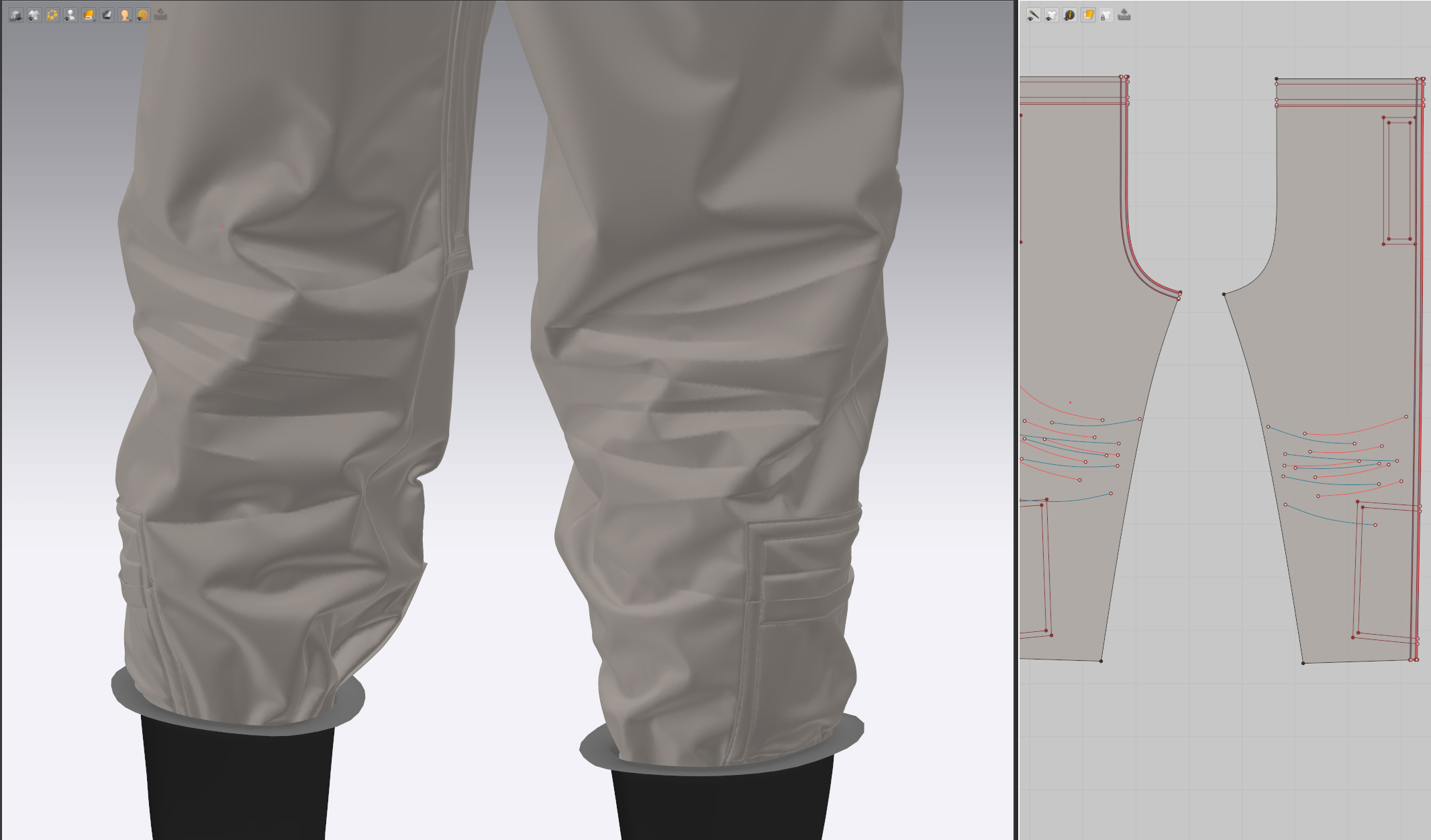
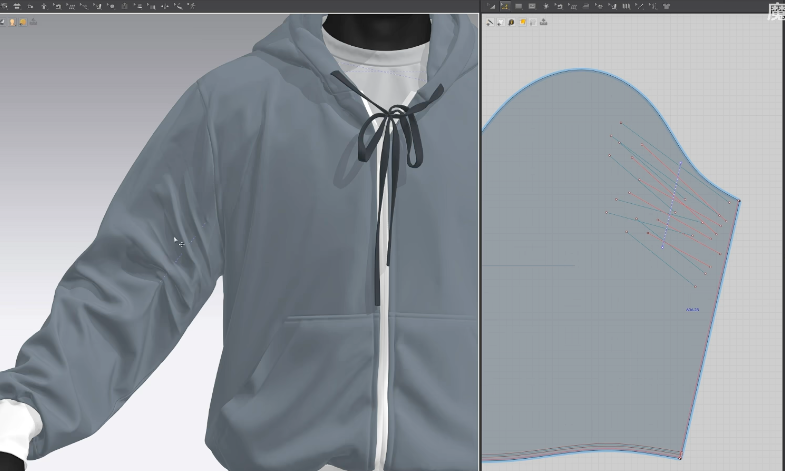
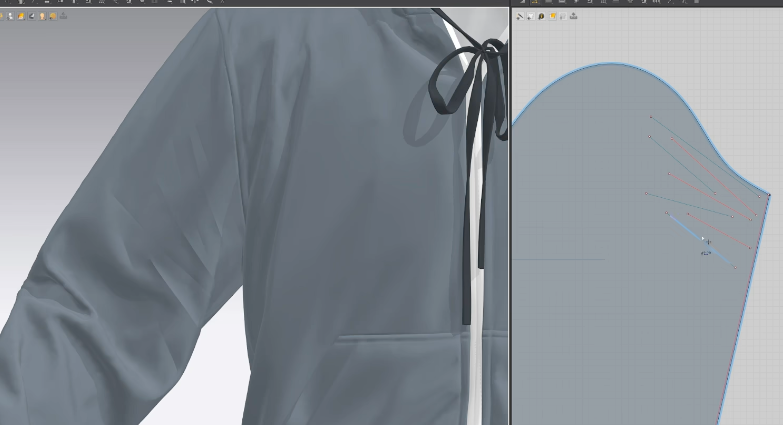
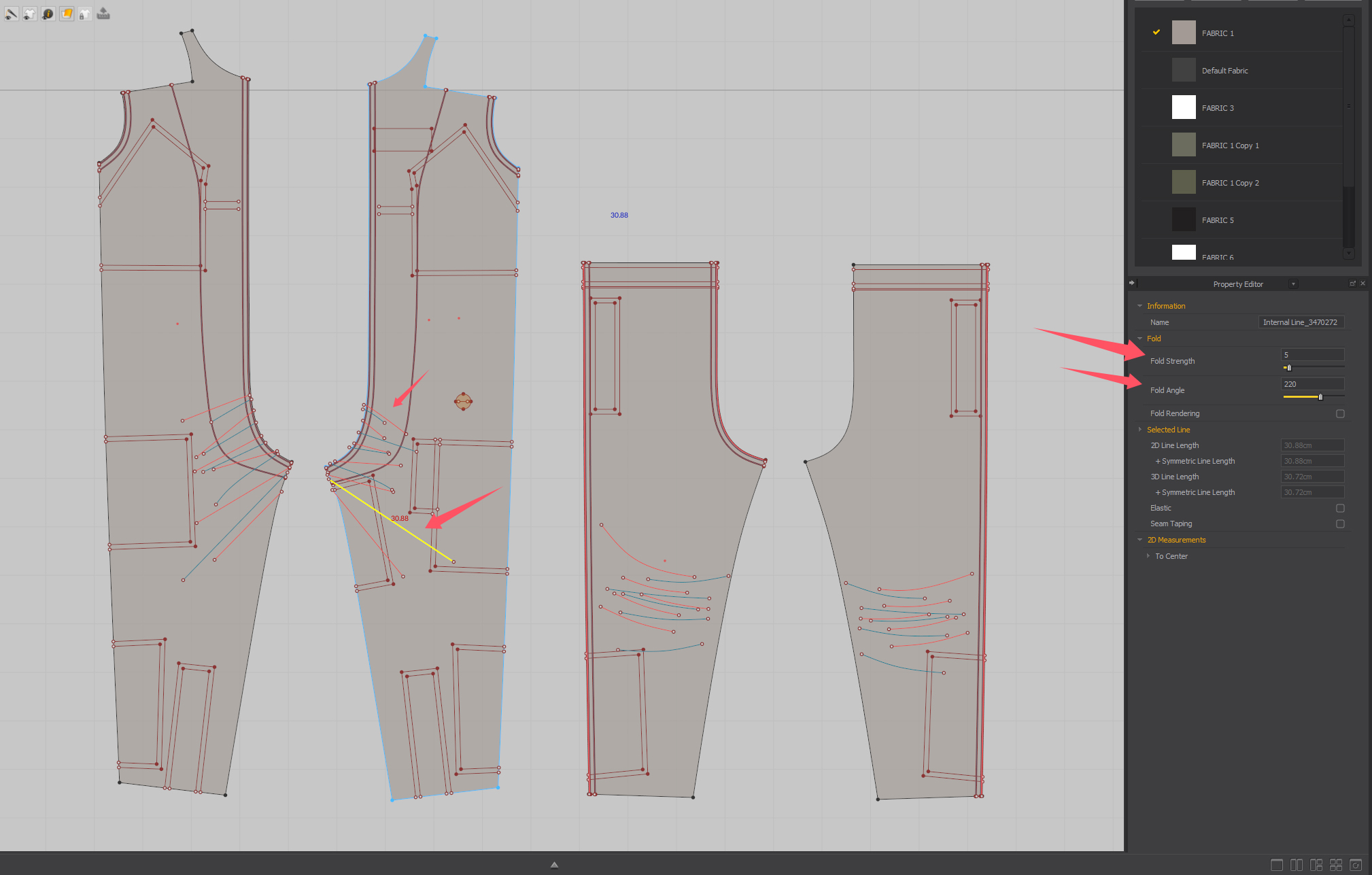
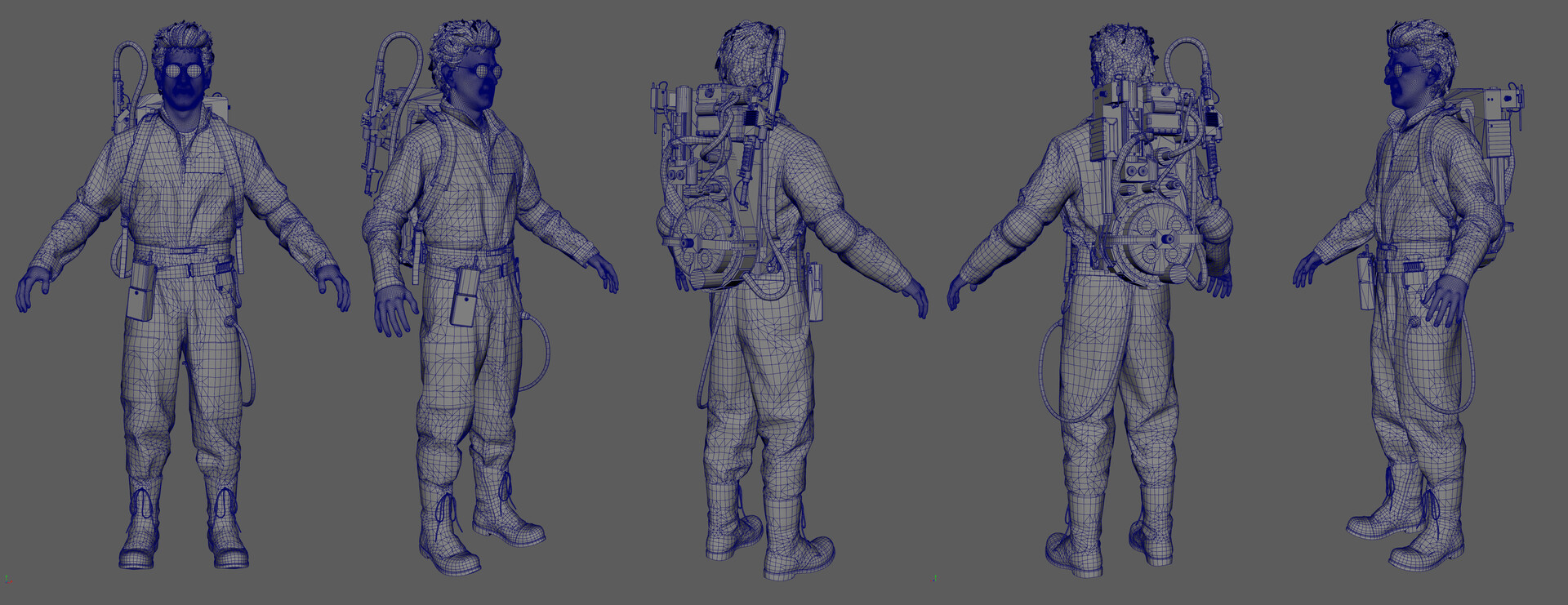
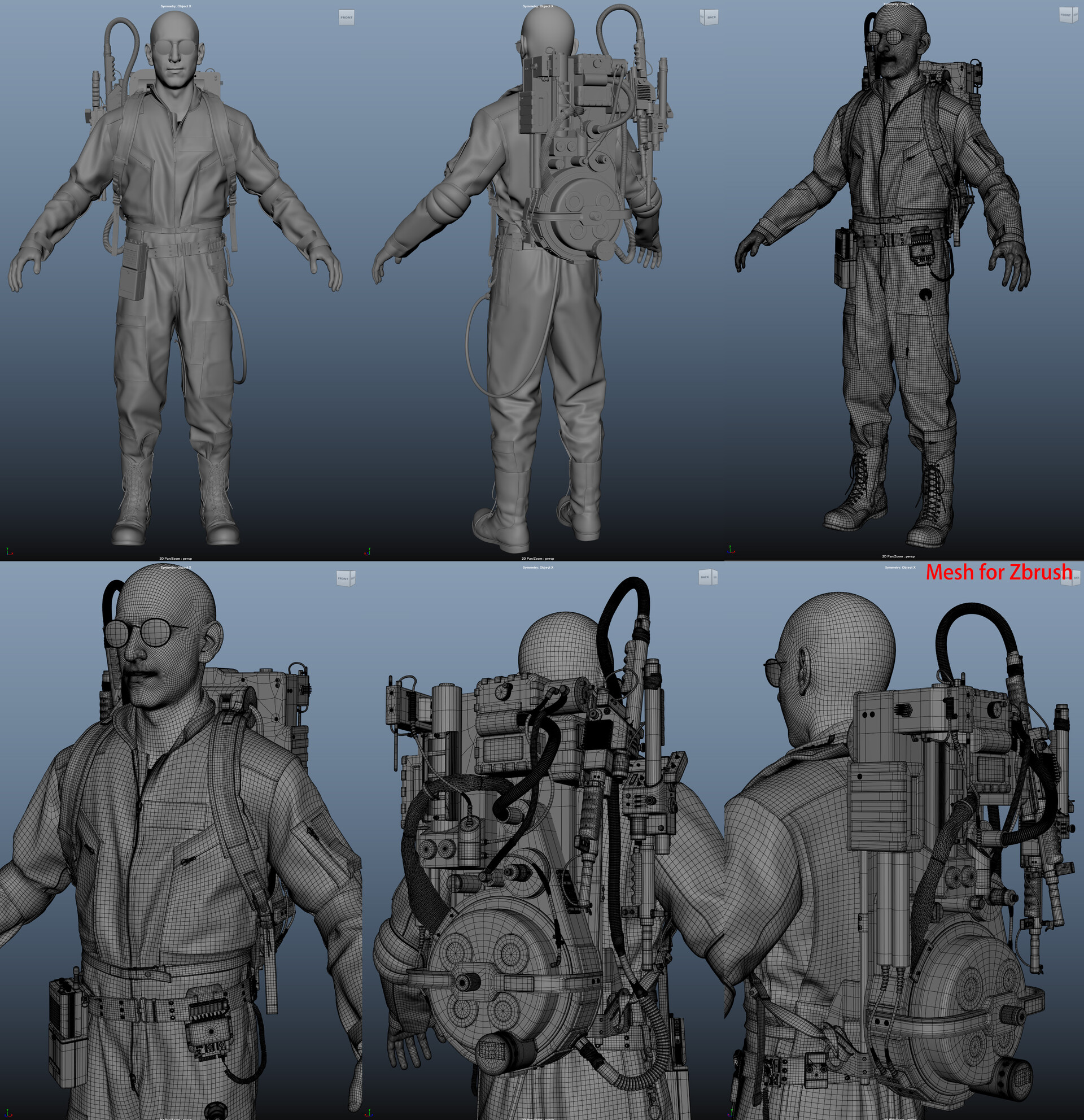
For this project, I mainly followed a traditional workflow. However, I made extensive use of internal lines to create memory creases, which significantly enhanced the realism of the clothing.
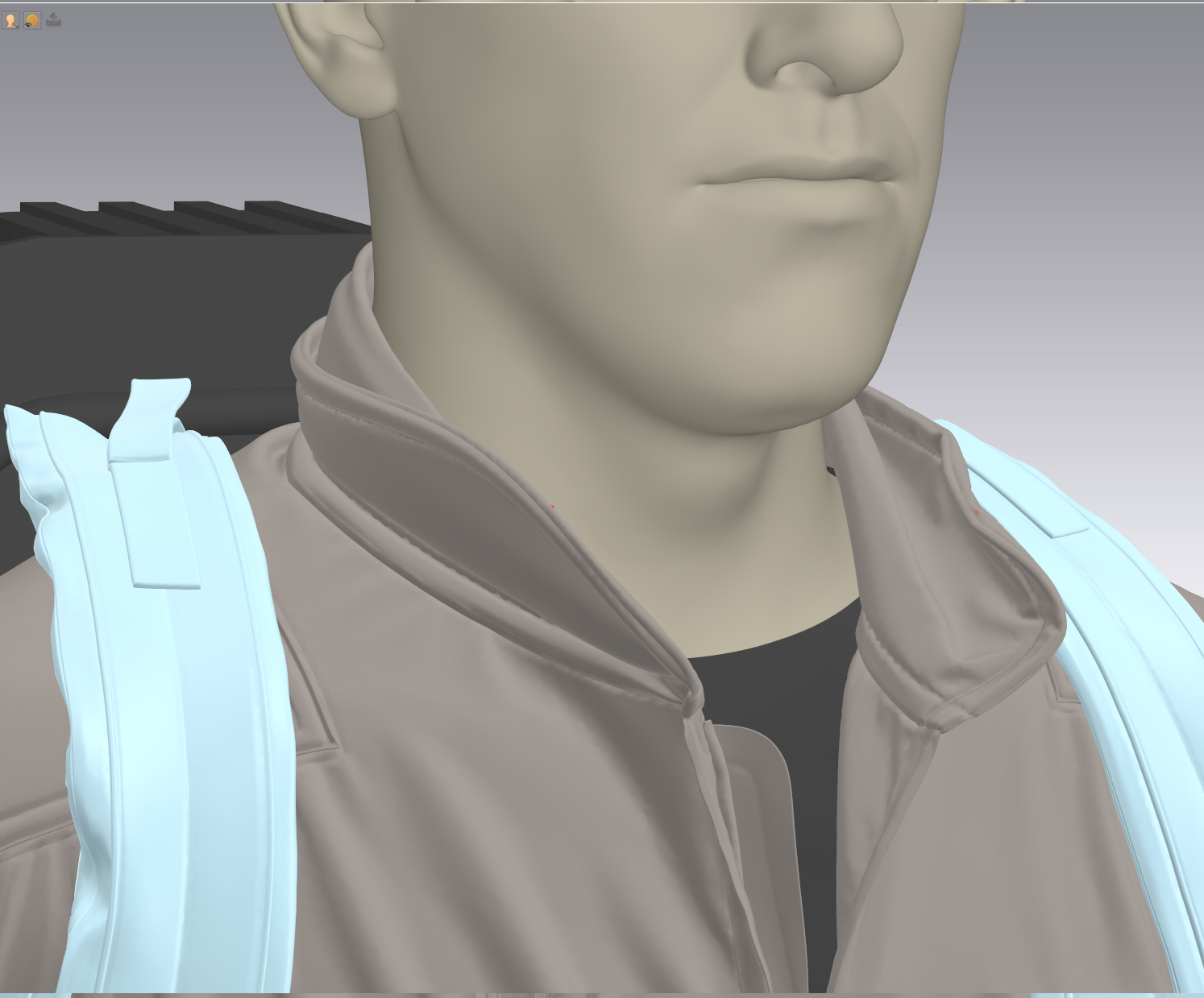
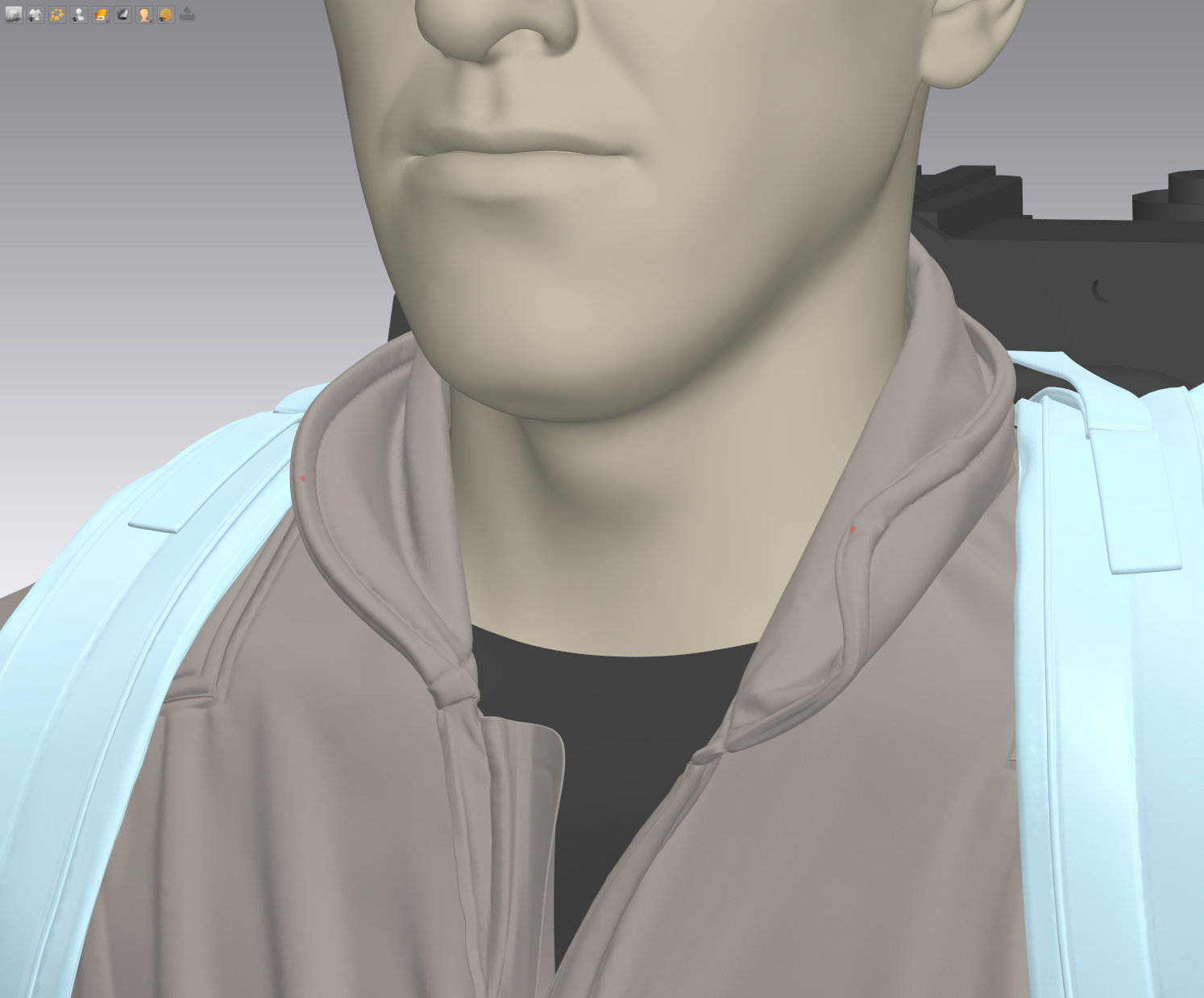
I also gathered a lot of references, especially worn garments, to study the subtle details of wrinkling and curling. For example, instead of letting the collar completely droop, I added a slight lift and tension to make it look more natural and lived-in.
What part of the process do you enjoy the most, and what do you find most challenging?
Whenever I work on a personal project, I aim to make it better than the last.
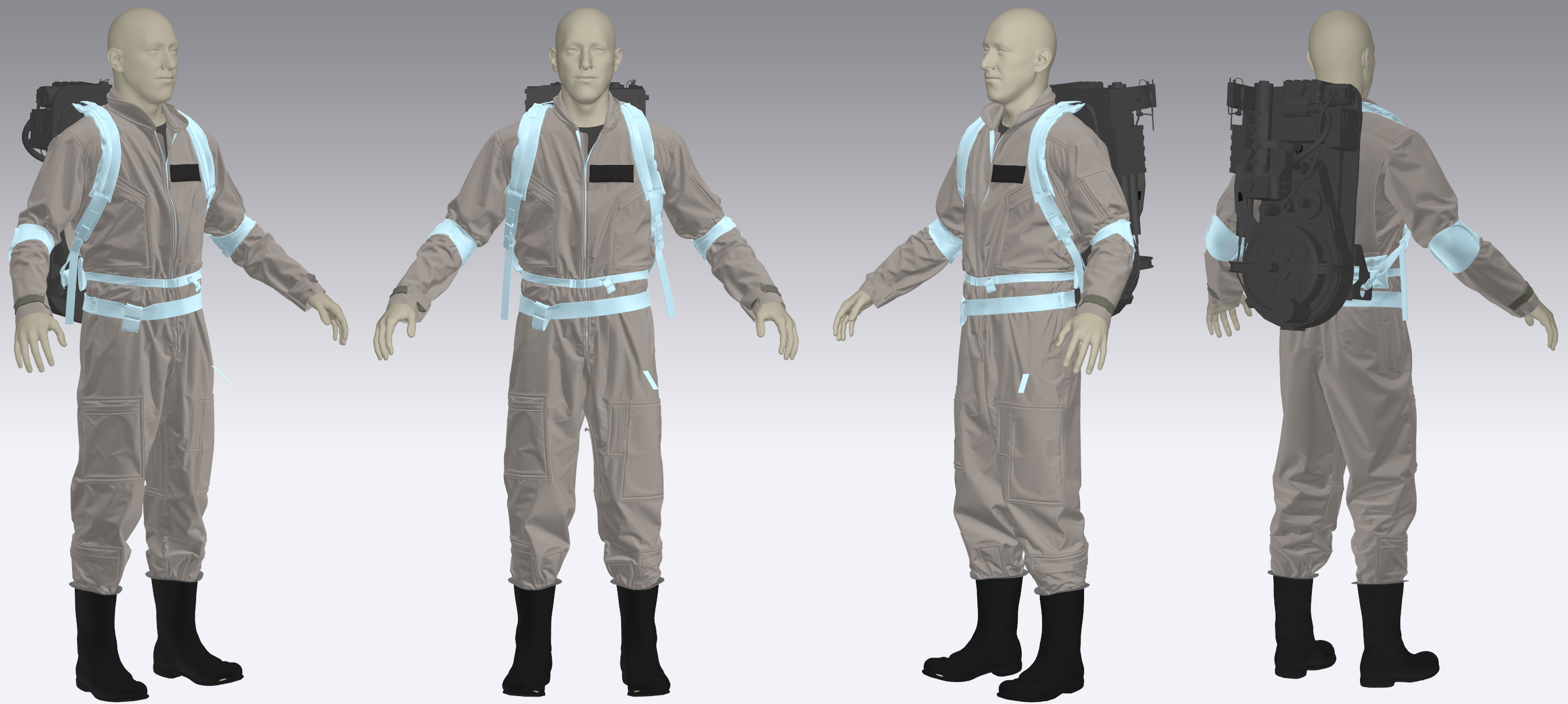
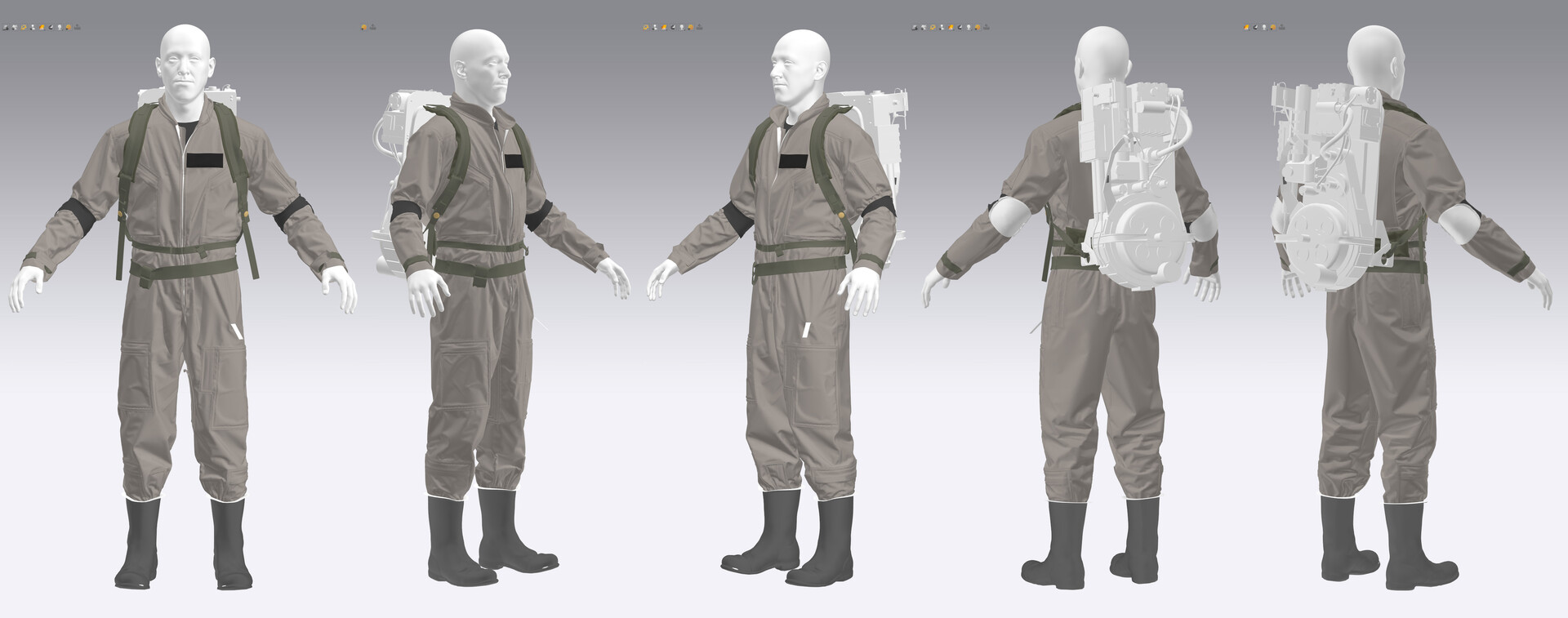
The biggest challenge for me is achieving a high level of realism in Marvelous Designer, which requires a great deal of patience and attention to detail. While many artists tend to add more wrinkles to their garments, I believe that subtraction is often the key—matching folds precisely to real-world references is both the most difficult and the most rewarding part of the process.
In your opinion, what is Marvelous Designer’s greatest strength in character creation? How did you leverage that in this project?
In traditional workflows, we often relied on sculpting in ZBrush to achieve realistic clothing, which certainly works well.
However, Marvelous Designer significantly improves production efficiency by allowing for rapid garment modeling and the generation of natural-looking folds. These folds can be adjusted in real time and respond dynamically to movement, creating a much more lifelike result.
In today’s fast-paced production environment, this is a major advantage. With the current speed of GPU-based simulation and improved stability, quick iteration has become much more feasible, enabling the creation of highly realistic assets with greater efficiency.
For artists already familiar with Marvelous Designer, how would you recommend further unlocking its potential in character creation?
As I mentioned earlier, efficiency is everything today.
It’s not about working harder, but working smarter—finding ways to produce high-quality results without spending excessive time manually refining every garment.
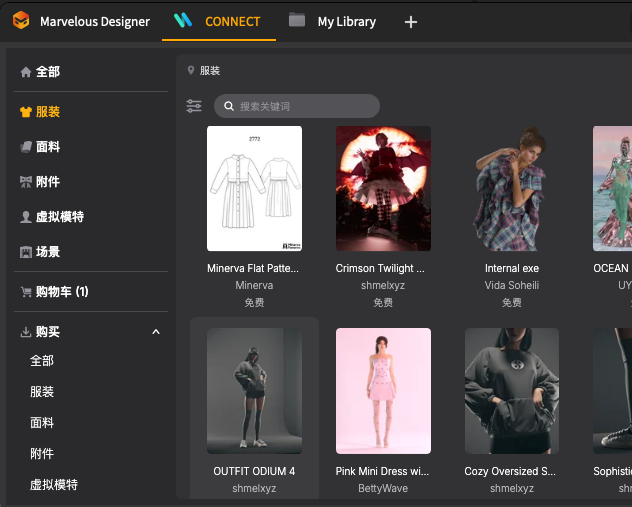
Marvelous Designer isn’t a difficult tool to learn, though many are initially discouraged by the pattern-making process. Fortunately, there’s now a wealth of free online assets available. For example, the CONNECT store offers a wide range of free assets. You can modify these to suit your character, allowing you to quickly create high-quality models with minimal effort.
이 작업은 CONNECT, Maya, ZBrush, UnrealEngine, Pattern, Rendering 등의 기술로 제작되었습니다.
Marvelous Designer로 이와 같은 3D 의상·캐릭터 작업을 직접 만들어볼 수 있습니다.