Behind the Scenes of 'Mirage': Capturing the Desert Wind
Where cinematic atmosphere meets intricate costume detail. Discover how artists Hyun-jong Kim and Min-ji Oh brought inspiration from Dune to life using Marvelous Designer, revealing their collaborative workflow and secrets to achieving hyper-realistic cloth simulation.
Could you introduce yourselves?
Hyun-jong Kim :
Hello, I am Kim Hyun-jong, a 3D artist. I mainly work with Cinema 4D and Blender. Over the past two years, I have focused on learning Marvelous Designer and actively applying it to my personal projects. I enjoy creating cinematic visuals, so I have conducted various projects centered around that style.
I have been working as a 3D artist for about five years. During this time, my work has been well-received, winning awards in various categories at the Rookies Awards, LACA, and the Motion Design Awards. These experiences have served as a strong foundation for refining the direction and quality of my work.
Min-ji Oh:
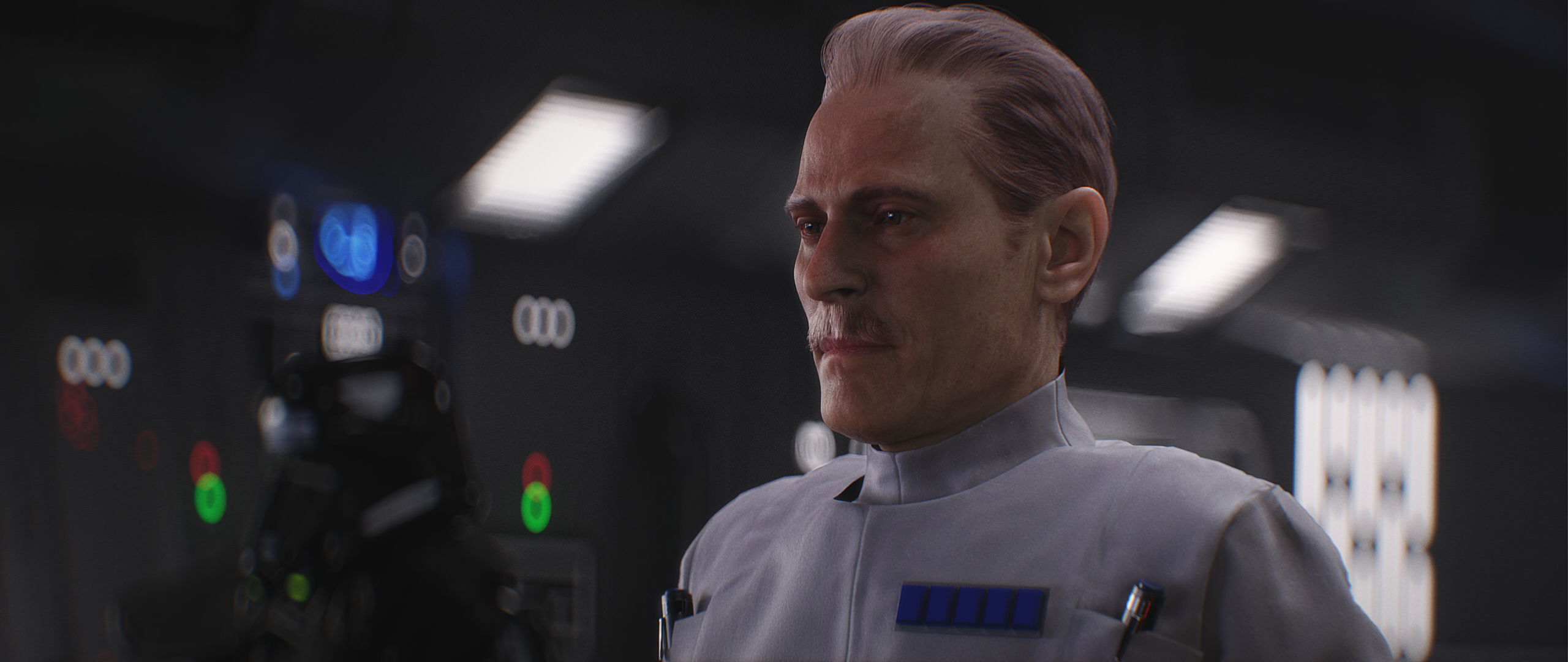
I am Oh Min-ji, currently working as a 3D Asset Artist at 2grey. I started learning CG in earnest in 2018 to prepare for my career, and it has been about four years since I entered the industry. Originally, I aimed to be a generalist and experienced various parts of CG, but I felt particularly excited and enthusiastic whenever I worked on character modeling. I think that is why I naturally ended up pursuing the path of a modeler.
I often use costumes as a key element to express a character's personality, and Marvelous Designer has been an indispensable tool in that process. As I continued working with Marvelous Designer from the beginning of my studies until now, my skills naturally improved, which led to the opportunity to join Hyun-jong's project.
Let’s discuss your recent project, ‘Mirage,’ created using Marvelous Designer. Where did you find inspiration for the concept, and what visual style were you aiming for?
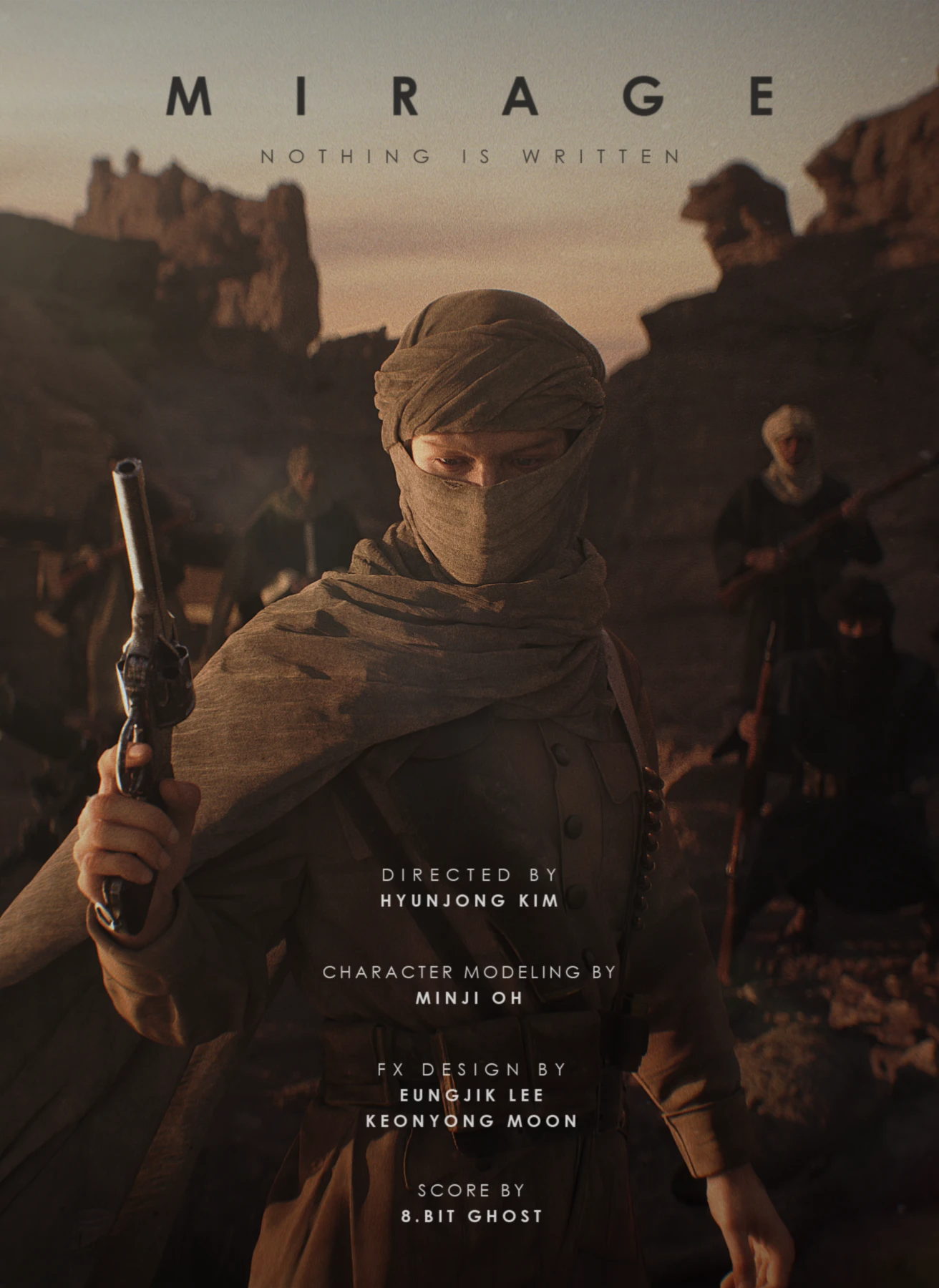
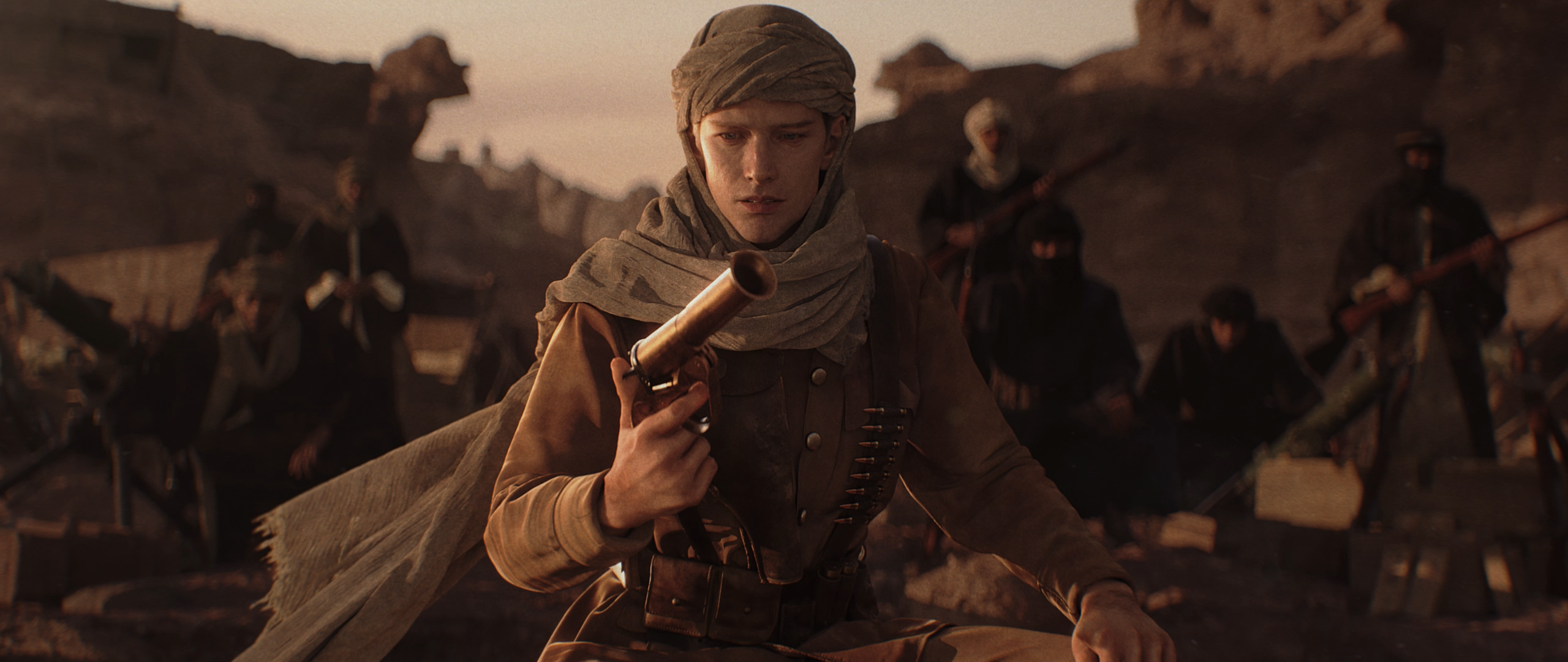
The inspiration for creating 'Mirage' came after watching the movies Dune and Lawrence of Arabia. I was deeply inspired by the restrained depiction of vast deserts in both films and wanted to create a piece based on that motif.
The overall narrative centers on the story of T.E. Lawrence dispatched to the Middle East during World War I, while the visual style was largely developed by drawing reference from Dune. For the costume design, I referenced traditional Bedouin attire to capture the Middle Eastern atmosphere, placing special emphasis on expressing the movement of the fabric fluttering in the wind.
How did you utilize Marvelous Designer for this project? I’m also curious about the brief pipeline regarding how you integrated it with other tools.
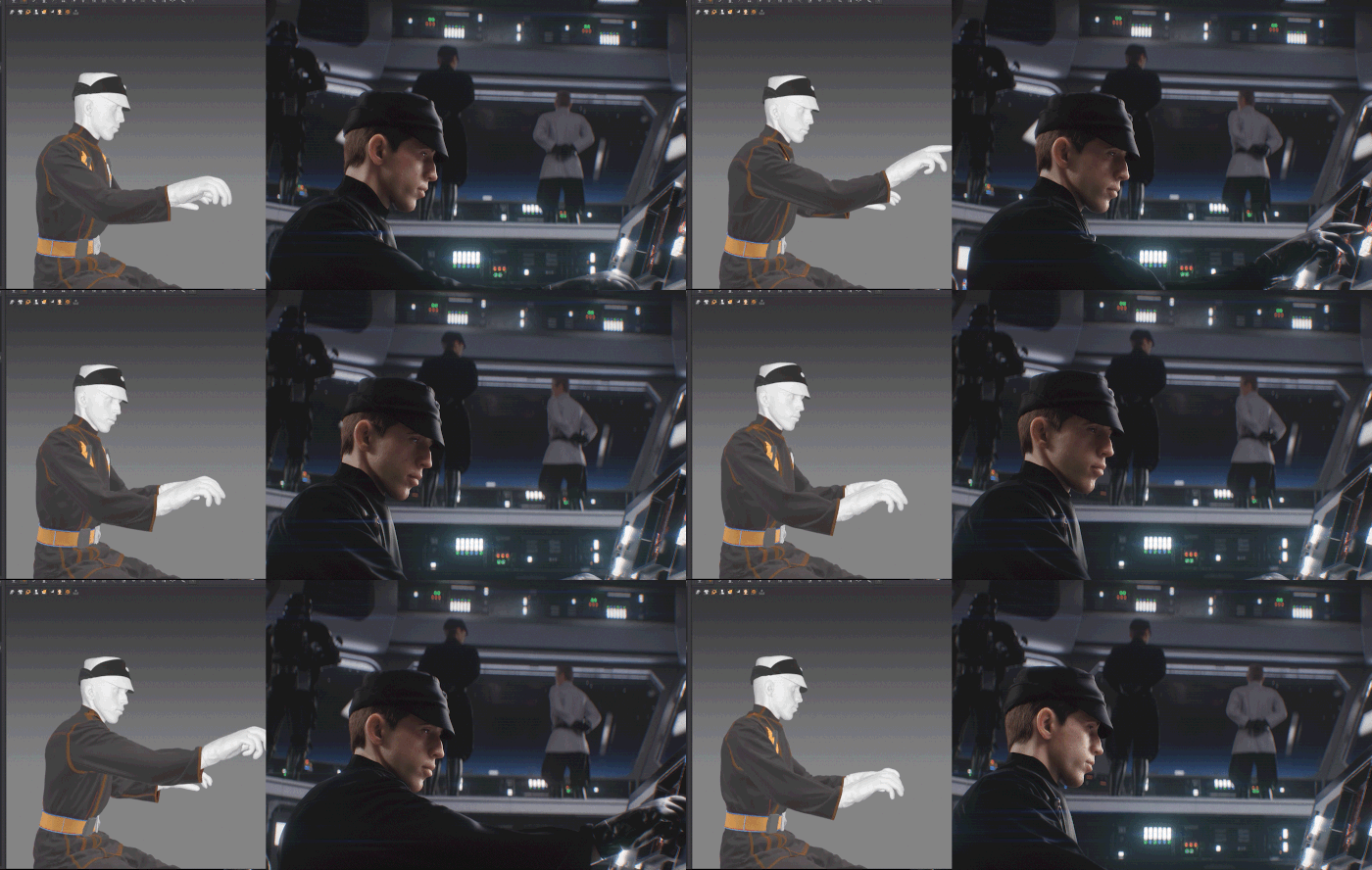
First, for character animation, we used data based on an AI motion capture tool where I acted out the necessary actions myself. For additional movements, we utilized Mixamo preset animations. Facial animation was created using the 'Move by Maxon' application. Afterwards, any awkward or jittery parts of the mocap data were polished using keyframe animation to ensure smooth movement.
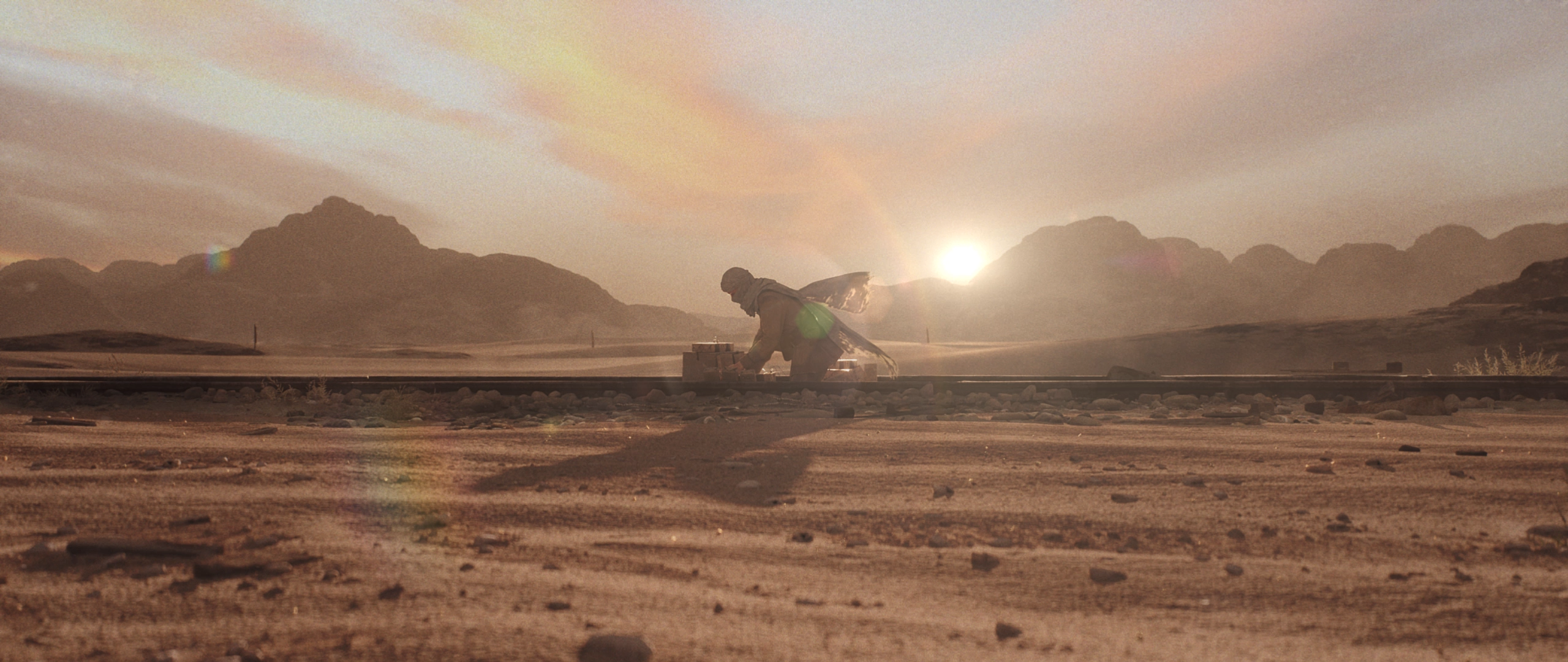
Once the animation was complete, we exported it as Alembic data to ensure stability during simulation and prepared to dress the character in Marvelous Designer.
In the costume production phase, we focused our plan specifically on the detailed movements of the main character's turban and scarf. Since the entire outfit required simulation in the video, we determined the workflow by anticipating potential issues beforehand. With the turban, scarf, and clothing all needing to collide, simulating the turban itself proved to be quite unstable.
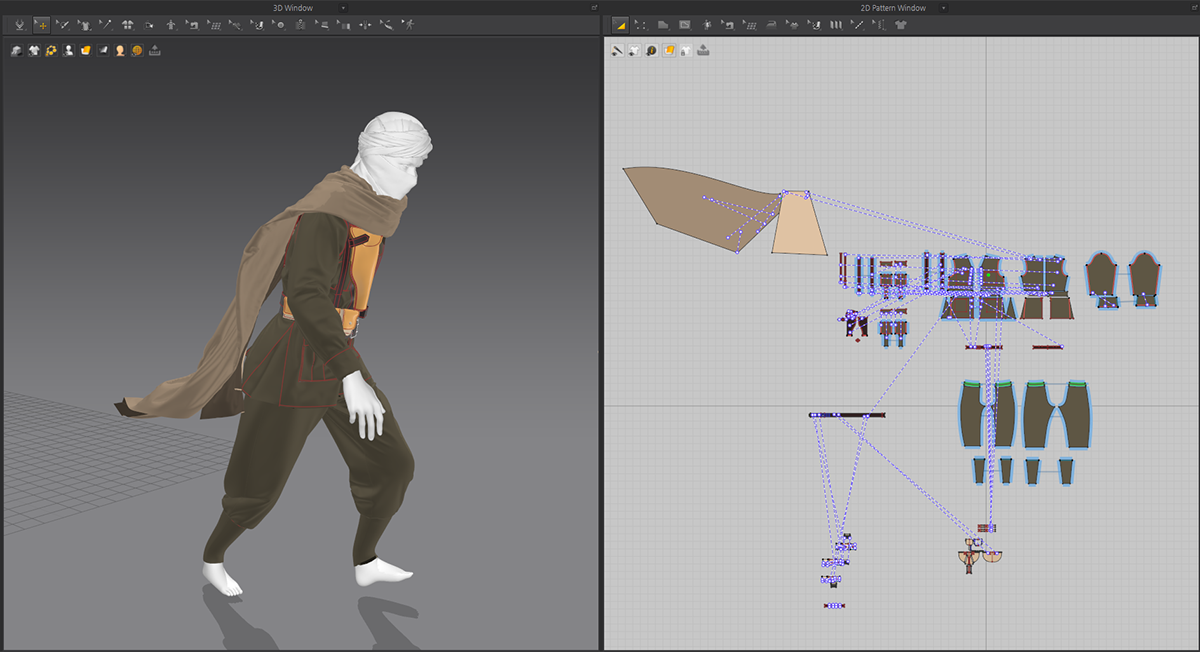
Therefore, we shaped the turban's natural wrinkles and form in Marvelous Designer first, but handled it through rigging rather than simulation. This allowed us to add significant details and extra wrinkles in ZBrush later.
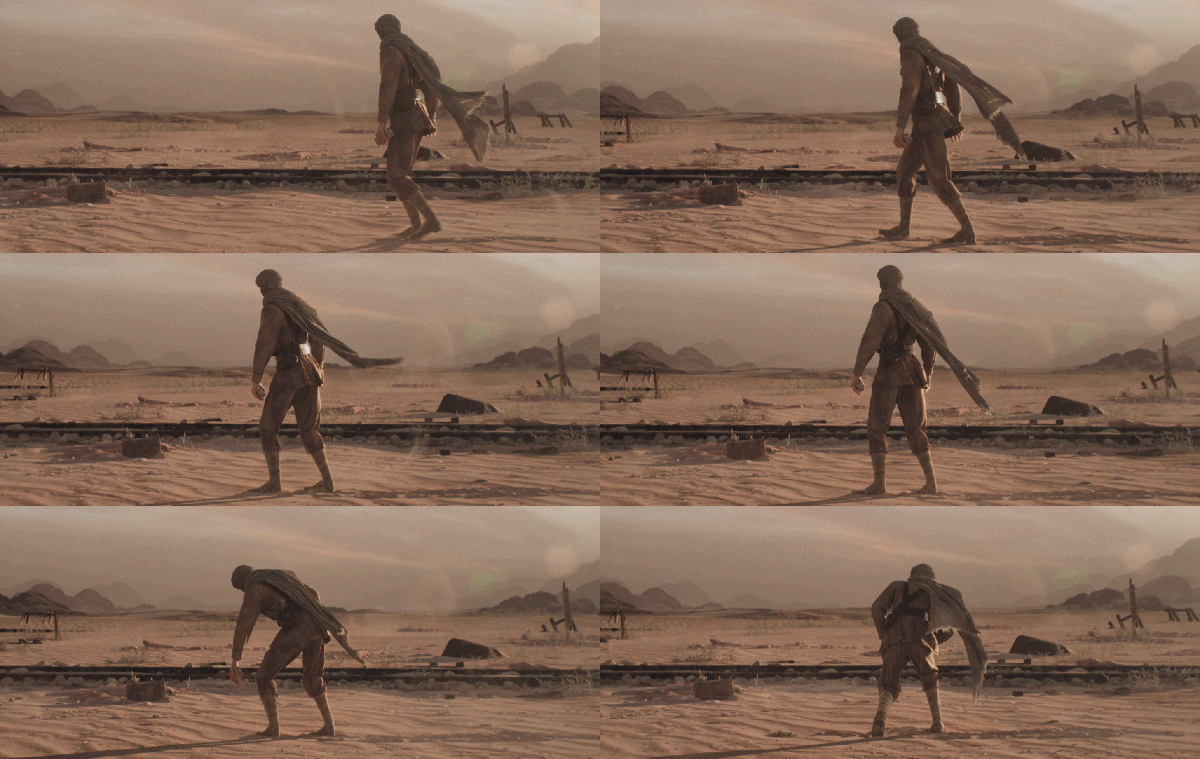
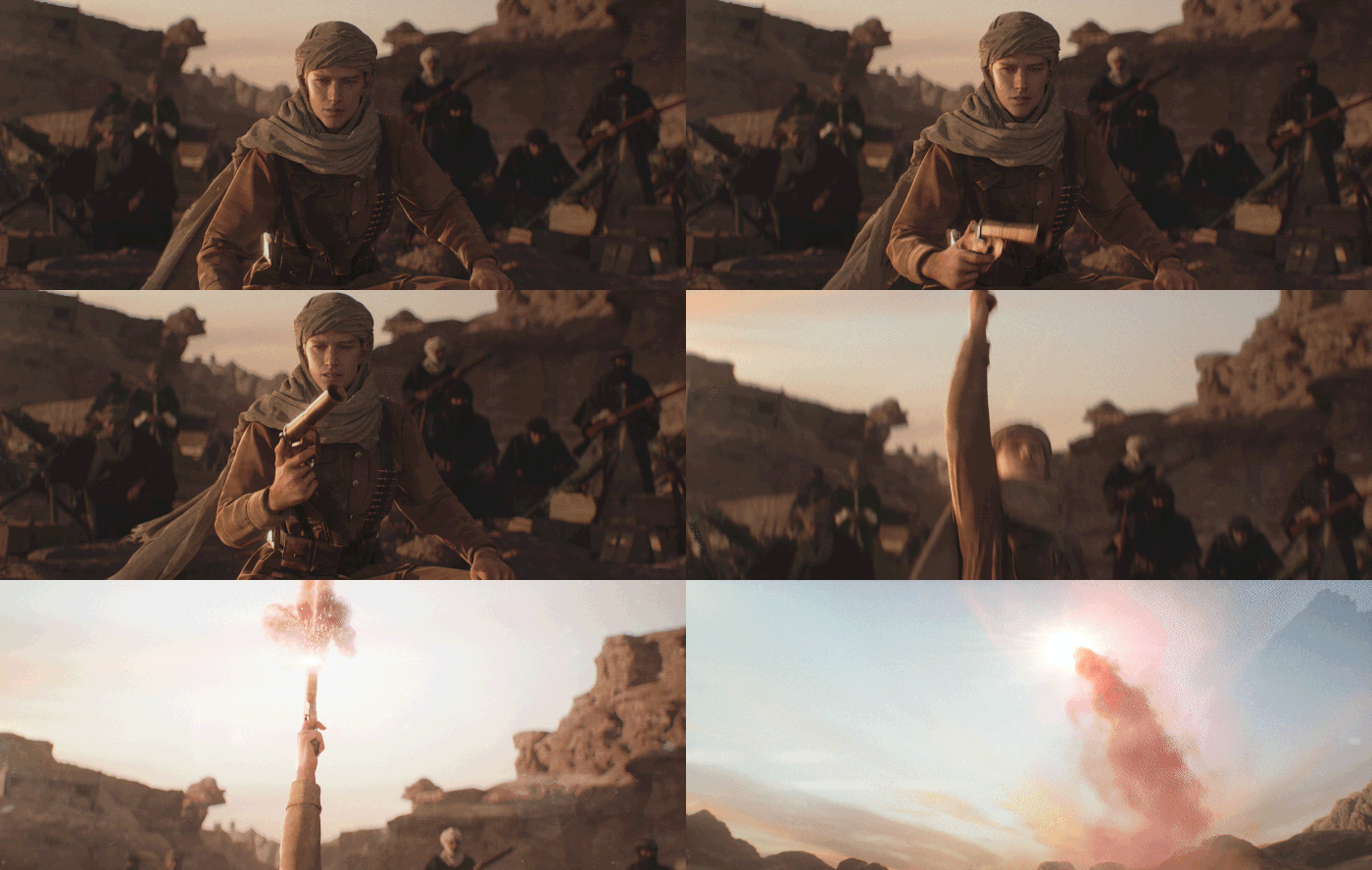
For the scarf, it needed to flutter in the wind and exhibit many wrinkles due to the material's nature. We adjusted the particle distance to a low value and frequently checked the physical properties by applying wind during the process. We didn't create the fluttering section as a single pattern; instead, we split it into two pieces to prevent the pattern from becoming unnecessarily large.
Typically, after the Marvelous Designer stage, we import the model into ZBrush to add details like seams and fine wrinkles, and then to Substance Painter for additional weathering. However, since the base form needs realistic wrinkles, we spend considerable time in Marvelous Designer tweaking various properties until the wrinkles look authentic. For simulation optimization, we didn't perform separate retopology but instead adjusted the mesh style settings directly within Marvelous Designer.
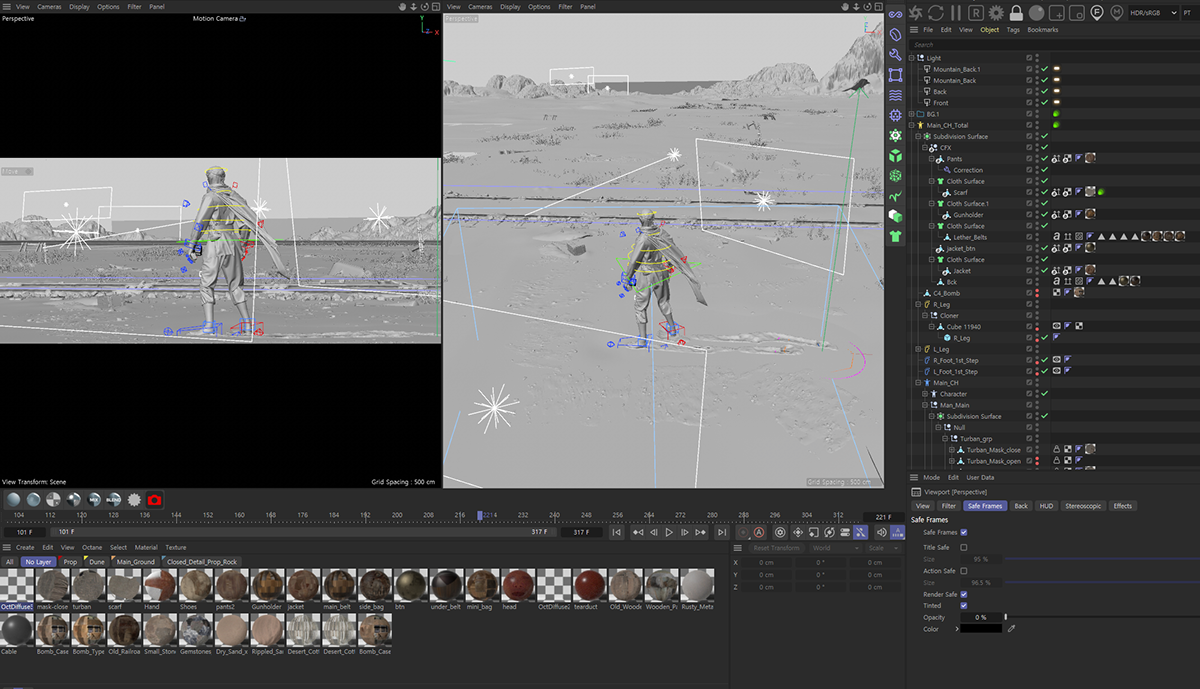
Regarding the simulation, the most critical element in the full-body shots was the form of the scarf fluttering in the wind. To achieve this, we conducted numerous tests, finely adjusting the physical property values set during the production phase. As a result, we set the military uniform to a relatively thick fabric, making it slightly heavier than the default properties, while the scarf was set to be thinner and lighter to create a clear distinction. This allowed the scarf’s movement to stand out even under the same wind intensity, enabling us to achieve the desired visual satisfactorily.
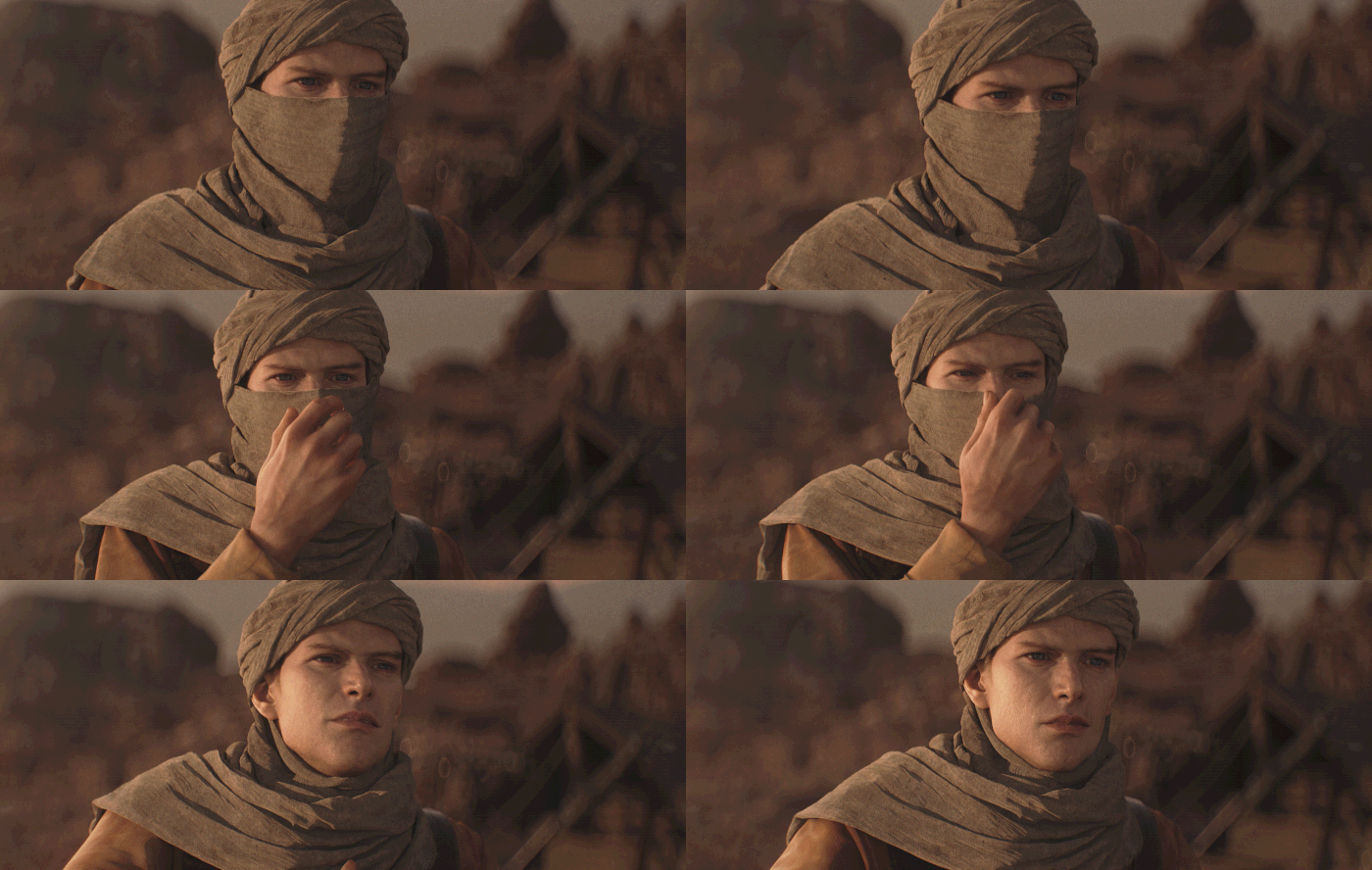
For specific shots, we also utilized Houdini alongside Marvelous Designer. The scene where the turban is pulled off by hand was handled by combining both tools appropriately. The part where the bottom of the turban is grabbed and pulled was created in Houdini, while the natural movement of the scarf underneath was simulated in Marvelous Designer.
Finally, we combined the completed simulation data and character animation data into a single scene, proceeded with rendering, and finished with compositing in After Effects.
Min-ji, you have also worked on numerous personal projects, and the expression of wrinkles in your character costumes is exceptionally detailed. Do you have any personal tips for creating realistic wrinkles?
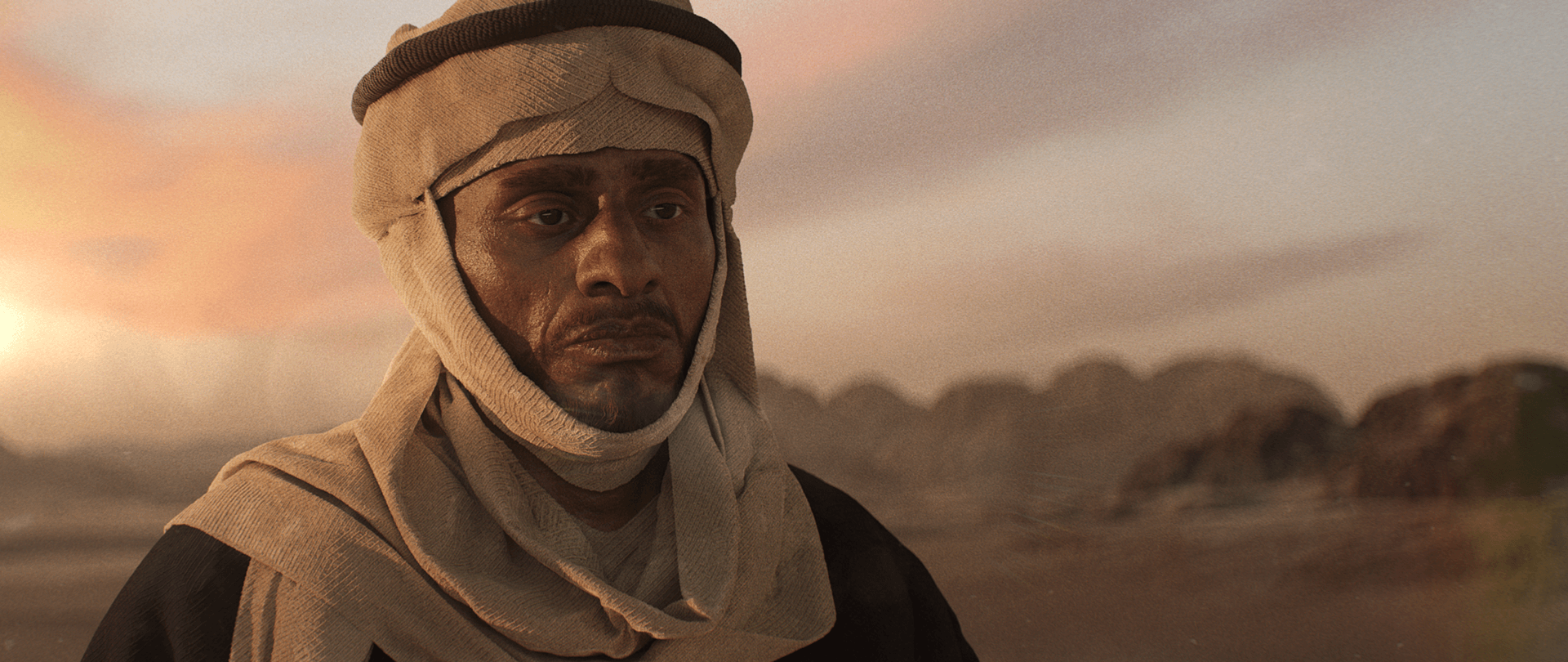
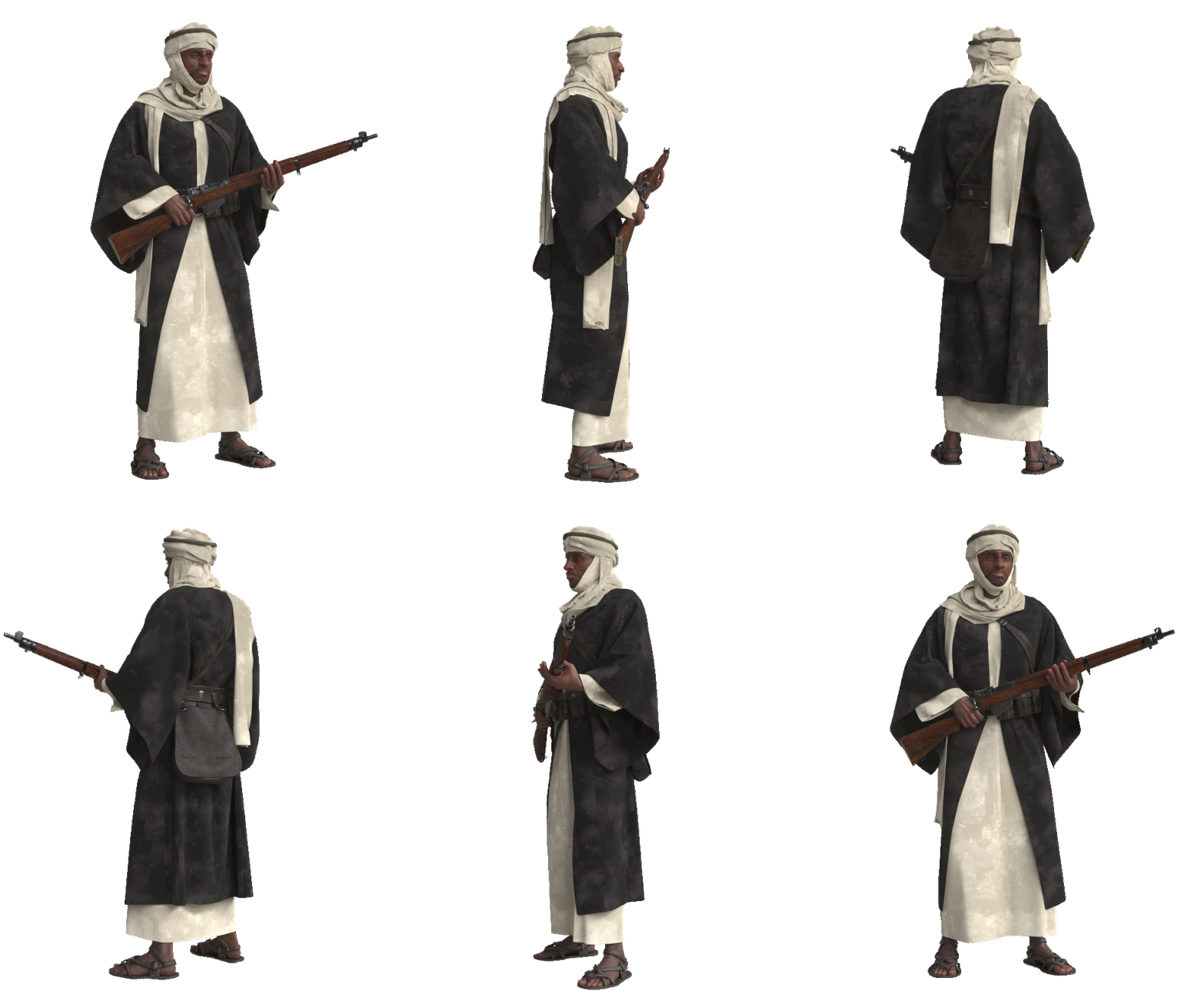
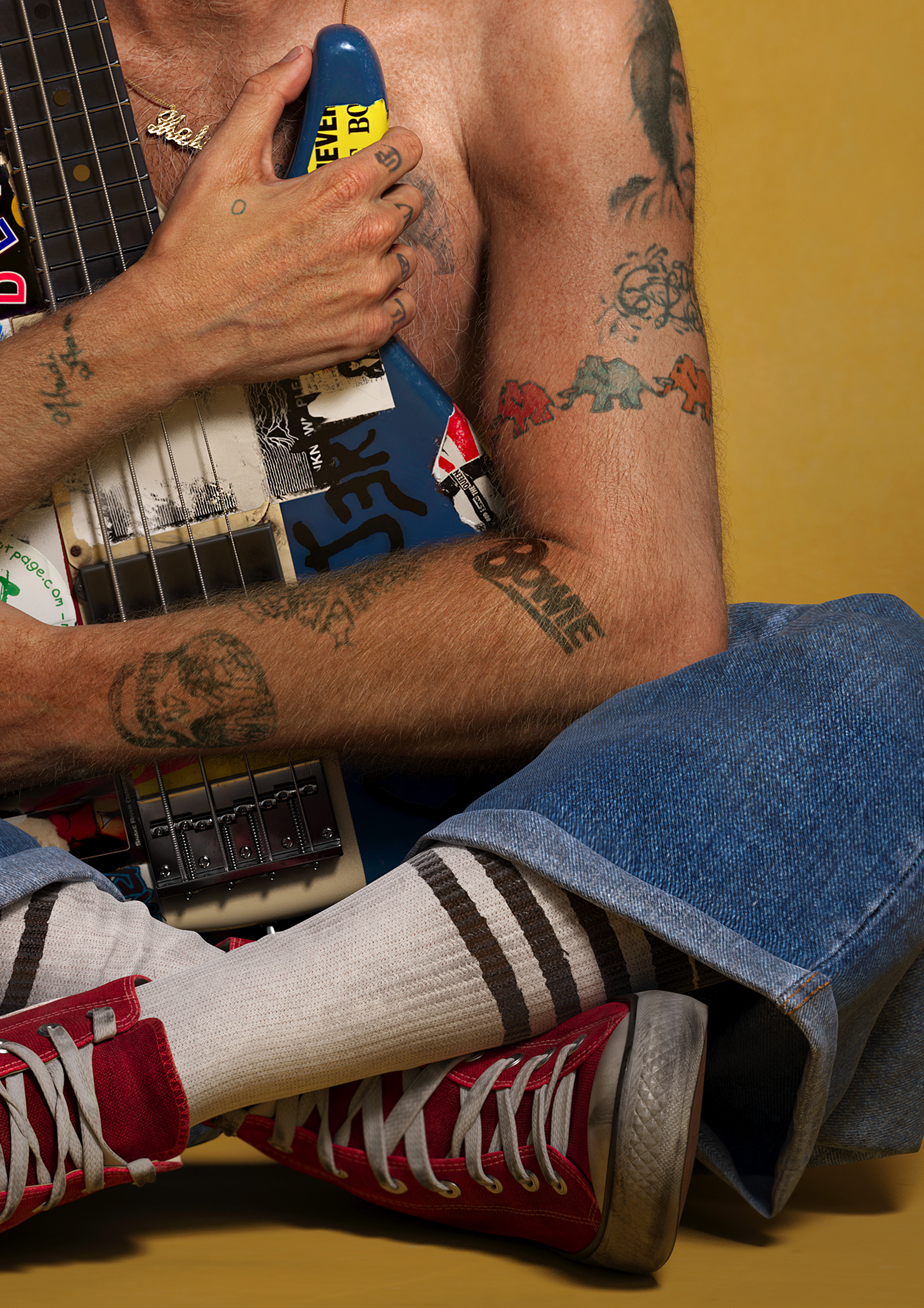
I believe the greatest strength of Marvelous Designer lies in its ability to control physical properties in great detail. Therefore, I adjust specific parameters while carefully observing references of the desired fabric and lower the particle distance to capture natural wrinkles that are impossible to recreate by hand.
While it is possible to sculpt wrinkles onto a rough form in ZBrush later, I believe achieving a solid base through Marvelous Designer’s accurate physical calculations results in a much higher level of realism.
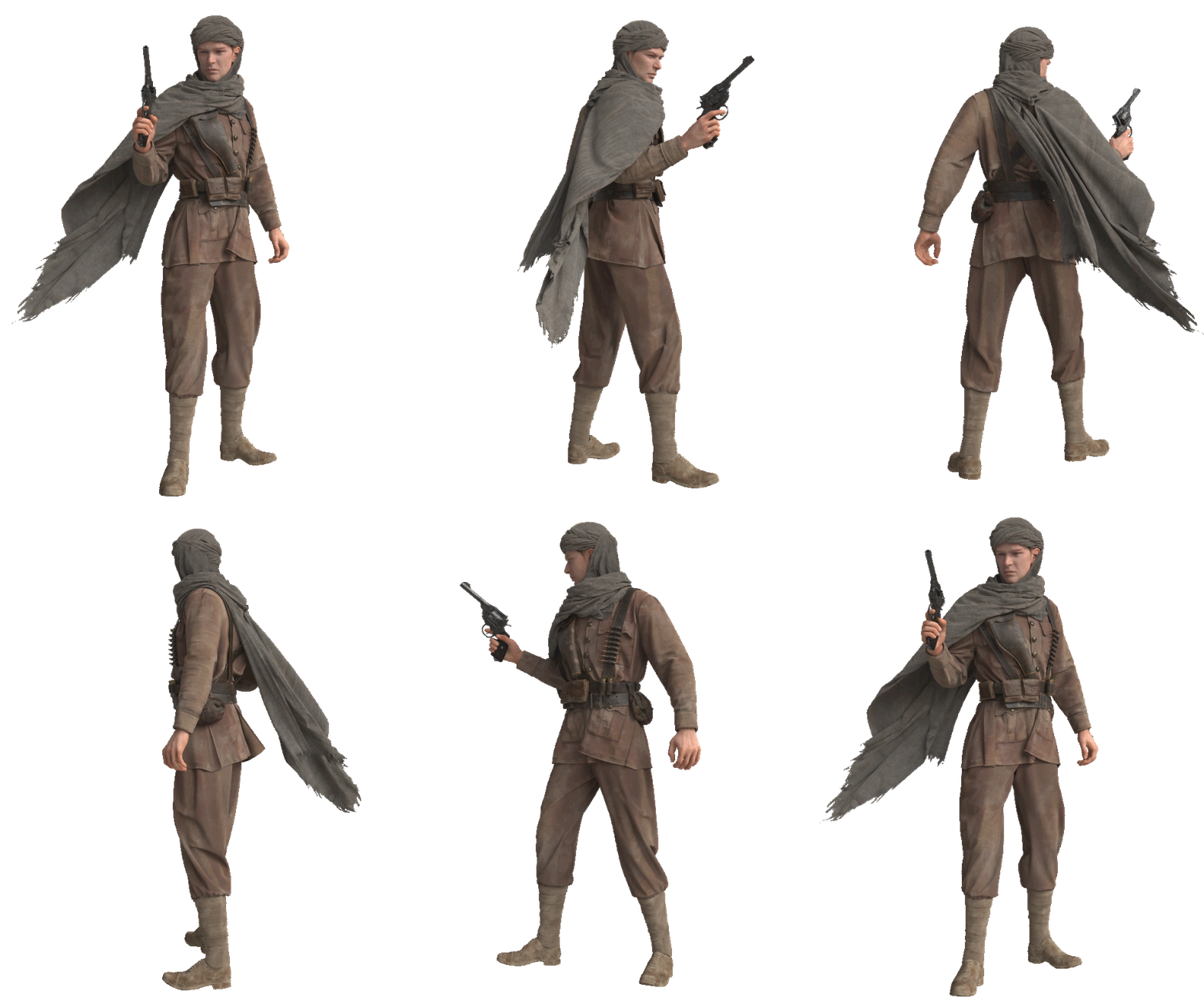
For neat, tailored clothing, I match the pattern lengths and seam lines exactly. However, to express the feeling of worn clothing or tension around seams, I often deliberately mismatch the lengths of connecting patterns.
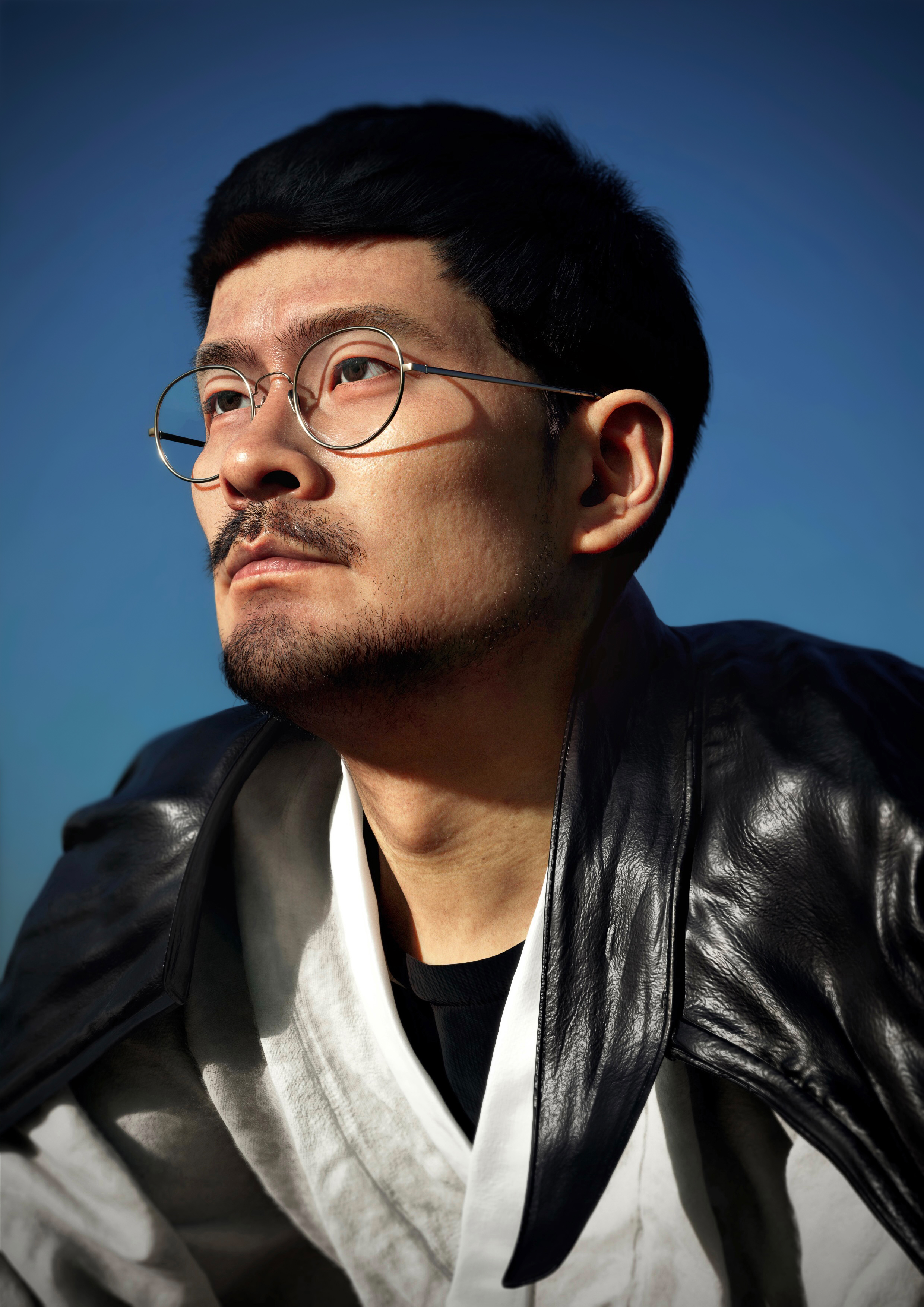
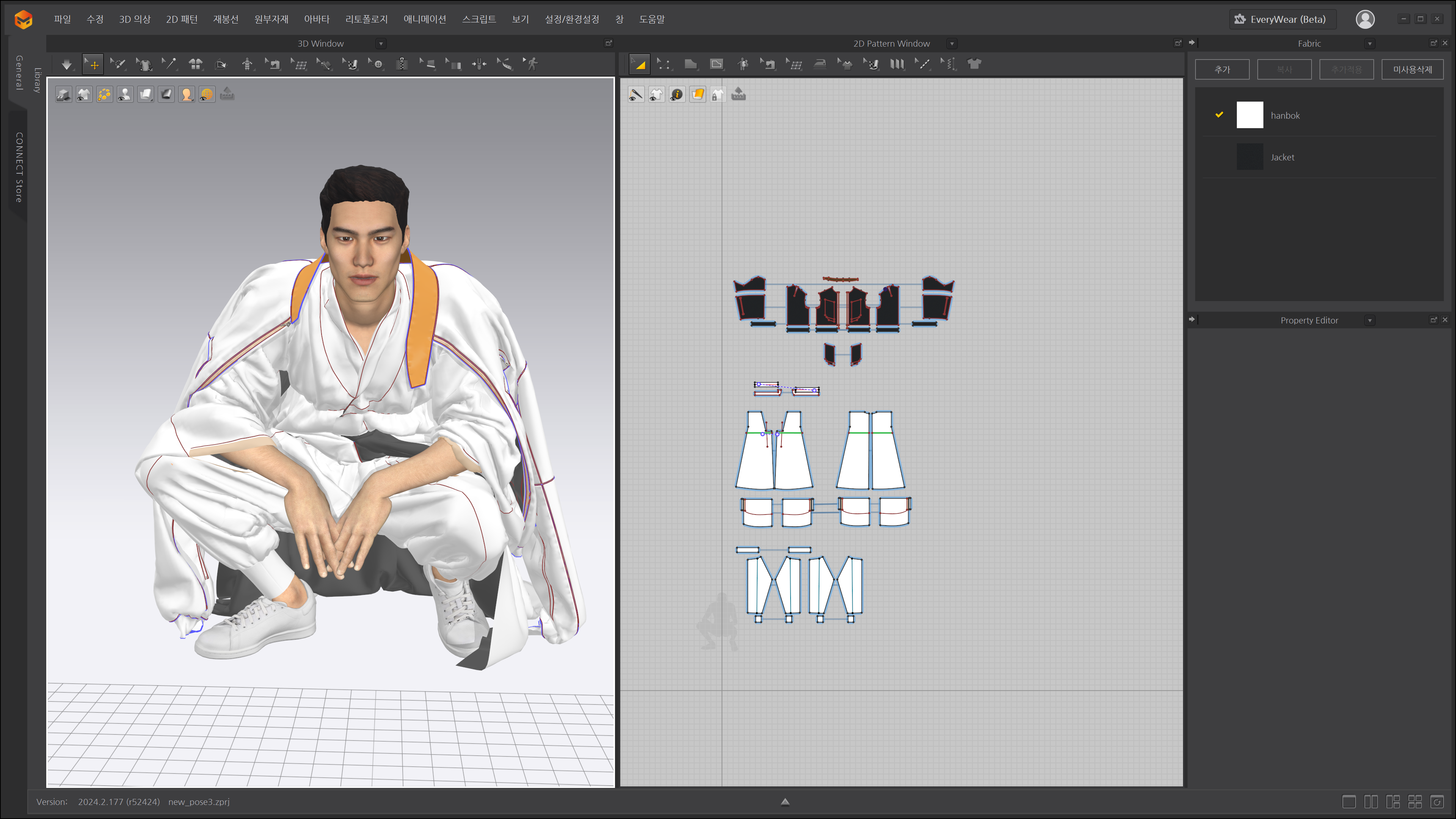
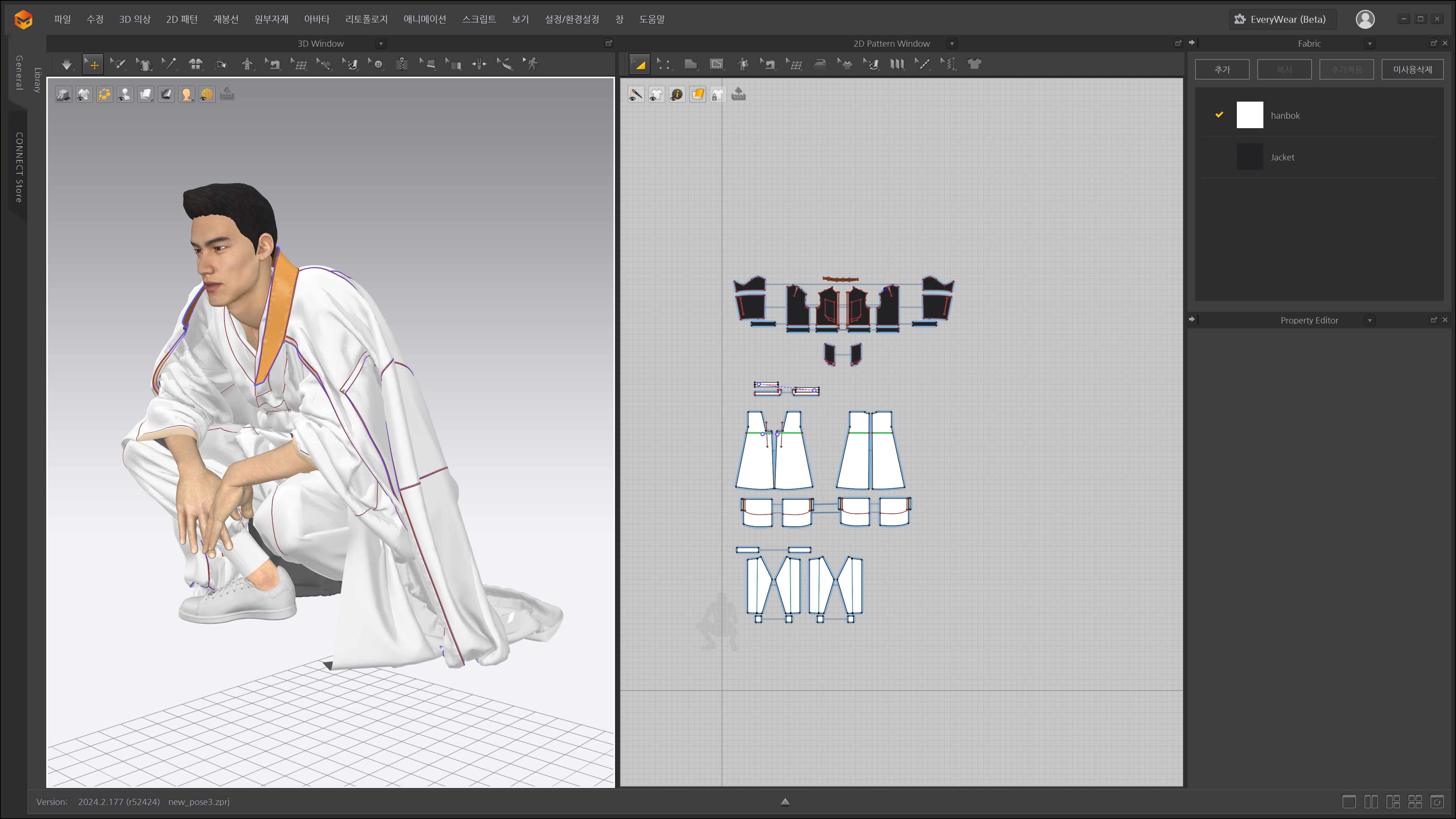
For example, with the Hanbok and leather jacket I created for the character 'Chang Ki-ha,' I arbitrarily adjusted the pattern lengths of the Hanbok to highlight the aesthetic curves of the fabric folds. I made the sleeves longer than standard to allow for multiple layers of folding, creating richer wrinkles. For the pants, I created a significant difference in pattern lengths to achieve voluminous bunching just above the ankles.
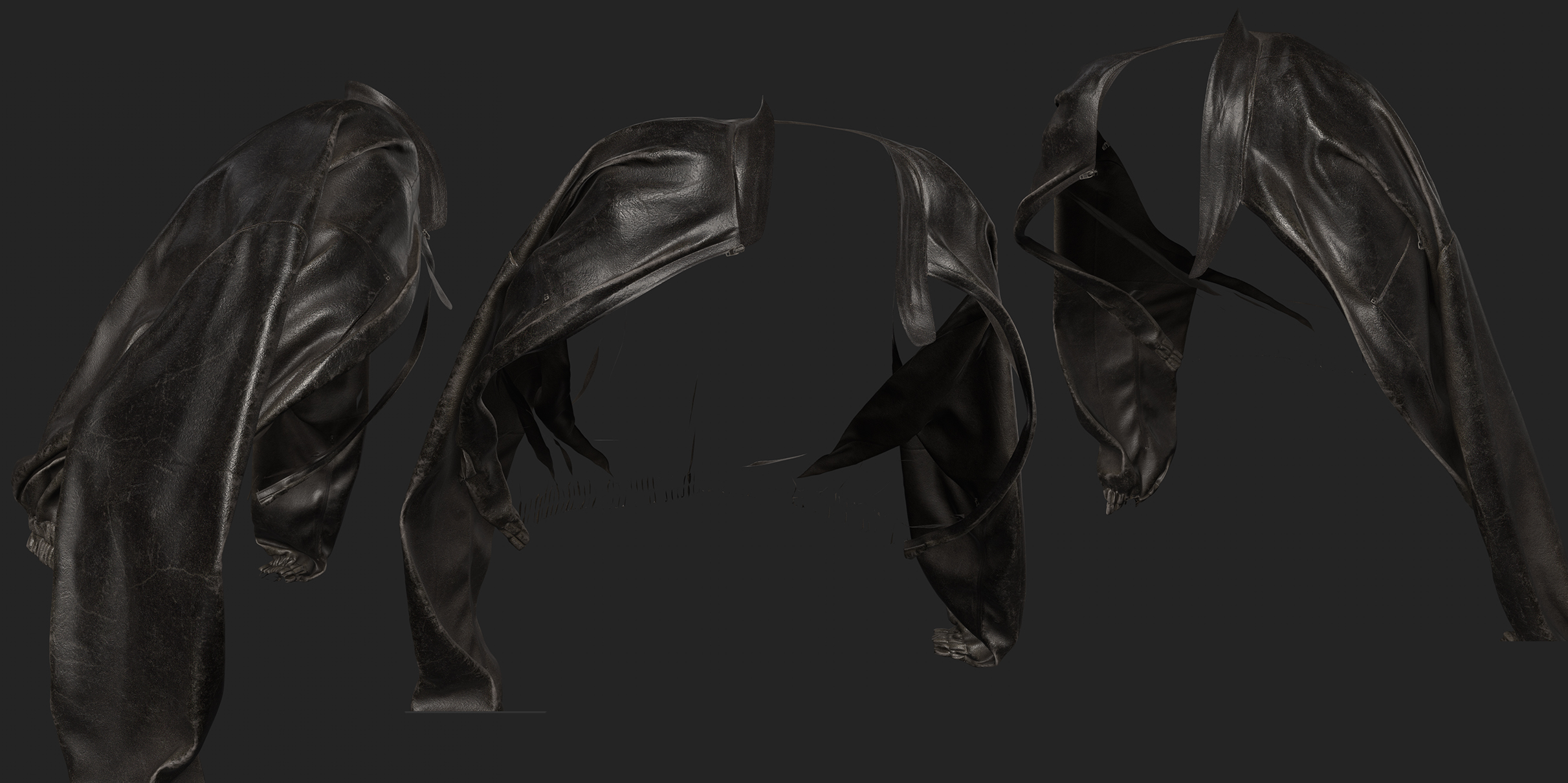
Additionally, when a character poses, the volume or shape of the wrinkles sometimes doesn't look right. In such cases, I have occasionally modified the patterns—originally made in an A-pose—to better suit the specific pose. This approach is feasible, of course, because I am working on still images.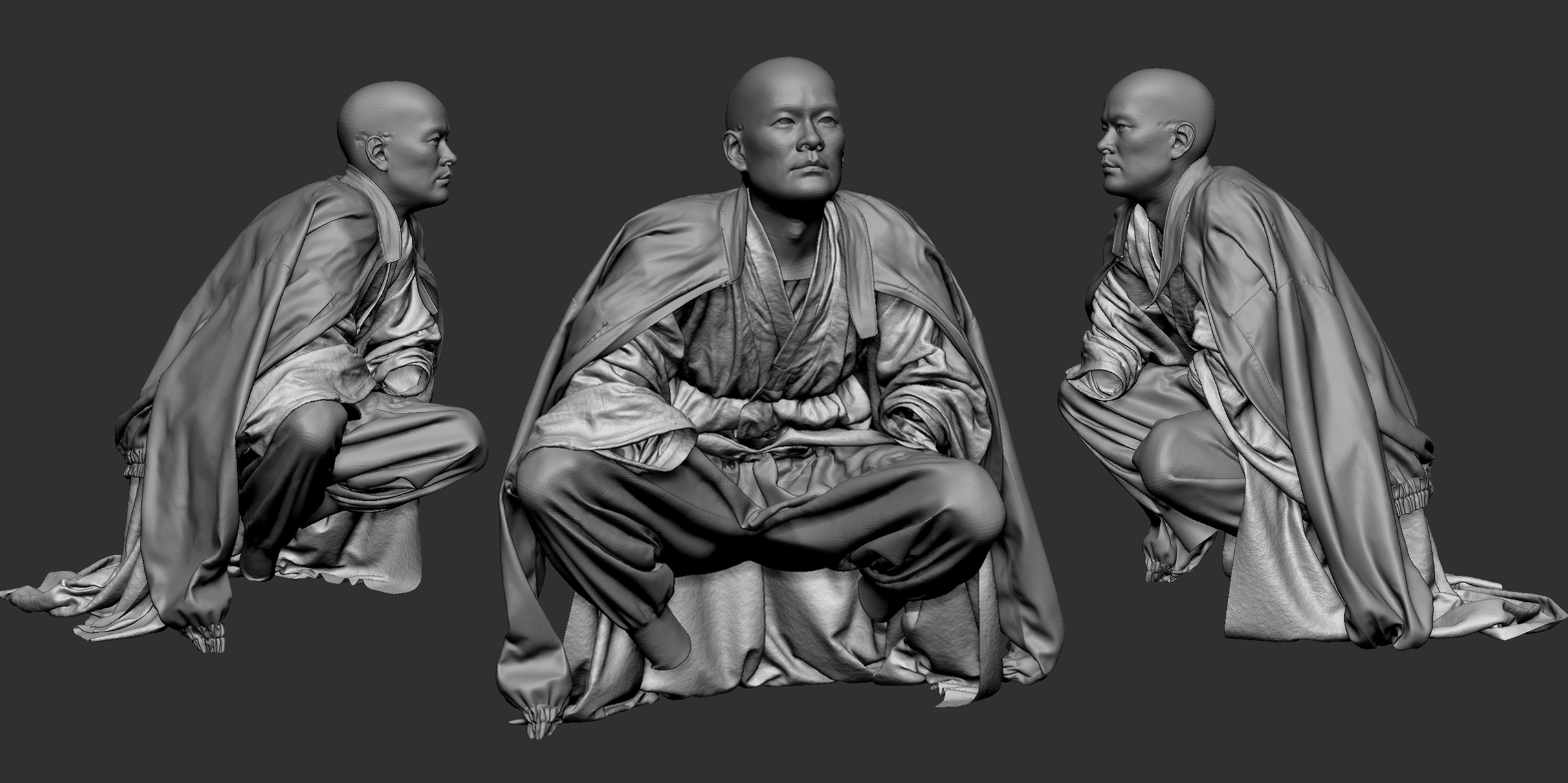
Finally, although not shown in these images, when I want to depict stretched or worn-out fabric, I use the Steam tool to locally stretch or shrink areas to artificially generate wrinkles.
If you are planning future projects using Marvelous Designer, in what direction would you like to expand your work?
Hyun-jong Kim:
Lately, I have been studying Blender as well as Cinema 4D, specifically researching workflows that integrate Blender and Marvelous Designer. Since Blender offers excellent compatibility with various other tools compared to Cinema 4D, I expect to find an even more efficient process than my current one.
In terms of creative work, I am currently working on a light personal project inspired by the game The Last of Us, and I plan to actively utilize Marvelous Designer for this project as well.
Min-ji Oh:
Up until now, I have mostly focused on still images. However, I am currently planning a video project where I utilize Marvelous Designer's simulation features to make costumes flutter naturally in sync with the mood and music.
While my previous works featured relatively simple clothing, my next project will feature a more flamboyant character. I intend to create an elaborate dress adorned with various decorations to match. I've heard that the latest versions of Marvelous Designer allow for much more detailed control over simulation features, so I am very much looking forward to my next piece!
Hyun-jong Kim(Behance)
Min-ji Oh(Artstation)
이 작업은 Animation, Pattern, Simulation, Texture, Trim, ZBrush 등의 기술로 제작되었습니다.
Marvelous Designer로 이와 같은 3D 의상·캐릭터 작업을 직접 만들어볼 수 있습니다.