Blending 3D into 2D: Unveiling the Concept Art of “The Scent”
Concept artist Rui Li shares how 3D tool like Marvelous Designer enhances 2D illustration, shaping the intricate world of his concept art - The Scent. From hyper-realistic fabrics to immersive storytelling, discover how 3D-assisted costume design improves efficiency, detail, and creative flexibility.
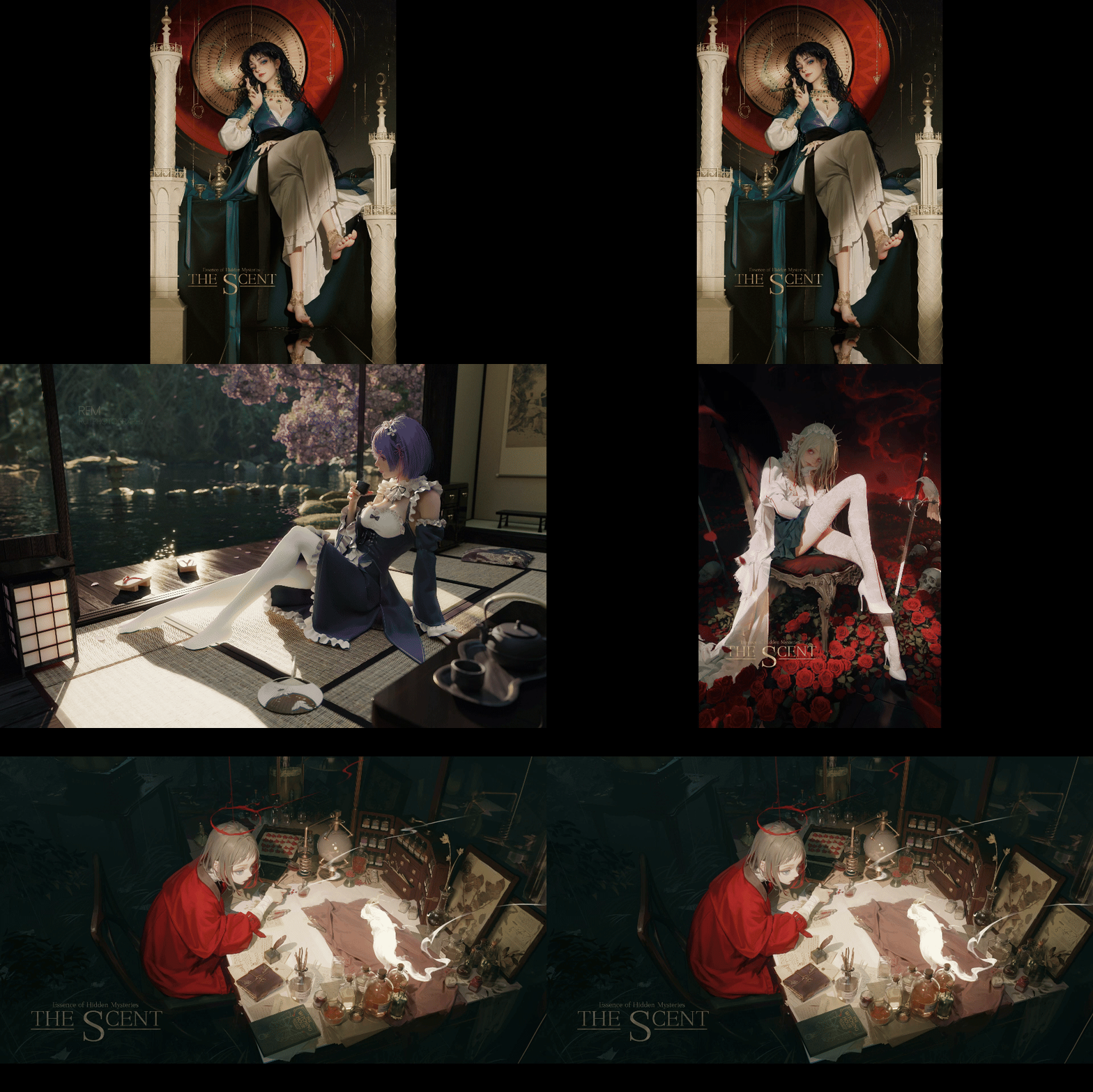
Interview with Rui Li | The Scent | Concept Artist & Illustrator
Please introduce yourself to the Marvelous Designer community.
Hello everyone, my name is Rui. I am a concept artist and illustrator from China. My primary work involves creating concept designs and promotional illustrations for games. I have been in this industry for 15 years and started incorporating 3D software into my workflow about 5-6 years ago to enhance my creative process.
What led you to concept art and character design? Were there any artists or works that inspired you?
After graduating, I went straight into the game industry as a concept artist. I’ve drawn inspiration from many different artists over the years, but there isn’t one particular artist who had a defining influence on me. Since I’ve worked on a variety of projects with different styles, I’ve found new inspirations at every stage of my career. Early on, I was greatly influenced by Craig Mullins while working on realistic projects. Growing up, I played a lot of Japanese games and watched anime and manga, which also left a deep impression on me. Artists like Katsuya Terada, Yoshitaka Amano, and manga creators like Takehiko Inoue and Rumiko Takahashi have all influenced my artistic style. My taste is quite eclectic.
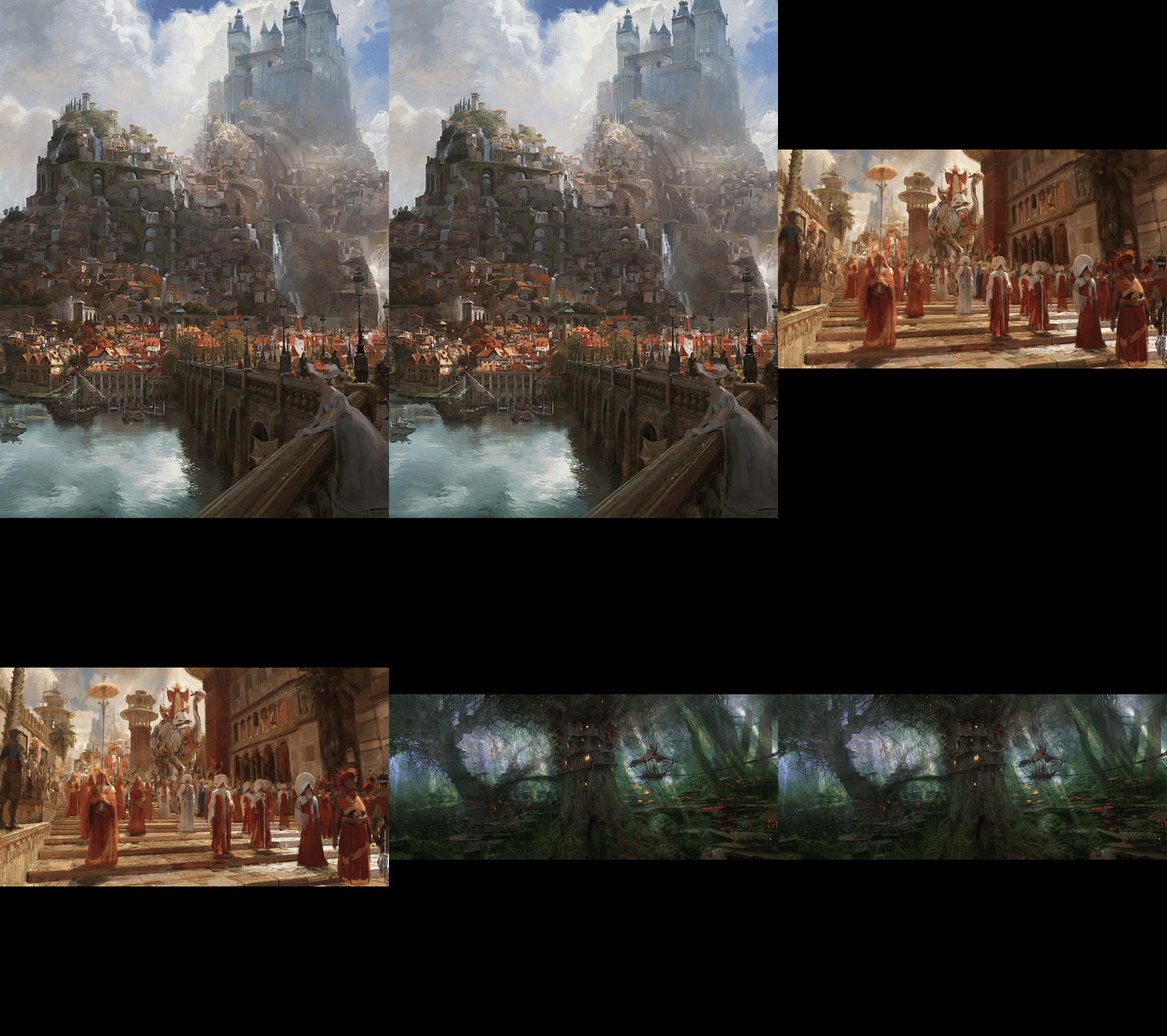
Artist: Craig Mullins
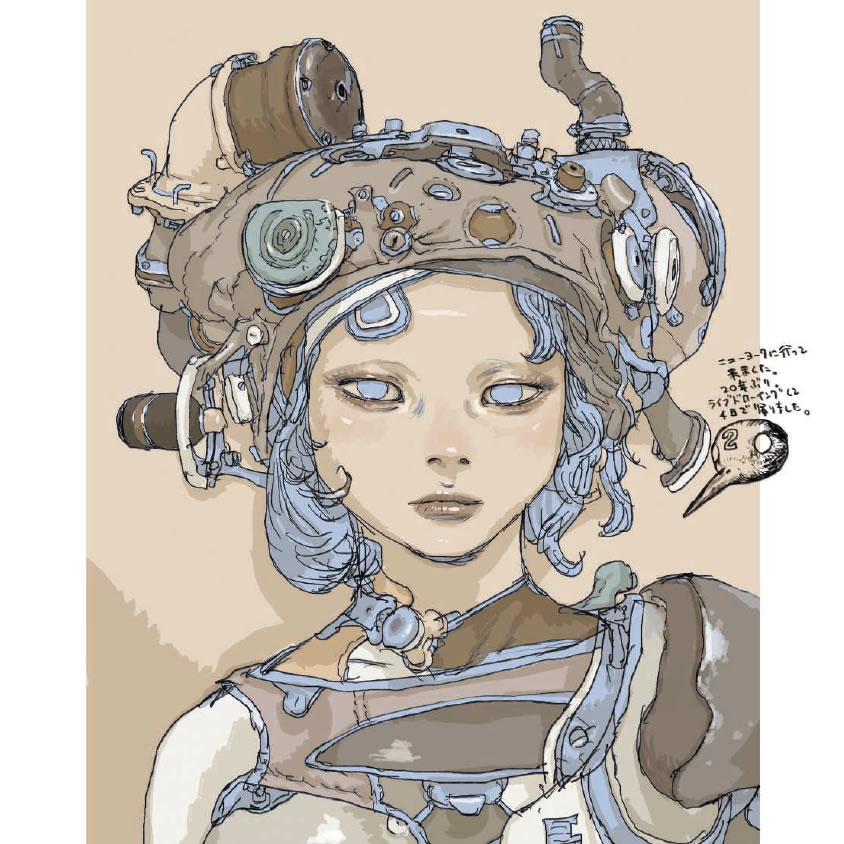
Artist: Katsuya Terada
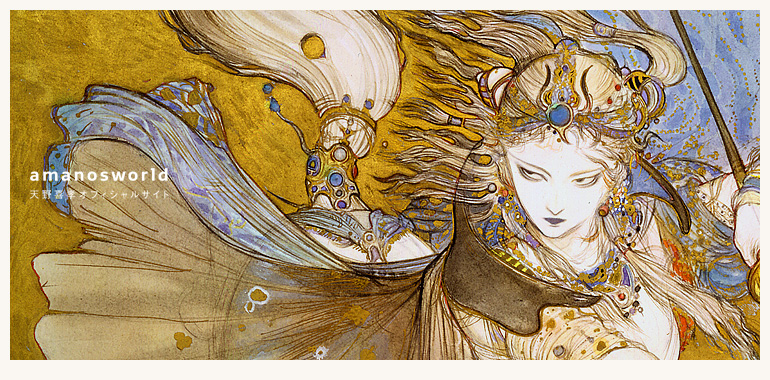
Artist: Yoshitaka Amano
Your worldbuilding for The Scent is fascinating! What inspired it, and how would you describe its setting and artistic vision?
A few years ago, I became passionate about collecting perfumes and exploring different scents. Last year, I finally had some free time and decided to build a world around the theme of “fragrance.” Over time, as I continued creating, the story naturally evolved and became more refined.
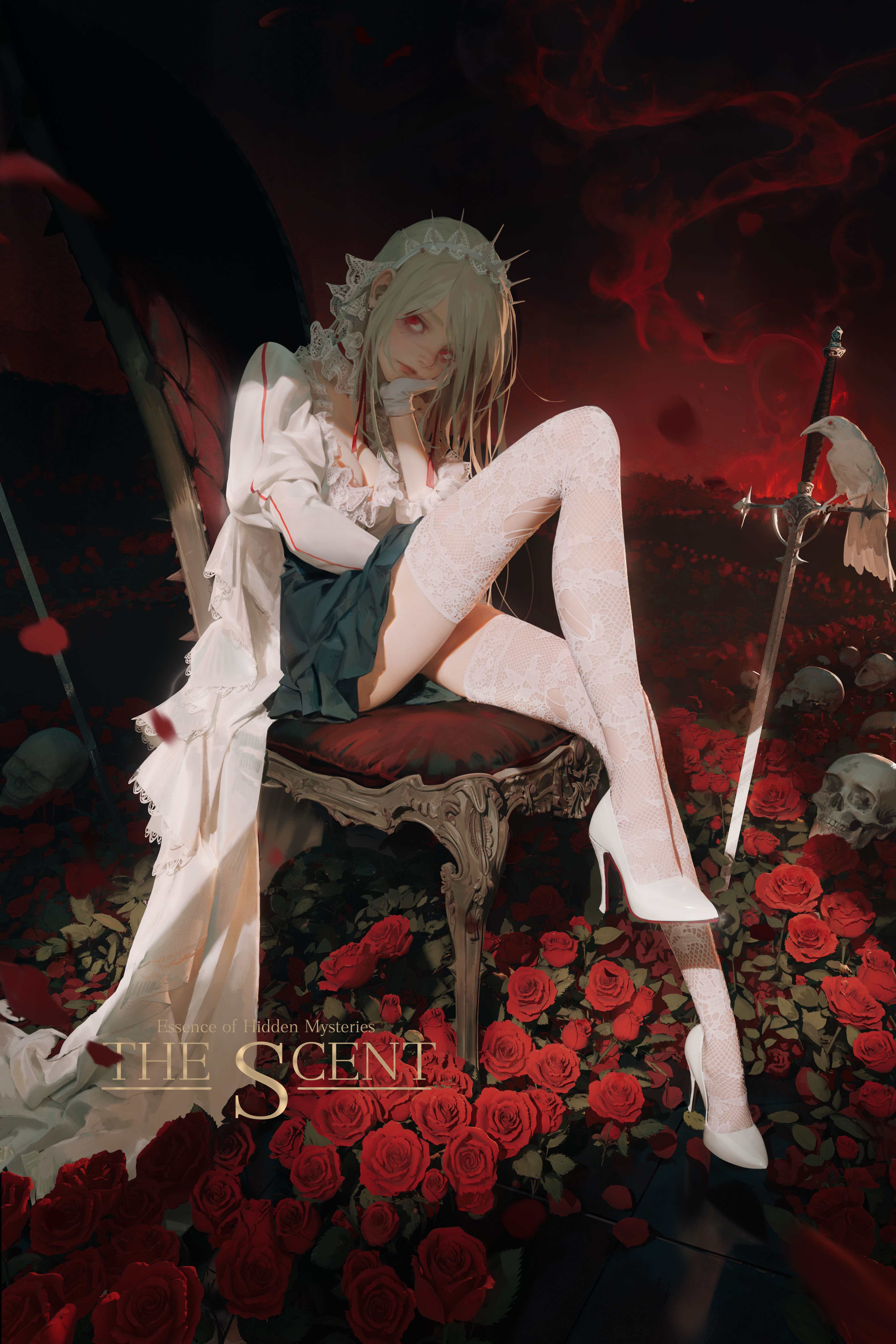
The story revolves around a perfumer who uses scents to heal emotional wounds. Each character embodies a unique fragrance, representing a particular emotion. Visually, I wanted to create a sense of vintage opulence. The aesthetic is inspired by the late 19th century, a period that blends the elegance of Art Nouveau with the structured forms of Art Deco. Since different fragrances originate from various places, the design incorporates diverse cultural influences, making for a richly layered visual experience.
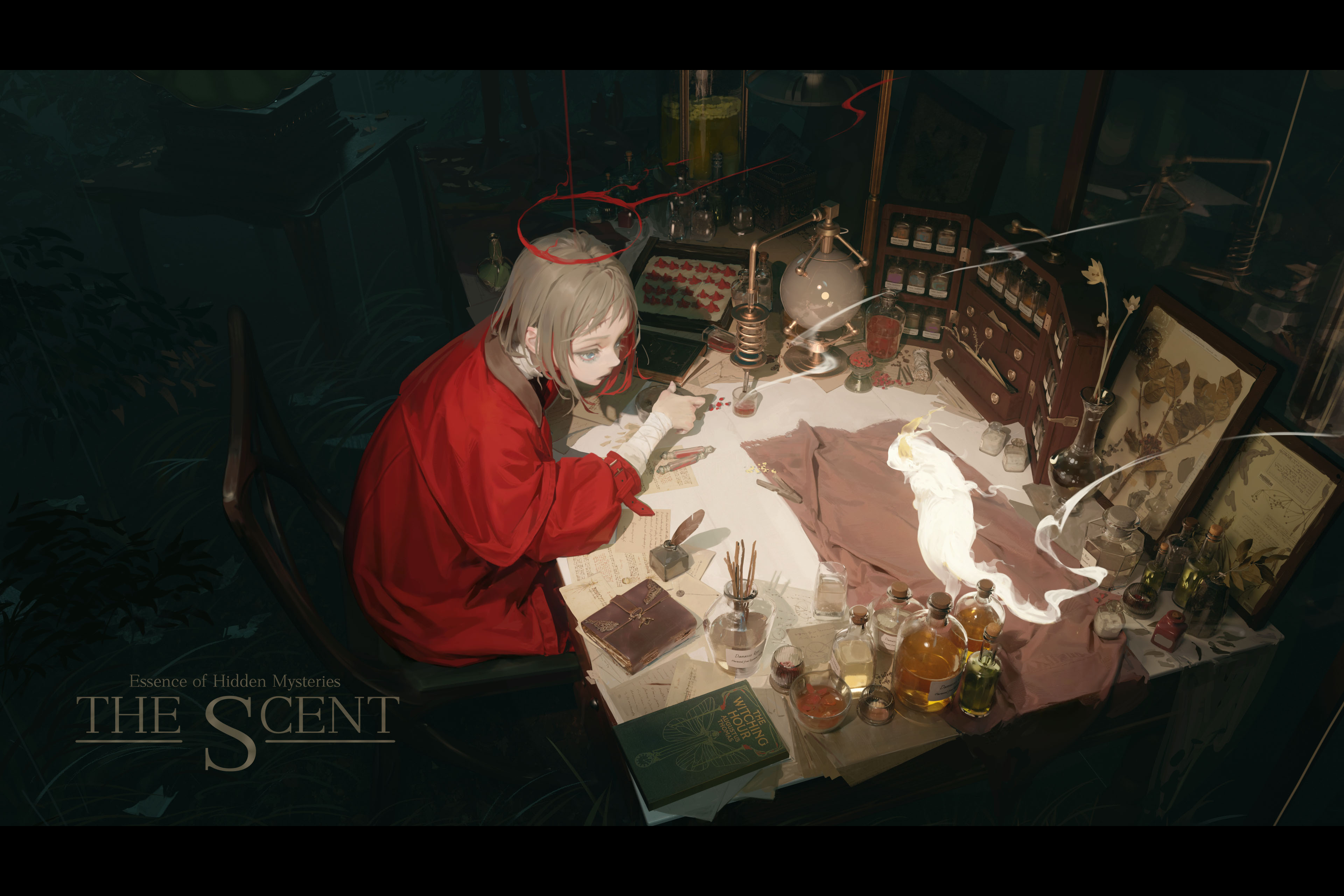
What software and tools do you mainly use in your workflow?
I primarily work with Blender, Daz Studio, Marvelous Designer, and Photoshop.
Your creative process is based on 3D modeling before bringing the work into Photoshop for painting. What led you to adopt this workflow?
I initially adopted this workflow to improve efficiency and image quality. Over time, I’ve realized that 3D-assisted illustration brings several key benefits:
Faster workflow – In commercial projects, recurring characters and props can be reused across different scenes, making the process much more efficient.
Better realism – 3D rendering provides accurate lighting, depth, material reflections, and textures that would be difficult to replicate with pure hand-drawing.
More flexibility – With 3D, I can adjust camera angles and lighting at any stage. In contrast, 2D workflows tend to be more linear—once the composition, lighting, and colors are set, making big changes later is often impractical.
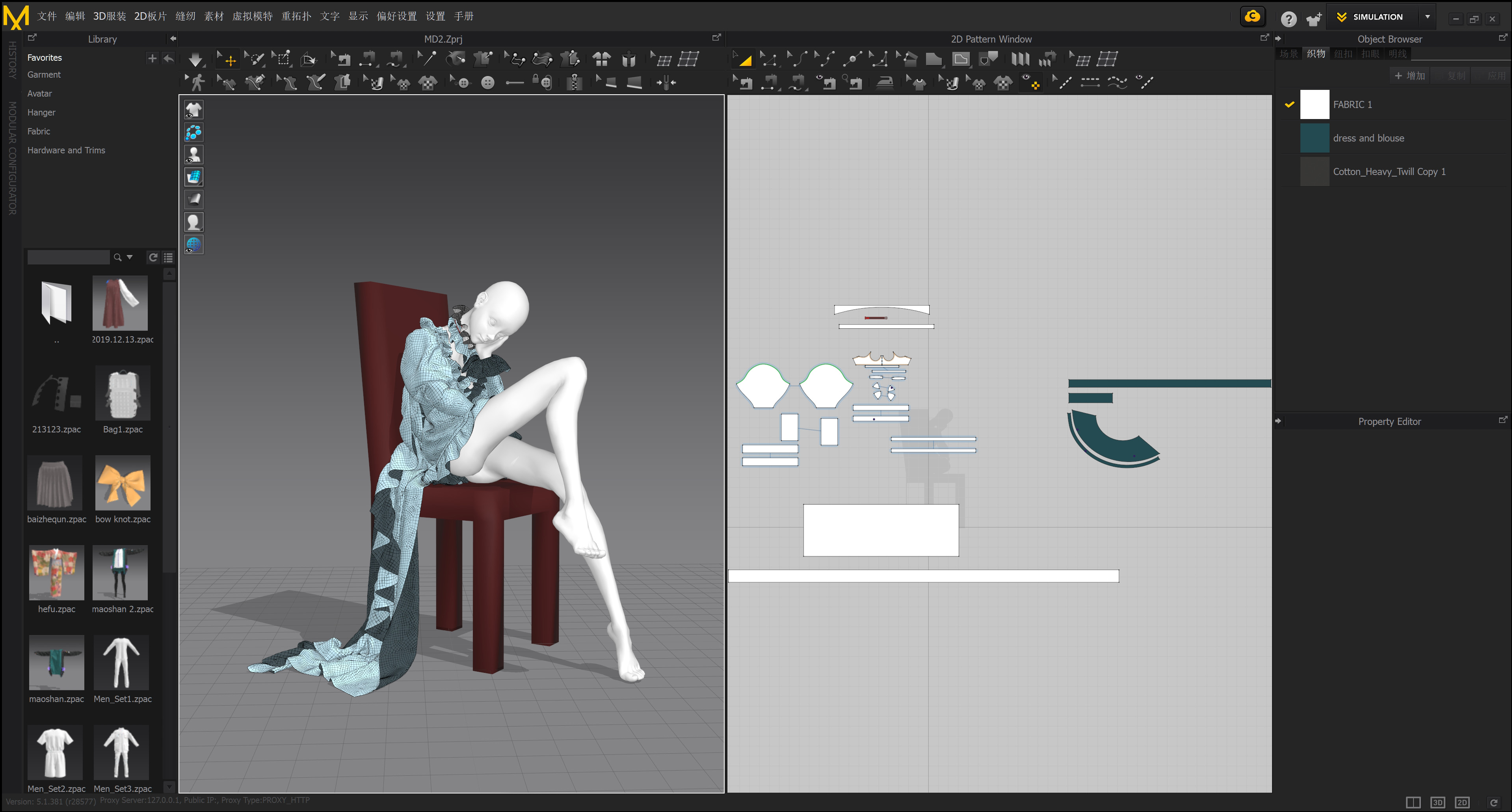
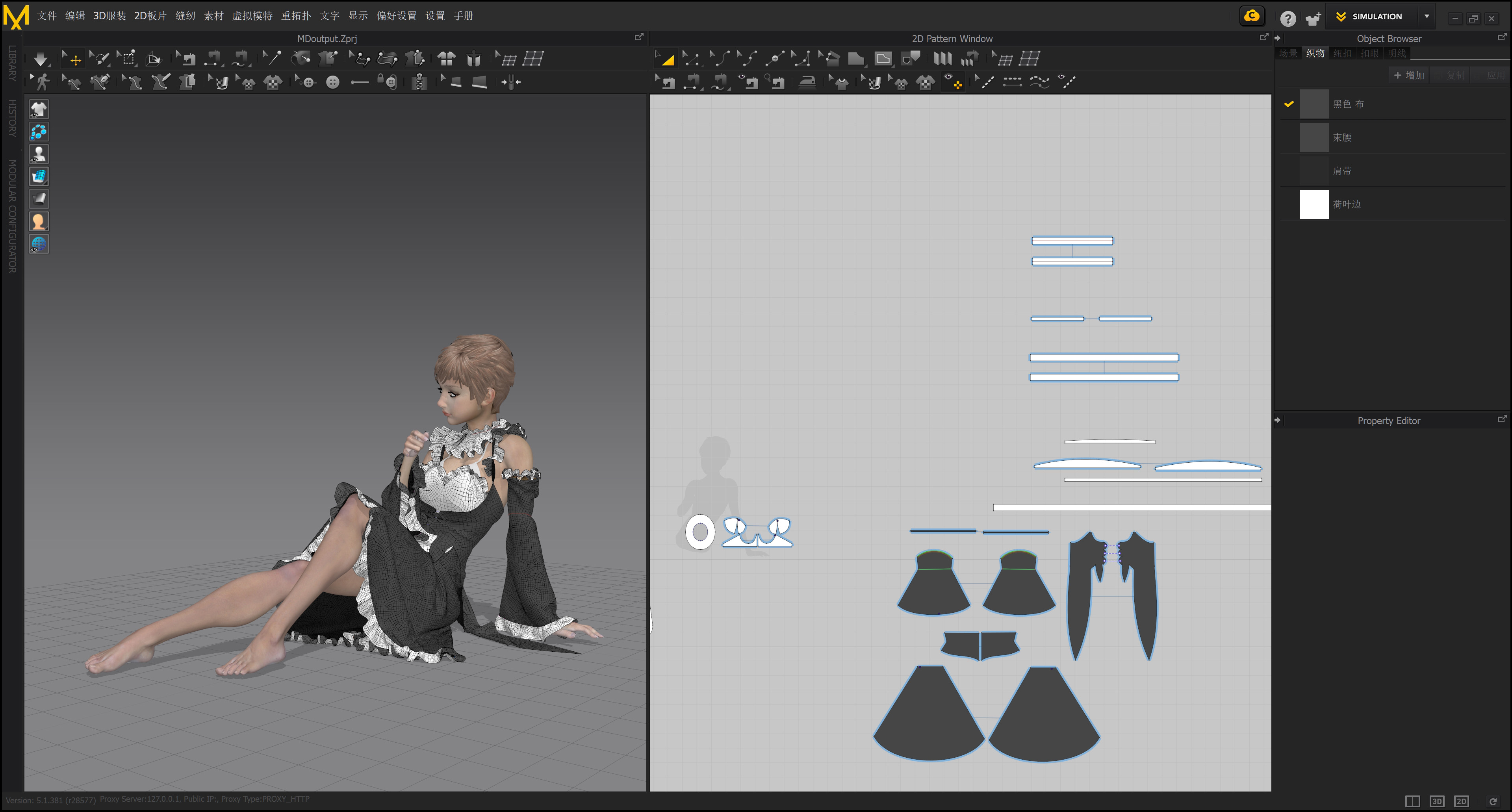
When designing character garments in Marvelous Designer, which aspects or features do you focus on the most?
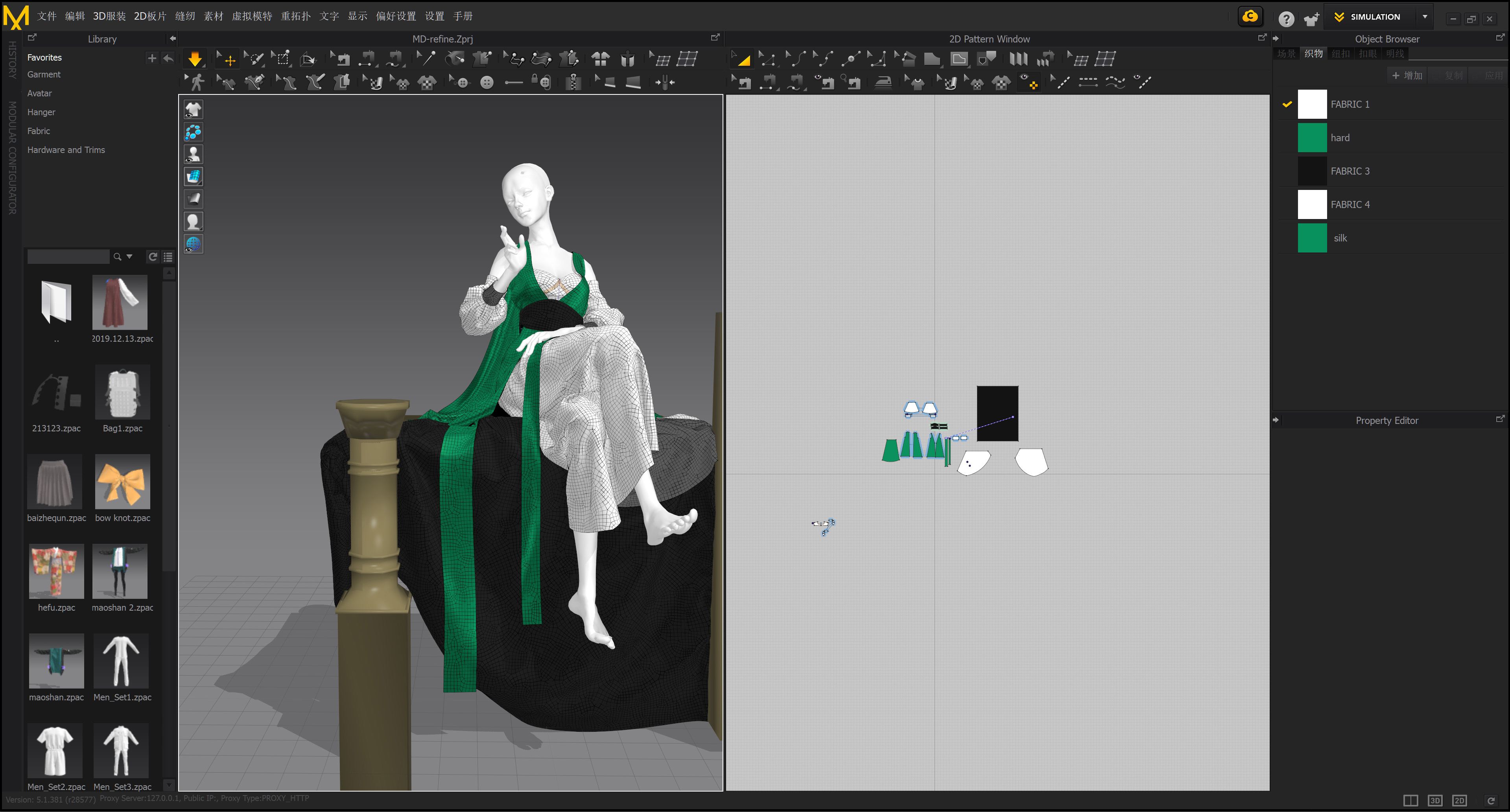
I primarily focus on accurate fabric simulation, which is why I mainly use the 2D pattern-making tools and basic animation features to refine my designs.
Could you share a specific example of how Marvelous Designer played a key role in your creative process?
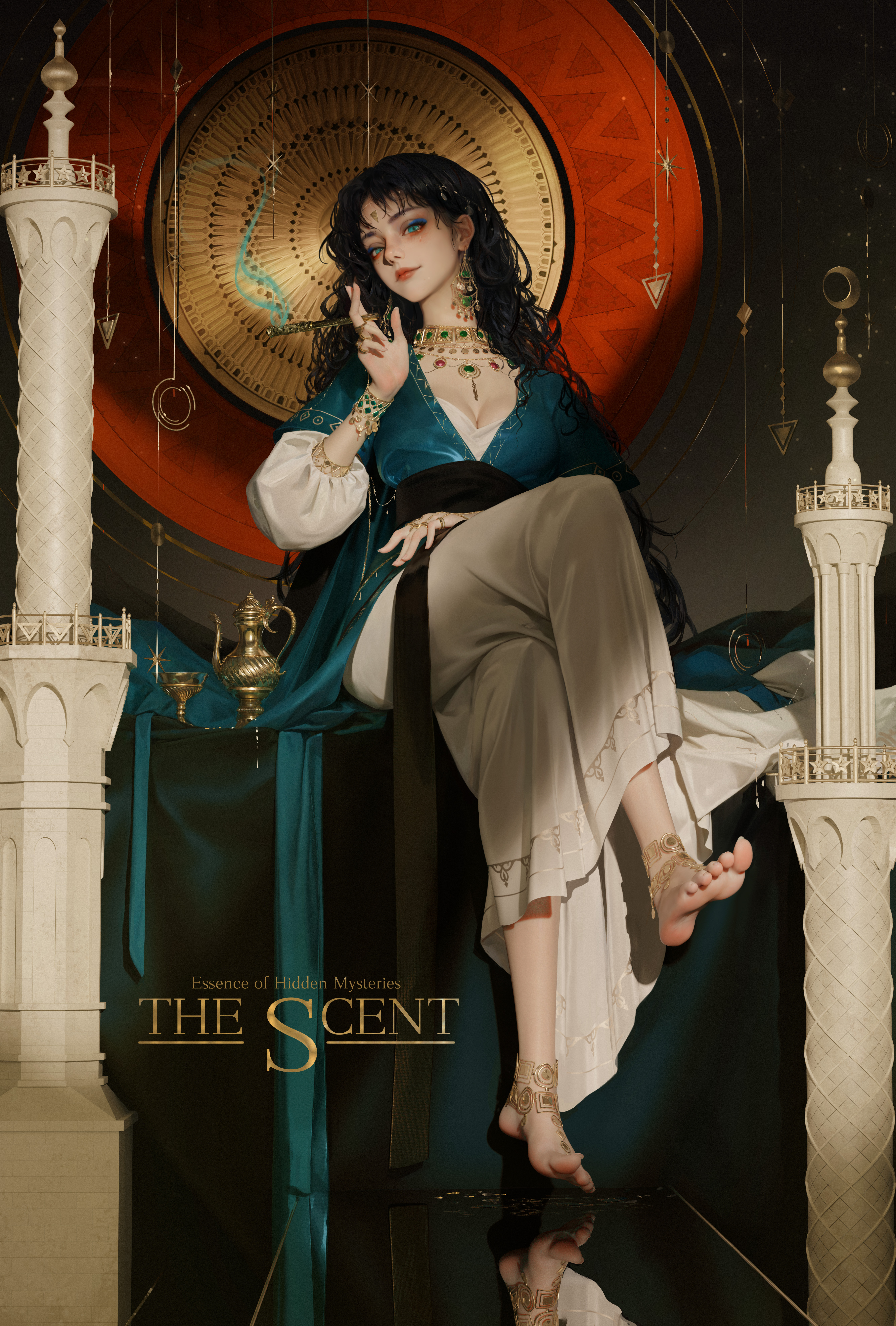
In The Mastic, about one-quarter of the scene is dedicated to fabric details, which play a crucial role in enhancing the composition. The folds and drapery not only complement the character but also help fill the scene naturally, creating a richer and more immersive atmosphere.
Marvelous Designer’s ability to generate realistic fabric textures and movement brings an added level of authenticity to my work. It also softens the stiffness that can sometimes come with 3D-assisted creations. I see it as a visual and compositional mediator, seamlessly blending characters with their surroundings. The way fabric interacts with objects in the scene further enhances the character’s presence, making the world feel more alive.
Any practical tips for artists looking to use Marvelous Designer for concept character costume design?
The best advice? Start using it right away. Marvelous Designer’s pattern-based approach helps artists understand how clothing actually fits and moves, which is essential for making designs more believable.
That said, don’t rely entirely on raw 3D outputs—while simulations provide a strong foundation, they often need additional refinement. Shapes may lack structural clarity, so post-processing is key to achieving a polished final design.
이 작업은 Blender, Daz, Photoshop, Simulation, Texture, illustration 등의 기술로 제작되었습니다.
Marvelous Designer로 이와 같은 3D 의상·캐릭터 작업을 직접 만들어볼 수 있습니다.