Stylized Concept Art Meets 3D: How Marvelous Designer Enhances Illustration in Civilization 7
Discover how artists like Ryan Andrade use Marvelous Designer to elevate concept art—combining 3D cloth simulation with traditional illustration techniques to create dramatic, painterly visuals for games like Civilization 7. From dynamic character poses to time-saving workflows, Marvelous Designer bridges the gap between realism and stylization in modern game development.
Interview with Ryan Andrade | Civilization 7 | Lead Concept Artist at Firaxis
Can you tell us a bit about yourself and your work on Civilization 7?
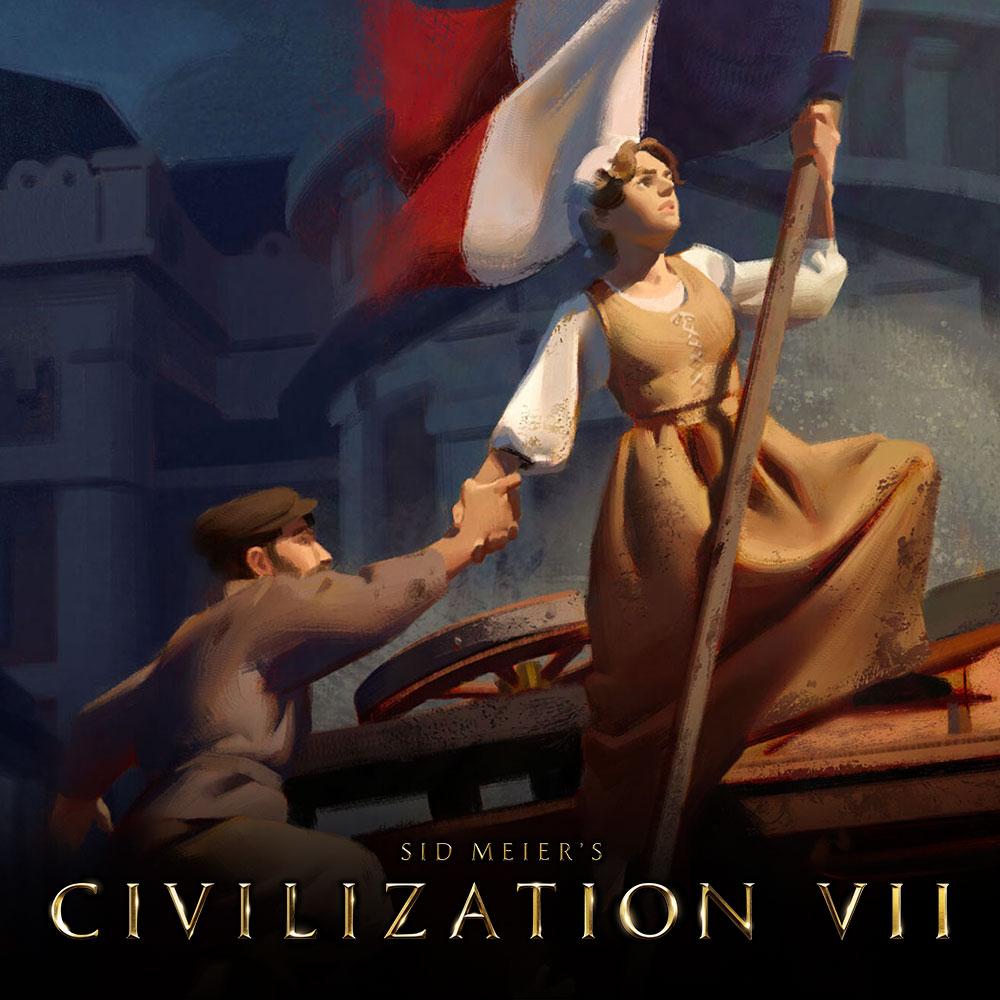 My concept artwork has always had a heavy emphasis on 3D. I picked up Marvelous Designer back in 2014-ish when I was in college. I started using Marvelous Designer as a reference for painting more believable clothing folds for illustrations, and that’s essentially how I use it now on Civilization.
Civilization 7 features a stylized look. What led you to incorporate Marvelous Designer into your workflow, and how did it support the artistic direction?
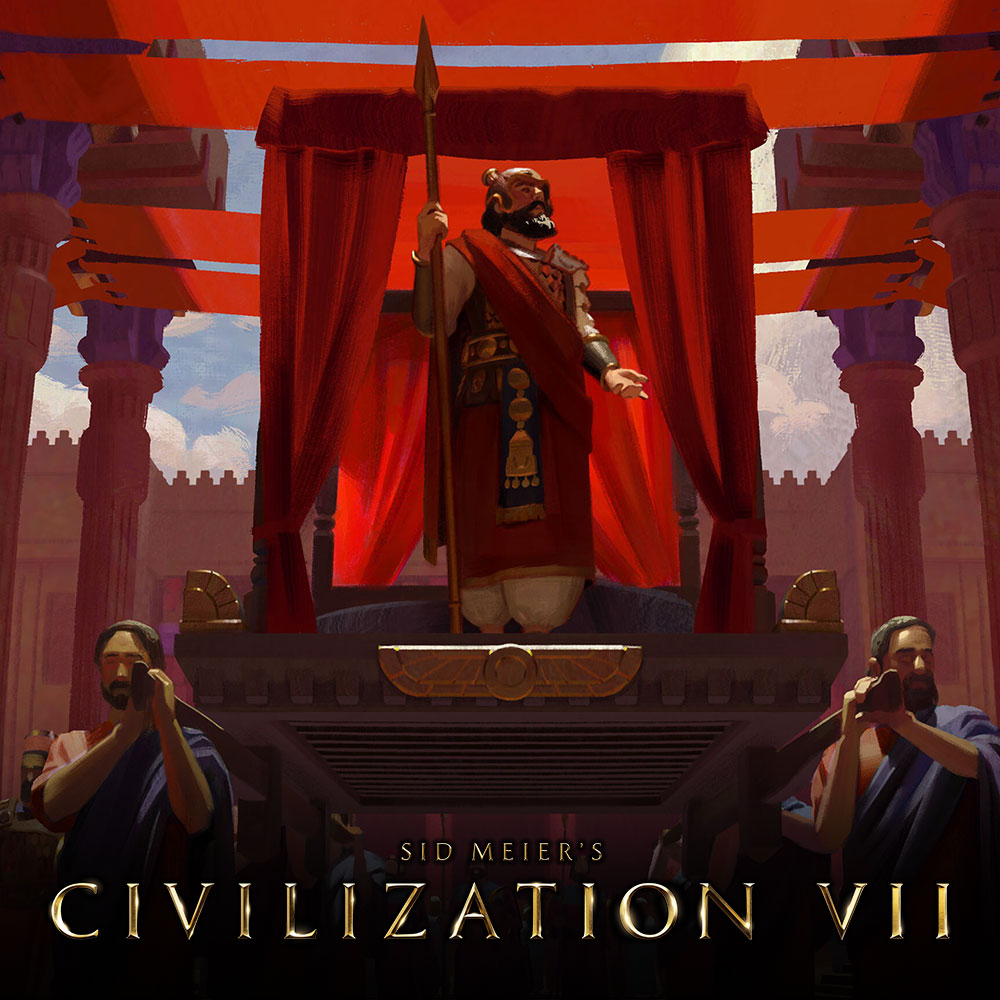 Civ 7’s aesthetic is dark and moody, and our art director had tons of chiaroscuro paintings for us to reference early in production. Baroque and Renaissance era painters are masters of clothing folds (amongst many other things), and so I once again turned to Marvelous Designer to serve as my reference. Those old masters of course hired models to pose for days while they painted, later painters like Norman Rockwell would use photo reference of hired models for the same effect. For my purposes, I see Marvelous Designer as an evolution on that, allowing me to dress and pose characters which then inform my illustrations.
Workflow & Tools – Could you walk us through the key tools and software you used throughout the project?
The first step often happens in Blender where I’m blocking out loose composition ideas with simple geometry. From there I’ll use Daz for more articulated and detailed characters, and put those characters in Marvelous Designer for cloth simulation. Then it’s back to Blender for lights & materials, and lastly is Photoshop for making brushy paint strokes.
Can you share some standout moments where Marvelous Designer played a crucial role in creating iconic scenes or characters?
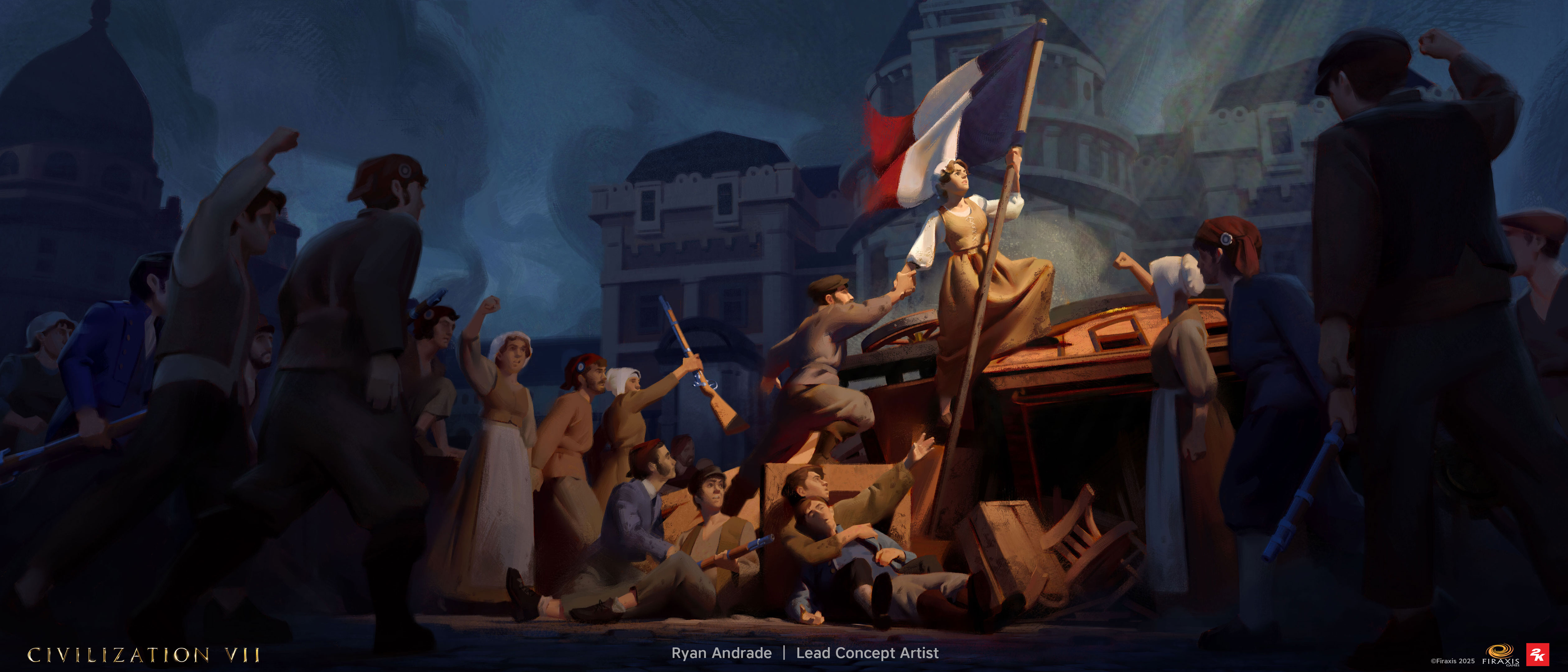 1) final painting
The French layer painting for Civ 7 was one of my favorite use cases for Marvelous. The focal point is a woman in a dress hoisting a flag in really dramatic lighting, which would have been hard to paint from scratch without 3D. The great thing about Marvelous is when you’re able to re-use and tweak older assets for new projects, in this case I already made 90% of the stuff I needed, which saved a lot of time.
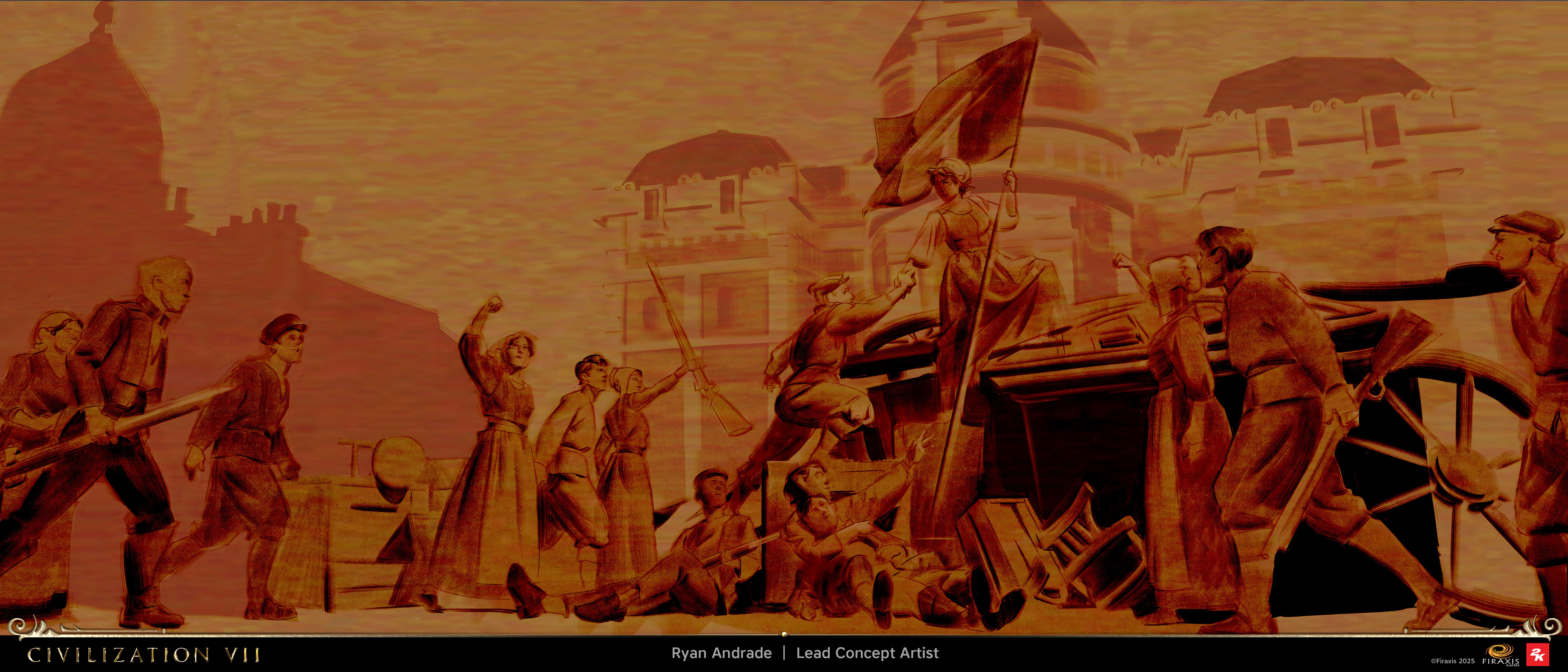 2) underpainting made using the 3D as a reference
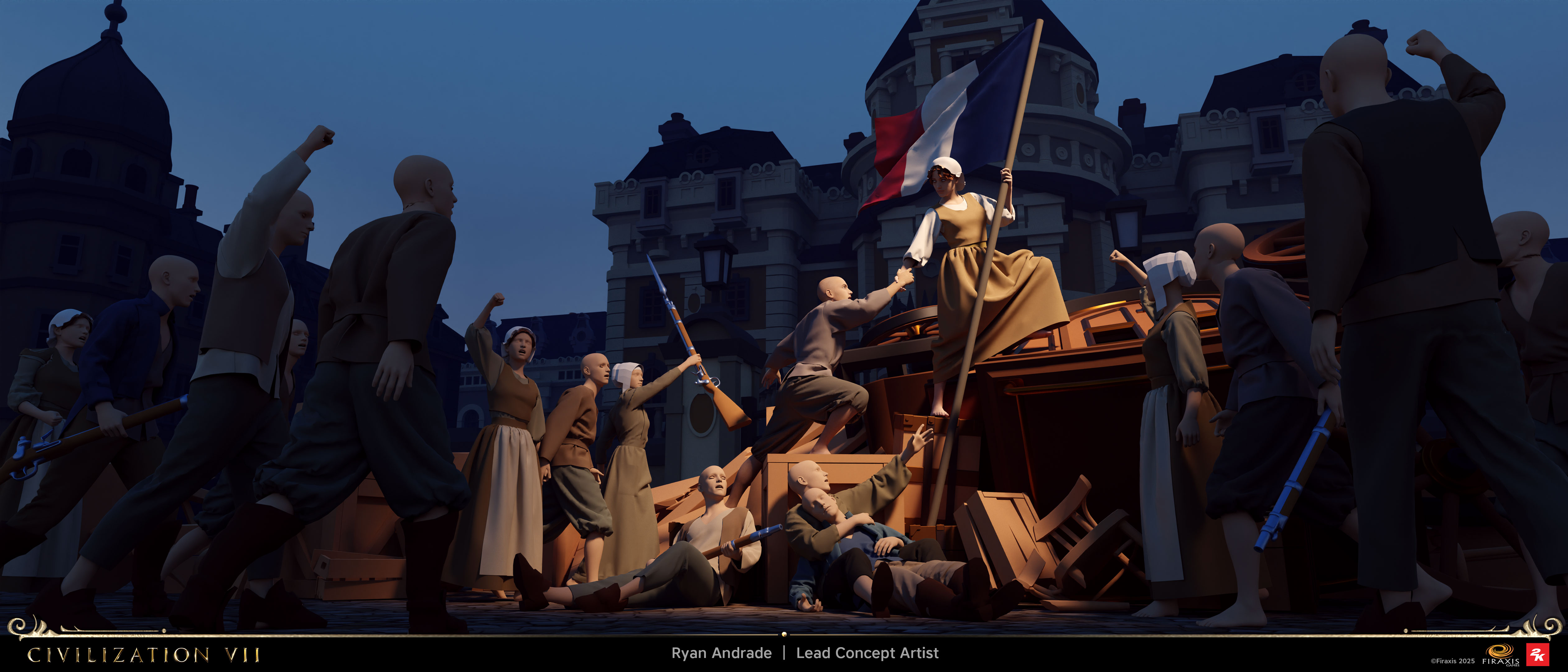 3) raw render from Blender using Marvelous Designer and Daz for the figures
The Xerxes illustration was a similar scenario, with tons of robed figures right up in front of the camera. Using Marvelous along with Blender gave me a solid foundation for my painting.
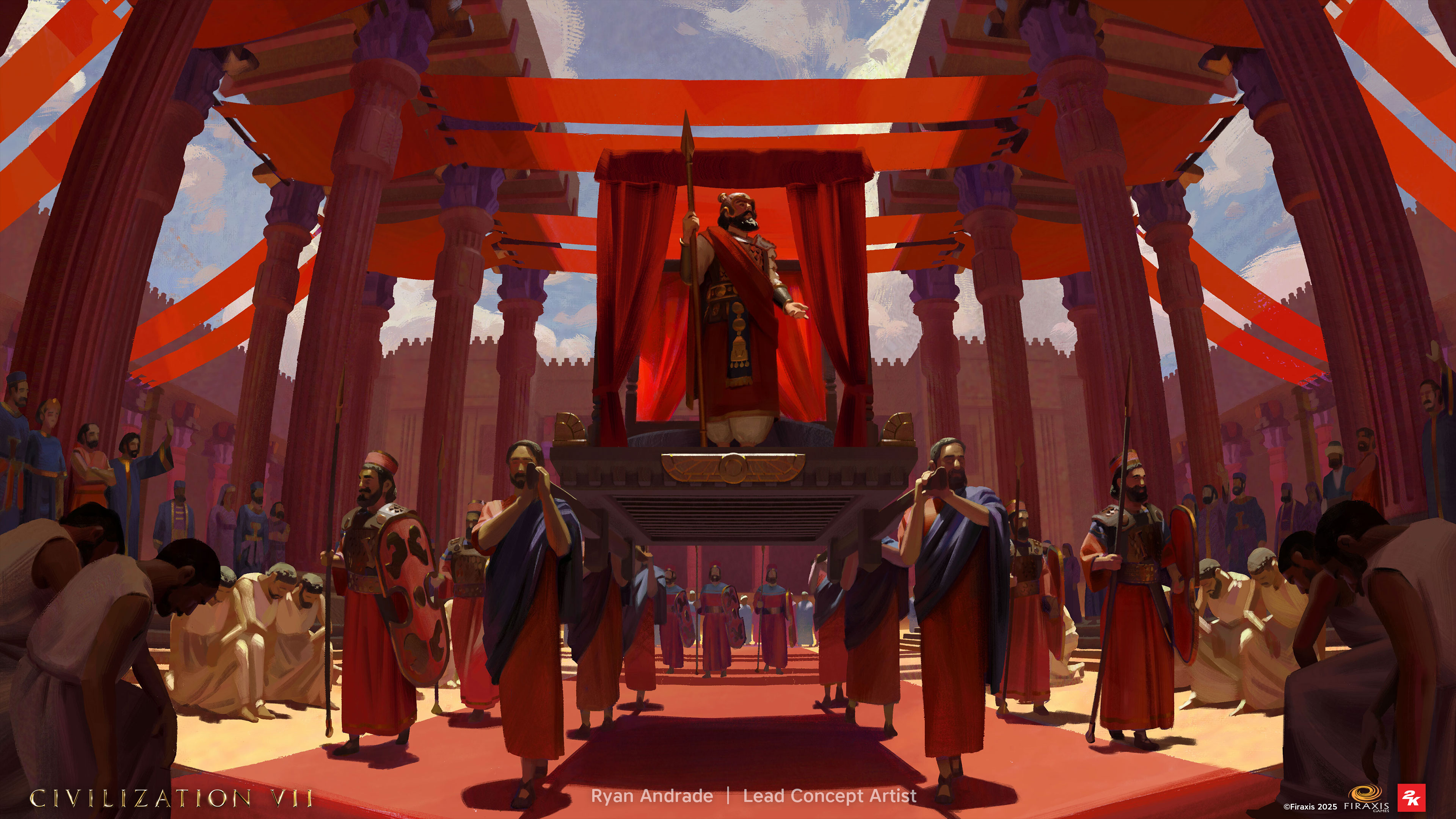 1) Final painting
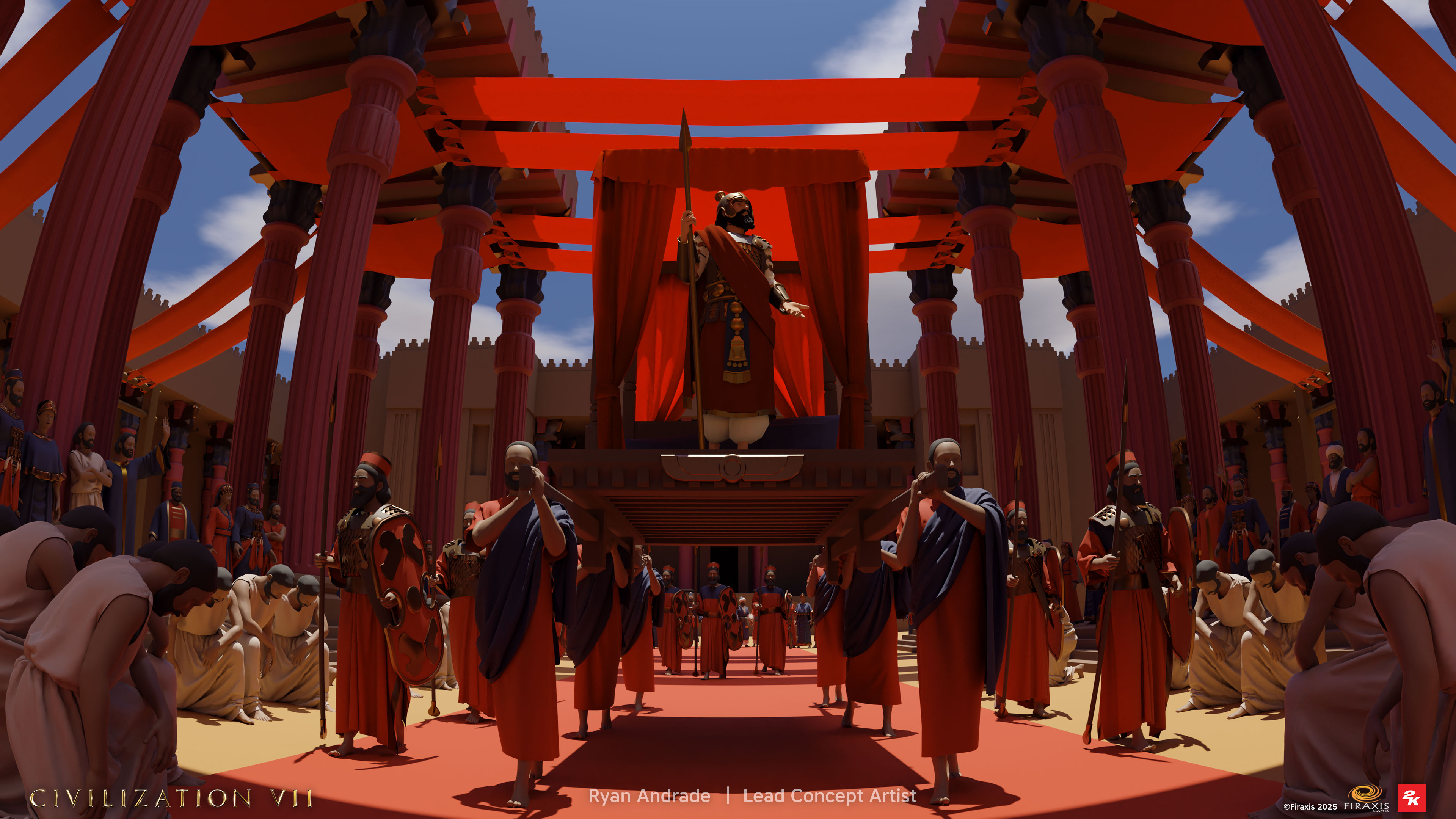 2) raw render from Blender using Marvelous Designer & Daz for the figures
What advice would you give to artists who want to use Marvelous Designer for concept art?
Budget your time wisely, at least for professional work. Decide which characters in a scene will benefit most from detailed cloth sim, and which could make do without.
How would you describe your experience working with Marvelous Designer on this project?
Marvelous is my go-to cloth simulation tool, I’ve used it for all sorts of personal and professional projects, and so far no other program comes close to matching its features.
이 작업은 Photoshop, Blender, DaZ, ConceptArt, Stylized, game 등의 기술로 제작되었습니다.
Marvelous Designer로 이와 같은 3D 의상·캐릭터 작업을 직접 만들어볼 수 있습니다.