Bien Cordialement
Discover Bien Cordialement, a captivating clip by Alex, a French motion designer and 3D artist, blending diverse techniques with a unified artistic vision.
We'd like to learn more about you. Can you introduce yourself?
Hello, my name is Alexandre. I'm a french motion designer and 3D artist, I'm currently working at ac3studio and I live in Paris. I graduated with a master's in art direction and motion design in 2020.
Your project, Bien Cordialement, is quite captivating and enjoyable. Could you elaborate more on the details of your project?
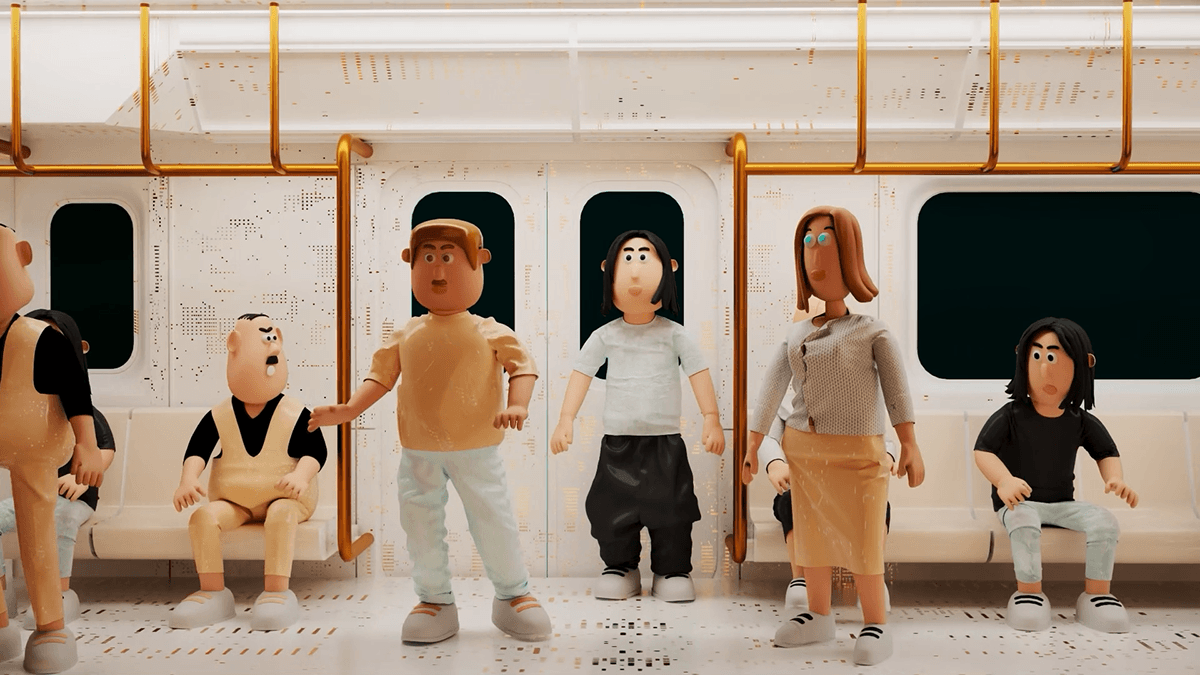
I'm very pleased that you liked the "Bien cordialement" clip, which is a special project for me. When I did this project, it was to have not only a showreel, but also a project showing a wide range of skills and a coherent artistic direction throughout.
The lyrics are a satire of a cover letter.
I told myself that once the project was finished I'd start looking for a new job, so that's what I did, and it worked.
Why did you decide to use Marvelous Designer? How has it contributed to your art direction?
When I started this project, I quickly realized that I'd like to add some characters. Since I work mainly with Houdini, I tend to want to give everything an organic feel. That's why I told myself I wanted clothes with simulations. So I learned Marvelous Designer to make this project.
When I designed my characters I was inspired by cartoon characters, for example, the shapes of my characters' heads say a lot about their personalities.
So when I added clothes to my characters, I was able to sublimate them and really bring them to life. Clothes bring a unique look and personality to each of my characters.
Have you encountered any challenges in creating clothing and animation for stylized avatars?
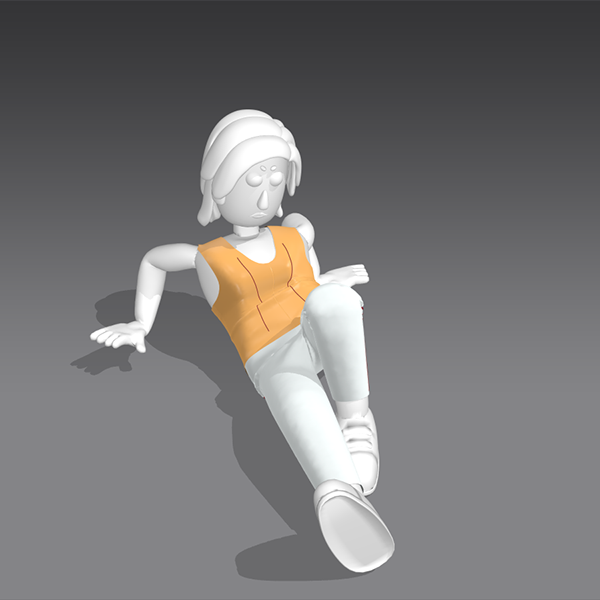
Yes, I did encounter some difficulties, because during this project I was learning marvelous at the same time, and I had to find the right workflow to go from Houdini to marvelous.
It's very easy to make a simple t-shirt on Marvelous Designer on standard humanoid characters (daz etc).
However, on my characters that aren't physically correct (if you give one of my characters a pentalon, the pentalon can't physically fit on him). On top of that, there are rig problems during their animations. This complicates the task, but Marvelous offers solutions for non-standard characters, and I hope they'll continue to develop their software in this direction.
Can you give us a quick overview of the different tools used in your pipeline?
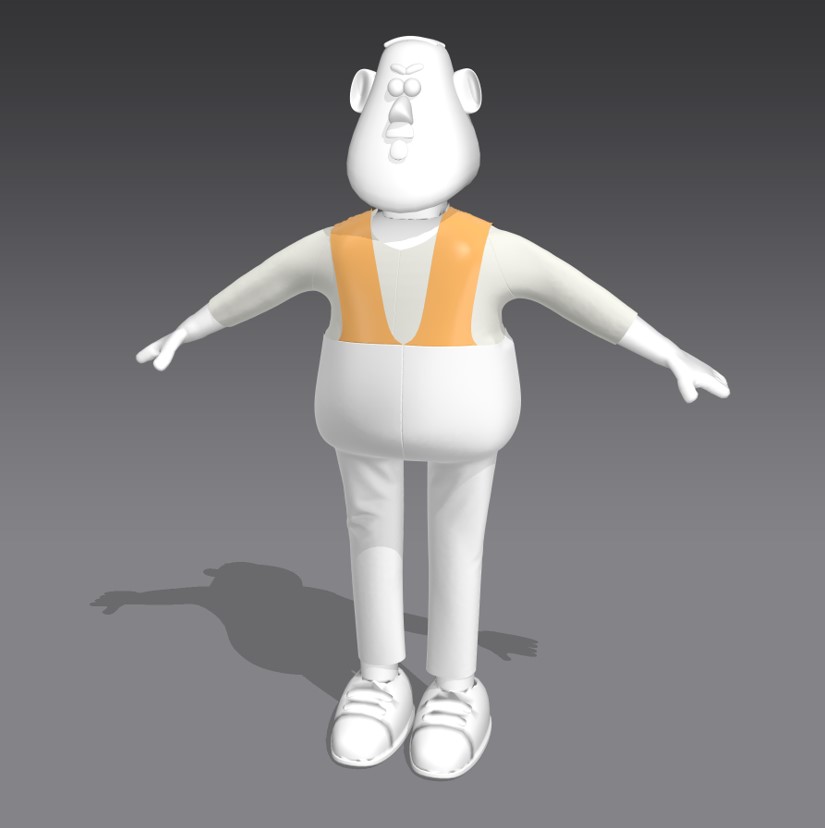
The workflow began with semi-procedural character modeling on Houdini. Then add a rig and animation on Mixamo. Then I imported the character in A-pose on marvelous. So I could create and adjust his avatar and clothes.
Once I was satisfied with the clothes and the Mixamo animation reworked in Houdini. All I had to do was find a way to import the animation into Marvelous Designer.
To do this, I always added a blend of the A pose to the animation.
So the character with the animation starting in A pose on marvelous already has all his clothes perfectly fitted, as if he'd just stepped out of the tailor's!
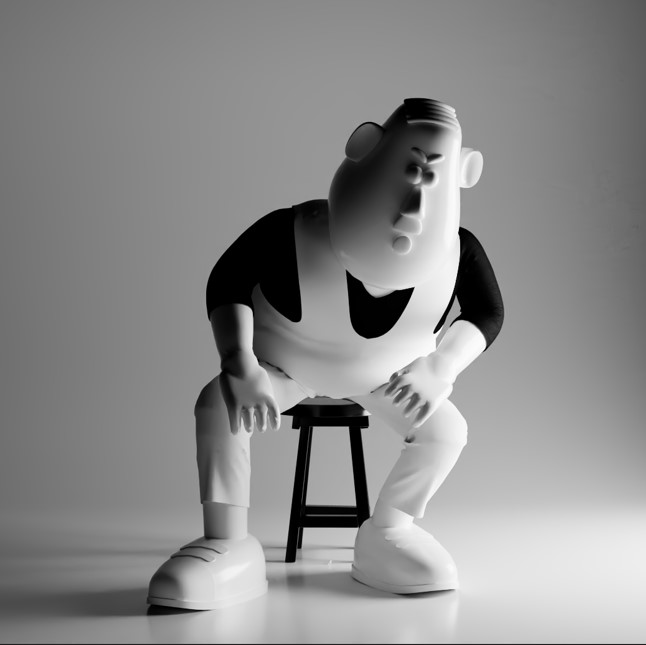
Then all I had to do was simulate the clothes on Marvelous Designer.
It's a very practical workflow because as long as you import the character in A pose in frame 1, the clothes will always be adjusted.
Lastly, what tips do you have for animators using Marvelous Designer?
My tips for beginners: start simply with the classic t-shirt and pantaloon, and once you're satisfied, add more details.
If you're using a custom avatar, try to get as close as possible to the standard size.
Also creating the Bounding Volume and Arrangement Point on your own avatar in the Avatar Editor will be very helpful for arrangement.
For animations, play with the quality of the simulation, it's not because you make the simulation with high parameters that you'll get the result you want.
Last but not least, marvelous is simple and efficient for beginners. Once you've understood the workflow, have fun!
by Alex Ebcy
Vimeo
Instagram
이 작업은 Houdini, Avatar, Mixamo, Animation 등의 기술로 제작되었습니다.
Marvelous Designer로 이와 같은 3D 의상·캐릭터 작업을 직접 만들어볼 수 있습니다.