Path of Exile 2 - Sculptures
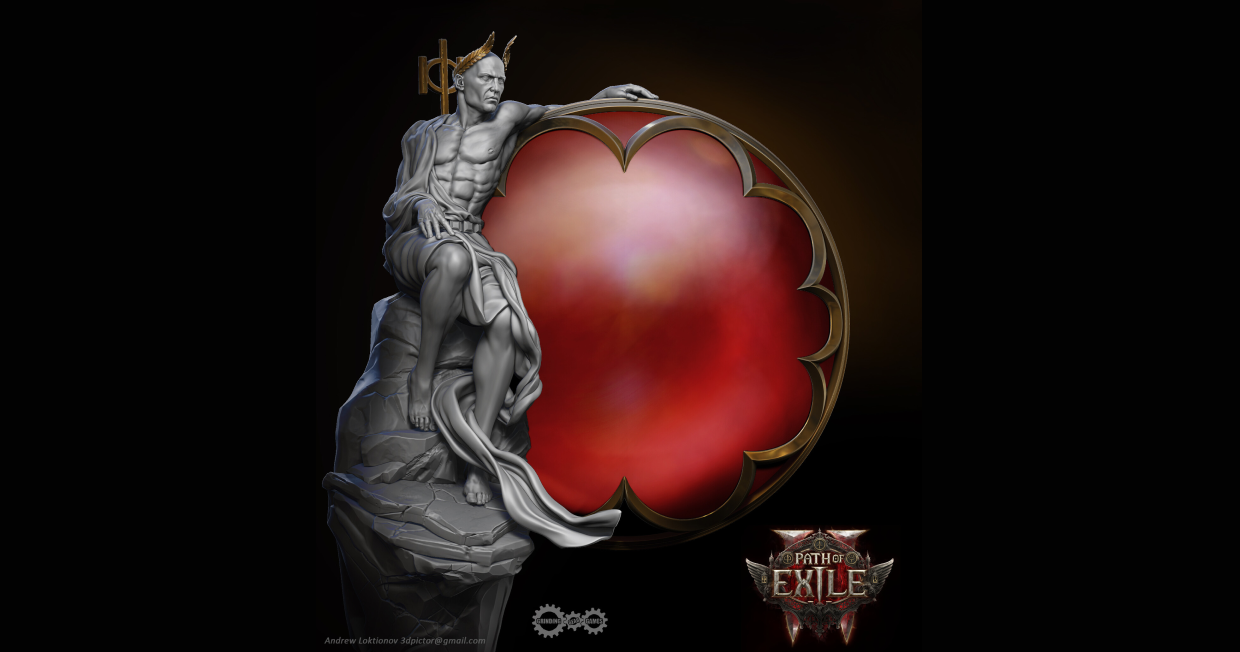
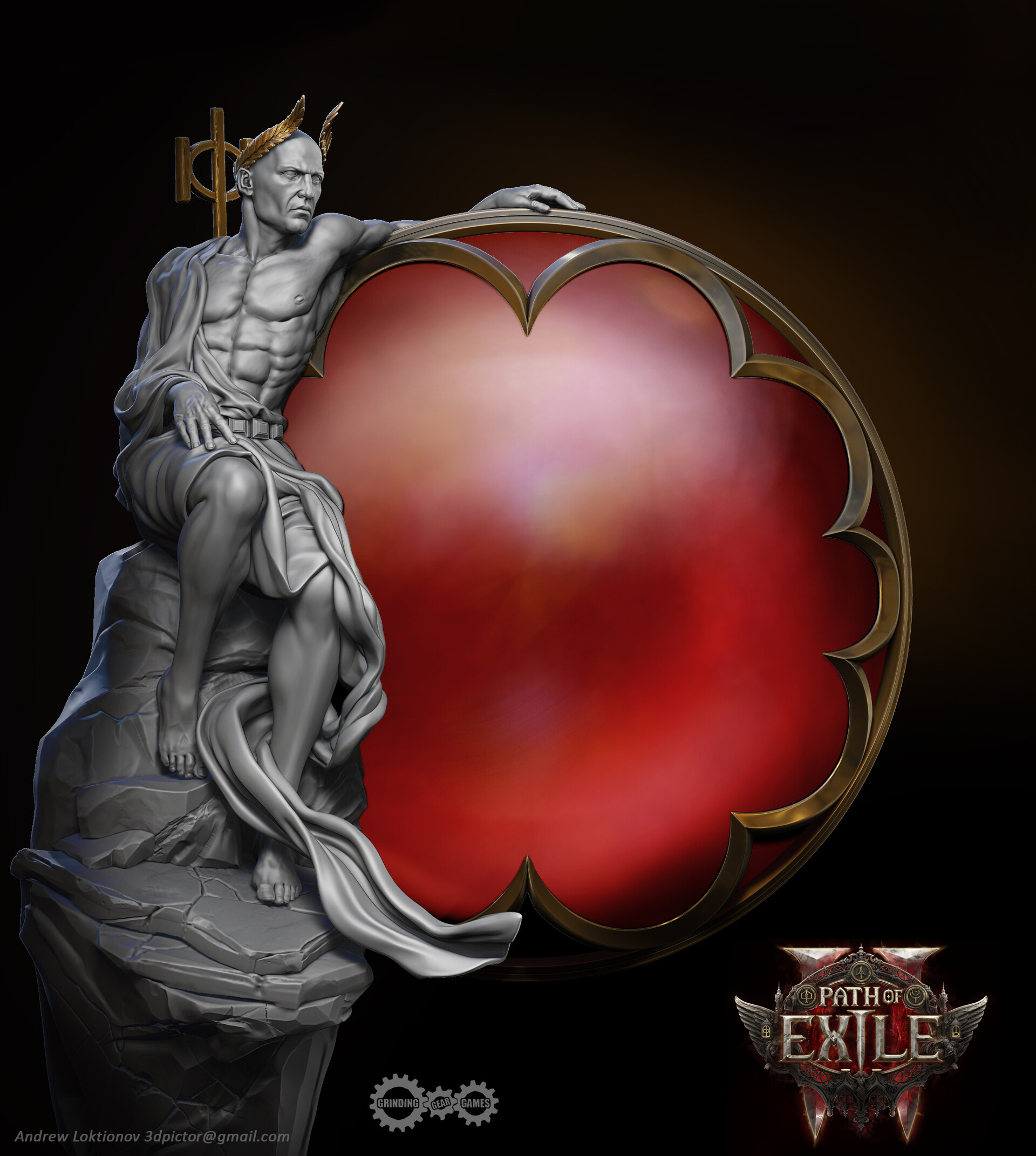
Andrey Loktionov shares his journey on the Path of Exile 2 project, detailing how he created sculptures for the main gameplay menu using Marvelous Designer.
Interview with Andrey Loktionov | Sculptures in Path of Exile 2 | 3D characters and creatures artist
Can you introduce yourself and your background as an artist?
Hello! My name is Andrey Loktionov and I'm from Ukraine.
My main specialization is a 3D characters and creatures artist for video games and a sculptor for 3D printing. My experience in the CG is about 14 years. I work in different styles, but my favorite style is dark fantasy and realism.
You can see my works in more detail here.
Let’s talk about your recent project, “POE2(Path of Exile 2)”. Can you tell us where you got the inspiration for the concept or what was the visual style you were aiming for?
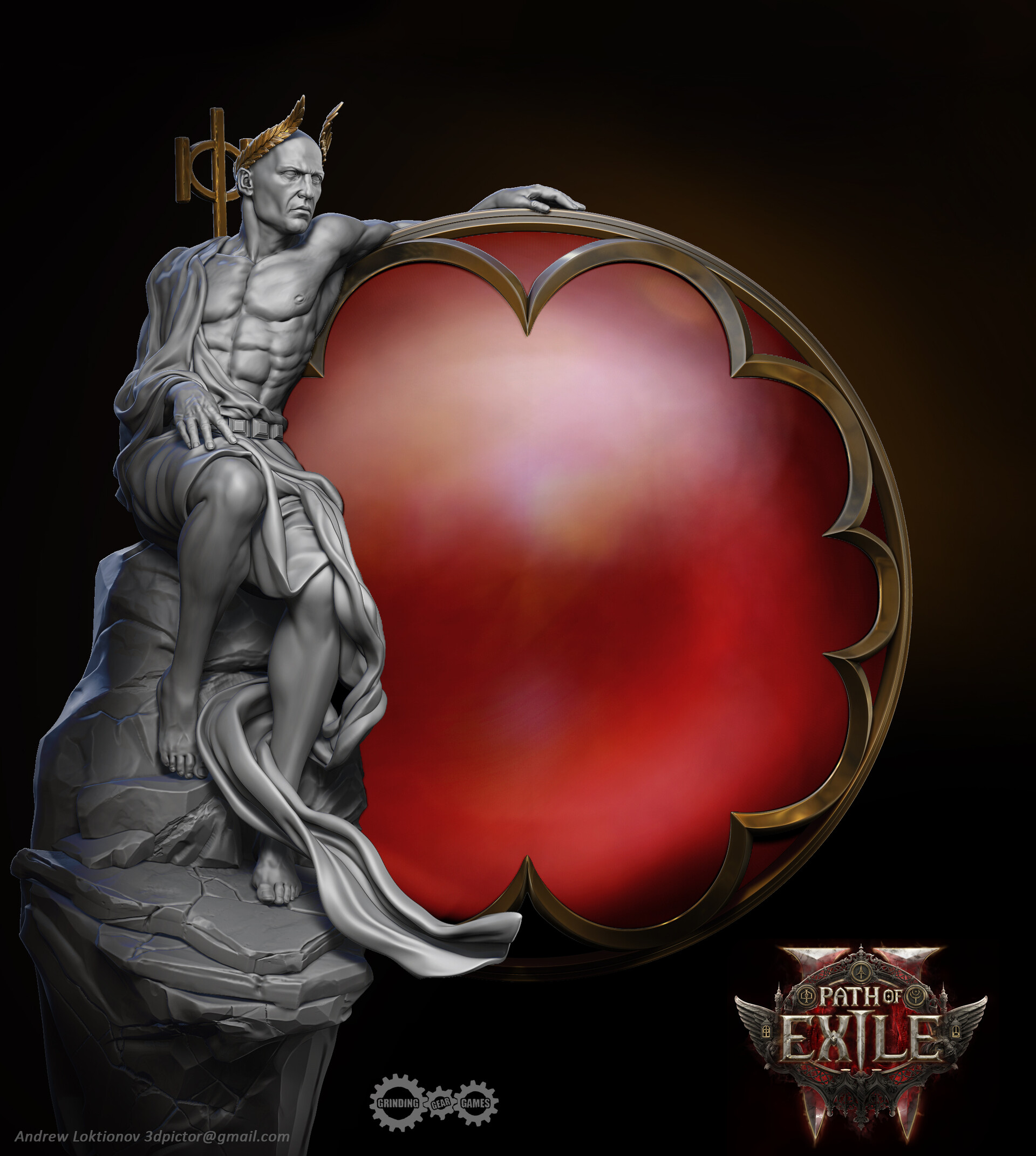
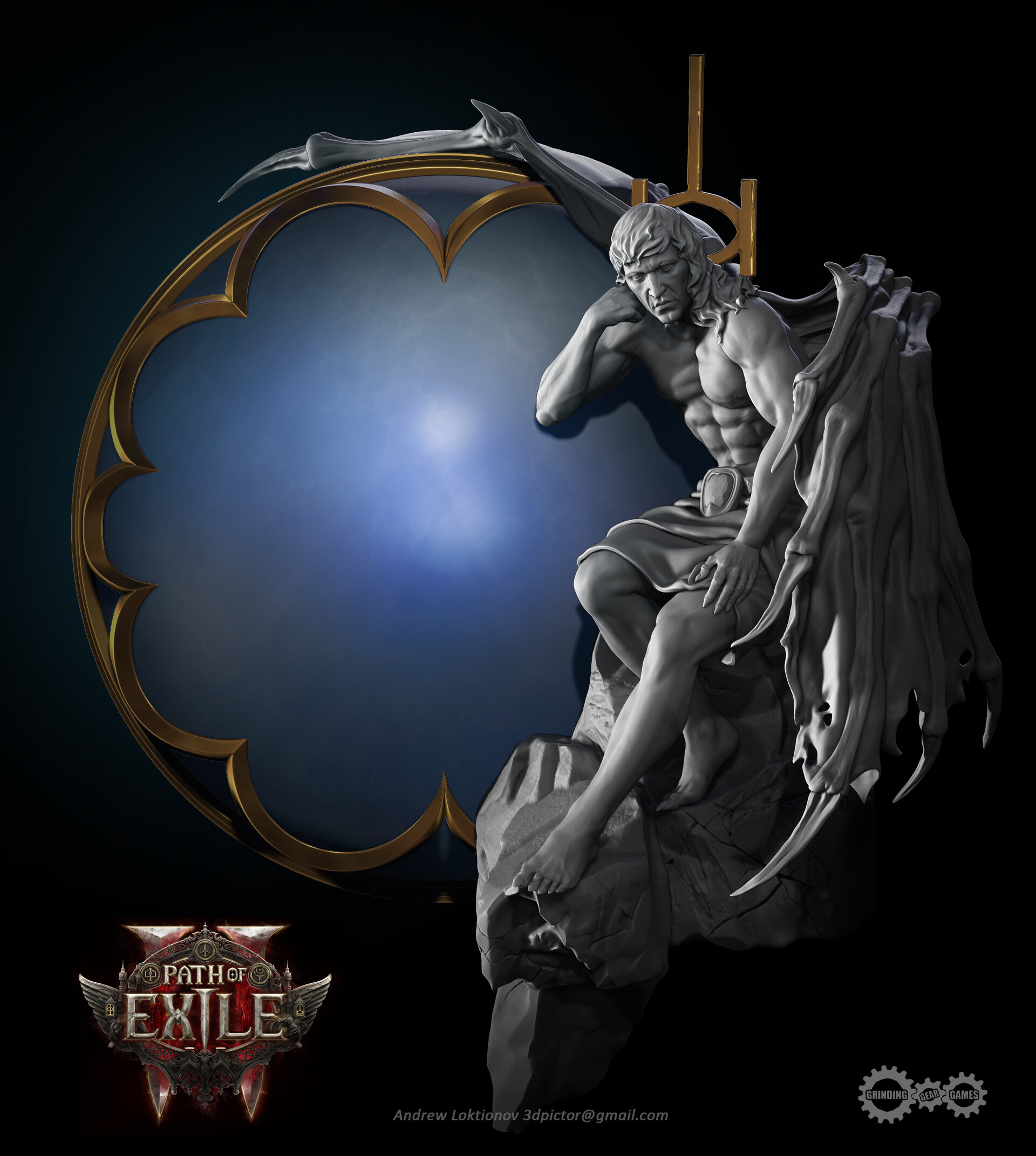
Well, it’s a great project - an action/RPG game from Grinding Gear Games and I was lucky enough to take part in it a little. My task was to make some statues for the main game menu. This is exactly the dark fantasy style. It’s hard to single out something for inspiration now because there are so many reasons for this.
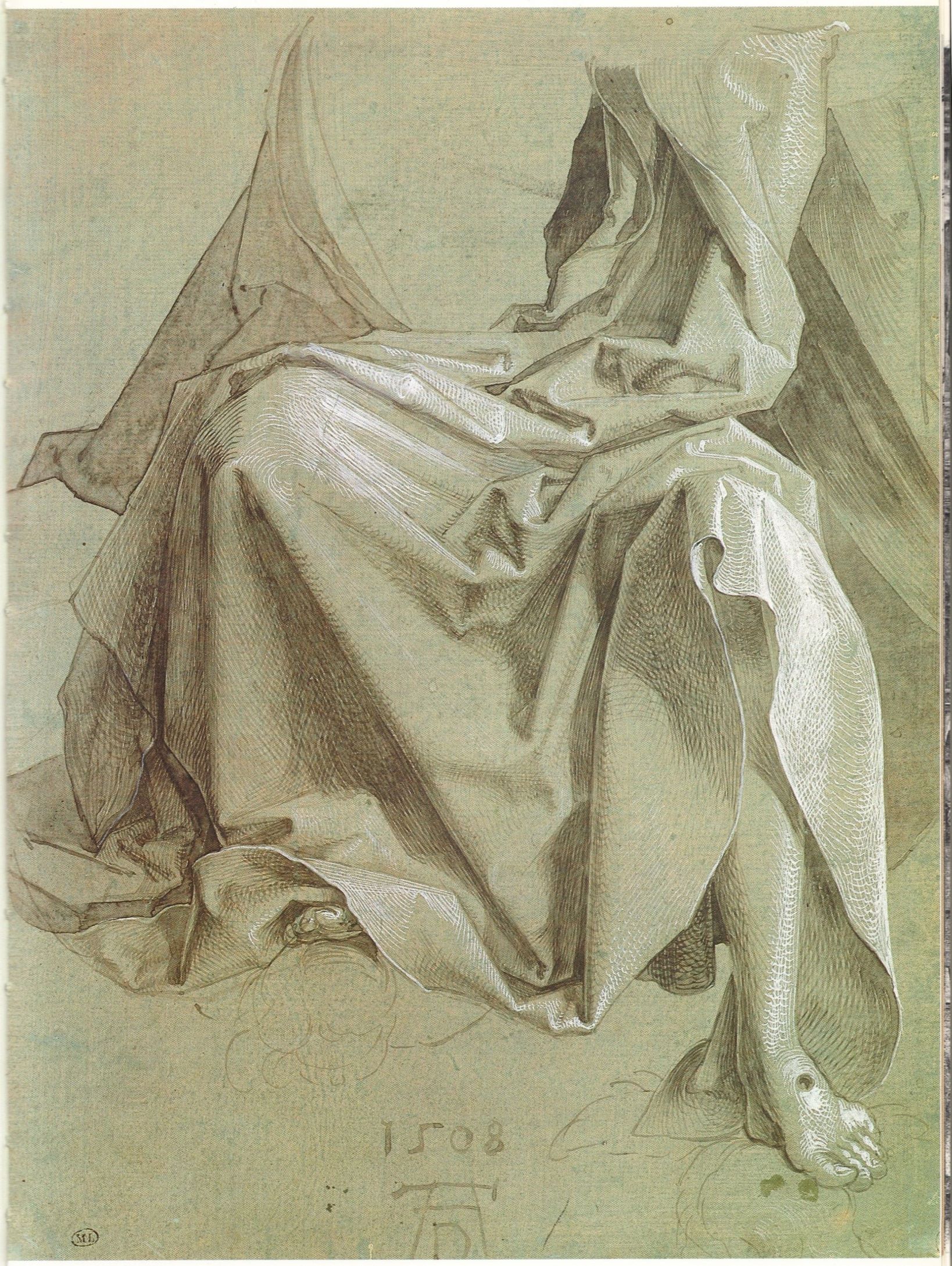
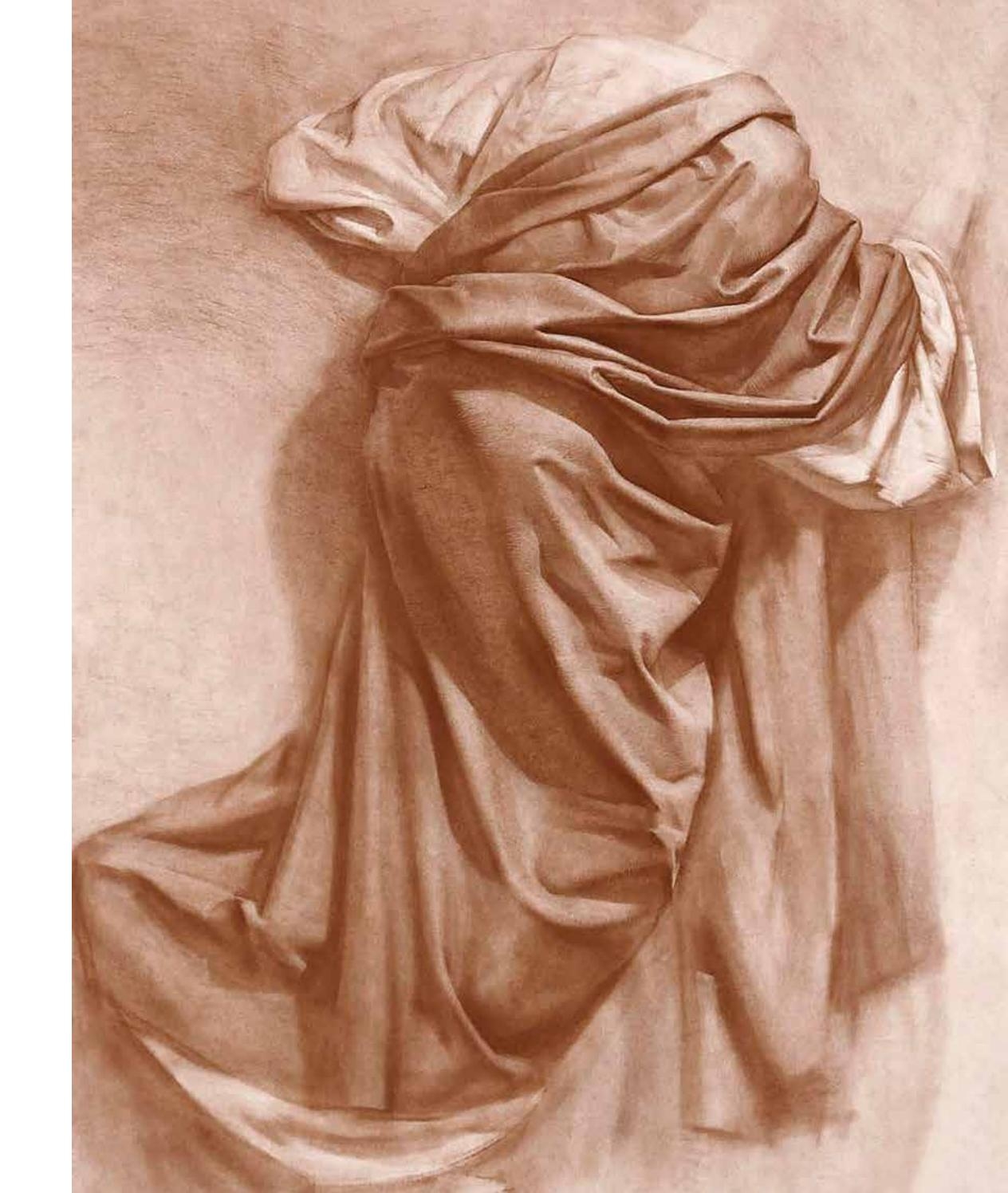
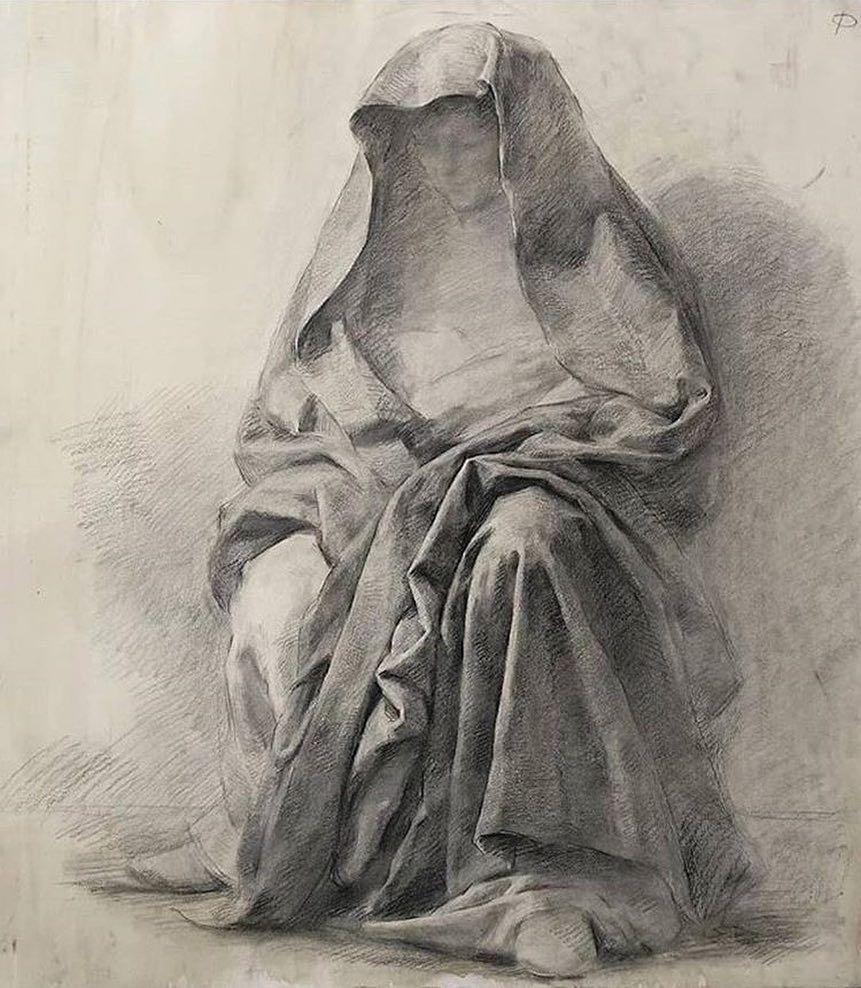
But if we talk about creating clothes, then Leonardo da Vinci’s Drapery Sketches always comes to mind, where he singles it out in a separate direction, like the anatomy of folds.
How did you use Marvelous Designer in the artwork?
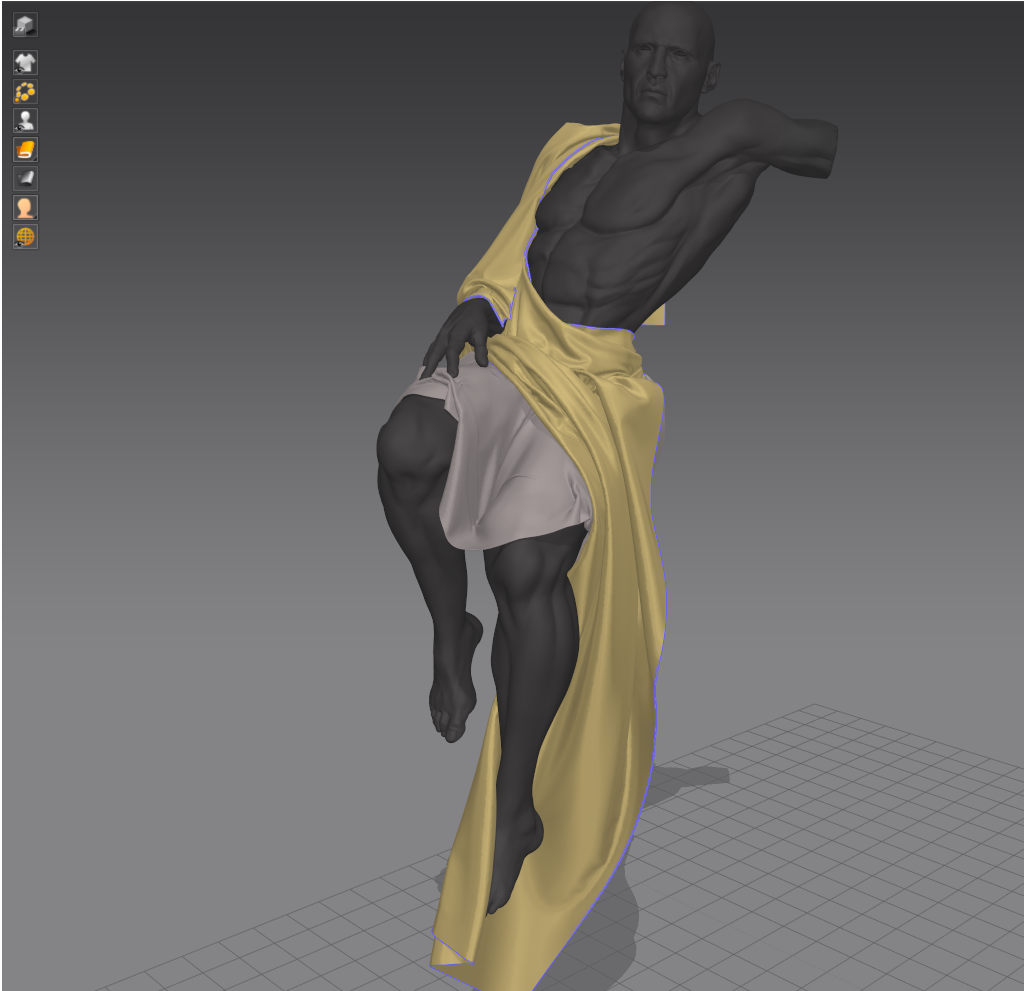
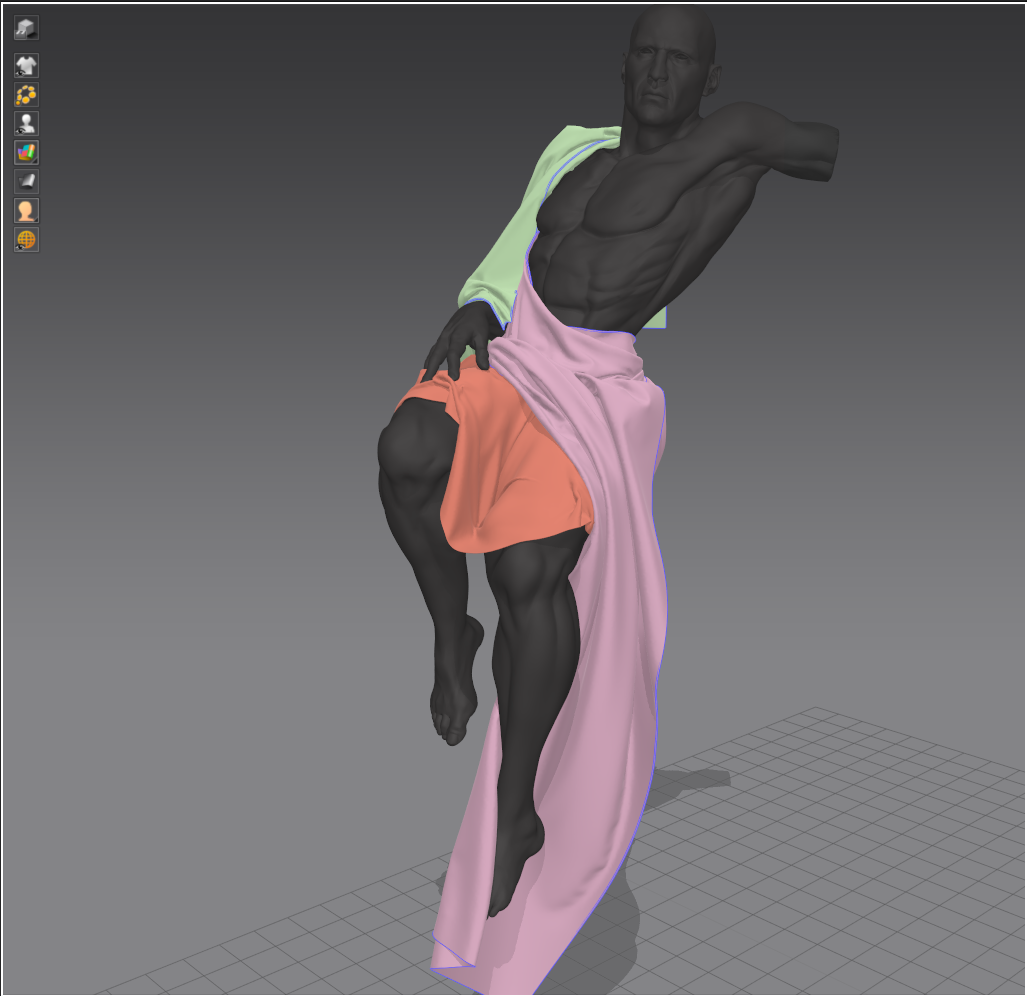
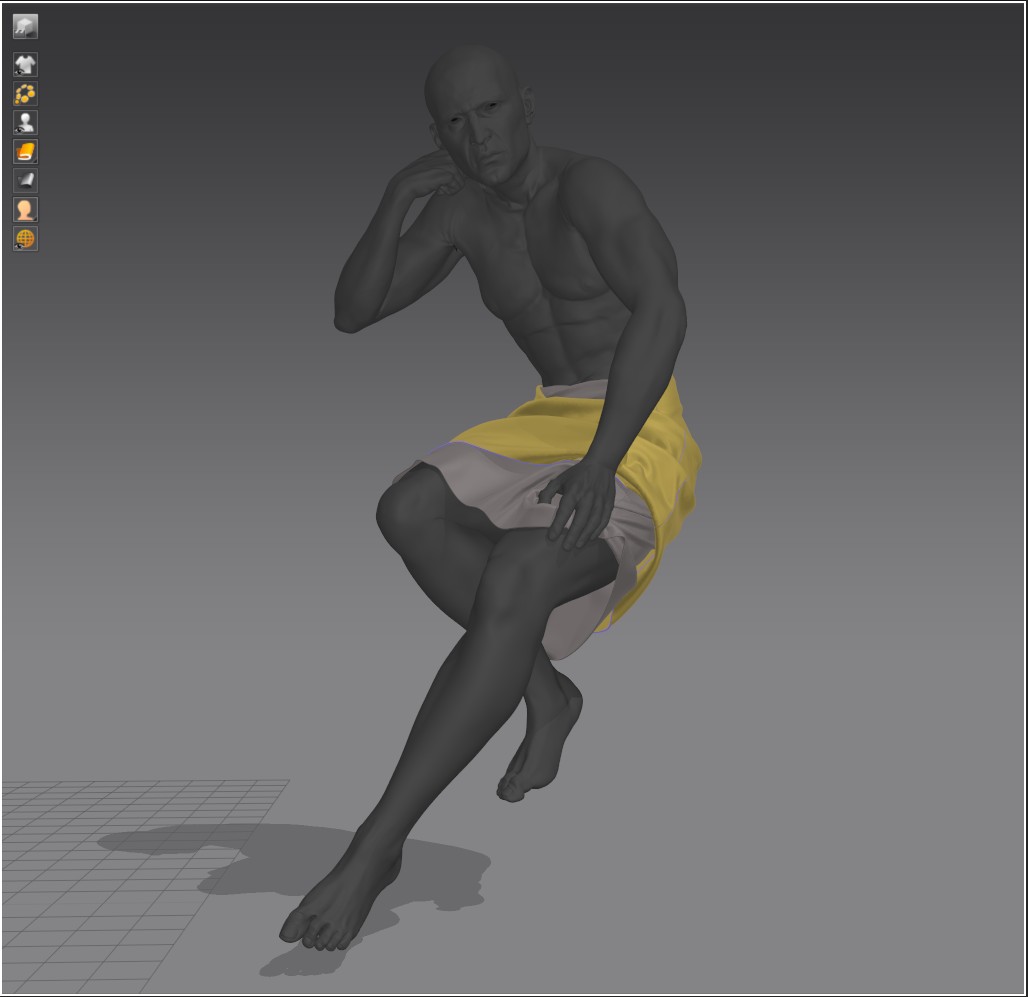
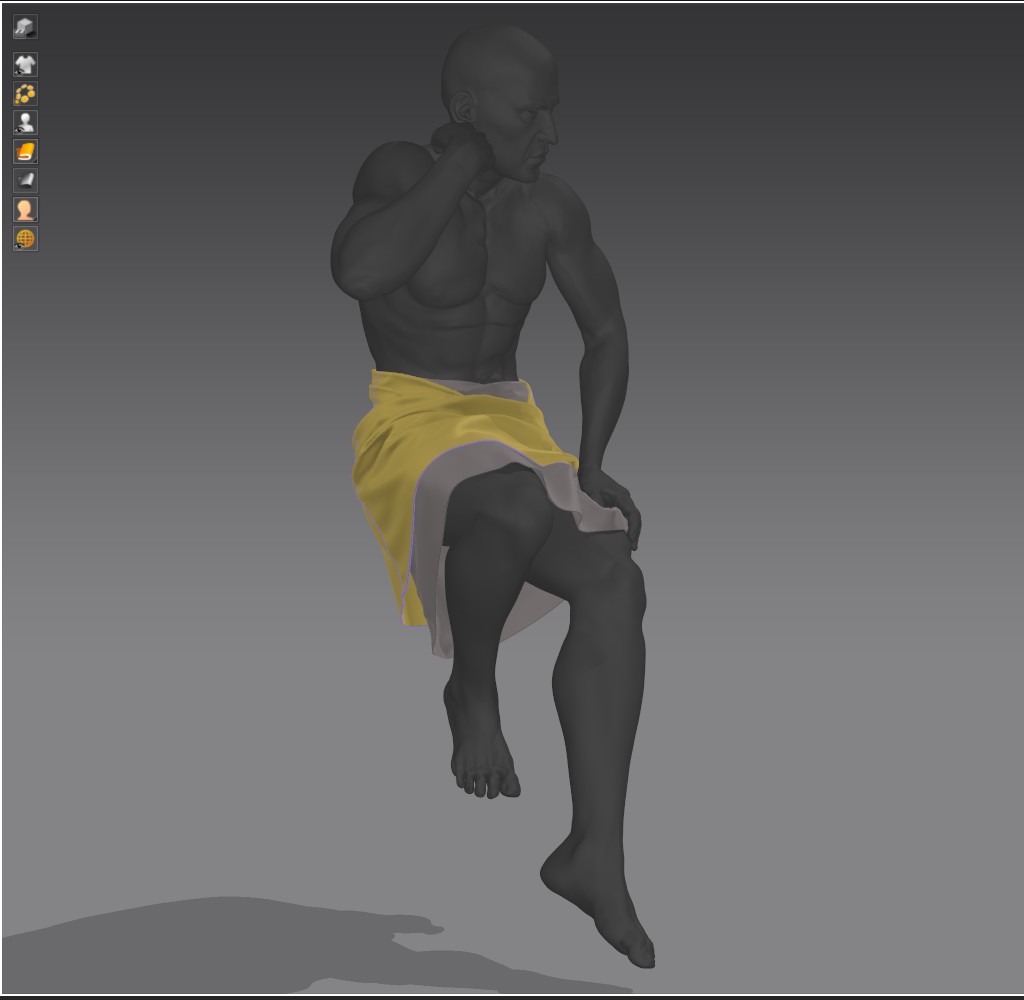
In this particular project, my main goal was to get a base for the draping of the clothes with further detailing and refinements in ZBrush. To get the dynamics, shape, and of course the base of the folds through simulation.
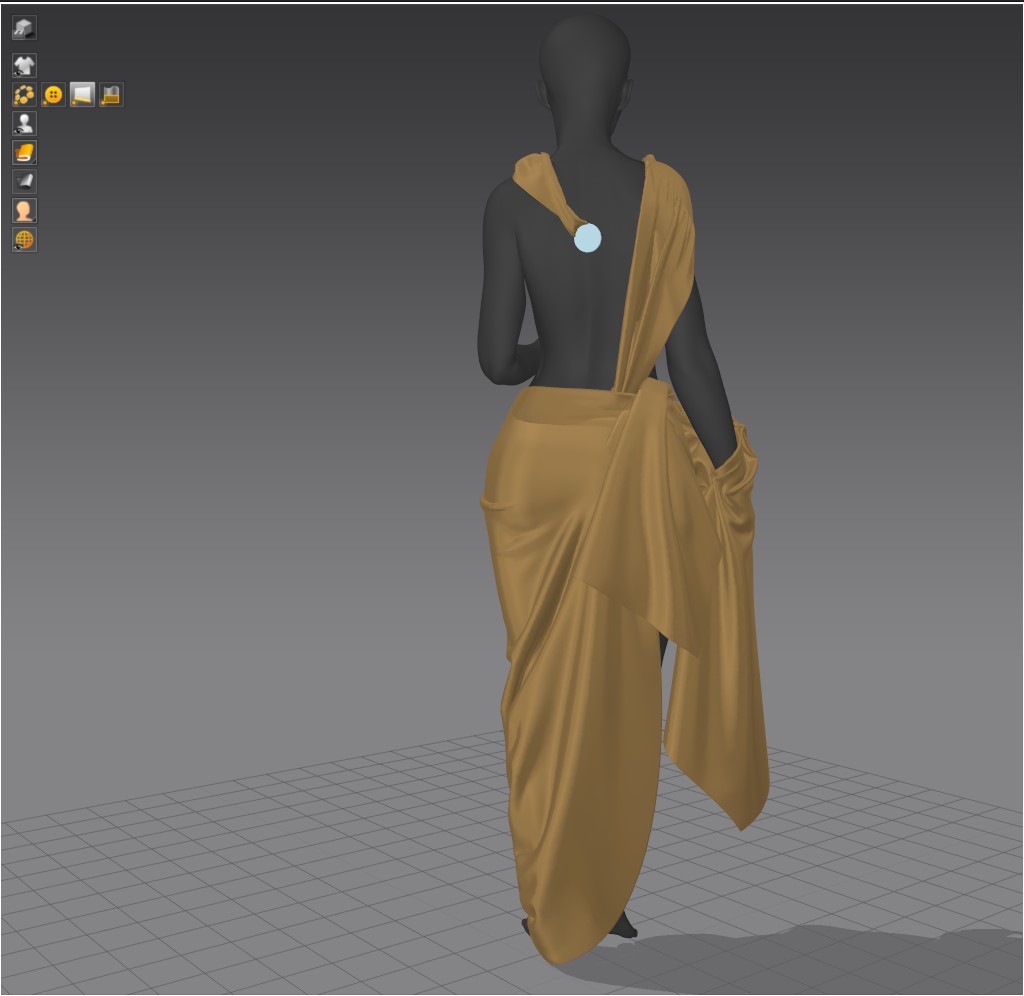
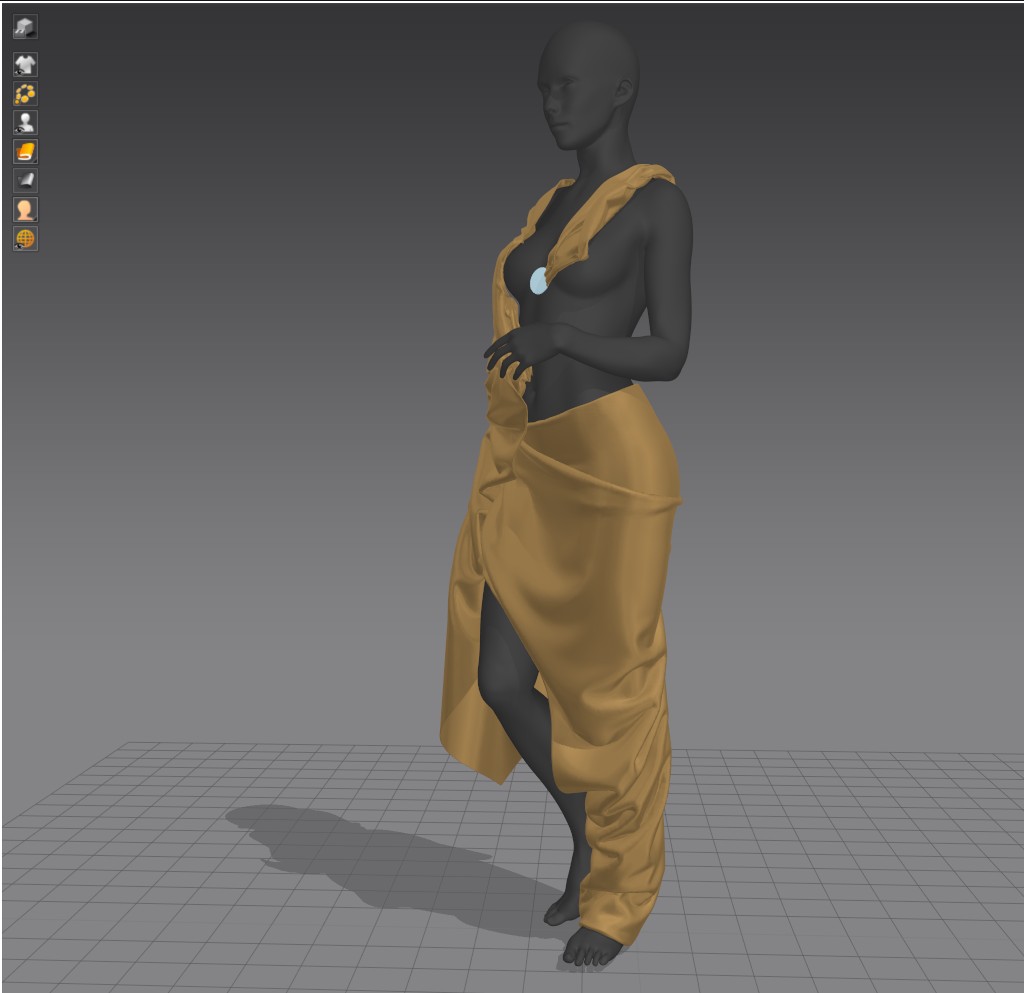
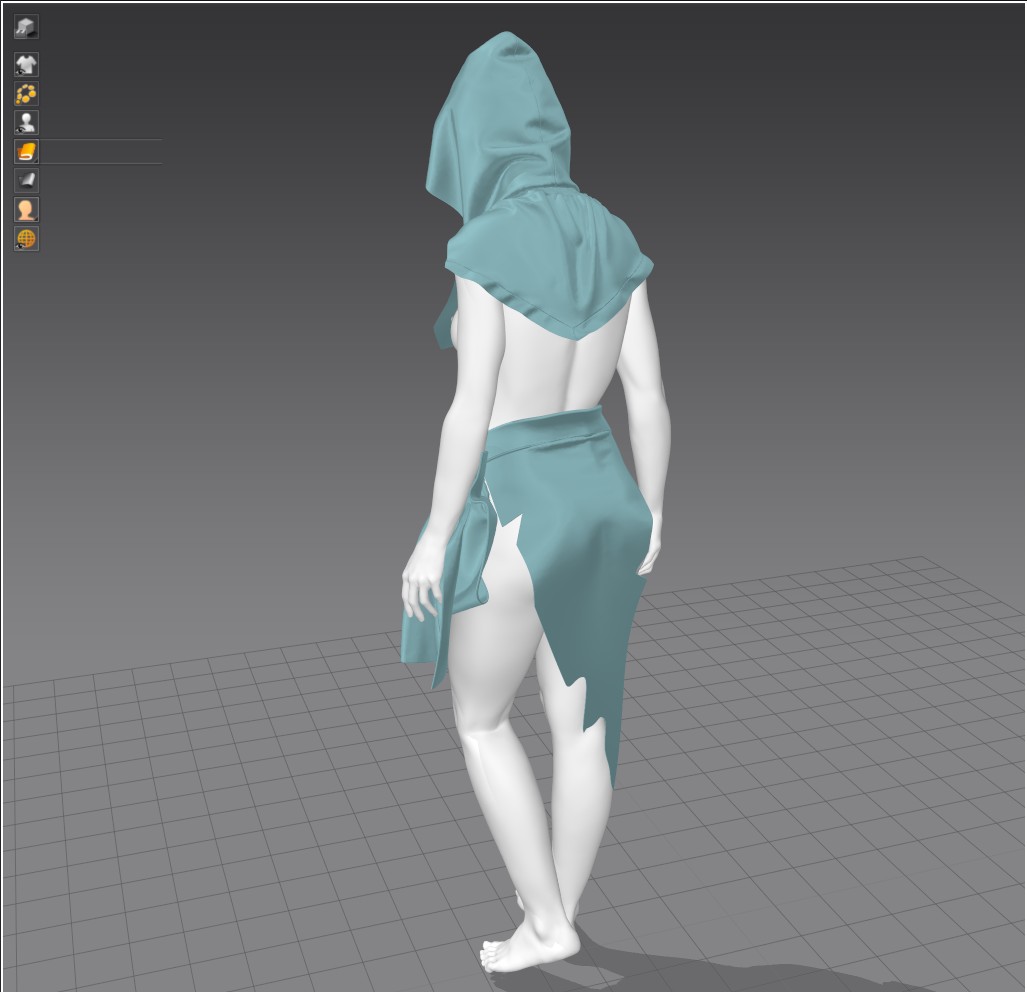
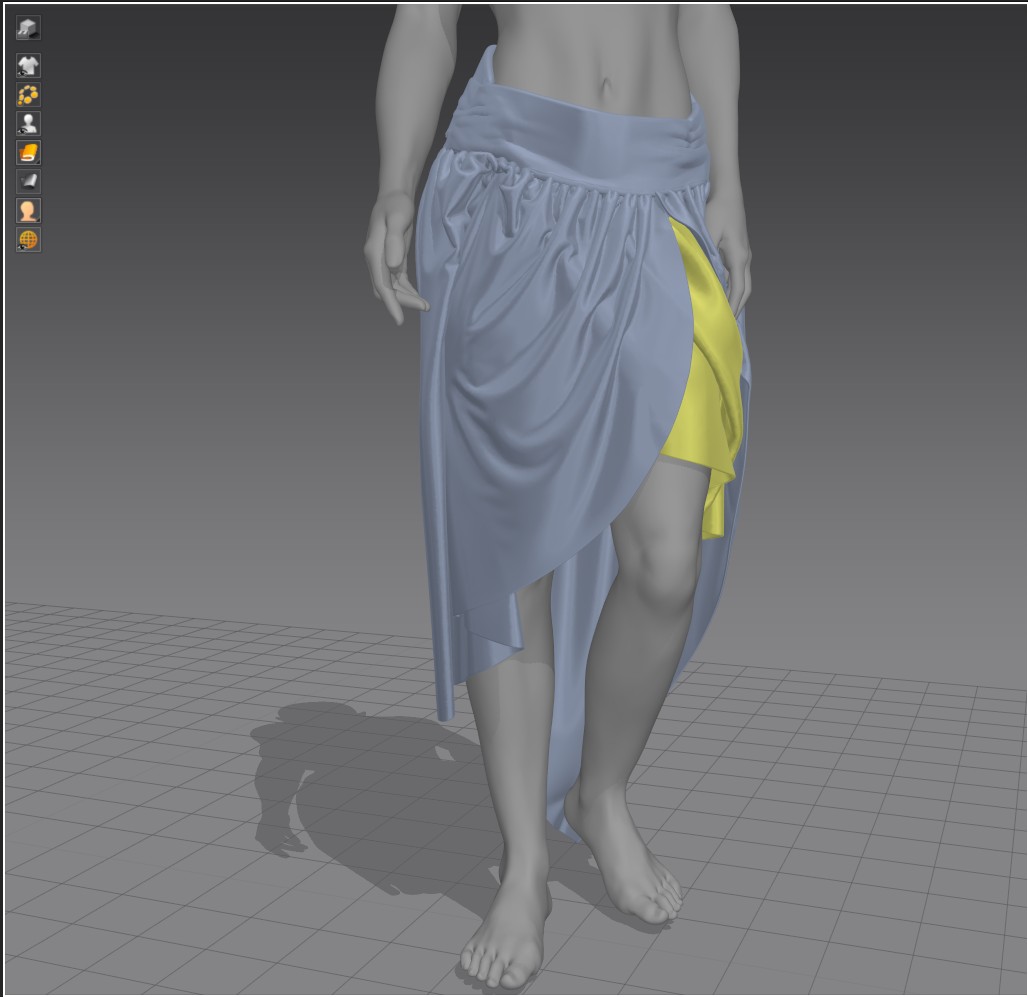
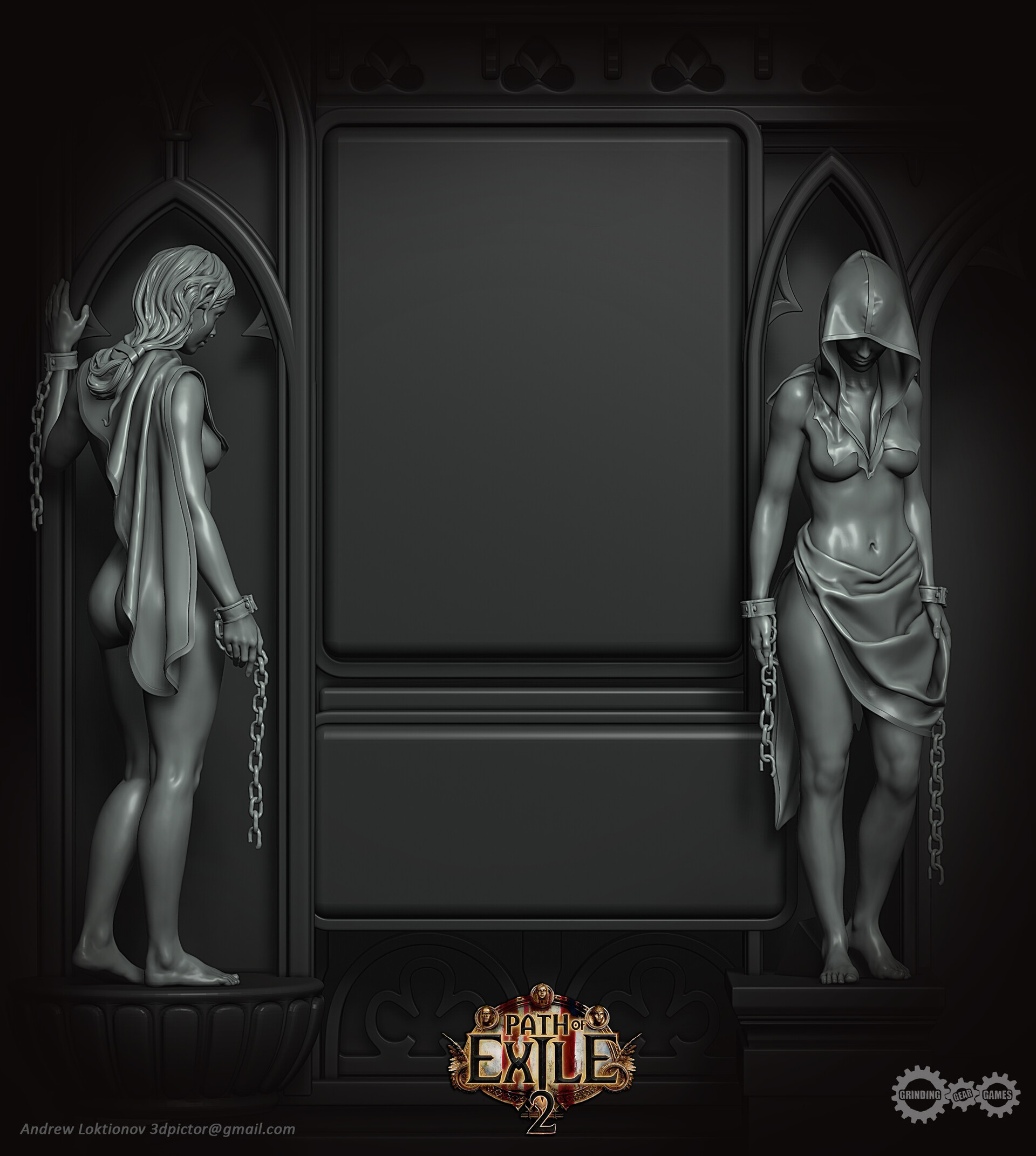
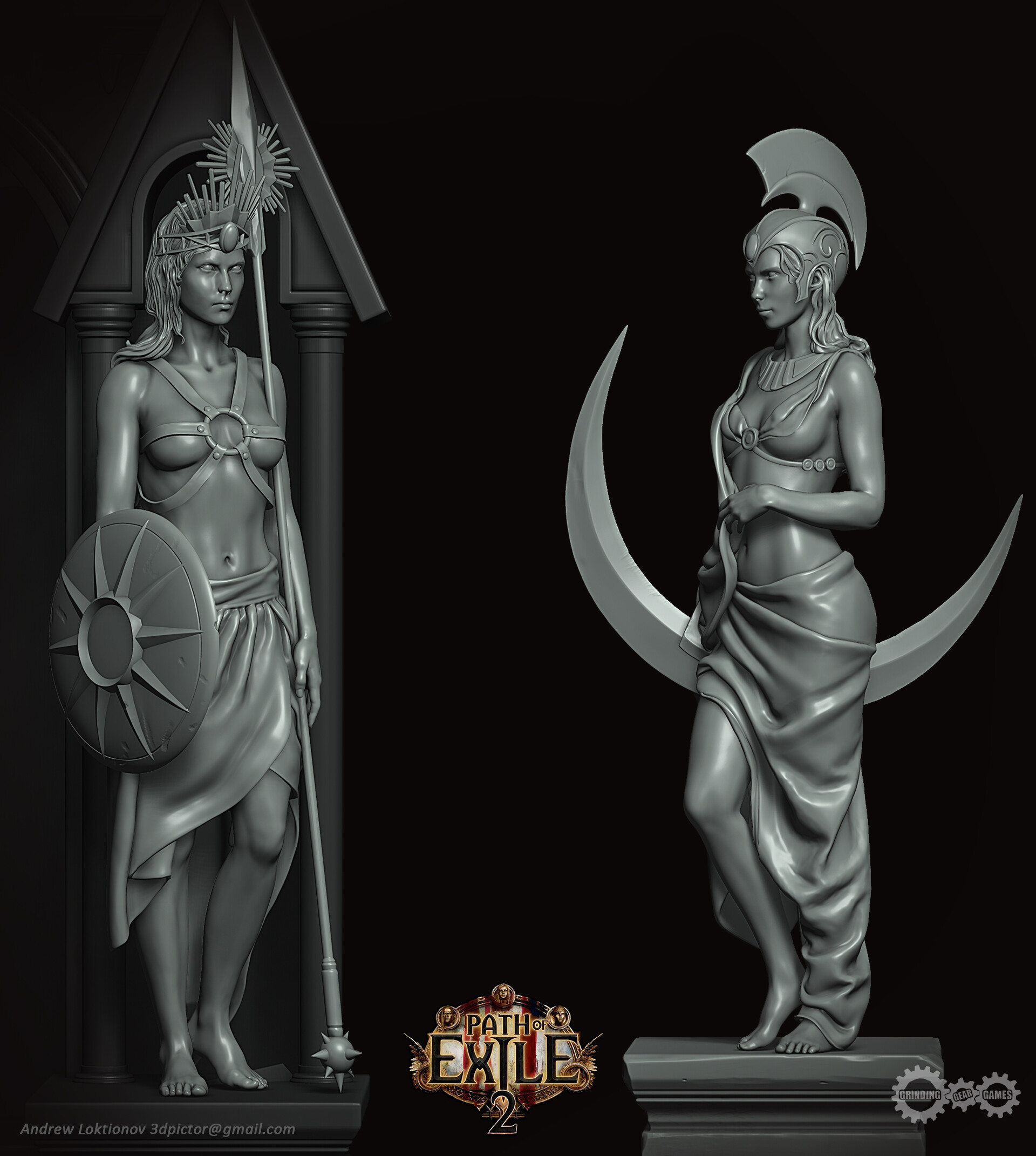
Why did you decide to use Marvelous Designer? How did it help you serve art direction?
I have been using Marvelous Designer for many years for different projects.
In the CG industry, it has long become the main tool and standard for creating clothes of any complexity. Therefore, I can only wish the team to continue to be a leader and be true to their ideas.
Can you give us a quick overview of the different tools used in your pipeline?
Marvelous Designer has a lot of useful tools for creating a cut and setting up fabric simulation.
Each artist can create their own unique pipeline based on the available tools.
Very often I use the morphing method after the basic sewing of clothes in a t pose is done. This is very useful where the character's pose is used in dynamics, for example for 3D printing.
To convey dynamics, the also comes to the Wind Controller. Recently, I have also been using the creation of a cut directly from the avatar through the spline line tool, which speeds up the process.
One way or another, I am constantly finding something new for myself))
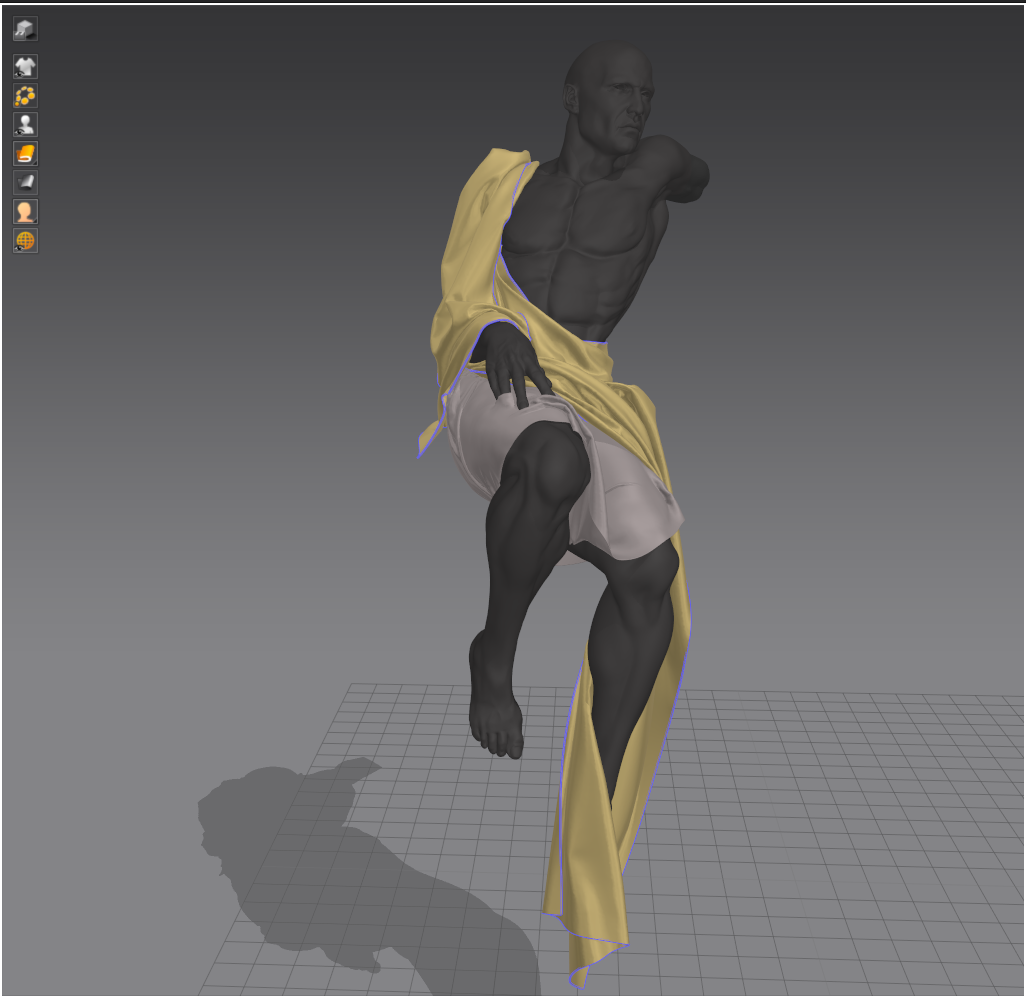
Do you have any other projects that you have worked on using Marvelous Designer that you can share with us?
I’m currently using Marvelous Designer to create more advanced cloth outfits for projects that have not yet been announced. I think they will be featured in my portfolio in the near future.
How can you describe your overall experience of the use of the Marvelous Designer?
When creating clothes, it is very important to always remember to use the correct cut and patterns according to the templates, this is the basis for correct further modeling. After all, all processes are as close to real life as possible, and in reality, without this, the suit will not fit well and correctly. In the process of work, do not forget to use as many references as possible and just what is at hand. This will help to give a clearer idea of the types of fabric and their properties. The rest is a matter of practice)
이 작업은 ZBrush, Simulation, game, sculptures 등의 기술로 제작되었습니다.
Marvelous Designer로 이와 같은 3D 의상·캐릭터 작업을 직접 만들어볼 수 있습니다.