Beyond Realism: From 2D Concept to Immersive 3D Environments with Marvelous Designer
Discover how Turkish indie game developer Ufuk Karapicak uses Marvelous Designer to craft immersive 3D worlds brimming with imagination and storytelling.
My name is Ufuk Karapicak, and I’m an environment artist and indie game developer based in Turkey.
I started out doing 2D concept art, but over time I became more and more curious about 3D. That curiosity first led me into 3D concept art, and eventually into game art, where I found the perfect space to combine imagination, storytelling, and technical creation.
Now, as an indie developer, I focus on building my own worlds, places that feel alive and carry emotion through design.
What motivates me the most is the idea of inspiring others — to show that even as a single artist, it’s possible to bring your vision to life and maybe spark the same motivation in someone else. Art and games have always given me strength; I hope what I create can give a little of that back.
How did you use Marvelous Designer in the artwork?
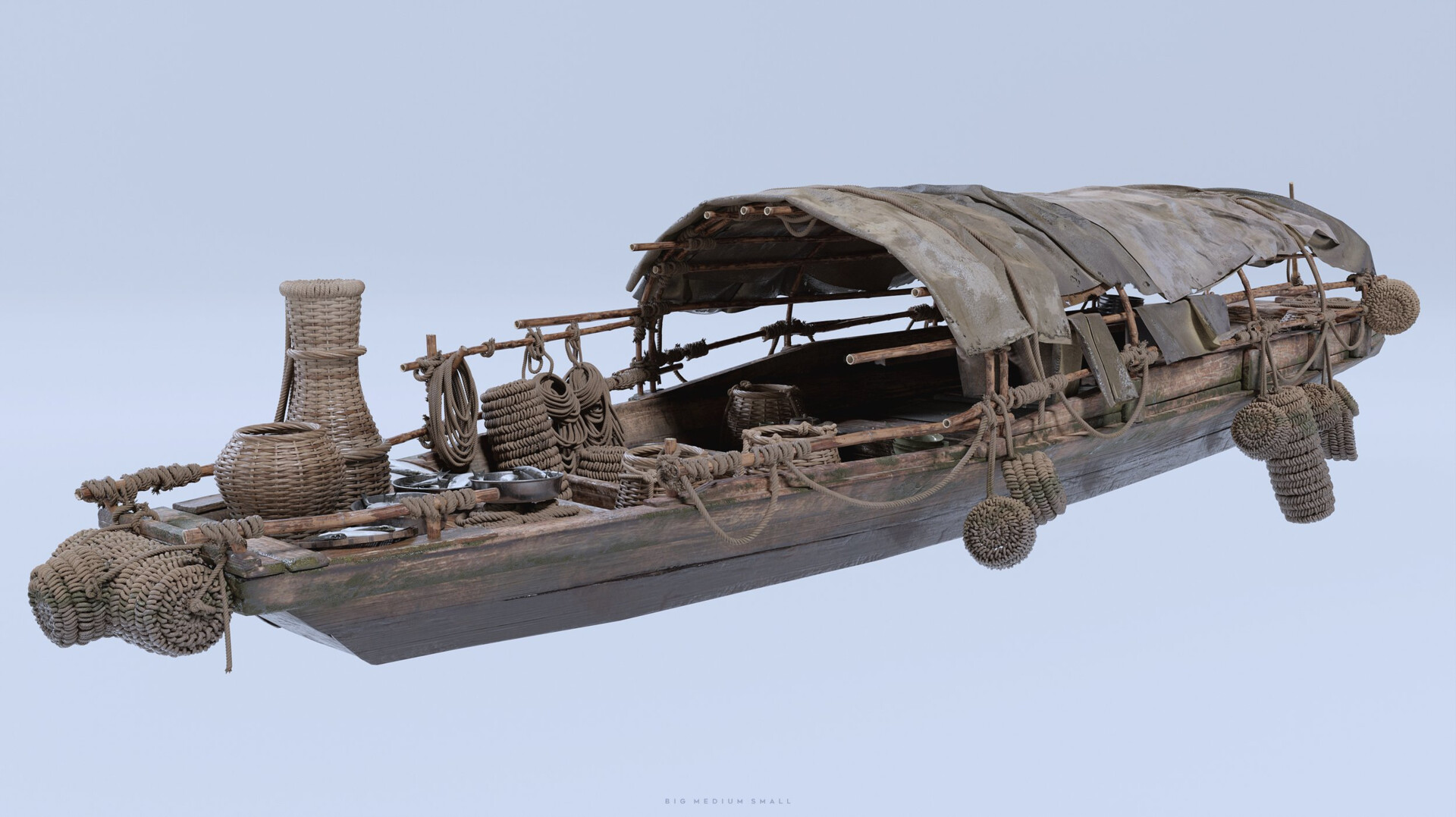
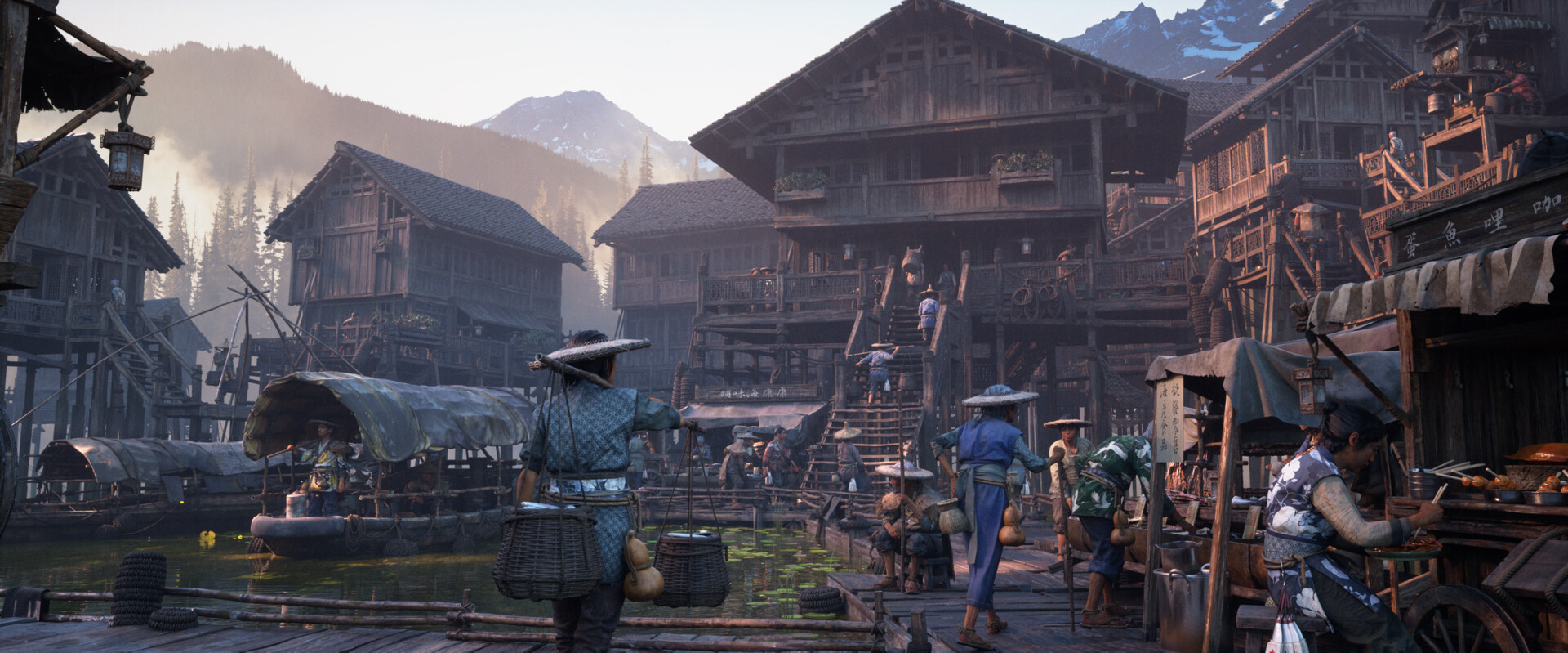
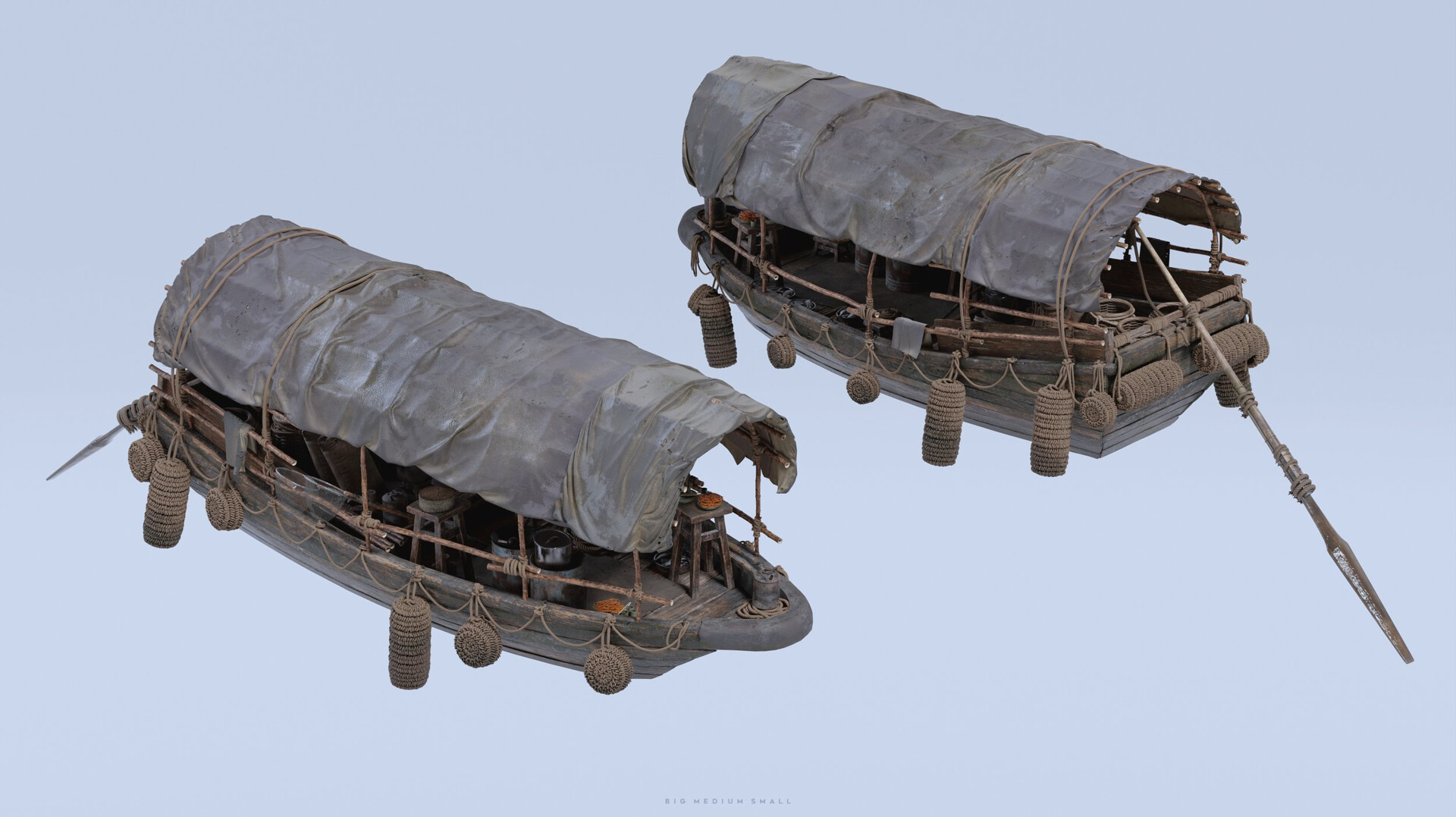
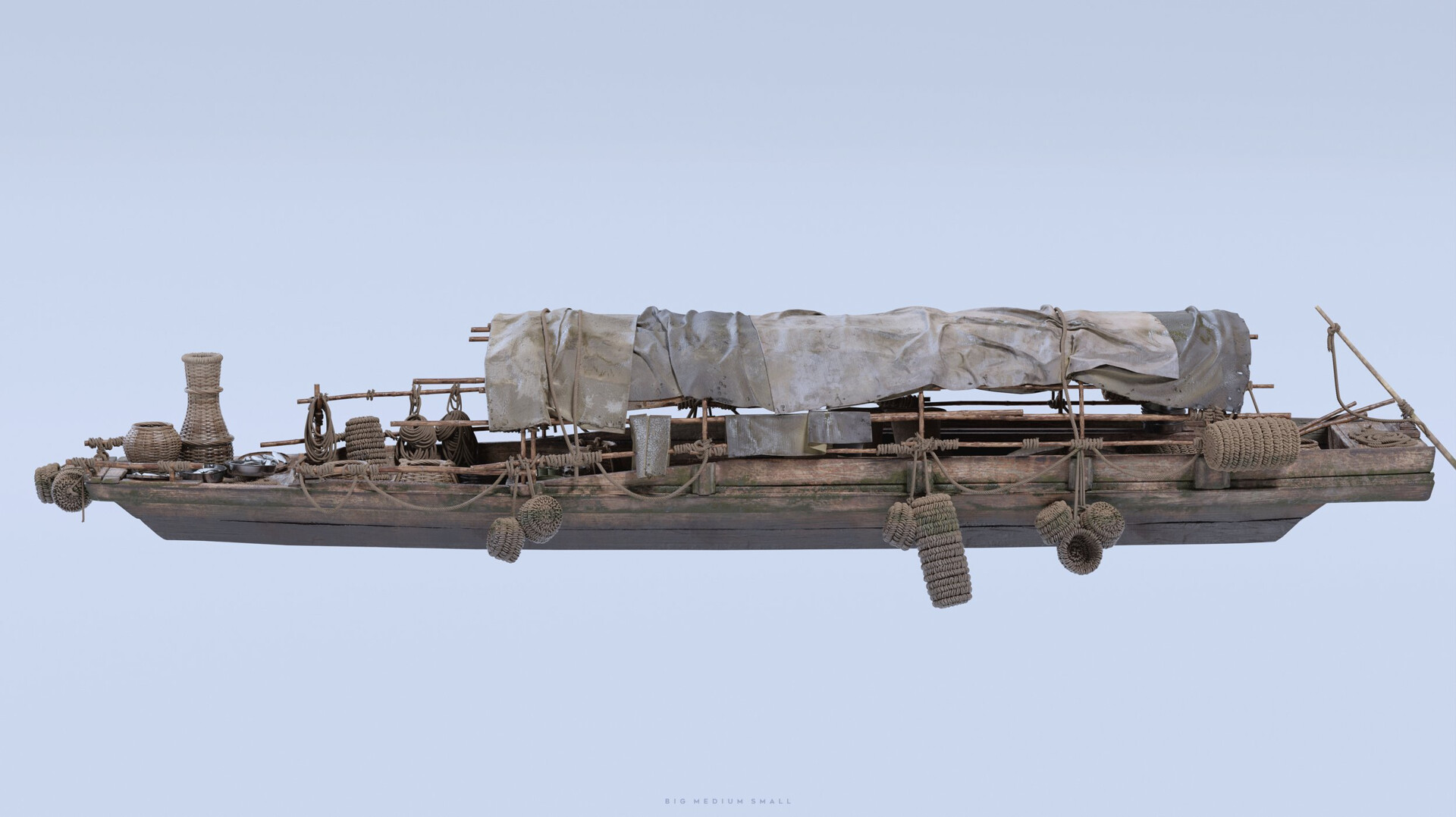
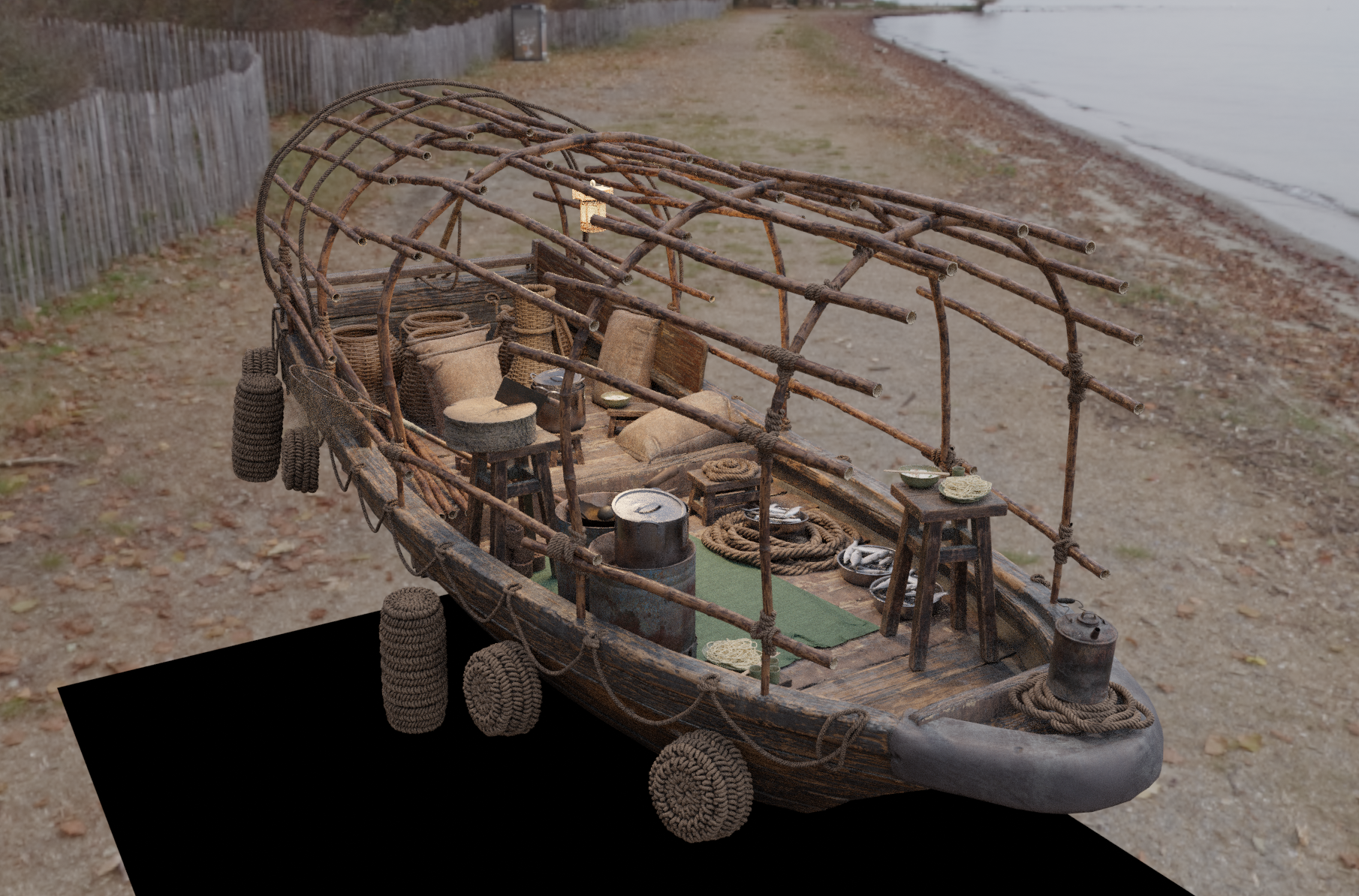
In this project, which I worked on while I was part of Big Medium Small, the concept by Kay Tang depicted a world where people live side by side with water — everything around them is shaped by moisture, wind, and time.
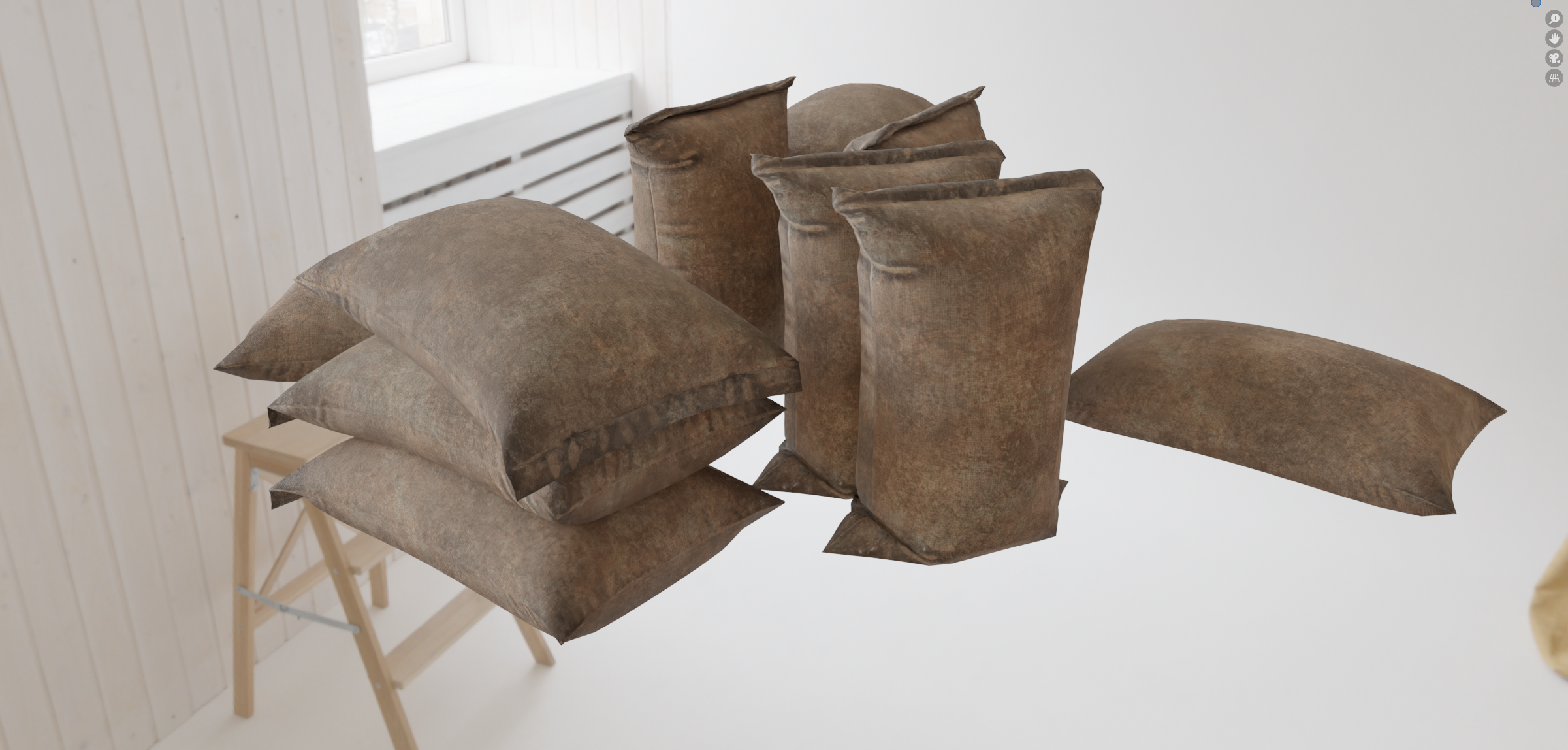
To capture that feeling, I used Marvelous Designer to create all the fabric-related elements in the scene: rice sacks piled on boats, tarps stretched over wooden surfaces, and scattered pieces of worn cloth.
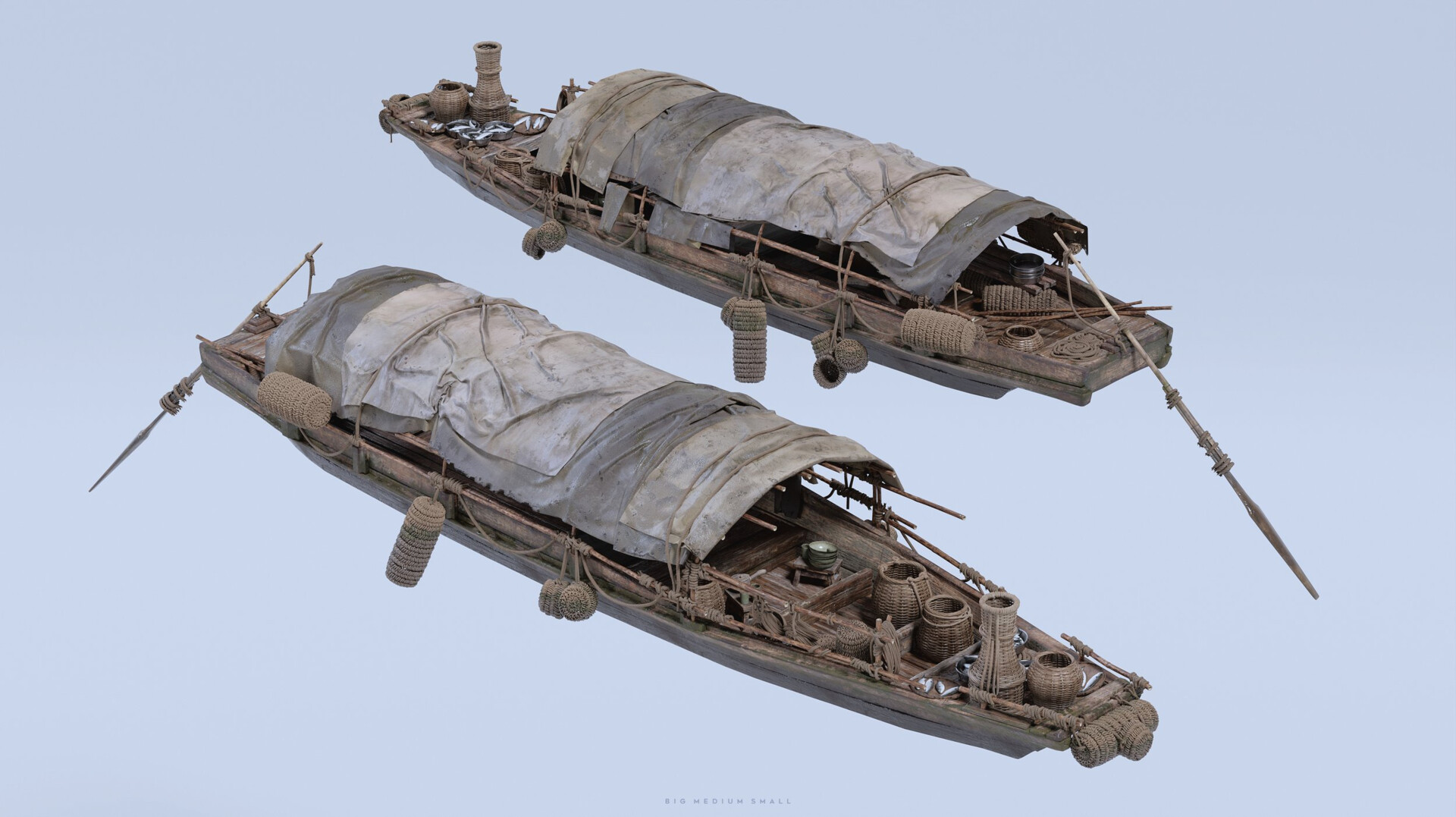
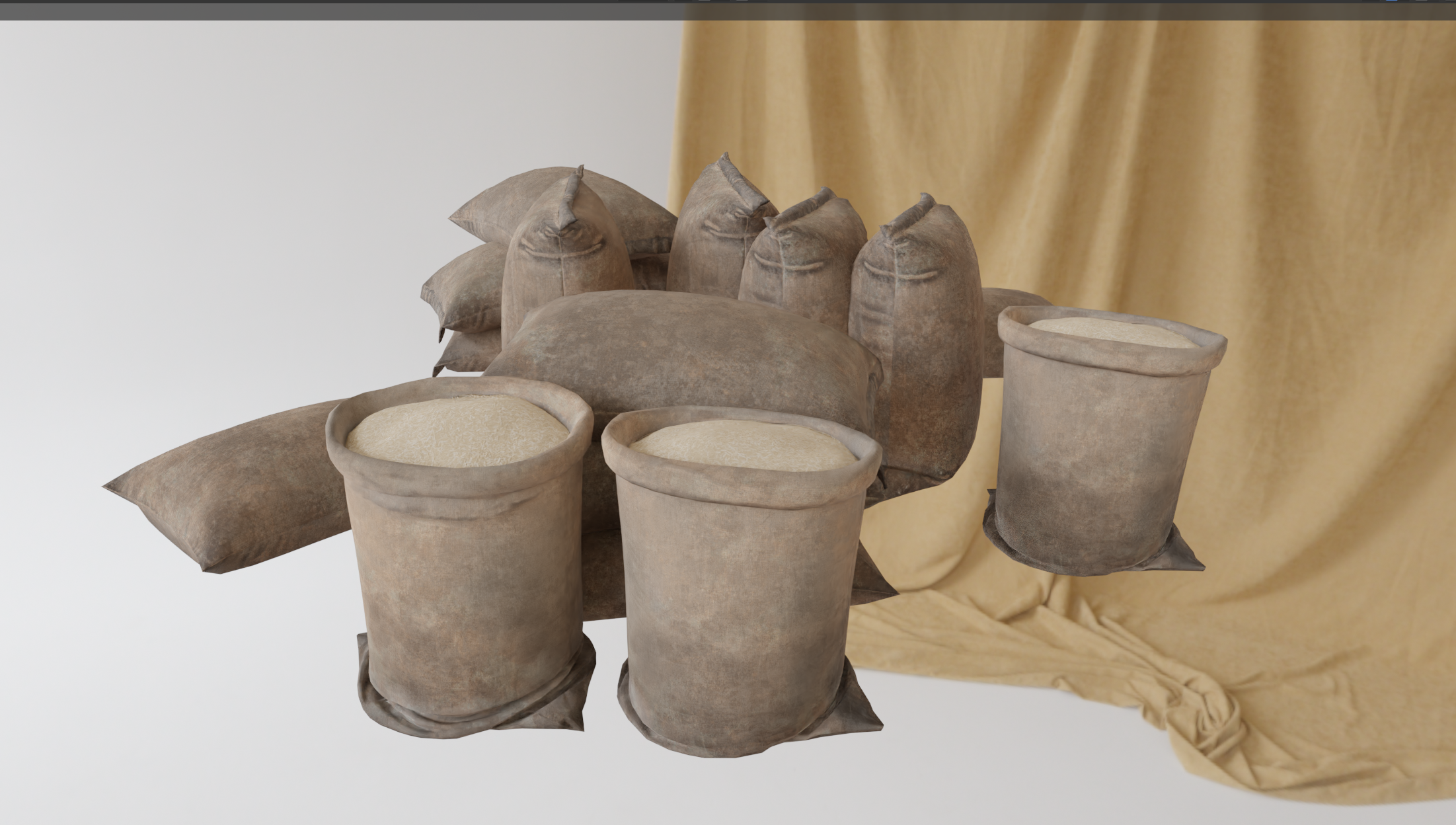
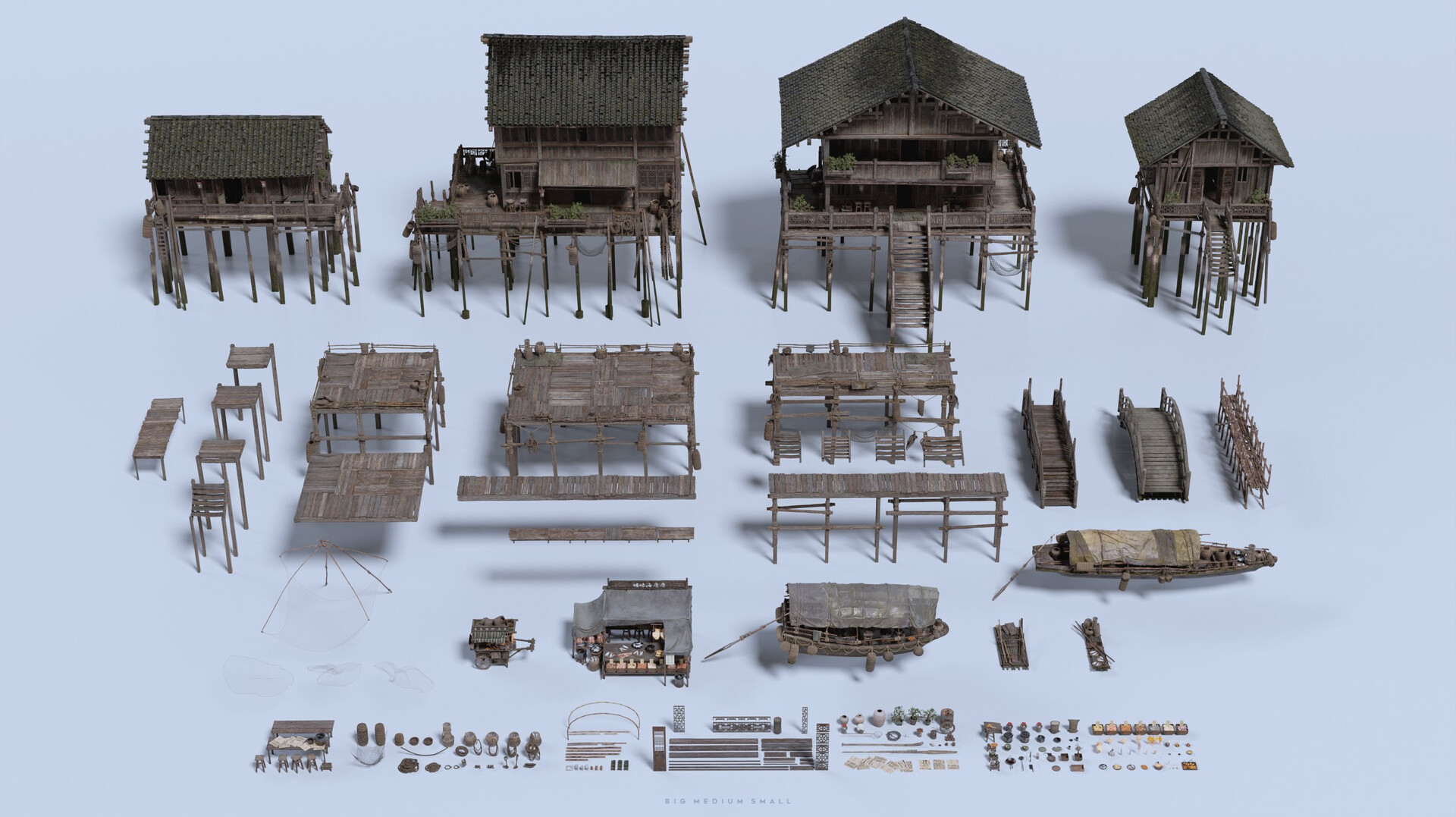
Each fabric had to feel lived in, not just physically accurate, but emotionally believable.
I imagined how these people might have reused the same materials over years; some fabrics looked freshly replaced, while others carried dirt, folds, and wear from long use.
Marvelous Designer allowed me to express those subtle differences with real motion and natural imperfections.
Sculpting them by hand wouldn’t have captured that sense of history — Marvelous let me design through movement, as if I were watching the fabrics live in the world I was creating.
Why did you decide to use Marvelous Designer? How did it help you serve art direction?
I chose Marvelous Designer for this project because it combines precision with creativity in a way that no other tool does.
Over the years, I’ve realized how much freedom it gives me — not only to simulate cloth accurately, but to design through simulation.
It naturally encourages a procedural mindset— I’m not just modeling shapes, I’m discovering them through motion, gravity, and tension.
That way of working keeps the creative process fluid and open to new ideas.
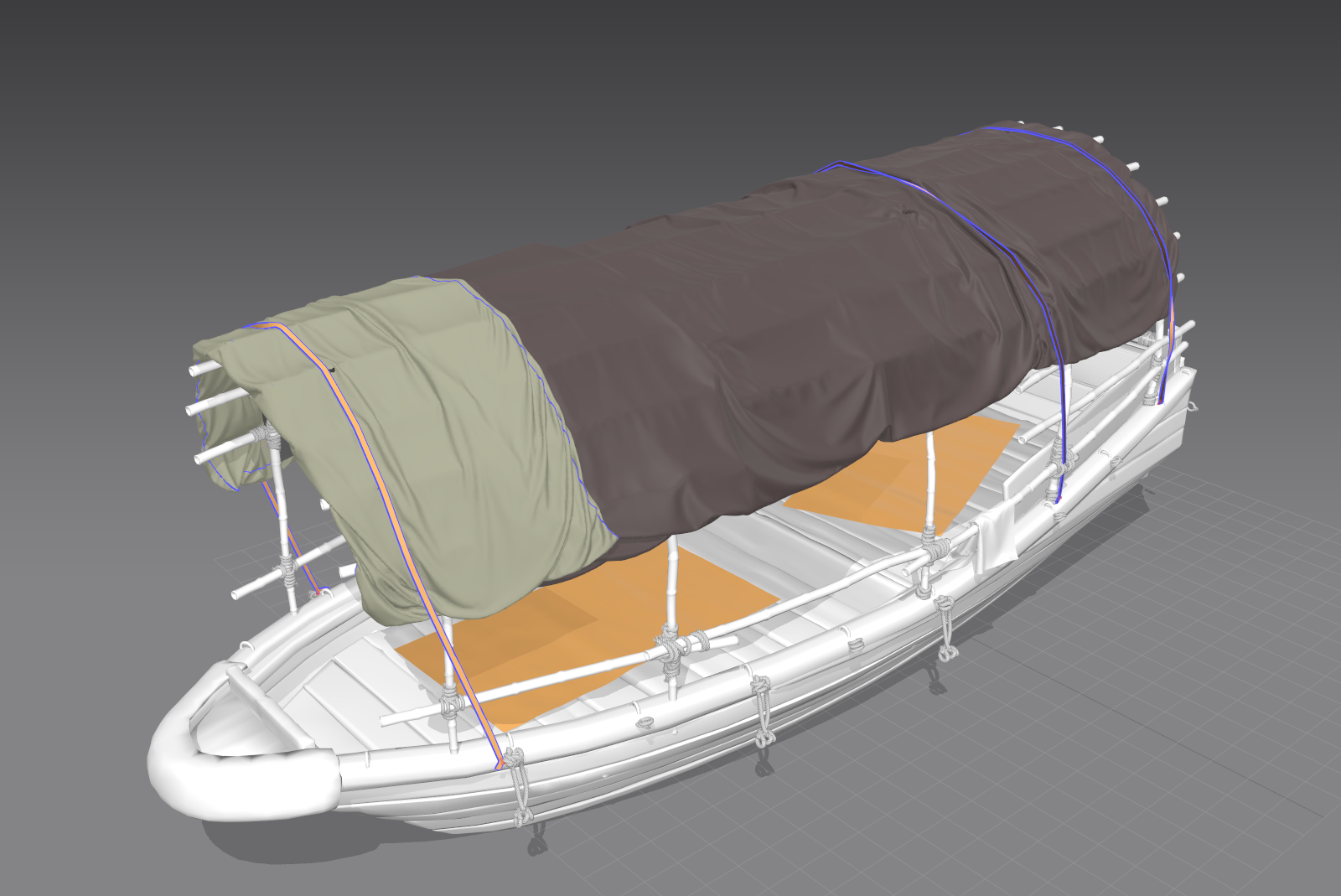
One of the biggest advantages for me is how easily I can respond to feedback.
Marvelous Designer allows extremely fast iteration — I can test, adjust, and see the results almost instantly, which makes the art direction process much more organic.
It helps me focus on form, proportion, and flow rather than getting stuck in technical constraints.
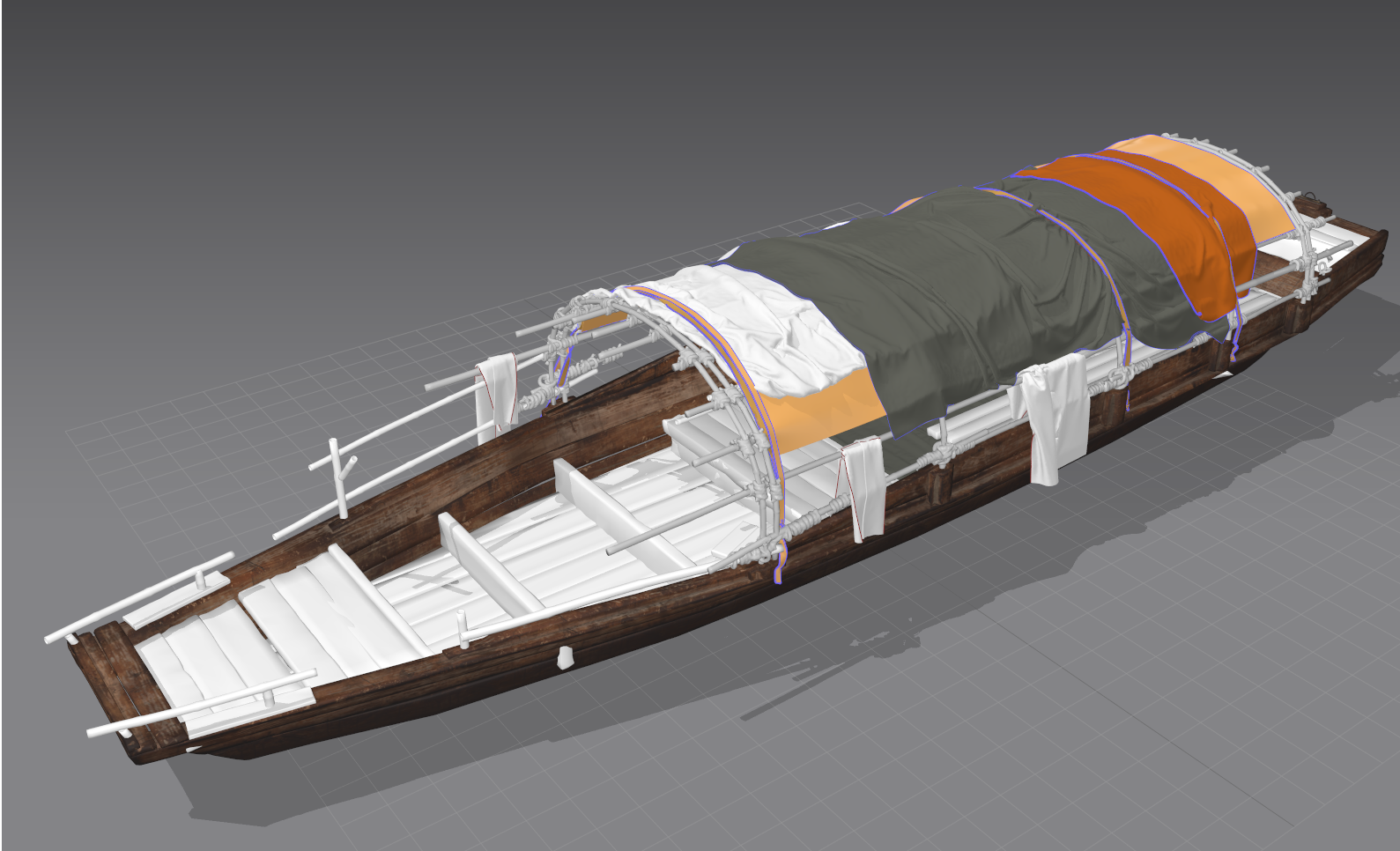
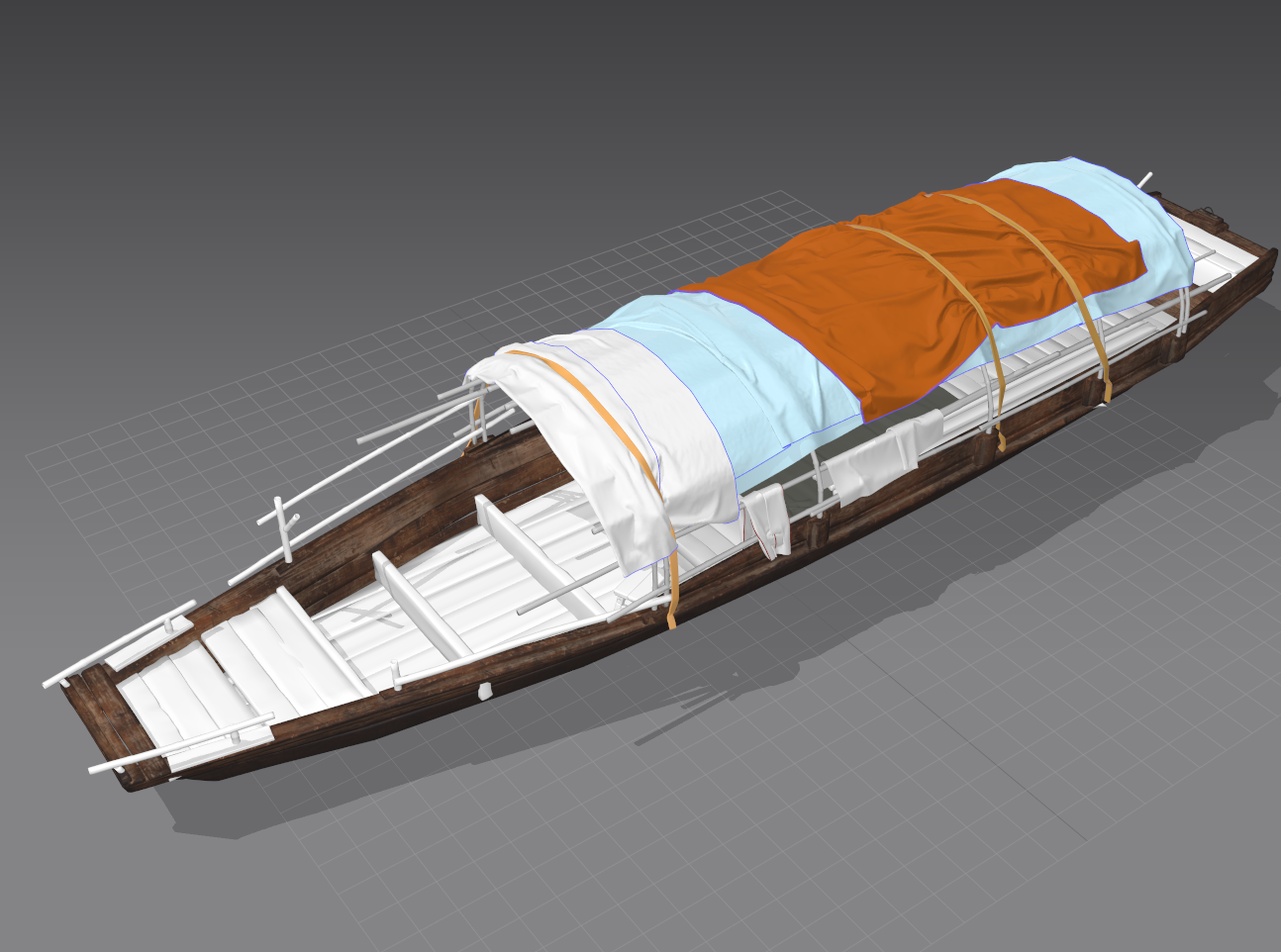
And then there are those happy accidents — when the fabric behaves unexpectedly but beautifully.
Those moments often inspire new artistic directions.
Marvelous Designer gives me both speed and depth: I can work like a designer, but think like a storyteller.
That balance is what keeps me using it in every project.
Do you have any other projects that you have worked on using Marvelous Designer that you can share with us?
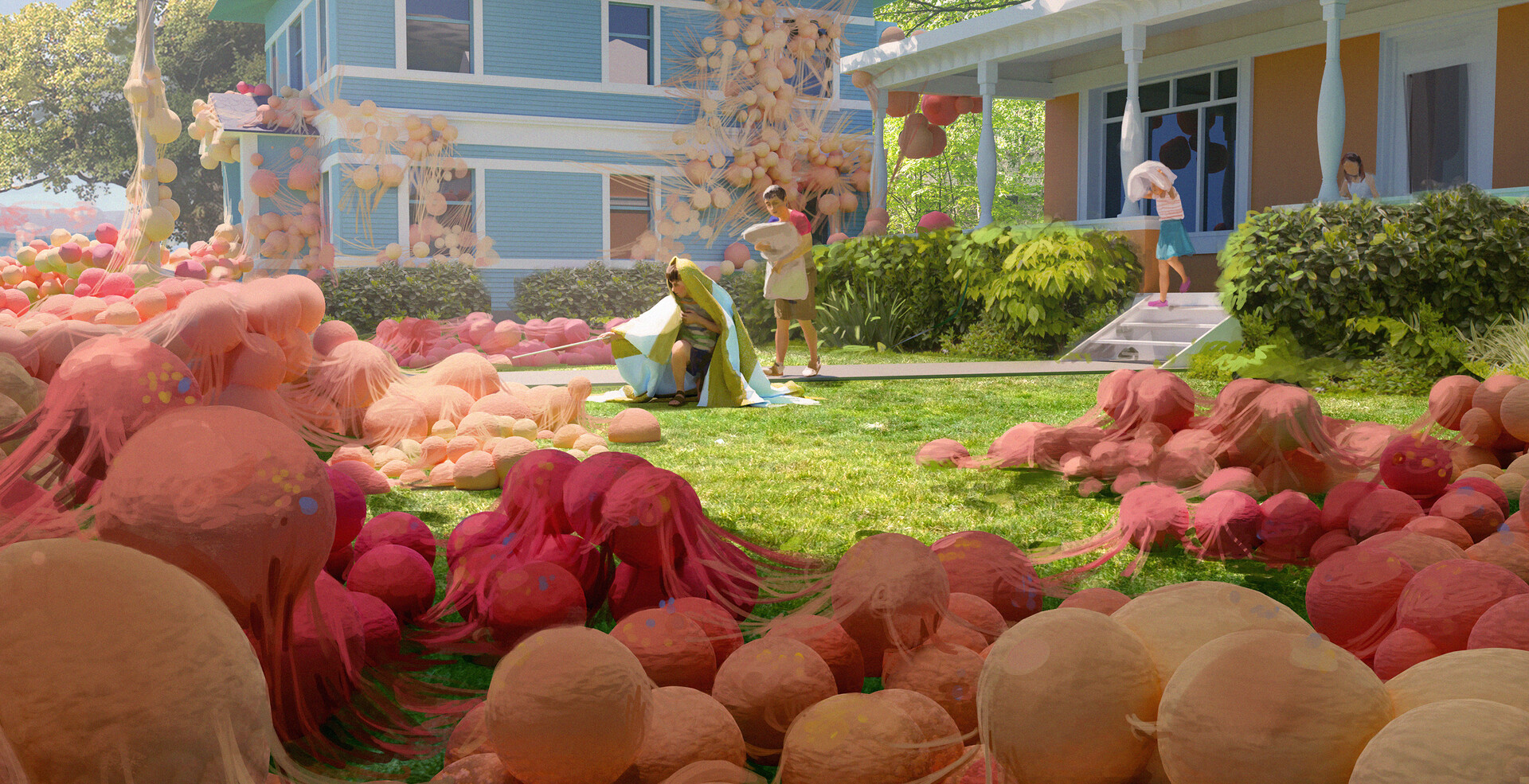
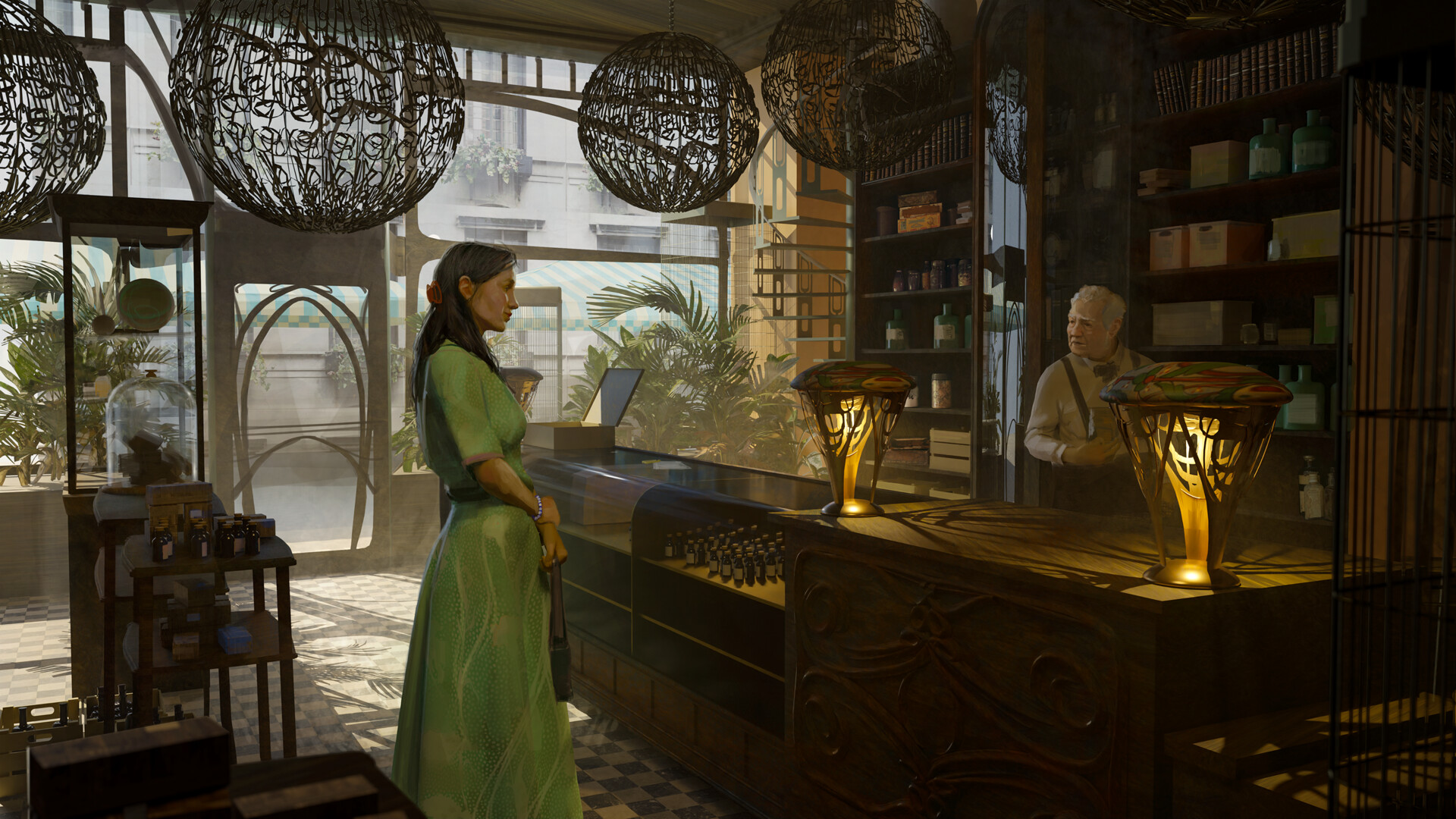
Before this project, I had been using Marvelous Designer for years in my concept art and illustration work.
I often built 3D blockouts, draped clothes on Daz3D models or my own rigs, and painted over them.
It helped me quickly find shapes and silhouettes that felt alive — almost like painting in 3D.
Those experiments taught me how much Marvelous Designer could serve creativity, not just realism.
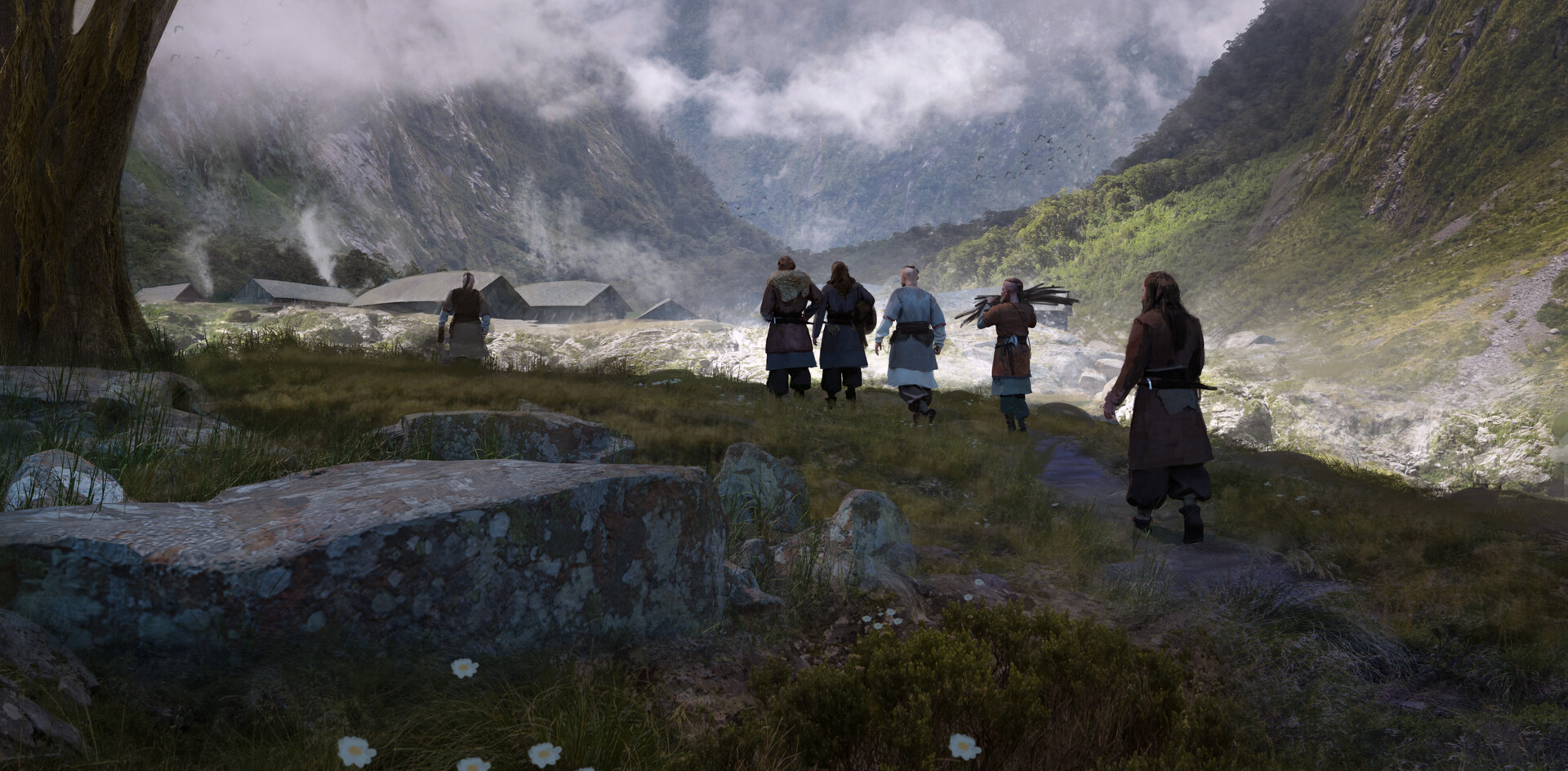
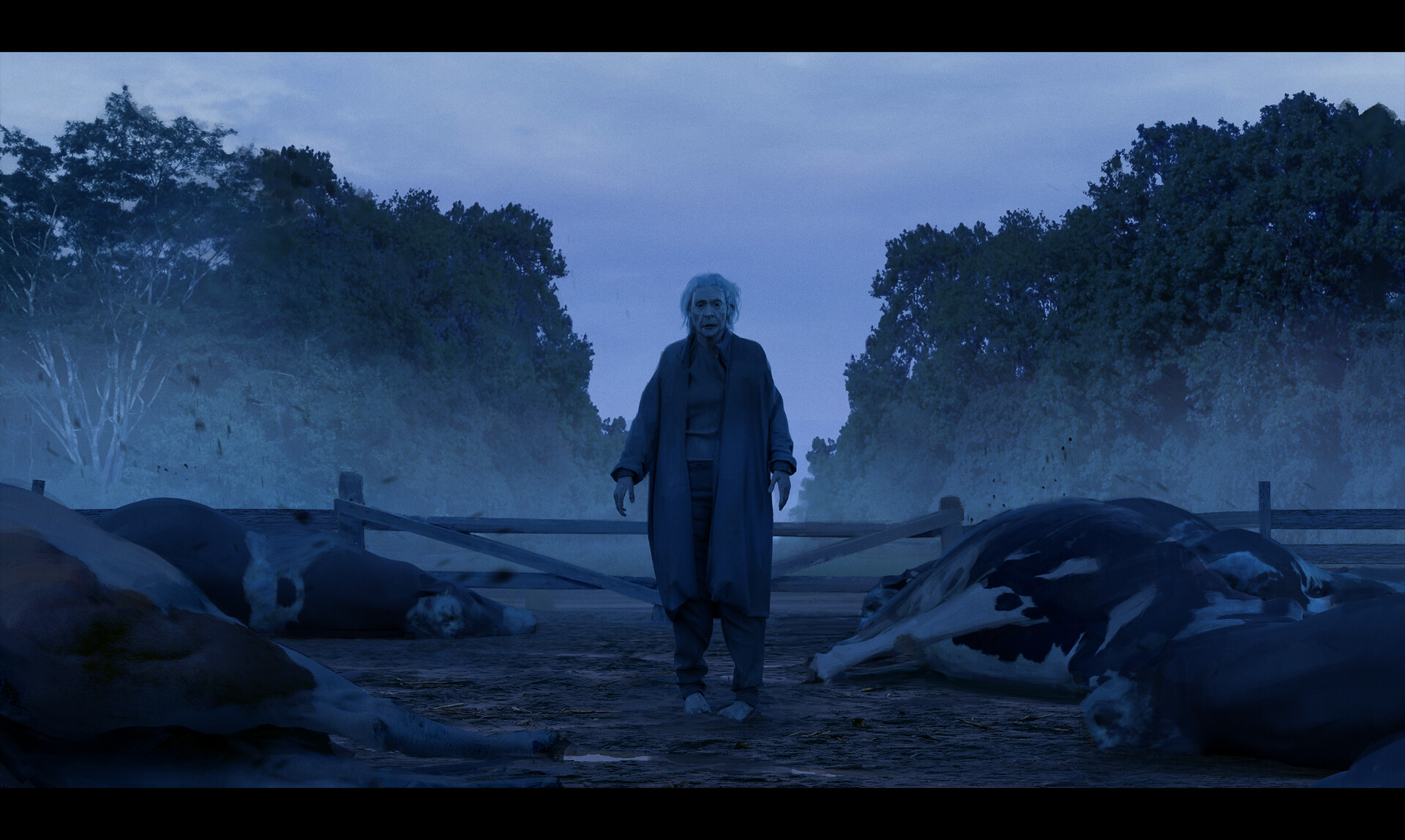 Now, as an indie game developer, I plan to explore it much more deeply — using advanced simulations, complex setups, and character-based storytelling.
Can you give us a quick overview of the different tools used in your pipeline?
In most of my 3D projects, I use Marvelous Designer, Blender, ZBrush, Substance Painter, and Substance Designer as my main tools.
There isn’t always a fixed order — I follow the general workflow you’d expect, but I also move between programs depending on what the project needs.
If I’m creating an illustration, I sometimes use Daz3D for quick posing, or I rig and animate directly in Blender.
I often export certain poses from Blender into Marvelous Designer to run different fabric simulations, then bring the results back into Blender for rendering.
In some cases, I even turn the fabrics I make in Marvelous Designer into brush alphas for sculpting in ZBrush or texturing in Substance Painter.
I really enjoy this fluid workflow because it lets me use each software for what it does best — Marvelous Designer for believable forms and motion, ZBrush for detail, Substance for materials, and Blender or Unreal for lighting and presentation.
Are there any tips and tricks with Marvelous Designer that you can share with the community?
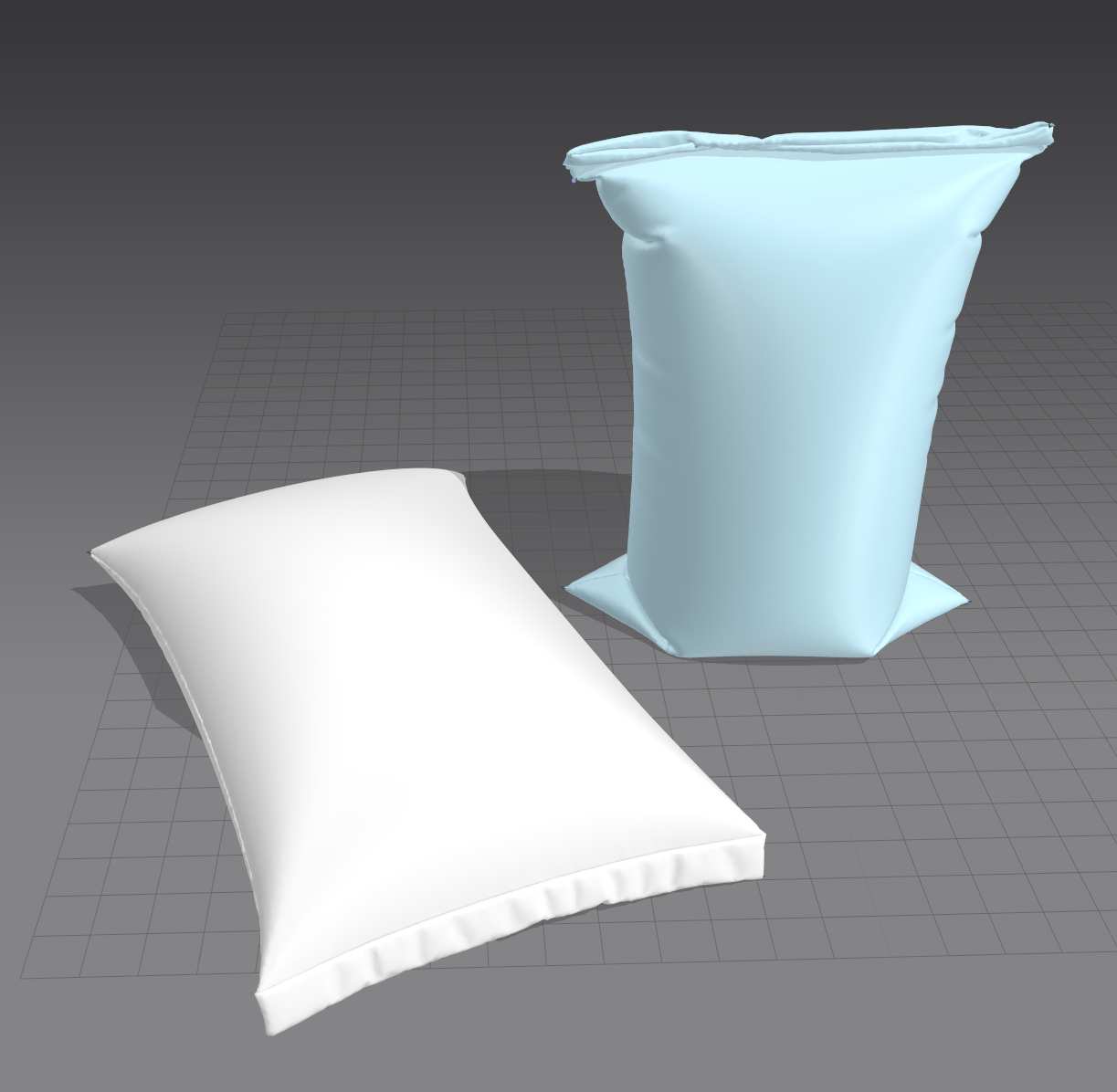
I’m not an expert, but I’d like to share something that really helped me — especially for beginners.
When I first started using Marvelous Designer, I was honestly scared of breaking things.
I kept my designs very simple and avoided pushing the simulation too far.
But later, I began to experiment more — I exaggerated folds, pushed the limits of the simulation, and stopped worrying about being “correct.”
That’s when I truly started to learn.
Marvelous Designer became much more fun and expressive once I let go of that fear.
I hope this helps someone who’s just starting out — don’t be afraid to play with it. That’s how you discover what makes it powerful.
Artstation
이 작업은 Simulation, Texture, Retopology, Material, ZBrush, Substance 등의 기술로 제작되었습니다.
Marvelous Designer로 이와 같은 3D 의상·캐릭터 작업을 직접 만들어볼 수 있습니다.