Marvelous Award Winner Interview from Dream Sequence 3D Community Challenge
Bringing Stylized Yokai to Life: An Interview with Samuel Onyina, Marvelous Award Winner of Pwnisher’s "Dream Sequence" Challenge
Software Used
Blender – Modeling
Marvelous Designer – Cloth Simulation & Animation
Substance Painter – Texturing
Cycles (Blender) – Lighting & Rendering
Artist Introduction
My name is Samuel Yaw Ampofo Onyina. Professionally, I am a physician based in Ghana. Alongside my medical career, I operate as a hobbyist 3D generalist under the social media moniker, yaw_cg_md. I focus on character design and animation workflows to build compelling, narrative-driven visuals.
Please introduce your project.
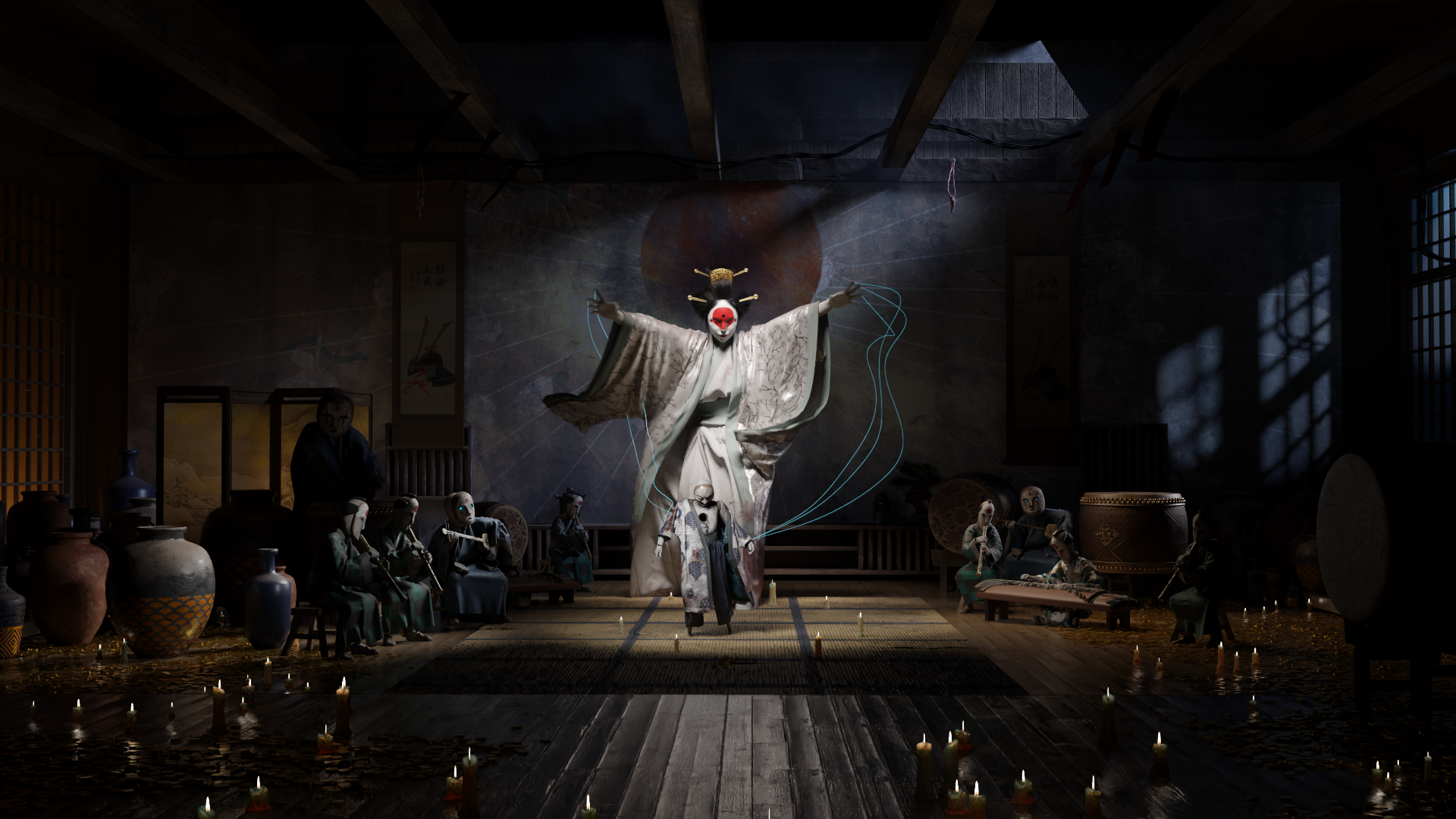
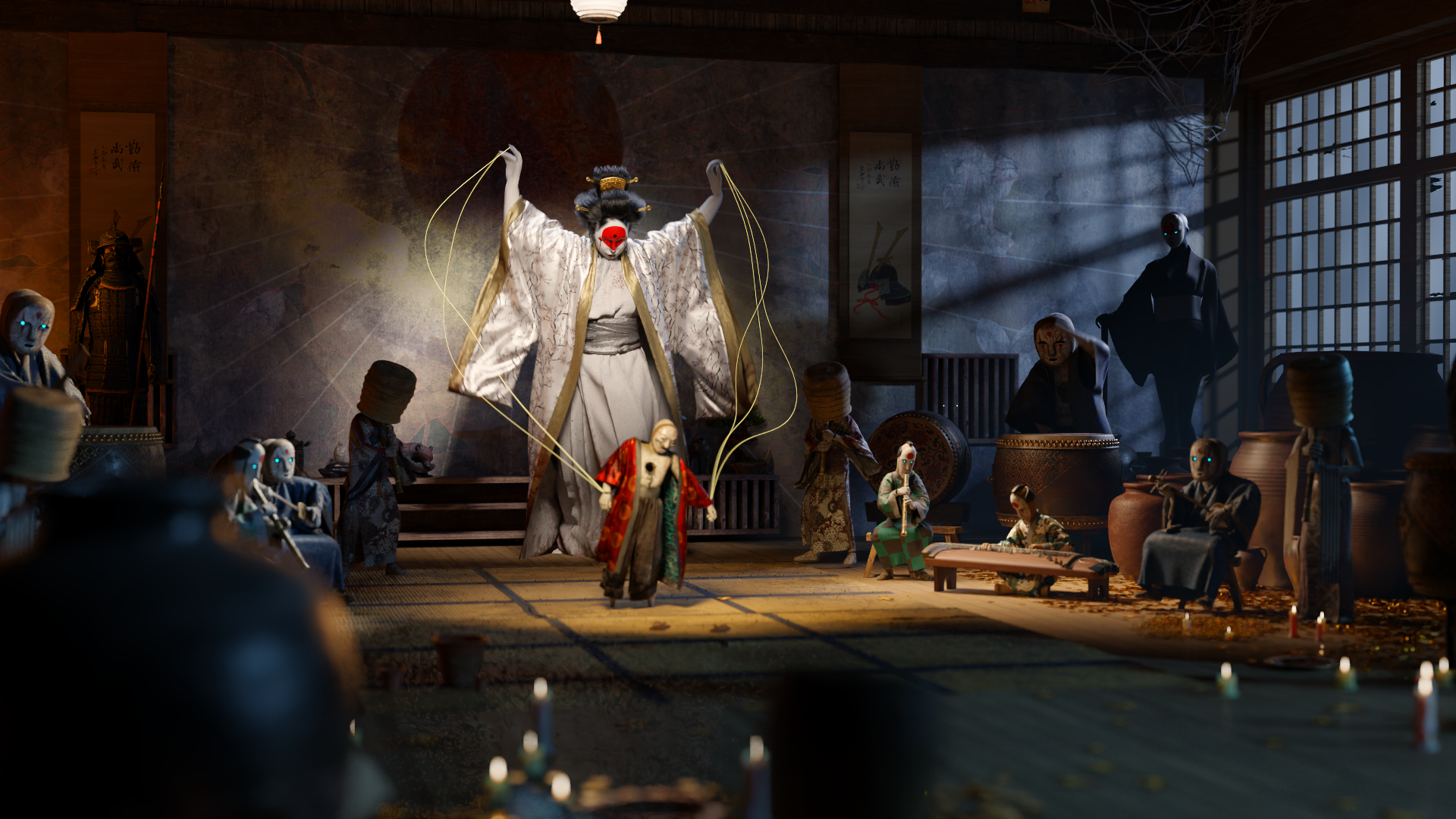
This animation was my submission for the Dream Sequence 3D Community Challenge hosted by Pwnisher. The piece centers on a haunting, trance-like state, featuring a Yokai. The core objective was to build an atmosphere of eerie suspense.
The template for this contest was very open ended, what was your inspiration for your animation?
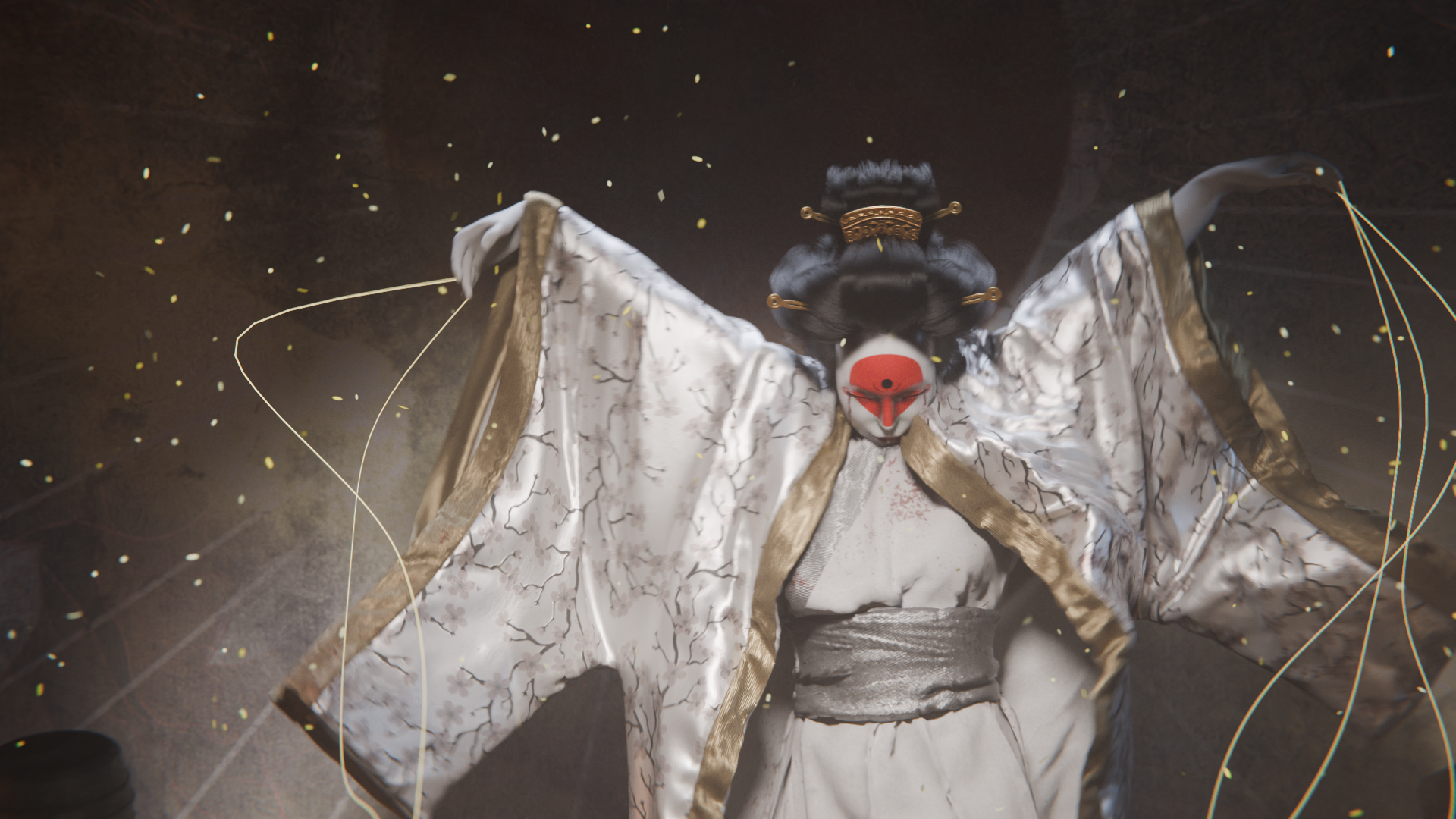
My inspiration stems heavily from Japanese mythological Yokai and "Kabuki-noir" as well as the work of the popular Malaysian artist, Zeen Chin. I wanted to capture the unsettling nature of a Yokai wraith who transforms the men who murdered her into marionettes that she now has control over as a form of revenge. The flowing, traditional-style robes were chosen deliberately because the way fabric drags, billows, and responds to a slow, deliberate walk cycle inherently adds drama and a surreal quality to the composition.
Tell us how Marvelous Designer creates value in this project.
Marvelous Designer is strictly necessary for grounding stylized characters in reality. In this project, the character wears a complex, multi-layered robe that interacts heavily with their limbs as they walk with outstretched arms. Hand-animating those folds or relying on standard 3D package cloth modifiers would not yield the necessary physical accuracy. I really did not have to do much to achieve the look I desired and it was genuinely a happy accident seeing how convincingly the sleeves slid down the Yokai’s arms. MD is such an amazing tool. I love it so much.
What is your favorite feature or tool to use in Marvelous Designer?
Sewing, the animation Mode and the Alembic export pipeline are my primary tools. The solver's ability to handle complex layered collisions without intersecting, especially on loose, flowing garments like the robe in this sequence saves hours of manual corrective sculpting. I also love the UV editor. Although rudimentary, at the moment, it streamlines my process considerably. I no longer have to worry about unwrapping in blender and it allows me to jump into texturing quickly. Love that.
For other users considering Marvelous Designer, do you have any advice or experience to share?
Keep your workflow disciplined. Build your garments with a high particle distance initially to quickly block out the silhouette and test your sewing patterns. Only lower the particle distance to refine the micro-folds once you are ready for the final simulation cache. Additionally, ensure your base avatar's animation is completely clean and free of intersecting geometry before bringing it into Marvelous Designer; good cloth simulation relies entirely on clean collision data.
Also, don't forget that you can add extra detail in any sculpting program you’re comfortable in and bake the detail down into normal maps in substance 3d painter.
이 작업은 Simulation, Substance, Blender, MotionGraphic 등의 기술로 제작되었습니다.
Marvelous Designer로 이와 같은 3D 의상·캐릭터 작업을 직접 만들어볼 수 있습니다.