Capturing Dynamic Movement: LE SSERAFIM's 'Spaghetti' Choreography and Simulation
How artist Soohwan fine-tuned friction and skin offset values to perfectly capture the intense choreography and weightless flutter of virtual stage outfits.
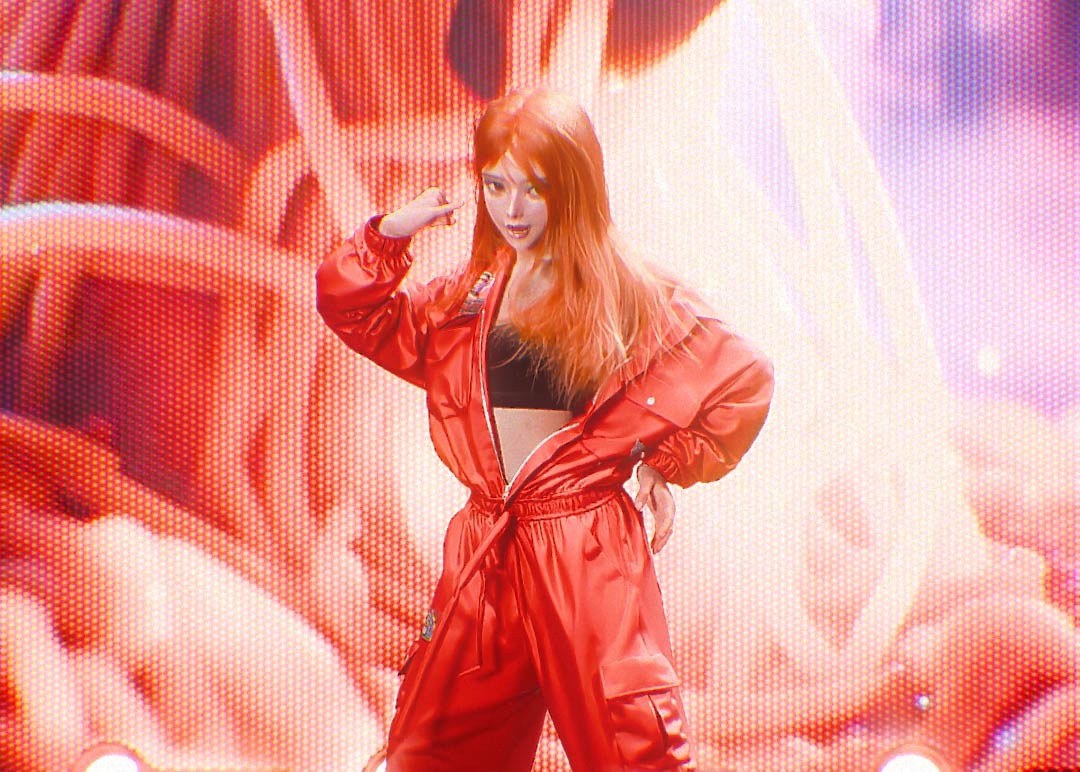
Discover the work and expert Marvelous Designer tips of
Soohwan Oh in this exclusive series!
Capturing the way garments flutter or cling to the body in response to dynamic choreography is crucial. How did you configure the fabric’s Physical Properties in Marvelous Designer (MD) for such an intense dance simulation?
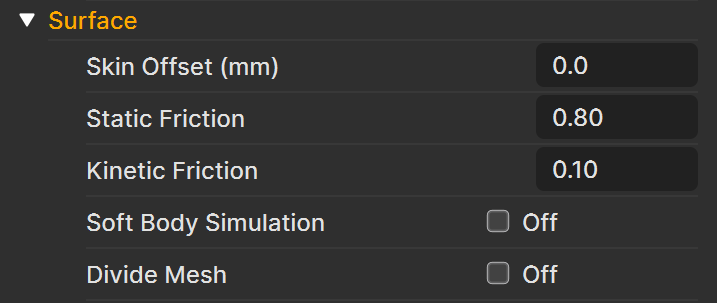
When simulating intense movements in Marvelous Designer, I believe configuring the character body’s Friction values is just as important as the fabric’s physical properties. Especially when applying animation to a dressed character, these two elements heavily dictate how natural the final result looks.
The choreography I worked on featured the fast, intense movements unique to K-POP. Using the default settings caused the clothing to flutter excessively or slide off the body unnaturally. To solve this, I increased the character’s Kinetic Friction value to prevent the outfit from slipping and sliding over the skin.
Additionally, I lowered the character model’s Skin Offset below the default value, ensuring the garment didn't look unnaturally afloat but instead clung snugly to the body as if actually worn. These adjustments allowed me to achieve a much more stable and realistic garment simulation.
What features or workflows in MD did you utilize to resolve mesh clipping (collision) or twisting issues that can occur during choreography where arms and legs cross rapidly?
I find that these issues often stem from the character animation itself. When replicating actual choreography, structural collisions or interpenetrations between meshes are bound to happen. Therefore, the priority is to first modify the animation phase to minimize mesh overlapping as much as possible.
If issues still persist during the simulation despite that, I check whether the garment is draped correctly in the pre-simulation pose. If the initial setup is off, errors tend to carry over into the subsequent simulation.
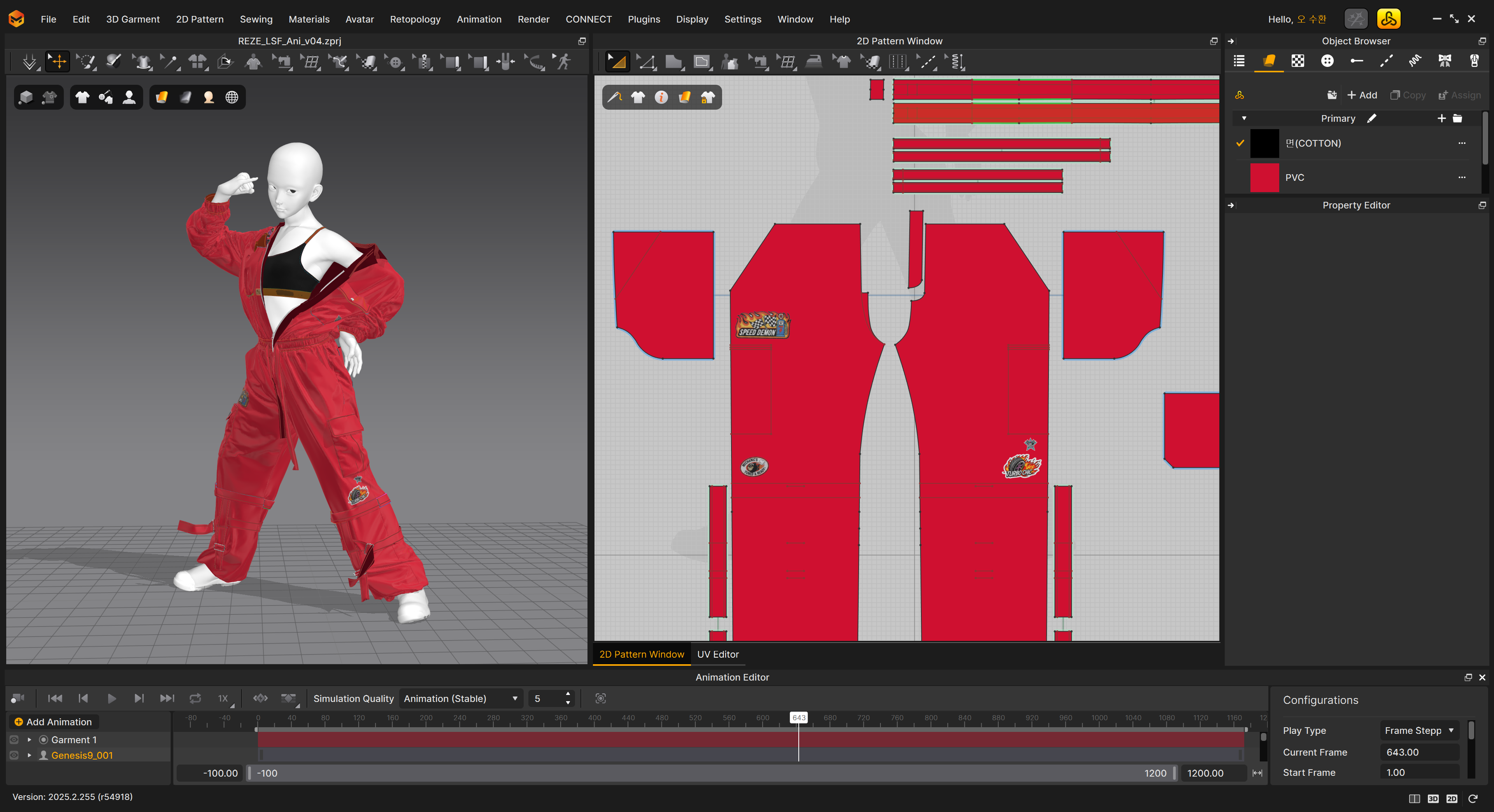
Lastly, I double-check the fabric’s physical properties, the character’s friction values, and the skin offset, resolving the errors by fine-tuning the numbers bit by bit based on where the problem occurs.
How did you adjust the garment’s weight or air resistance to make the character’s dance lines pop even more?
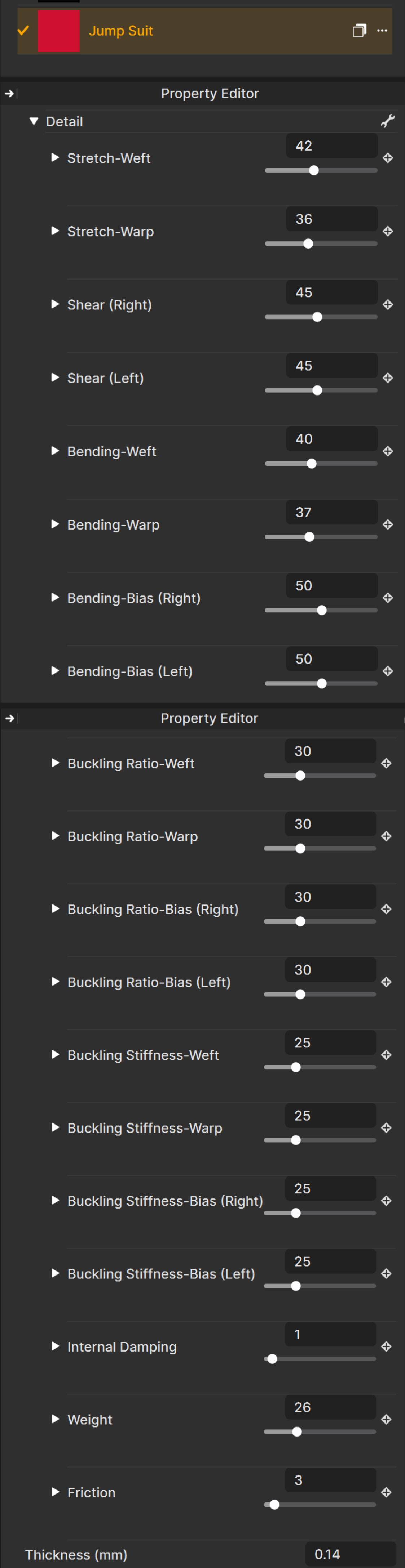
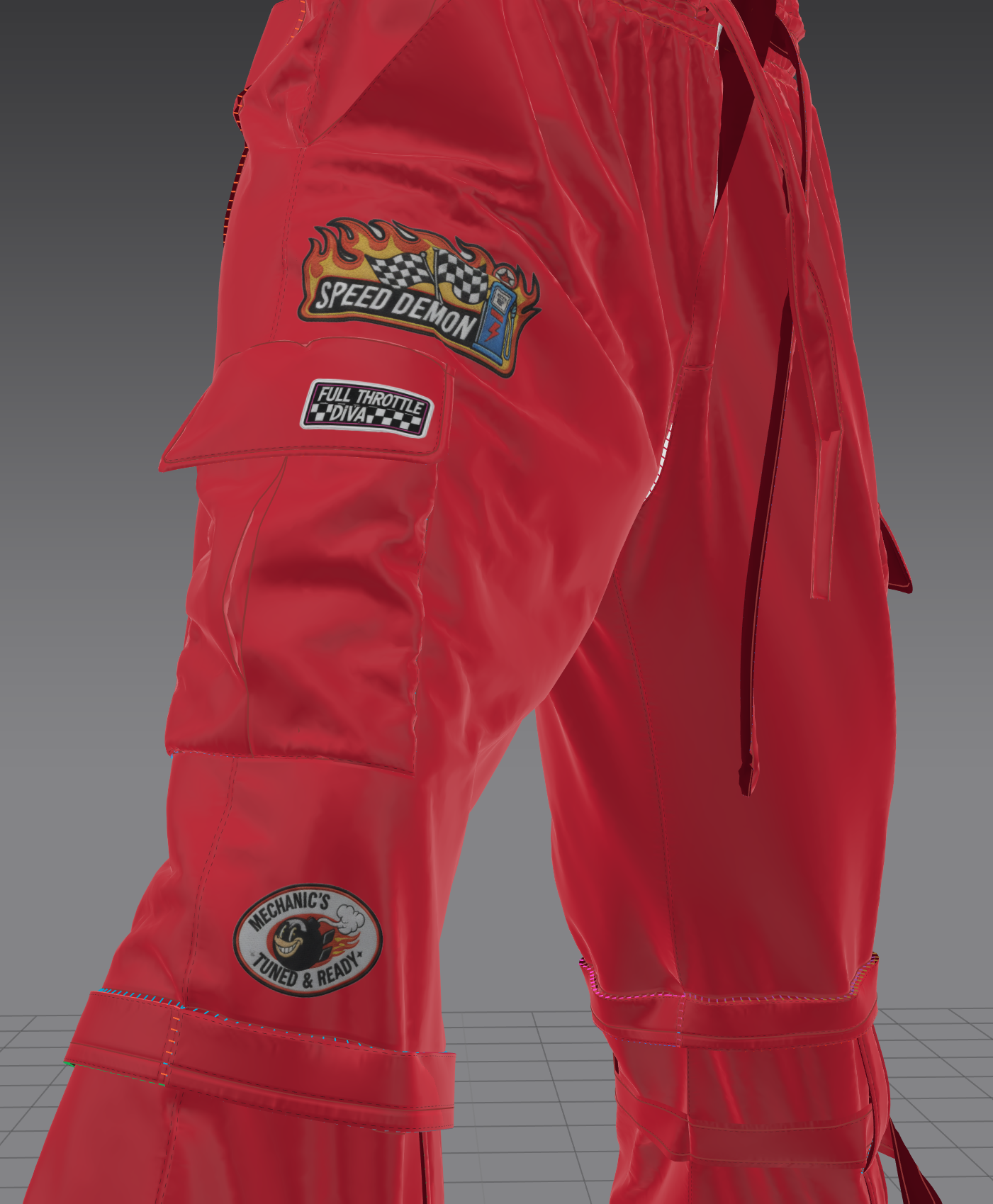
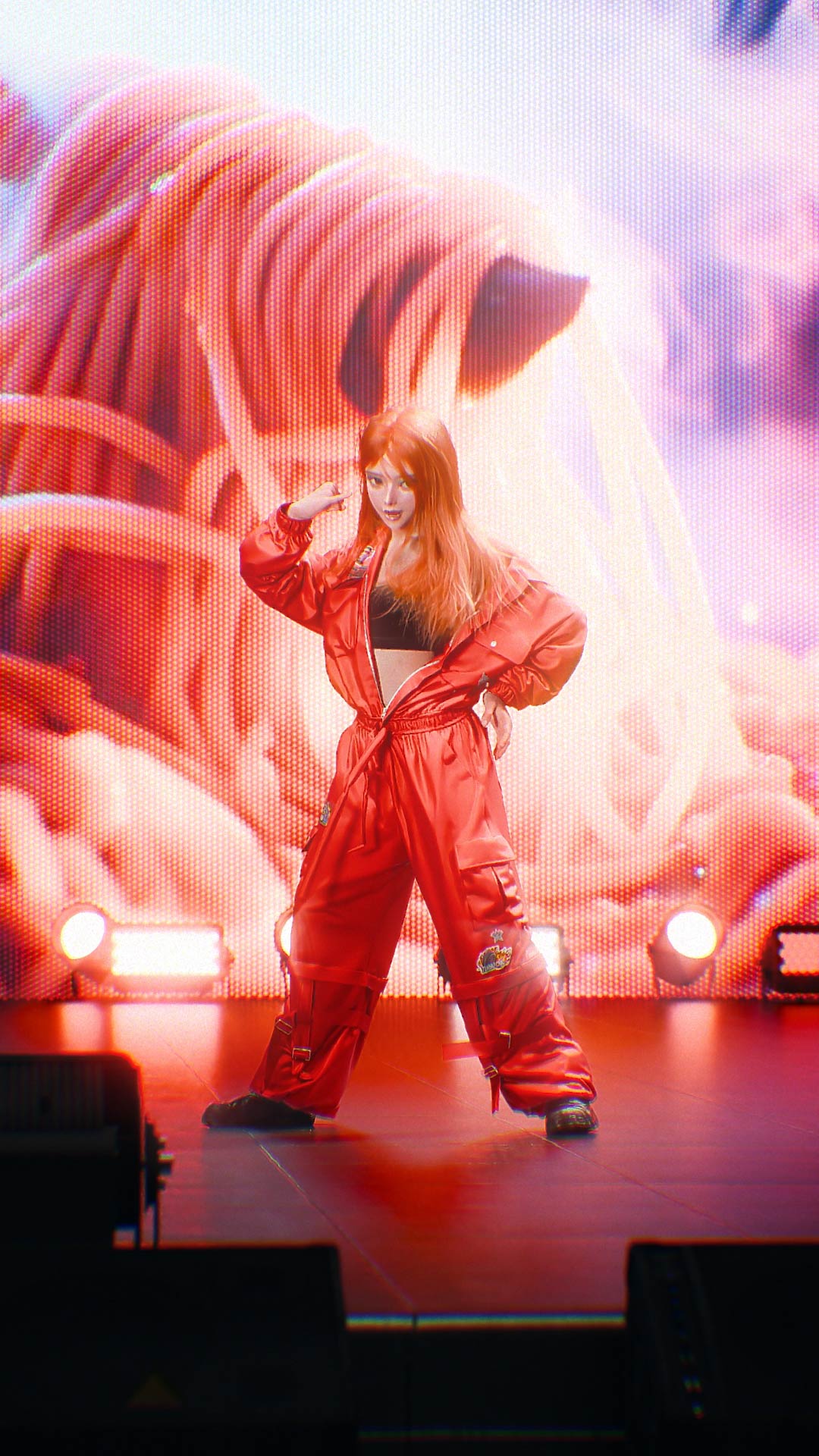
The actual stage outfits from LE SSERAFIM’s 'Spaghetti' that I referenced were jumpsuits made of a lightweight, thin material that wrinkles easily. To replicate that specific texture, I focused on making the fabric’s physical properties as light and flexible as possible.
While watching the actual music show performances to study how the clothes moved, I couldn't know the exact numeric values for weight or air resistance. Instead, I ran repeated simulation tests, constantly tweaking the values until the movement closely matched the reference.
By meticulously tuning the physical properties based on real-world references, I focused on aligning the garment’s movement to naturally accentuate the character’s dance lines.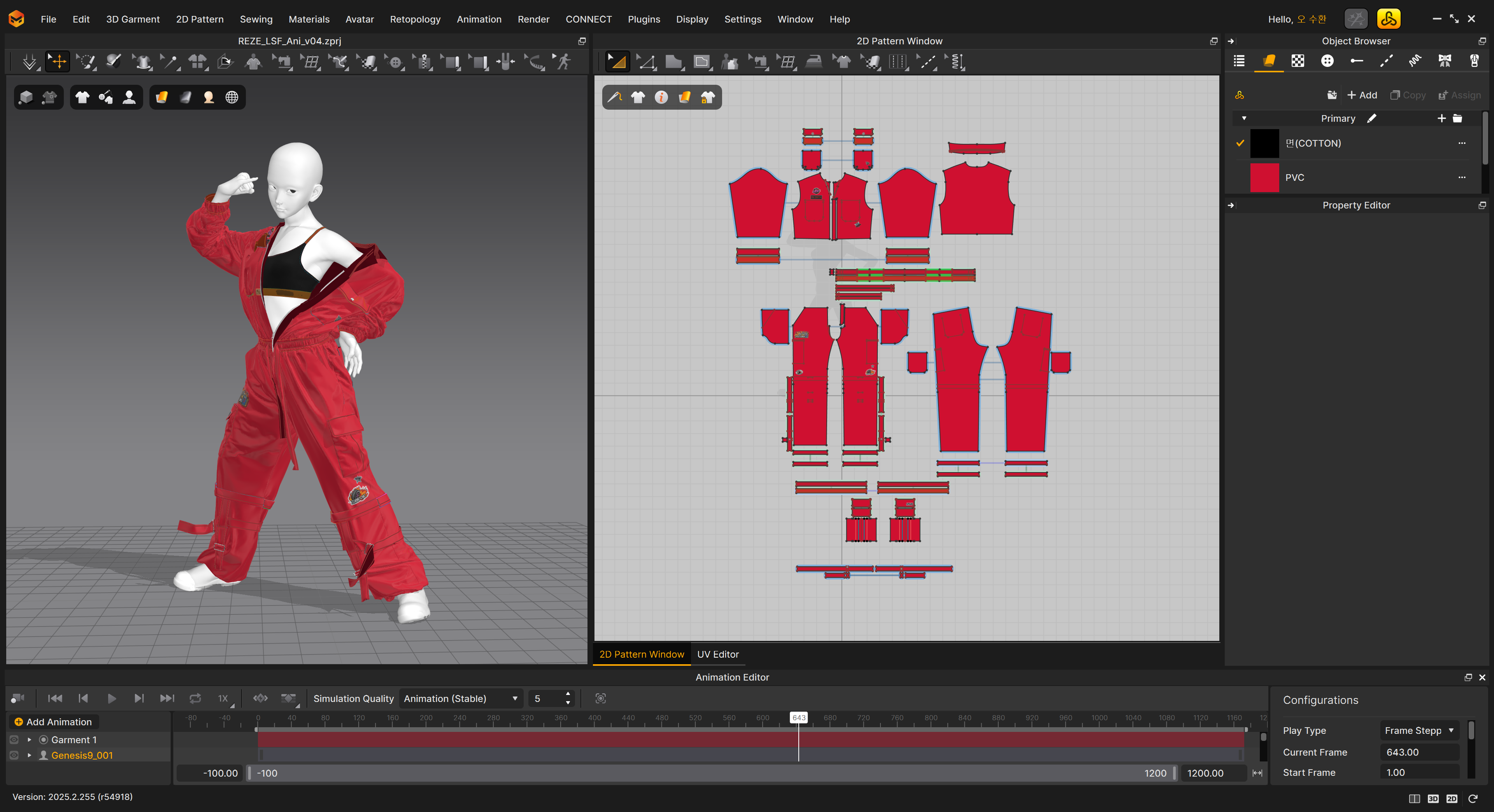
 Behance
이 작업은 AI, Animation, Avatar, Material, Pattern, Rendering 등의 기술로 제작되었습니다.
Marvelous Designer로 이와 같은 3D 의상·캐릭터 작업을 직접 만들어볼 수 있습니다.